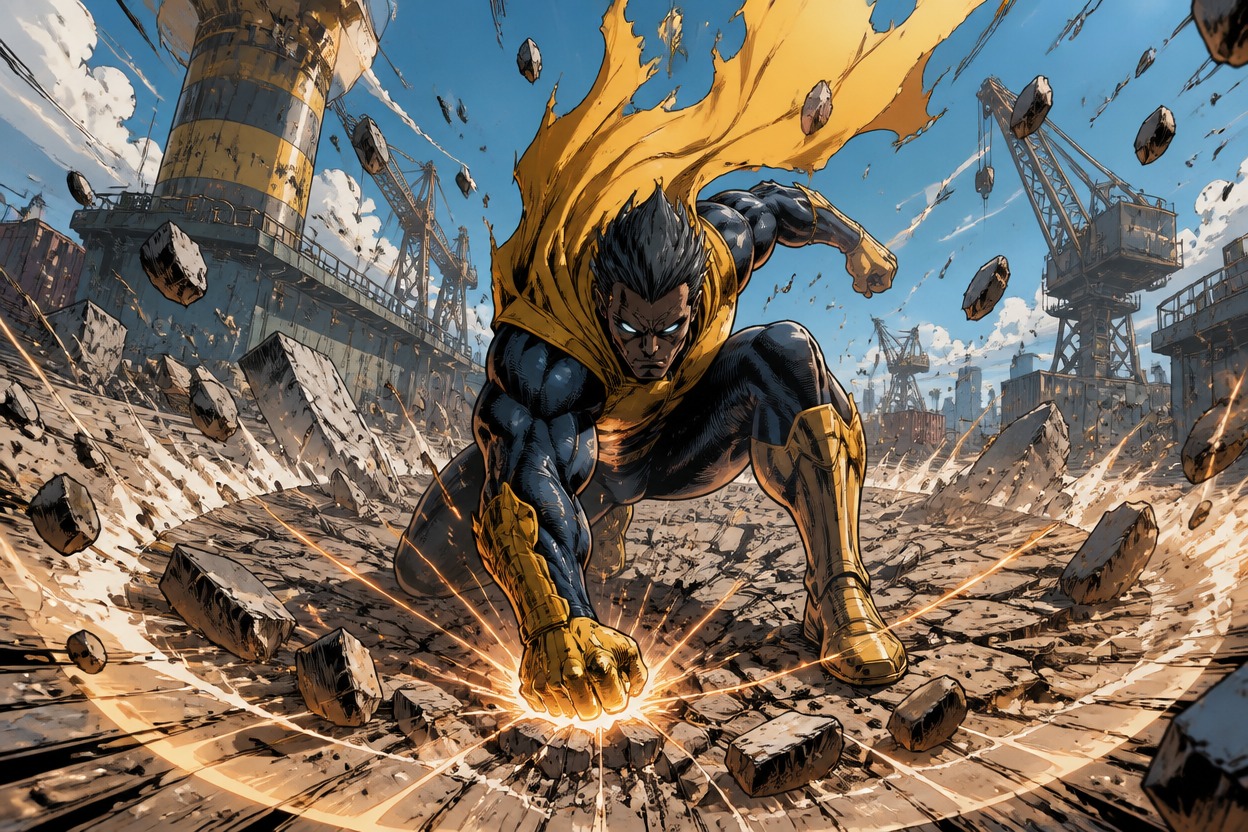
Invincible OC Maker
Generate superhero OC images with custom costumes, powers, poses, expressions, and battle settings. Create character portraits, full-body artwork, action scenes, reaction images, and fan-story visuals from simple prompts.

Generate Invincible OC Images in Different Styles

Gravity Street Brawler

Orbital Rescue Medic

Alien Peace Envoy
Generate Superhero OCs With More Visual Control
Create Portraits and Full-Body Images
Generate close-up portraits, waist-up character images, and full-body superhero artwork with custom facial features, hairstyles, costumes, body types, and power effects. Use the OC maker to turn a short character description into a polished image for profiles, reference sheets, social posts, or story projects.

Control Poses and Action Scenes
Describe the pose, movement, camera angle, and action you want to see, from a flying attack and defensive stance to a mid-air rescue or dramatic character close-up. The image generator turns those instructions into readable compositions with clear body positions and dynamic superhero movement.

Customize Costumes and Power Effects
Create detailed costumes with custom colors, armor, logos, materials, accessories, and battle damage. Add gravity fields, energy bursts, speed trails, glowing eyes, flight effects, or other visual elements. An AI anime generator offers another stylized option, while this workflow focuses on comic-inspired superhero images.

Generate Reaction and Meme Images
Create expressive reaction images for your Invincible OC, including shock, exhaustion, confusion, confidence, awkward victory, and post-battle silence. Choose a close-up or medium composition with a clean background, then add your own caption for memes, chats, roleplay, and social content.

Create an Invincible OC Image in Three Steps
Describe Your Character
Enter the character's appearance, costume, powers, expression, body type, and visual style in your prompt.
Set the Image Composition
Choose a portrait, full-body image, action pose, reaction frame, or battle scene, then describe the camera angle and background.
Generate and Refine the Image
Review the result and adjust the pose, costume, power effect, expression, or scene details to create another version.