Style*
Background
4tokens•~30s

Kit Community OC Maker

Design a Kit Community character for profile art and short animated moments. Shape the animal silhouette, fur markings, warmers, expressions, movement, and friendships so every appearance feels like the same personality.

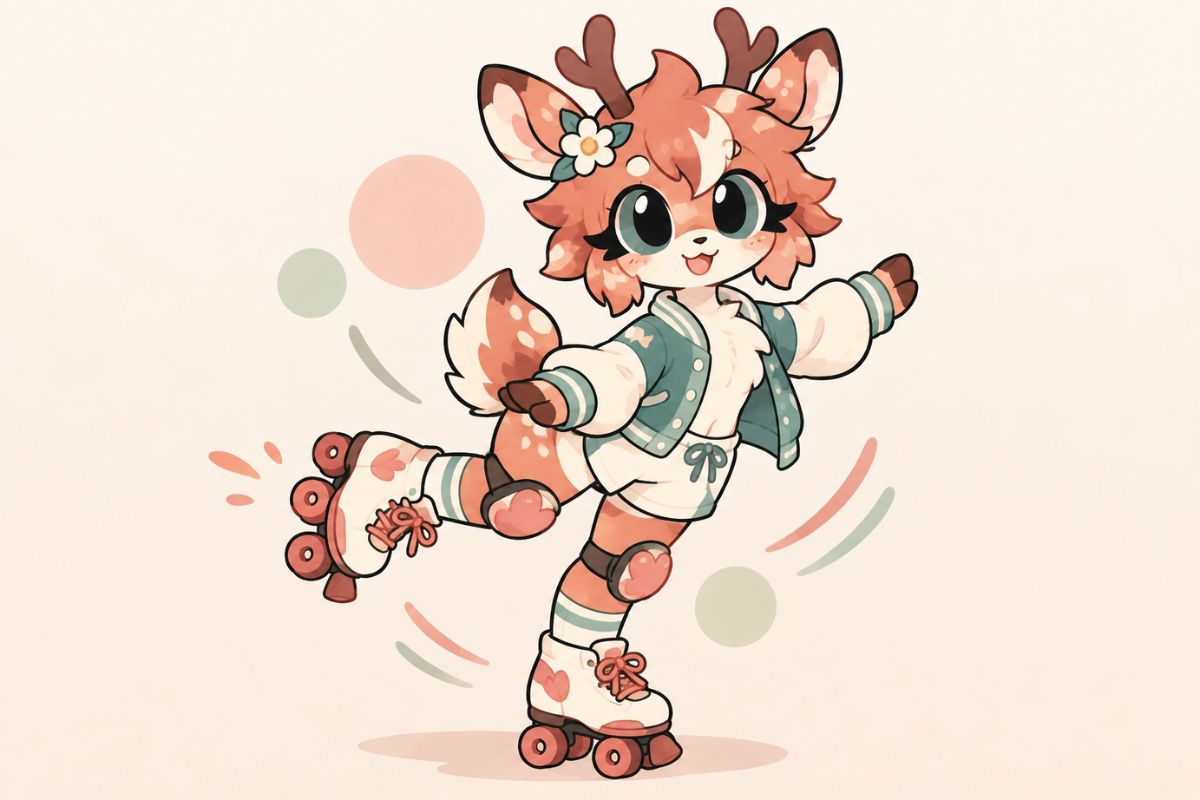
Original colorful animal Kit OC posing for an animation meme

Kit Community Characters with Different Energy

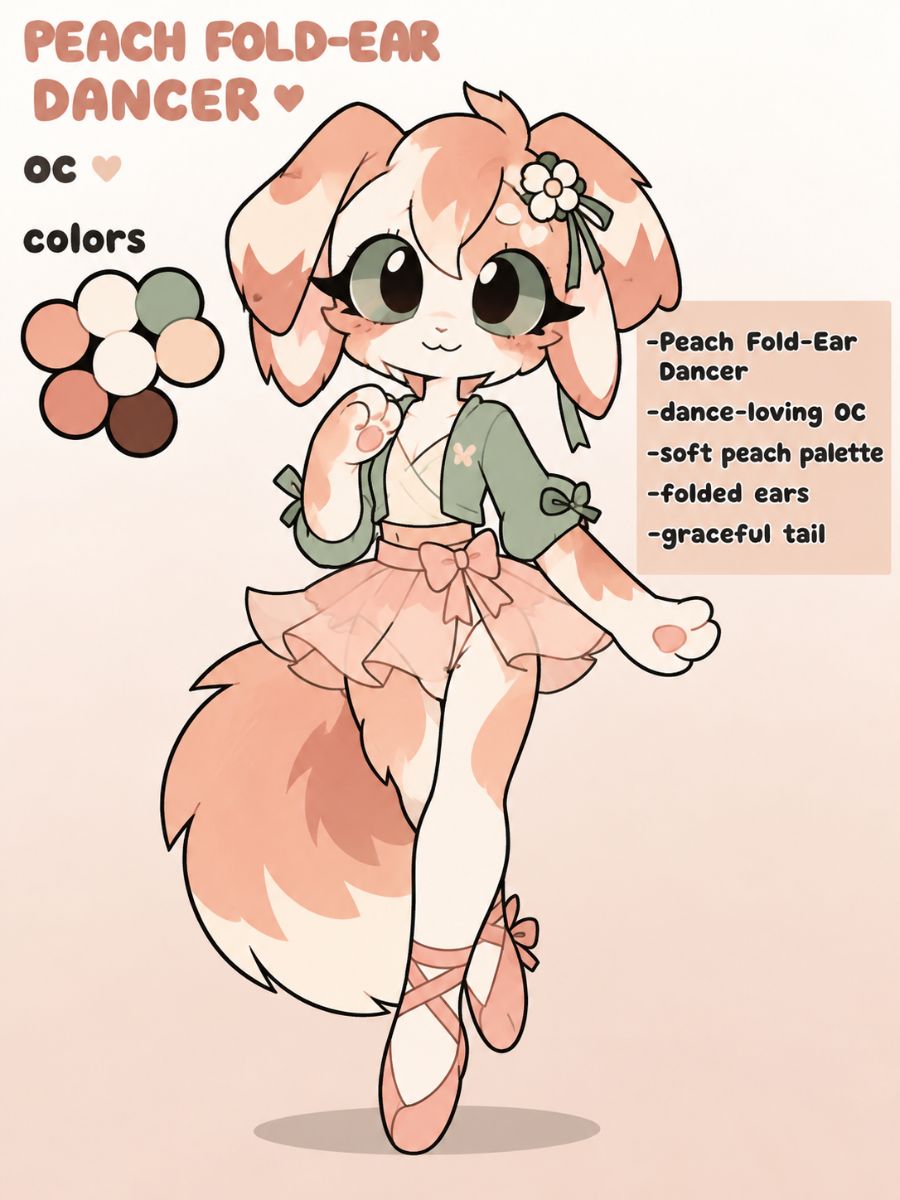
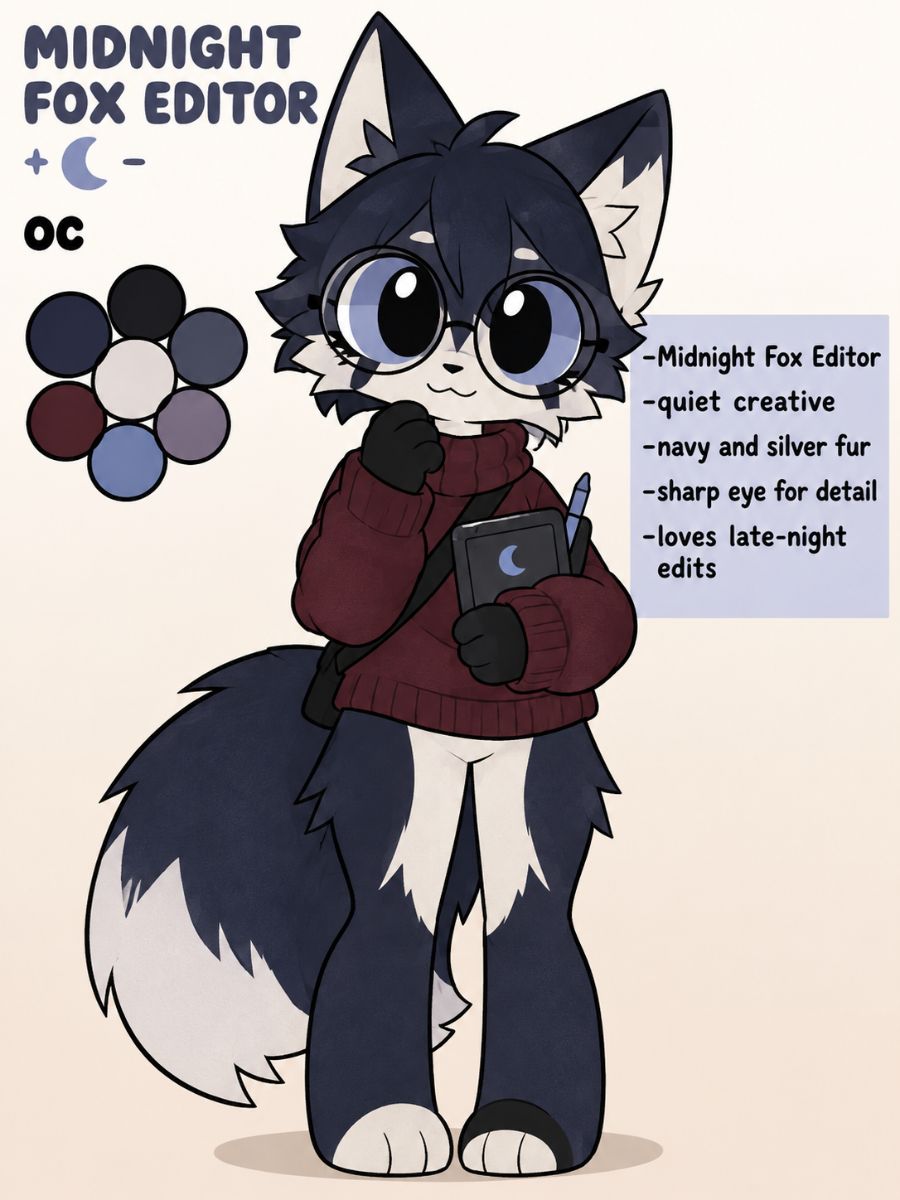
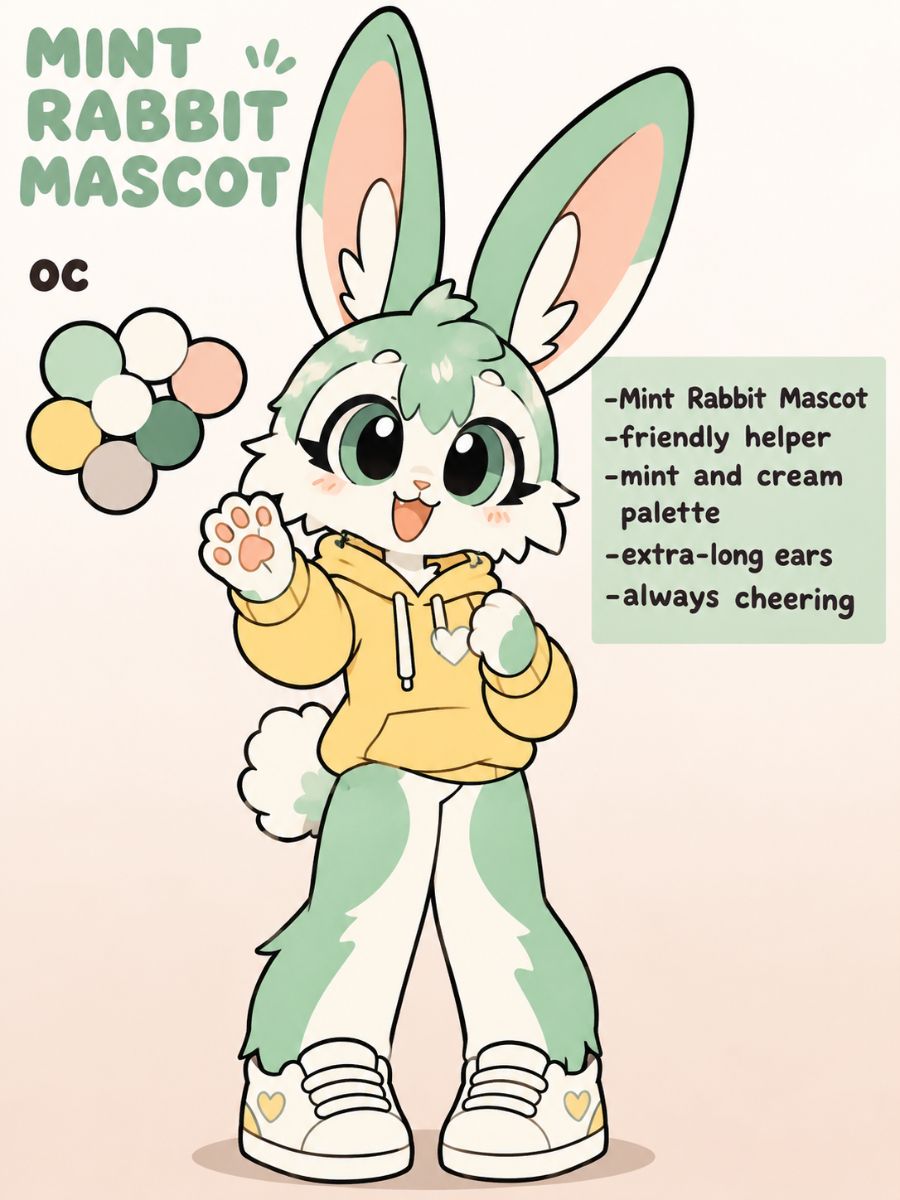
Meet a playful fold-ear dancer, a focused fox editor, and a cheerful rabbit mascot—three directions built for different moods, movements, and social roles.

  • Original peach and cream fold-ear cat Kit OC dancing01

    Peach Fold-Ear Dancer

  • Original navy fox Kit OC with neon editing accessories02

    Midnight Fox Editor

  • Original mint rabbit Kit OC in a cheerful mascot pose03

    Mint Rabbit Mascot

Shape a Kit OC for Expressions, Motion, and Play

Direct the character from first-look design to expressive movement, then place them in scenes that reveal hobbies, friendships, and personality.

0104

Distinct Animal Appearance

Choose a cat, dog, fox, rabbit, or restrained hybrid, then control ear shape, muzzle, paws, tail, fur placement, and body proportions. OCMaker AI keeps these visual anchors central, so a close profile, standing pose, or moving character remains recognizable without relying on a crowded accessory list. You can also build your perfect anime character.
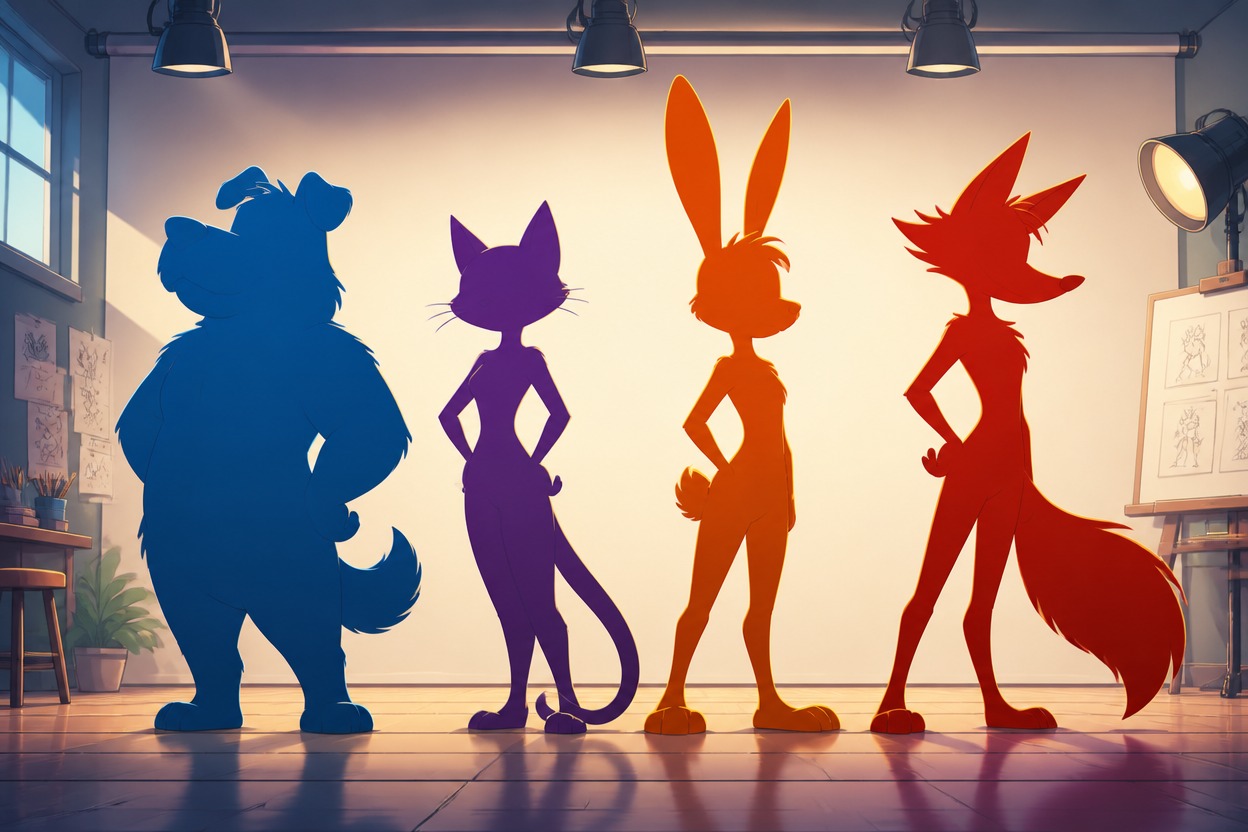
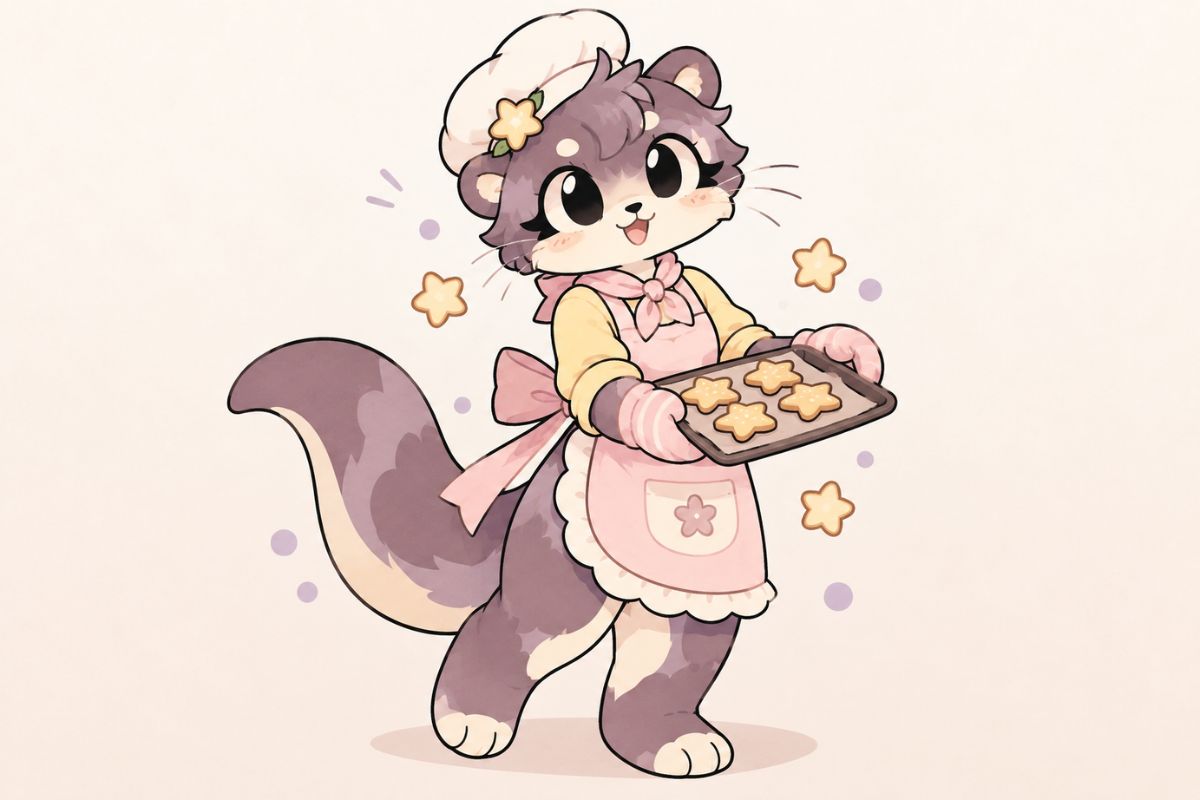
Four distinct original animal OC silhouettes for a Kit Community character

0204

Flexible Cartoon Styling

Move between soft pastel cartoons, bold animation-meme linework, chibi proportions, or a cleaner polished finish while preserving the same defining traits. The OC maker gives you room to compare treatments and choose the one that best suits a playful icon, expressive character post, or lively short sequence.

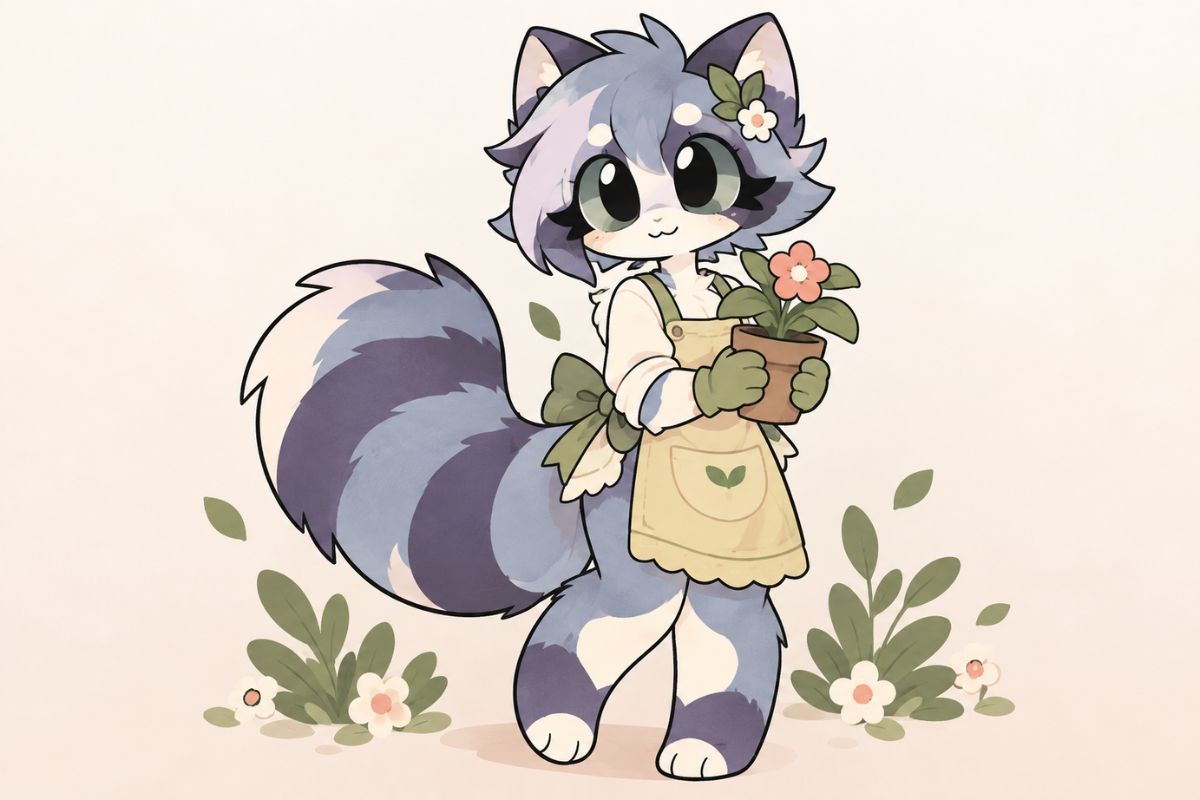
Original animal OC displaying memorable asymmetrical fur markings

0304

Expressions That Carry

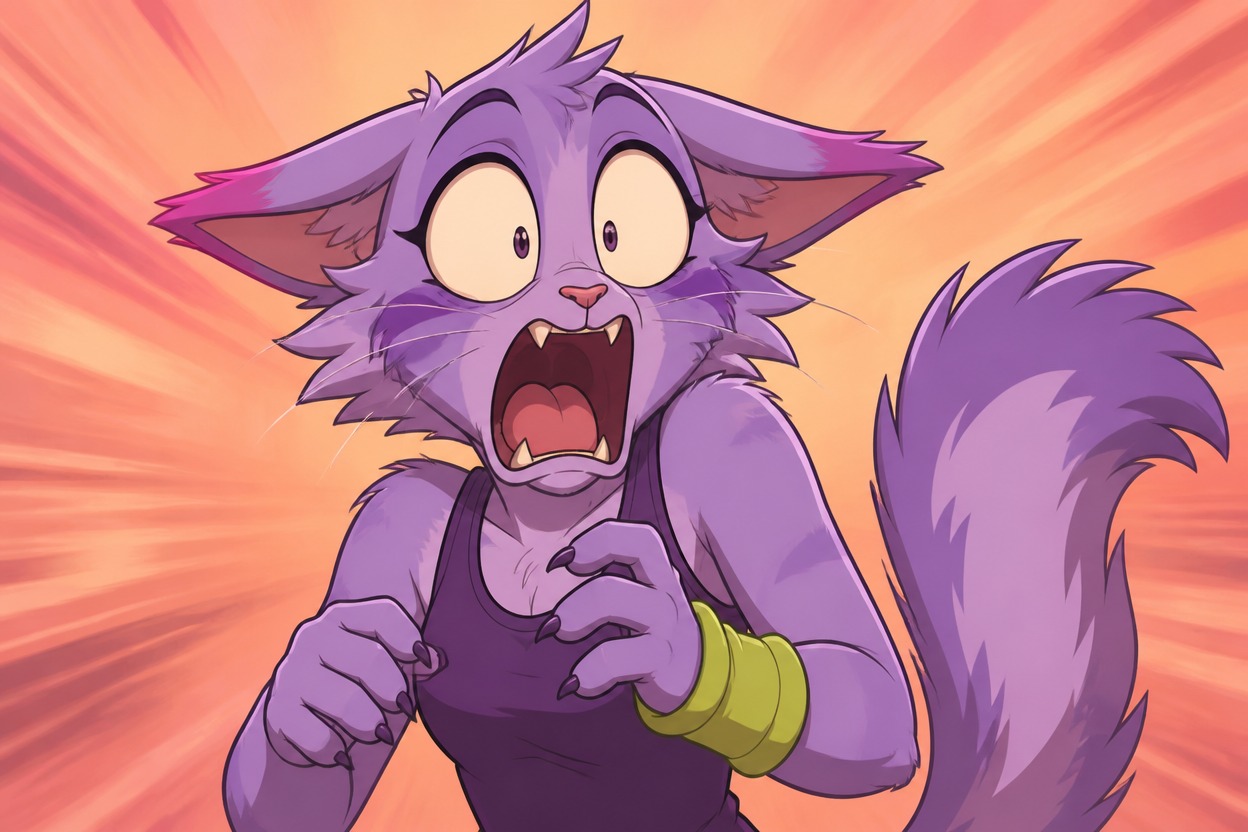
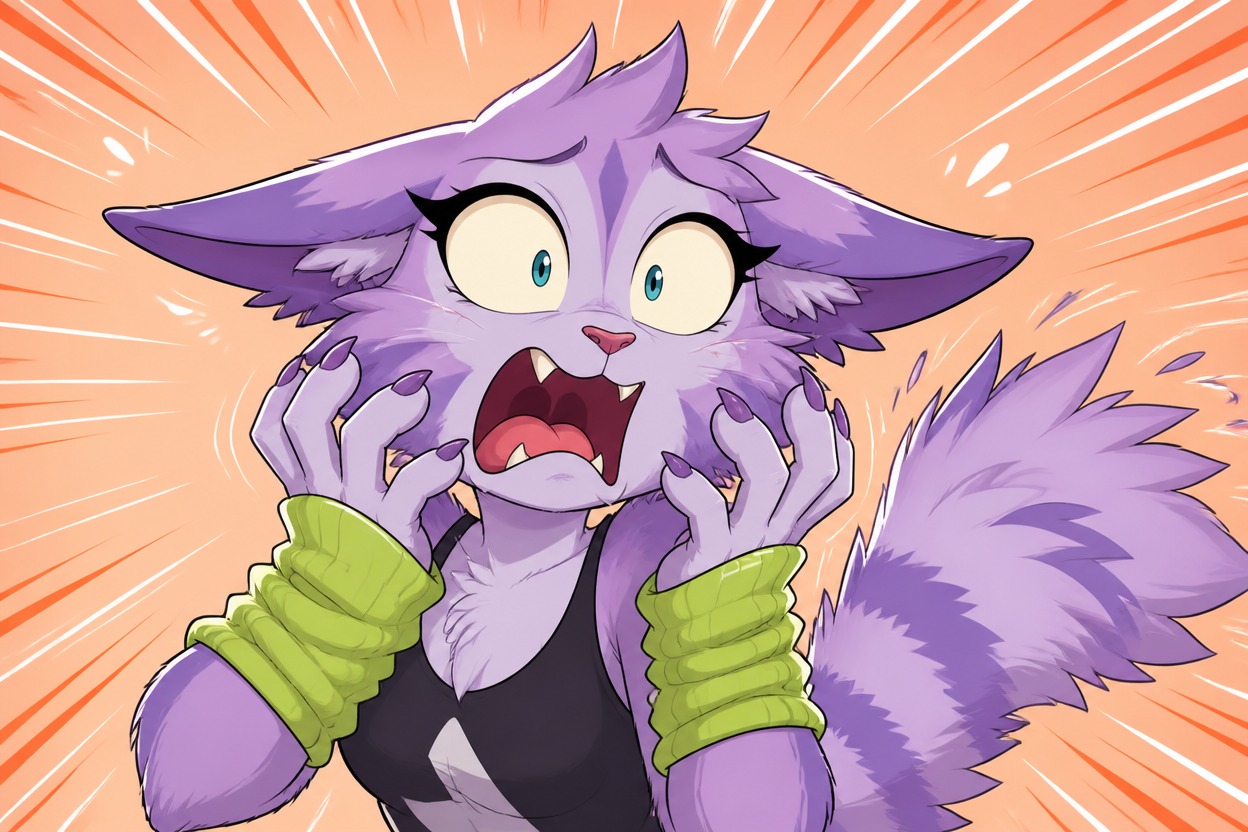
Coordinate eyes, brows, mouth, ears, tail, and posture to show excitement, embarrassment, suspicion, sleepy calm, or sudden shock. Build a close reaction first, then extend that emotion into a dance step, jump, wave, or dramatic pause so the body language supports the face instead of contradicting it.

Original Kit OC with striped warmers and a signature music player

0404

Scenes With Social Energy

Place the character at a creator desk, outdoor meetup, dance loop, cozy bedroom, or shared stage, then add a friend or rival with clearly separated colors and silhouettes. An AI anime generator offers a human-shaped alternative; this route keeps animal anatomy and Kit-style interaction at the center.

Original animal Kit OC showing a lively animation-meme expression

Kit Community OC Ideas for Everyday Creations

Turn one animal identity into profile moments, social reactions, animated beats, and small stories

  • 01

    Profile Icon Moments

    Frame the face, ears, and one signature marking so the character stays recognizable in small circular profile crops.

  • 02

    Animation Meme Beats

    Stage a strong anticipation, impact, or pause pose that gives editors a clear emotional beat to animate around.

  • 03

    Duo Interaction Scenes

    Pair friends or rivals with contrasting palettes and body language so their relationship reads before any dialogue.

  • 04

    Reaction Sticker Sets

    Explore a focused set of smiles, side-eyes, shocks, and sleepy moods while preserving the same facial identity.

  • 05

    Character Intro Posts

    Combine a confident pose, favorite prop, and fitting setting to introduce the OC without a long biography block.

  • 06

    Mini Story Starters

    Build a scene around a hobby, misunderstanding, challenge, or reunion that naturally invites the next moment.

Bring a Kit Community OC to Life in Three Steps

Define the animal identity, direct its personality, and test it in a scene with real movement

  1. Define the Animal Identity

    Describe the species, proportions, fur map, warmers, favorite accessory, and the personality those choices should communicate.

  2. Direct Expression and Motion

    Choose a mood and action together—such as a smug tail flick, nervous wave, dance turn, or excited jump—then set the visual style.

  3. Preview the Character Moment

    Compare the strongest result, check marking continuity and anatomy, then refine the pose or extend it into a social scene or short sequence.

Questions About Kit Community Character Creation

Practical answers for animal identities, animated moments, social scenes, and consistent visual traits

What can I create with a Kit Community OC maker?

You can develop animal-character portraits, profile icons, expression sets, action poses, animation-meme moments, and small social scenes. Start with a recognizable species silhouette and marking map, then explore how the same personality looks while dancing, reacting, editing, meeting a friend, or facing a rival.

How do I use a Mika Kit OC maker without copying Mika?

Use Mika as community context rather than a design template. Change the species or ear structure, fur distribution, palette, proportions, accessories, movement style, and social role. Building a separate personality and scene language produces a character that belongs to you instead of repeating an orange-and-white fold-ear design.

What should I include in a Mika Kit OC maker prompt?

Describe your own species, body proportions, fur colors, marking locations, eye shape, warmers, accessories, personality, action, setting, and framing. Ask for one clear character moment rather than an exact Mika duplicate. If you want motion, describe the beat—turning, waving, jumping, pausing, or reacting—not just “make a video.”

Can I create both profile art and animated moments?

Yes. Build a clean profile or standing view first to establish the character, then reuse the same identity cues in an action or short sequence. Keep the fur map, ear shape, tail, and signature accessory stable. More complex continuity across many scenes may still need references, careful selection, or manual correction.

How do I keep markings consistent across poses?

Write a short marking map that names the colored ear, face patch, paws, chest, and tail tip. Use large, high-contrast areas rather than many tiny spots. Compare each result with that map and regenerate when sides swap or colors drift. A simple design usually survives new camera angles more reliably.

How can I show friendships or rivalries clearly?

Give each character a different silhouette and palette, then use distance, eye contact, mirrored gestures, shared props, or opposing poses to reveal the relationship. A shy character leaning toward an energetic friend reads differently from two rivals occupying opposite sides of a stage, even without captions.

What should I check when an action looks awkward?

Inspect the paws, limb direction, tail attachment, ear placement, and whether the pose has a clear line of action. Simplify crossed limbs, hidden hands, or cluttered accessories before trying again. For a moving moment, choose one readable action and leave enough space around the body for the movement to register.

Can I use my Kit Community OC commercially?

Check OCMaker AI’s current terms and confirm your rights to every uploaded reference. Keep the character clearly independent from community creators’ designs, and review names, music, trademarks, and recognizable visual elements separately. For merchandise or paid publishing, document your design process and seek appropriate advice when rights are uncertain.

Give Your Kit Community OC a Moment Worth Sharing

Shape an animal character with memorable markings, lively expression, and a scene that reveals how they move and connect.

Kit Community OC Maker: Create an Original Kit OC