
OC Appearance Generator
Create original OC images from a visual brief focused on the details people notice first: face shape, hair, body silhouette, skin, eyes, and expression. An OC appearance template gives you a clearer starting point for portraits, full-body references, and character sheets.
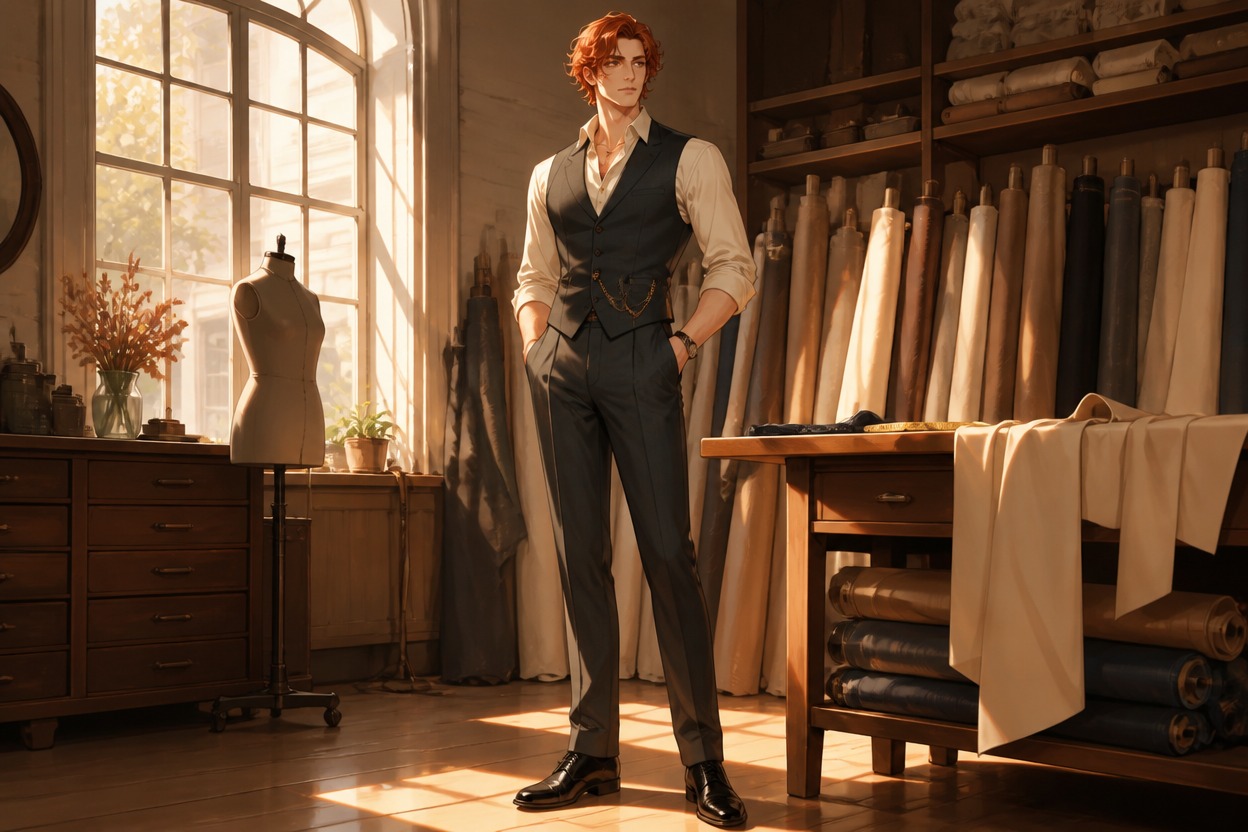
AI Appearance Generator Examples
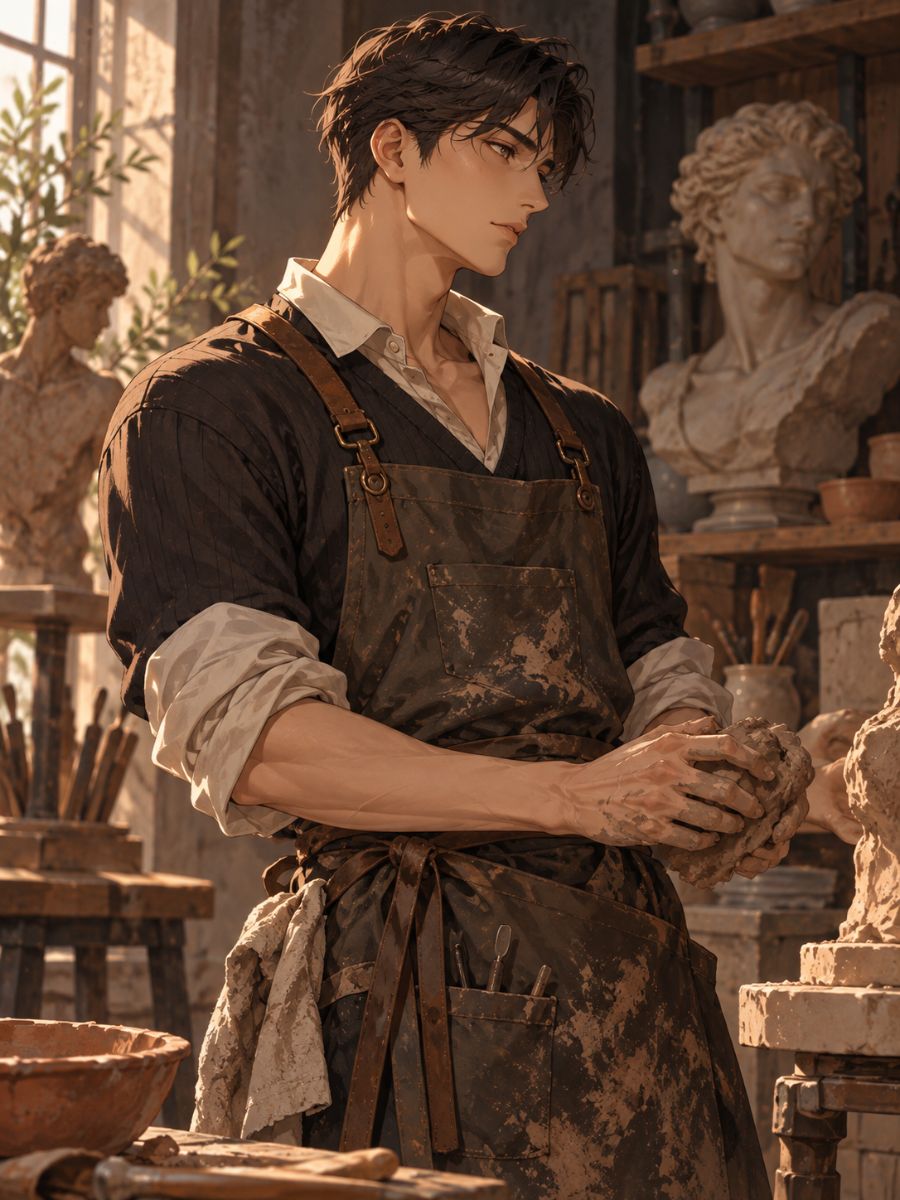
Sculptor Profile
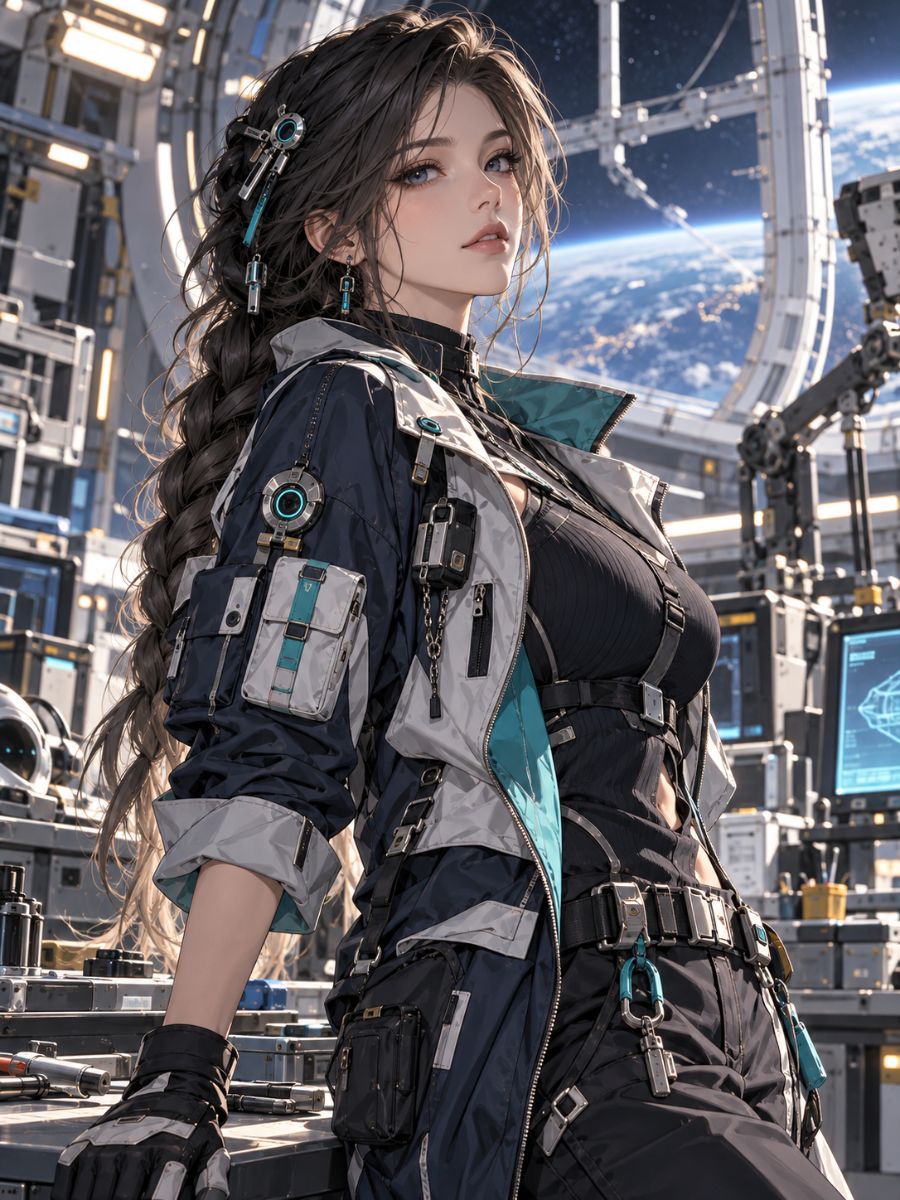
Orbiting Engineer
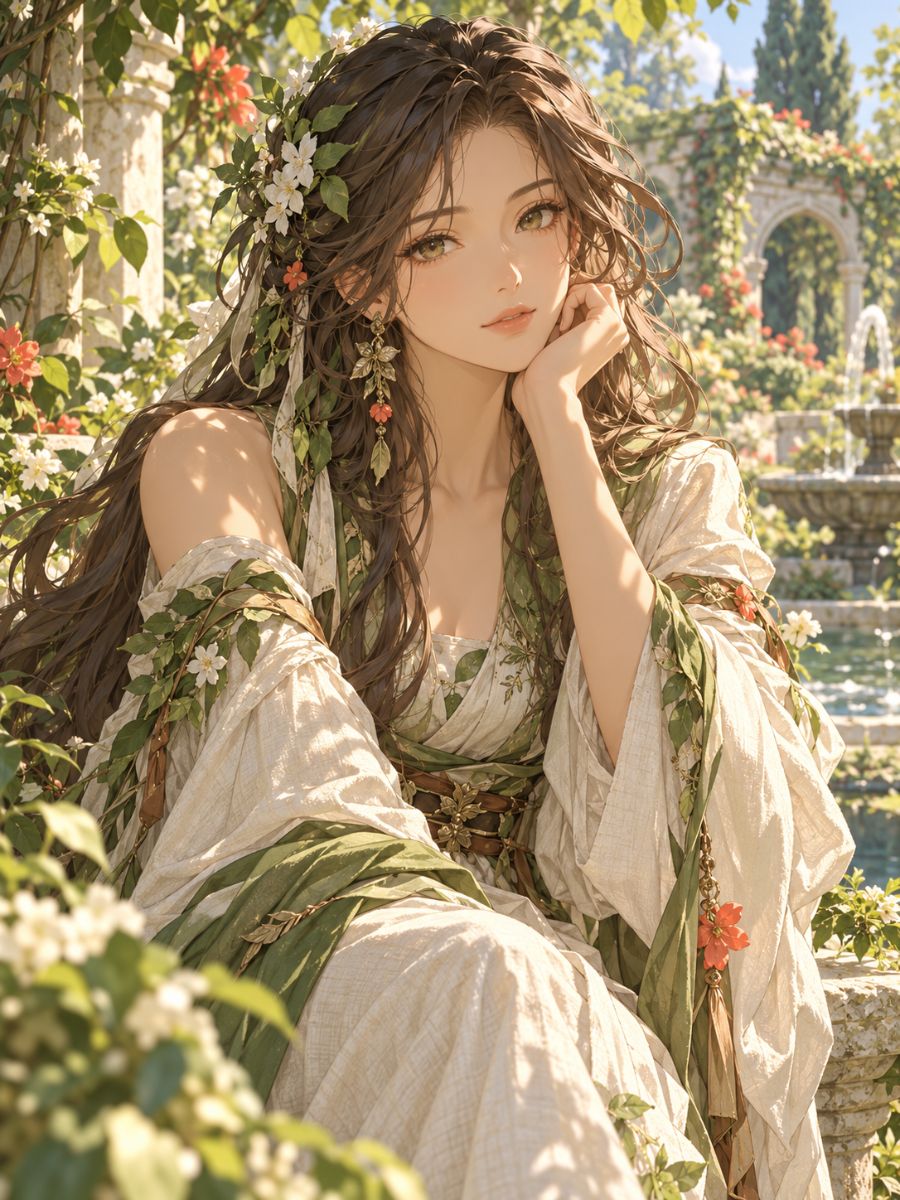
Garden Listener
How to Build an OC Appearance
Pick the First Impression
Decide whether the image should be read through the face, silhouette, hair outline, or expression. Put that choice first in the brief.
Map Features to the Frame
Add proportions, facial structure, hair behavior, clothing volume, pose, and camera distance. Use concrete visual terms rather than a name or vague mood.
Inspect Before Refining
Check the face, hands, body shape, hair edges, and expression. Change one anchor at a time if the image drifts.
Make Appearance Choices Visible in Every Image
Define Facial Structure
Describe the facial structure that should lead the portrait: angular or soft jaw, brow shape, eye spacing, nose profile, and a restrained expression. The result is an original adult character image where the face reads clearly at portrait scale, useful for a reference board or profile illustration.
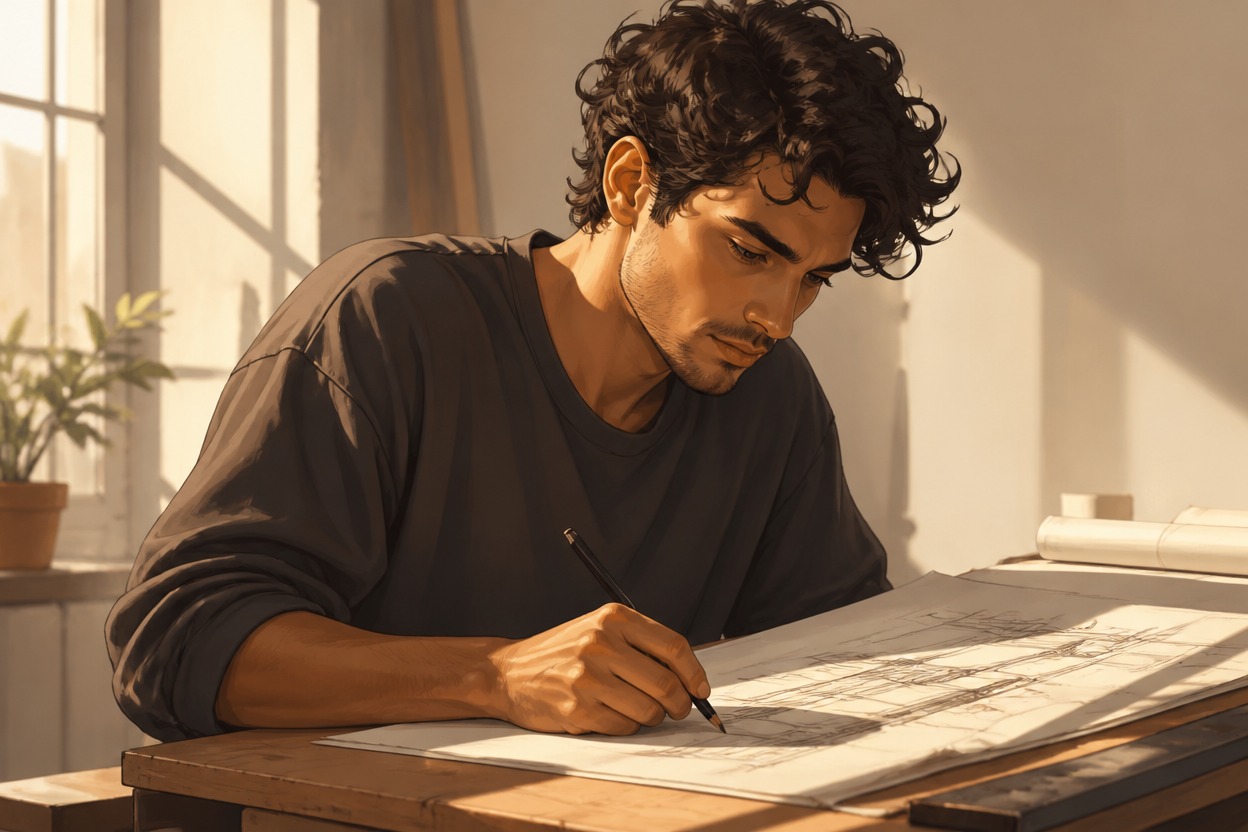
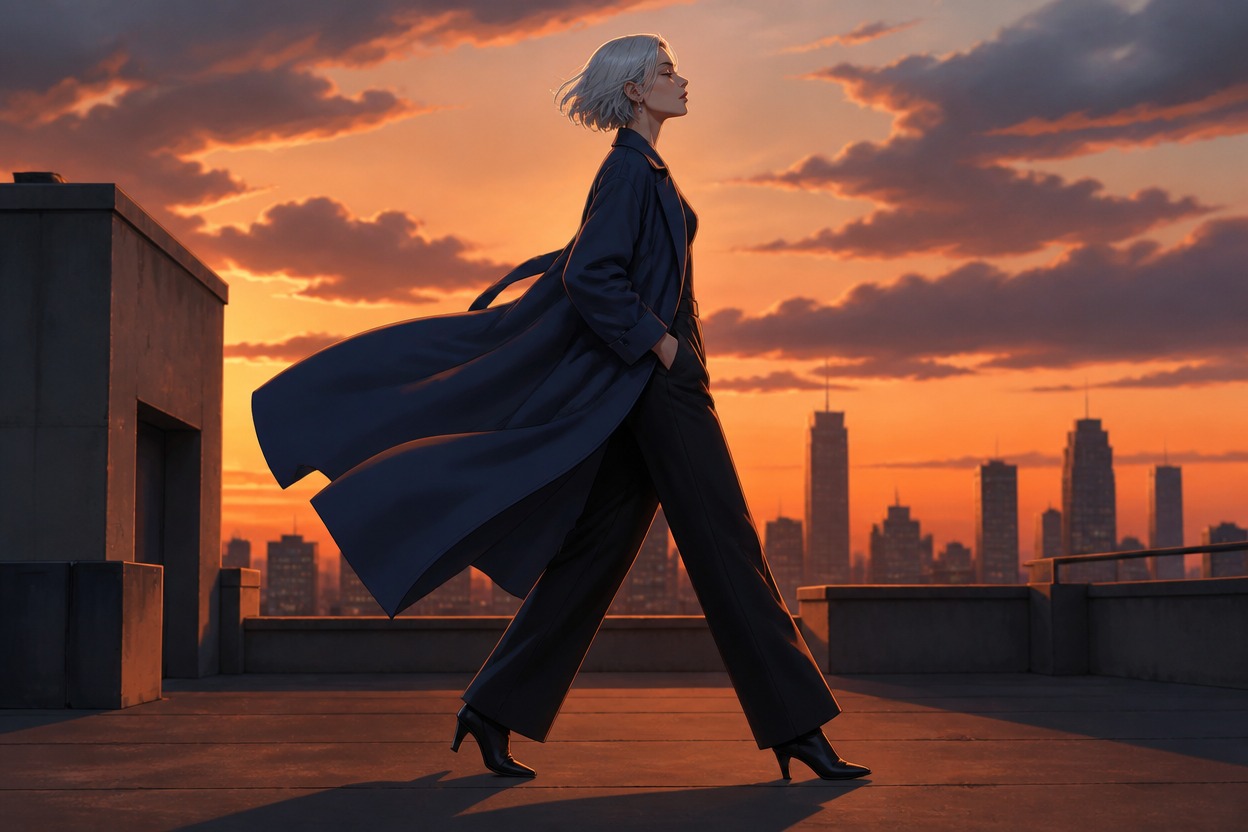
Build the Body Read
Use proportions and posture to establish how the character occupies a frame: compact, tall, broad-shouldered, or long-limbed. Add stance and camera distance so the body read survives beyond a close-up, producing a full-body concept that is easier to compare.
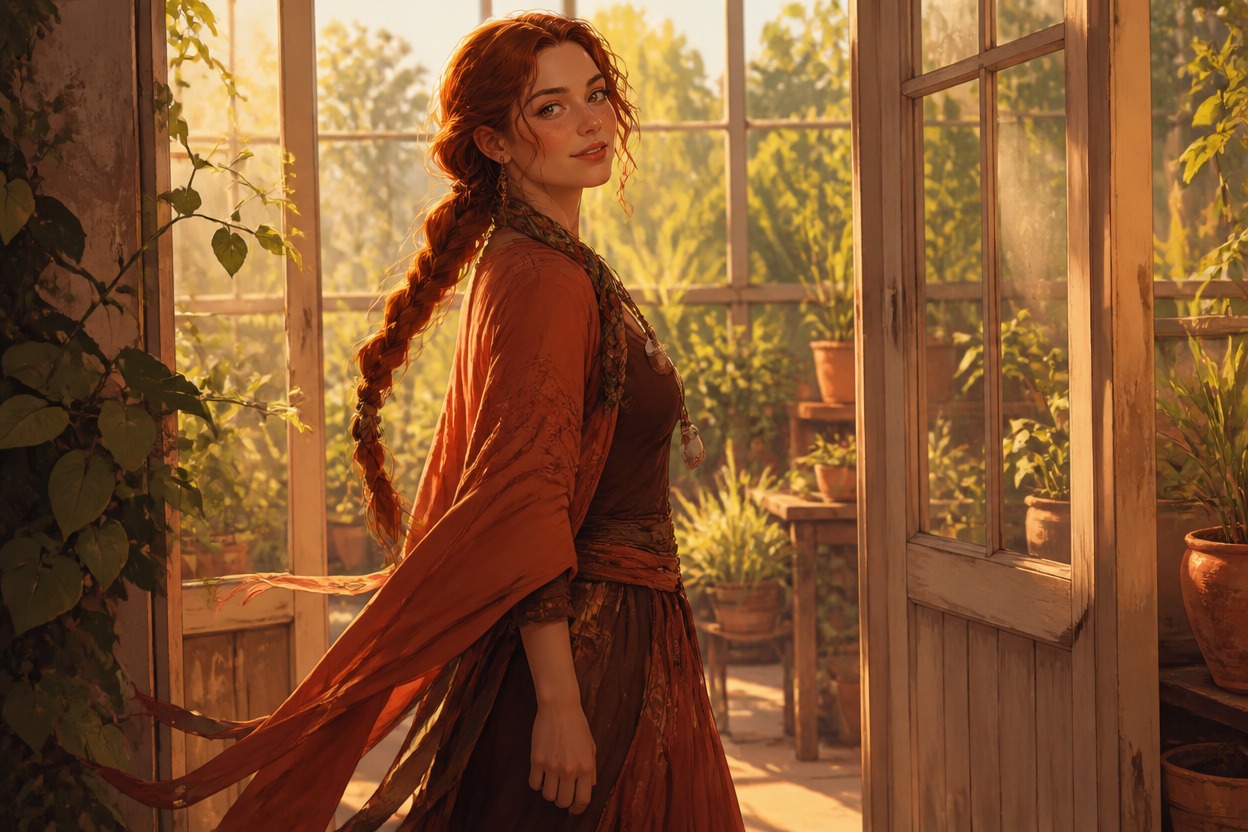
Direct Hair and Styling
Treat hair shape, texture, and parting as part of the silhouette rather than a pile of color names. Pair it with clothing volume and one accessory to create a deliberate appearance direction for portraits, avatars, or visual development. See the AI anime generator for another visual direction.
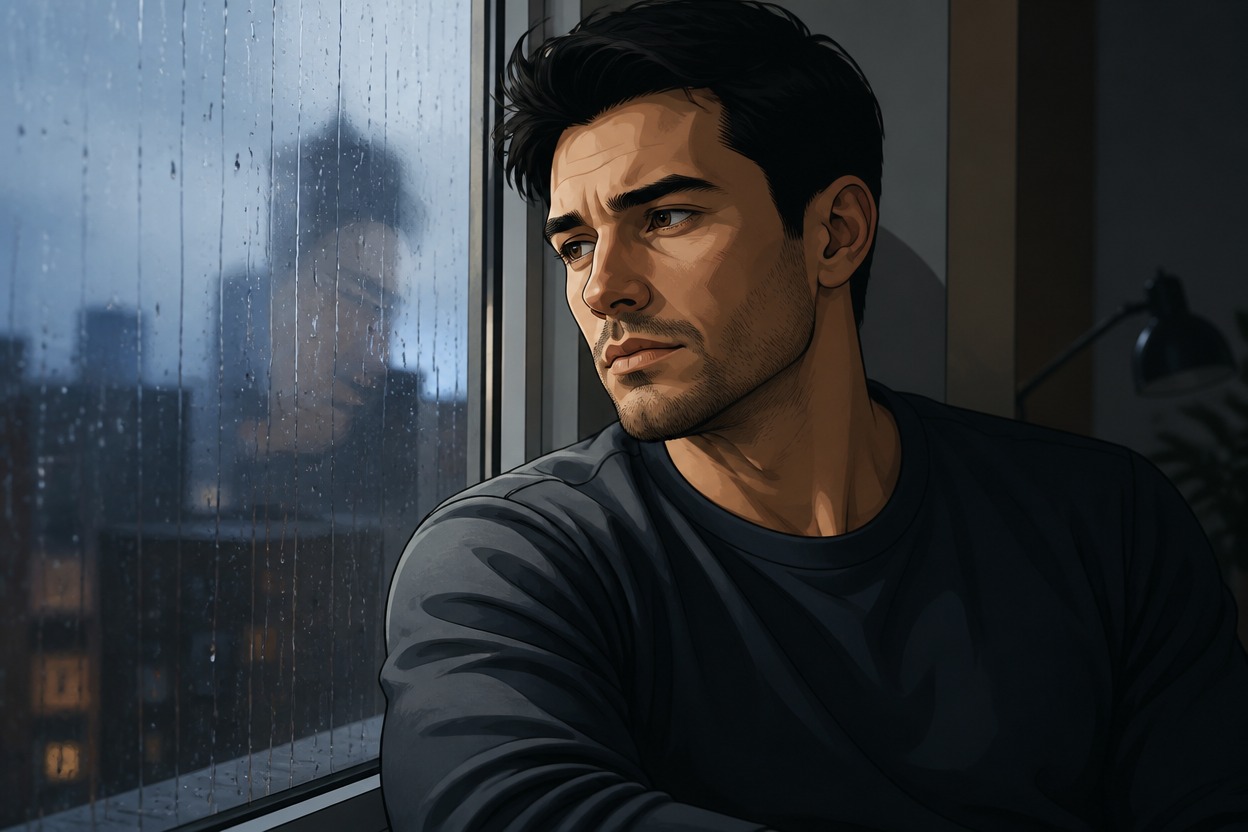
Test Expression Range
Keep the main appearance anchors while varying expression, head angle, and light. This helps compare a guarded look, open smile, or thoughtful gaze without losing the character’s core face, giving you a useful set of image options for selection and revision. The broader OC maker workflow can help compare the result.
Why Use This OC Appearance Generator
Silhouette Contrast
Face-Level Detail
Hair Shape Control
Pose and Camera
Styling Restraint
Revision-Friendly Anchors
OC Appearance Generator FAQ
Give Your OC a Face and Silhouette
Start with an appearance brief that makes your character’s first impression visible, then create an image direction worth developing.