Style*
Background
4tokens•~30s

OC Clothes Generator

Design outfits that explain how an original character moves through the world. An OC clothing generator can help you explore layers, materials, closures, accessories, and silhouette while keeping the person and setting visible.
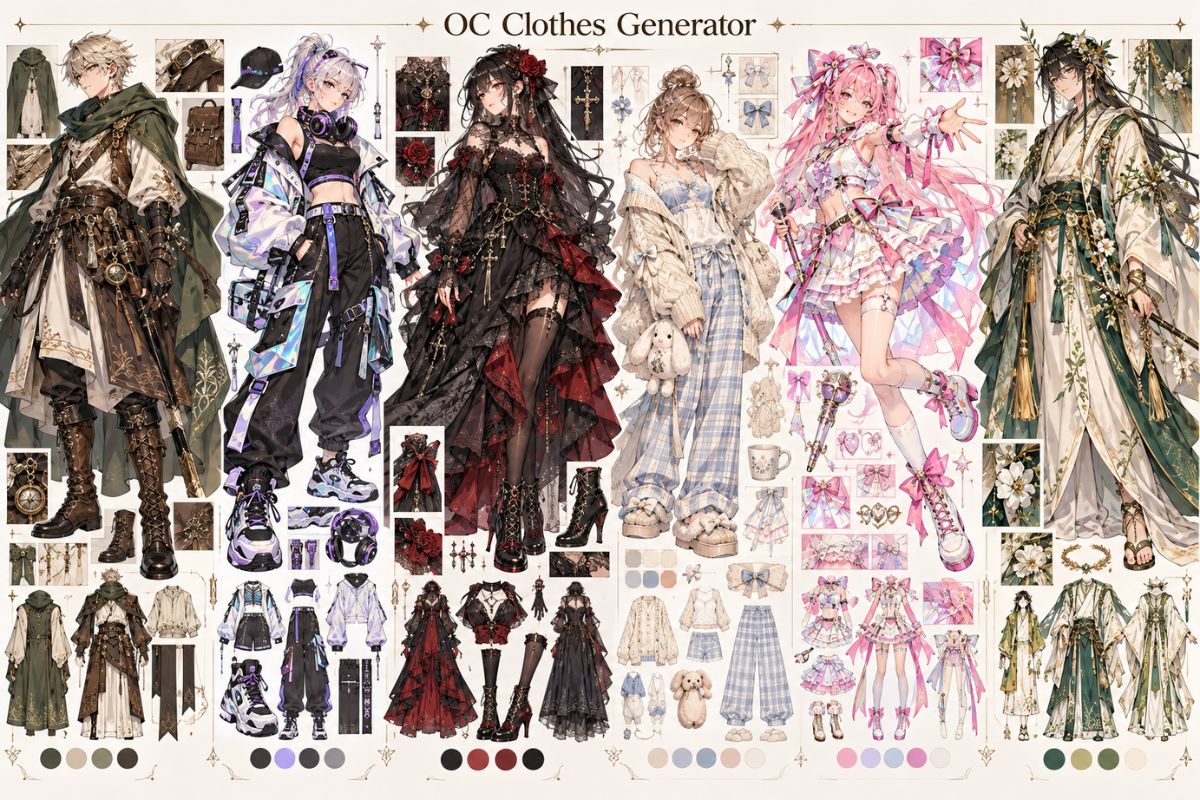
AI OC clothes generator on OCMaker AI

Outfit Concepts in Context

Compare clothing ideas for OCs through material, weather, movement, and the character’s everyday role.

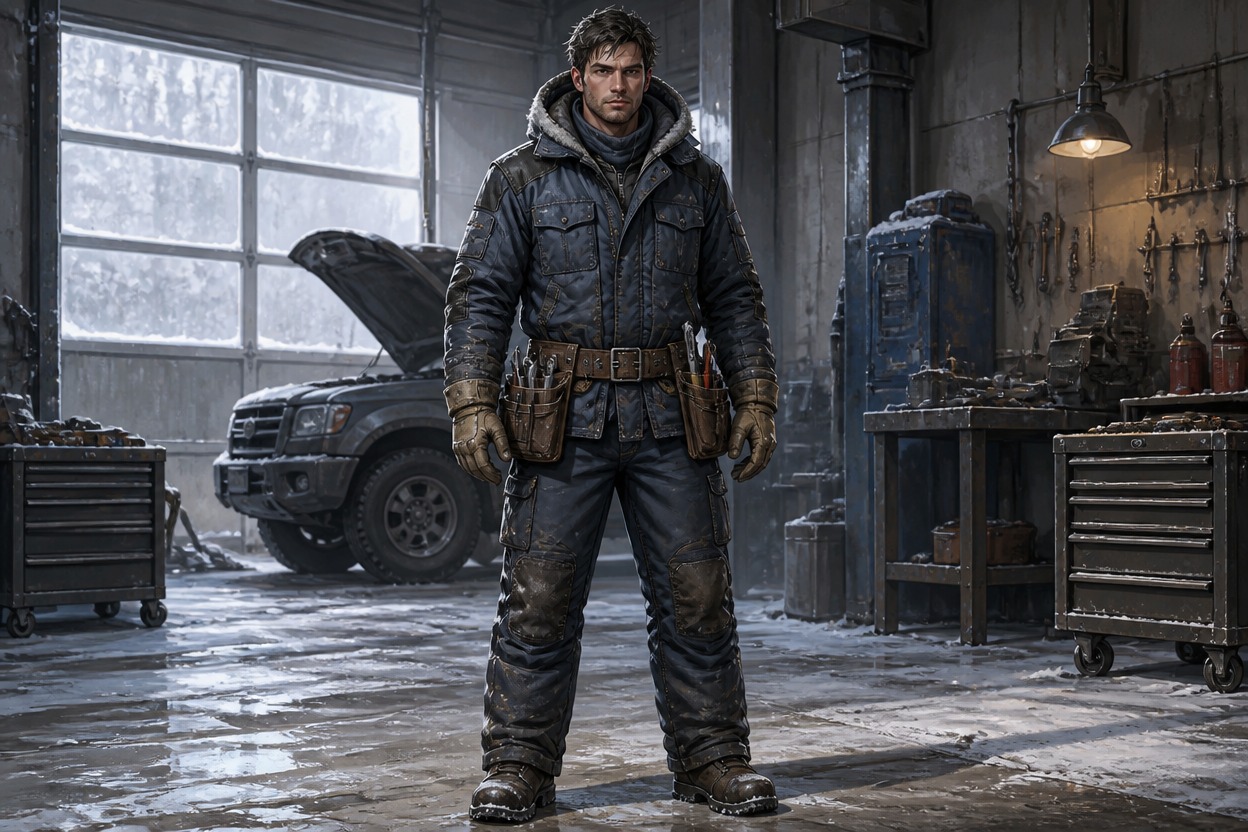
  • Adult mechanic in quilted layers, gloves, and a plain tool belt inside a snowy garage01

    Winter Mechanic

  • Adult botanist in weatherproof coat, tall boots, and a plain field pouch beside wet reeds02

    Marsh Botanist

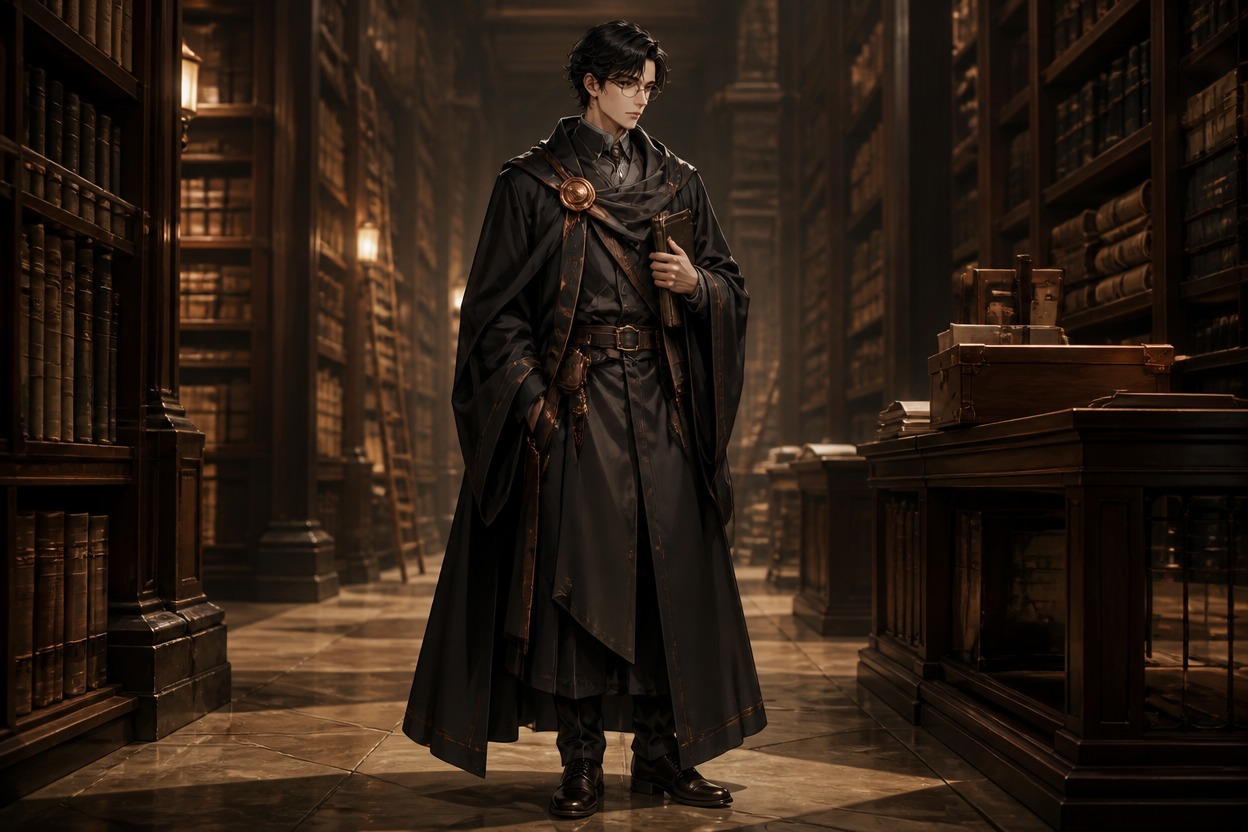
  • Adult archivist in structured dark layers with a copper clasp in a quiet warm library03

    Evening Archivist

Build Outfits That Work on the Character

Explore clothing as a visual system of layers, materials, fastenings, and movement rather than a flat list of garments.

0104

Map Layers and Materials

Build an outfit from base layer to outer layer, naming material behavior rather than only garment labels. The OC clothing generator turns those choices into a full-body image where texture, weight, and overlap can be inspected. This keeps the visual result specific enough to review and reuse.
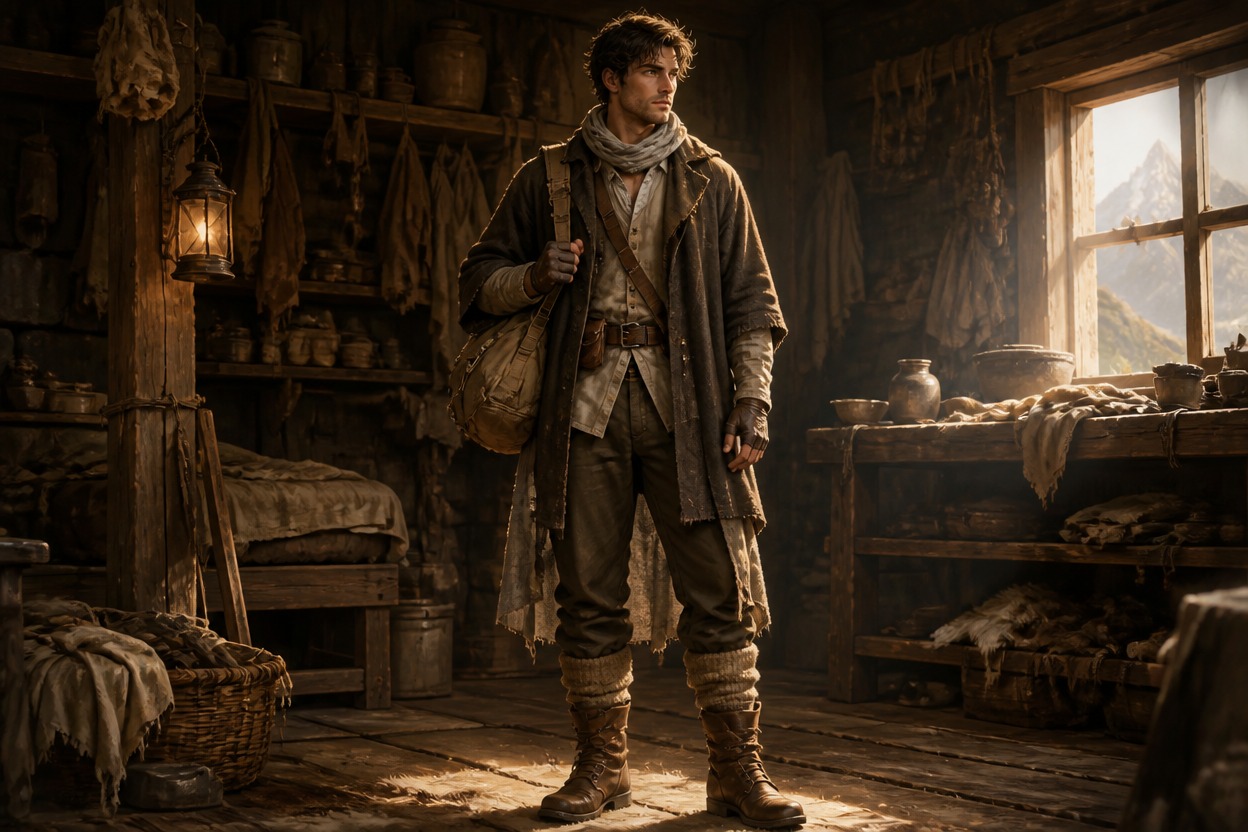
Original adult character wearing layered wool, linen, and leather clothing in a mountain workshop

0204

Dress for the Setting

Let climate and daily work decide the clothing: rain protection, tools, warmth, mobility, or formal structure. The resulting outfit has a reason to exist and can be tested in the environment where the OC would actually wear it. This keeps the visual result specific enough to review and reuse.
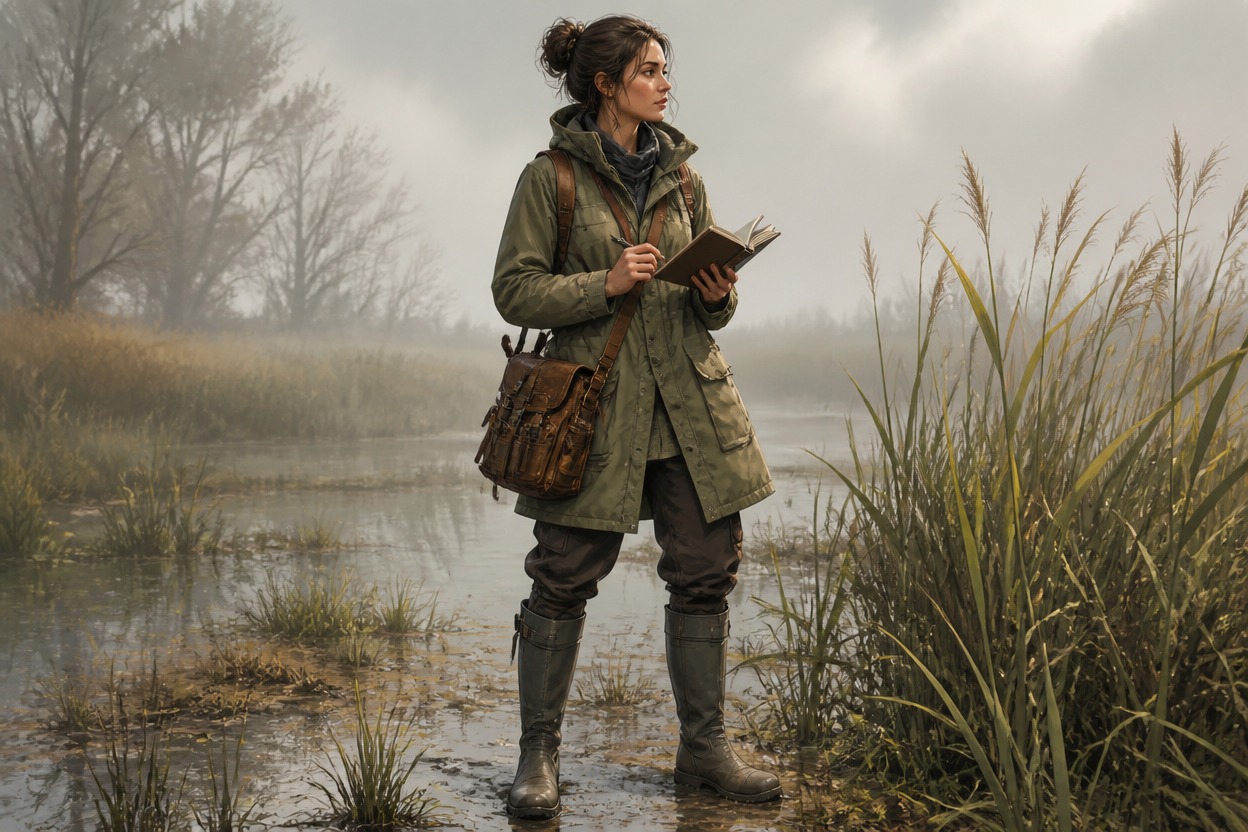
Original adult field botanist in weatherproof clothing and boots beside a misty marsh

0304

Balance Signature Details

Choose one or two memorable accessories and give them a place in the silhouette. This creates clothing ideas for OCs that feel specific without burying the character under decorative objects. See the AI anime generator for another visual direction. The result remains easy to inspect in a full-body frame.
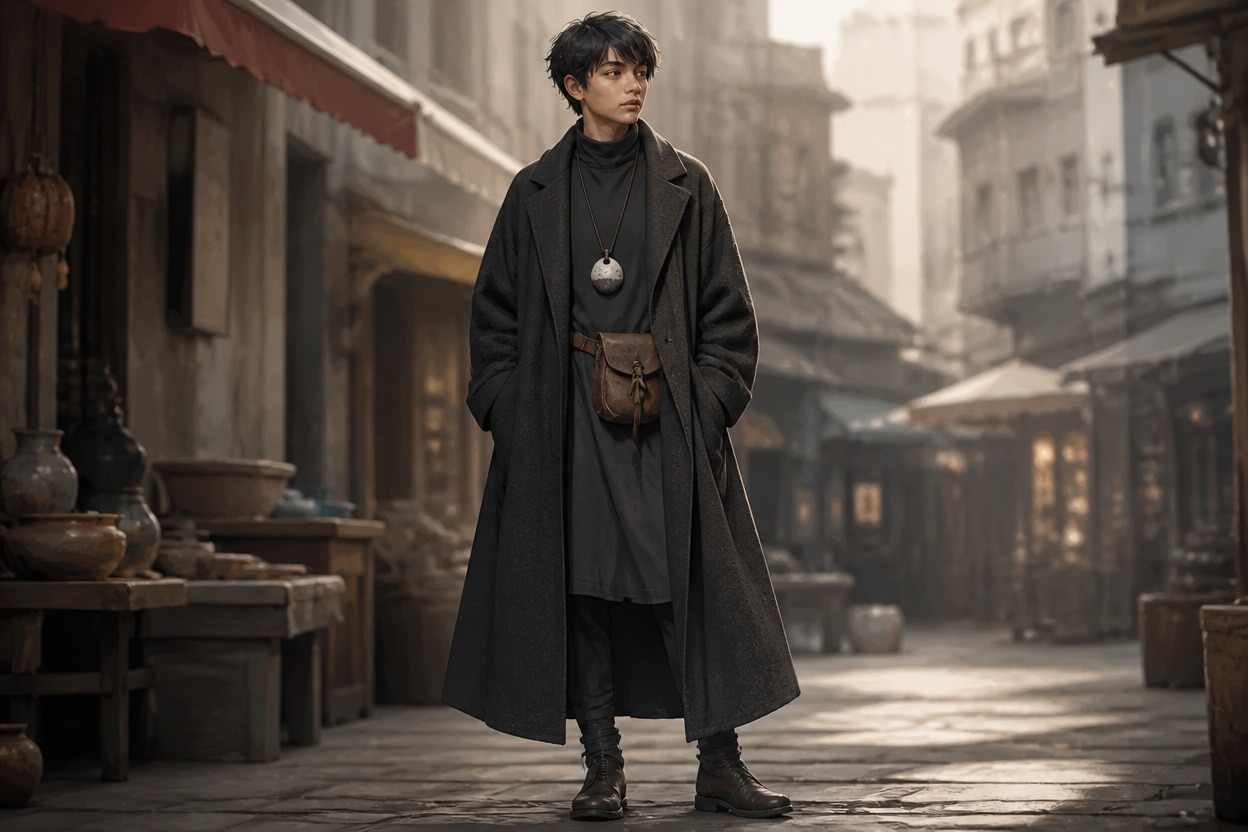
Original adult character with a long coat, plain belt pouch, and ceramic pendant in a market street

0404

Check Clothing in Motion

Test hems, sleeves, straps, and loose layers in a movement scene. Control the pose and wind so the image shows how the outfit behaves, not just how it looks while standing still. The broader OC maker workflow can help compare the result. This makes fabric behavior and outfit balance easier to judge.
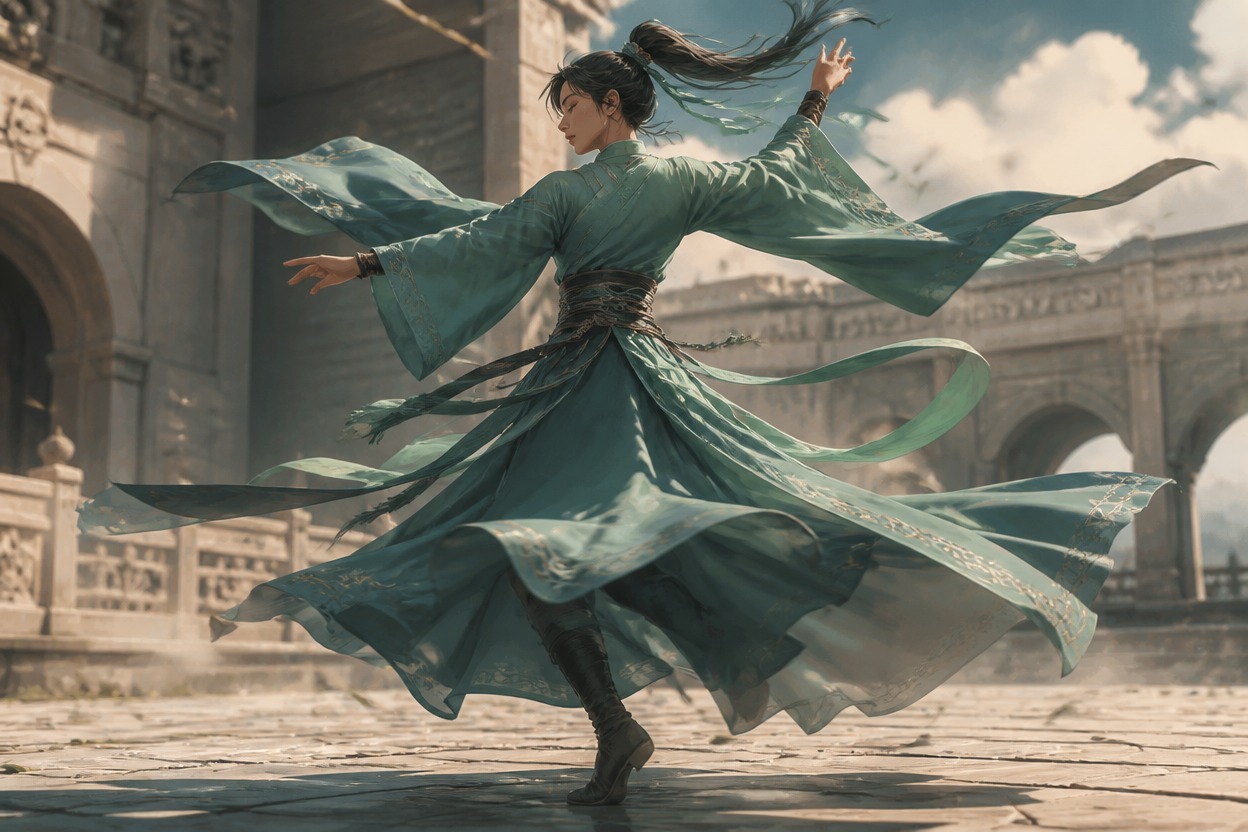
Original adult dancer in a layered teal outfit turning on a windswept plaza

Why Use This OC Clothes Generator

Use practical outfit decisions to make a character image feel designed and wearable.

  • 01

    Material Separation

    Show wool, linen, leather, metal, or coated fabric as different surfaces with distinct weight and light response.

  • 02

    Layer Visibility

    Keep collars, sleeves, hems, closures, and outer layers readable instead of merging them into one costume mass.

  • 03

    Weather Fit

    Generate clothing that visibly answers cold, rain, heat, wind, or indoor formality.

  • 04

    Accessory Balance

    Place a small number of useful accessories so the outfit gains identity without visual clutter.

  • 05

    Body-Movement Fit

    Produce silhouettes that support walking, working, climbing, dancing, or sitting without hiding the pose.

  • 06

    Full-Body Inspection

    Compare outfit ideas in portrait, three-quarter, and full-body views to catch proportion and placement problems.

How to Create an OC Outfit

Start with the character’s conditions, build the layers that answer them, and then check how the outfit behaves in the image.

  1. Start with Conditions

    Name the weather, work, social setting, and movement the outfit must support. These constraints make clothing choices more concrete.

  2. Order the Layers

    Describe what touches the body, what insulates or protects it, and what creates the outer silhouette. Add one useful accessory with a clear position.

  3. Review Fit and Motion

    Check closures, hands, hems, pockets, footwear, and loose fabric. If something disappears, simplify the layer stack before adding detail.

Frequently Asked Questions

OC Clothes Generator FAQ

Practical answers for creating, comparing, and correcting character outfits.

What can an OC clothing generator create?

It can help create original full-body outfit images with directed layers, materials, silhouettes, accessories, weather choices, and movement.

What are useful clothing ideas for OCs?

Start with the character’s conditions: a rain-soaked courier needs different layers from a formal archivist or a winter mechanic. Let work, weather, and movement determine the garments.

How do I make fabric look different?

Name the material and its behavior: wool holds shape, linen folds softly, leather catches firm highlights, and coated fabric reflects wet light. Pair the material with a garment layer.

Why did my outfit become too busy?

Reduce the number of accessories and color families, then keep one signature detail. A clear outer silhouette usually matters more than many small decorations.

How can I check whether clothing fits the character?

Place the OC in an action linked to their life. Look for clear hands, footwear, closures, hems, and fabric movement; revise the layer that blocks the pose.

Can I use the generated OC images commercially?

Review OCMaker AI’s current terms, your rights to references, and any third-party rights before commercial use. Do not treat generated clothing art as automatic permission for every use.

Dress Your OC for a Specific Life

Choose the weather, work, or movement that shapes the outfit, then create a visual clothing direction for your character.

Free OC Clothes Generator: Design Clothes and Anime Outfits