
Pricing
Log In
Style*
Background
4tokens•~30s
Pirate OC Maker
Create a pirate OC with anime character polish, sea-fantasy outfits, and a clear captain or crew identity. Best results start with role, era, weapon, color palette, and one signature accessory.
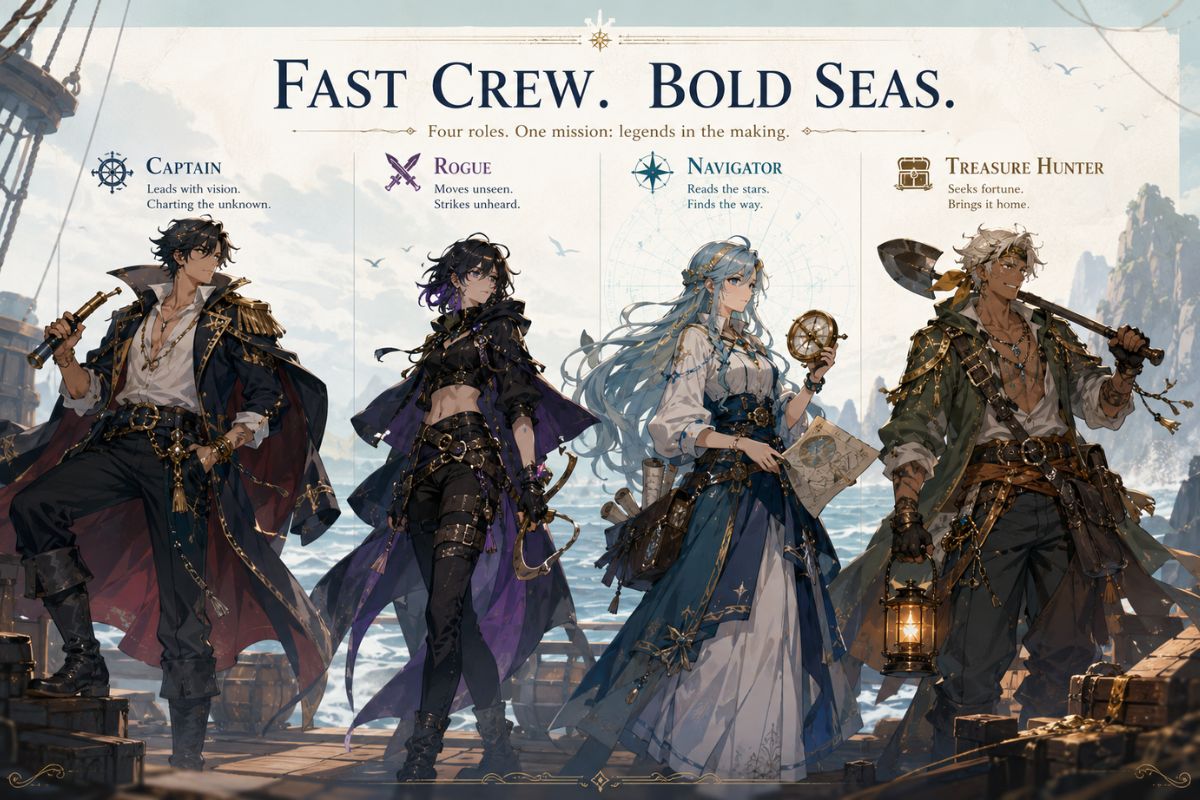
Pirate OC Maker Gallery Ideas
Explore pirate OC directions before generating: captains, rogues, navigators, and sea-magic adventurers. The strongest designs lock the character role before adding coats, hats, swords, or treasure props.
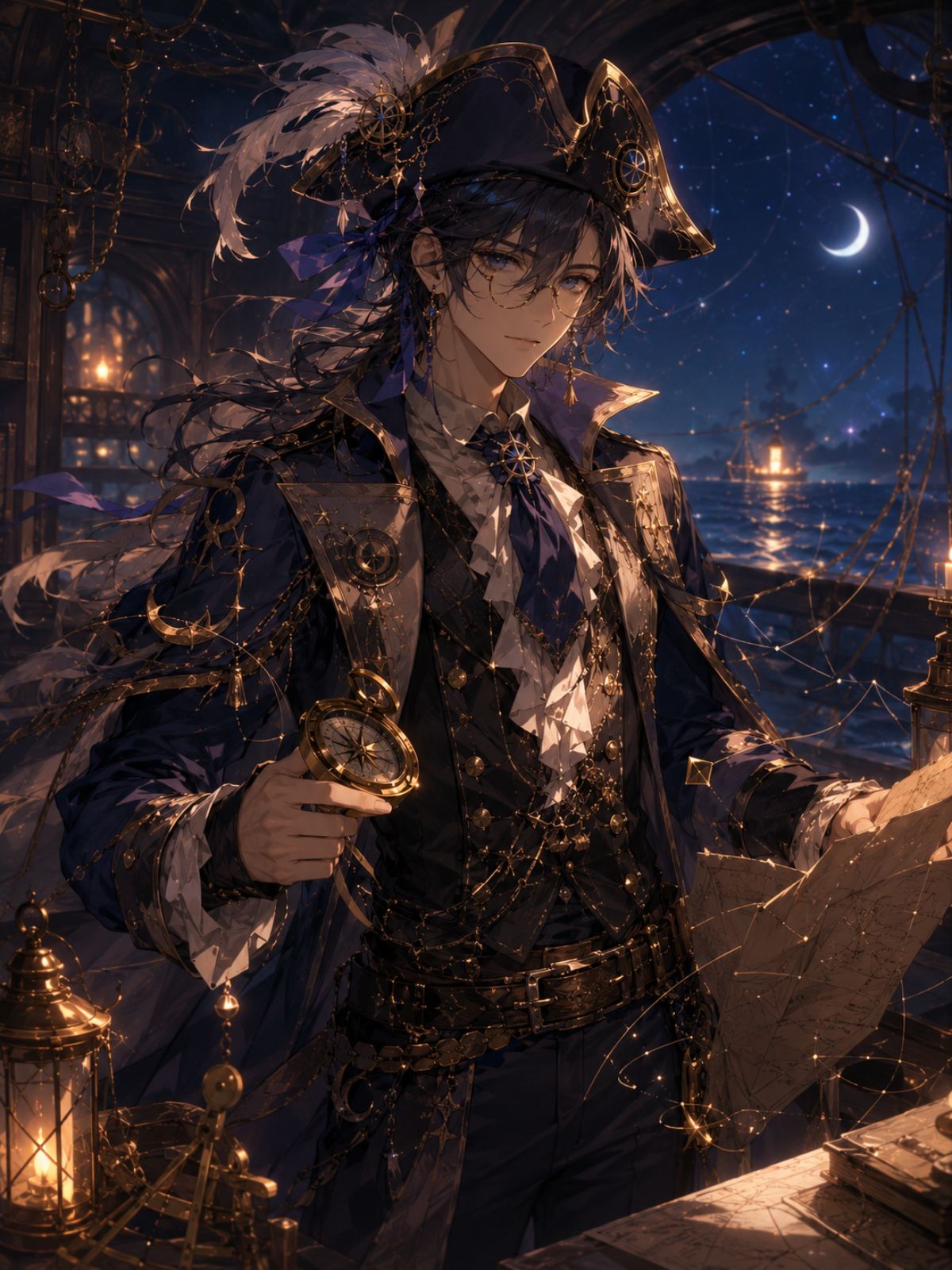
Anime Pirate Captain
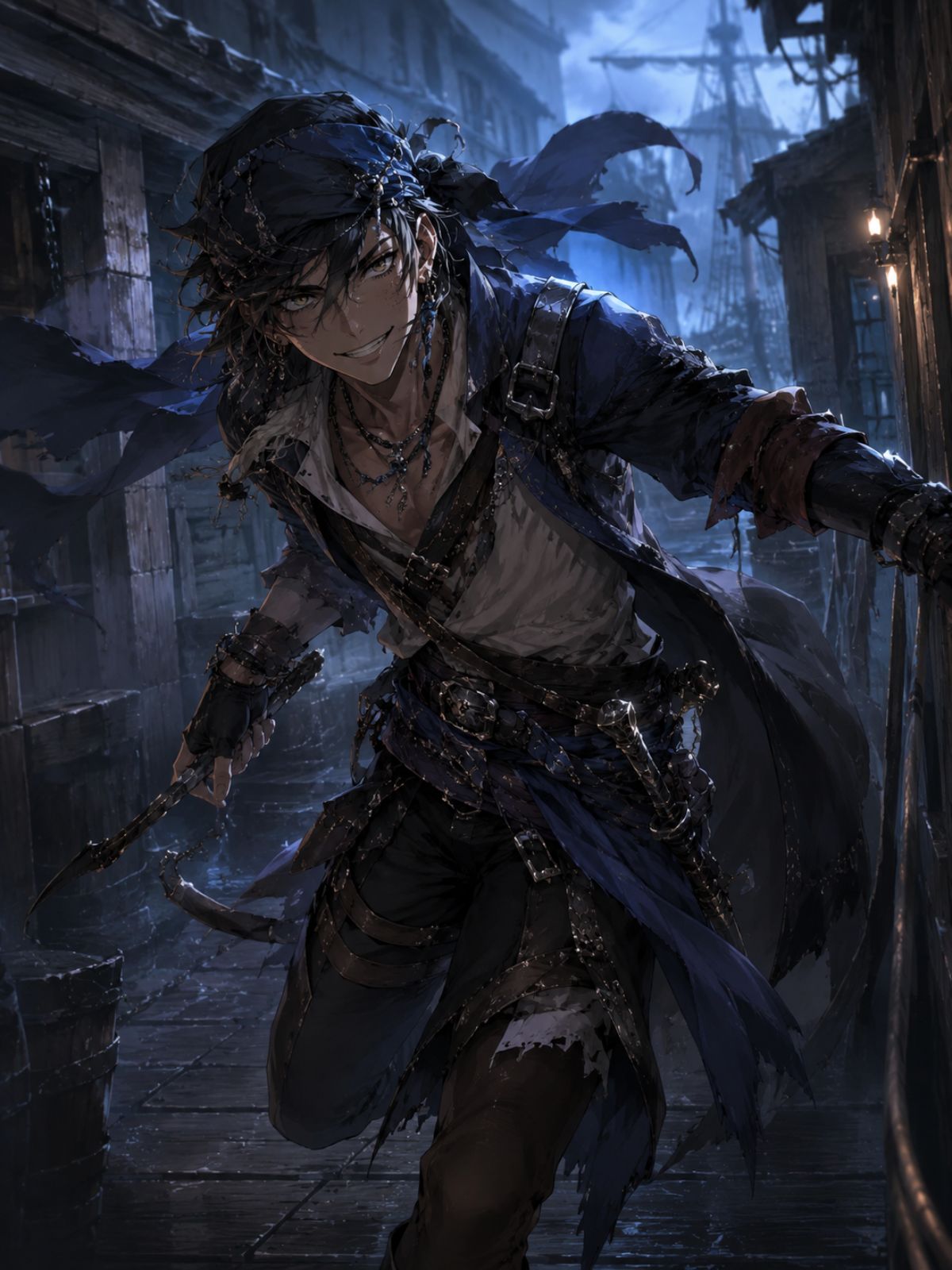
Sea Rogue OC
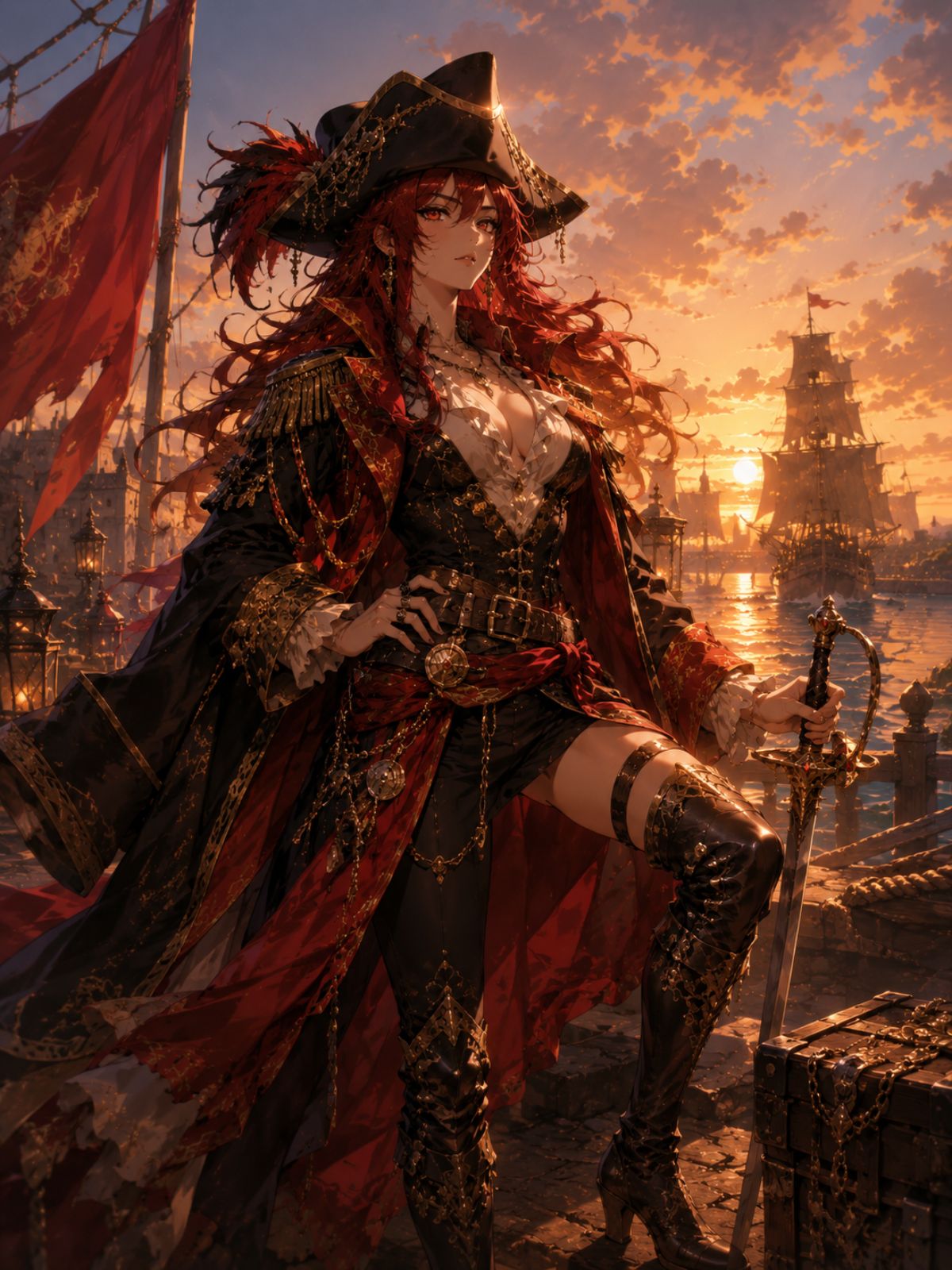
Navigator Character
Core Features for Pirate OC Creation
Captain-Level Identity
OCMaker AI helps turn a pirate generator brief into a clearer original character with role, outfit, weapon, and attitude. It is strongest for creator-owned pirate OCs rather than copied anime crews. Use the OC maker when you want to plan the original character identity before generating final art.
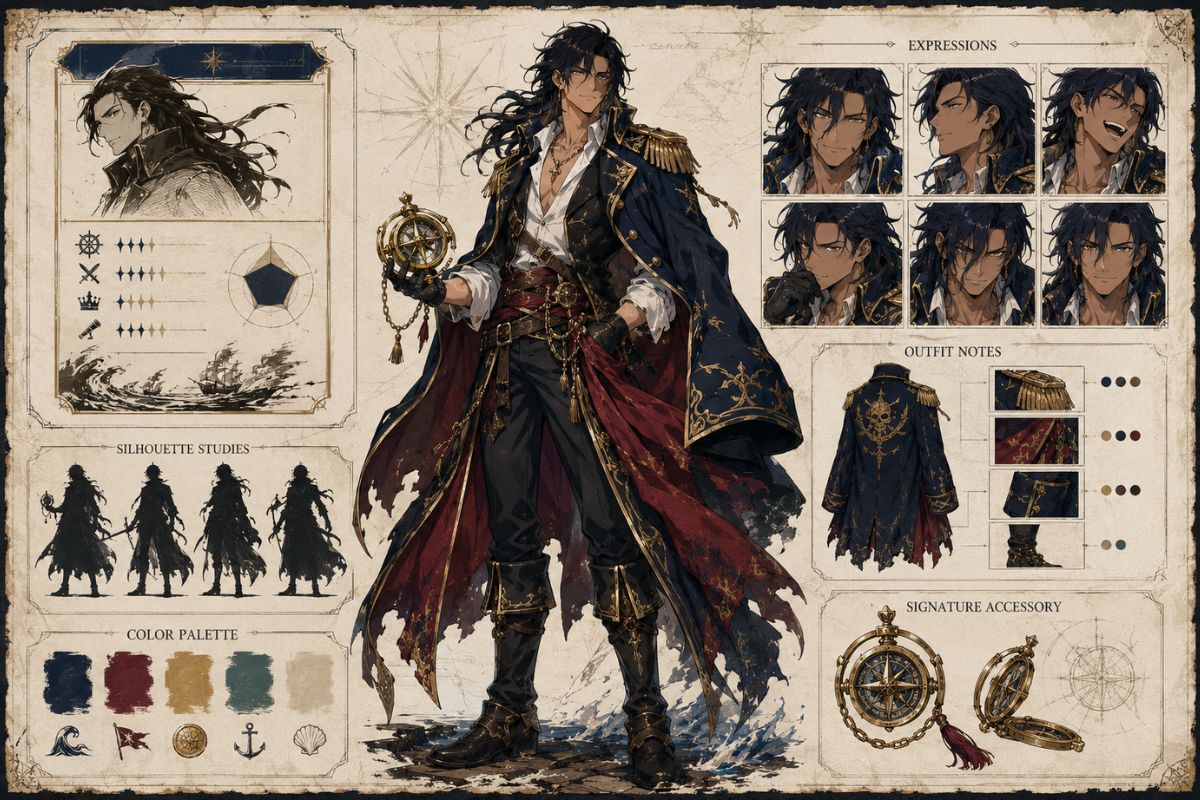
Outfit and Prop Control
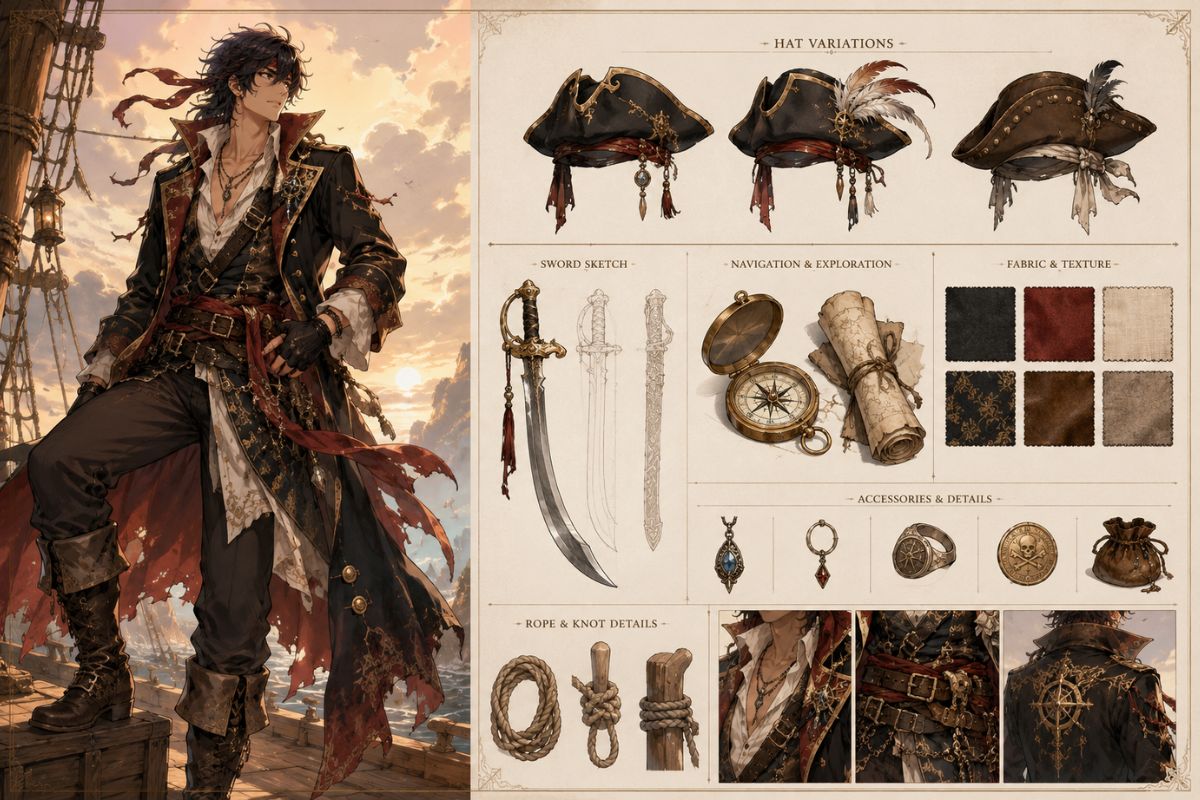
Guide coats, hats, belts, swords, maps, compass details, and sea-weathered colors. Strong pirate OC prompts usually use one signature prop instead of loading every nautical item into one image. Explore the AI anime generator when you need anime-style portraits, avatars, or character art variations.
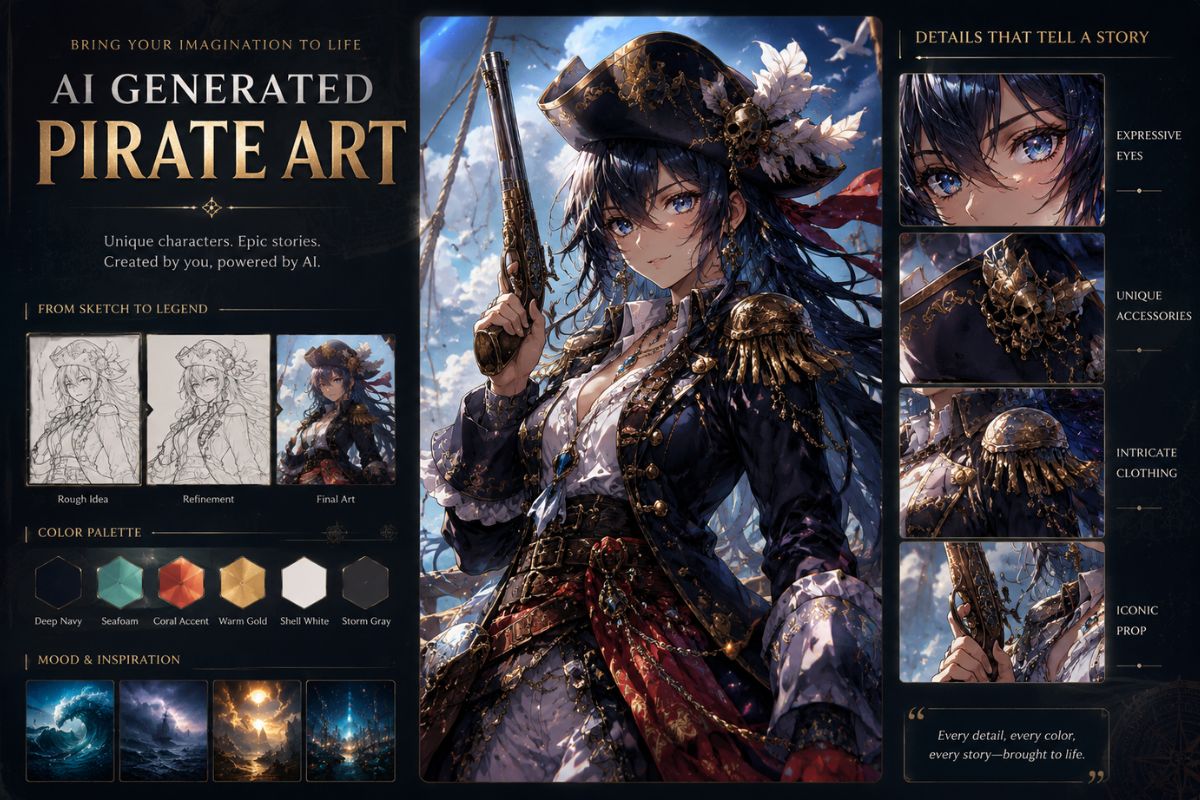
AI Generated Pirate Art
Create AI generated pirate portraits for roleplay profiles, story concepts, game NPC ideas, and creator avatars. Review fingers, weapons, and tiny map details because complex props often need cleanup.
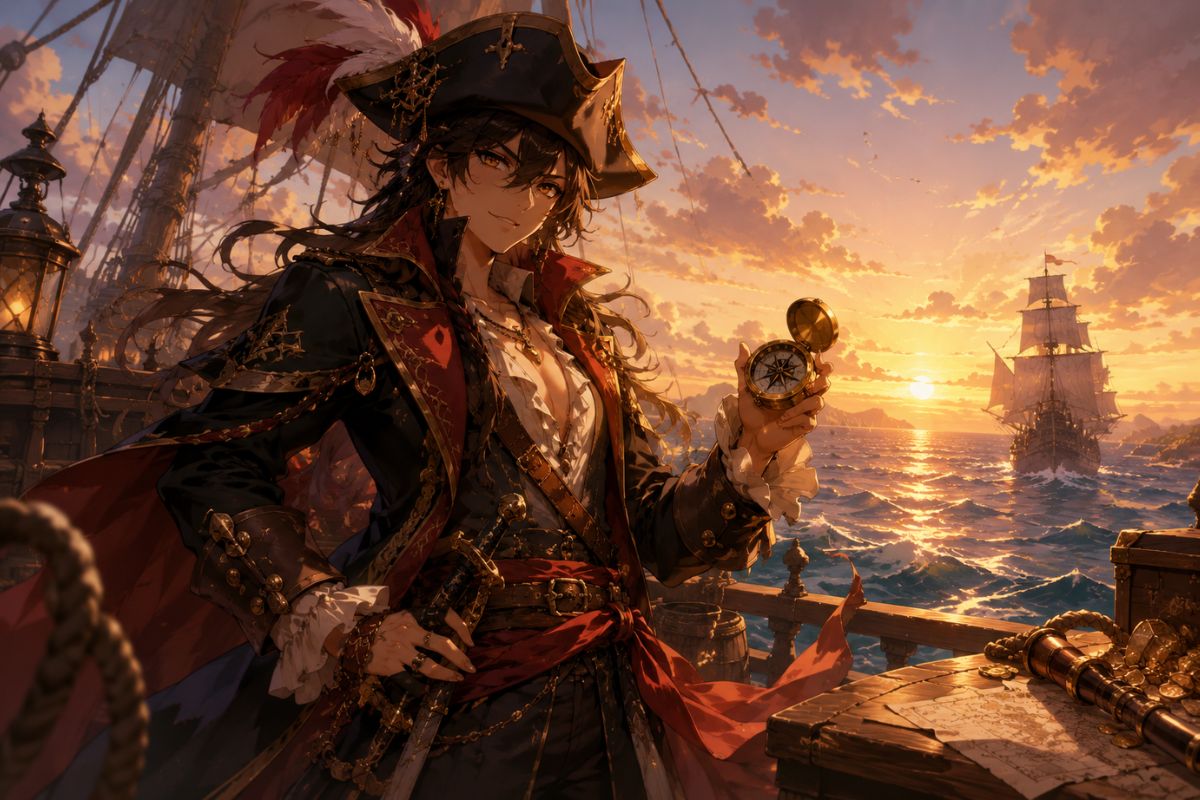
Fast Crew Exploration
Generate multiple crew roles quickly, compare silhouettes, then refine the best captain, rogue, navigator, or treasure hunter. The workflow is best for concept direction, not final production consistency.
Practical checks before you generate
Pirate OC Styles That Work Well
Captain Designs
A strong coat, face mood, and one iconic accessory usually beat excessive treasure detail.
Rogue Pirates
Asymmetry, scars, and worn fabrics can show backstory without overloading the prompt.
Navigator OCs
Maps, compass motifs, and calm expressions work well when kept visually simple.
Sea-Magic Pirates
Use one magical water, storm, or moon cue rather than many competing effects.
Crew Consistency
For a crew, keep each role visually distinct through silhouette, palette, and prop choice.
Honest Boundaries
Readable map text, exact ship rigging, and many-character scenes often need manual editing.
How to Use the Pirate OC Maker in 3 Steps
A quick workflow that avoids the usual redo loop
01
Pick a Pirate Role
Choose captain, rogue, navigator, gunner, treasure hunter, or sea mage. A role-first prompt prevents generic costume output.
02
Add Signature Details
Describe palette, coat shape, weapon, expression, and one prop. Keep logos, copied crews, and readable text out of the prompt.
03
Review Character Readability
Check face, silhouette, hands, and weapon shape first. If the design is noisy, remove props and regenerate.
Frequently Asked Questions