
Pricing
Log In
Style*
Background
4tokens•~30s
Rage Comic Maker
Use OCMaker AI as a rage comic maker when you need a short meme sequence, an exaggerated reaction face, or a quick panel idea that still has a readable setup and punchline. It works best when you define the emotion shift before generating visuals.
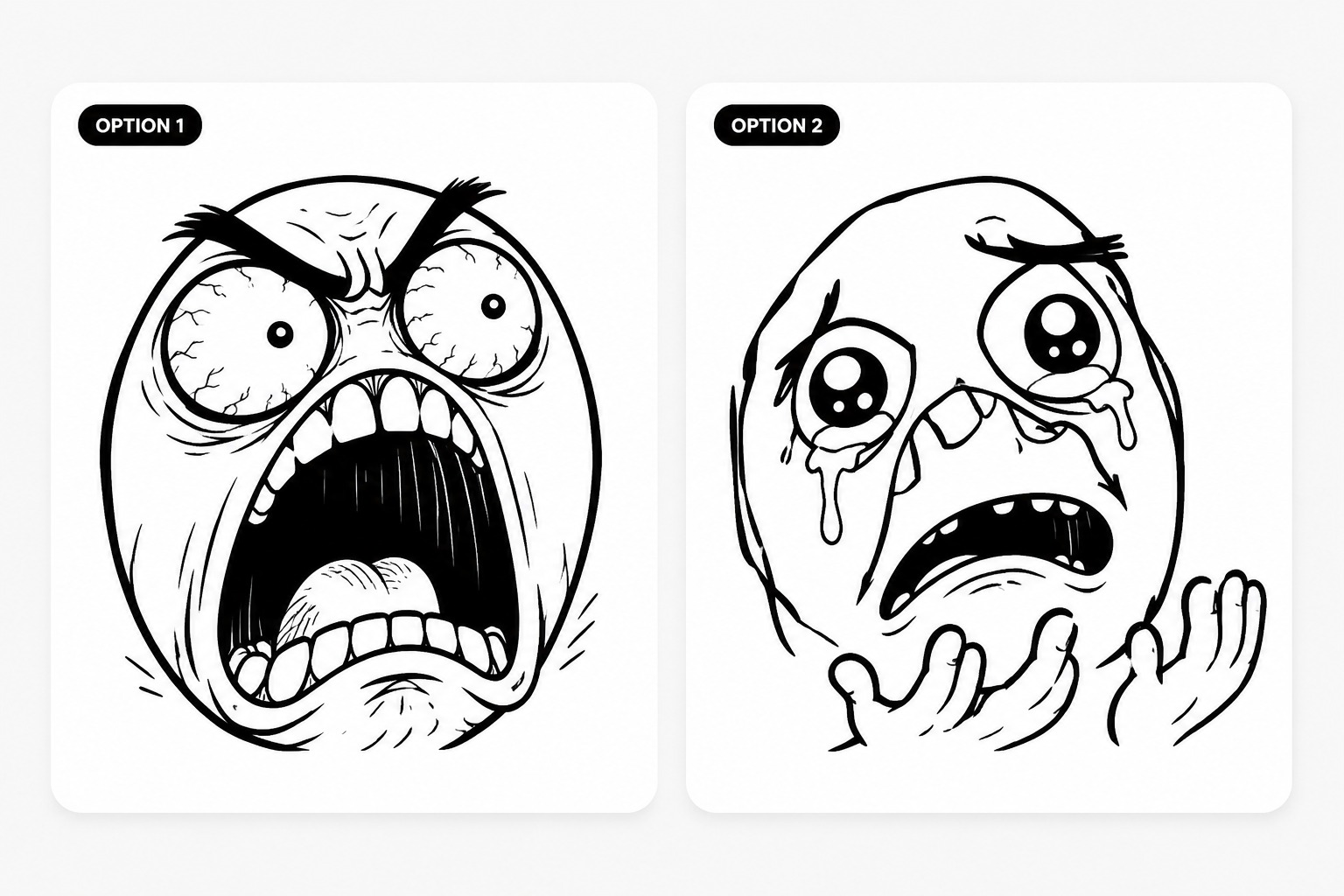
Rage Comic Maker Examples
Use these examples to compare theme fit, readability, and reuse potential before saving a final result.
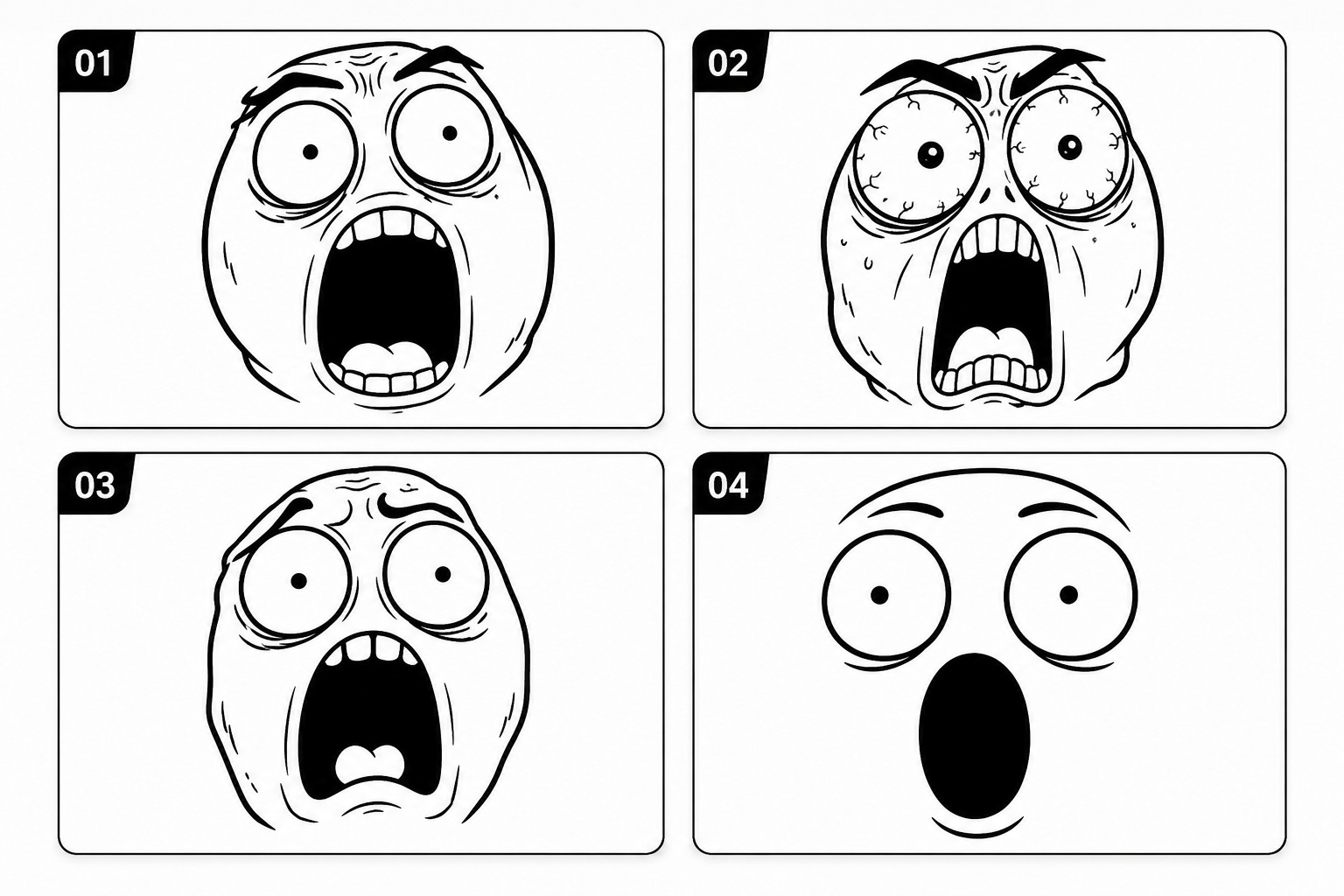
Classic Reaction Setup
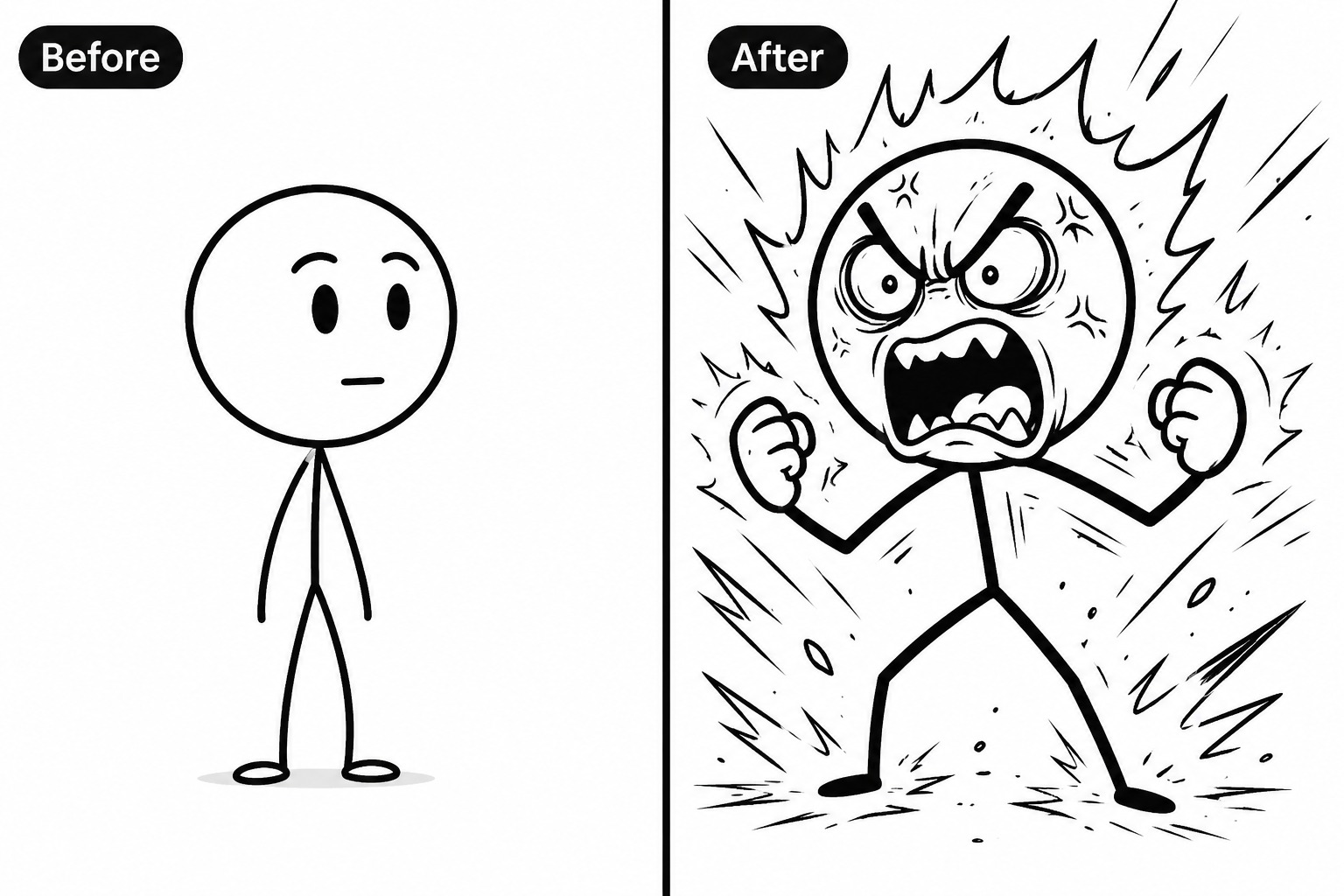
Panel-to-Panel Escalation
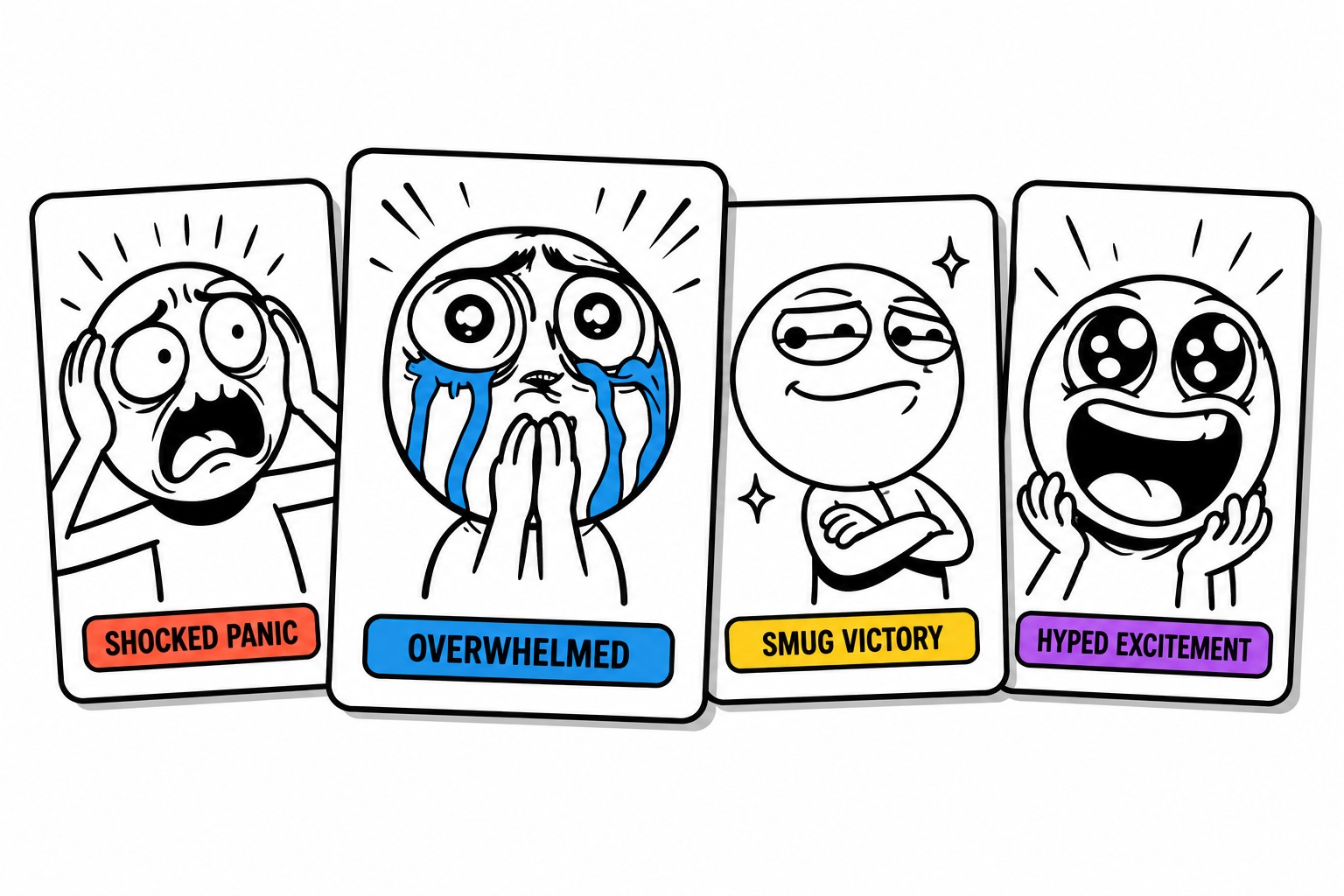
Shareable Meme Moment
What This Tool Helps You Control
Generate Shareable Reaction Comics
OCMaker AI helps users turn a simple emotion or joke premise into original rage-comic style visuals for memes, replies, and social posts. Paired with a text to image workflow, it gives creators a faster path from rough idea to a publishable visual draft.
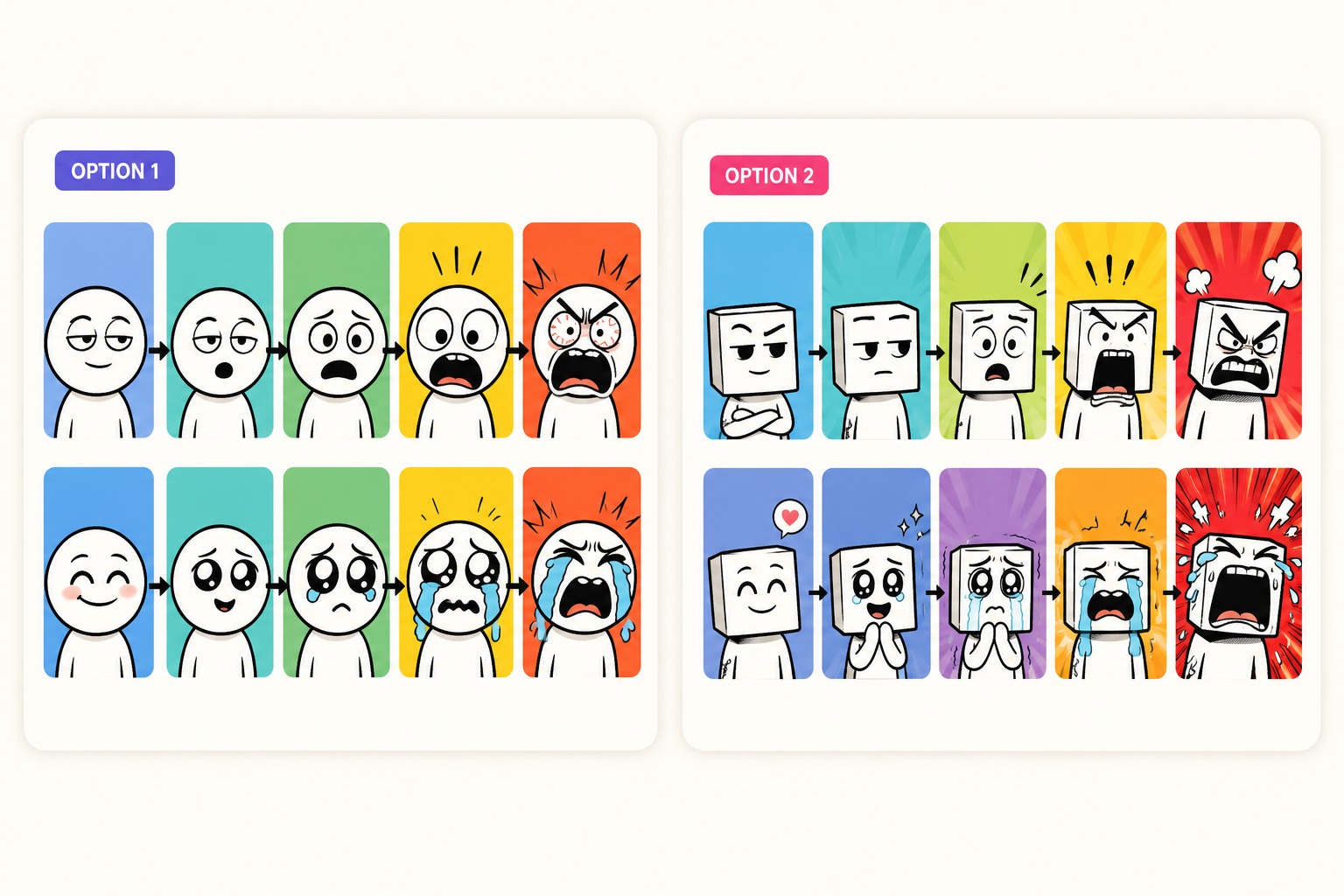
Build Clear Panel Sequences
The tool can organize a short rage-comic idea into visual beats that show setup, escalation, and payoff without requiring users to draw each frame manually. This is useful for meme makers, community managers, and creators who need quick reaction content that still reads clearly in small mobile feeds.
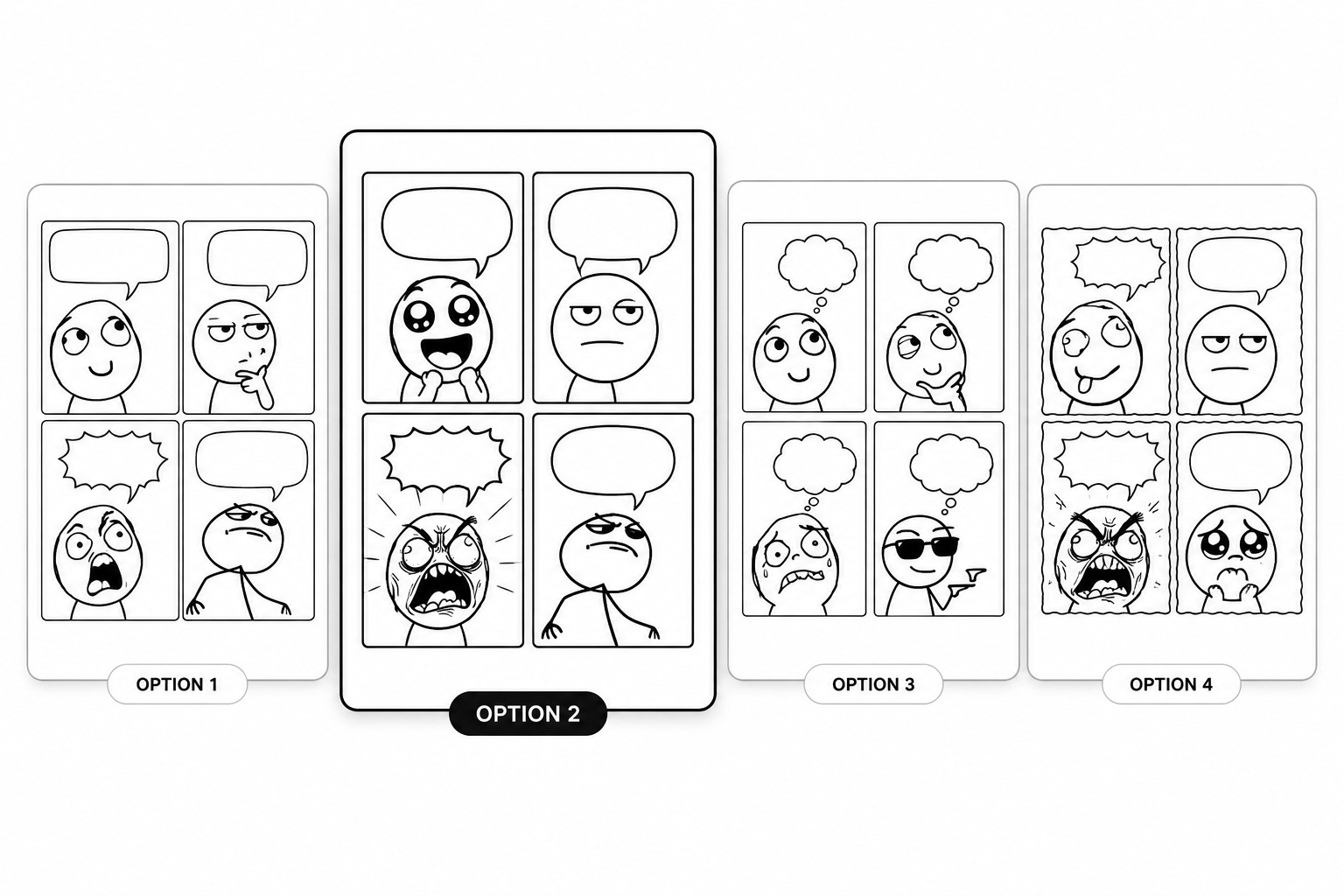
Create Original Meme Characters
Instead of copying old rage faces, OCMaker AI can produce original expressive characters with bold linework, simple shapes, and recognizable moods. Users get reusable reaction assets for comments, parody posts, community jokes, or recurring meme formats while keeping the design fresher and more flexible.
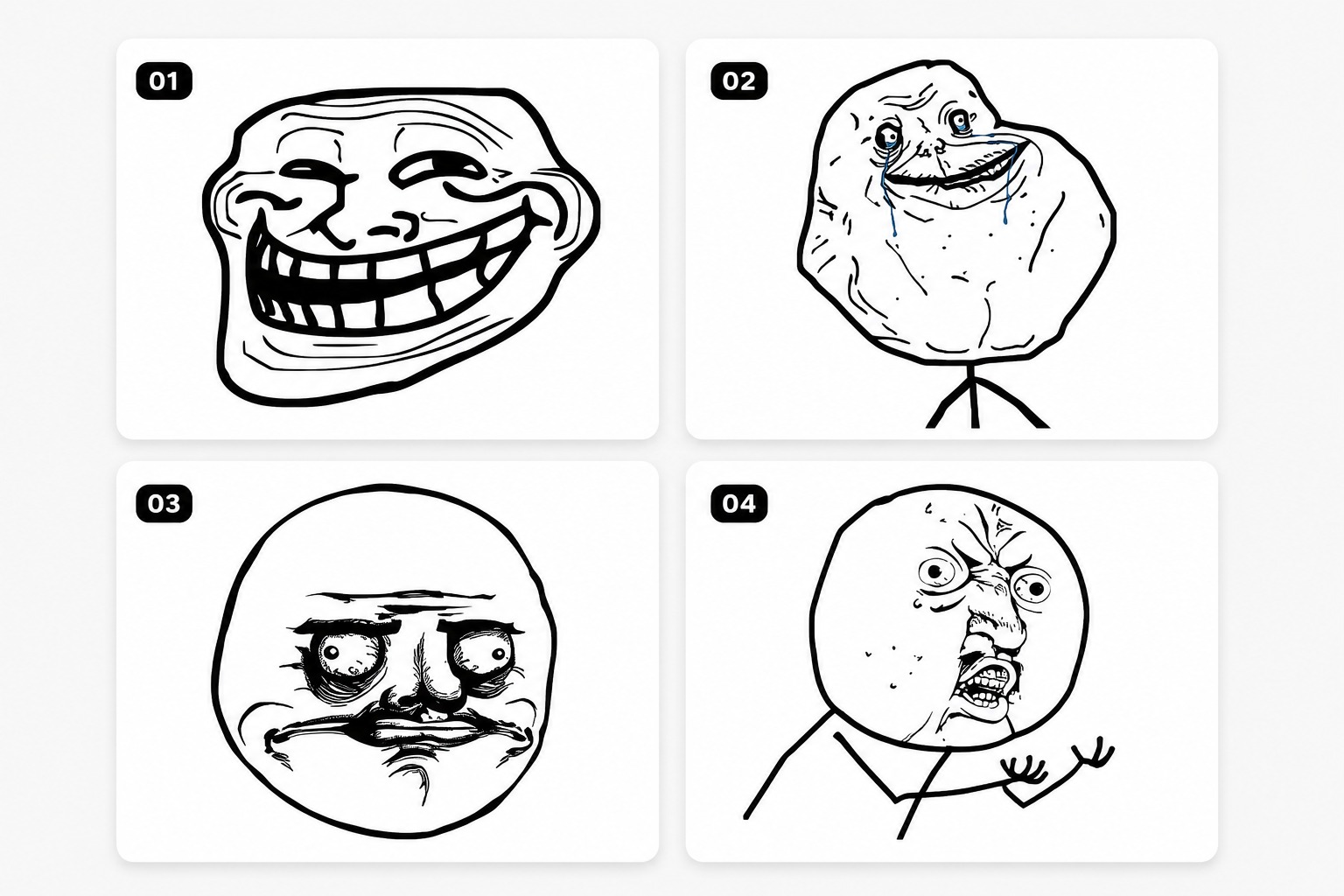
Prepare Cleaner Social Drafts
OCMaker AI can generate meme-ready visuals with simplified backgrounds, stronger expression focus, and cleaner crops for social sharing. Users who also need broader anime-style assets can move through the AI anime generator path without starting from a blank canvas.
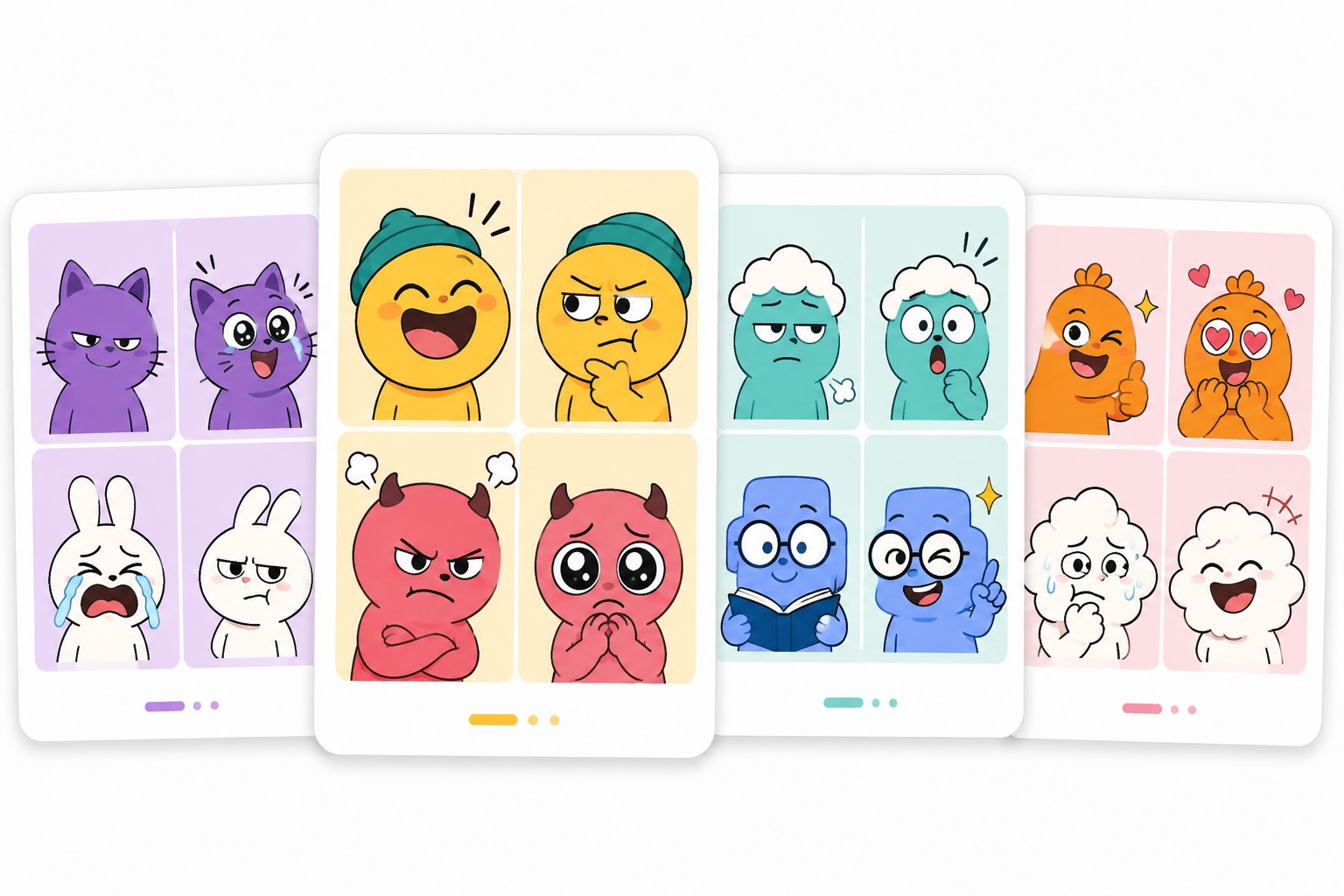
Practical Checks Before You Save
Clear Setup and Punchline
Define the event, the reaction, and the final emotional spike before generating so the comic reads as a joke rather than a random angry face.
Thumbnail-Safe Expressions
Use large eyes, simple mouths, and bold posture changes because small social previews often hide subtle facial details.
Reusable Meme Drafts
Save the best reaction poses as a small expression kit, then reuse them for new captions, replies, or panel layouts.
How to Use Rage Comic Maker?
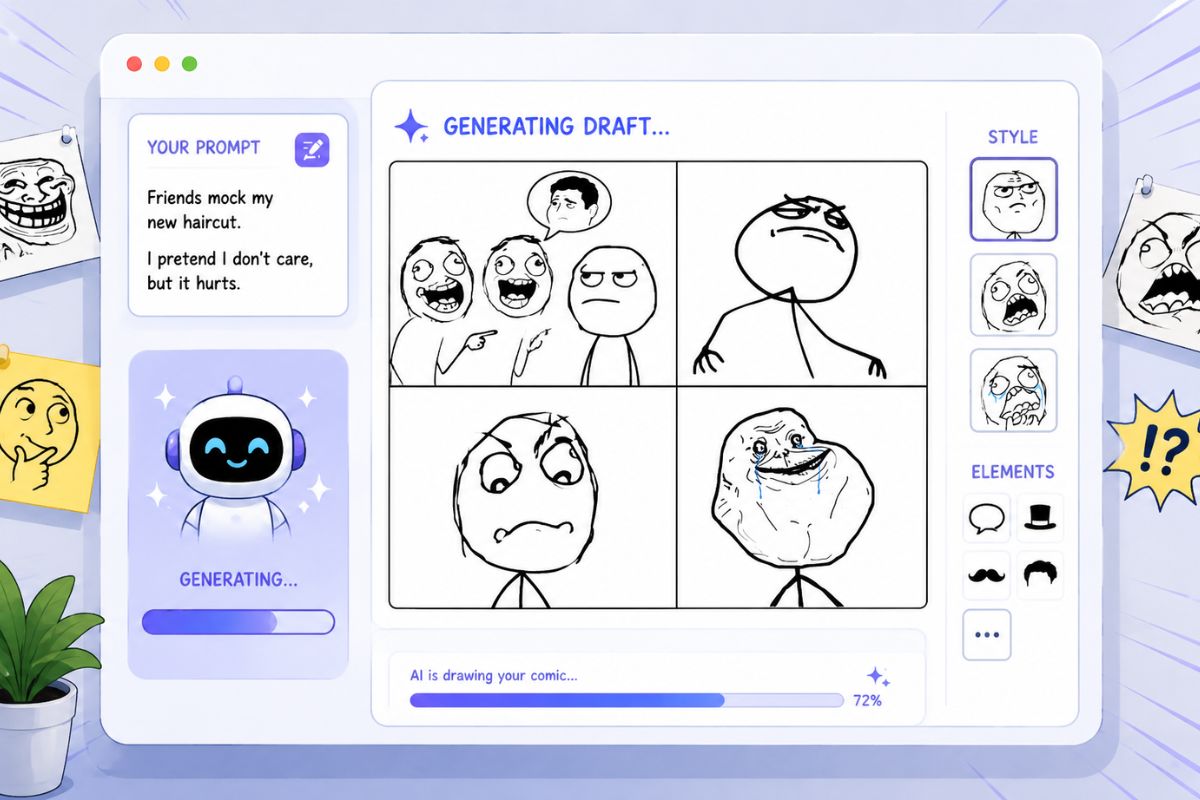
Step 1
Write the role or joke first
Describe the purpose, emotion, and output format before visual details.
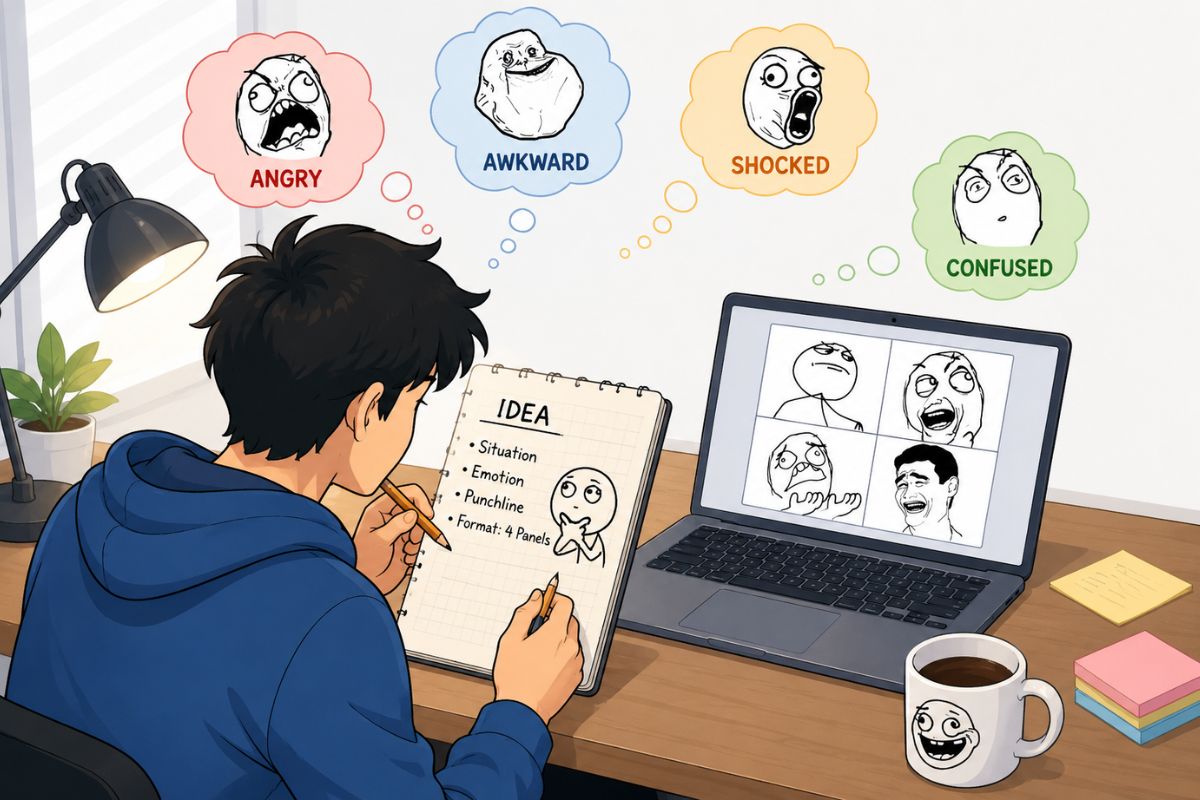
Step 2
Generate a focused draft
Keep the first prompt narrow so the result is easier to judge.
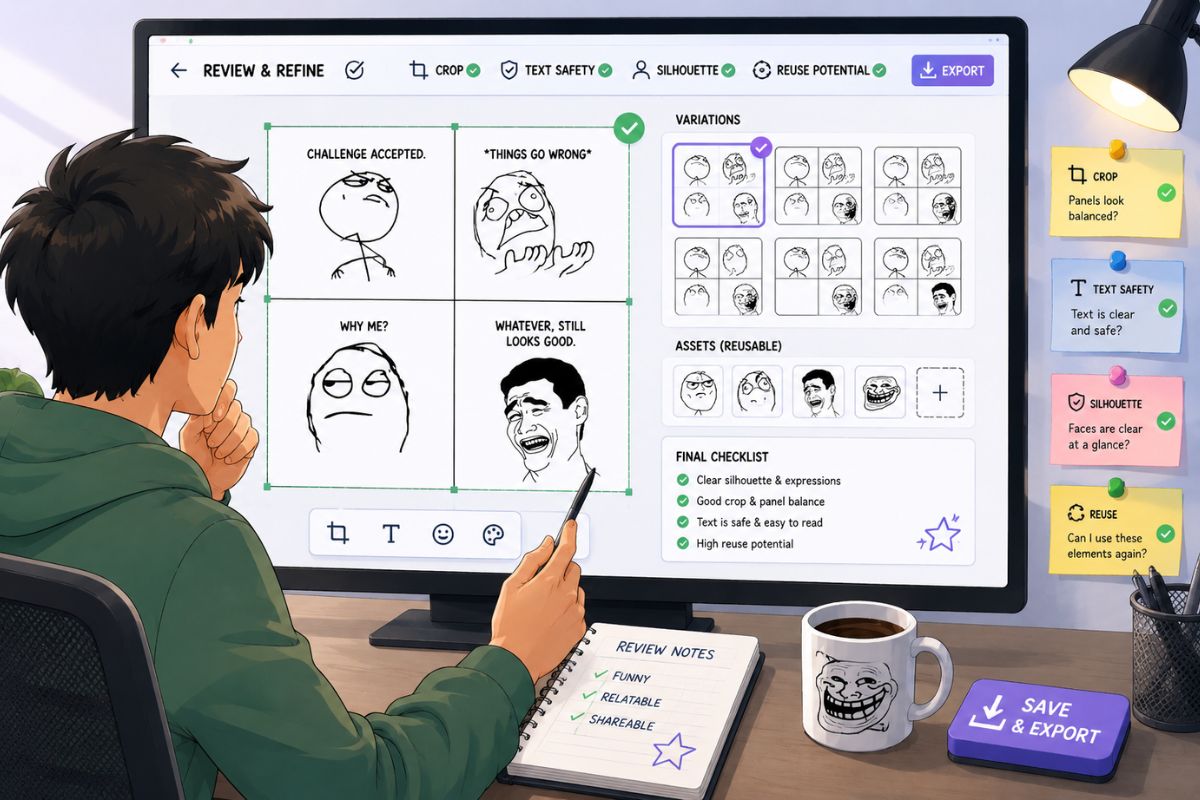
Step 3
Review and refine
Check silhouette, crop, text safety, and reuse potential before saving.
Rage Comic Maker FAQ
Start With a Focused Prompt
Open OCMaker AI, describe the role, emotion, and output format, then refine the strongest draft into a reusable result.