
Pricing
Log In
Style*
Background
4tokens•~30s
Undertale OC Maker
Use OCMaker AI as an Undertale OC maker for original monster concepts, encounter roles, and dialogue-box ideas. It works best when you define the soul theme, expression style, and scene role before asking for a polished character image.
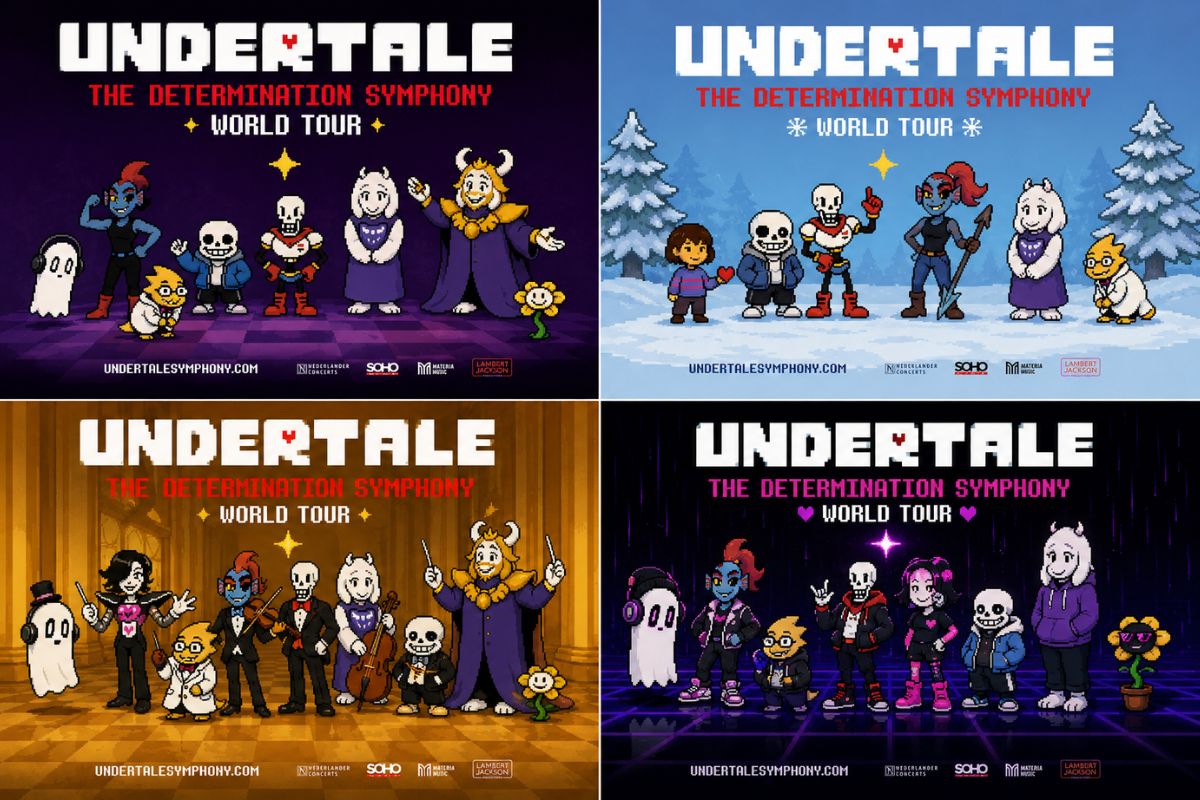
Undertale OC Maker Examples
Use these examples to compare theme fit, readability, and reuse potential before saving a final result.
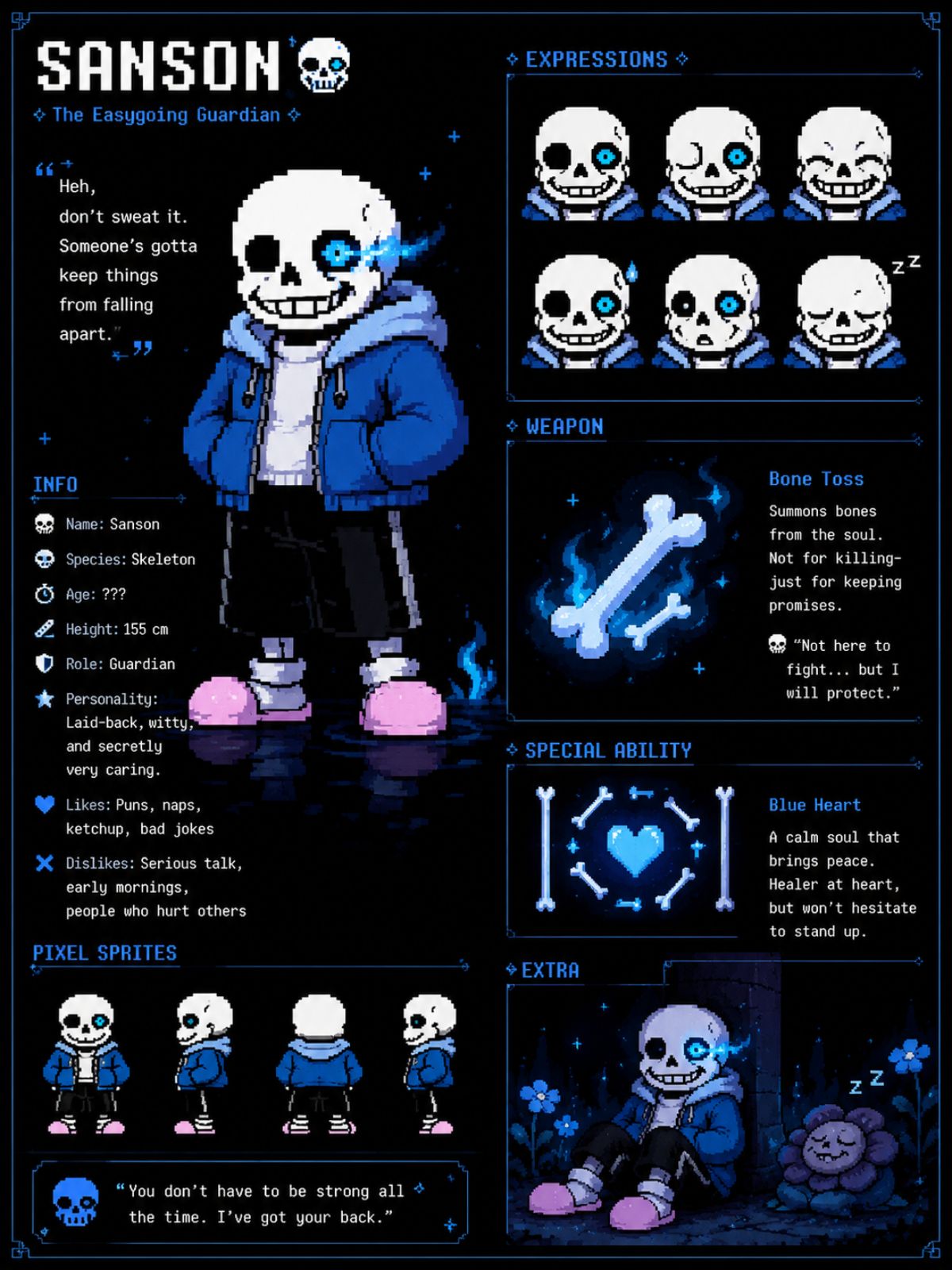
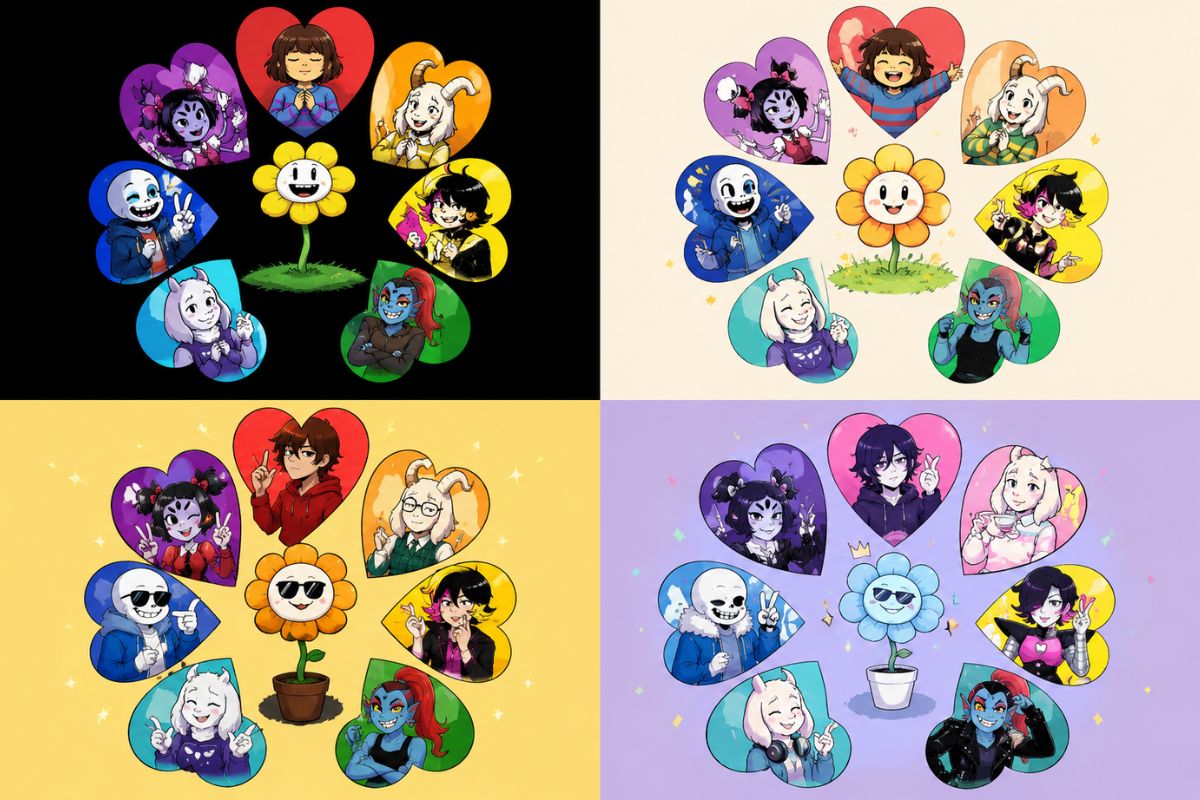
Sans Undertale OC Design Sheet
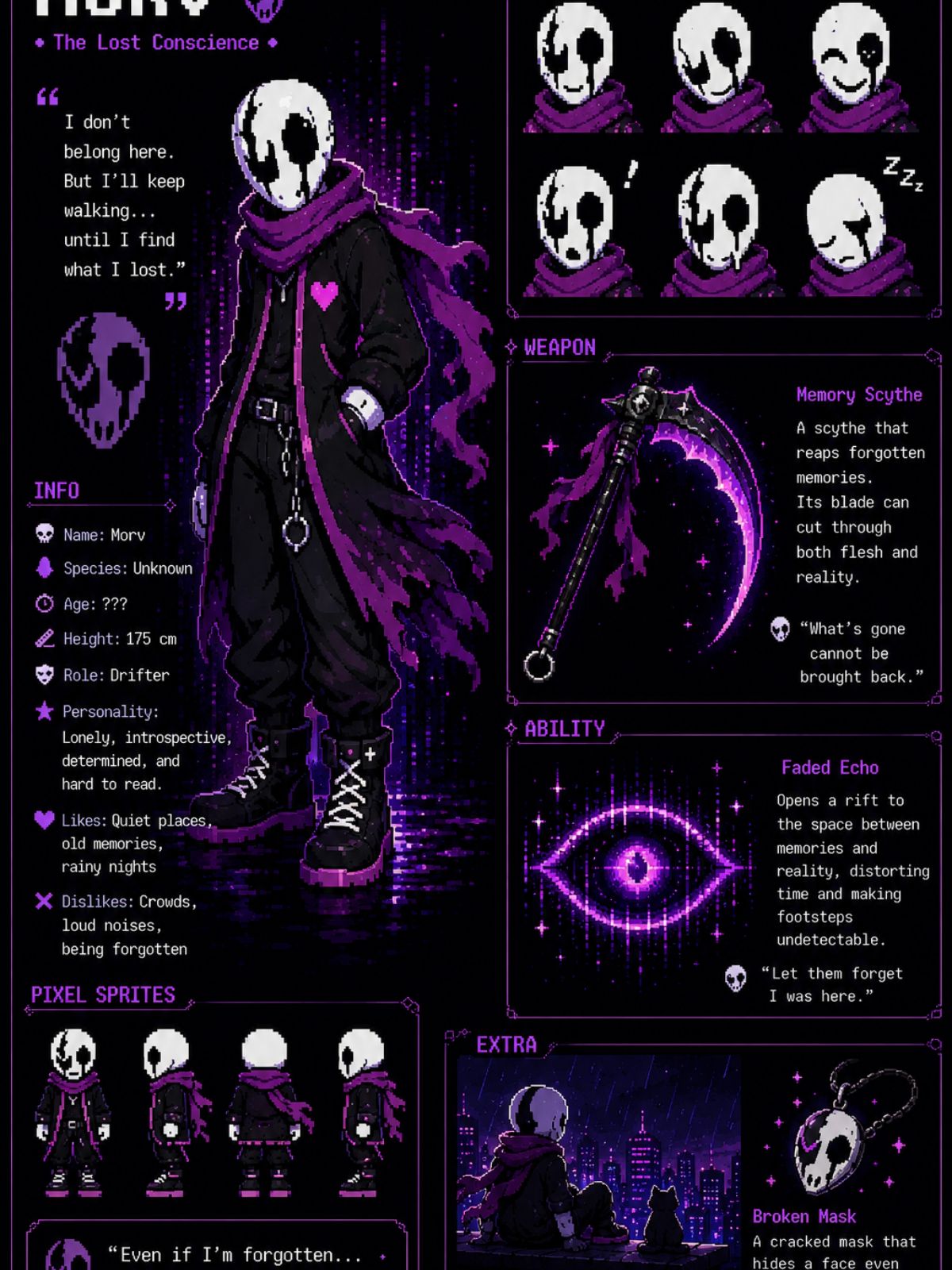
Dark Undertale OC Character Sheet
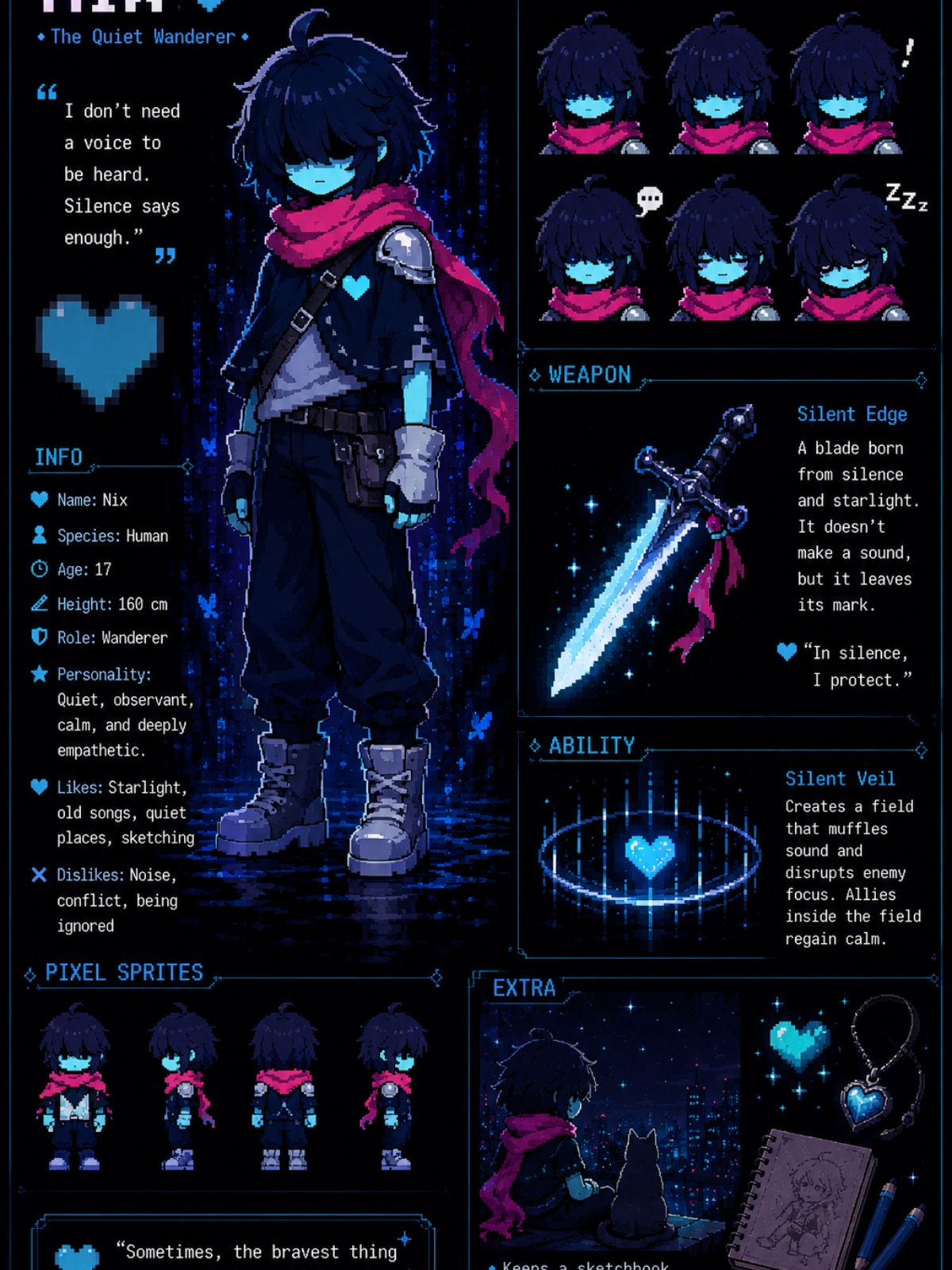
Glitch Deltarune OC Reference Sheet
Core Results You Can Create
Generate Original Monster Character Designs
OCMaker AI helps users create original monster OCs with distinctive body shapes, expressive faces, emotional themes, and encounter-ready visual cues. As an OC maker, it gives fan creators polished drafts for profiles, story scenes, avatars, or reference sheets.
Turn Soul Themes Into Visual Identity
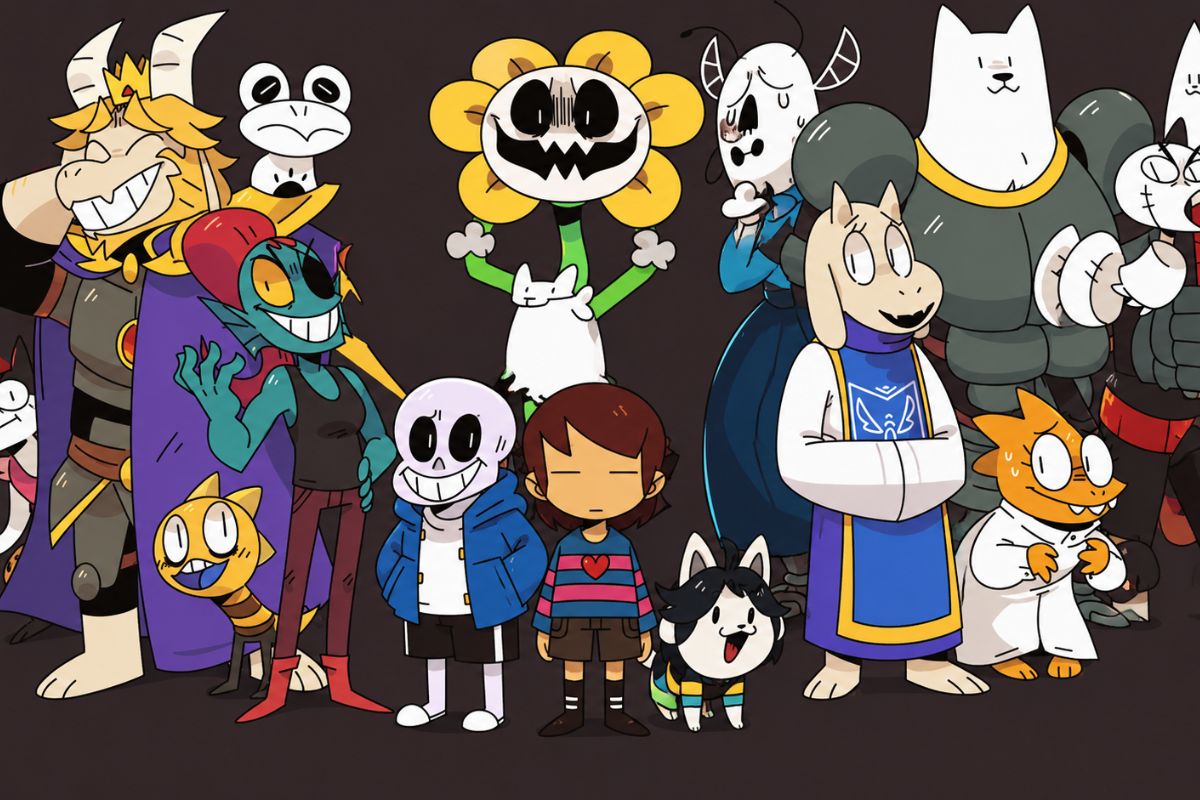
The tool can transform abstract traits such as patience, mischief, fear, hope, guilt, or stubborn kindness into color choices, posture, expression, and props. Users get character art that communicates personality at a glance, making the OC easier to reuse in bios, dialogue ideas, and fan-story concepts.
Practical Checks Before You Save
Soul Theme as a Design Anchor
Choose one emotional or moral theme first so the monster shape, colors, and expression feel connected rather than randomly cute or scary.
Encounter-Ready Visual Cues
Give the OC a role in a scene: helper, rival, shopkeeper, trickster, or hidden boss. That role makes the pose and prop easier to judge.
Clean Art Plus Separate Dialogue
Keep generated images free of text and draft dialogue separately, especially when pairing the design with a text-box style workflow.
How to Use Undertale OC Maker
01
Write the role or joke first
Describe the purpose, emotion, and output format before visual details.
02
Generate a focused draft
Keep the first prompt narrow so the result is easier to judge.
03
Review and refine
Check silhouette, crop, text safety, and reuse potential before saving.
Frequently Asked Questions
Start With a Focused Prompt
Open OCMaker AI, describe the role, emotion, and output format, then refine the strongest draft into a reusable result.