Style*
Background
4tokens•~30s

Vocaloid OC Maker

Create an original fan-made virtual singer with a memorable face, voice concept, signature colors, futuristic stagewear, expression, and performance mood. Turn your idea into polished character art without copying an existing mascot.

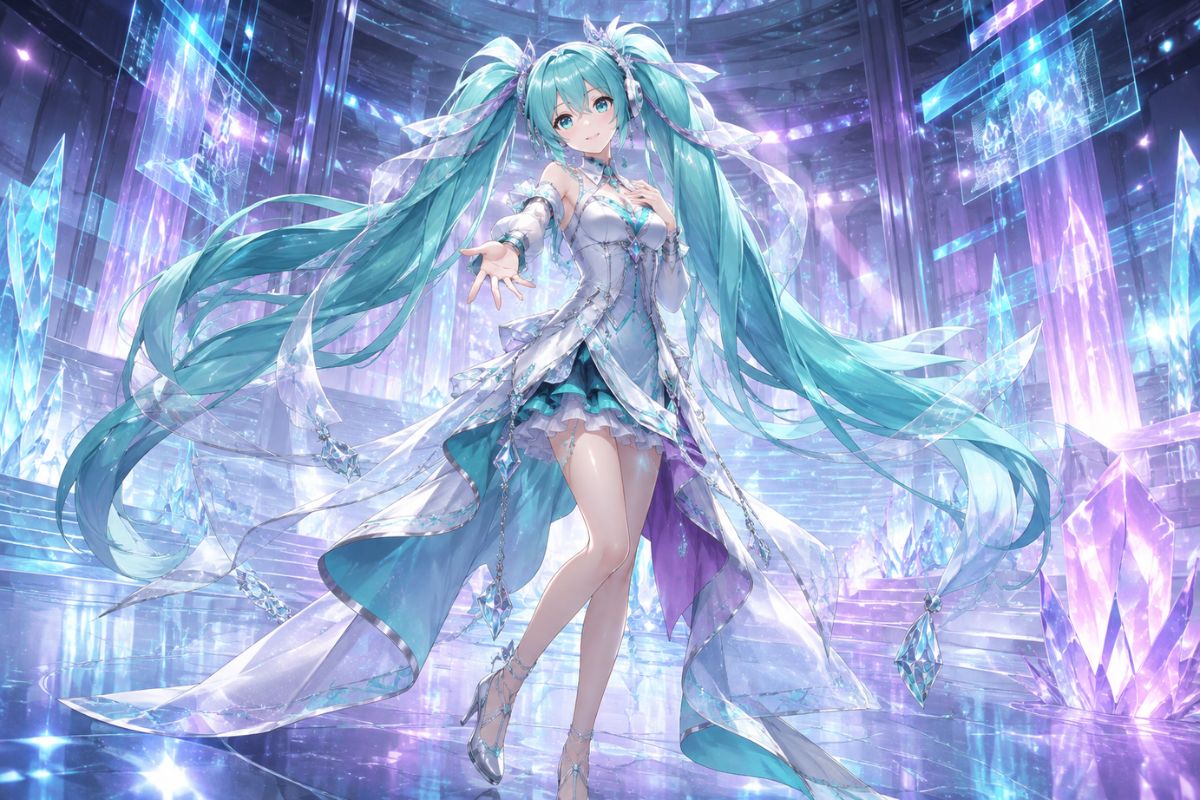
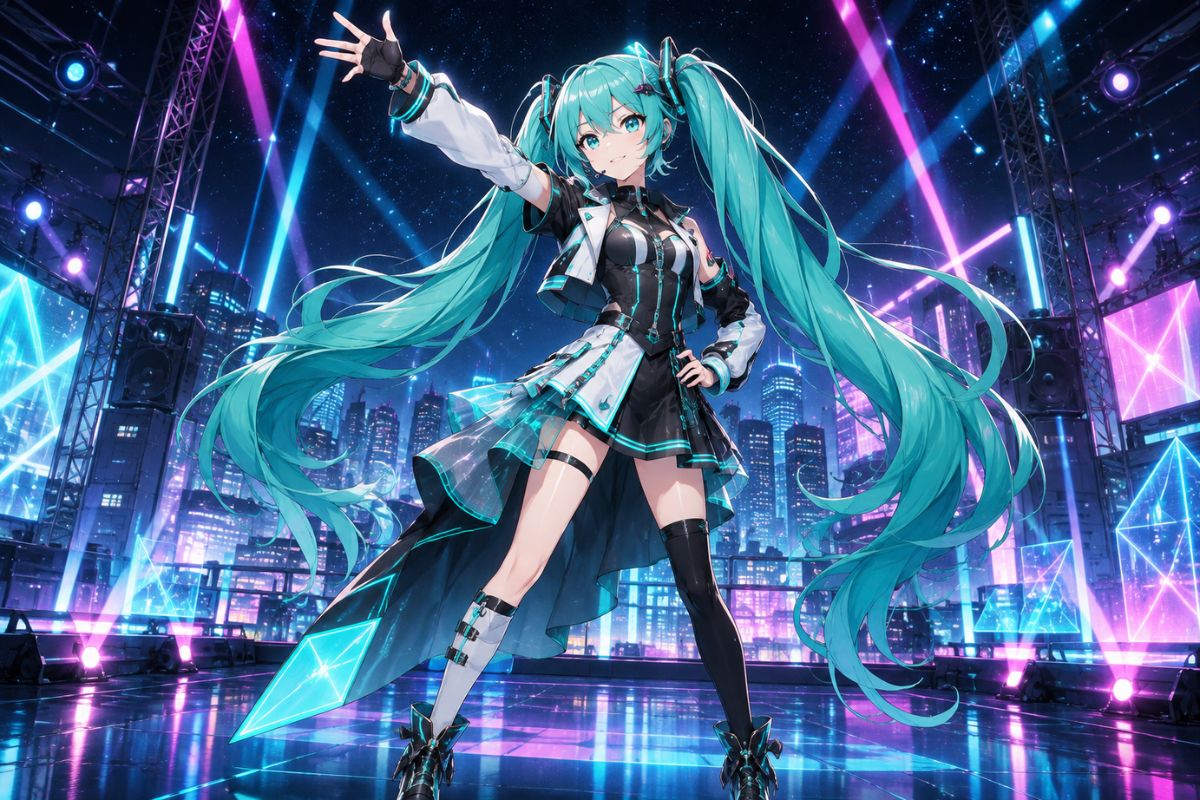
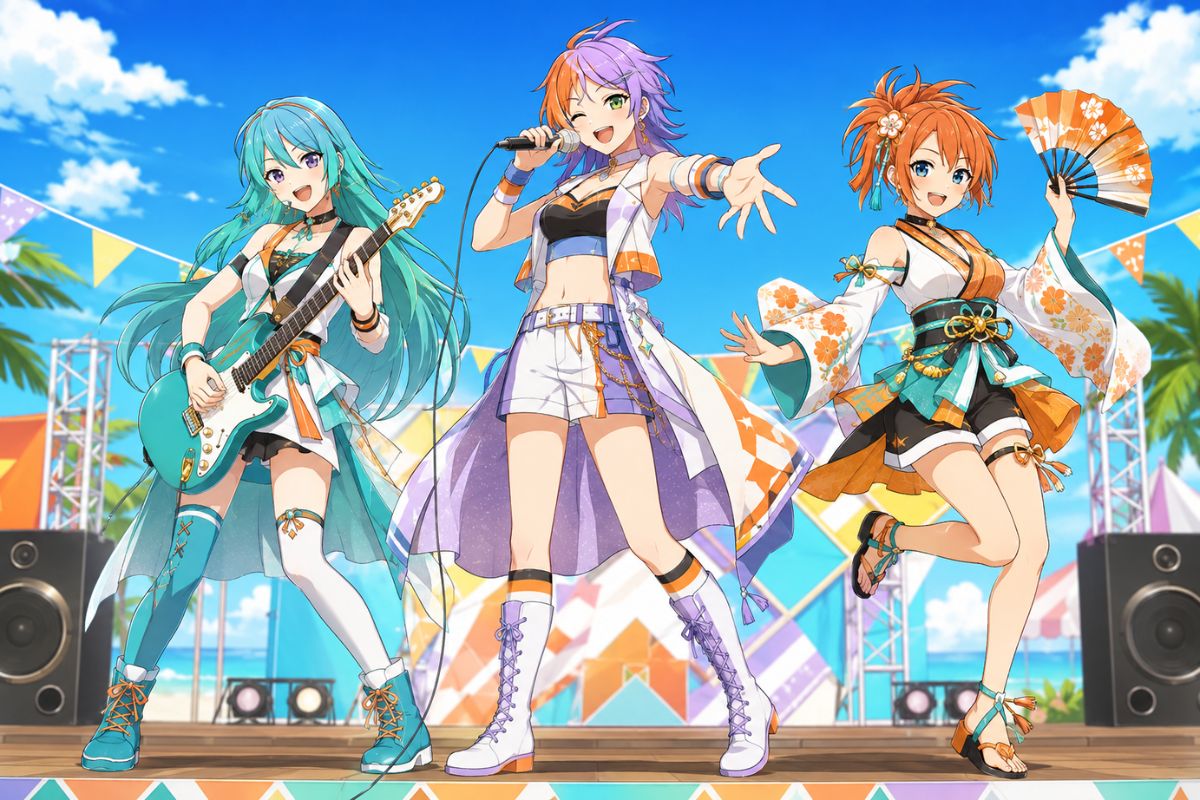
Original teal and coral virtual singer OC performing on a digital stage

Virtual Singer OC Styles to Explore

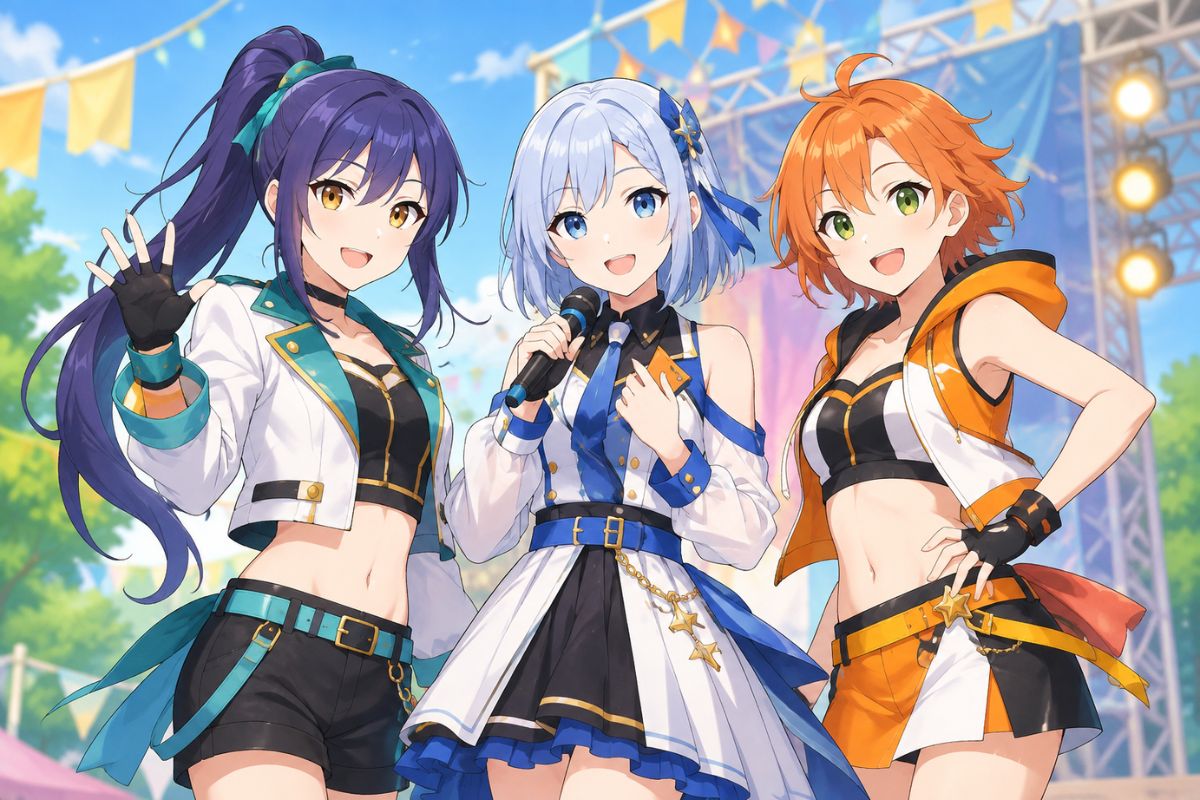
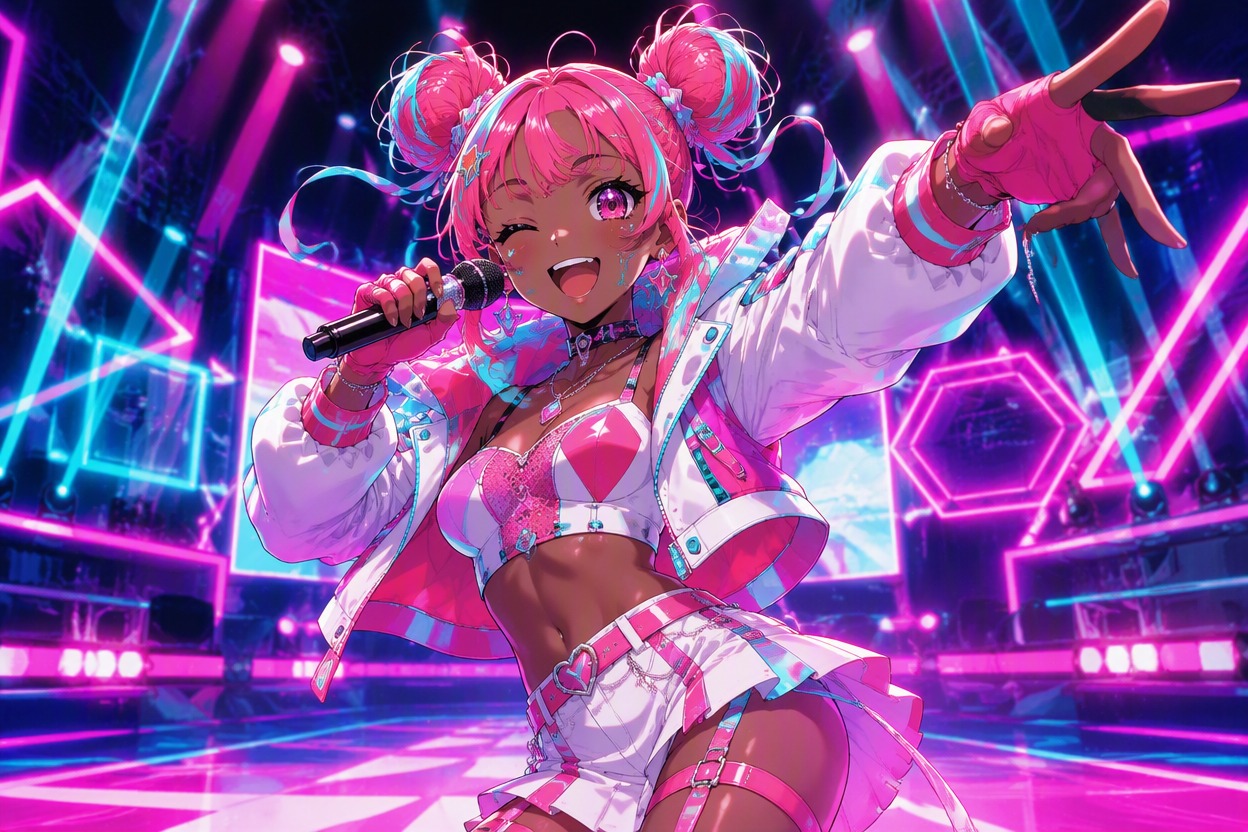
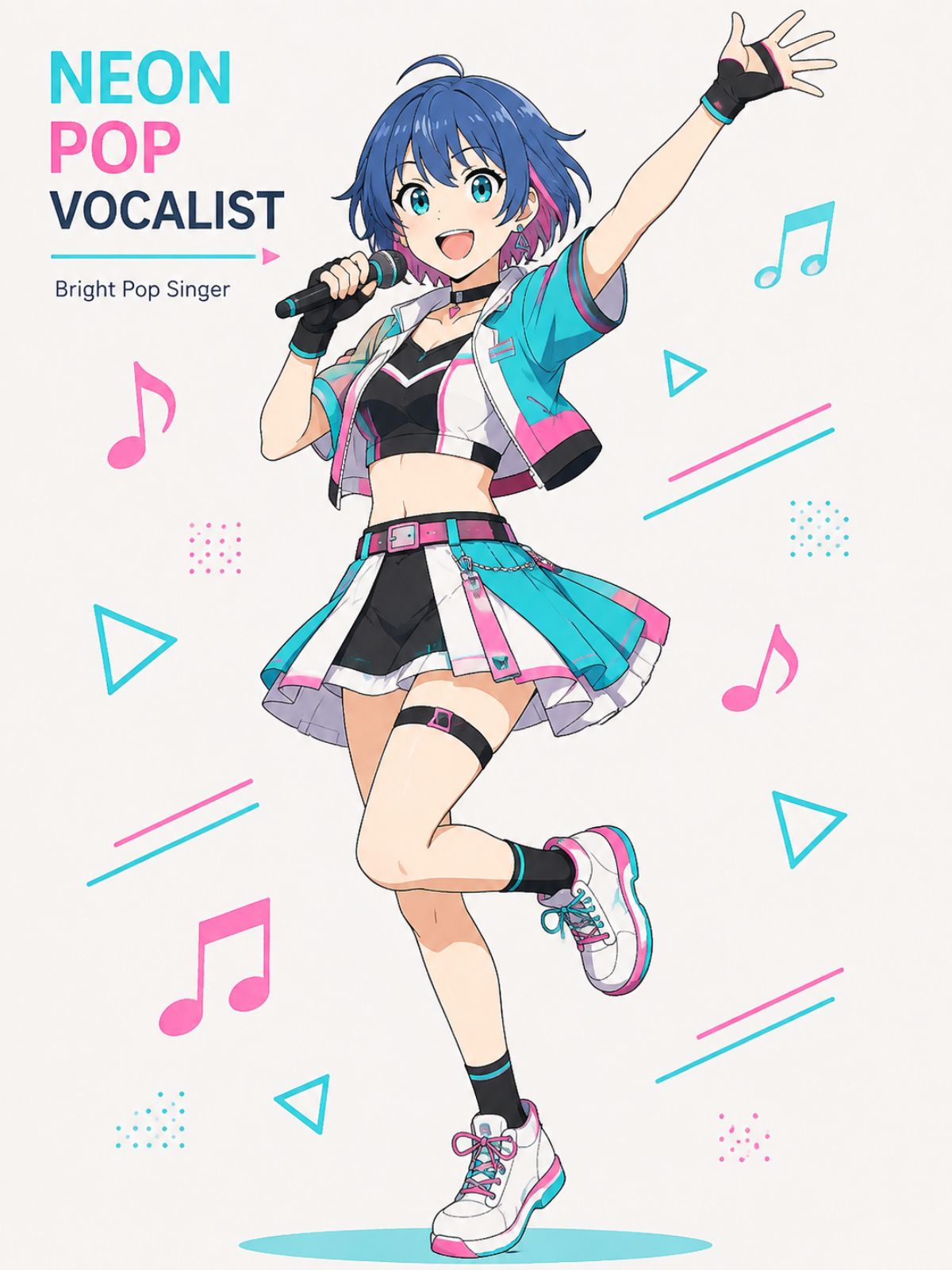
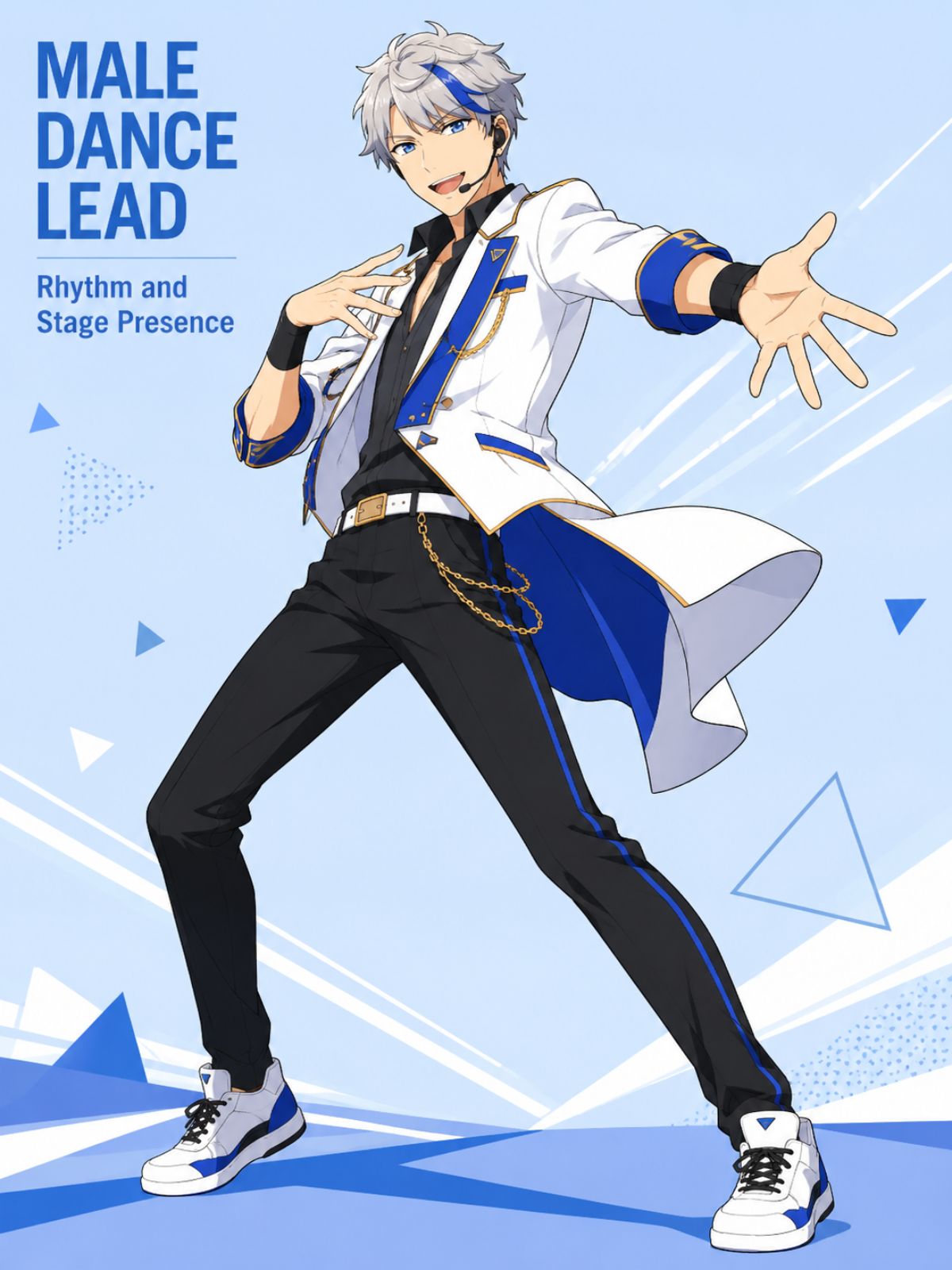
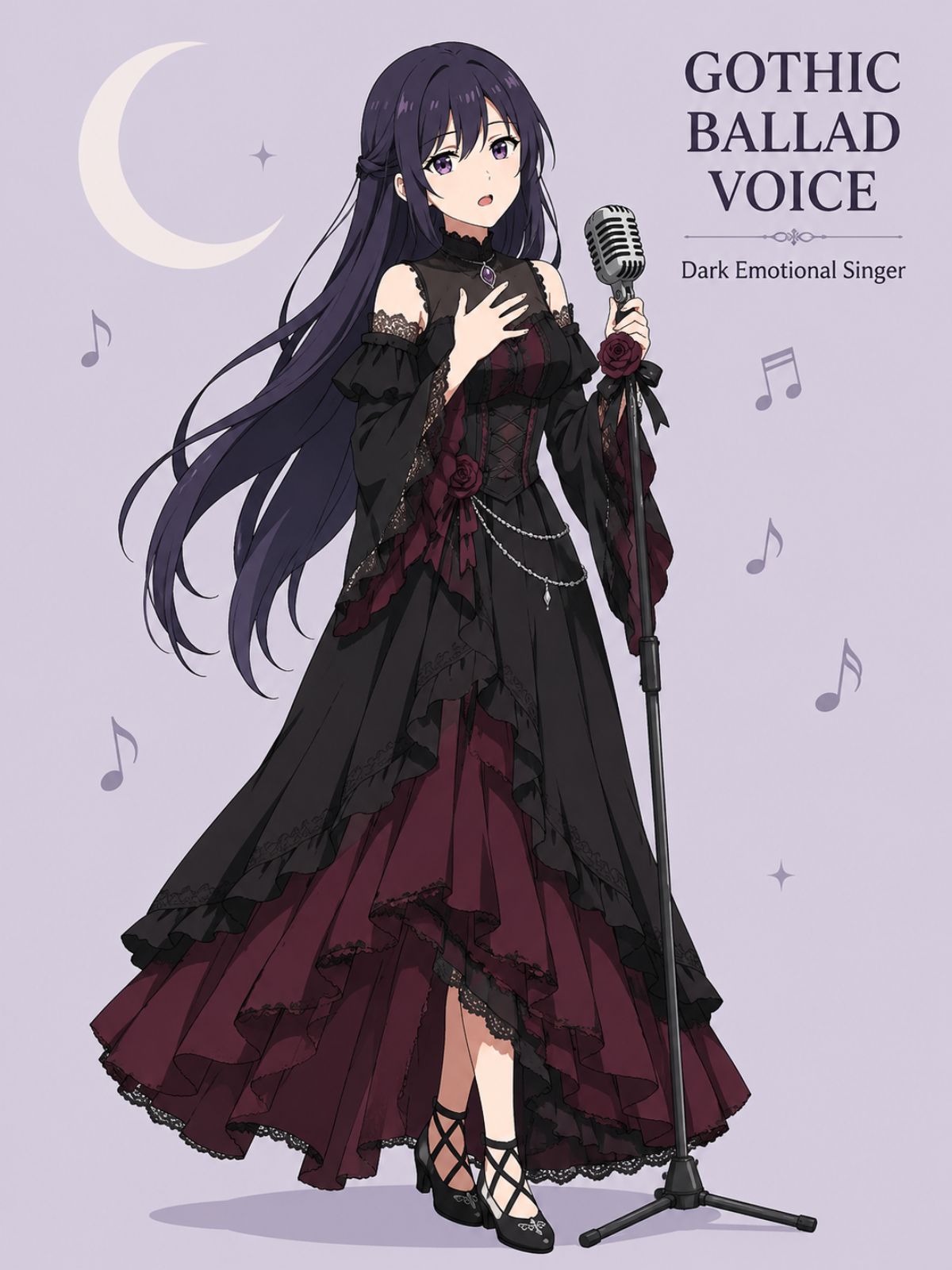
Compare three original performance identities: a neon pop vocalist, a gothic ballad singer, and a futuristic male dance lead with different palettes, silhouettes, expressions, and stage moods.

  • Original neon pop virtual singer OC in pink and cyan stagewear01

    Neon Pop Vocalist

  • Original gothic virtual singer OC performing a dramatic ballad02

    Gothic Ballad Voice

  • Original male virtual singer OC in futuristic dance stagewear03

    Male Dance Lead

Shape a Virtual Singer With a Signature Sound

Generate original virtual-singer character art that connects vocal personality, stage image, costume rhythm, color identity, and performance atmosphere in one readable design.

0104

Visualize the Voice Personality

Generate a face, expression, posture, and color language that suggest the OC's imagined vocal character—clear and bright, smoky and restrained, synthetic and sharp, or warm and melodic. The OC maker turns an abstract voice concept into a singer whose visual presence already hints at how a song might feel.
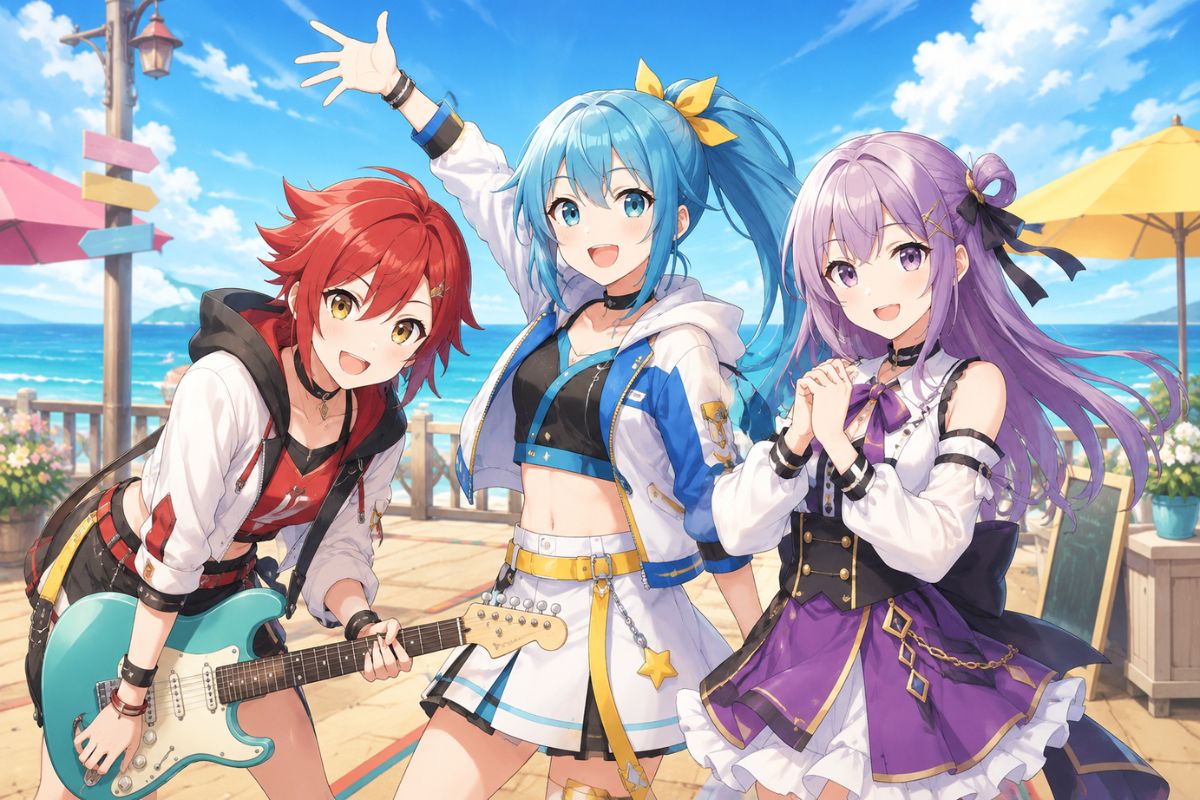
Original virtual singer OC whose expression and palette suggest a bright vocal tone

0204

Build Performance-Driven Stagewear

Create stage outfits shaped around the music: flexible panels for dance tracks, luminous details for electronic sets, flowing layers for ballads, or tailored silhouettes for a male virtual singer. The result gives you a full-body costume direction with visible movement, balanced accessories, and a palette that stays readable under stage lighting.

Original male virtual singer OC in movement-ready electronic stagewear

0304

Create Song-Specific Expressions

Produce performance portraits for upbeat hooks, intimate verses, dramatic high notes, melancholic covers, or energetic duets. Each image can emphasize a different gaze, gesture, microphone pose, camera distance, and lighting mood, giving the same virtual-singer idea a clearer emotional role for thumbnails, cover art, and character profiles.

Original virtual singer OC delivering an emotional high note on stage

0404

Generate Profile-Ready Singer Art

Create avatar crops, full-body references, single-cover portraits, and concert scenes around the same core identity cues. Refine the strongest visual direction with the AI anime generator, then keep the version whose face, hairstyle, palette, and signature accessory remain recognizable across different framing.

Profile-ready portrait of an original silver-haired virtual singer OC

What Makes a Strong Vocaloid-Style OC

Connect the imagined voice, stage role, outfit rhythm and signature palette

  • 01

    Readable Voice Identity

    Translate an imagined bright, soft, deep, airy, robotic, or dramatic vocal tone into visual character cues.

  • 02

    Signature Color System

    Coordinate hair accents, costume trim, stage lights, microphone details, and effects around a memorable palette.

  • 03

    Music-Shaped Silhouette

    Match fitted, flowing, layered, sporty, gothic, or futuristic stagewear to the OC's genre and movement.

  • 04

    Expressive Singing Poses

    Generate restrained verses, confident hooks, emotional high notes, dance breaks, and concert-ready gestures.

  • 05

    Male Singer Options

    Develop masculine, androgynous, youthful, mature, elegant, or energetic virtual-singer character directions.

  • 06

    Cover Art Potential

    Create portraits and stage scenes suited to song covers, profile pages, thumbnails, roleplay, and fan projects.

How to Make a Vocaloid OC in 3 Steps

Move from an imagined voice and music style to an original virtual singer with a coherent face, costume, palette, and stage presence

  1. Define the Singer Concept

    Set the OC's imagined vocal tone, music genre, personality, age range, performance role, signature colors, and the emotion listeners should associate with the character.

  2. Describe the Stage Identity

    Add face, hair, expression, outfit silhouette, fabrics, accessories, microphone style, pose, lighting, and whether the image is a profile portrait, cover, or concert scene.

  3. Generate and Refine

    Create several versions and keep the one with the clearest face, strongest silhouette, most readable palette, cleanest hands and accessories, and best match to the intended song mood.

Questions About the Vocaloid OC Maker

Practical answers for creating an original fan-made virtual singer

What can I create with a Vocaloid OC creator?

You can create original fan-made virtual singers for character profiles, song-cover art, thumbnails, roleplay, fan fiction, concept albums, concert scenes, or personal worldbuilding. A useful result connects the imagined voice, music genre, personality, face, hairstyle, signature colors, stagewear, and performance expression. OCMaker AI generates character artwork; it does not create a singing voice or audio track on this page.

How to make a Vocaloid OC that feels original?

Start with an independent voice concept, emotional range, music genre, personality conflict, and stage role before choosing decorative details. Avoid copying an existing mascot's face, hairstyle, exact color arrangement, costume silhouette, number markings, headset, or signature accessories. Give the singer two or three unique anchors—such as a geometric sleeve shape, unusual color pairing, and recurring stage-light motif—that can stay recognizable across images.

Can a male Vocaloid OC maker create different singer types?

Yes. You can describe a youthful pop lead, mature ballad vocalist, energetic dance performer, gothic rock singer, soft androgynous voice concept, or futuristic electronic artist. Include body type, face shape, hairstyle, expression, outfit cut, genre, stage movement, and color palette. For a stronger male OC, avoid relying only on broad labels like “handsome”; use specific silhouette, posture, fabric, and performance cues.

What should I include in a virtual singer prompt?

Include age range, gender presentation, face, hair, eye color, expression, imagined vocal tone, music genre, personality, signature palette, outfit silhouette, fabrics, accessories, microphone, pose, camera framing, and stage setting. Add the intended output, such as an avatar crop, full-body reference, single-cover portrait, or concert still. Keep protected character names and official symbols out of the prompt when originality matters.

Does this tool generate a real singing voice?

No. This page is focused on visual OC creation: the character's appearance, costume, palette, expression, pose, and performance setting. You can use the finished artwork as a reference for a separate music, voice-synthesis, songwriting, or animation workflow, but audio generation and voicebank creation require tools designed for those tasks. Treat the vocal qualities described here as visual and storytelling direction.

How do I design art for a song cover?

Name the song mood and build the image around one clear focal point. A close portrait works for intimate vocals, a mid-shot with microphone and lighting suits performance energy, and a wide stage scene supports dramatic electronic tracks. Leave simple negative space if you plan to add a title later, because generated lettering is often unreliable. Add typography manually after selecting the cleanest character image.

Does OCMaker AI offer free credits?

OCMaker AI may provide free credits, trial access, or limited generation under its current product rules. Creating multiple costume versions, expressions, song moods, male and female variants, or full-body references may require additional credits or a paid plan after the available allowance is used. Check the live app or current pricing information before planning a large batch, because credit and plan details can change.

Can I use a Vocaloid-inspired OC commercially?

Commercial use depends on OCMaker AI's current terms, the originality of your character, your source materials, and applicable copyright and trademark rules. Vocaloid is a third-party trademark, and a fan-made design is not an official character. Avoid copied mascots, logos, voicebank branding, signature number marks, exact costumes, and recognizable accessories, then review platform terms and relevant rights before publishing or selling the result.

Ready to Create Your Own Vocaloid-Style OC?

Generate an original virtual singer with a distinct voice concept, signature palette, expressive stagewear, and performance-ready character art.

Free Vocaloid OC Maker: Create a Virtual Singer