
Pricing
Log In
Style*
Background
4tokens•~30s
Welcome Home OC Maker
Use OCMaker AI as a Welcome Home OC maker for original puppet-show inspired characters, neighborhood roles, fabric-like textures, and profile-ready fan OC ideas. It works best when you keep the design original and focus on role, mood, and handmade charm.
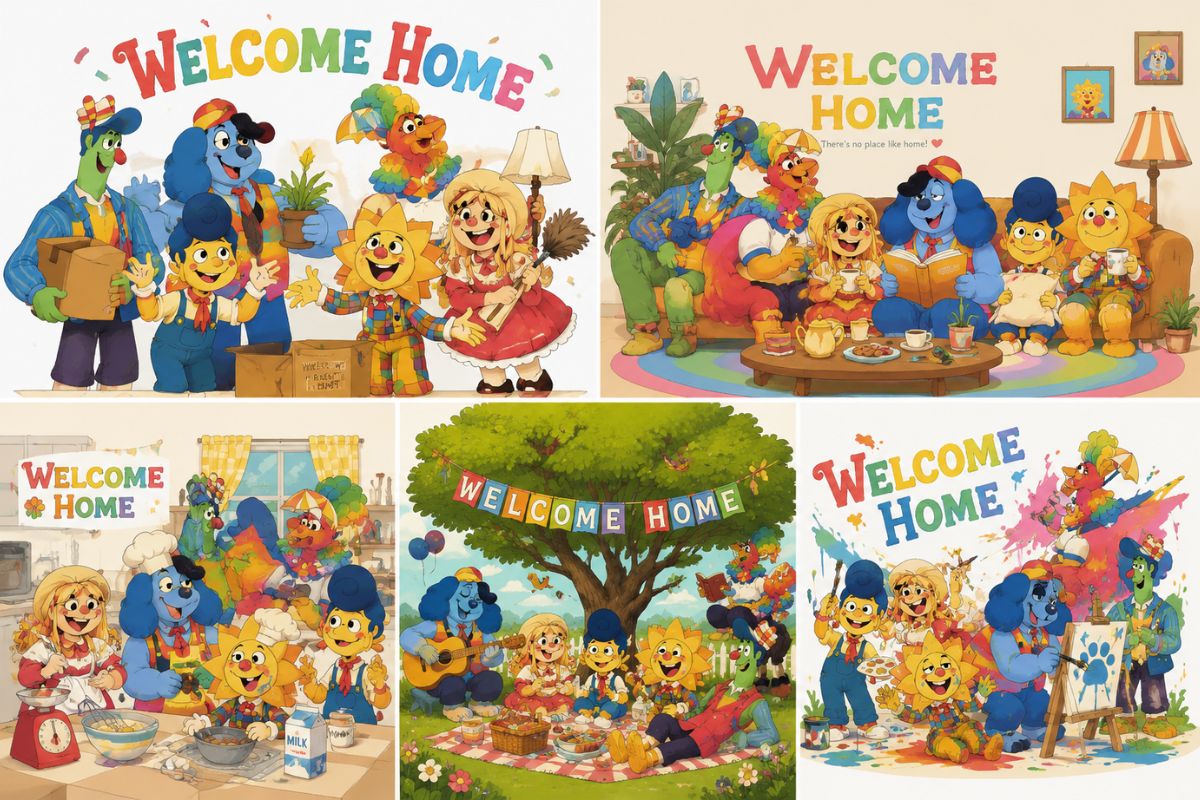
Welcome Home OC Maker Examples
Use these examples to compare theme fit, readability, and reuse potential before saving a final OC concept.
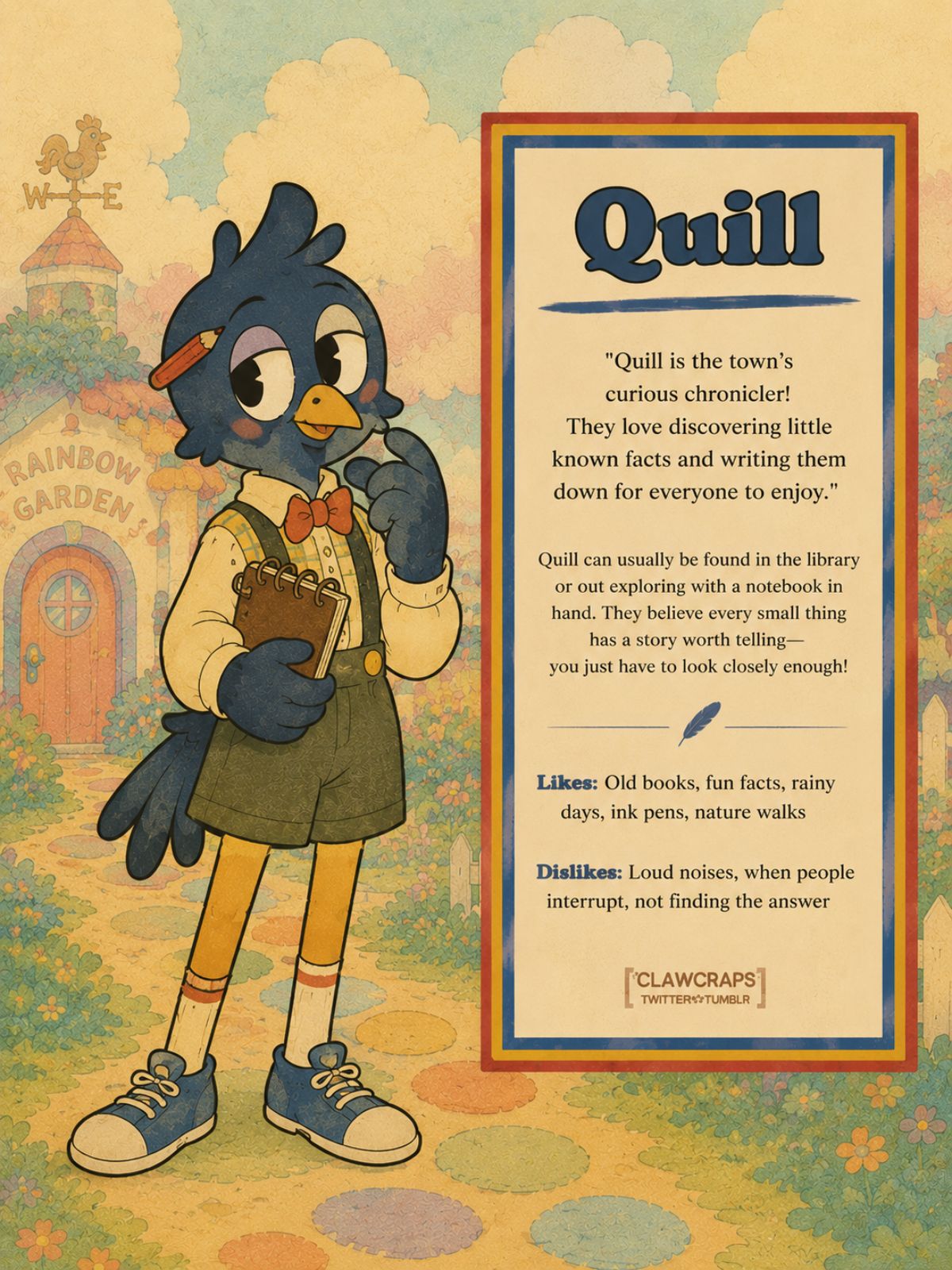
Quill Quiet Artist Character
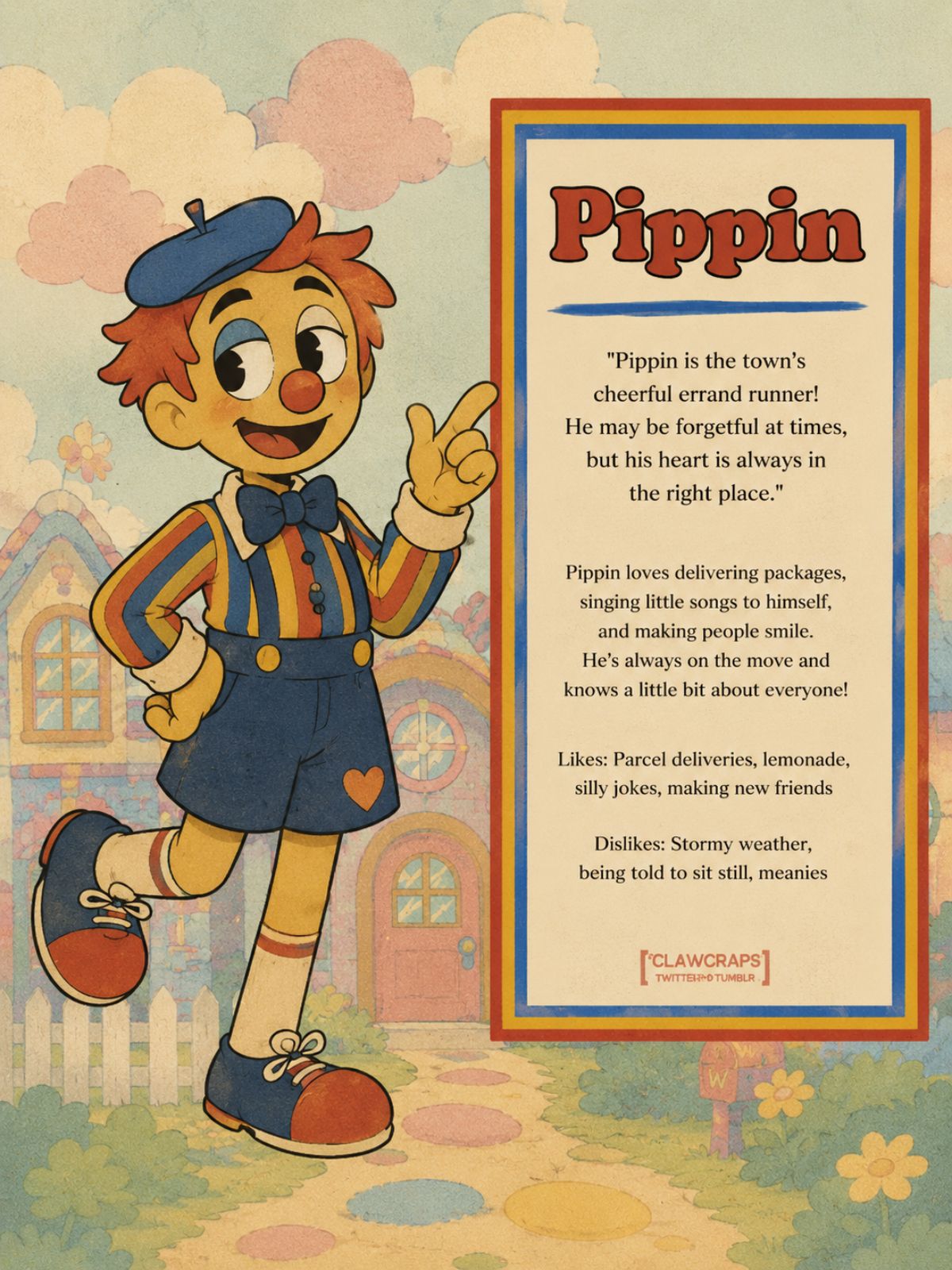
Pippin Mail Helper Character
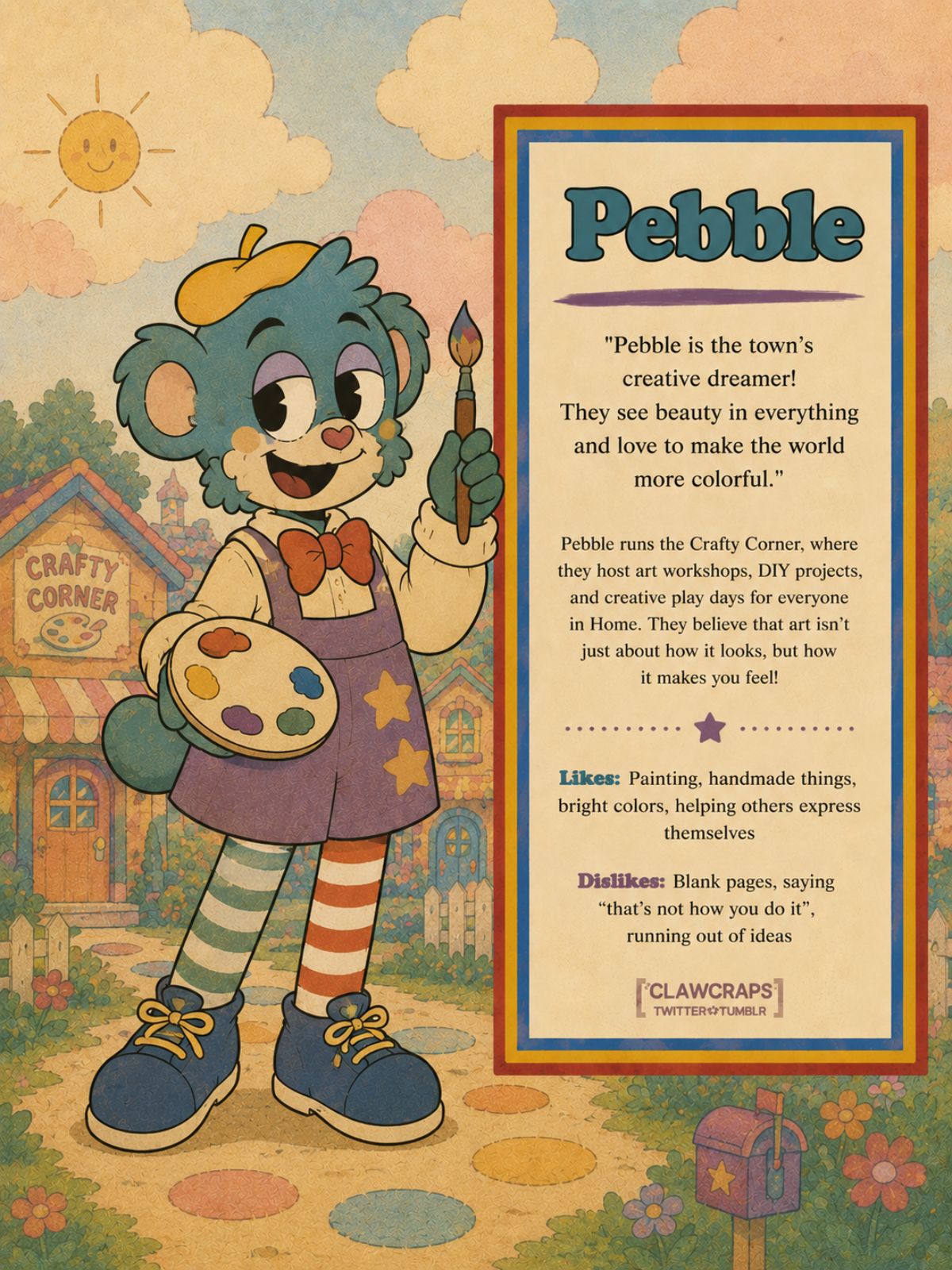
Pebble Painter Character
Core Results You Can Create
Generate Original Puppet OC Designs
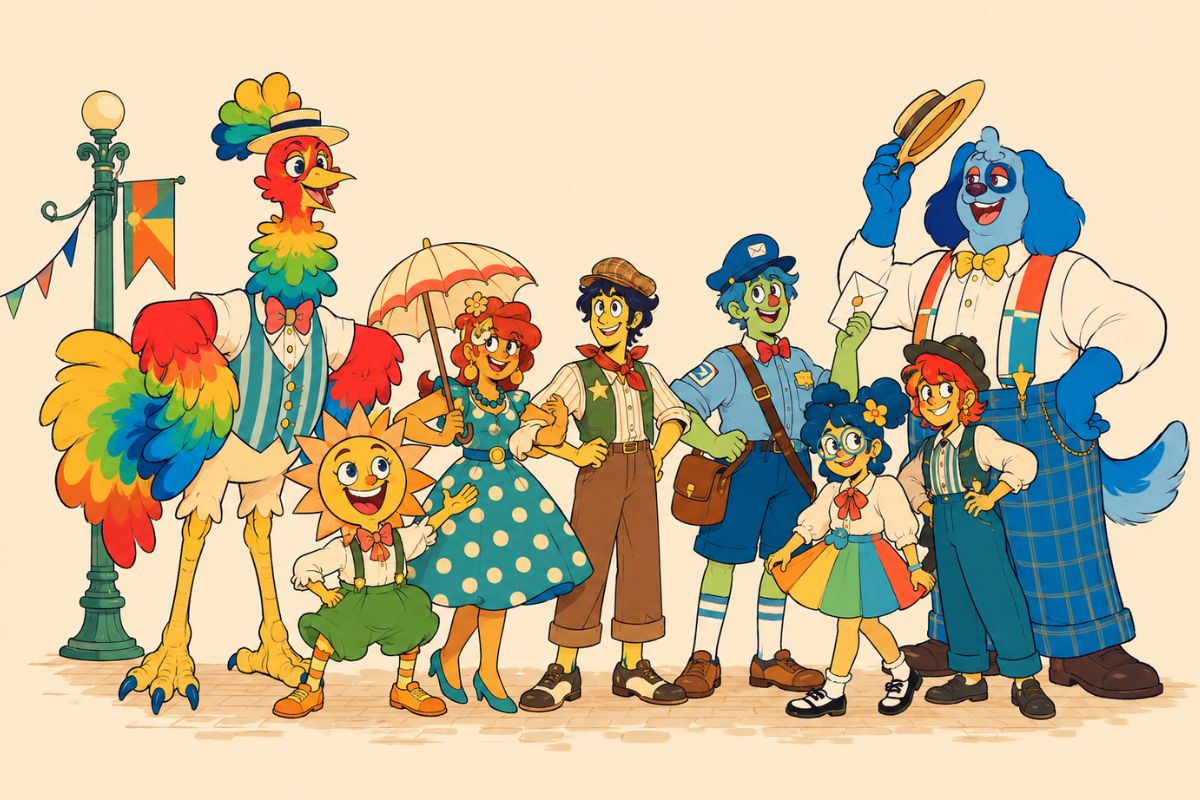
OCMaker AI helps users turn a soft character brief into an original puppet-show inspired OC with fabric texture, expressive face, and neighborhood role. As an OC maker, it gives fan creators a profile-ready draft without copying protected puppet designs.
Build Cozy Character Roles
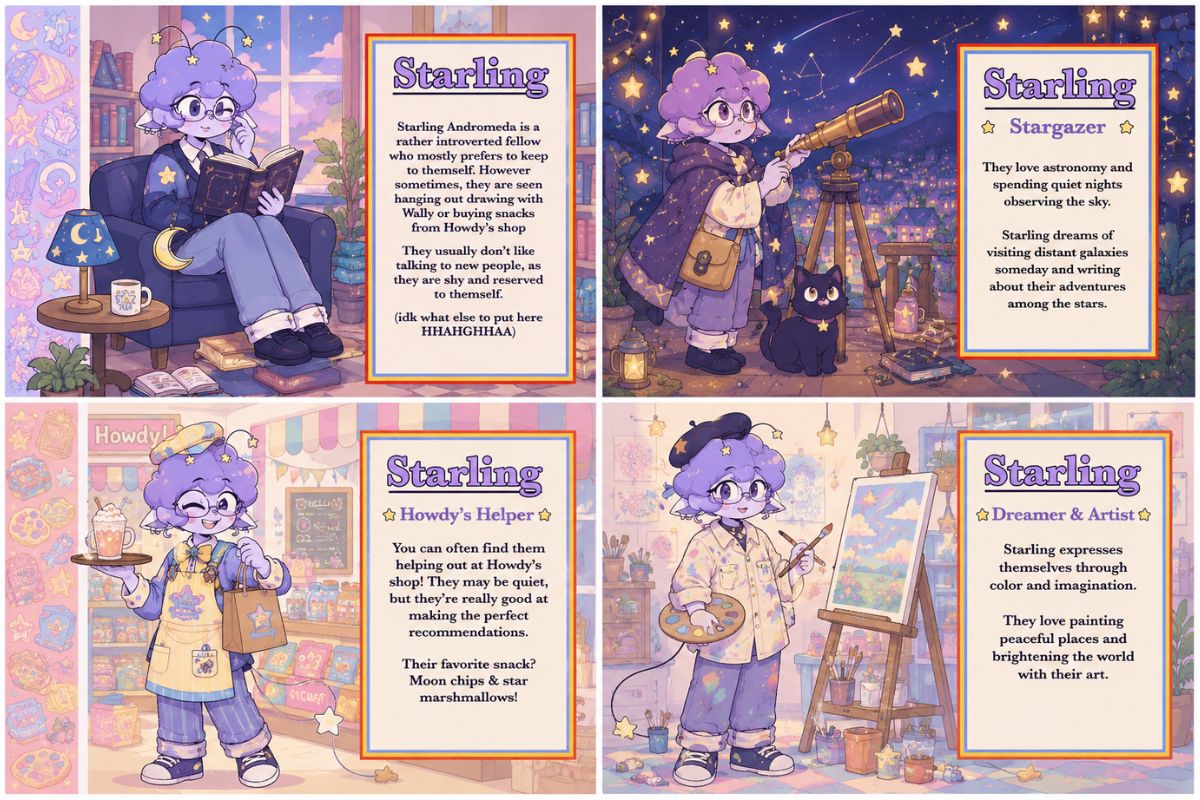
The tool can translate helper, performer, artist, neighbor, shop friend, or shy visitor roles into outfit shape, color warmth, posture, and facial expression. Users get a stronger starting point for fan profiles, story scenes, and avatar concepts because the visual design reflects a real role.
Create Reusable Fan Profile Art
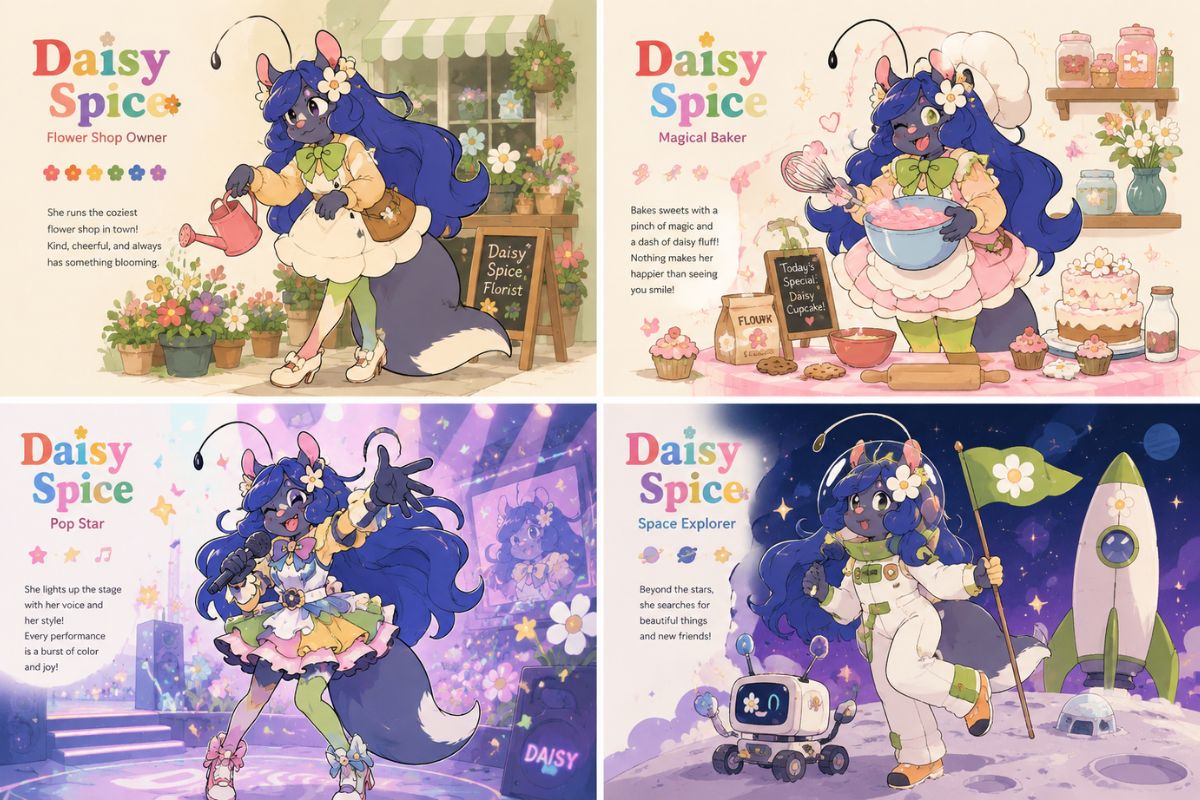
OCMaker AI can generate a polished character portrait that works for OC bios, social avatars, reference notes, and scene planning. The output is valuable for creators who need a recognizable puppet-like character direction before writing lore, relationships, or personality details.
Keep Fan Designs More Original
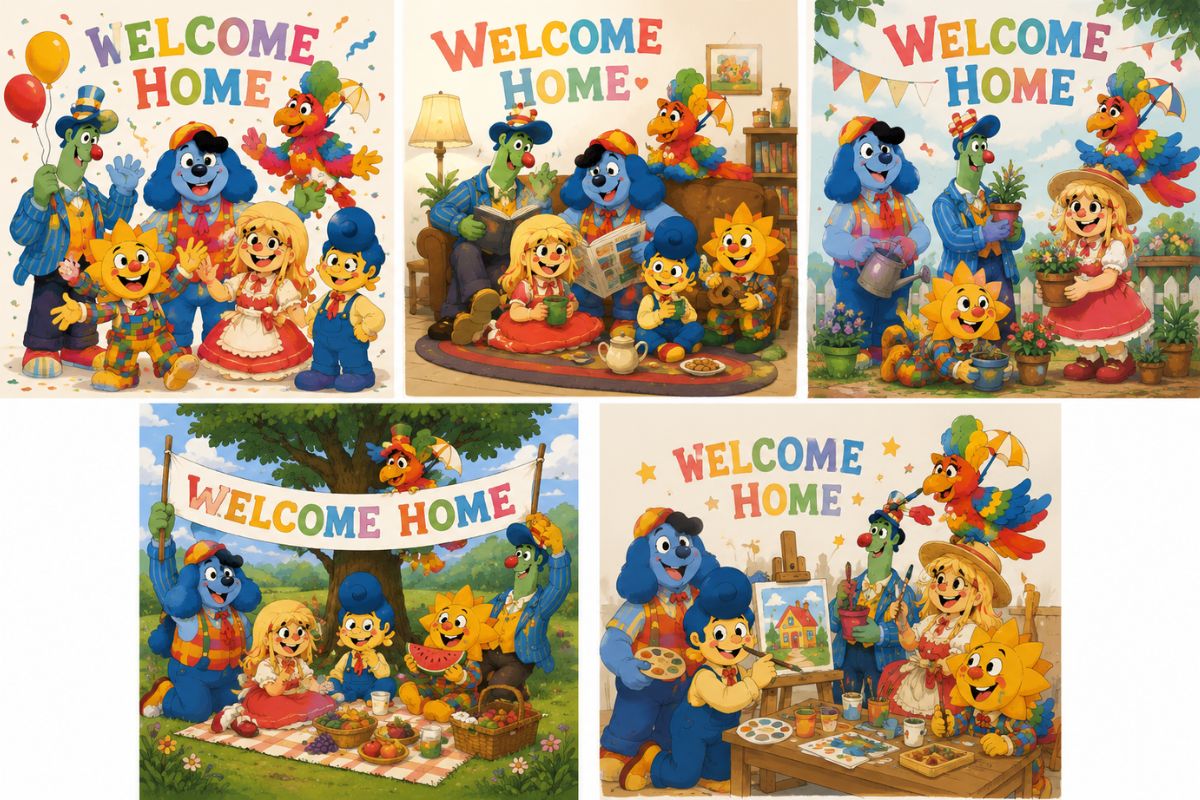
The product supports broad handmade puppet inspiration while avoiding direct copies of protected characters, logos, or official symbols. For extra polished variants, AI anime generator pages can help extend the same OC into social-ready artwork.
Practical Checks Before You Save
Neighborhood Role First
Choose the OC’s place in a fictional neighborhood so costume, expression, and props feel connected rather than random.
Soft Shapes and Warm Texture
Use rounded forms, fabric-like surfaces, and friendly color contrast to make the character read as puppet-inspired but still original.
Canon-Safe Fan Direction
Avoid official symbols, exact character faces, and copied outfit layouts; focus on new roles, palettes, and personality cues.
How to Use Welcome Home OC Maker
01
Define the role and format
Name the OC role, output type, and mood before adding visual details.
02
Generate a focused draft
Use one strong motif, palette, or prop so the first result is easier to judge.
03
Review originality and reuse
Check silhouette, protected-symbol risk, and profile-readiness before publishing.
Welcome Home OC Maker FAQ
Create a More Original OC Draft
Open OCMaker AI, describe the character role, visual motif, and output format, then refine the strongest result into a reusable fan OC concept.