
Pricing
Log In
Style*
Background
4tokens•~30s
WOF OC Maker
Use OCMaker AI as a WOF OC maker for original dragon character concepts, wing shapes, scale palettes, habitat cues, and profile-ready story hooks. It works best when you define anatomy, personality, and environment before generating.
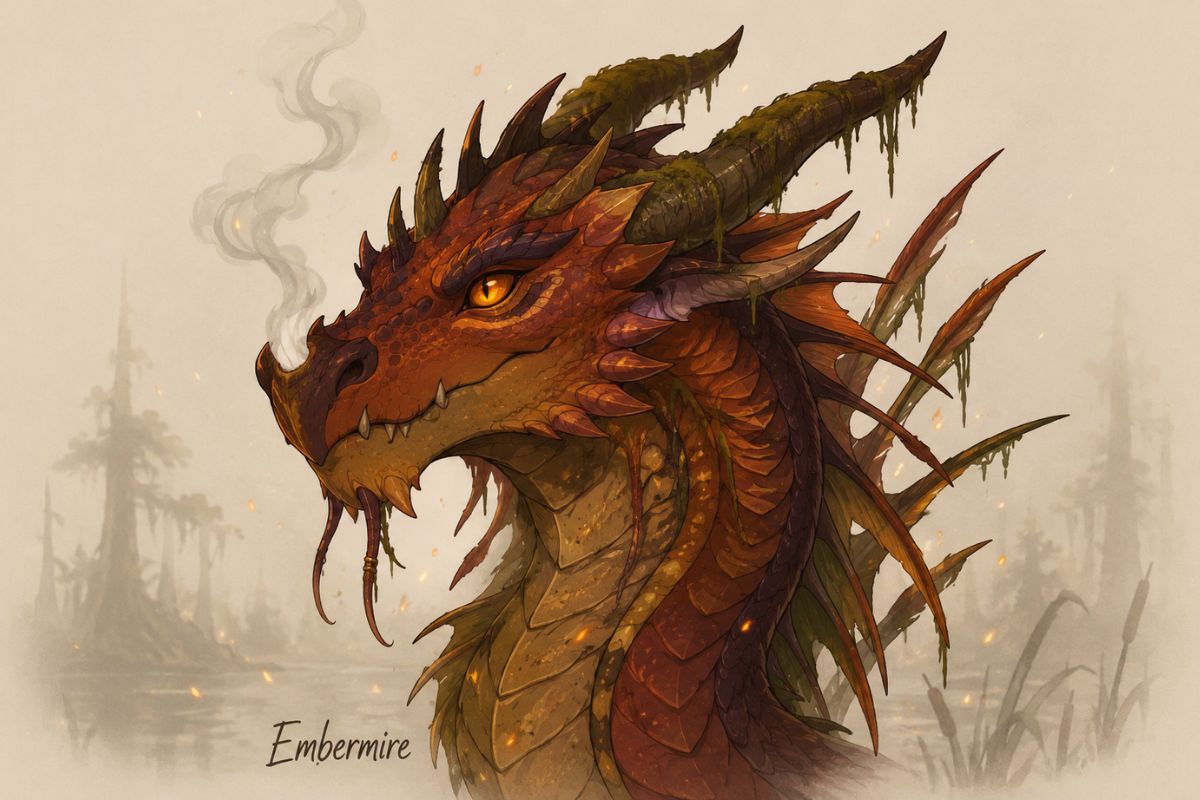
WOF OC Maker Examples
Use these examples to compare theme fit, readability, and reuse potential before saving a final OC concept.
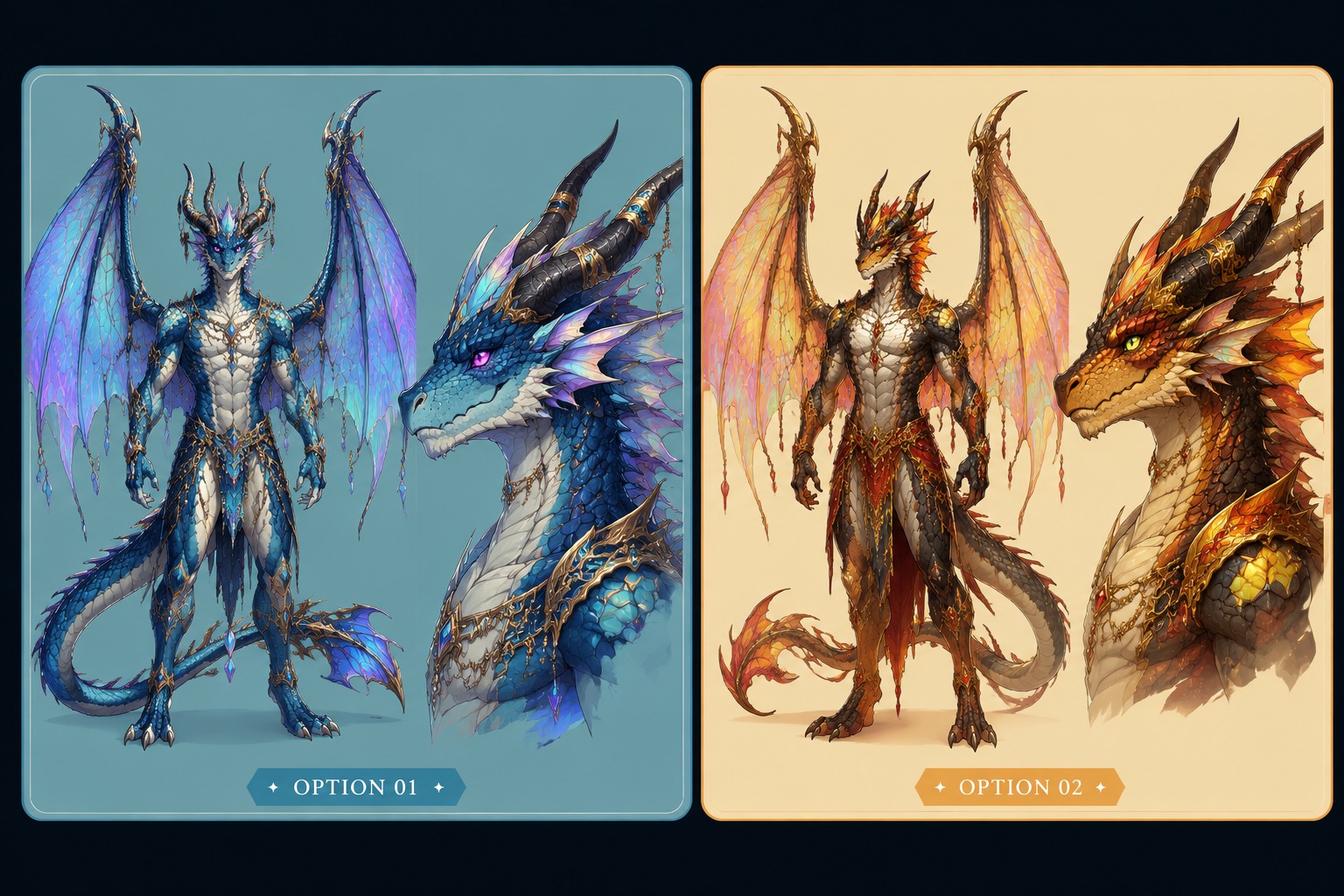
Dragon Tribe-Inspired Traits
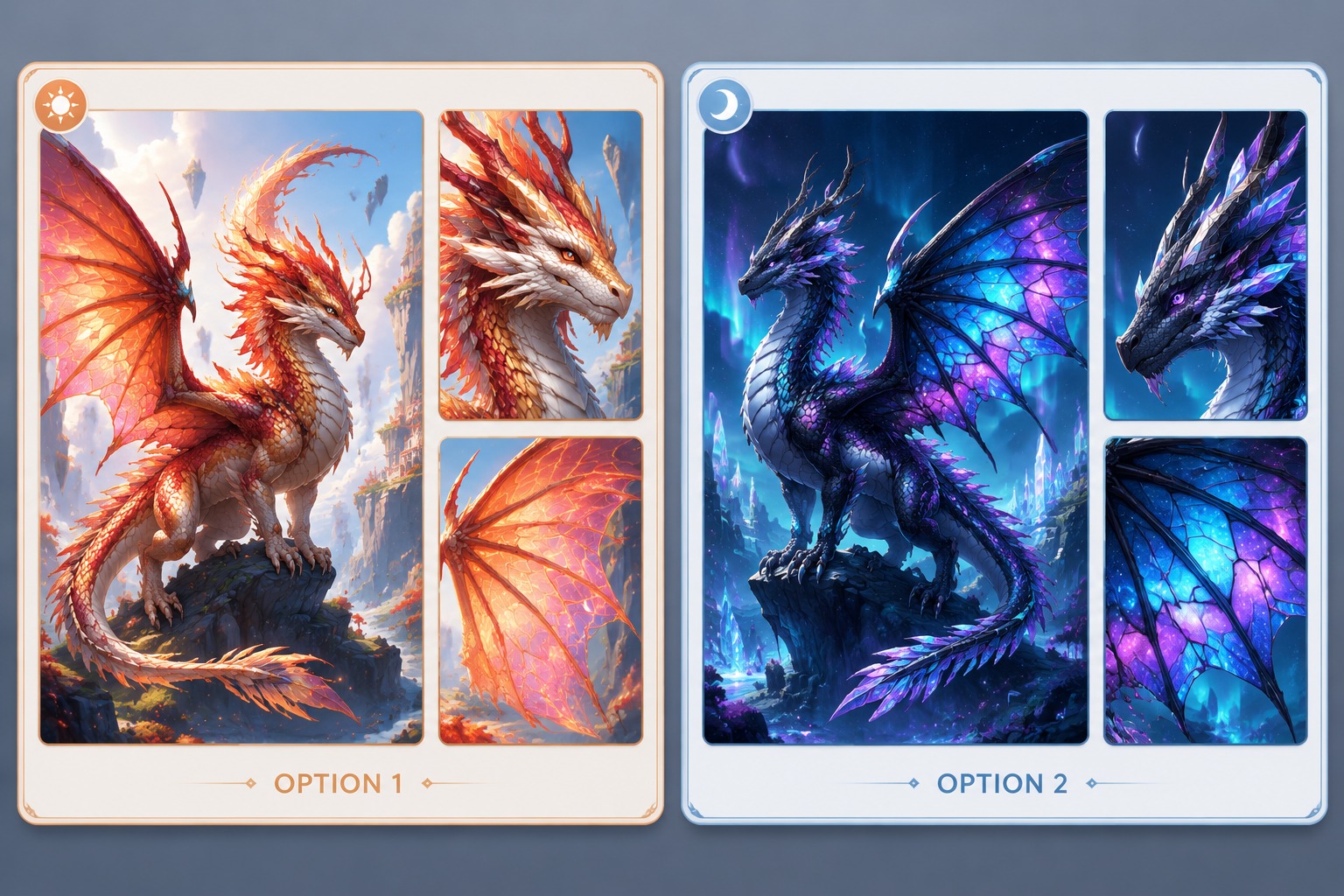
Full-Body Dragon Readability
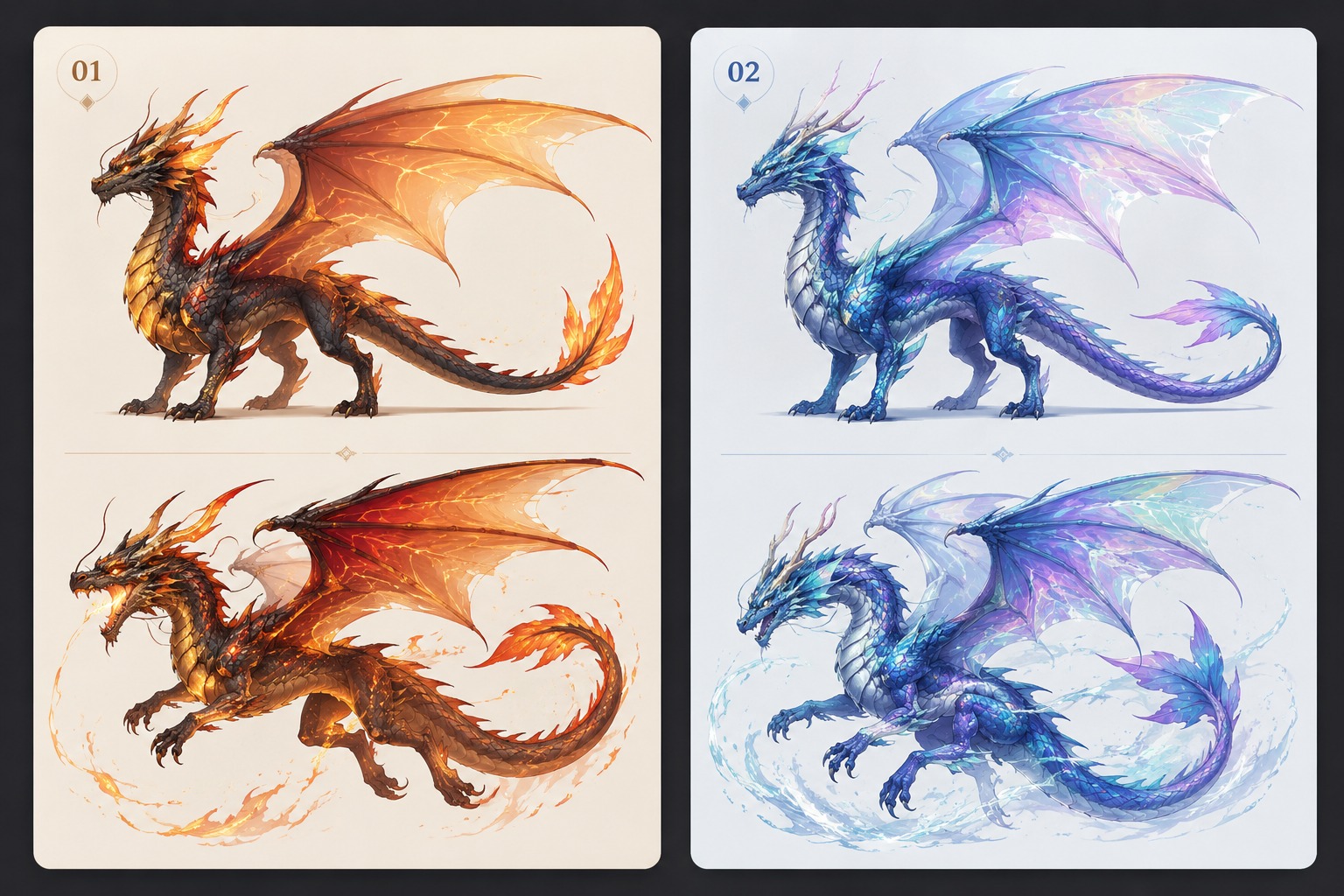
Random Dragon Character Hook
Core Results You Can Create
Generate Original Dragon OC Concepts
OCMaker AI helps users turn WOF OC ideas into original dragon designs with wings, horns, scale palettes, and habitat cues. As an OC maker, it gives fan creators a usable visual draft for profiles, story hooks, roleplay scenes, and reference planning.
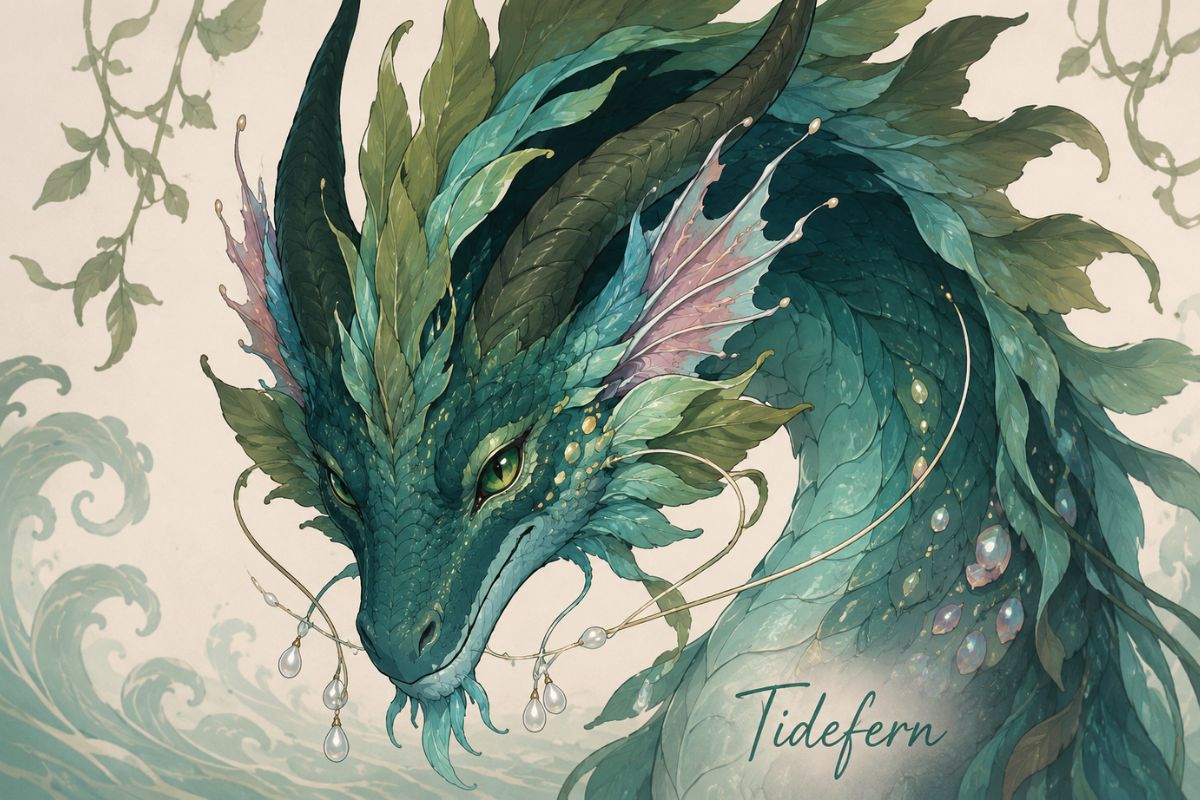
Build Full-Body Dragon Readability
The tool can generate dragon concepts where body shape, wing membrane, tail, horns, and scale contrast remain readable. This is valuable for creators who need profile art, reference notes, or roleplay visuals that show more than a close-up face or vague mascot sketch.
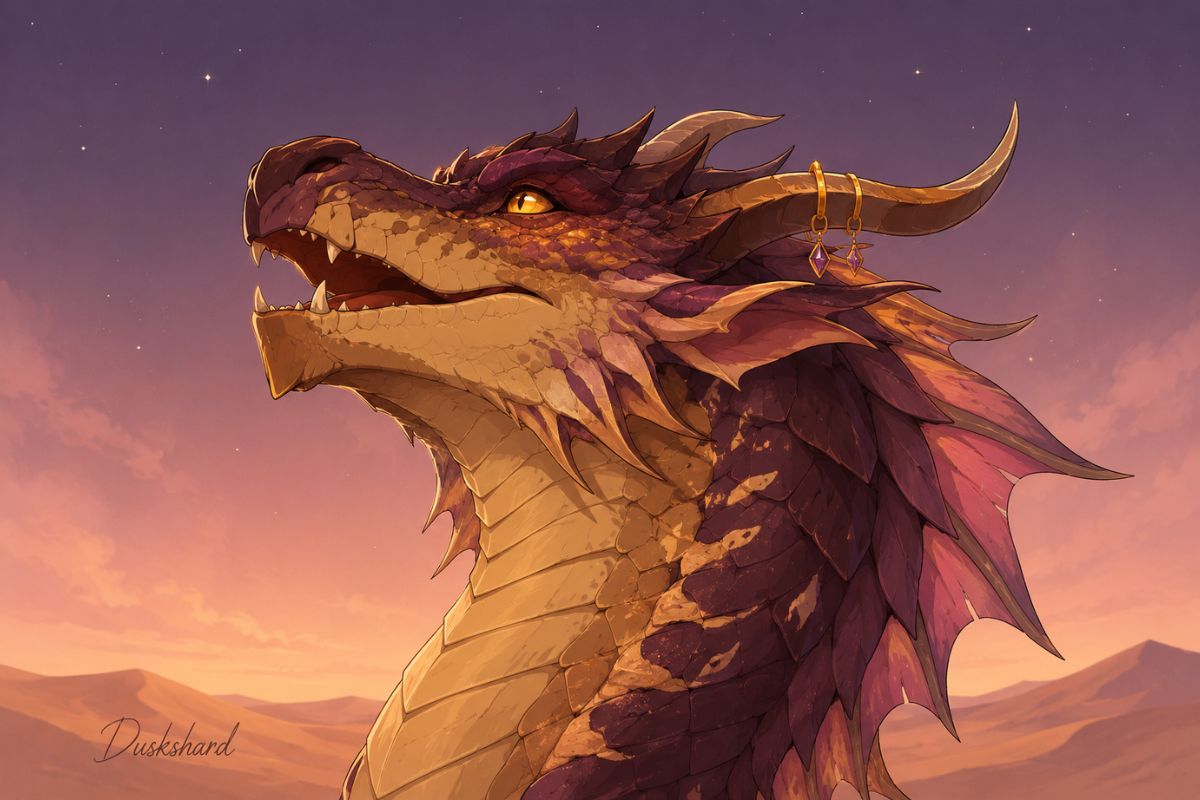
Turn Random Ideas Into Lore Hooks
OCMaker AI can support random WOF character generator workflows by connecting unexpected traits with habitat, temperament, and visual logic. Users get stronger OC drafts because the output suggests why the dragon looks that way, not just what colors it has.
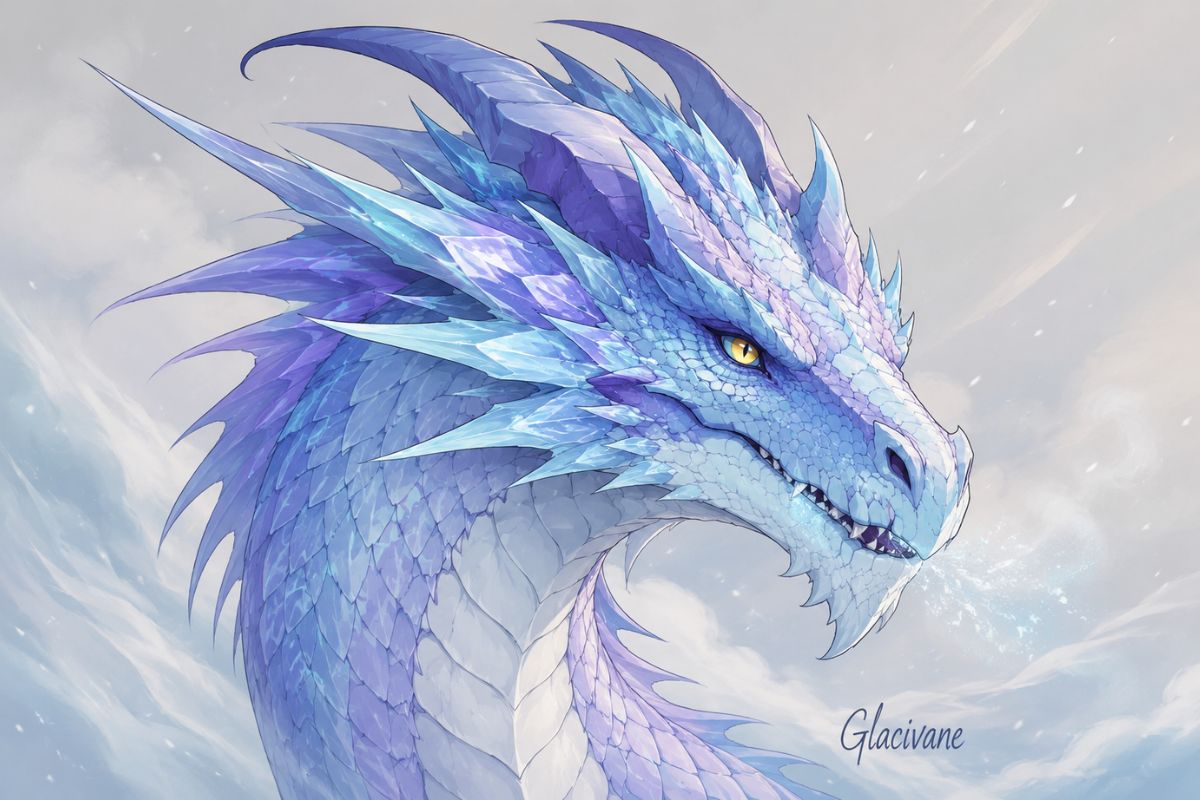
Create Safer Fan-Inspired Dragons
The product helps users explore Wings of Fire generator intent through broad dragon traits without copying protected characters, names, or official marks. For polished anime-style variants, the AI anime generator path can extend the idea into portraits or scene art.
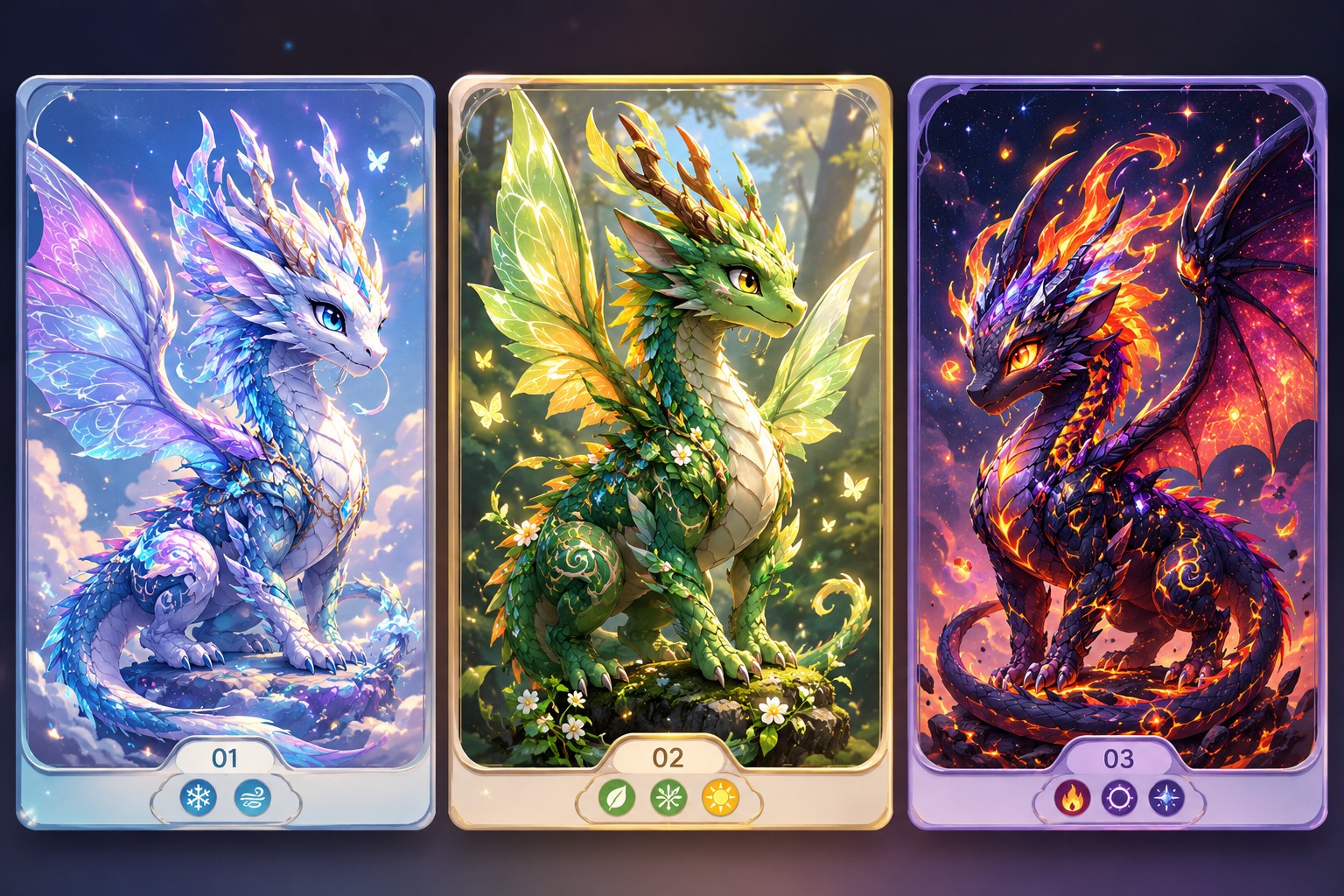
Practical Checks Before You Save
Readable Dragon Anatomy
Prioritize wings, horns, tail, and body shape so the dragon remains recognizable in profile art or reference views.
Habitat-Led Palette Choices
Use environment cues like desert, reef, forest, ice, volcano, or night sky to guide scale colors and markings.
Original Lore Hooks
Pair the visual design with a temperament, role, or secret so the OC feels like a character instead of only a dragon skin.
How to Use WOF OC Maker
01
Define the role and format
Name the OC role, output type, and mood before adding visual details.
02
Generate a focused draft
Use one strong motif, palette, or prop so the first result is easier to judge.
03
Review originality and reuse
Check silhouette, protected-symbol risk, and profile-readiness before publishing.
WOF OC Maker FAQ
Create a More Original OC Draft
Open OCMaker AI, describe the character role, visual motif, and output format, then refine the strongest result into a reusable fan OC concept.