
Pricing
Log In
AI Generator
Free AI Collage Generator: AI Generate Photo Layouts
Generate AI collage layouts for photo stories, mood boards, campaigns, social posts, and visual concept boards with OCMaker AI.
AI Collage Generator
Generate AI collage layouts from photo ideas, product shots, character references, or visual themes. Build mood boards, social graphics, campaign concepts, memory layouts, and creative photo grids without starting from a blank canvas.
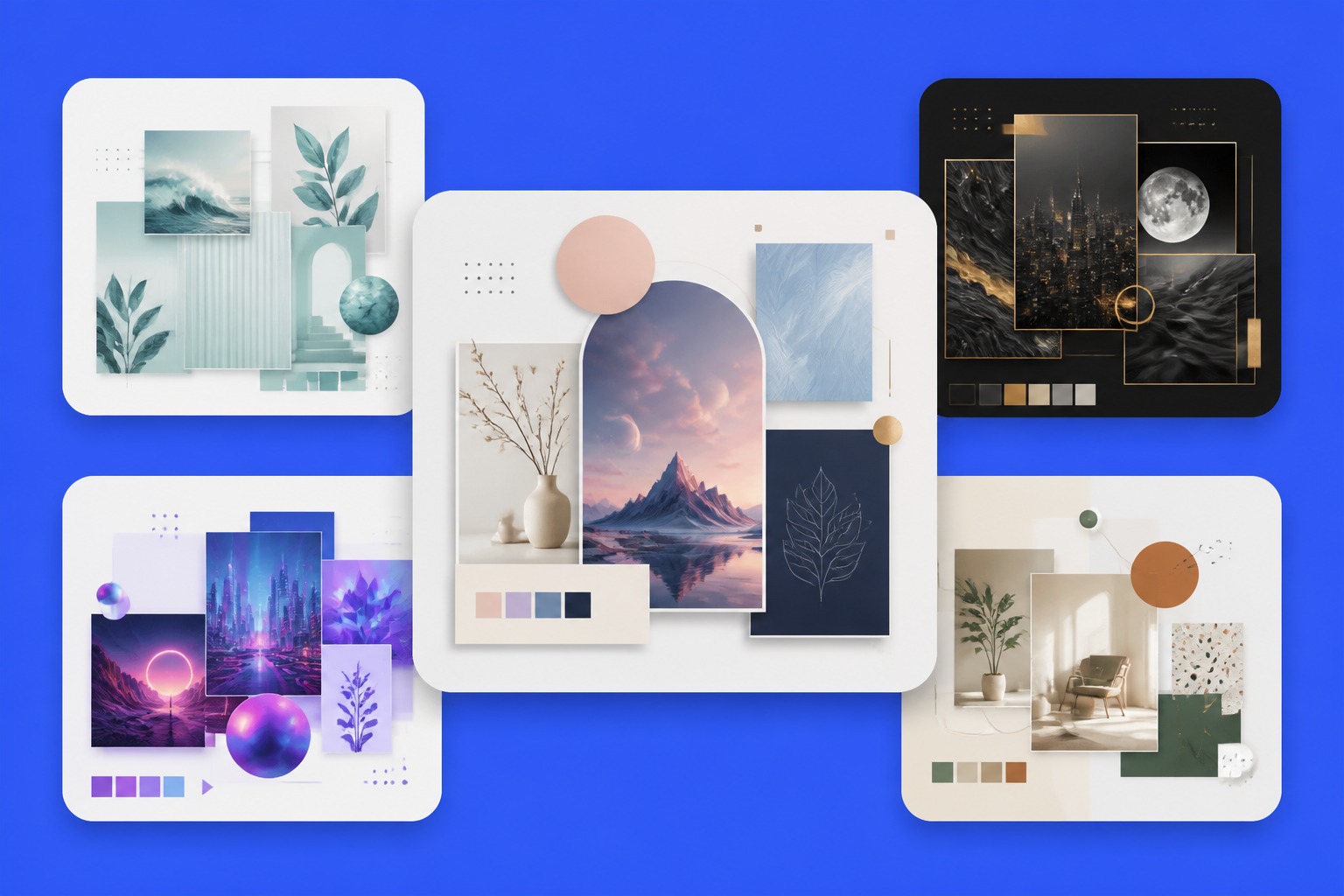
Collage Layouts You Can Generate
Explore AI generated collage directions for mood boards, photo stories, and campaign-style image layouts.
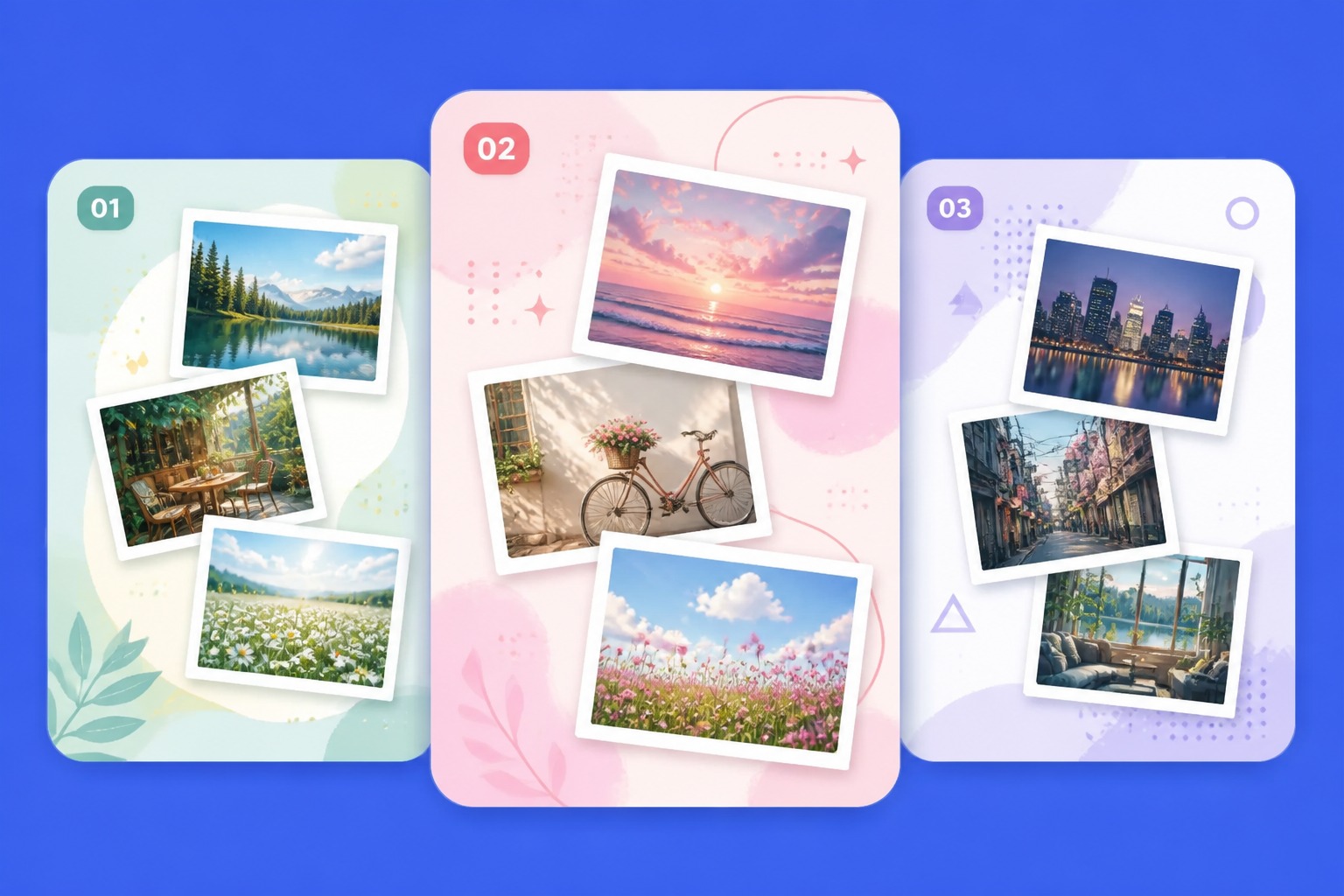
Photo Story Collage
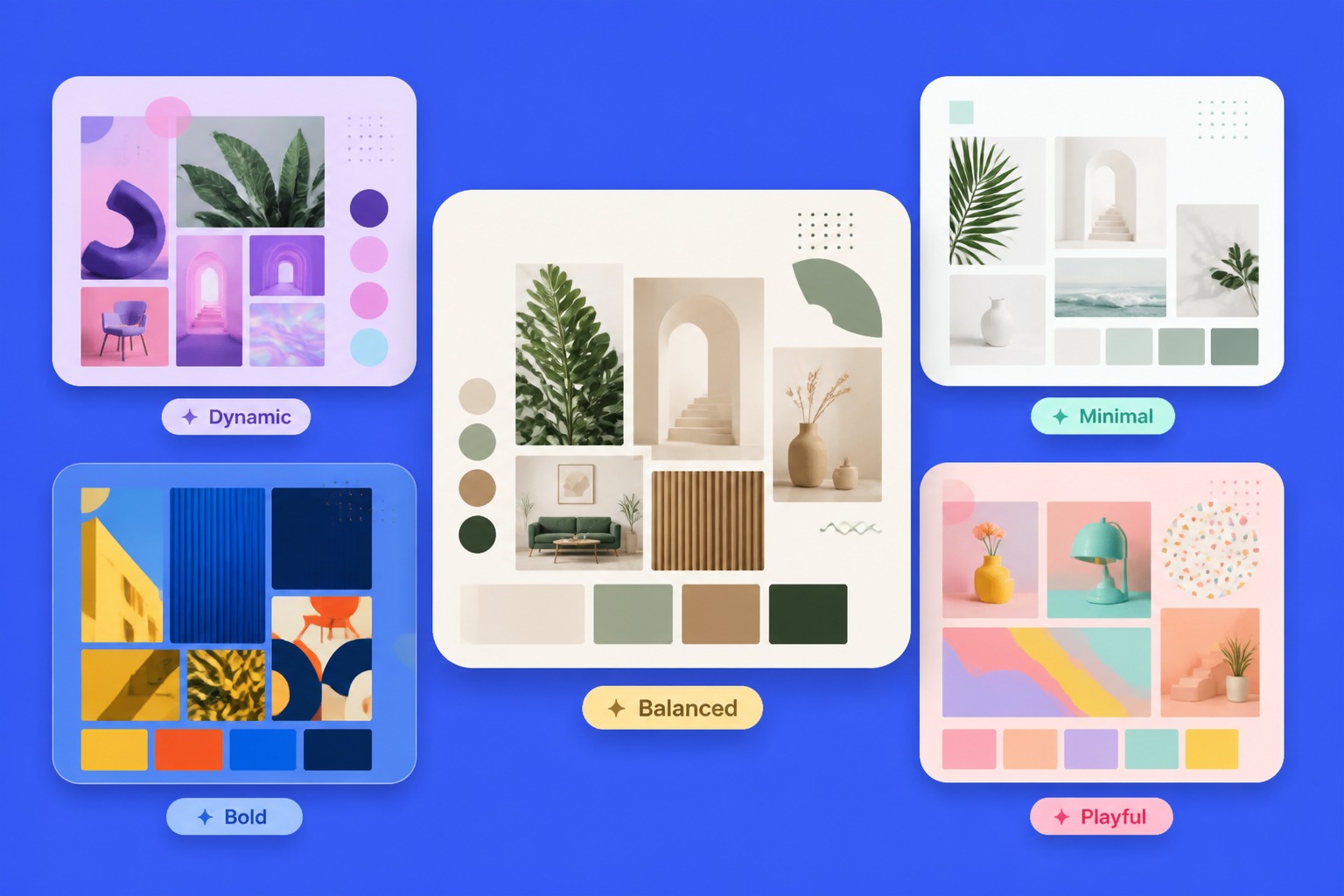
Mood Board Grid
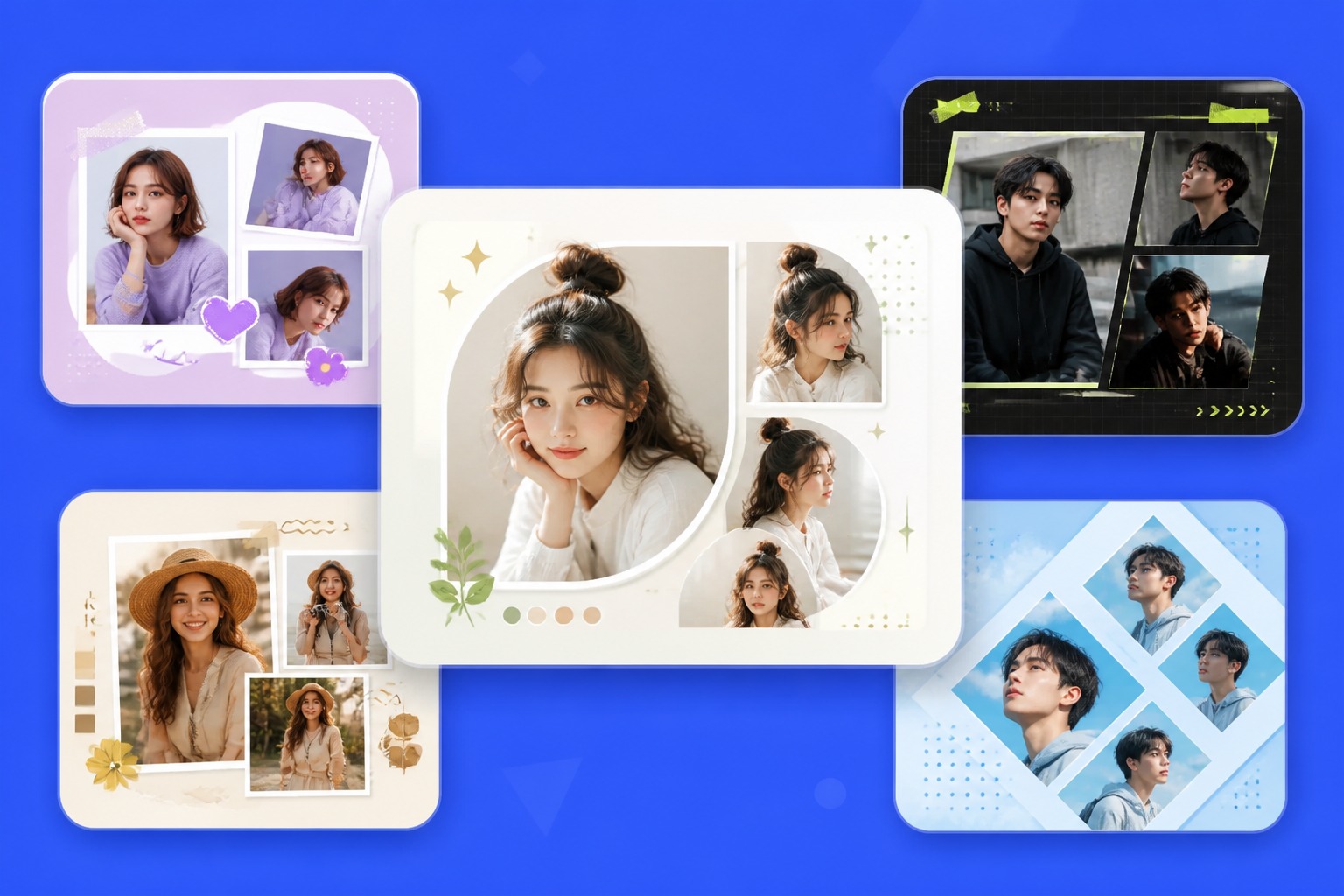
Campaign Concept Layout
AI Collage Results for Photos, Boards, and Campaigns
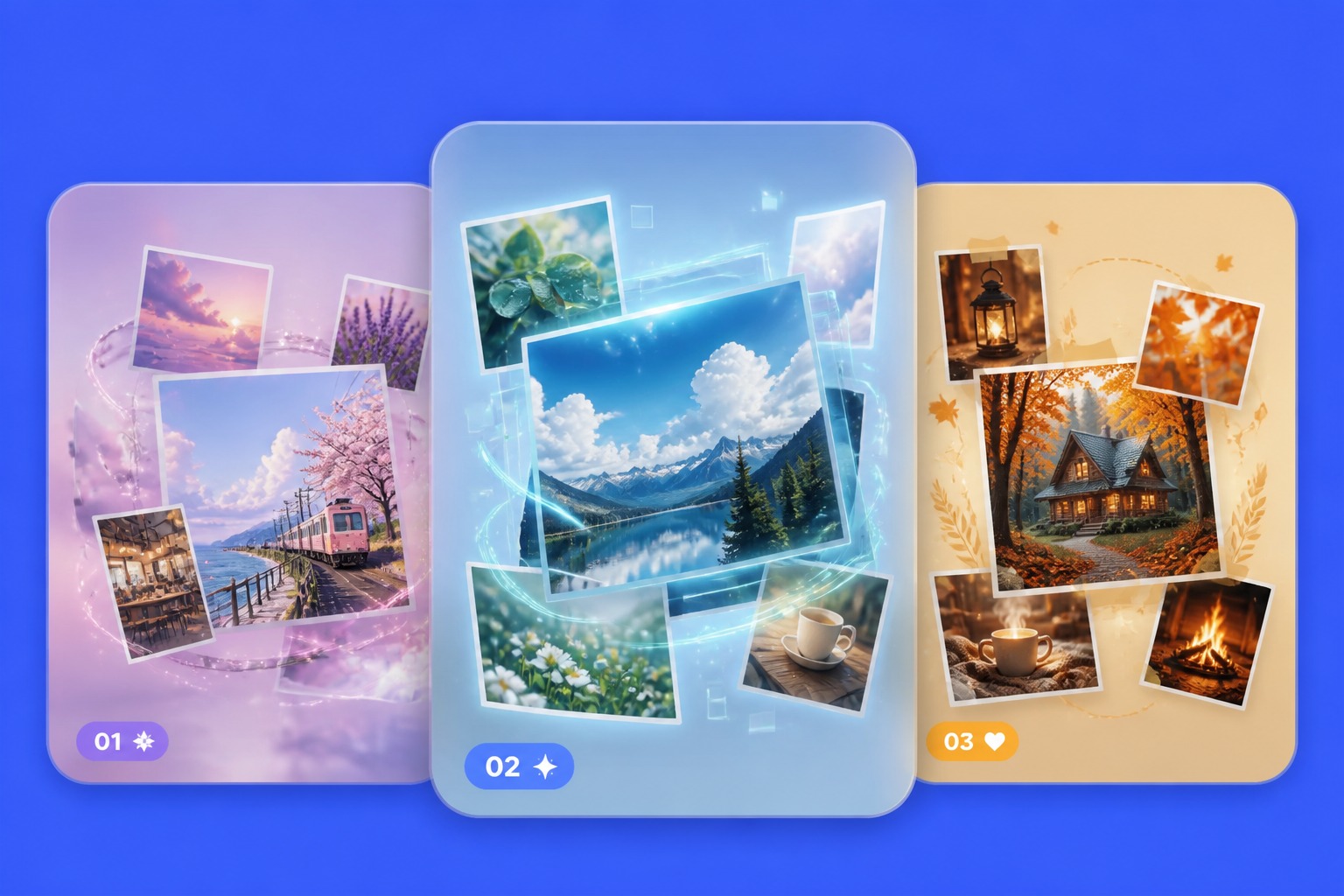
Build Photo Stories From Visual Inputs
The AI photo collage generator is strongest when users define a story: travel recap, product set, event memory, character mood board, or campaign angle. OCMaker AI can turn those inputs into a cohesive layout direction.
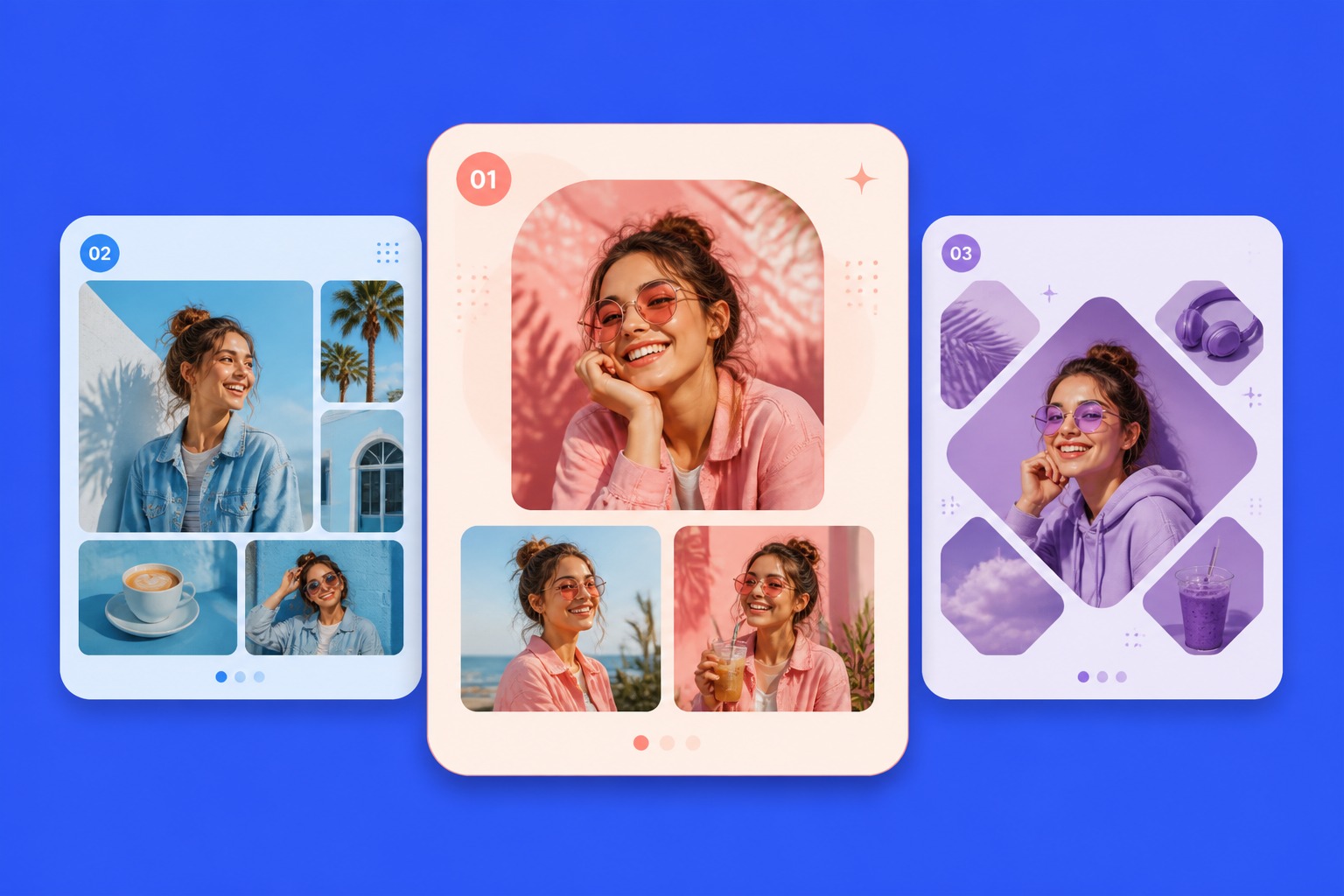
Create Mood Boards With Better Structure
AI generated collage outputs can combine textures, colors, poses, product references, and style cues into one board. This helps creators compare direction before committing to a full AI anime generator or image workflow.
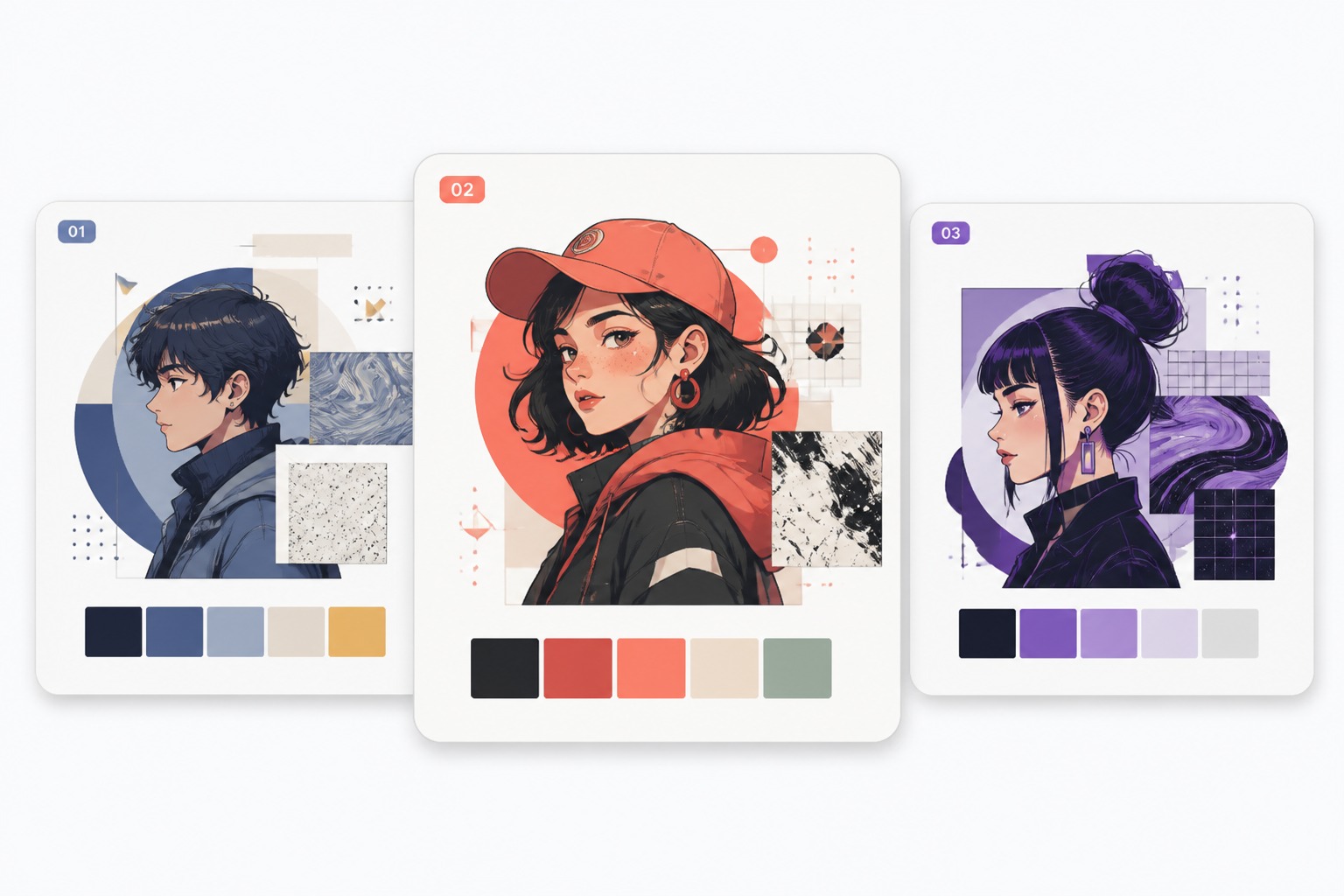
Prepare Social and Marketing Drafts
Collage layouts work well for posts, thumbnails, lookbooks, shop visuals, and ad concept drafts. The strongest fit is visual planning; final brand text, logos, and exact product claims should still be added manually.
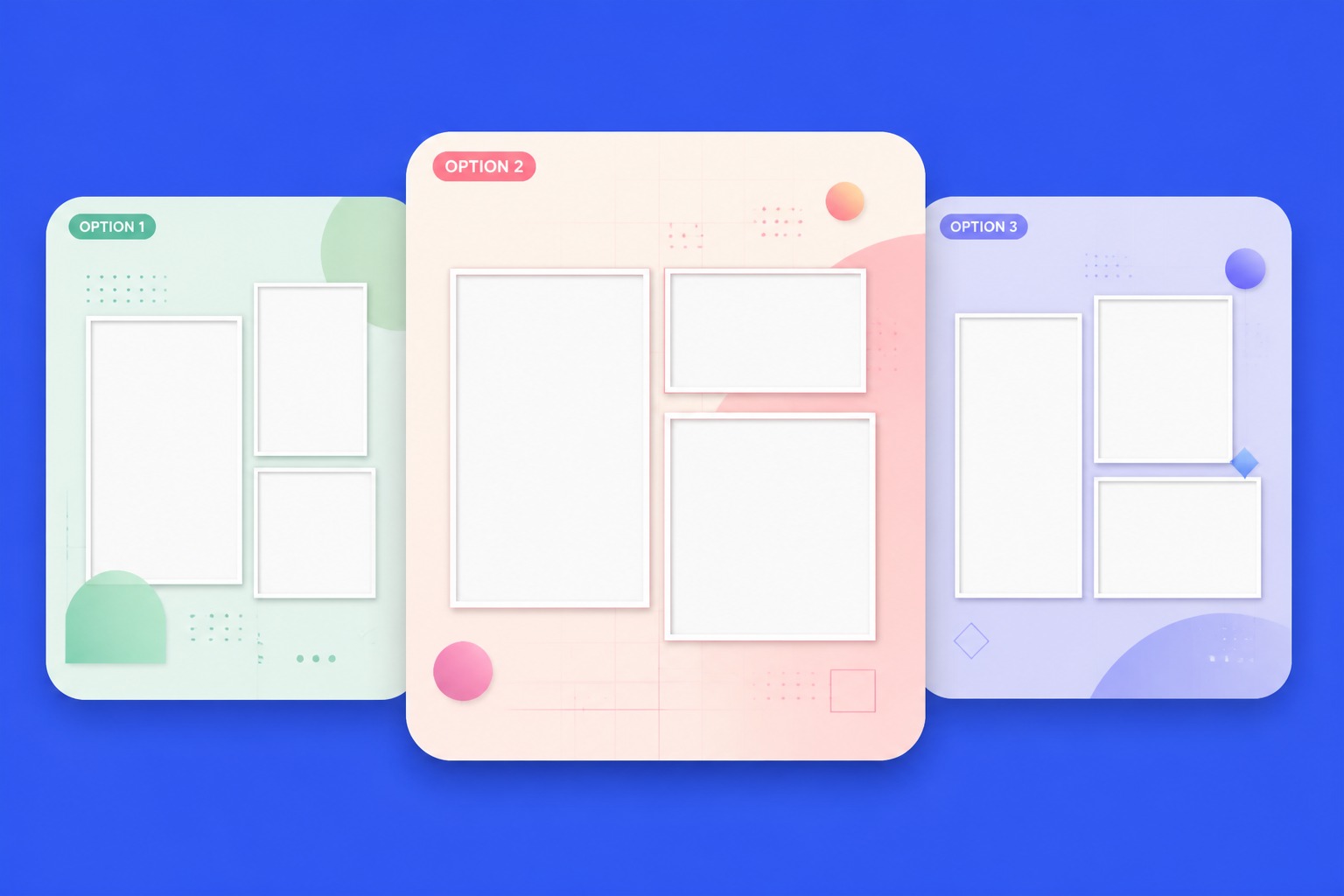
Control Composition Before Polishing
A useful collage needs hierarchy, spacing, crop logic, and color harmony. In an image to image workflow, treat the result as a layout draft: check whether the focal image, supporting images, and background texture guide the eye correctly.
What Makes an AI Collage Layout Strong
Clear Visual Hierarchy
One main image should lead the layout while supporting images add context instead of competing for attention.
Consistent Color Mood
A shared palette makes multiple images feel intentional rather than randomly pasted together.
Crop and Spacing Control
Good collages use clean gaps, overlaps, and safe margins so important faces or products are not cut awkwardly.
Text-Safe Areas
Leave space for manual captions or headlines instead of asking the AI to render final readable text.
Use-Case Fit
Mood boards, memories, ecommerce images, and social posts need different grid density and focal balance.
Rights-Aware Inputs
Use photos, brand assets, and references you have permission to edit, especially for commercial layouts.
Plan an AI Photo Collage Layout
01
Choose the collage purpose
Decide whether the output is a mood board, memory layout, product collage, campaign concept, or social post.
02
Describe image hierarchy
State the main subject, supporting images, crop style, spacing, and color mood before generating.
03
Review layout before publishing
Check image rights, face consent, product accuracy, readable spacing, and whether text should be added manually.
AI Collage Generator FAQ
Generate an AI Collage
Describe your photo theme, layout mood, number of sections, color palette, and final use, then create an AI collage draft for review.