AI Yearbook Generator: Create 80s and 90s Yearbook in Seconds

Create nostalgic 80s and 90s yearbook portraits with controllable hair, wardrobe, studio backdrops, flash, crop, and film texture.

AI Yearbook Generator

Turn a portrait into a nostalgic school-photo concept with decade-aware hair, wardrobe, studio backdrops, flash lighting, crop, and film texture. Use the AI yearbook generator for 1980s, 1990s, reunion, fictional-cast, and themed portrait ideas without adding unreliable names or dates inside the image.

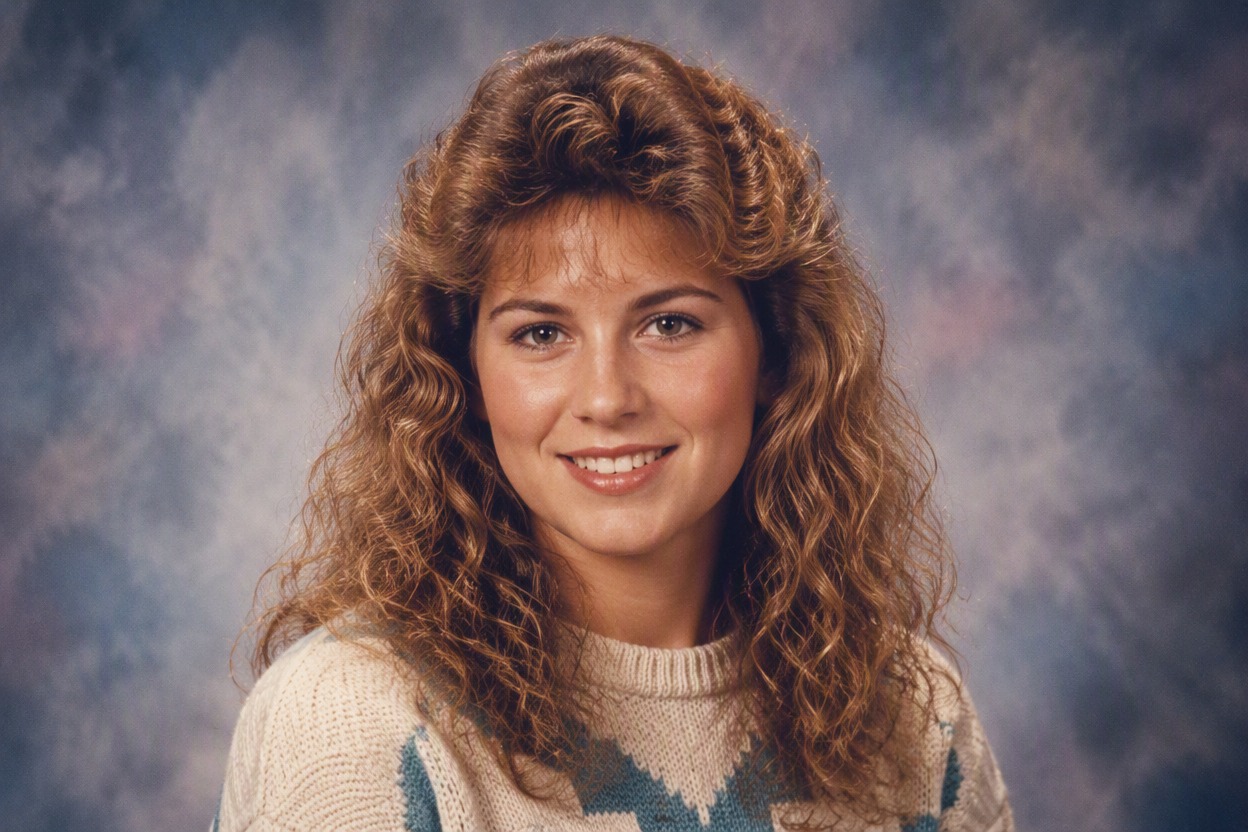
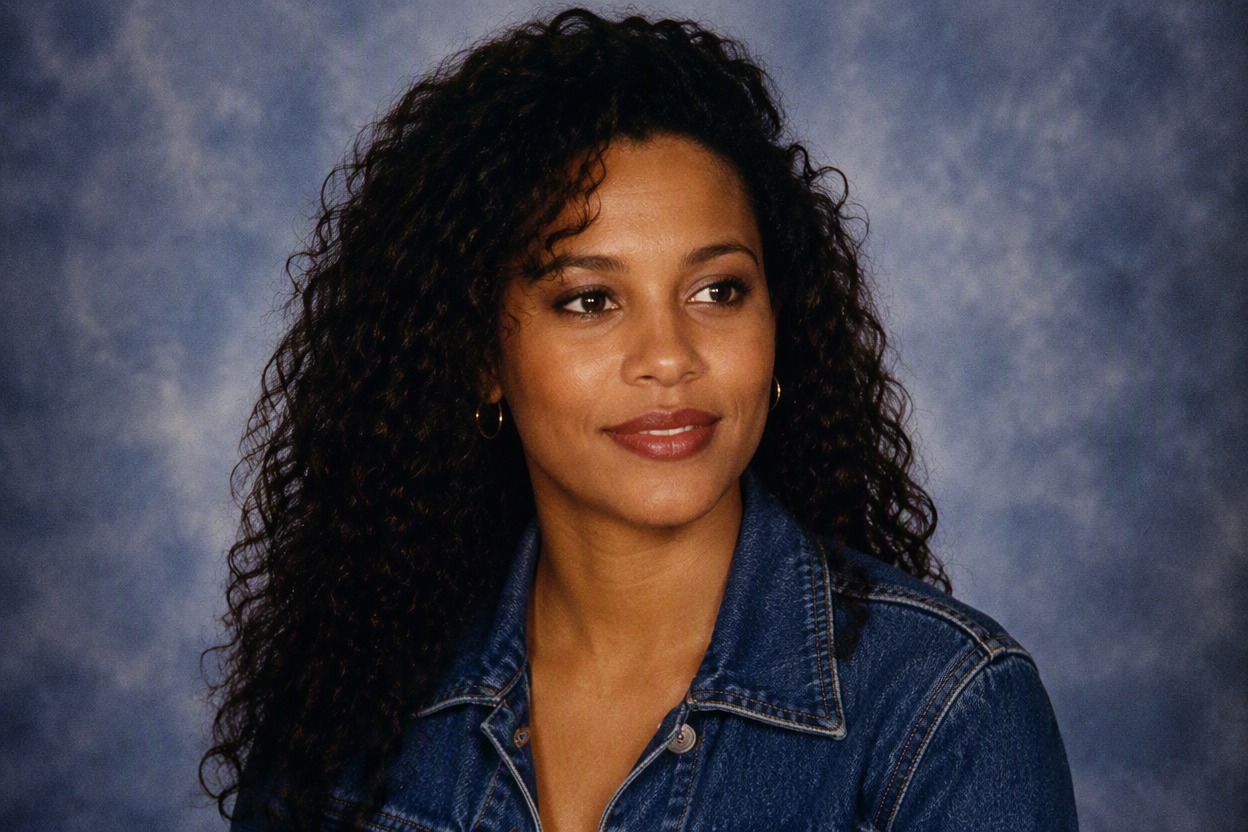
One fictional adult woman with medium brown skin, natural curly hair and a denim jacket posed for a clean early-1990s school yearbook portrait against a soft blue-gray mottled stud

Create Nostalgic Portraits With an AI Yearbook Generator

Transform clear portraits into coordinated school-photo concepts with controllable decades, wardrobe, backdrops, lighting, and film character.

0104

Create Era-Accurate Yearbook Portraits

Upload a clear portrait and choose an era direction, then shape the backdrop, lighting, crop, hair, wardrobe, color response, and film texture. The AI yearbook generator turns those visual choices into a polished school-portrait result suited to nostalgic profile images, themed posts, and personal creative projects.
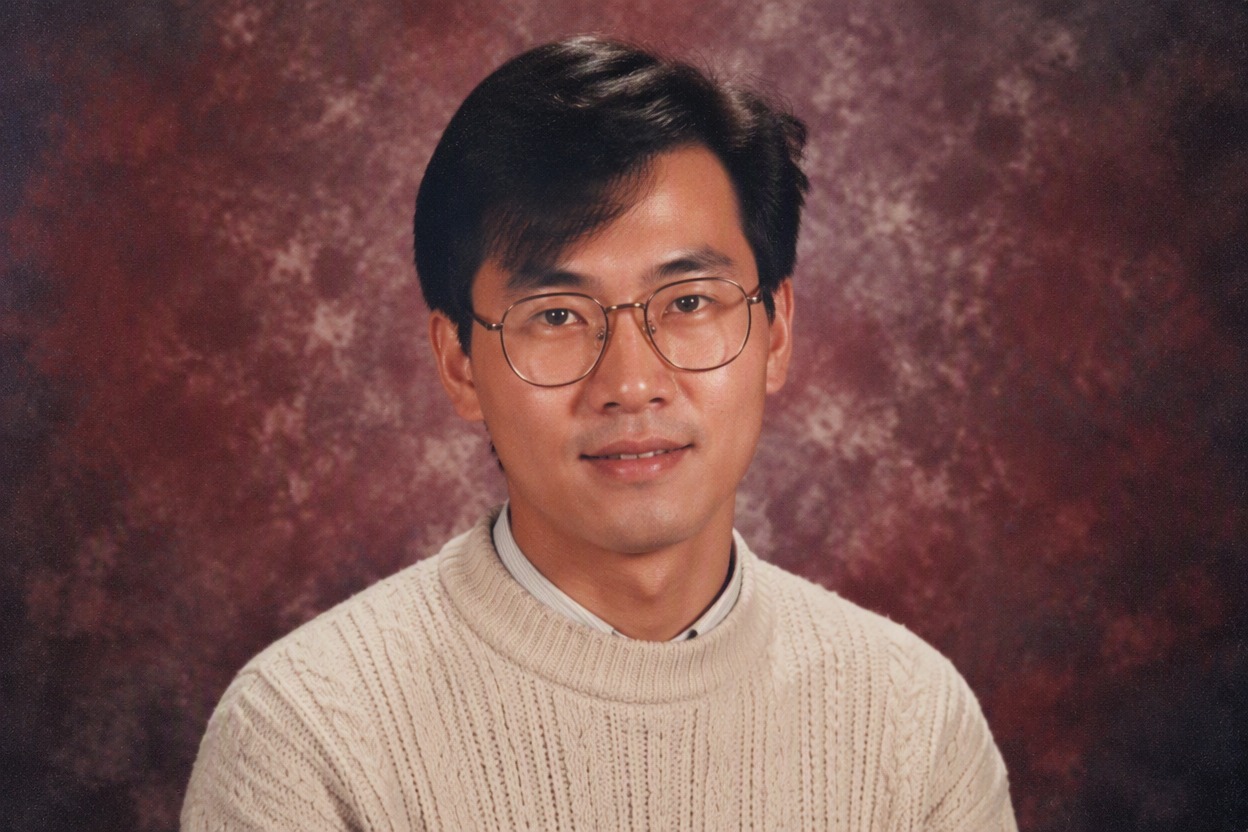
One fictional adult East Asian man with side-parted hair, cream knit sweater and round glasses posed for a late-1980s school yearbook portrait against a burgundy-gray mottled studio backdrop

0204

Control Decade Styling Details

Direct 1980s volume, 1990s layers, preppy knits, denim, varsity-inspired colors, jewelry, makeup, backdrop tone, flash strength, and crop without turning the portrait into a costume collage. The image-to-image workflow lets you restyle an existing portrait while retaining its recognizable facial features and overall composition.

One fictional adult Black man with short sculpted high-top hair, teal patterned knit sweater and charcoal blazer posed for an early-1990s school yearbook portrait against a slate-toned studio backdrop

0304

Generate Cohesive Themed Portrait Sets

Create matching portraits for friends, reunion concepts, graduation projects, or social campaigns by keeping the same decade, crop, backdrop family, lighting, and film treatment while varying each person’s wardrobe and expression. The result feels coordinated without forcing every subject into the same appearance.

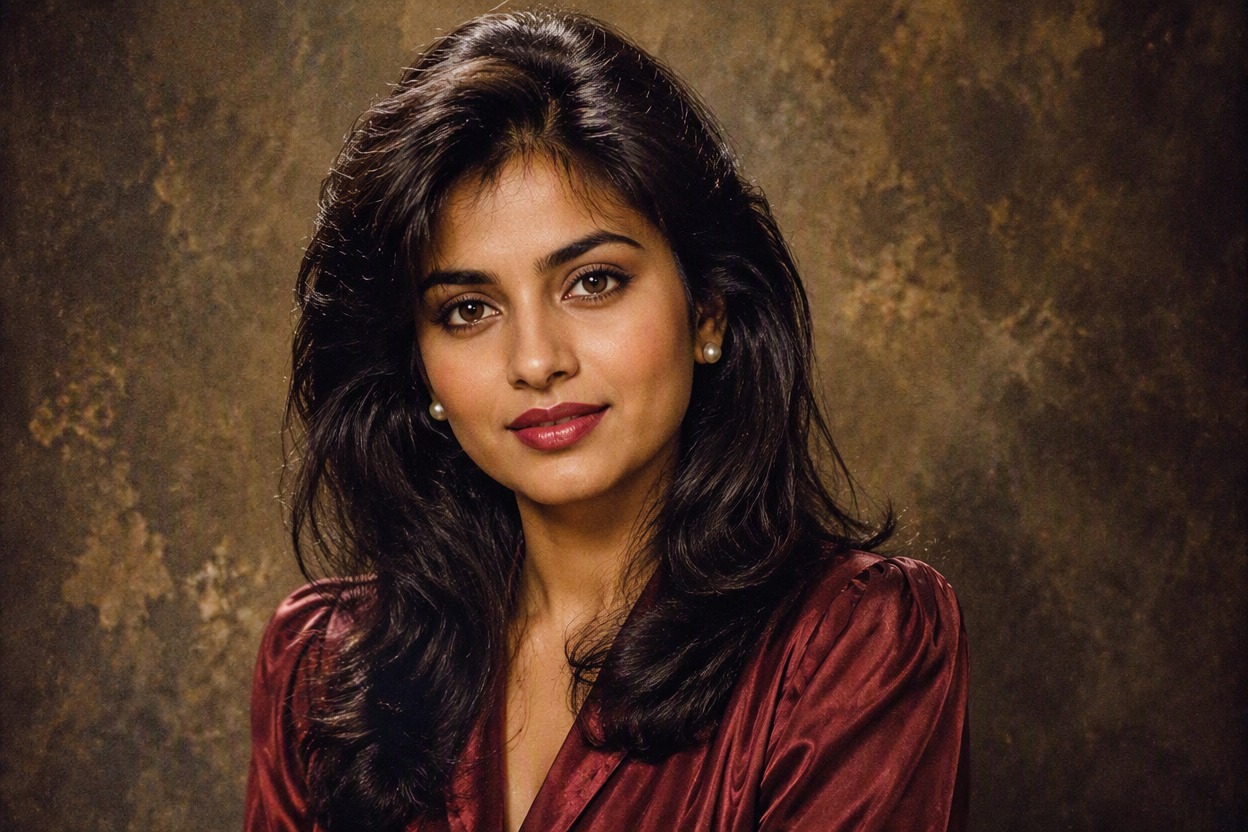
One fictional adult South Asian woman with long layered hair, burgundy blouse and small pearl earrings posed for a cohesive 1990s school yearbook portrait against an olive-brown mottled studio backdrop

0404

Refine a Recognizable Photo Result

Keep facial identity, skin tone, expression, and key features recognizable while testing a different decade, hairstyle, wardrobe, or studio background. Compare multiple versions to find a nostalgic portrait that remains consistent with the original subject.

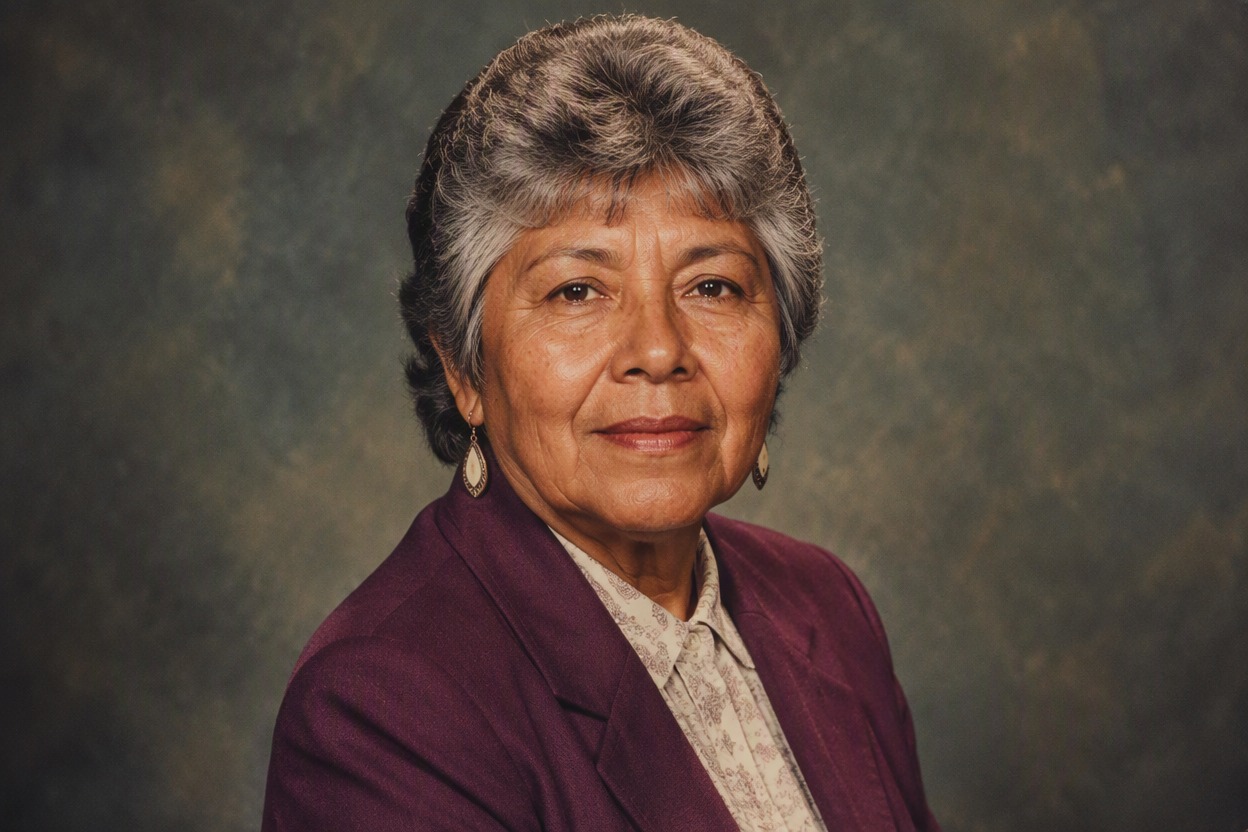
One clearly fictional older adult Indigenous Latina woman, age about 67, with short feathered gray hair, warm brown skin, plum blazer and ivory patterned blouse, posed for a nostalgic studio yearbook portrait

How to Use the AI Yearbook Generator

Upload a portrait, describe your preferred yearbook style in a prompt, and refine the generated result in three practical steps.

  1. Upload a Clear Portrait

    Upload a well-lit, front-facing portrait with one clearly visible subject and enough detail around the face and hair.

  2. Write Your Yearbook Prompt

    Enter a prompt describing the decade, hairstyle, wardrobe, studio backdrop, portrait crop, lighting, and film texture you want.

  3. Generate and Refine

    Generate the portrait, review facial consistency and styling details, then adjust your prompt to refine the hair, clothing, background, lighting, or vintage photo effect.

Why Use This AI Yearbook Generator

Create nostalgic school portraits with clearer decade identity, controlled studio styling, and cohesive analog-photo character.

  • 01

    Authentic Decade Styling

    Create 1980s or 1990s portraits with era-aware hair, clothing, backdrop color, flash, and film texture.

  • 02

    Recognizable Facial Identity

    Generate nostalgic styling while keeping the uploaded subject’s key facial traits and skin tone readable.

  • 03

    Controlled Studio Backdrops

    Produce mottled, clouded, neutral, or softly colored school-photo backgrounds with focused portrait framing.

  • 04

    Cohesive Portrait Sets

    Maintain a shared decade, crop, lighting, and backdrop family across friends, casts, or reunion concepts.

  • 05

    Flexible Wardrobe Direction

    Create denim, knitwear, blazers, preppy layers, or decade-themed colors that support the selected era.

  • 06

    Clean Portrait Output

    Produce image-first results without embedded names, dates, school logos, interface frames, or template labels.

Frequently Asked Questions

AI Yearbook Generator FAQ

Practical answers about decade styling, source photos, portrait sets, free-search wording, review, and responsible use.

What is an AI yearbook generator?

It is an image-to-image tool that restyles a portrait as a school-yearbook concept by changing hair, wardrobe, backdrop, crop, flash lighting, color response, and analog film texture.

How does a yearbook theme generator work?

A yearbook theme generator applies a consistent decade, backdrop family, crop, lighting, palette, and film treatment across portraits so a group or fictional cast feels visually coordinated.

Can I use it as an 80s yearbook generator?

Yes. Request high-volume or feathered hair, knitwear or blazers, warm direct flash, mottled studio backgrounds, restrained makeup, and subtle grain while keeping the source face recognizable.

What can an AI 90s yearbook generator create?

It can create 1990s-inspired portraits with layered hair, denim, patterned shirts, soft clouded backdrops, centered shoulder-up crops, direct studio flash, and period-like color and grain.

Is there an AI 90s yearbook generator free option?

Availability and usage limits can change, so check the current OCMaker AI interface and terms rather than assuming every generation is free or unlimited. The page does not promise a specific free quota.

Which photo works best for a yearbook photo generator?

Use one adult subject, a clear front-facing face, even light, limited occlusion, and enough resolution around the eyes, mouth, hairline, and shoulders. Avoid crowded group images for the first result.

Can I make a matching portrait set?

Yes. Keep the same decade, crop, backdrop family, flash direction, palette, and grain, then vary each subject’s wardrobe, hairstyle, and expression while reviewing facial identity individually.

What should I review before saving?

Check facial identity, eyes, teeth, hair edges, earrings, glasses, collar lines, hands if visible, background artifacts, and accidental text. Use only photos you have permission to transform.

Create Your Nostalgic Yearbook Portrait

Turn a clear photo into an 80s, 90s, reunion, or fictional-cast yearbook concept with controlled studio styling.

AI Yearbook Generator: Create 80s and 90s Yearbook in Seconds