
Pricing
Log In
AI Generator
Free Photo to Sketch Converter: Turn Image to Sketch Online
Use OCMaker AI as a photo to sketch converter to turn portraits, pets, and product shots into clean pencil-style drawings online free.
Photo to Sketch Converter
Convert photo to sketch online free with clean pencil lines, preserved facial structure, and editable art direction. Best results come from sharp photos with clear lighting.
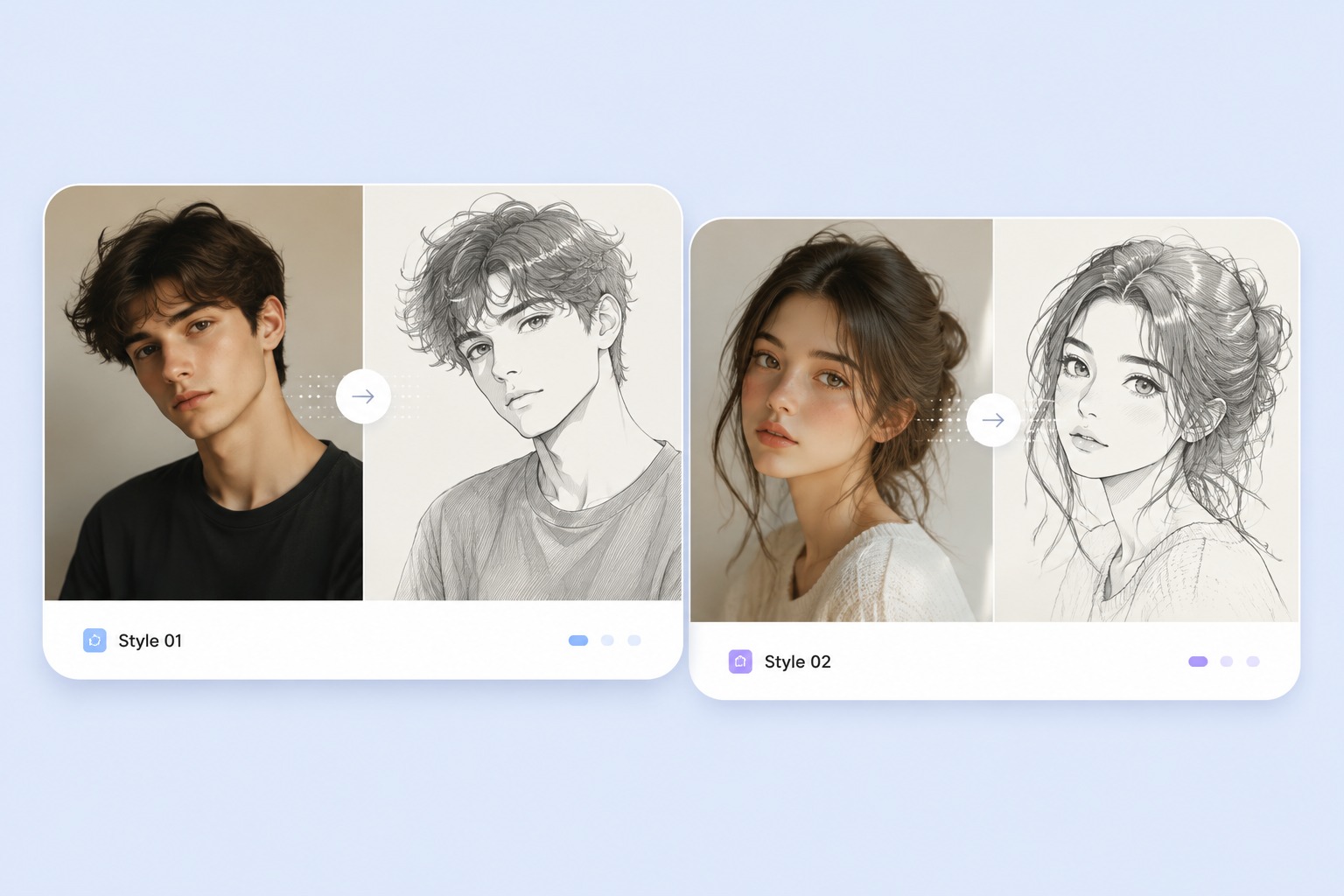
Photo to Sketch Maker Gallery
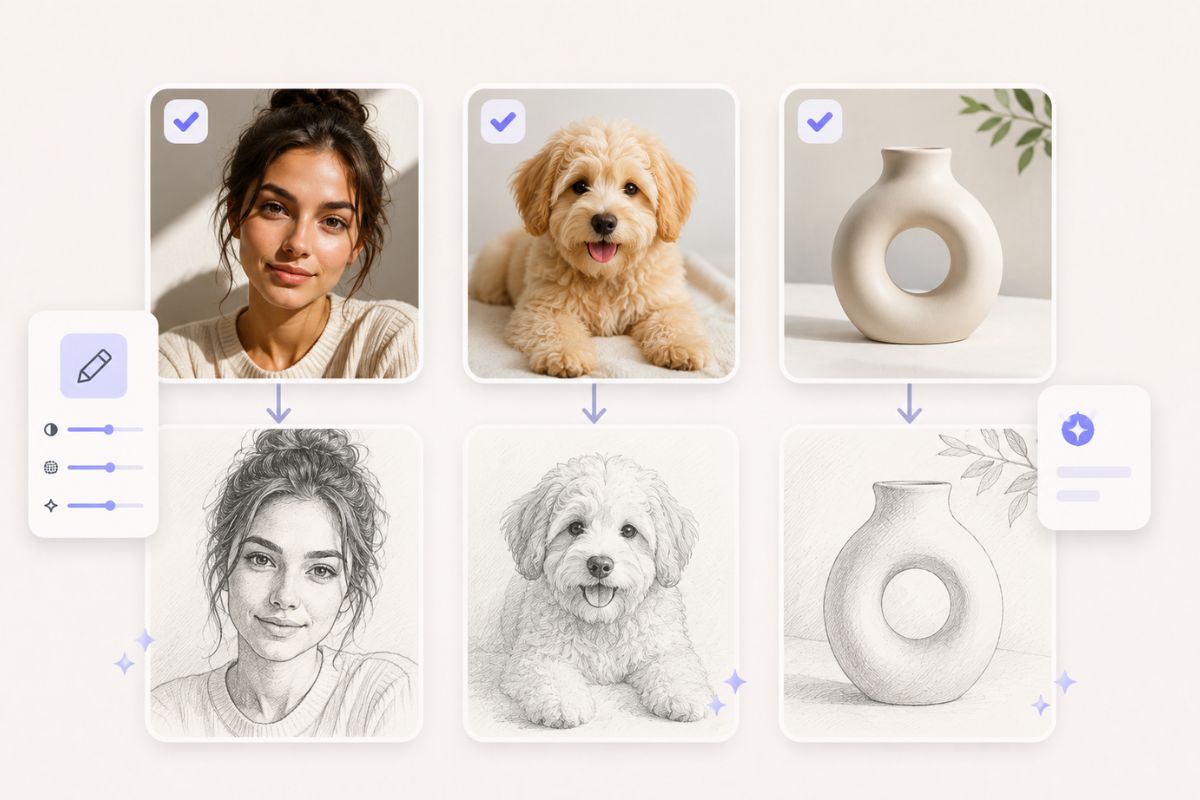
Preview common sketch outputs before choosing the right input. Clean portraits, pets, products, and fashion shots usually convert better than noisy screenshots.
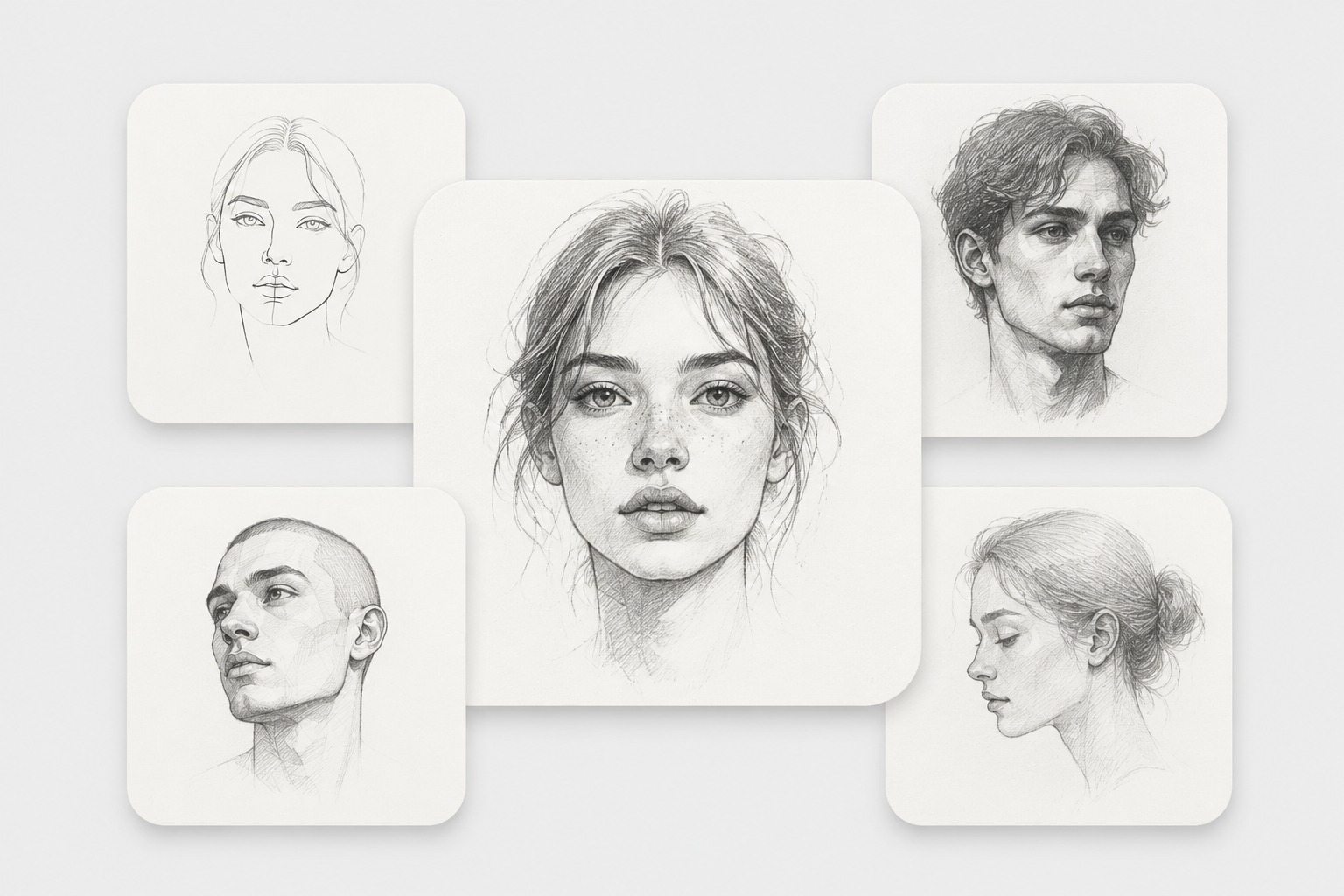
Portrait Sketch
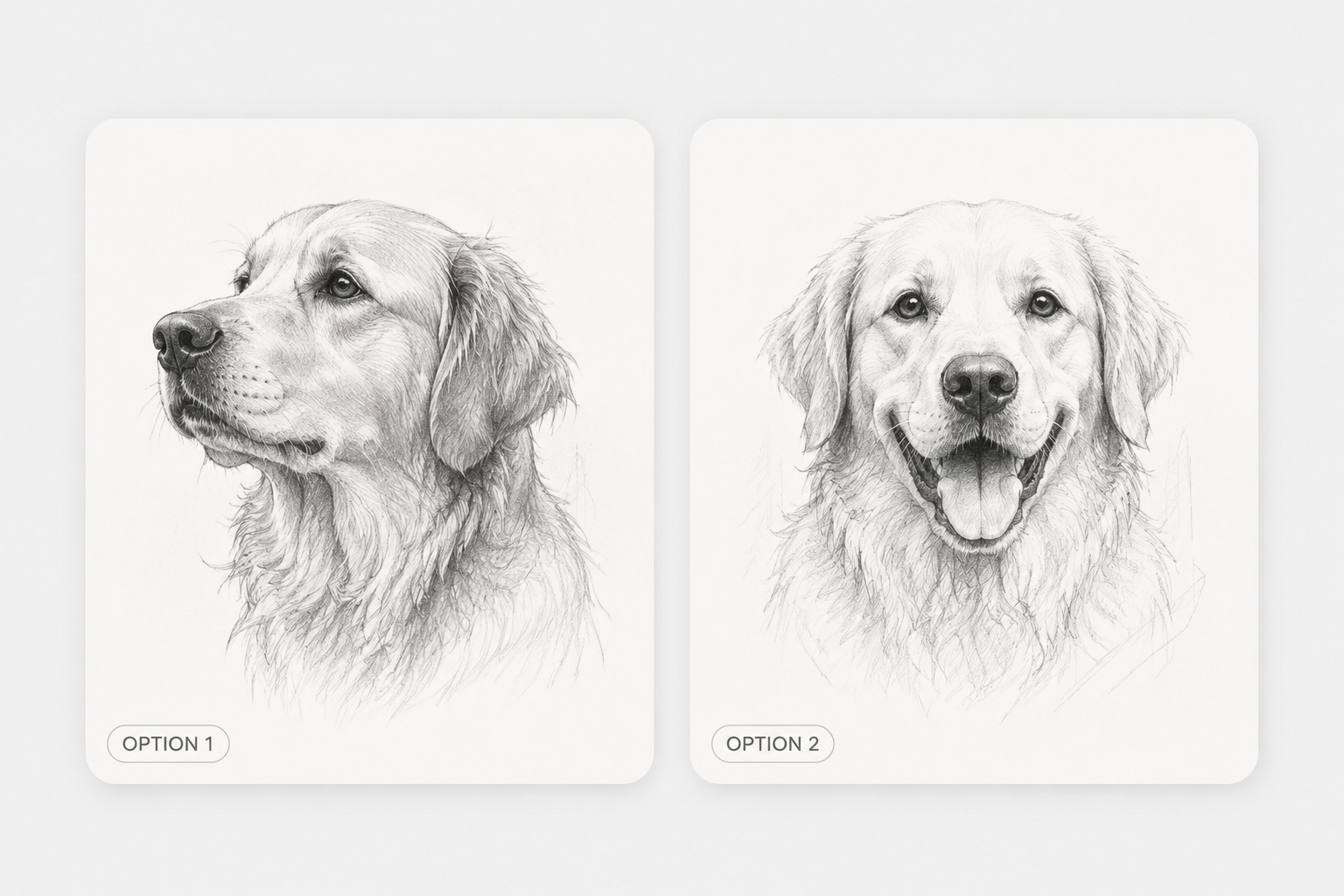
Pet Drawing
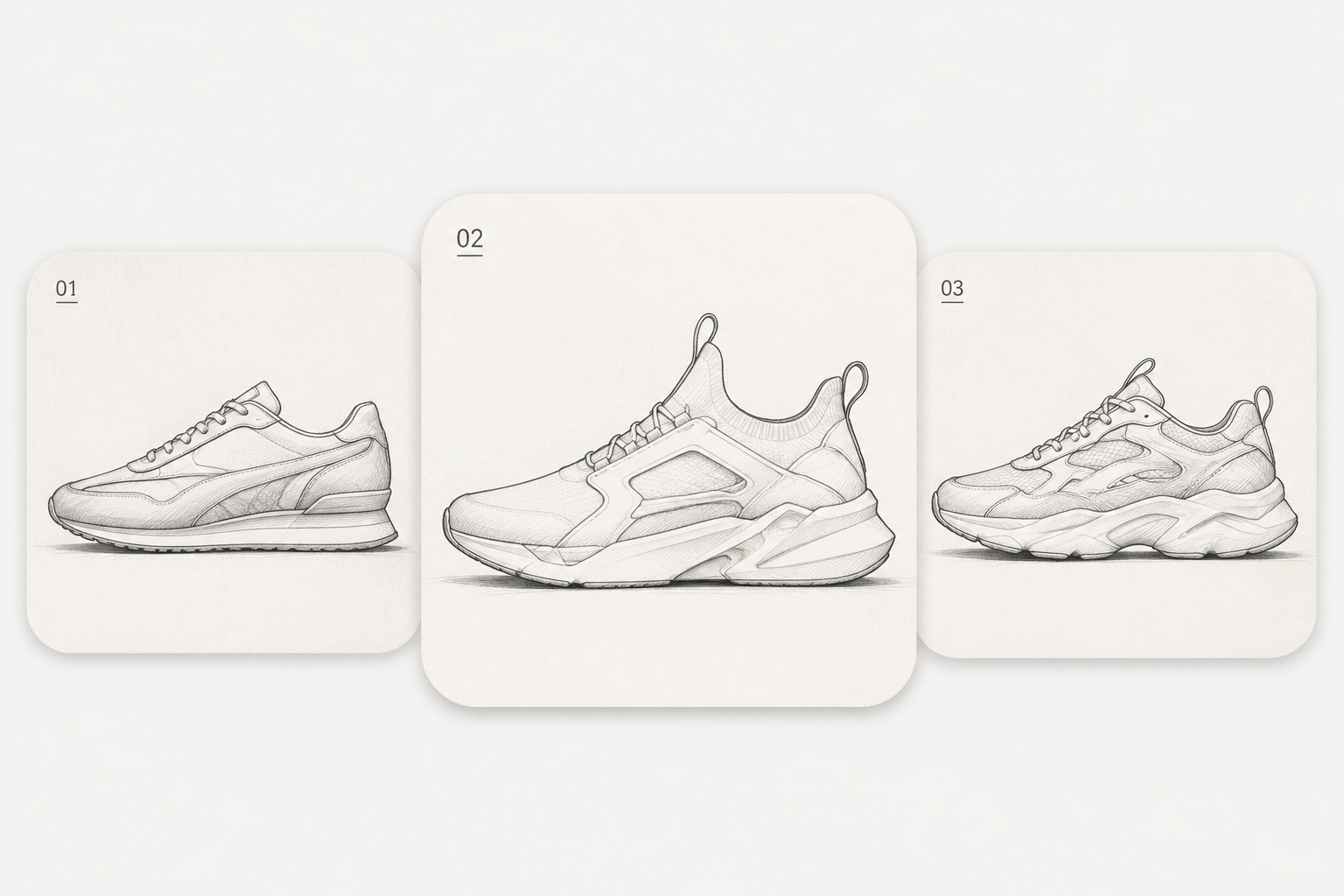
Product Line Art
Why This Photo to Sketch Converter Works Better
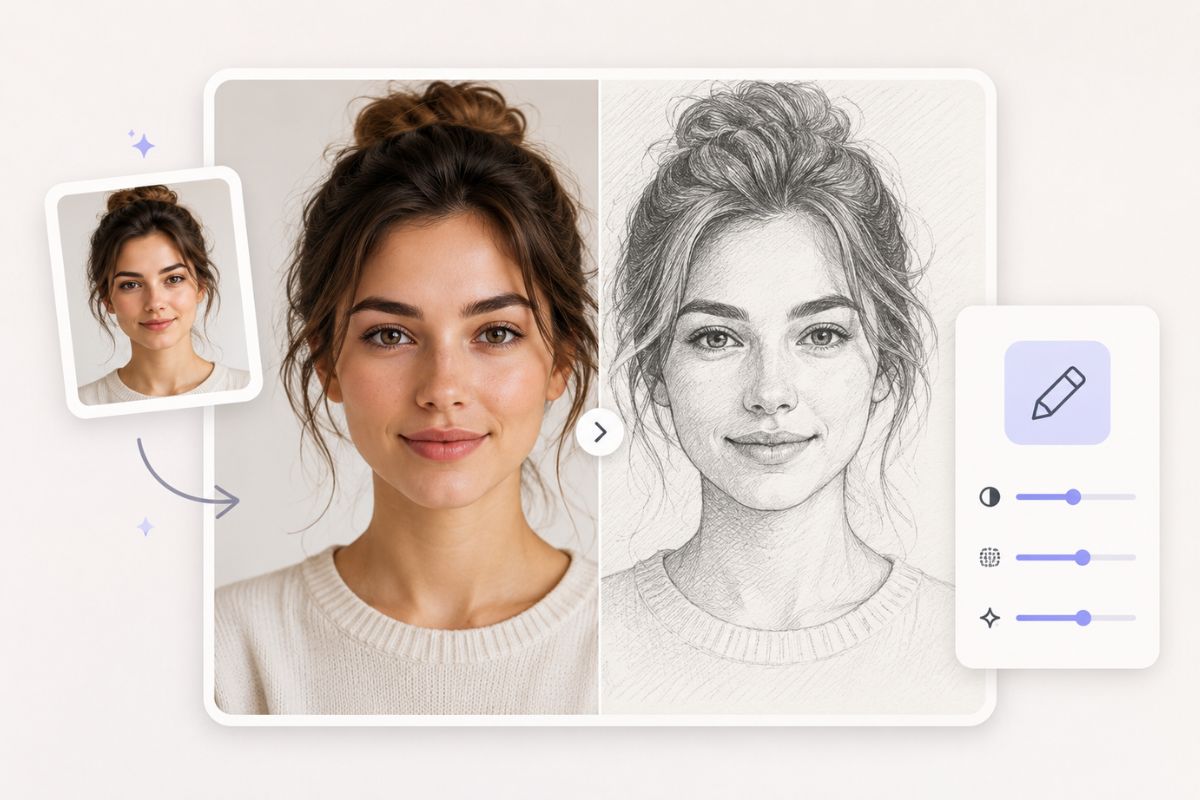
Start With a Clear Face
A sharp portrait gives the best sketch result. Start with a clear face photo, then use OC maker to turn facial shape, eyes, hair, and expression into a cleaner sketch-style draft.
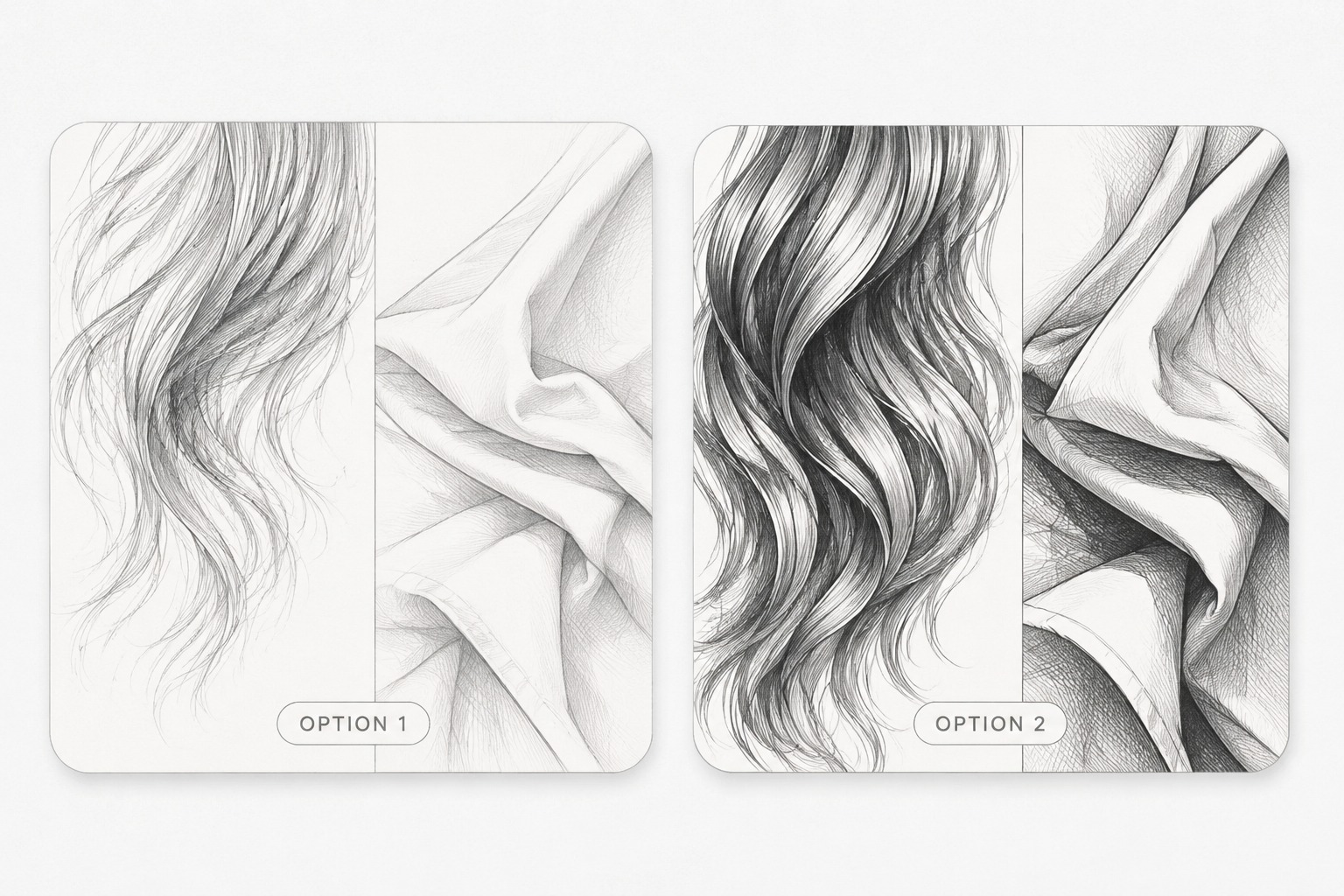
Get Softer, Cleaner Lines
Good sketch conversion is not only about edges. Balanced lighting helps hair, shadows, and facial details turn into smoother pencil lines instead of messy texture.
Pick Photos That Convert Well
High-contrast selfies, pet photos, and simple product shots usually create stronger results. Crop the main subject first so the sketch feels focused, clean, and easy to use.
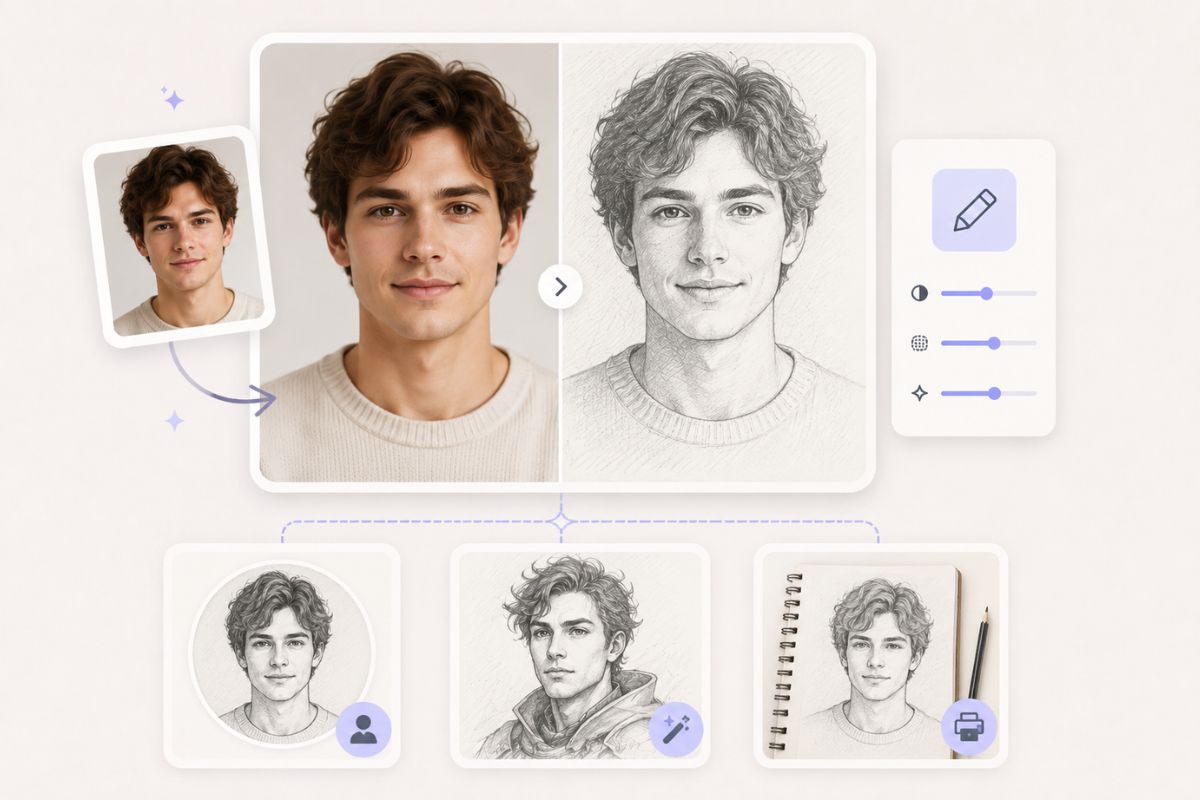
Create Fast Sketch Drafts Online
Use online sketch drafts for avatars, profile ideas, printable references, and early concept art. If you want a more anime-style result after sketching, try photo to anime next.
Practical checks before you generate
What Makes a Strong Sketch Result?
Clear Source Photos
Use sharp, well-lit photos so the sketch keeps the subject shape instead of inventing missing details.
Simple Backgrounds
Plain backgrounds reduce stray lines and make the subject read faster in the final drawing.
Portrait-Safe Output
Check eyes, mouth, and face outline first. Those areas decide whether a portrait still feels like the person.
Pet and Object Friendly
Pets, flowers, shoes, and decor items often work well because texture becomes natural pencil detail.
Fast Style Testing
Generate a draft, adjust crop or contrast, then rerun. Small input edits usually beat vague style prompts.
Honest Boundaries
Very dark, blurry, or tiny photos may need manual cleanup before the sketch looks reliable.
How to Convert Photo to Sketch Online Free
A quick workflow that avoids the usual redo loop
01
Upload a Photo
Start with a clear portrait, pet, product, or outfit photo. Crop away distractions before converting if the scene is busy.
02
Pick Sketch Direction
Choose a clean pencil, soft graphite, or stronger line-art look. Keep the brief simple if likeness matters.
03
Review and Download
Check the face, hands, and main silhouette first. If those look right, export the sketch or revise the crop.
Frequently Asked Questions