
Pricing
Log In
AI Generator
Turn Yourself into Anime: Convert Your Photos to Anime
Use turn yourself into anime to convert a selfie into an anime-style avatar for profiles, social posts, and creative photo edits.
Turn Yourself Into Anime
Turn a selfie or portrait into an anime-style avatar with cleaner linework, expressive eyes, and profile-ready color. Use it for social icons, playful edits, creator bios, or photo-based anime character drafts.
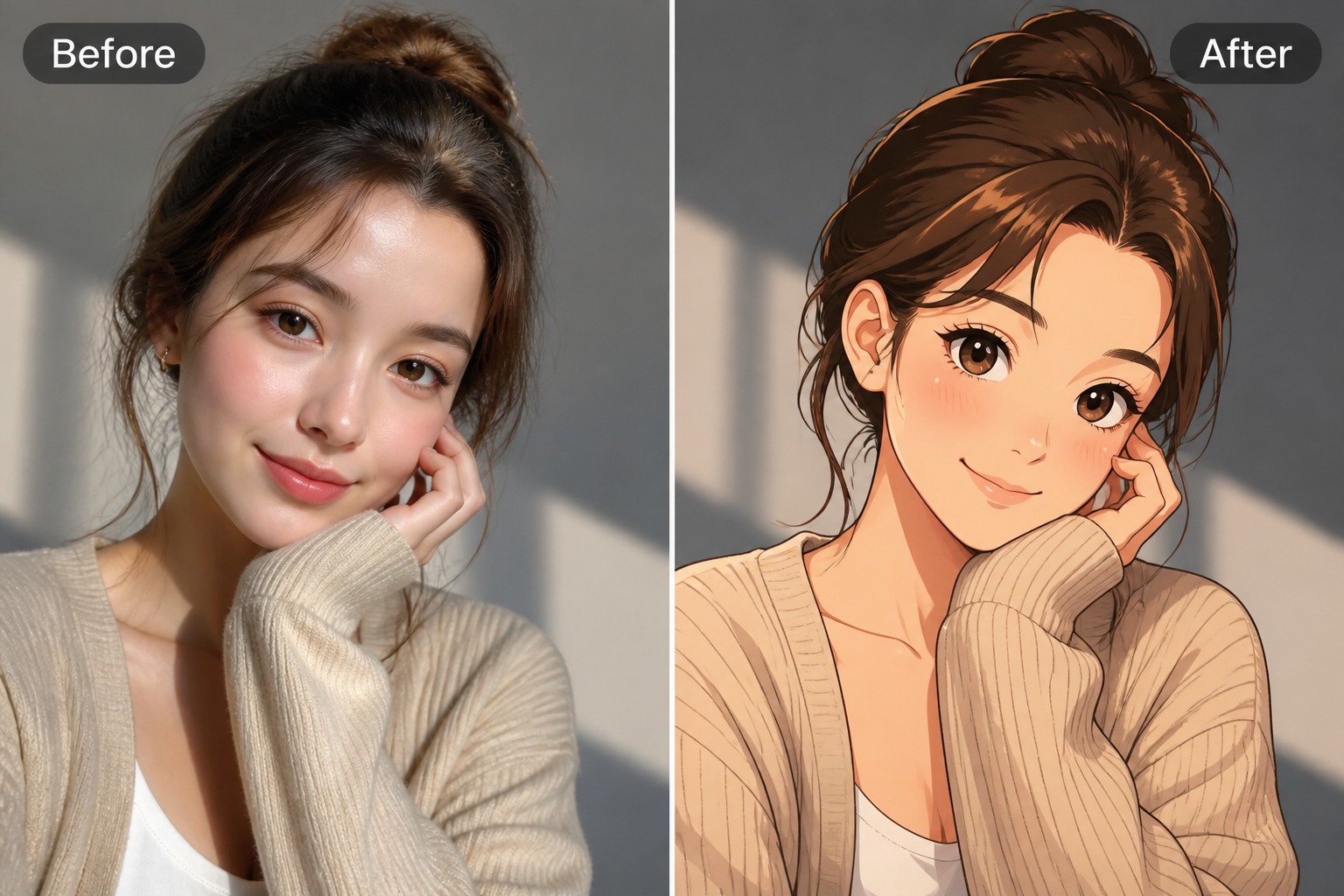
Anime Portrait Styles You Can Try
Explore different ways to turn your photo into an anime portrait, from soft profile pictures to more cinematic social visuals.
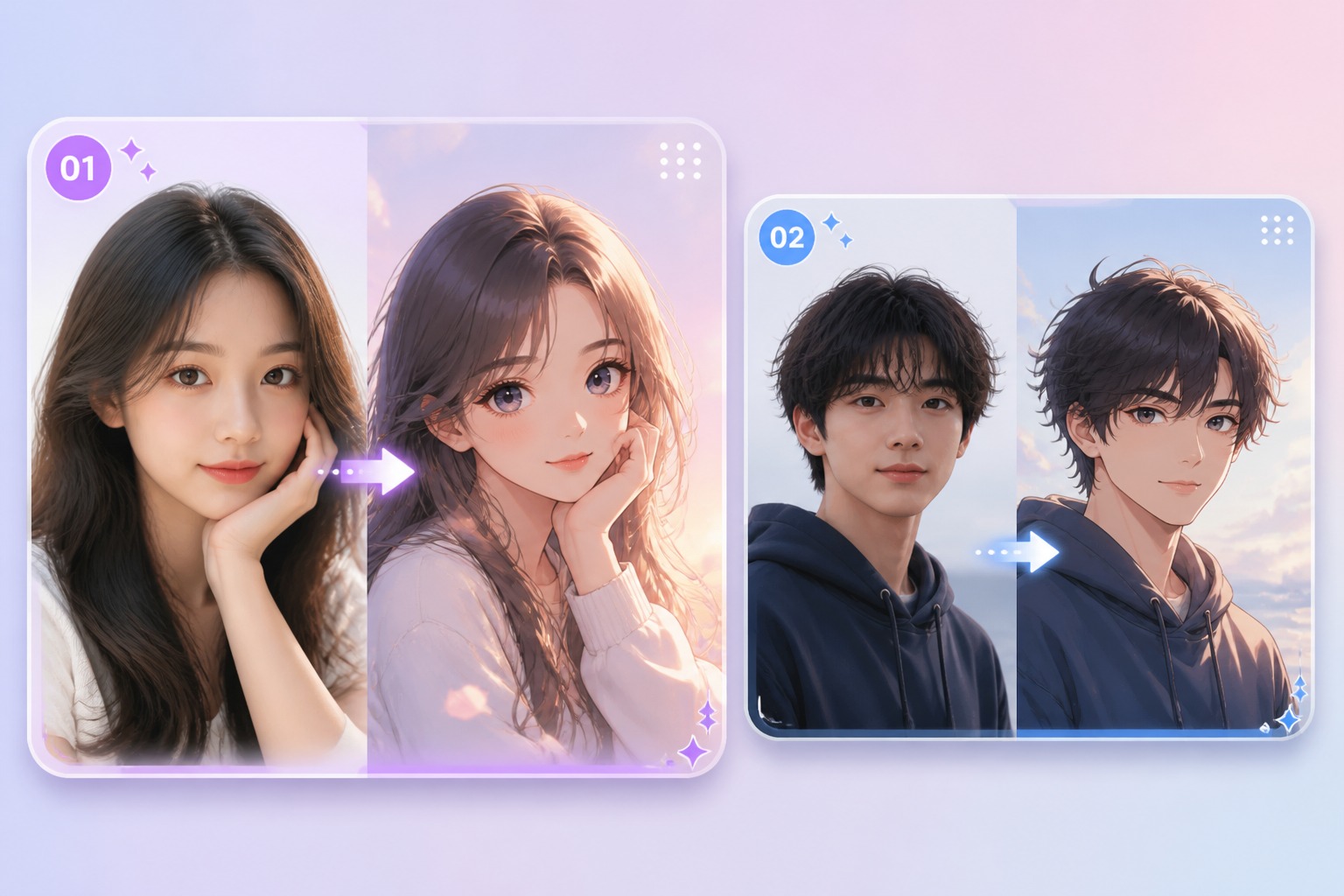
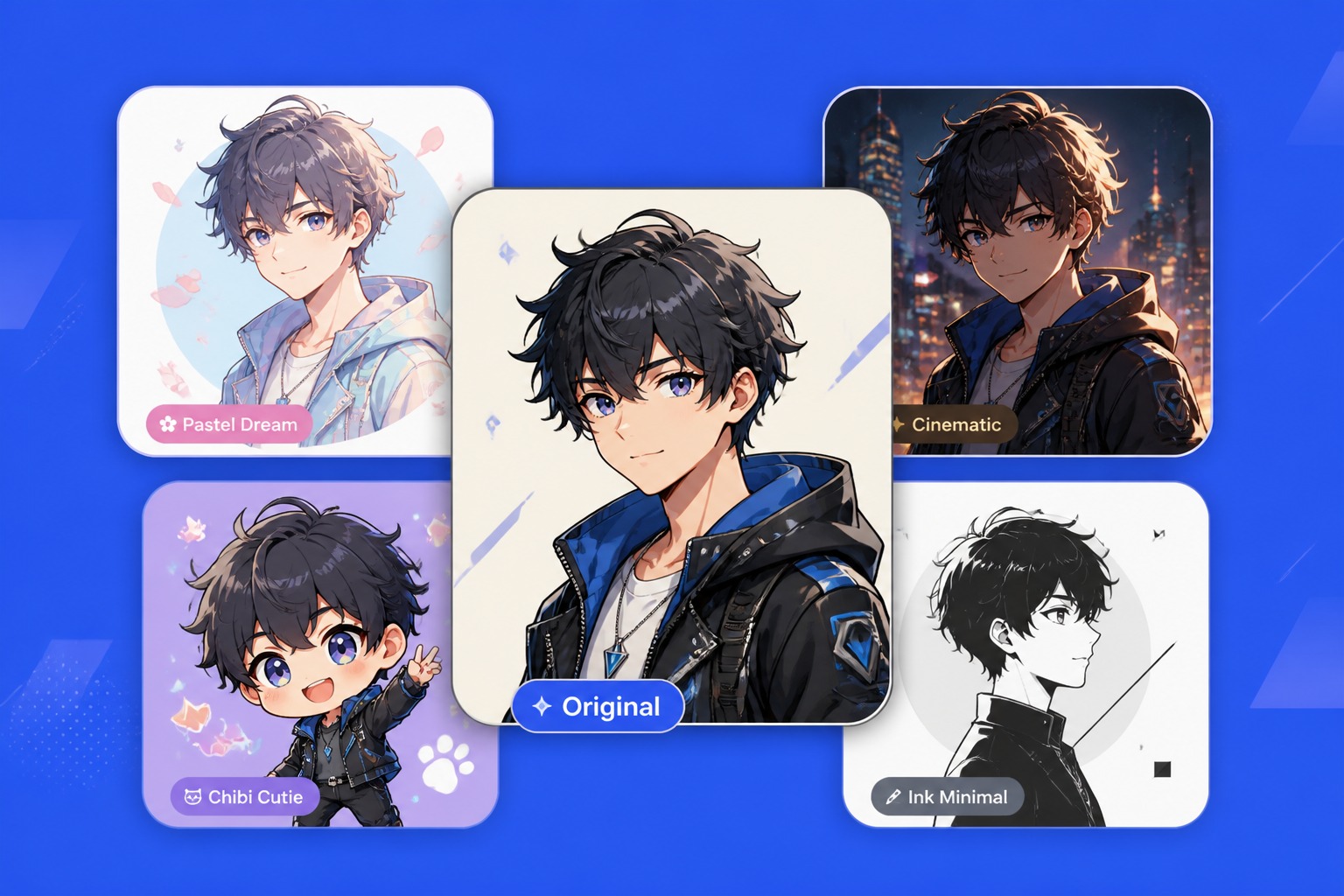
Soft Anime Profile Portrait
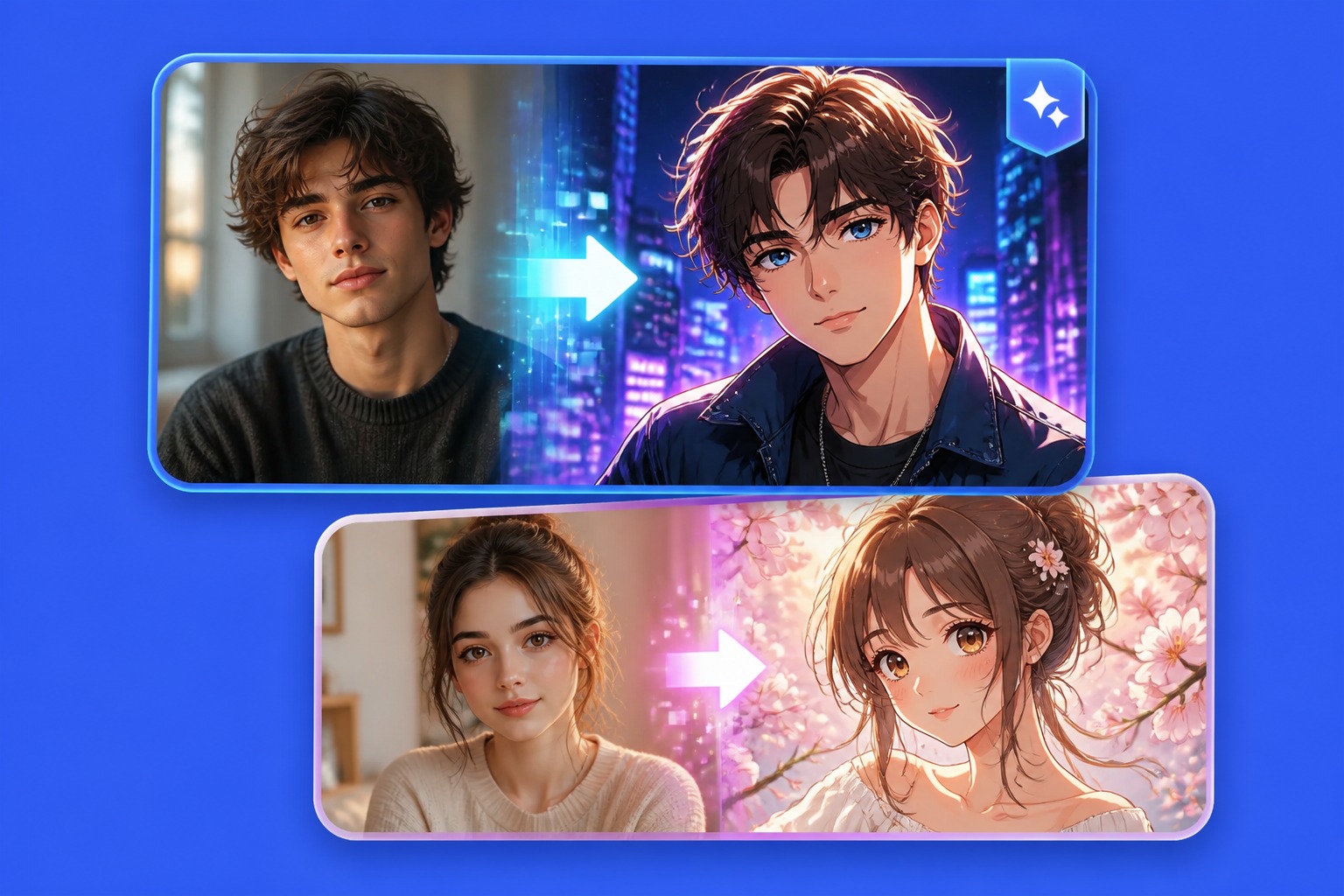
Cinematic Anime Look
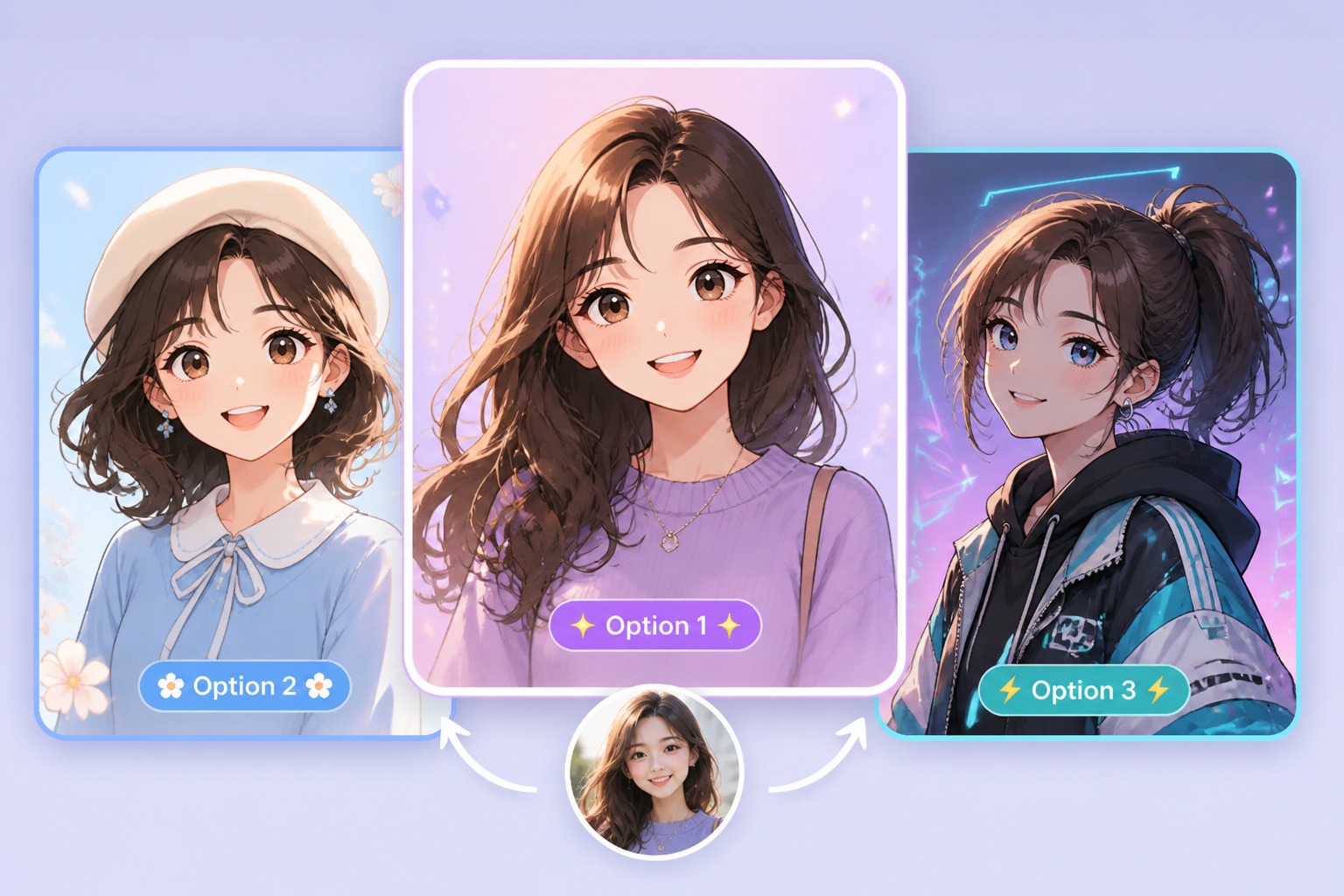
Cute Avatar Version
Turn Yourself Into Anime With Photo-Based Control
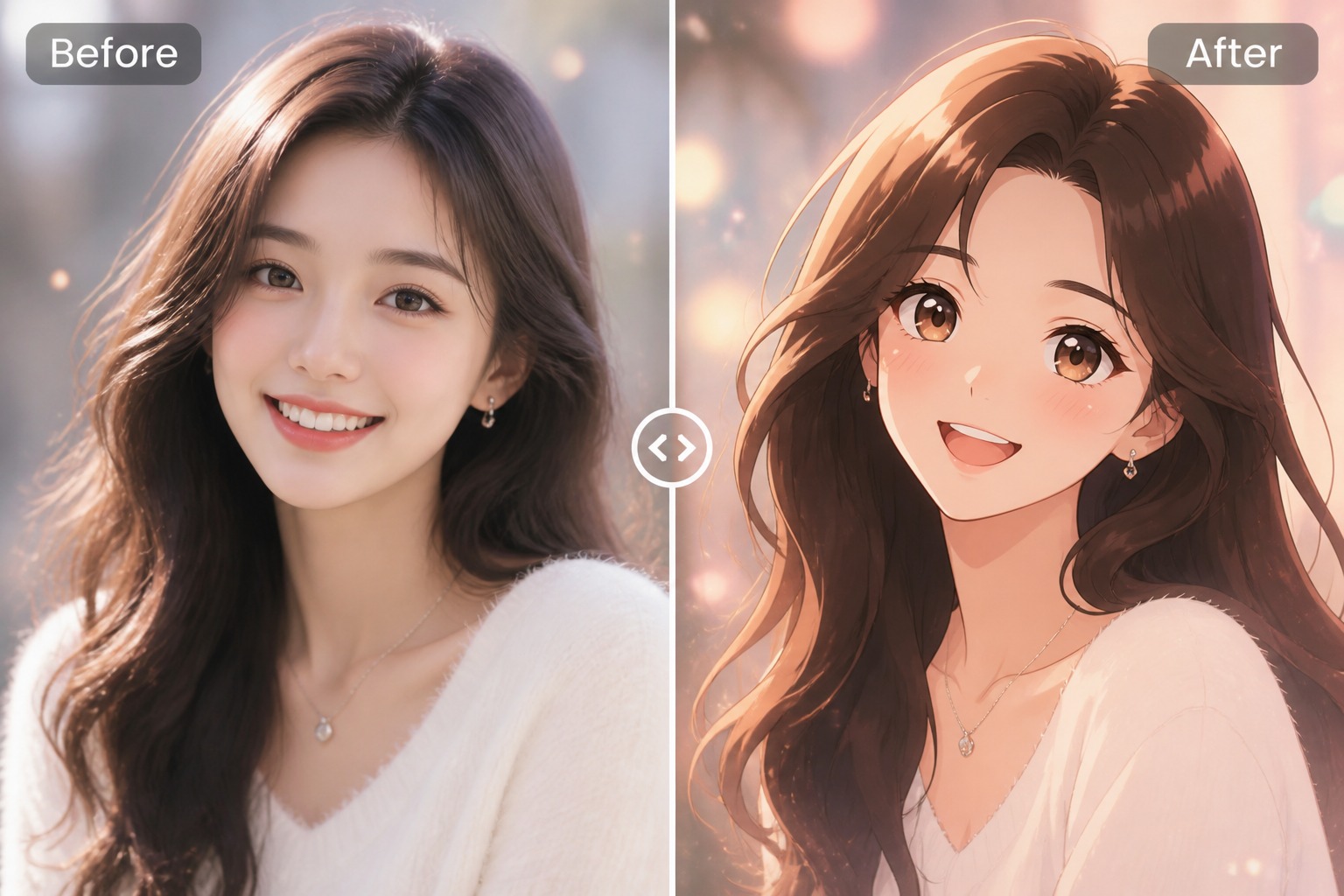
Turn Photos Into Anime Avatars
Upload a selfie or portrait and create an anime-style version that keeps the pose, face framing, and expression readable. It works best with clear lighting and a single subject, so the photo to anime result feels like a styled avatar rather than a random character.
Choose the Anime Mood
Guide the result toward soft, cinematic, cute, or profile-ready anime styling. This is useful when you want a new avatar, fan-style portrait, or social image but still need the output to match your photo's basic angle and personality.
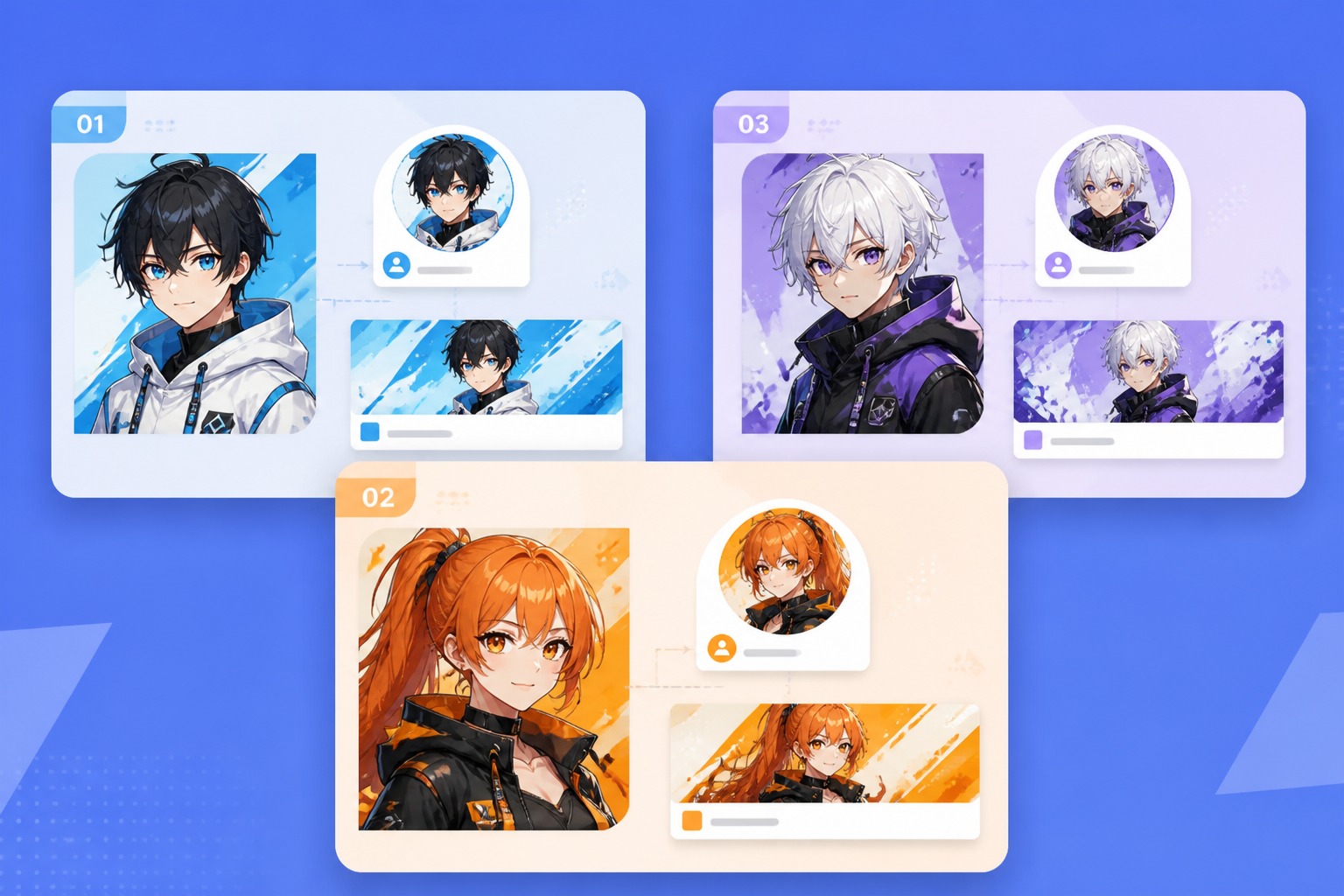
Create Profile and Social Visuals
Generate anime portraits for profile icons, bio images, content thumbnails, or playful friend-group edits. Use it as a creative draft, then refine crops, colors, and backgrounds before publishing on public accounts.
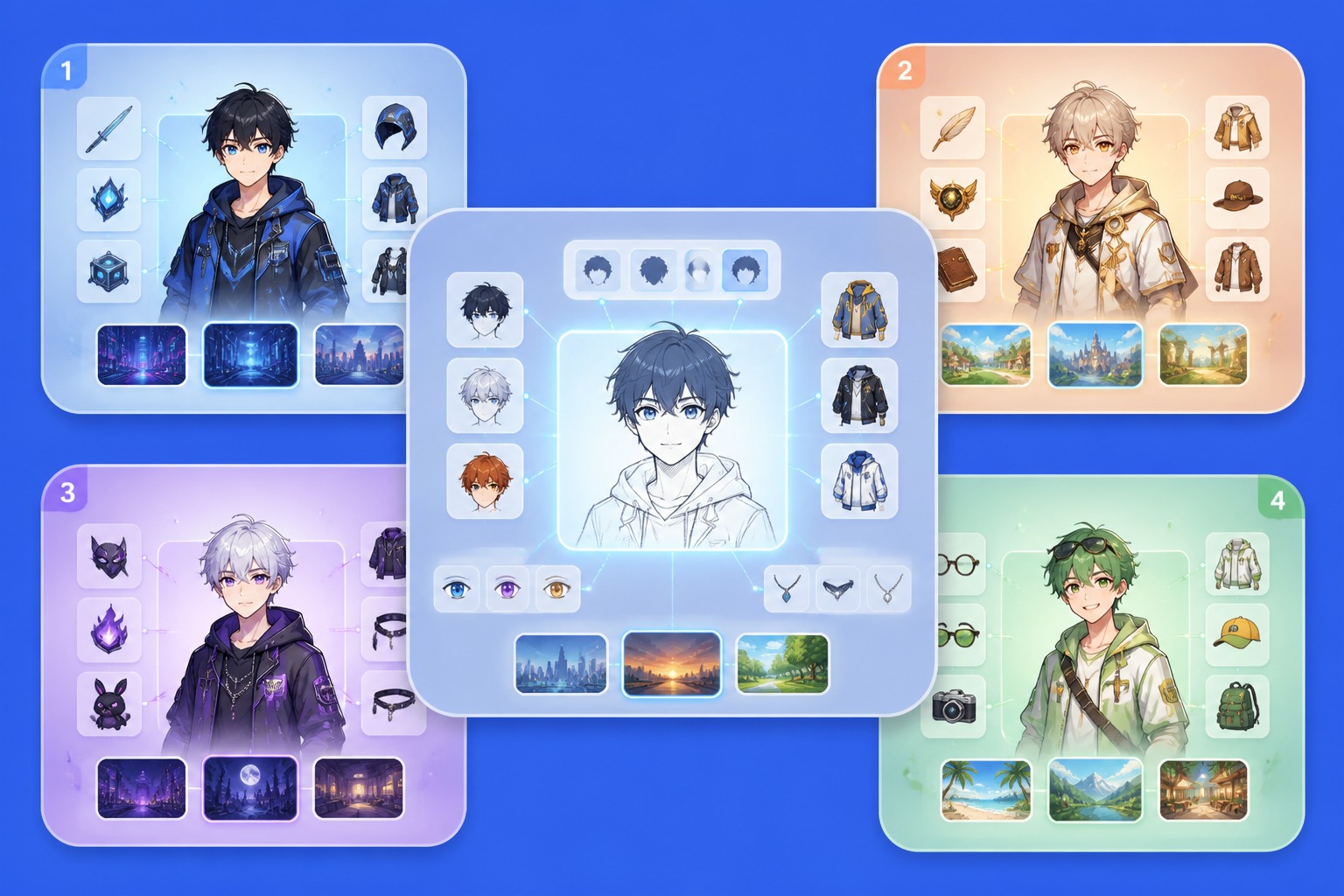
Start From an Editable Visual Draft
Treat the first output as a strong draft, not the final limit. Compare versions, adjust prompts, and move into image to image or AI anime generator workflows when you need more control over outfit, pose, or background.
Why Use This Anime Photo Converter
Photo Reference Input
Start from a real selfie or portrait so the anime result has a clear angle, expression, and face crop to follow.
Avatar-Ready Framing
Create results that work well as profile icons, messaging avatars, bio images, or small social thumbnails.
Multiple Anime Looks
Try softer, cuter, cinematic, or cleaner anime styles without rebuilding the idea from scratch each time.
Better Likeness Checks
Compare whether the output keeps the original expression, hair direction, face angle, and overall personality.
Friend and Creator Use Cases
Make playful anime versions for personal profiles, creator pages, group edits, or inspiration boards.
Easy Follow-Up Editing
Use the generated portrait as a draft for new crops, color edits, background changes, or anime character variations.
How to Turn Your Photo Into Anime
01
Upload a Clear Portrait
Choose a front-facing or three-quarter photo with one main person, visible eyes, and simple lighting. Busy group photos and heavy shadows make anime likeness harder to preserve.
02
Pick the Anime Direction
Describe whether you want a cute avatar, cinematic portrait, soft anime filter, or social profile look. Add details for hair, outfit mood, background, and color palette.
03
Compare and Refine Versions
Check the face crop, expression, and background before saving. If the first version feels too generic, regenerate with a clearer mood or move into a focused photo to anime workflow.