AI Generator

3D Cartoon Video Generator: Create 3D Animation

Animate still artwork with a 3D Cartoon Video Generator built for anime image to video generation, expressive camera motion, depth, and polished cartoon scenes.

3D Cartoon Video Generator

Turn a still anime or illustrated character image into a polished 3D-cartoon-style video concept with clearer depth, expressive motion, and cinematic framing. Use the anime image to video generator for character intros, story beats, social clips, and visual experiments.

Turn Anime Images Into Expressive 3D Cartoon Videos

Transform anime portraits and full-body artwork into expressive 3D cartoon videos with character motion, camera depth, and story-focused scenes.

0104

Expressive 3D Character Animation

Generate dimensional character clips from anime portraits or full-body artwork using image-to-video, with expressive facial reactions, gestures, and movement that bring the illustrated subject into an animated 3D cartoon scene.
One original anime-inspired young woman with short violet hair and amber jacket in a colorful rooftop garden, subtle dimensional 3D cartoon rendering, lively surprised expression a

0204

Layered Camera Depth and Motion

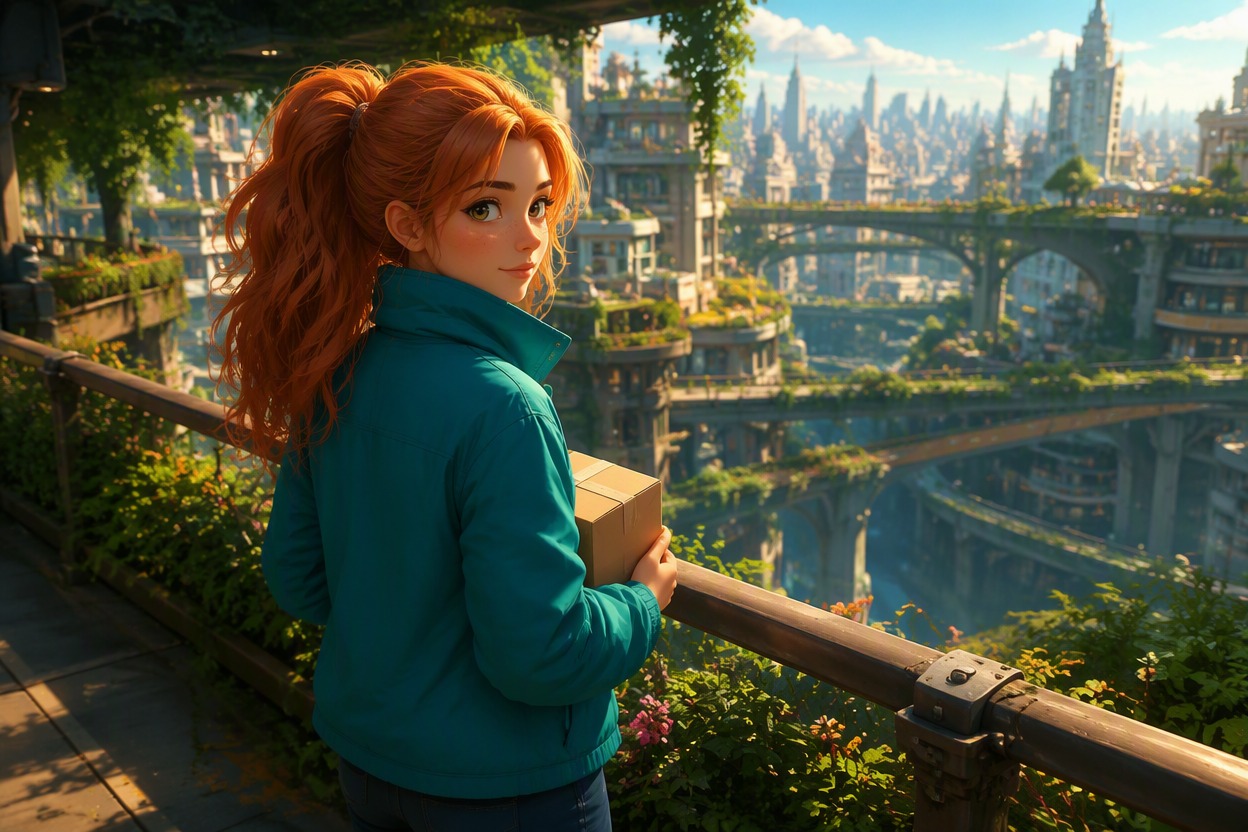
Generate push-ins, orbits, pans, tilts, tracking shots, and gentle handheld movement with clear foreground and background separation. Source artwork from the AI anime generator can become a more spatial 3D cartoon scene instead of remaining a flat image with disconnected motion.

One original anime-inspired courier with copper hair and teal jacket standing on a neon-free elevated skybridge, foreground rail and layered city gardens creating strong depth, dyn

0304

Narrative Anime Video Moments

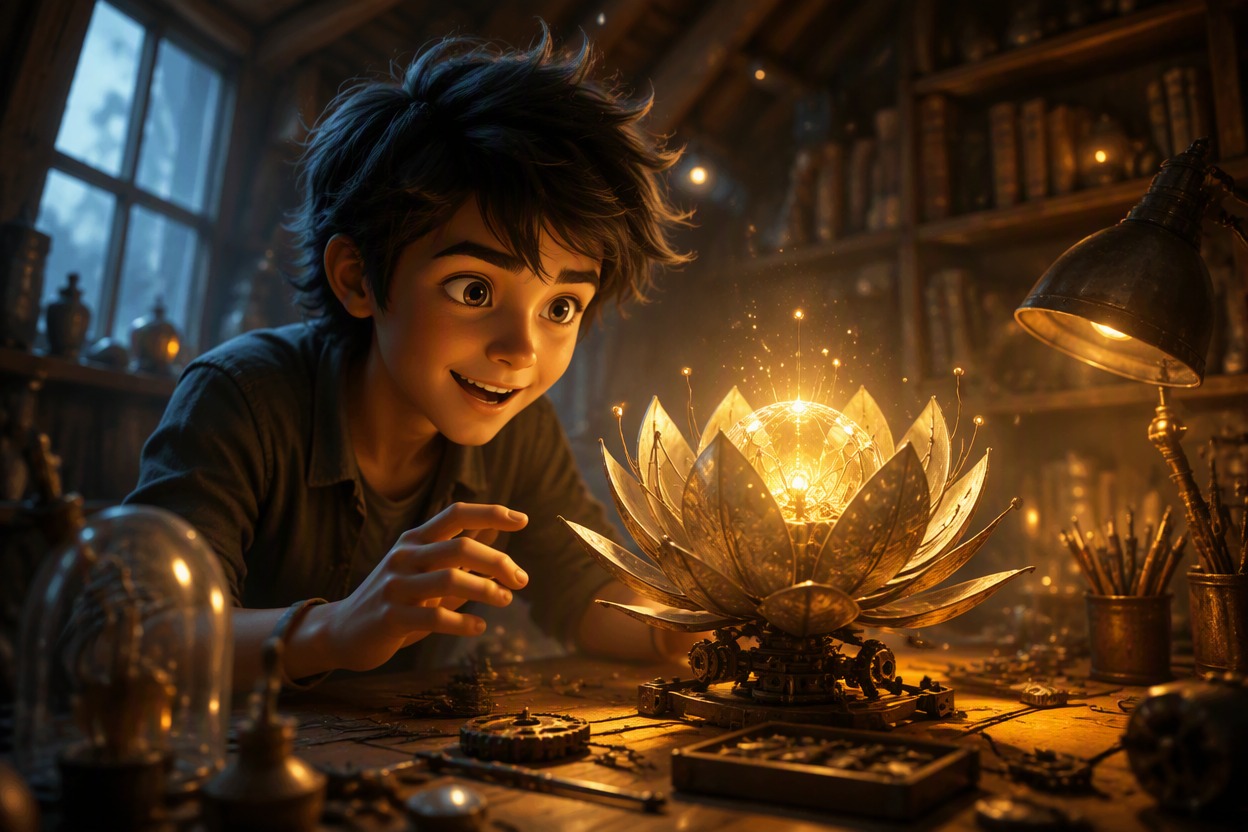
Produce character entrances, emotional reactions, magical reveals, travel moments, atmospheric transitions, and social video clips from a single anime image. The resulting motion gives each scene a recognizable story beat rather than movement without narrative purpose.

One original anime-inspired teenage inventor opening a glowing mechanical flower inside a warm attic workshop, expressive delighted reaction, floating dust and layered props implyi

0404

Motion-Ready Character Variations

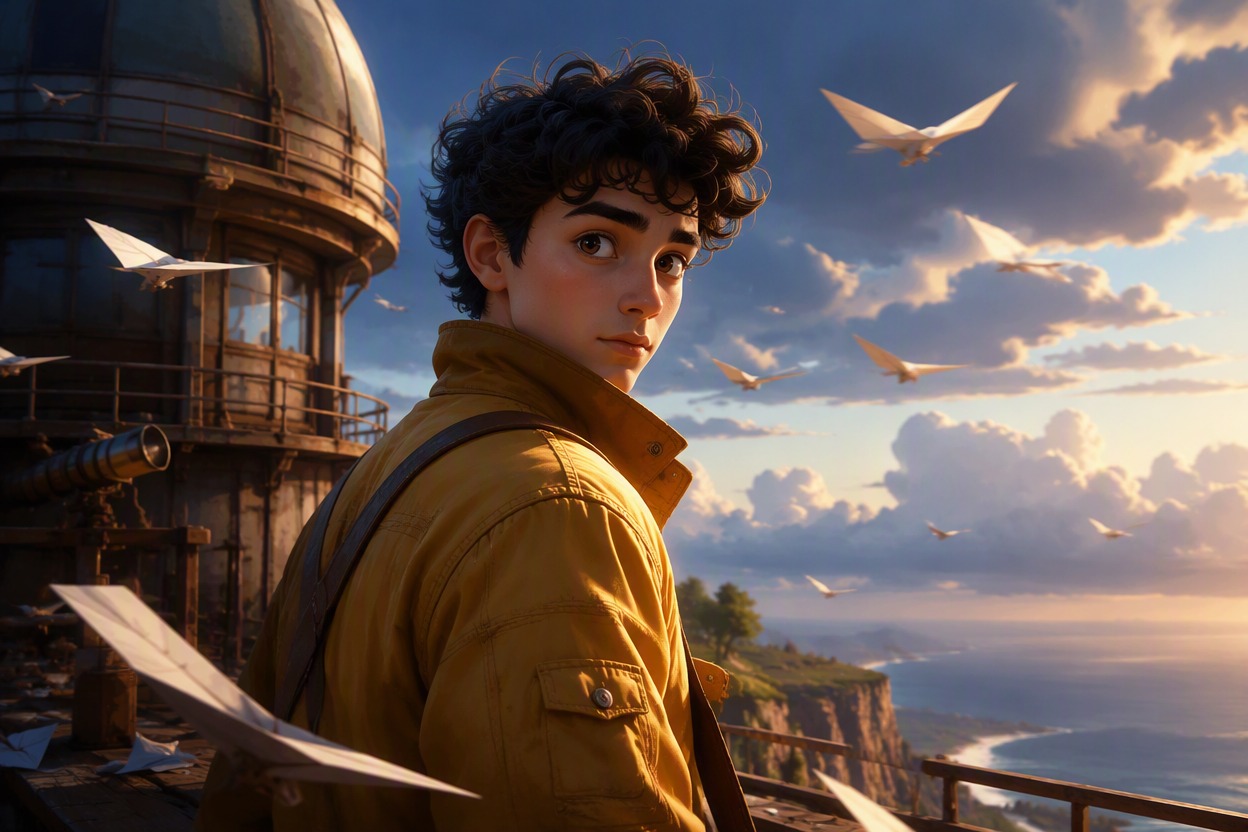
Support alternate animation versions while helping preserve recognizable cues such as the character’s face, hair, palette, outfit, and scene identity. The broader OC maker workflow can help develop source artwork with clear silhouettes, layered depth, and enough visual space for believable 3D cartoon movement.

One original anime-inspired young man with dark curls and mustard flight jacket at a quiet cliff observatory, turning toward the camera as paper gliders circle in the wind, strong

Why Use This 3D Cartoon Video Generator

Turn anime images into expressive 3D cartoon clips with guided motion, camera depth, and story-focused framing

  • 01

    Motion-Ready Anime Sources

    Produce more usable animation results from anime portraits and full-body art with readable anatomy, clean silhouettes, clear subject separation, and visible scene depth.

  • 02

    Directed Camera Movement

    Create push-ins, orbits, pans, tracking moves, and gentle reframing that give 3D cartoon shots a clear spatial direction.

  • 03

    Expressive Character Motion

    Bring anime characters to life with glances, smiles, turns, gestures, hair movement, and clothing motion while helping preserve recognizable visual cues.

  • 04

    Layered 3D Cartoon Depth

    Give foreground, character, and background layers a dimensional relationship so the animated-cartoon scene feels spatial rather than flat.

  • 05

    Story-Focused Video Clips

    Generate character introductions, reactions, reveals, transitions, and atmospheric moments for story-led videos and social clips.

  • 06

    Flexible Animation Variations

    Explore alternate crops, gestures, camera directions, and pacing while retaining the core anime character and 3D cartoon scene concept.

How to Generate 3D Cartoon Video From Anime Art

Prepare a clean source image, describe one focused motion idea, and refine the result around identity and scene continuity.

  1. Choose a Clear Anime Image

    Use source art with one readable subject, clean anatomy, useful separation from the background, and enough scene detail to support dimensional motion.

  2. Describe Motion and Camera

    State the character action, expression change, camera path, scene movement, pacing, and the important details that should remain visually stable.

  3. Generate Review and Refine

    Check identity, anatomy, background continuity, camera logic, and unwanted warping. Adjust one motion or framing variable at a time.

Frequently Asked Questions

3D Cartoon Video Generator FAQ

Practical answers about inputs, controls, useful outputs, consistency, and review.

What is a 3D cartoon video Generator?

A 3D cartoon video Generator turns a still illustration or anime-style image into a motion concept with dimensional rendering, character action, camera movement, depth, and scene continuity.

How does an anime image to video generator work?

An anime image to video generator interprets the source subject and scene, then applies directed motion such as a gesture, expression change, wind, camera push, orbit, pan, or tracking move while attempting to preserve identity.

What is the best AI image to video anime generator workflow?

The best AI image to video anime generator workflow begins with clean source art, one focused character action, a specific camera direction, restrained background movement, and a review pass for face, hands, clothing, and scene continuity.

Which source images work best?

Use one clear subject, readable limbs and face, a strong silhouette, useful foreground-to-background separation, and no embedded text, interface elements, or cropped details that must move naturally.

Which motions should I request?

Focused motion usually works better than a crowded sequence. Try a glance, turn, step, hand gesture, hair movement, slow push-in, short orbit, or environmental breeze tied to one story beat.

How can I reduce warping?

Choose source art with clean anatomy and avoid asking every body part, prop, camera axis, and background object to move at once. Keep identity traits explicit and simplify the motion direction.

Can I animate copyrighted anime characters?

Create or use images you have permission to animate. Avoid copying protected characters, logos, scenes, or artwork without authorization, and review the platform terms and applicable rights before public or commercial use.

Turn Your Anime Image Into Cartoon Motion

Start with a clear illustration, direct one cinematic action, and explore a dimensional 3D cartoon video concept.

3D Cartoon Video Generator: Create 3D Animation