AI Generator

Text to Cartoon Video Generator: AI Create Cartoon Videos Free

Turn written ideas into animated cartoon scenes with text to cartoon video generation for character motion, camera direction, mood, settings, and story beats.

Text to Cartoon Video

Transform a written scene into a cartoon video concept with original characters, expressive action, camera movement, atmosphere, and a clear story beat. Describe what happens, where it takes place, and how the scene should feel.

Create Cartoon Video From Text With Clear Direction

Control the action, visual treatment, camera, narrative focus, and refinement of each animated cartoon concept.

0104

Turn Text Into Cartoon Action

Write the subject, action, setting, mood, and outcome you want to see. The text-to-video generator interprets those inputs as an original animated scene with readable character movement and a focused event, making it useful for story pitches, social clips, visual experiments, and character moments.
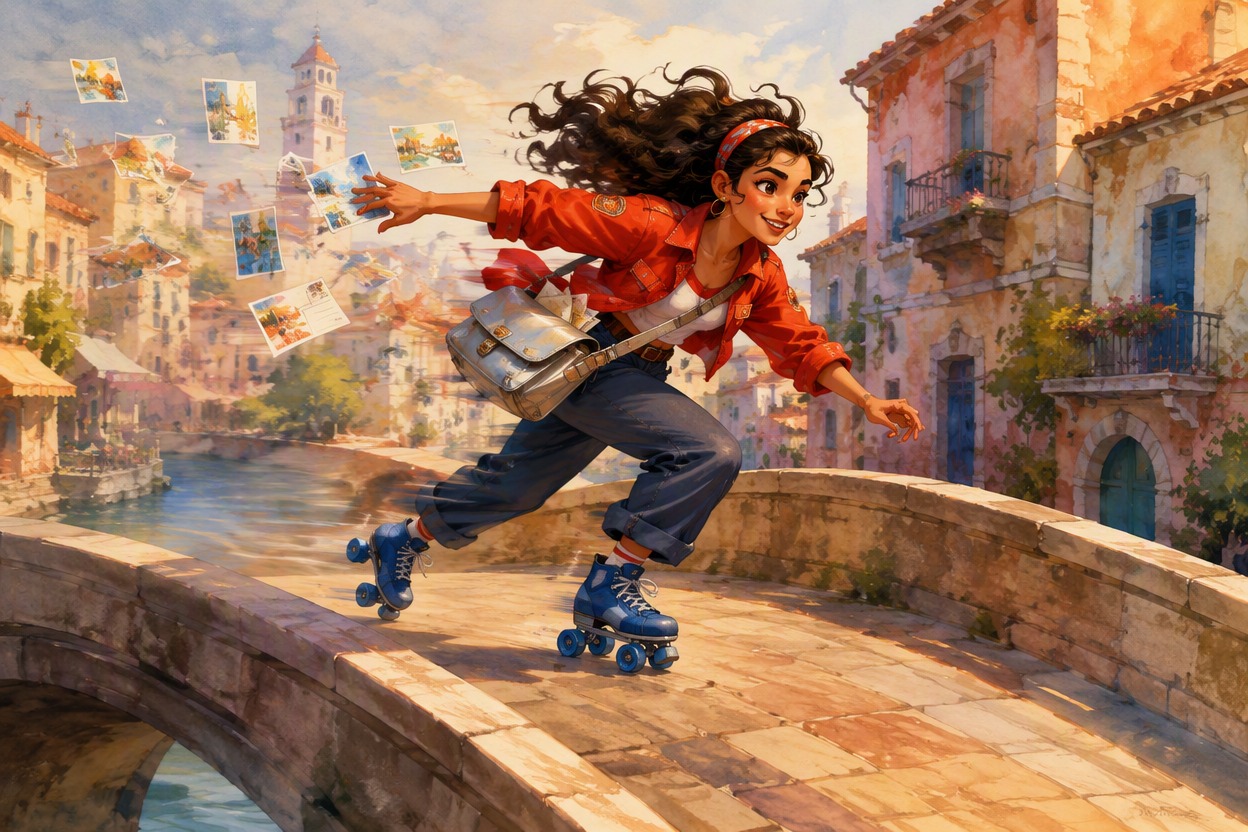
Original female cartoon canal messenger with dark curly hair, cobalt roller skates, red cropped jacket and silver satchel racing across a curved stone bridge as postcards flutter behind her

0204

Direct Style Camera and Mood

Describe the cartoon treatment, palette, lighting, camera path, framing, pacing, and emotional tone alongside the action. An AI anime generator workflow can translate those controls into a more intentional sequence instead of producing unrelated movement or an atmosphere that conflicts with the story.

Original cartoon musician conducting floating paper birds in a warm rooftop theater, layered foreground curtains and distant skyline creating cinematic camera depth

0304

Build Clear Animated Story Beats

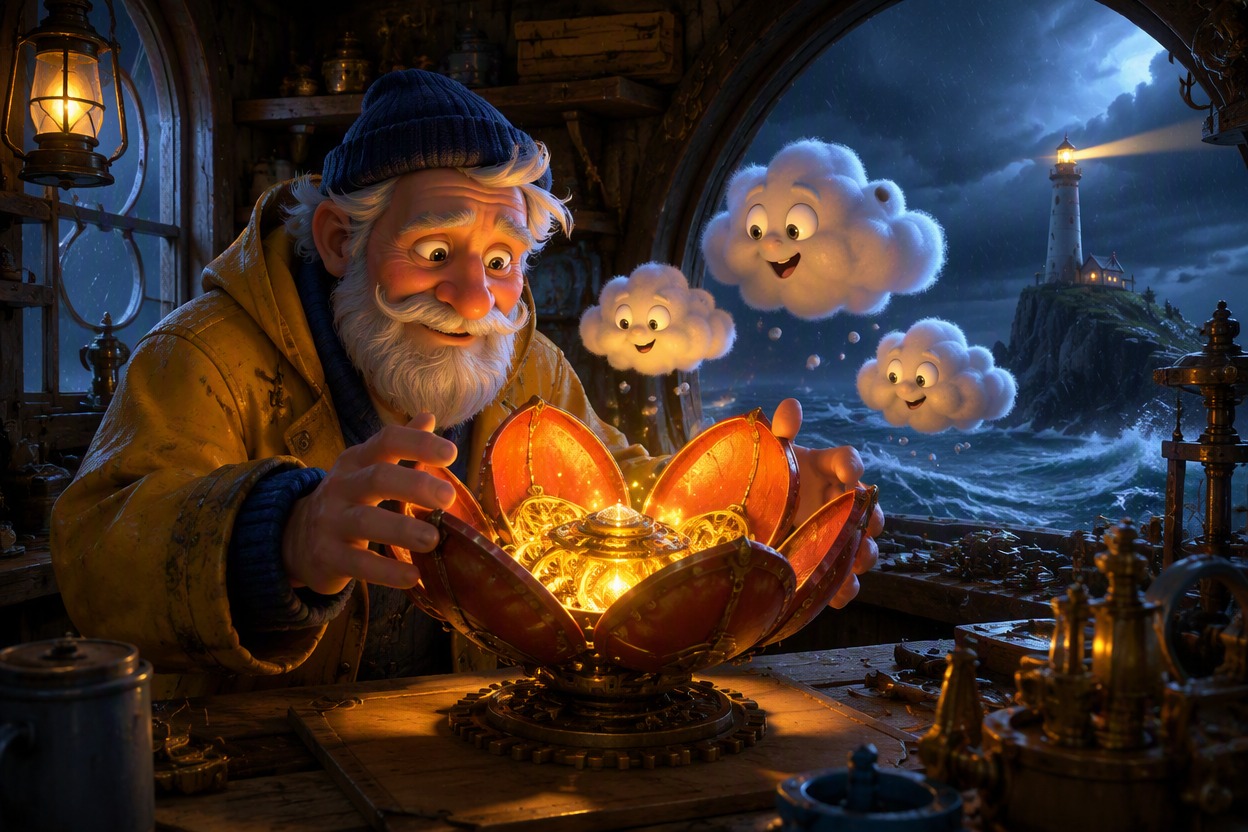
Create an entrance, chase, reaction, transformation, discovery, celebration, or quiet emotional turn from a compact written premise. Define who acts, what changes, and where the camera should focus so the generated cartoon scene communicates one recognizable narrative beat for shorts, concepts, or presentations.

Original cartoon lighthouse keeper opening a glowing mechanical flower as tiny cloud creatures circle above a stormy island workshop, clear narrative reveal

0404

Refine Motion Ready Versions

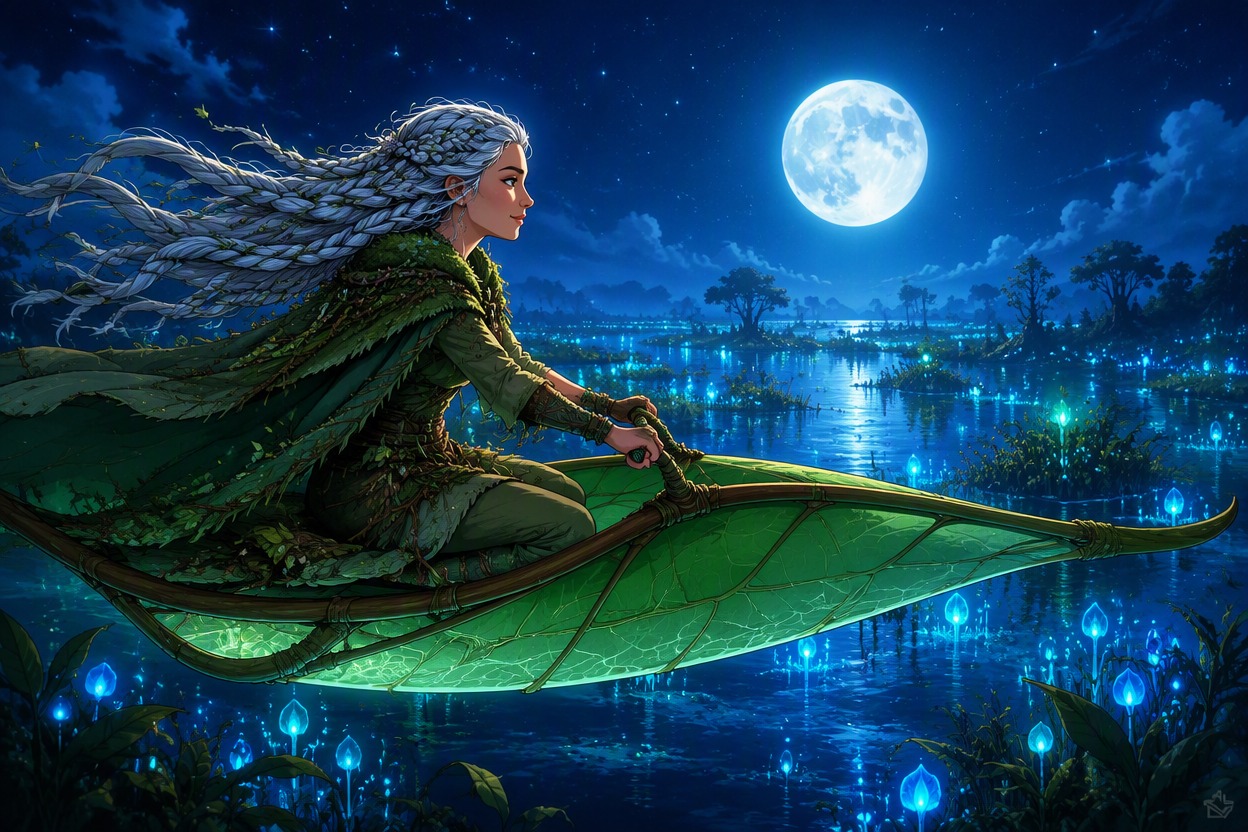
Keep the character, outfit, palette, environment, and main action stable while testing alternate camera paths, expressions, pacing, or scene energy. The broader OC maker workflow helps prepare recognizable original characters and compare concepts before choosing a version with a clean silhouette and animation-friendly staging.

Original moonlit cartoon botanist steering a leaf-shaped glider above luminous wetlands, clean silhouette and coherent character design suited to motion refinement

Why Use This Text to Cartoon Video Generator

Develop animated cartoon concepts with direct control over written action, character identity, camera movement, and story mood.

  • 01

    Readable Cartoon Action

    Generate focused movement with a clear subject, direction, and outcome instead of a crowded sequence.

  • 02

    Original Character Scenes

    Create distinctive cartoon figures, outfits, props, and settings that support the written premise.

  • 03

    Directed Camera Motion

    Shape push-ins, pans, tracking moves, or gentle orbits around the scene’s most important action.

  • 04

    Controlled Visual Mood

    Match palette, lighting, weather, and atmosphere to comedy, adventure, wonder, suspense, or warmth.

  • 05

    Story Beat Focus

    Produce intros, reactions, discoveries, chases, reveals, and transitions with a recognizable narrative purpose.

  • 06

    Flexible Version Review

    Compare changes in framing, pacing, expression, and motion while preserving the core cartoon concept.

How to Create Cartoon Video From Text

Move from a concise written premise to a focused animated scene, then refine its motion, camera, and visual continuity.

  1. Describe Your Cartoon Scene

    Write the character, setting, action, mood, and one clear event. Include the visual style and the details that should remain recognizable.

  2. Generate the Animated Concept

    Use one focused action plus a camera direction, such as a push-in, pan, tracking move, or gentle orbit, to shape the video idea.

  3. Review Refine and Download

    Check character identity, anatomy, motion logic, background continuity, and story clarity. Adjust one variable at a time before choosing the result.

Frequently Asked Questions

Text to Cartoon Video FAQ

Practical answers about prompts, animated outputs, visual control, motion clarity, access, and refinement.

What is a text to cartoon video generator?

A text to cartoon video generator interprets a written character, action, setting, mood, and camera direction as an animated cartoon scene concept with movement and narrative focus.

How should I describe a cartoon video?

State who appears, what happens, where the action takes place, how the scene should feel, and what the camera does. One clear event is usually easier to interpret than several unrelated actions.

Is there an AI cartoon text to video generator free to try?

Trial access, generation credits, and current pricing can change. Check the product interface and current OCMaker AI terms to see which text-to-video options are available before starting a project.

How does a free text to cartoon video AI generator work?

Searchers often use this phrase for tools that convert written prompts into animated scenes. The workflow typically involves describing a scene, generating a video concept, reviewing motion and continuity, and refining the prompt.

Which cartoon scenes work well?

Character entrances, reactions, discoveries, chases, simple transformations, quiet emotional moments, and short environmental reveals work well when each scene has one main action.

Can I control the camera and visual style?

Describe a cartoon treatment, palette, lighting, framing, and camera path in the same prompt as the action. Keep the directions compatible so the scene has one coherent visual and motion language.

How can I reduce distorted motion?

Use a clear subject, avoid stacking too many simultaneous actions, keep body movement plausible, and state which face, outfit, prop, and setting details should remain stable.

Turn Your Story Into Cartoon Motion

Describe one original character, action, setting, and camera move to begin shaping an animated cartoon scene.

Text to Cartoon Video Generator: AI Create Cartoon Videos Free