AI 3D Cartoon Video Generator

Create short character clips with an AI 3D Cartoon Video Generator focused on rounded forms, soft lighting, and expressive movement. Start from a scene idea or suitable artwork, then explore one moving moment at a time.

AI Cartoon Video Generator for Character Motion

Supporting still concepts illustrate the intended visual direction; they are not generated video samples.

0104

Generate Focused Cartoon Motion

A focused motion brief can turn a short scene description into a moving character moment. Rounded forms, soft material shading, and a single clear action define the 3D look. The resulting clip suits a mascot introduction or a visual sketch before a longer production.
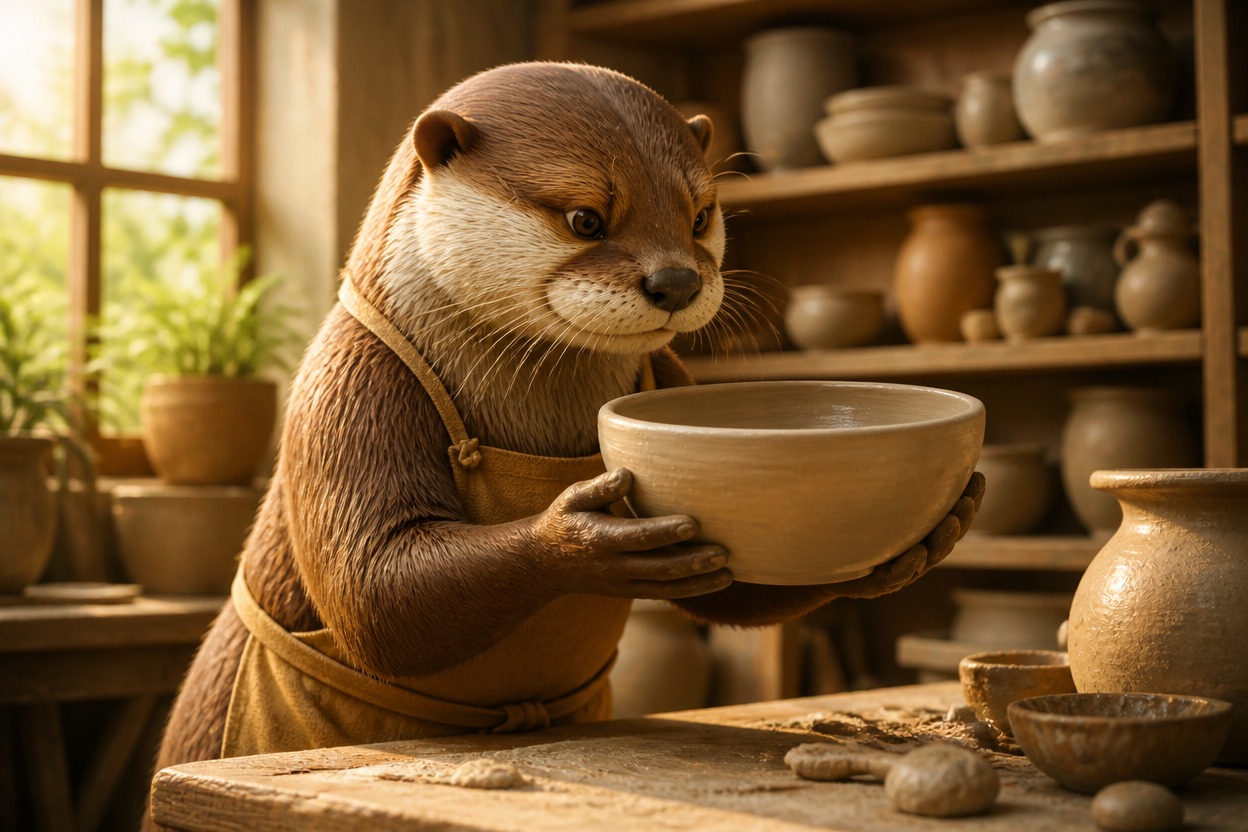
Rounded 3D otter potter lifting a clay bowl in a sunlit studio

0204

Give Existing Artwork Movement

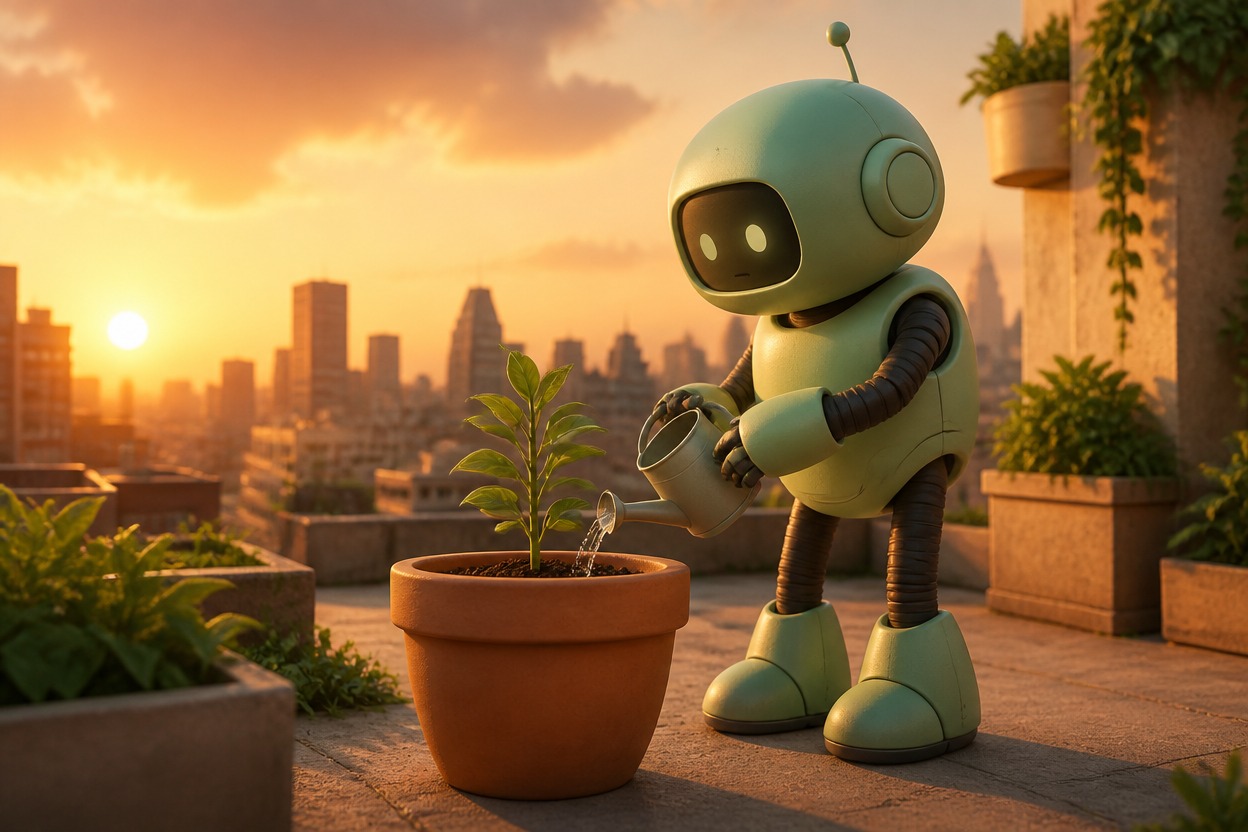
A character illustration can anchor an image-to-video clip while a motion prompt guides a glance, a wave, or a small body turn. Artwork developed with the AI anime generator can provide a starting concept; a rounded 3D-style image better supports this page's dimensional cartoon direction.

Mint-green 3D robot watering a terracotta planter on a rooftop at sunset

0304

Frame Movement With Depth

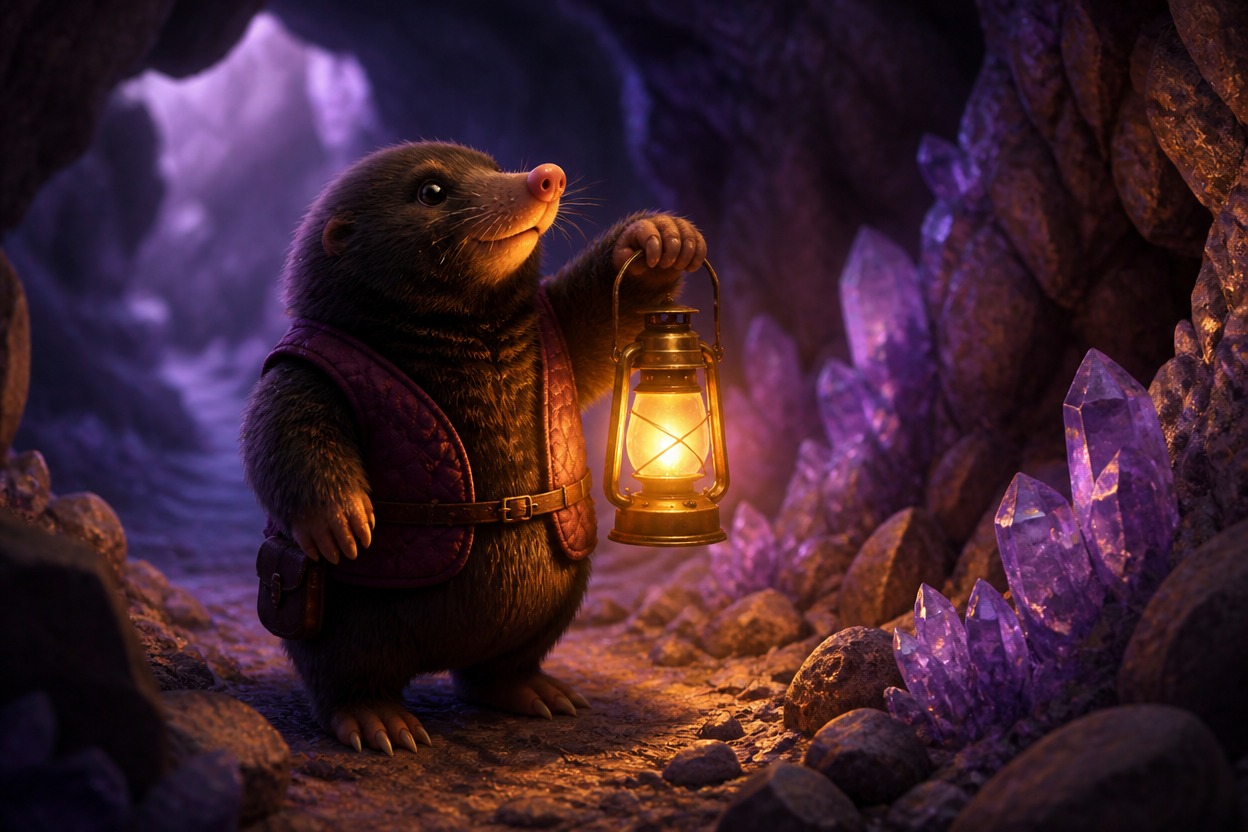
Camera direction and environmental motion can give a simple cartoon action more presence. A slow push toward a lantern keeper, with drifting dust and layered scenery, creates a clip concept for a mood teaser. This workflow centers on a shot, not a complete edited film.

3D mole lantern keeper in a plum vest inside a violet cavern

0404

Compare Alternate Performance Ideas

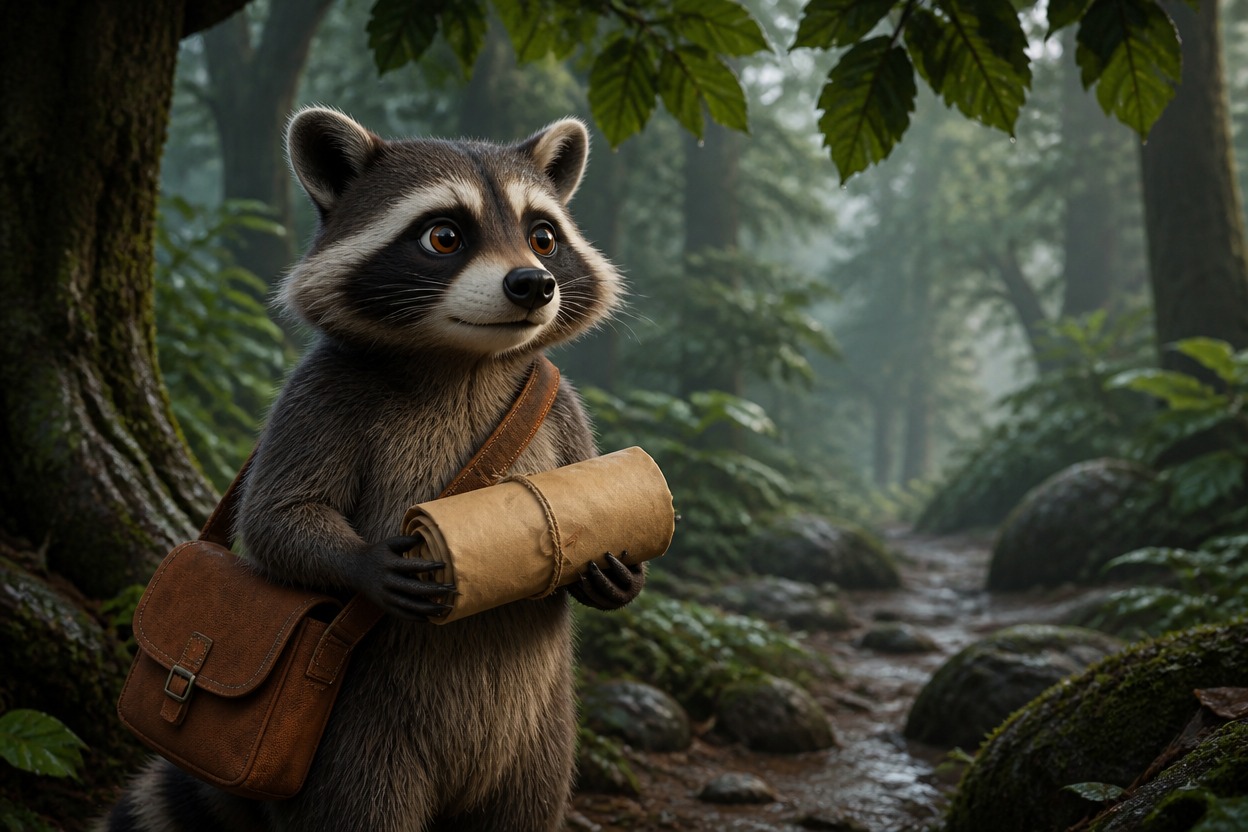
Separate generations offer different interpretations of the same short performance brief, such as a curious pause versus a cheerful greeting. Character concepts from the OC maker can support those experiments, giving creators motion studies to compare before assembling clips in another editor.

3D raccoon courier holding a rolled parcel on a woodland path

More Ways To Develop A Short Performance

Useful creative options around a focused, clip-based animation workflow.

  • 01

    Small Expression Studies

    Create quiet reaction studies around a glance or pause, useful when a large action would overwhelm a character moment.

  • 02

    Atmospheric Accents

    Generate gentle wind, drifting dust, or changing light as supporting motion around an otherwise simple scene.

  • 03

    Prop-Led Visual Hooks

    Produce a short visual idea around a held object, giving a mascot a clear task without a complicated plot.

  • 04

    Varied Character Species

    Create motion concepts for animal mascots or toy-like figures, rather than relying only on human presenters.

  • 05

    No Filming Setup

    Get a moving visual concept from text or artwork without arranging a live camera shoot or a physical set.

  • 06

    Early Production References

    Generate motion references for a creative discussion before committing to a longer animation production.

Plan A Shot With A Cartoon AI Video Generator

  1. Reduce the Idea to One Beat

    Write a single action, such as an otter lifting a bowl. Use the available text-to-video workflow, or bring a clear 3D-look illustration to image-to-video.

  2. Separate Subject and Camera Motion

    State what the character does, then add one camera instruction such as a slow push-in. Include dimensional cartoon shading in the visual direction rather than relying on an unverified style preset.

  3. Preview the Full Movement

    Watch for face drift, changing props, and unnatural limbs across the clip. Reduce competing actions and regenerate when the gesture or camera path obscures the subject.

Frequently Asked Questions

Cartoon Motion And Video Output Questions

What Is an AI 3D Cartoon Video Generator?

It is a prompt- or image-led video workflow for short clips with a dimensional cartoon appearance. Here, 3D describes rounded forms, shading, and lighting in a video, rather than an editable modeling project.

How Do I Use the Cartoon Video Workflow?

Start with the available text-to-video tool or a suitable image in image-to-video. Describe one subject action and a restrained camera movement, then preview the clip and revise the motion request if needed.

Is There a Free AI Cartoon Video Generator Option?

OCMaker AI advertises free access or starter credits on its platform. Check the current account allowance and the selected video tool before generating; that does not establish that this particular workflow is free or unlimited.

Can I Use a Cartoon Mascot Clip in a Paid Campaign?

Check the current OCMaker AI terms and your rights to the mascot, input artwork, and any third-party material. A generated clip does not itself establish permission to advertise with someone else's character or brand.

Does a 3D Animation AI Video Generator Export a Rig?

This page concerns video with a 3D animation look. It does not promise a mesh, skeleton, editable rig, scene file, or animation data for a game engine or 3D package.

Why Does a Fast Character Turn Change the Face?

Large turns reveal surfaces that may not be defined in a starting image. Reduce the turn, keep the face visible, and try a gentler gesture before asking for more complex movement.

Should I Start With Text or a Finished Cartoon Image?

Text-to-video is useful when the shot is still an idea. Image-to-video is a better starting point when the character appearance and framing already exist. Neither route guarantees identical features in every frame.

Can One Clip Include a Chase and Several Camera Cuts?

A focused shot is easier to assess than a sequence of unrelated actions. Split a chase into separate moments, then assemble suitable results in an external video editor; automatic full-film editing is not promised here.

Will a Flat Drawing Automatically Become a 3D Cartoon?

Not reliably. Starting with rounded, shaded character art and describing dimensional materials gives clearer visual direction. A flat source may retain flat features or change unpredictably.

Does This Workflow Include Dialogue, Lip Sync, or Music?

Those features are not established for this page. Plan audio, speech timing, and final sound editing separately unless the selected live tool explicitly offers them.

What Duration and Resolution Can I Generate?

Use the options shown by the currently selected video tool and model. This page does not promise a fixed clip length, resolution, file format, or processing time.

Are the Illustrations on This Page Actual Video Frames?

No. The supporting images are still concepts showing cartoon subjects, lighting, and staging. They are not recordings of generated clips or evidence of motion quality.

Give Your Cartoon One Moving Moment

Try a focused character gesture with depth, light, and camera motion rather than planning a whole film at once.

AI 3D Cartoon Video Generator: Expressive Motion Clips