AI Cartoon Generator From Image

Your source image supplies the starting point. Reimagine a portrait, pet snapshot, object study, or scene as cartoon artwork with a style description that guides the new illustration.

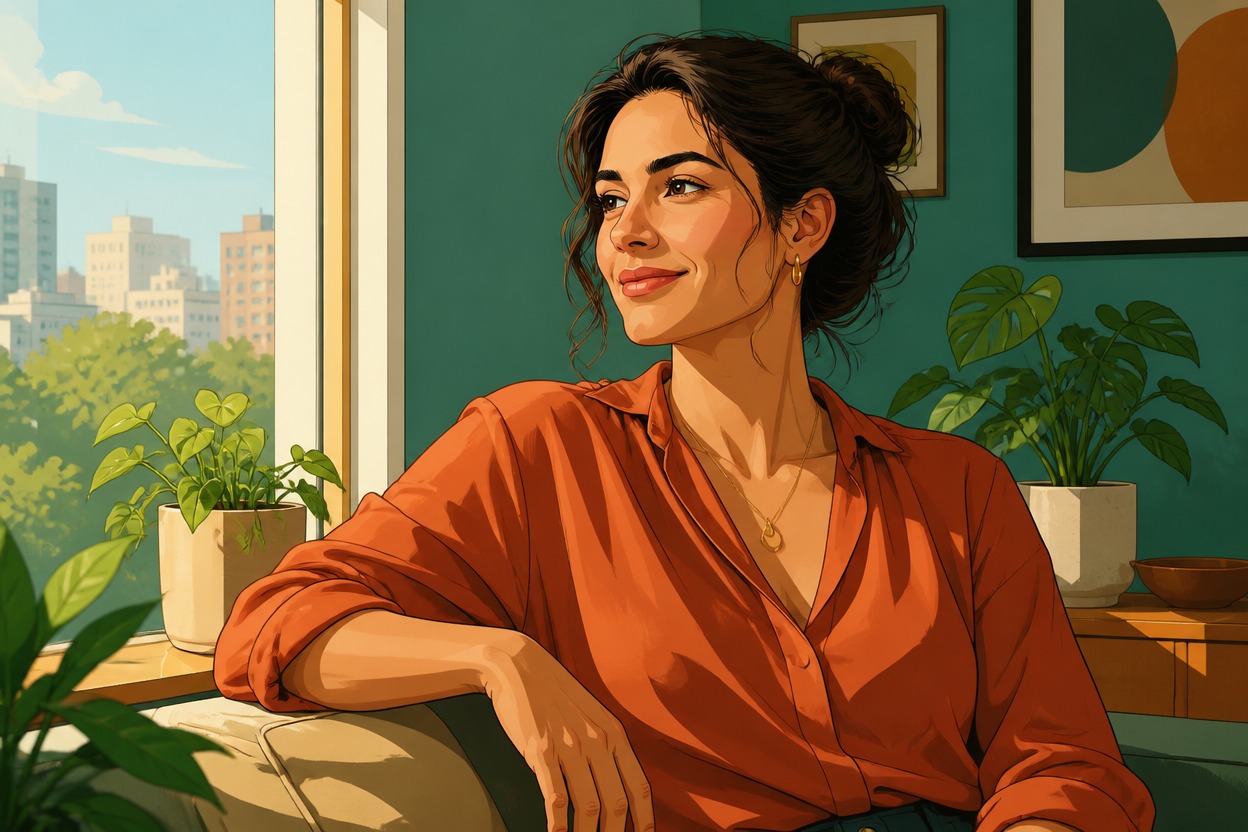
Drawn woman with a dark bun and terracotta blouse beside a sunny apartment window

Image To Cartoon AI Interpretations

The source supplies visual context; the new image explores a cartoon interpretation.

0104

AI Photo To Cartoon Portraits

An authorized portrait provides the starting face, pose, and framing for a cartoon interpretation. The workflow combines the source image with a style prompt, producing an illustrated portrait for personal profiles or creative projects without promising an exact likeness.
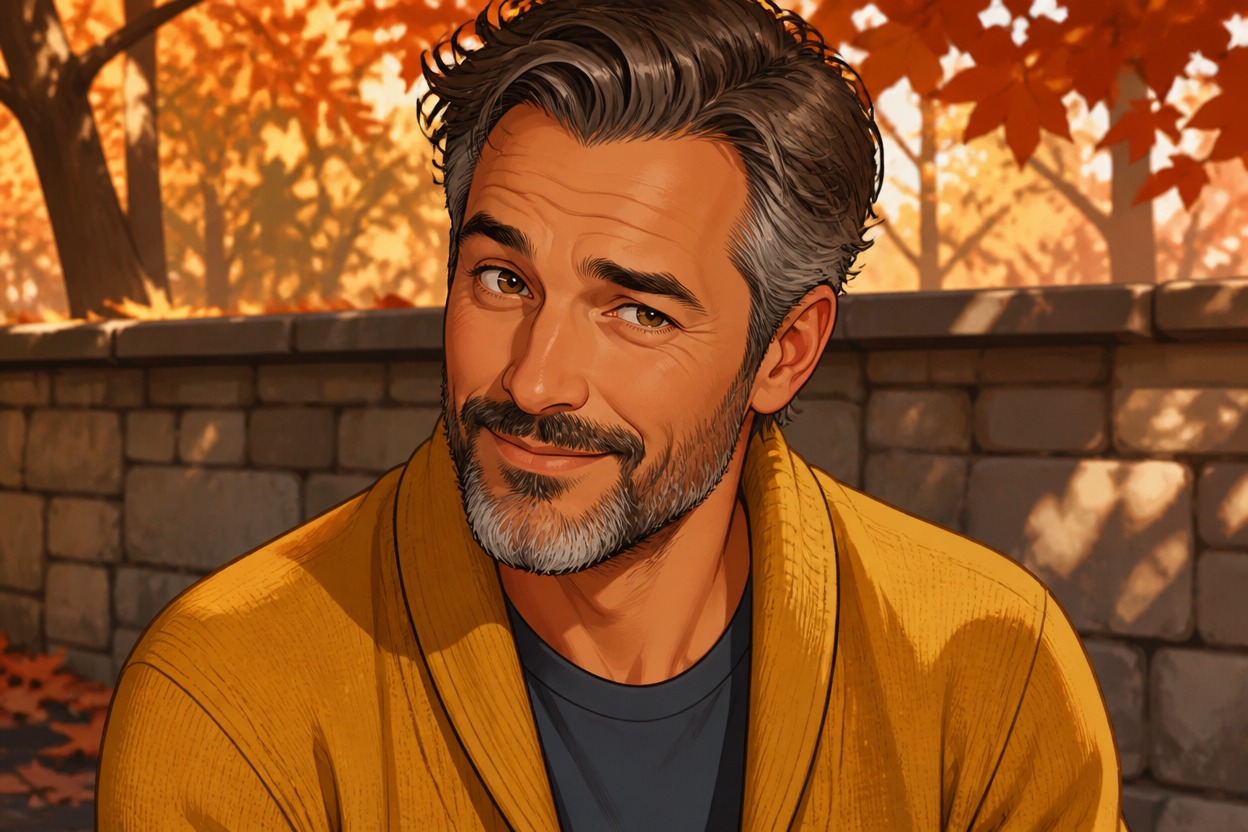
Cartoon portrait of a salt-and-pepper-haired man in a mustard cardigan by an autumn wall

0204

Pet Photos as Illustrations

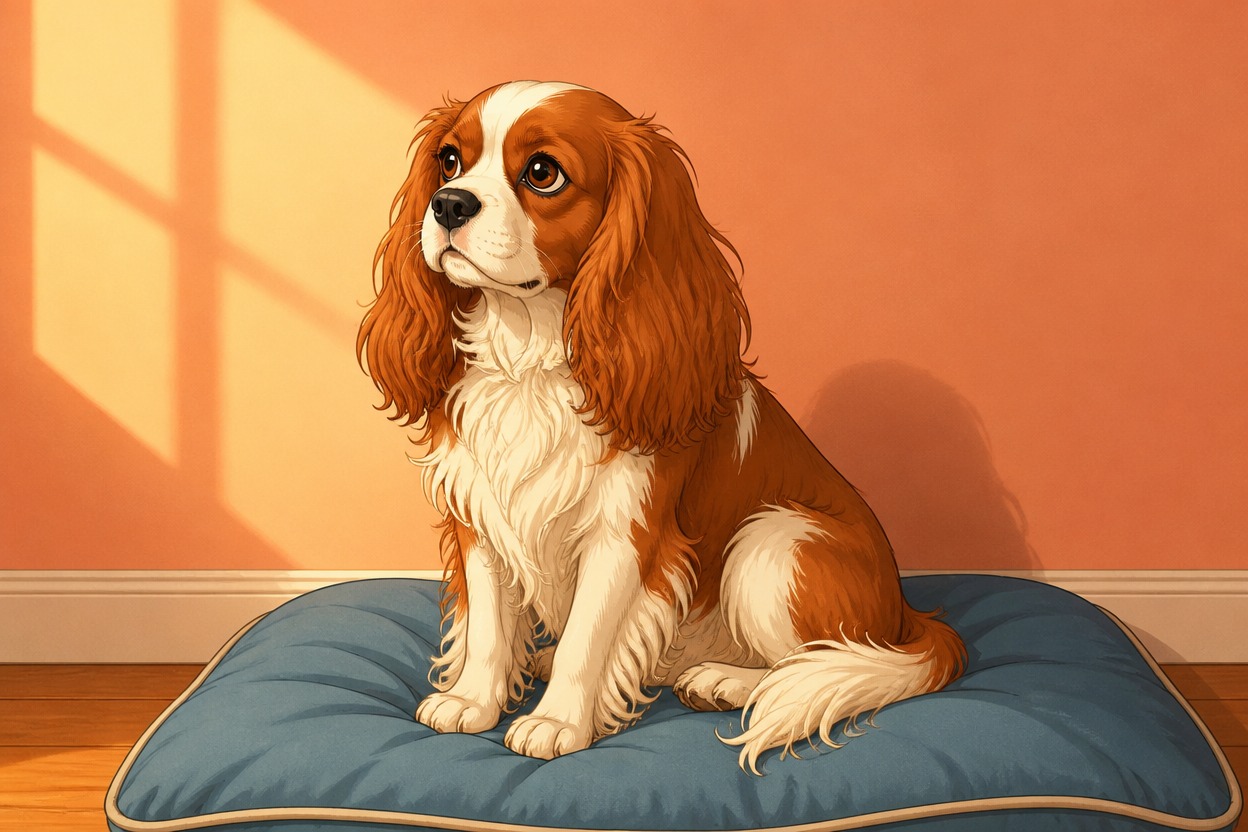
A clear animal photo can guide a cartoon image around the pet's visible outline, coat colors, and posture. Simplified shading and drawn contours shift the look away from photography, creating a pet-focused illustration concept while leaving room for details to change during generation.

Cartoon chestnut-and-white spaniel sitting on a blue cushion

0304

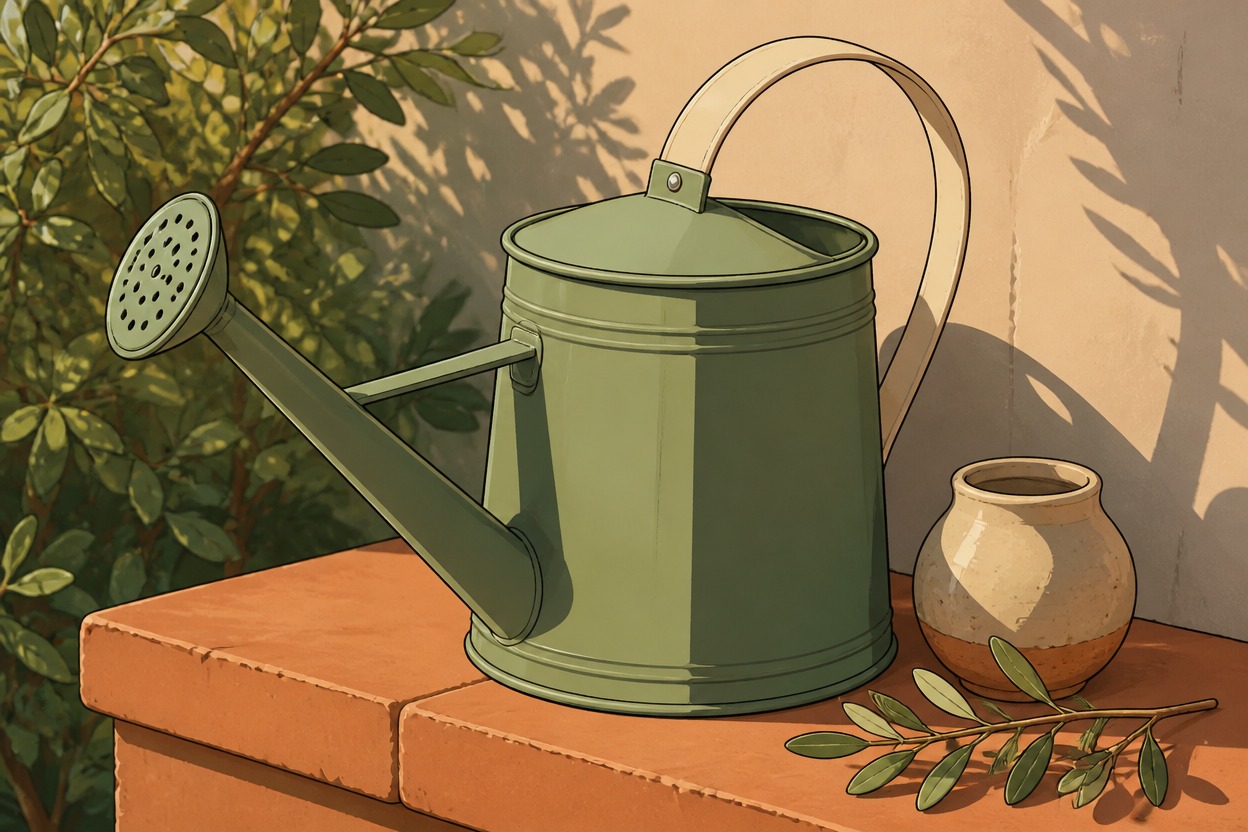
Objects With Drawn Character

A source image can anchor a cartoon study of an everyday object, using its broad shape and arrangement as a reference. A short style prompt guides contours and shading. The OC maker offers a separate route when inventing a character matters more than restyling an existing subject.

Illustrated green watering can on a terracotta ledge beside a small pot

0404

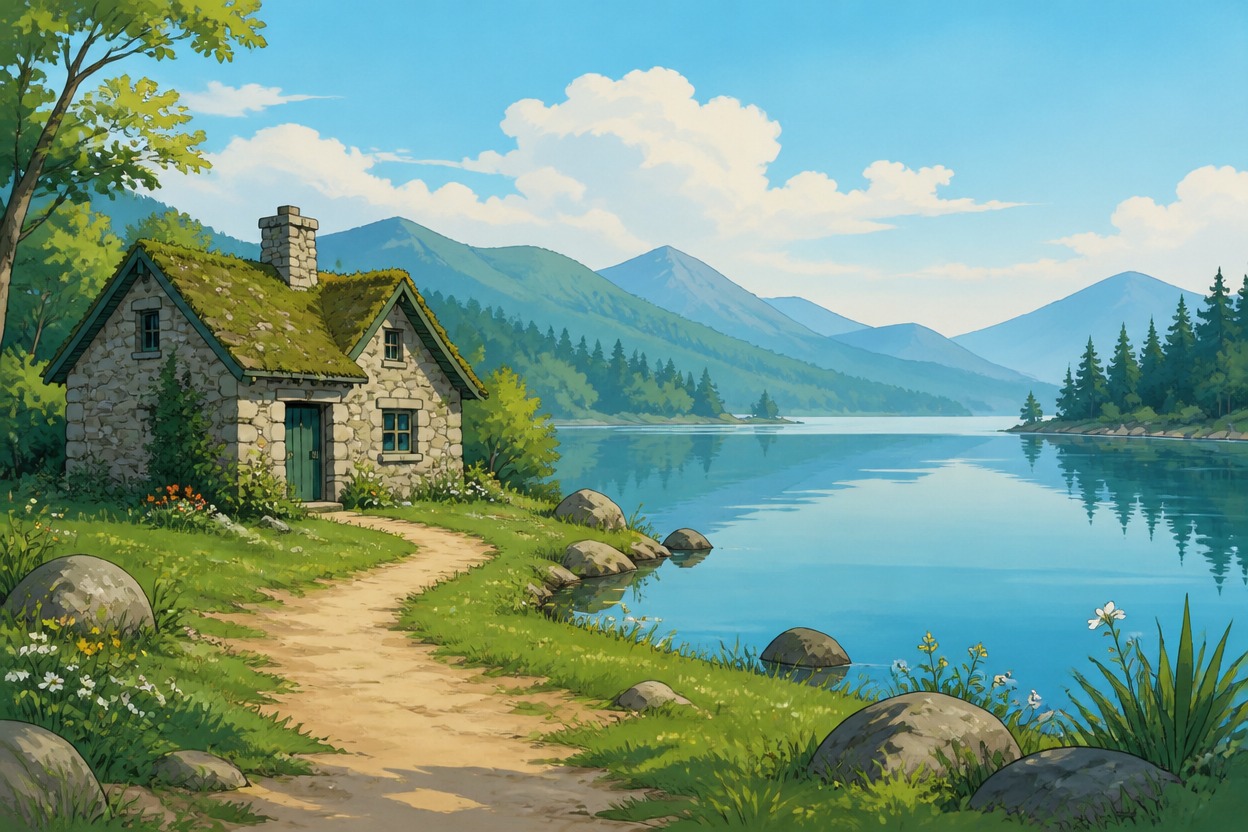
Scenes Reimagined in Color

A landscape or sketch supplies a visual layout for a new illustrated scene. Broad color areas and simplified background detail can give the source a cartoon direction. The AI anime generator is another option when an anime-inspired interpretation better fits the setting.

Drawn stone cottage and curving path beside a quiet lake

Prepare A Source And Refine The Cartoon Style

Prepare the visual reference before restyling it.

  1. Prepare the Source Crop

    Upload an image you are authorized to use. Crop around the intended subject and favor clear lighting; a small dark face or an obstructed object gives the model less usable information.

  2. Specify the Cartoon Treatment

    Write a concise style direction such as clean drawn outlines and simple color shading. Identify the subject details that matter, without asking the prompt to replace the entire scene at once.

  3. Compare Against the Reference

    Generate and inspect the new image beside your source in your own review. Check subject count, facial features, animal anatomy, and object structure. Simplify the prompt or improve the crop if details drift.

A Visual Starting Point For Personal Projects

More ways an existing picture can inform a drawn interpretation.

  • 01

    A Starting Point Provided

    Get a visual foundation from an existing picture, reducing the need to explain every spatial relationship in words.

  • 02

    Useful Rough Inputs

    Create an illustrated direction from a simple sketch when the arrangement matters more than finished source textures.

  • 03

    Different Levels of Detail

    Generate a spare or more textured interpretation through the style brief without treating either as a faithful photo copy.

  • 04

    Color Mood Exploration

    Produce a new atmosphere from the same source idea, giving a picture a warmer, cooler, or more subdued illustrated direction.

  • 05

    Reference-Led Framing

    Get an initial composition suggested by the source image, with less reliance on describing placement from an empty canvas.

  • 06

    Personal Project Material

    Create a visual starting point for a scrapbook or creative keepsake, then review the image before any final layout or printing.

Frequently Asked Questions

Photo Restyling And Reference Questions

What Is an AI Cartoon Generator From Image?

It is an image-to-image workflow that uses an existing picture plus a style description to generate a cartoon interpretation. Unlike a text-only generator, it starts with a visual reference; it still creates a new image rather than applying a perfectly reversible filter.

How Do I Use AI Photo to Cartoon?

Upload an authorized source picture, describe the cartoon treatment, and generate an interpretation. Compare the result with the source and revise the crop or style prompt if the main subject or framing has shifted too far.

Can I Try Image to Cartoon AI for Free?

OCMaker AI terms describe a free tier as well as subscriptions and token purchases. Check the current allowance, model, and generation cost in your account. Free access on the platform is not a promise of unlimited photo restyling.

May I Sell Artwork Based on an Uploaded Photo?

Paid-plan pricing lists commercial use, but review the current terms and your plan before selling. You also need appropriate rights to the source photograph and should consider consent, likeness, artwork, and trademarks visible in the input or output.

Will the Cartoon Keep My Face Exactly the Same?

No exact facial-identity guarantee is made. A source portrait guides the interpretation, but eye spacing, expression, hair, and proportions can change. This workflow is not face swapping, identity verification, or precise facial retouching.

What Lighting Works Best in the Source Photo?

Even lighting makes features and boundaries easier to interpret. Deep shadows, blown highlights, or strong colored light can hide details that the generator cannot reliably recover. A clearer source is more useful than a longer corrective prompt.

Should I Crop the Image Before Making a Cartoon?

Crop first when the intended subject occupies only a small part of the picture. Leave enough room for important ears, hair, or object edges. A tight accidental crop can remove information the model would otherwise use.

Can an AI Cartoon Generator From Photo Handle Several Faces?

Multiple faces introduce more chances for mixed features, changed expressions, or missing people. A source with clearly separated subjects is easier to assess, but exact counts and identity preservation are not guaranteed. Inspect every person in the result.

Can I Use a Pet Photo Rather Than a Selfie?

A pet image can serve as the visual reference for a cartoon interpretation. Clear eyes, a visible body outline, and an unobstructed pose are useful. Coat markings and paws may change, so do not assume a perfect animal likeness.

Can It Restyle a Landscape or an Object Photo?

The underlying image-to-image workflow is not limited to faces, and the anime generator documents landscapes and sketches as inputs. A clear object or scene can guide an illustrated direction, though fine structure and exact layout remain generative rather than guaranteed.

Why Does the Result Look Too Close to the Photograph?

The style description may be too weak or compete with photographic cues. Emphasize drawn contours and simplified shading, and remove demands for realistic texture. Use only the controls actually available in the selected workflow; this page does not promise a particular strength slider.

Are the Illustrations Here Verified Upload Results?

These planned page images illustrate possible cartoon directions. They are not paired source-and-output tests or evidence that a particular photo produced a shown image. Actual results depend on the source, prompt, selected model, and settings.

Give a Familiar Picture a Drawn Perspective

Bring an authorized source and explore the subject as a new cartoon illustration.

AI Cartoon Generator From Image: Photo-Led Illustration