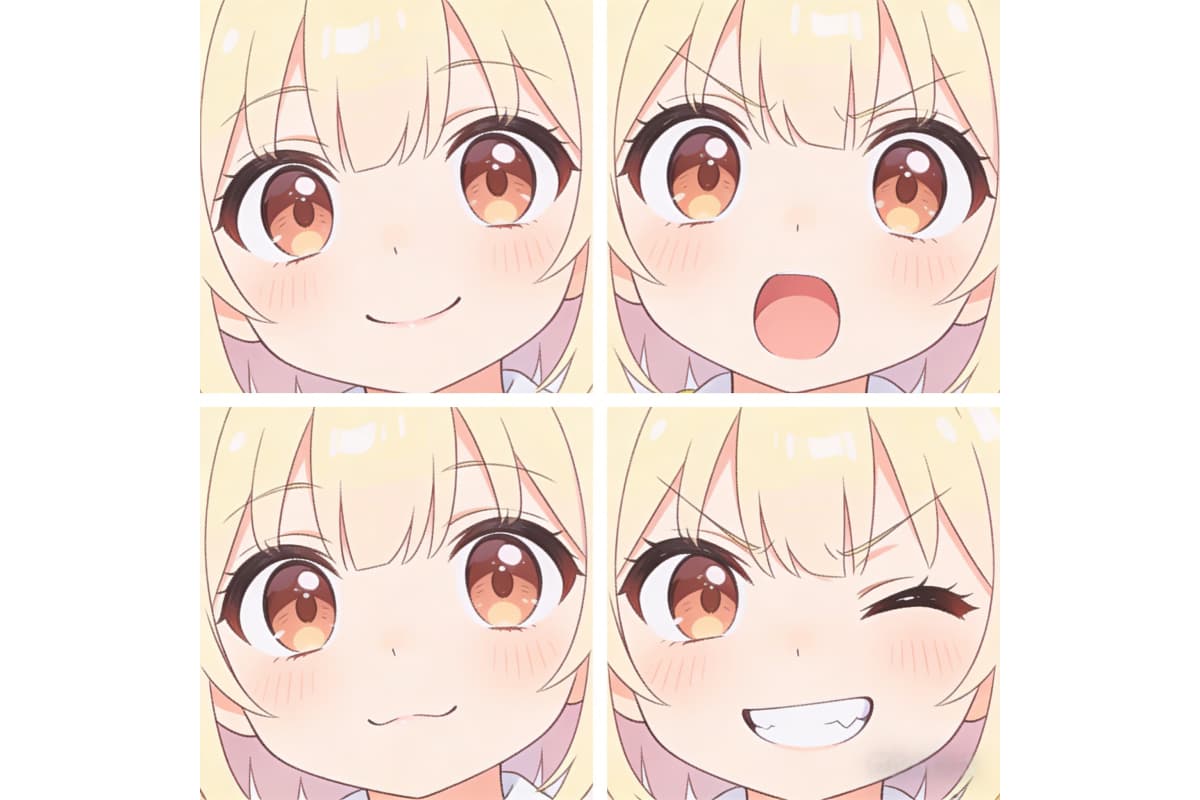
AI Face Expression Changer :Change Face Expression with AI

Use an AI face expression changer online free to adjust smiles, emotions, and facial moods. Learn a way to extrade face expression with AI in seconds.

AI Face Expression Changer

Use an AI face expression changer online free to adjust smiles, emotions, and facial moods. Learn a way to extrade face expression with AI in seconds.

Explore the AI Face Expression Changer Online Free

Capturing professional demeanor is difficult due to camera shyness. Our algorithms analyze facial landmarks to subtly adjust features, creating an approachable appearance. Refining a serious look is achievable without reshoots, as you change face expression AI seamlessly. OCMaker AI empowers professionals to present their best selves, ensuring every headshot conveys the right message.

0103

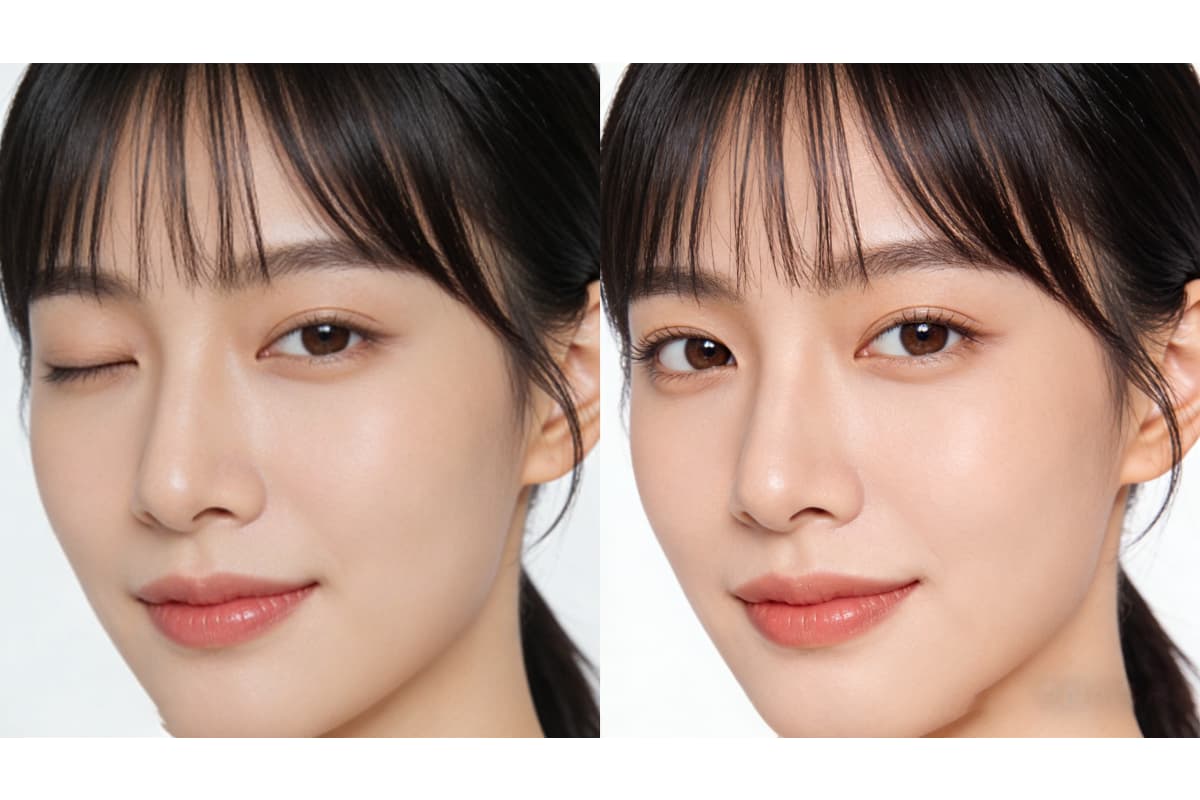
Change Face Expression AI for Professional Headshots

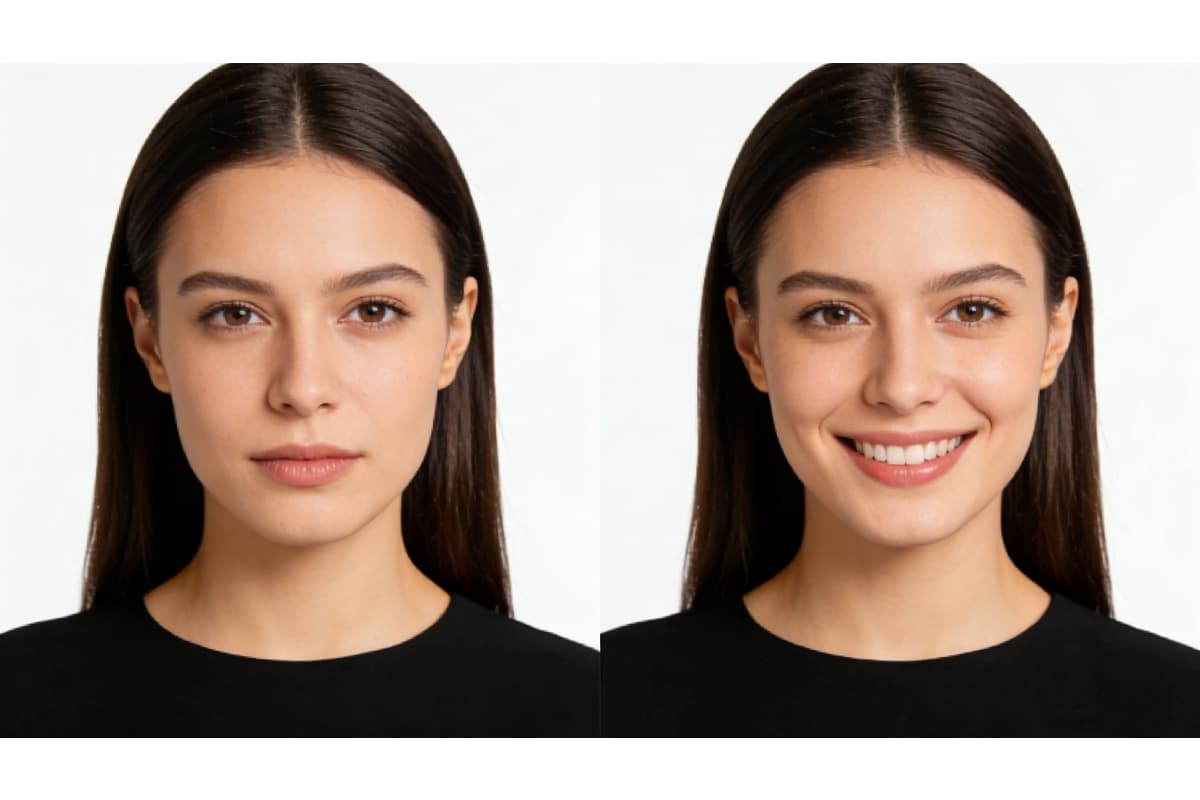
Camera shyness often leads to stiff or overly serious expressions in professional photos. With this AI face expression changer online free, you can adjust facial expressions after the shoot without retaking photos.
Simply upload your image to OCMaker AI and refine details like eye focus and mouth relaxation. This change face expression AI helps create a confident, approachable look while keeping facial features natural—ideal for resumes, LinkedIn profiles, and company websites.
Professional Headshot AI Editing

0203

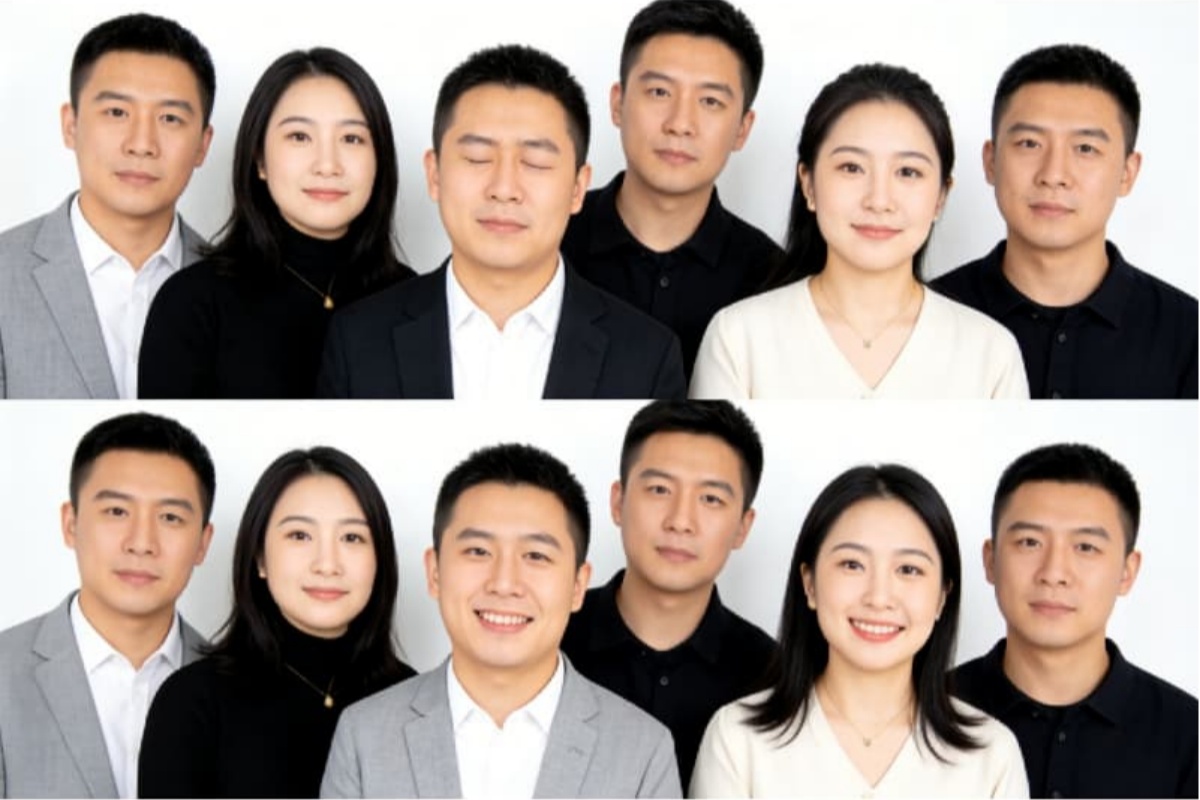
AI Face Expression Changer for Group Photo Expression Correction

Group photographs are notoriously challenging to coordinate. Instead of discarding excellent shots due to blinking, utilize generative technology to correct expressions. This ensures a cohesive atmosphere, saving memories from deletion. As an AI face expression changer, the system allows image to image processing that blends precise adjustments perfectly with the original lighting.

Group Photo Expression Correction

0303

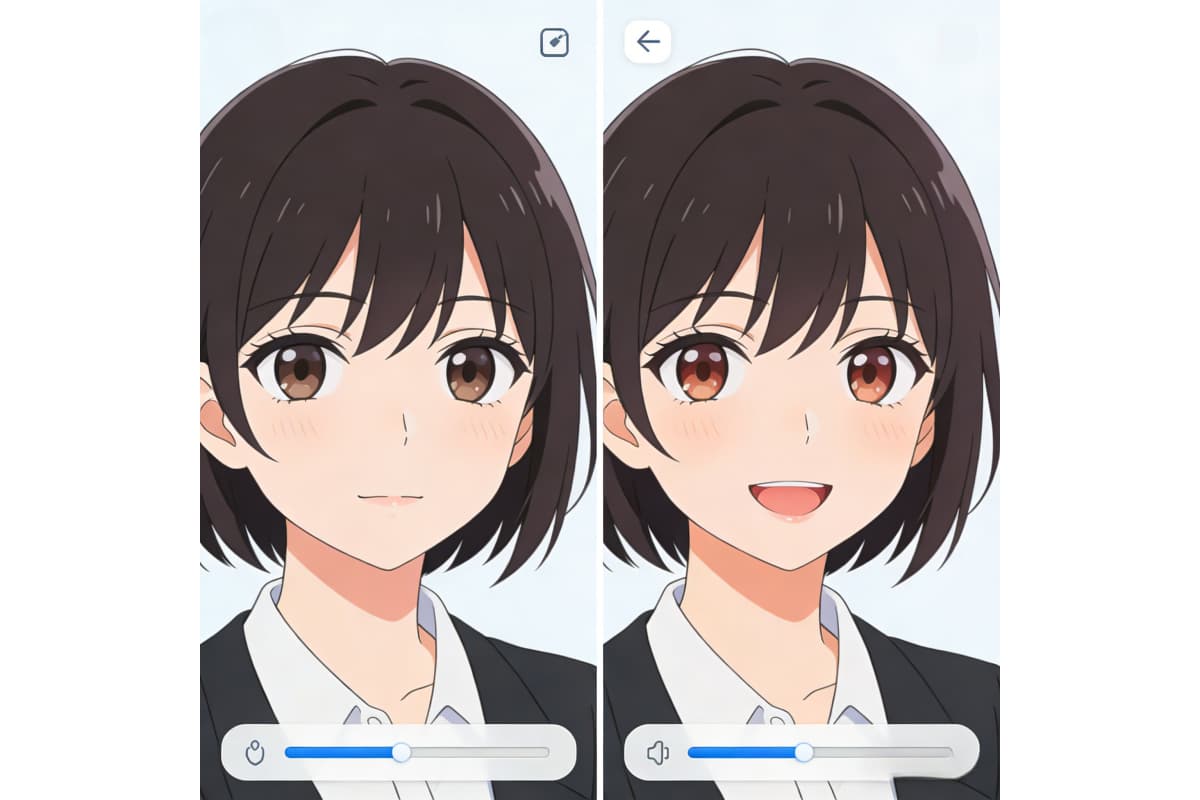
AI Face Expression Changer Online Free with Photo-to-Anime Support

Realistic facial emotions don't have to be lost in stylized art. With built-in photo to anime technology, powered by AI anime generator, the AI face expression changer converts real-world expressions into anime-style characters while preserving emotional detail.
This feature is especially useful for creators who want expressive characters without manually redrawing each facial variation.

Creative Character Expression Design

Precision Control to Change Face Expression with AI

Professional-grade tools require precision. Our platform offers granular control over facial landmarks, ensuring every operation to change face expression with AI maintains the subject's identity while enhancing the intended narrative.

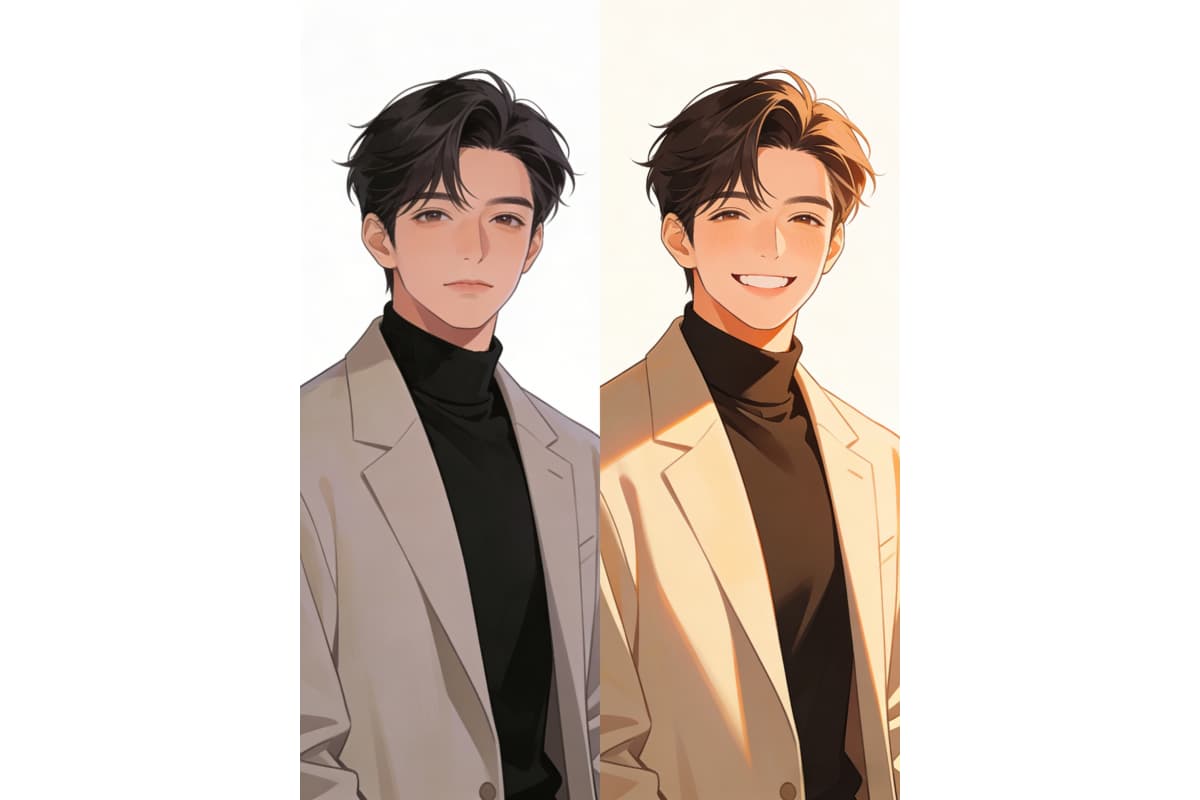
Social Media Content

Curate the perfect vibe for digital feeds. Adjust candid shots to match a specific aesthetic or mood without the need for complex reshoots.

Why Use Our Tool to Change Face Expression with AI?

  • 01

    Natural AI Transformations

    Our AI model understands facial anatomy, ensuring that every smile, frown, or laugh looks organic and biologically accurate.

  • 02

    Instant Online Processing

    Experience rapid edits directly in your browser. The cloud-based AI engine delivers results in seconds without local installation.

  • 03

    High-Resolution Output

    Maintain the clarity and sharpness of your original photos. The AI enhances expressions without introducing blur or pixelation.

  • 04

    Privacy First

    Your images are processed securely and deleted automatically. We prioritize user privacy throughout the AI editing workflow.

  • 05

    Versatile Emotion Library

    Access a wide range of expressions. From subtle grins to dramatic shock, the AI can replicate diverse emotional states.

  • 06

    No Watermarks

    Download your finalized images clean and ready for use. Our tool provides professional-grade results free from branding.

How to Use AI Face Expression Changer Online Free

  1. Upload a Clear Face Photo

    Start by uploading a clear photo with a visible face. Good lighting and a neutral angle help the AI face expression changer read facial features more accurately.

  2. Select the Desired Expression

    Choose the expression you want to apply, such as a smile, surprise, or serious look. The change face expression AI will analyze facial muscles and adjust them naturally.

  3. Generate and Save Your Image

    Click the generate button and wait some seconds. Once the AI finishes processing, you can preview the result and download your edited image for free.

FAQs About AI Face Expression Changer Online Free

What is the AI Face Expression Changer?

It is an advanced tool that utilizes deep learning AI to modify facial emotions in photographs. It can transform a neutral face into a smiling one, or adjust any expression to better suit the context of the image.

How does the AI ensure the new expression looks natural?

The AI analyzes thousands of facial points and micro-expressions. By understanding how skin stretches and features move, the AI generates changes that align perfectly with the subject's unique facial structure.

Does the AI support multiple faces in one photo?

Absolutely. The AI detection system can identify multiple faces within a single frame. You can selectively apply different expression changes to each individual, making it ideal for group photos.

What should I adjust first if the AI face expression changer result looks unnatural?

From real use, the first thing to check is the original photo, not the expression setting. I usually re-upload the image and make sure the face is straight, not tilted. If the mouth or eyes look strange, switching to a softer expression (for example, "slight smile" instead of "big smile") often fixes the issue.

Is my data safe when using the AI tool?

We take data security seriously. All images uploaded for AI processing are encrypted and automatically removed from our servers after a short period, ensuring your personal photos remain private.

Why does the AI face expression changer sometimes miss parts of the face?

This usually happens when the face is partly covered. In my tests, glasses, hair over the eyes, or hands near the face can confuse the AI. I get better results by using photos where both eyes, nose, and mouth are fully visible before clicking generate.

What's the best workflow for using a change face expression AI free tool?

My usual workflow is simple: upload one clear image, generate once, then compare. If the expression feels off, I don't tweak everything at once. I either re-upload the original image or slightly change the expression type. This saves time and avoids over-editing.

Try the AI Face Expression Changer Online Free Now

Unlock the potential of your images with our AI Face Expression Changer. Perfect your portraits instantly.

AI Face Expression Changer :Change Face Expression with AI