Demo Preview

Ai Feet Generator

AI Feet Generator

Generate anime foot and footwear references for standing poses, action scenes, character sheets, and illustration studies. Control viewpoint, footwear, ground contact, and lighting while keeping the result suitable for general creative use.
AI Feet Generator

Create Better Anime Foot and Pose References

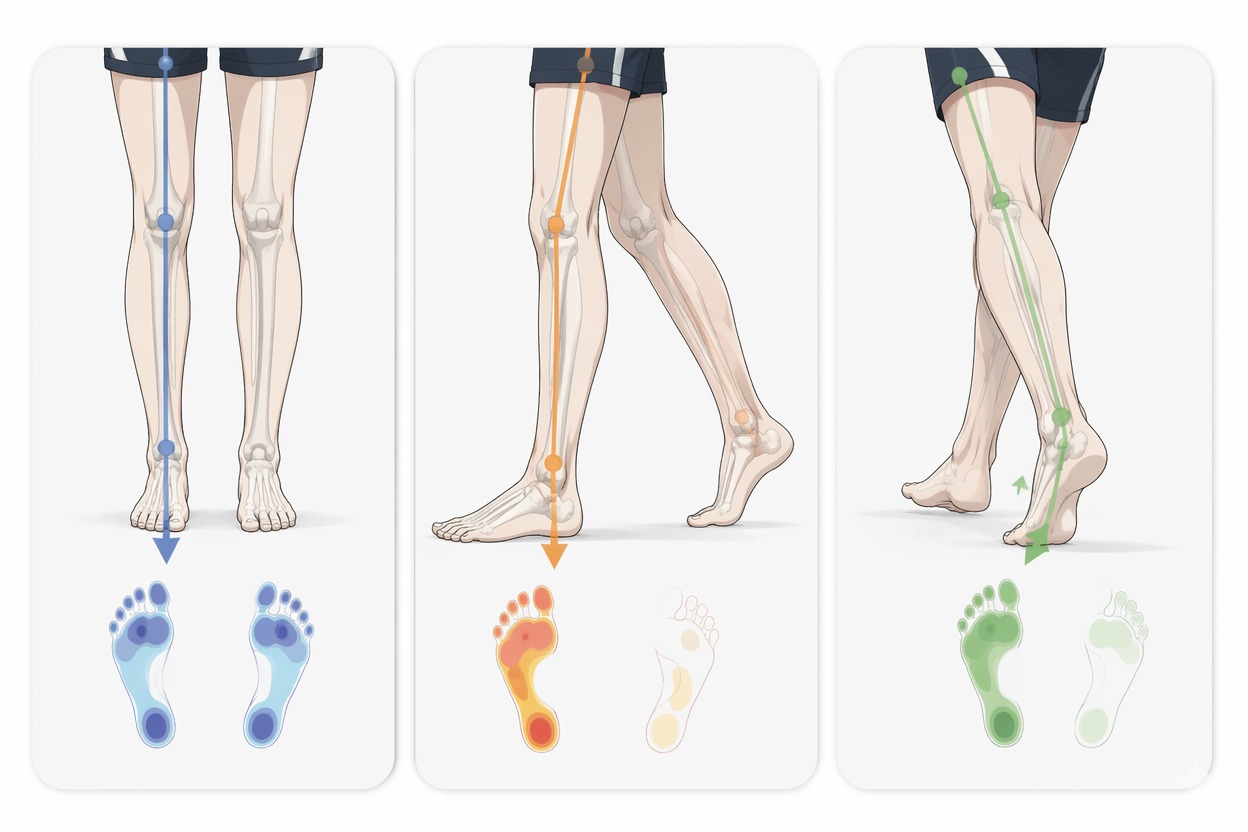
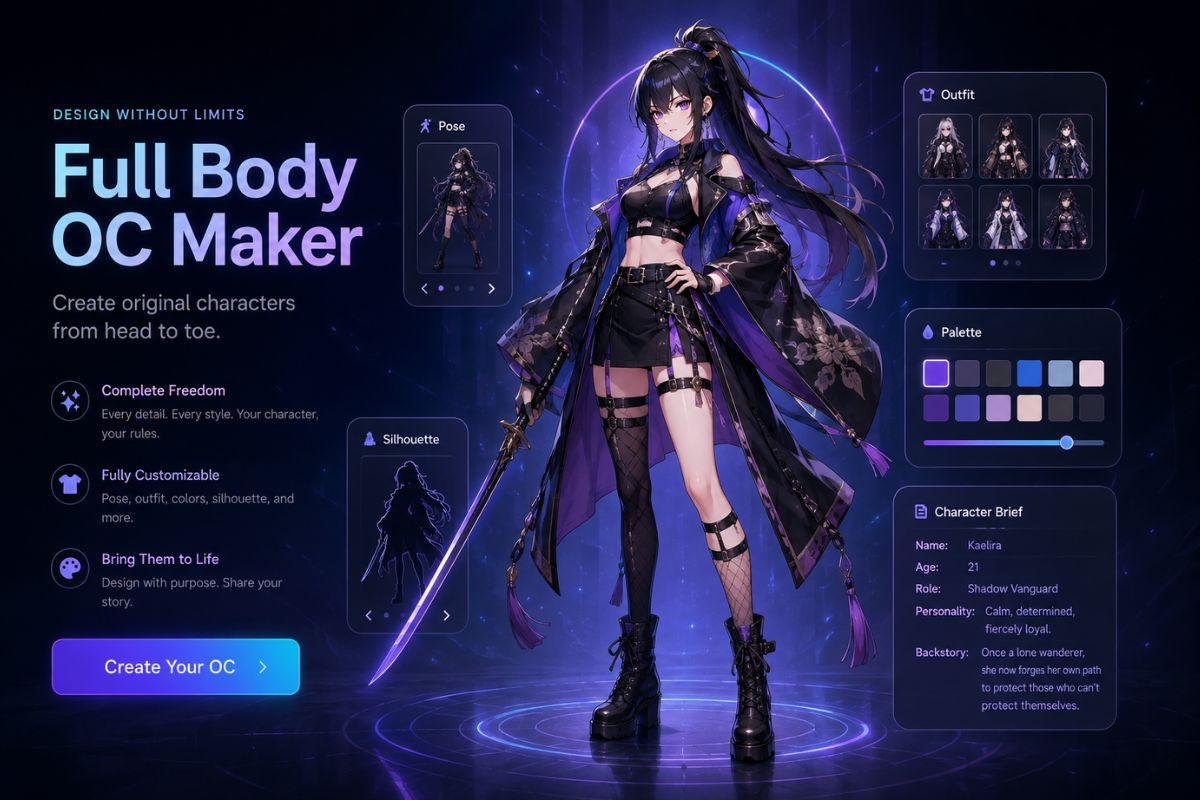
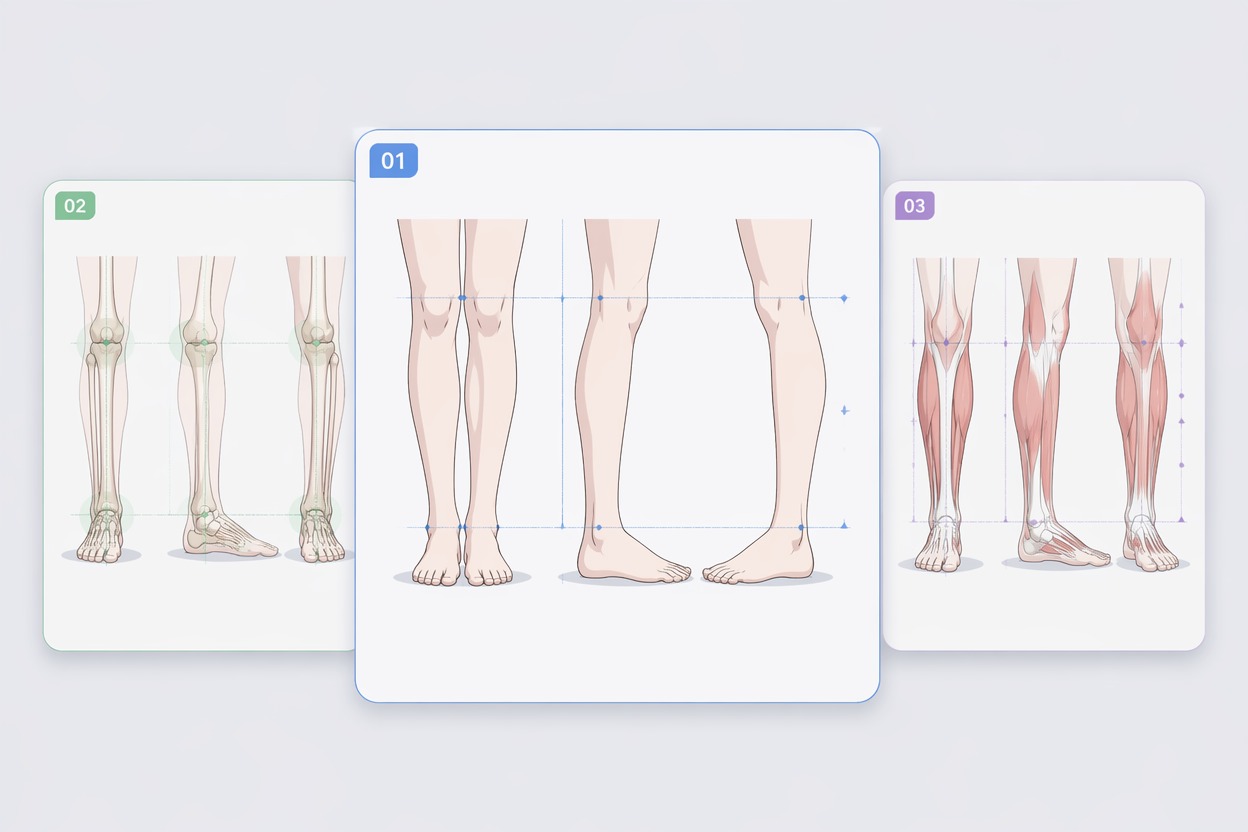
Study Weight and Balance — AI Feet Generator
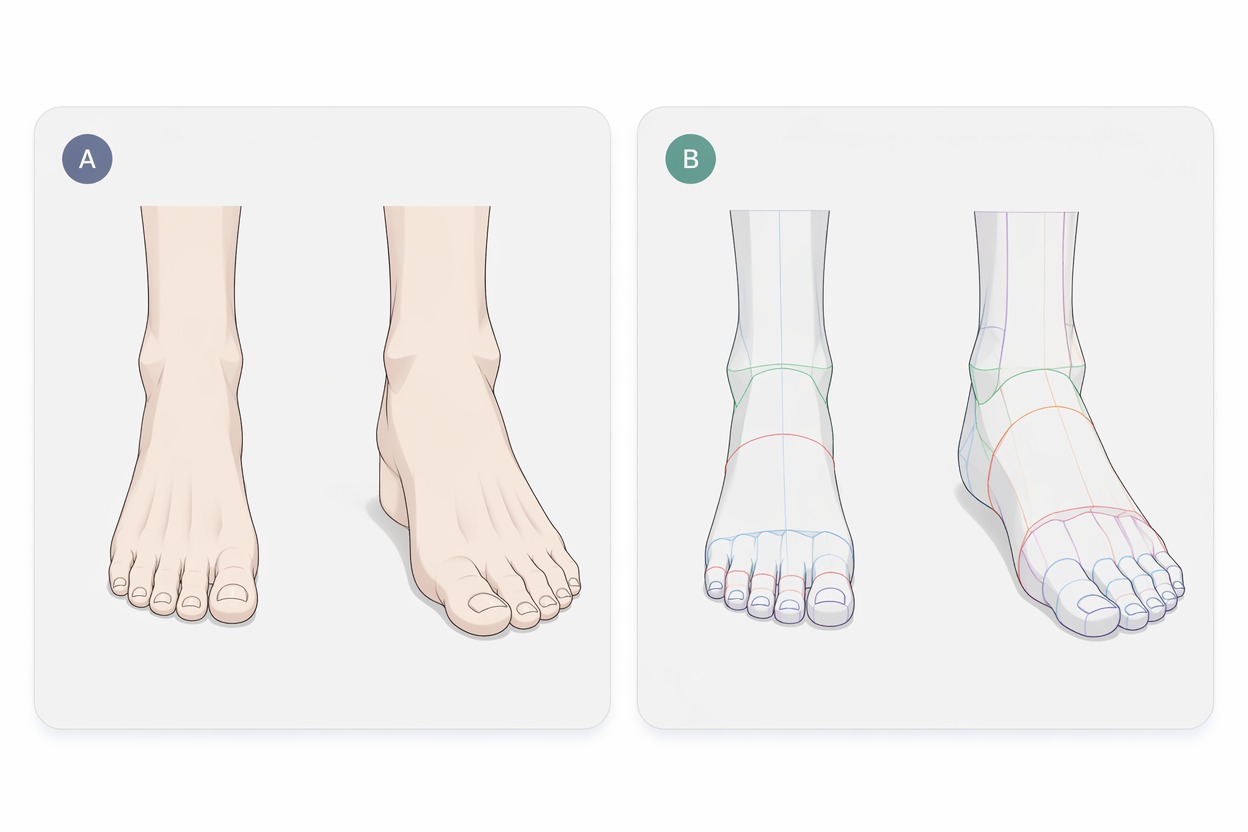
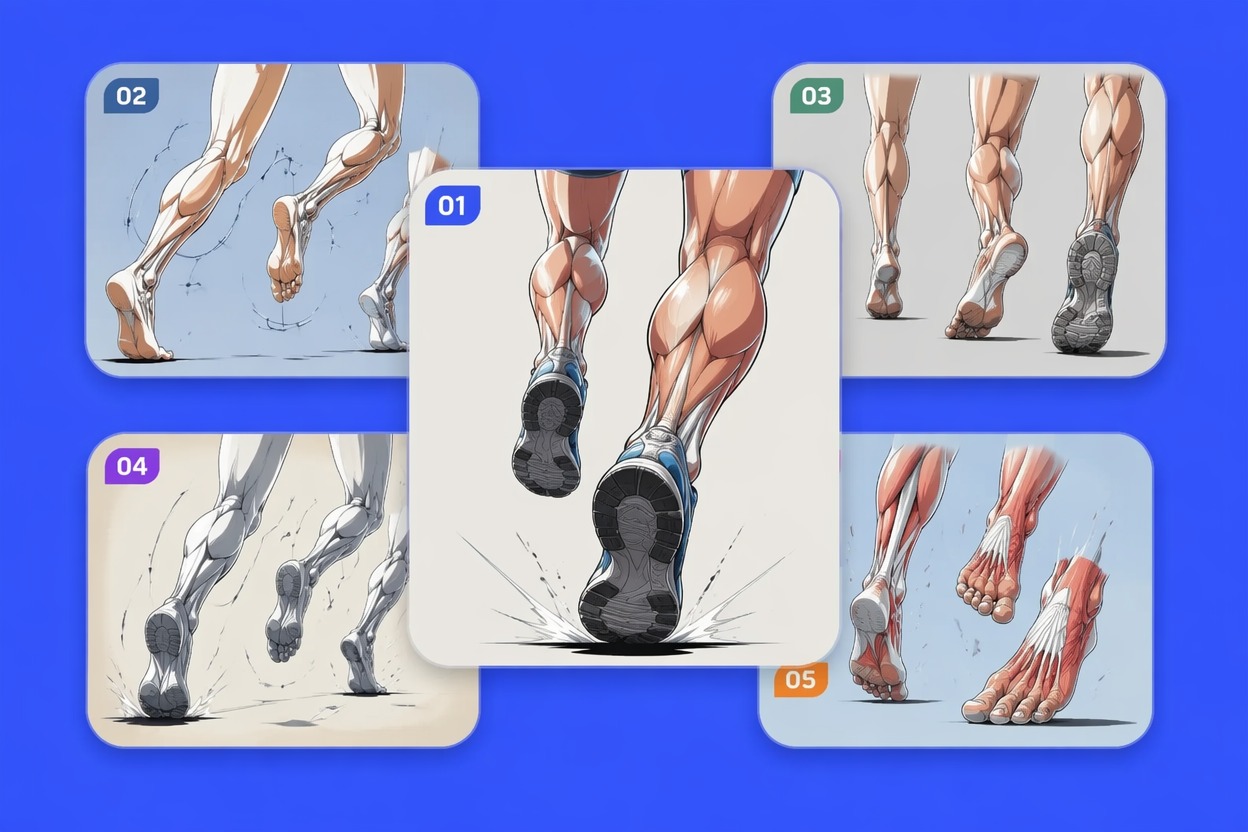
Compare Useful Camera Angles — AI Feet Generator
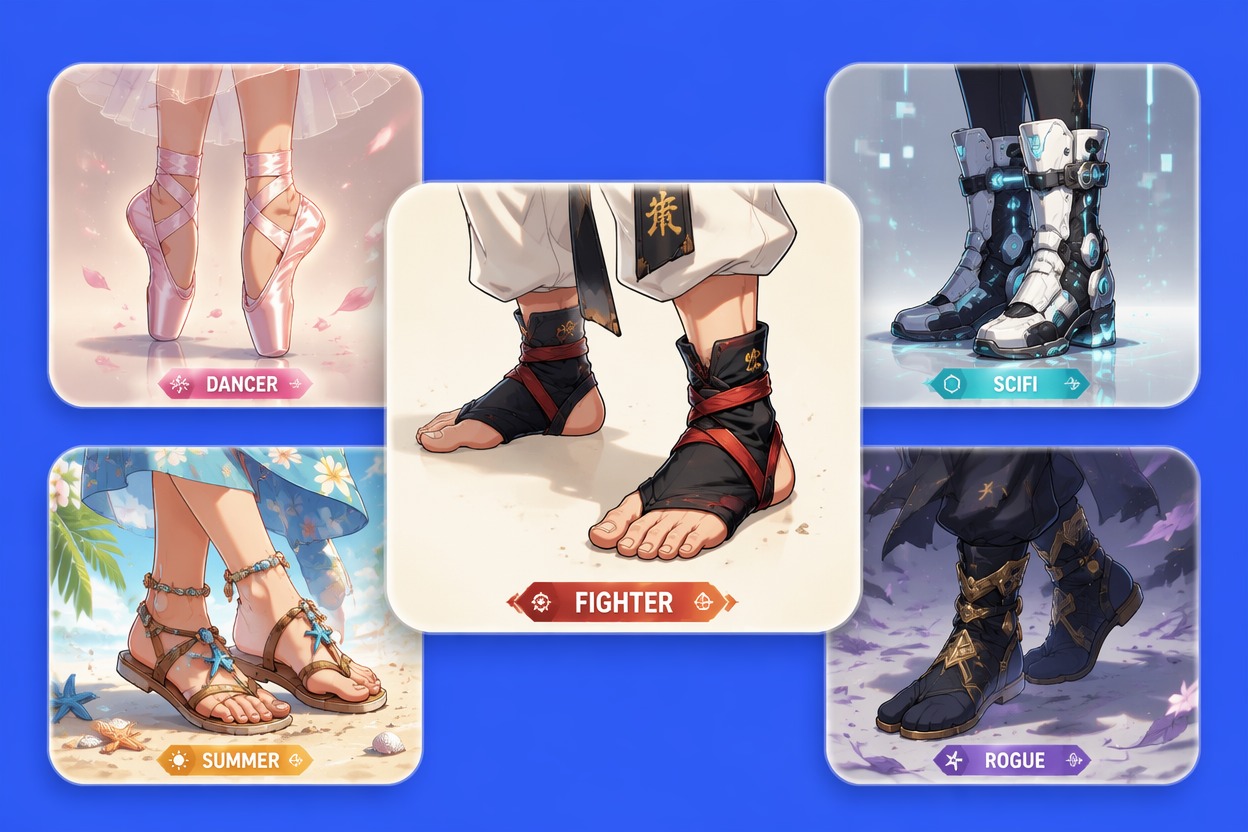
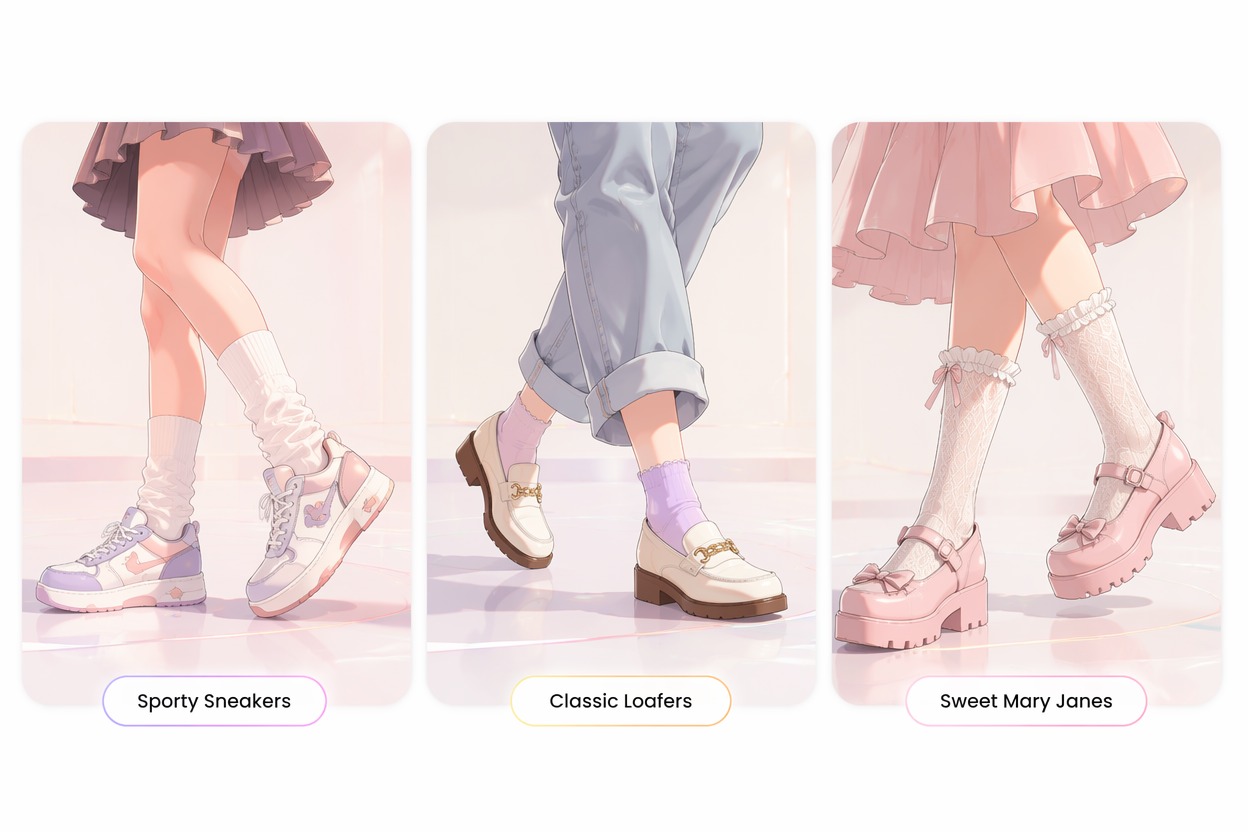
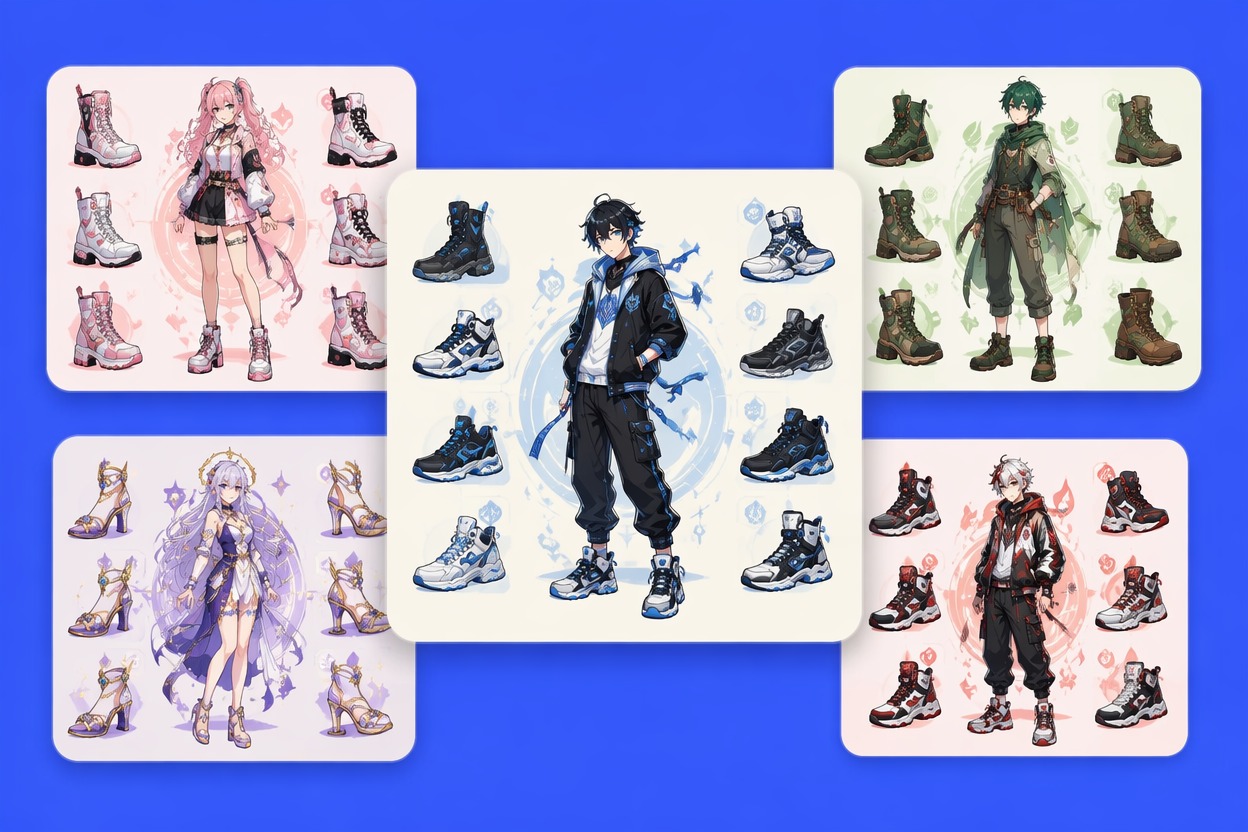
Design Shoes Around the Role — AI Feet Generator
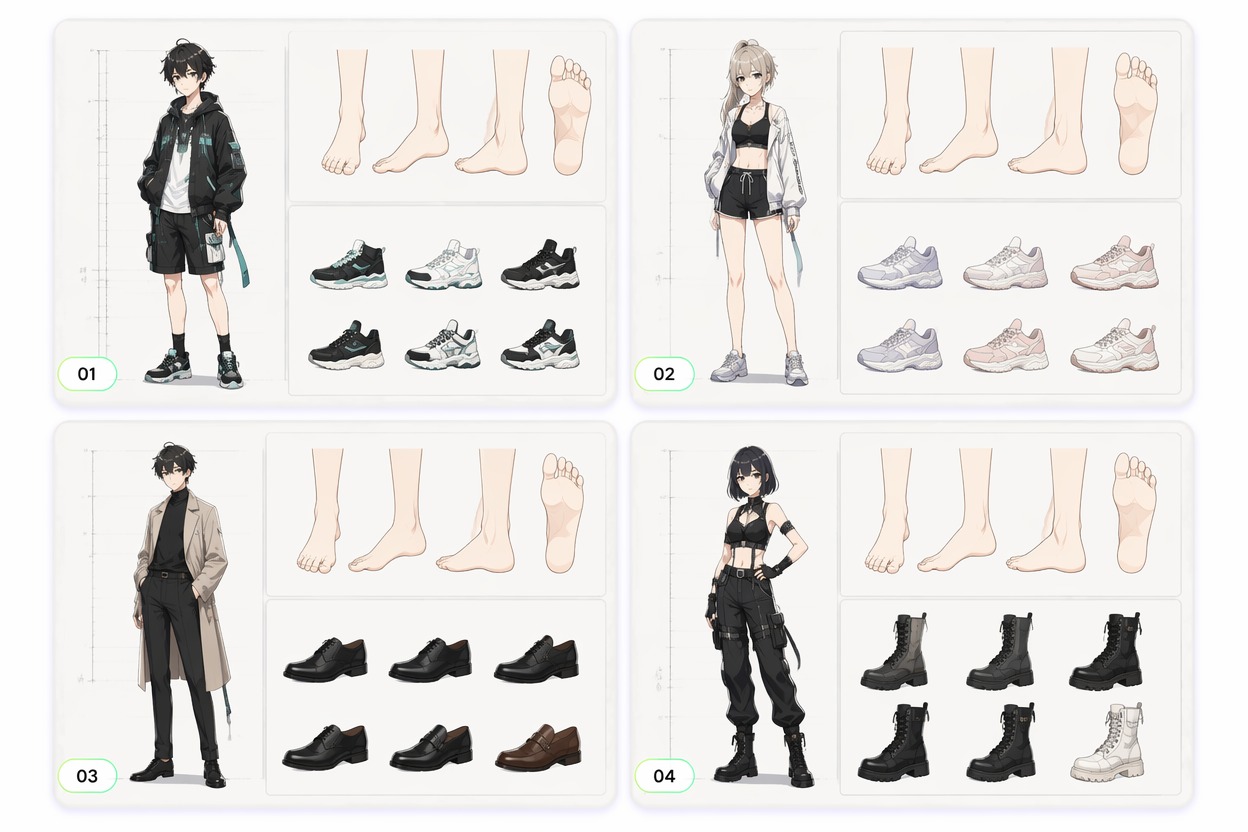
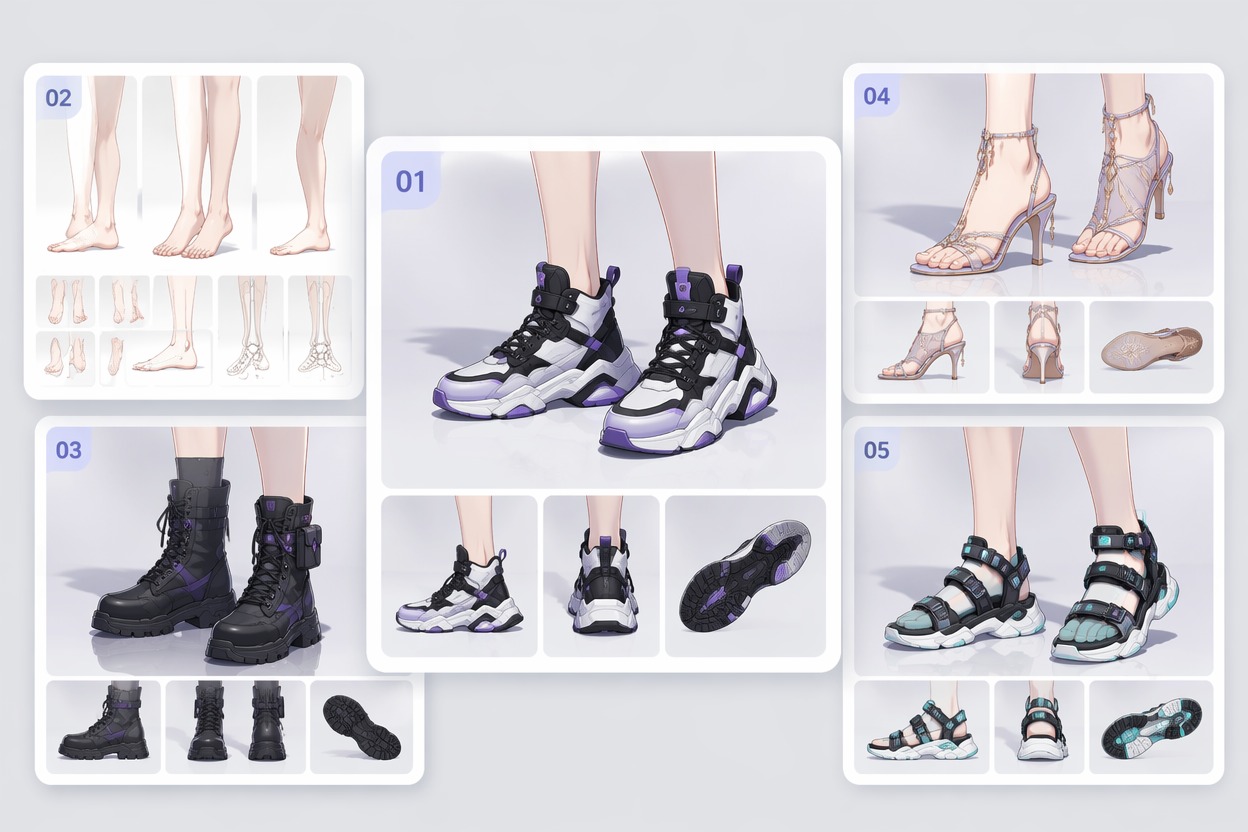
Fit Feet Into Character Sheets — AI Feet Generator

How to Generate AI Anime Feet References

Three practical steps
01

Choose Pose and View

State whether the feet are standing, walking, running, landing, dancing, or resting, then choose front, side, three-quarter, or low angle.

02

Set Anatomy or Footwear

Describe bare-foot anatomy for a neutral study or specify boots, shoes, sandals, socks, materials, colors, and character role.

03

Check Contact and Proportion

Review ankle alignment, toe direction, sole angle, shadows, left-right consistency, and how the feet relate to the full pose.

Why Use AI for Anime Feet References?

Hard Angles Made Visible

Explore low views, foreshortening, tiptoe, landing, and side angles that are difficult to invent from memory.

Clearer Ground Contact

Generate references where soles, shadows, and floor direction help the character feel planted rather than floating.

Pose-Specific Anatomy

Match foot shape and ankle motion to standing, walking, running, crouching, jumping, or dance movement.

Footwear That Fits the OC

Coordinate shoes with costume materials, character role, setting, silhouette, and expected range of motion.

Useful Sheet Variations

Create neutral, action, footwear, and close-detail references for a more complete character design board.

General-Audience Art Direction

Keep prompts non-explicit and focused on anatomy, footwear, movement, illustration, and character-design use cases.
Common questions

AI Feet Generator FAQ

Generate Clear Anime Foot and Footwear References
Create Foot Reference