AI Generator

Pixel Art Generator: Free AI Pixel Art from Text or Photo

Free AI pixel art generator: turn text or photos into pixel art characters, sprites, scenes and icons. Pick a retro palette and grid size and download in seconds.

Pixel Art Generator

Turn any idea or photo into pixel art. Describe a character, scene or item — or upload a photo — and the AI pixel art generator draws it on a clean pixel grid with a retro game palette, ready for avatars, game sprites, icons and pixel wallpapers.

AI Pixel Art Generator

AI Pixel Art Examples

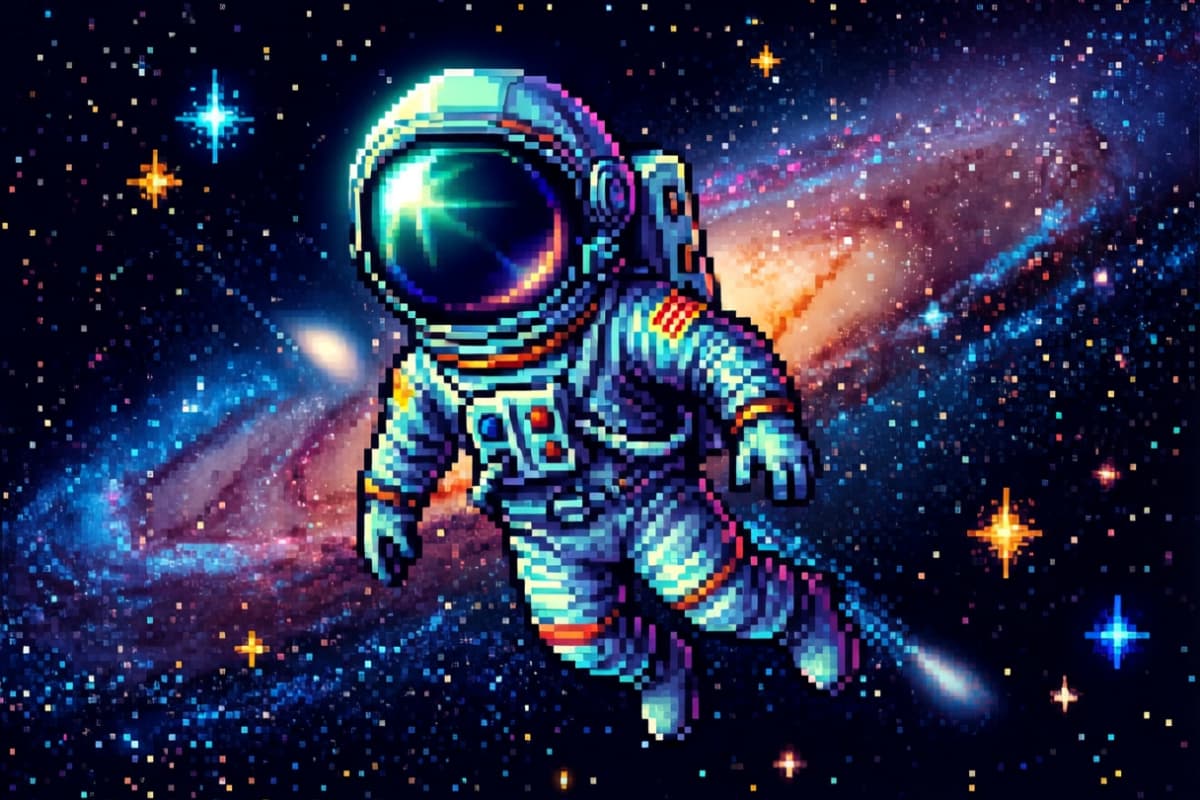
  • Pixel art astronaut floating in space01

    Pixel art astronaut floating in space, tiny stars and galaxy background, glowing helmet reflection, 64x64 sprite, vibrant retro pixel art style

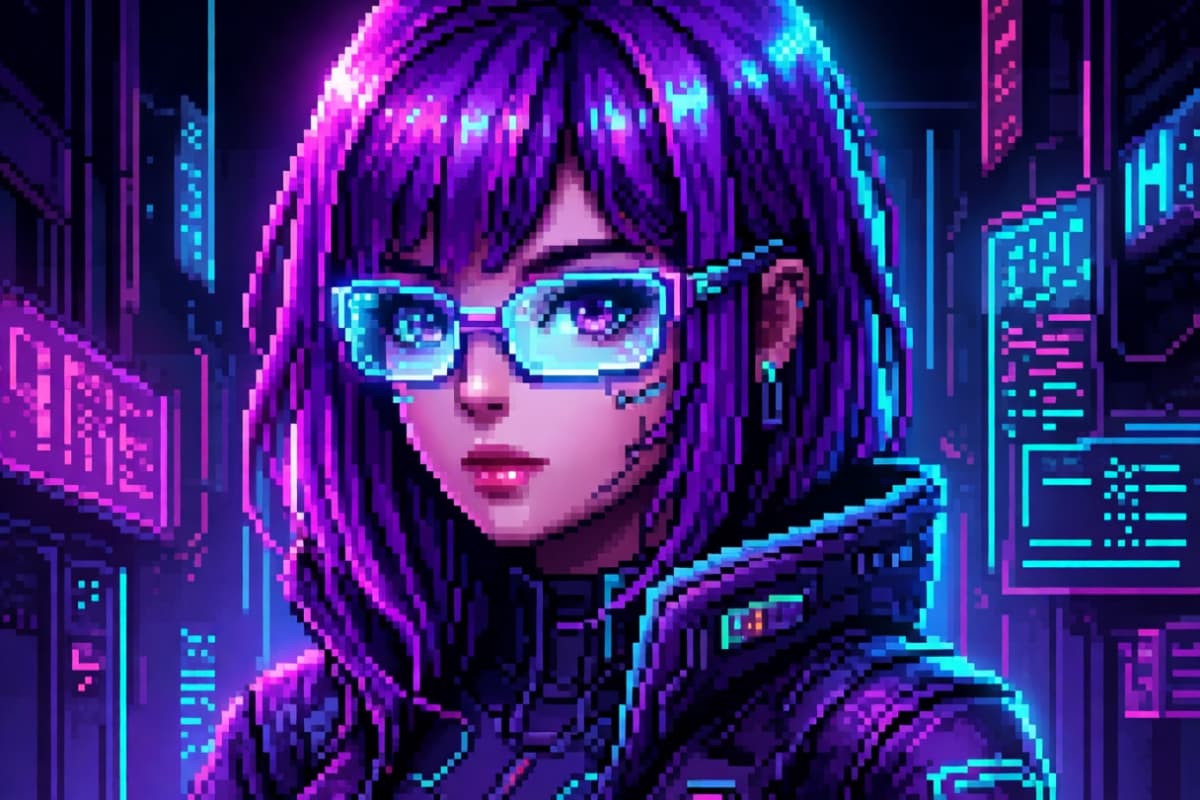
  • Beautiful pixel art cyberpunk girl02

    Beautiful pixel art cyberpunk girl, neon purple hair, glowing glasses, futuristic hacker aesthetic, 64x64 pixel sprite, vibrant neon palette, dramatic lighting, ultra clean pixel art, retro 16-bit style

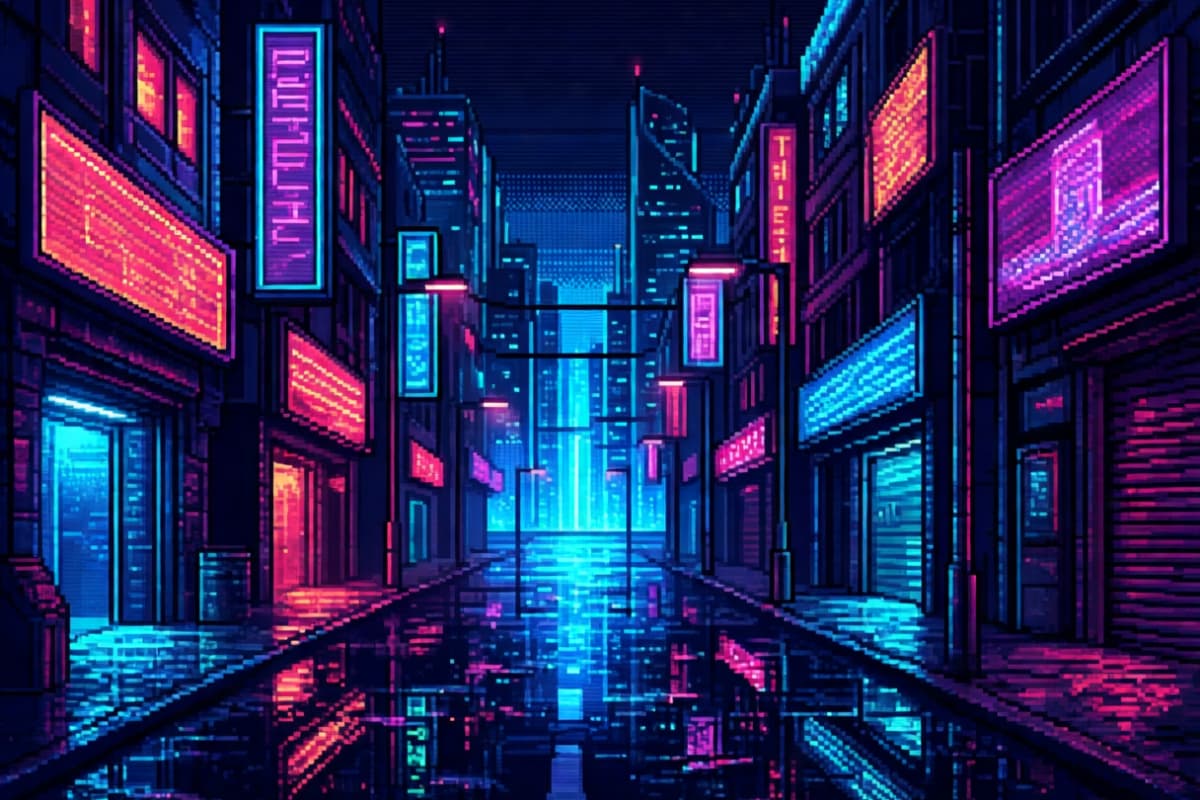
  • Pixel art cyberpunk street at night03

    Pixel art cyberpunk street at night, neon signs reflecting on wet road, glowing lights, futuristic city alley, 128x128 pixel scene, dramatic neon lighting, detailed retro pixel style

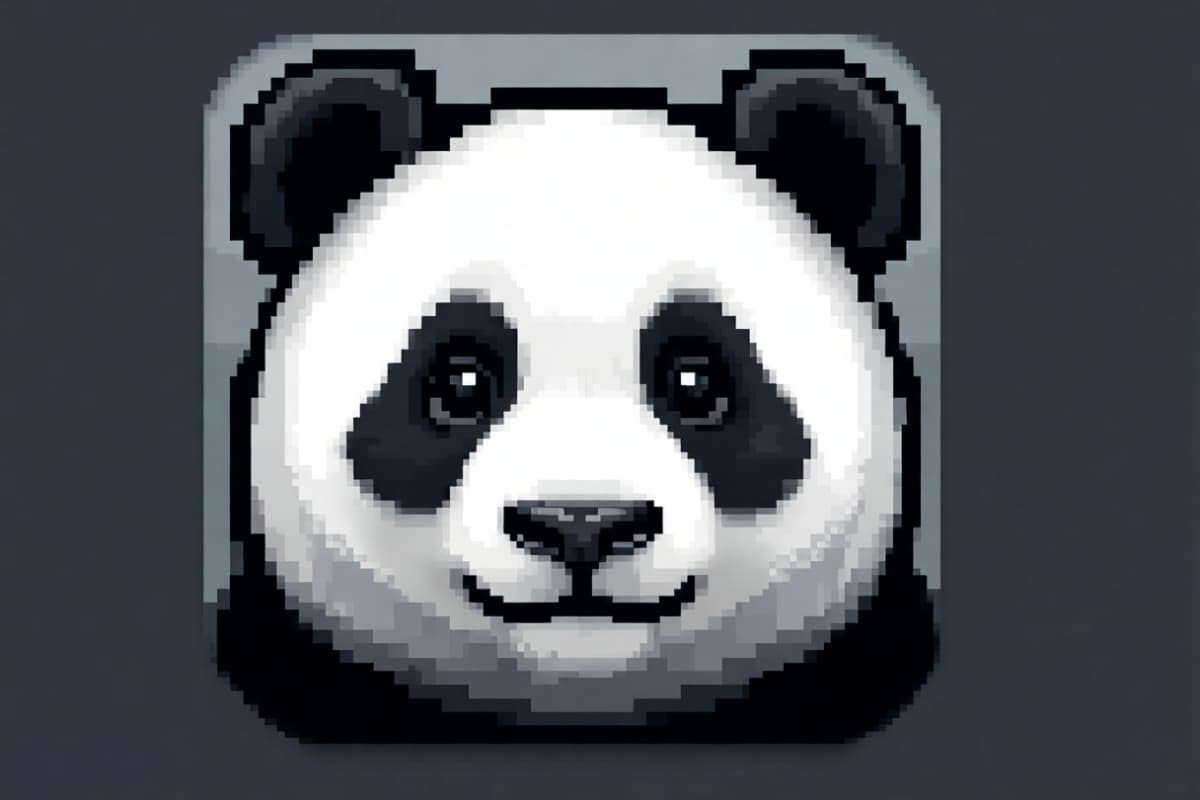
  • Cute pixel panda avatar portrait04

    Cute pixel panda avatar portrait, round face, soft black and white palette, 48x48 pixel icon, smooth pixel shading, kawaii style, perfect for profile picture

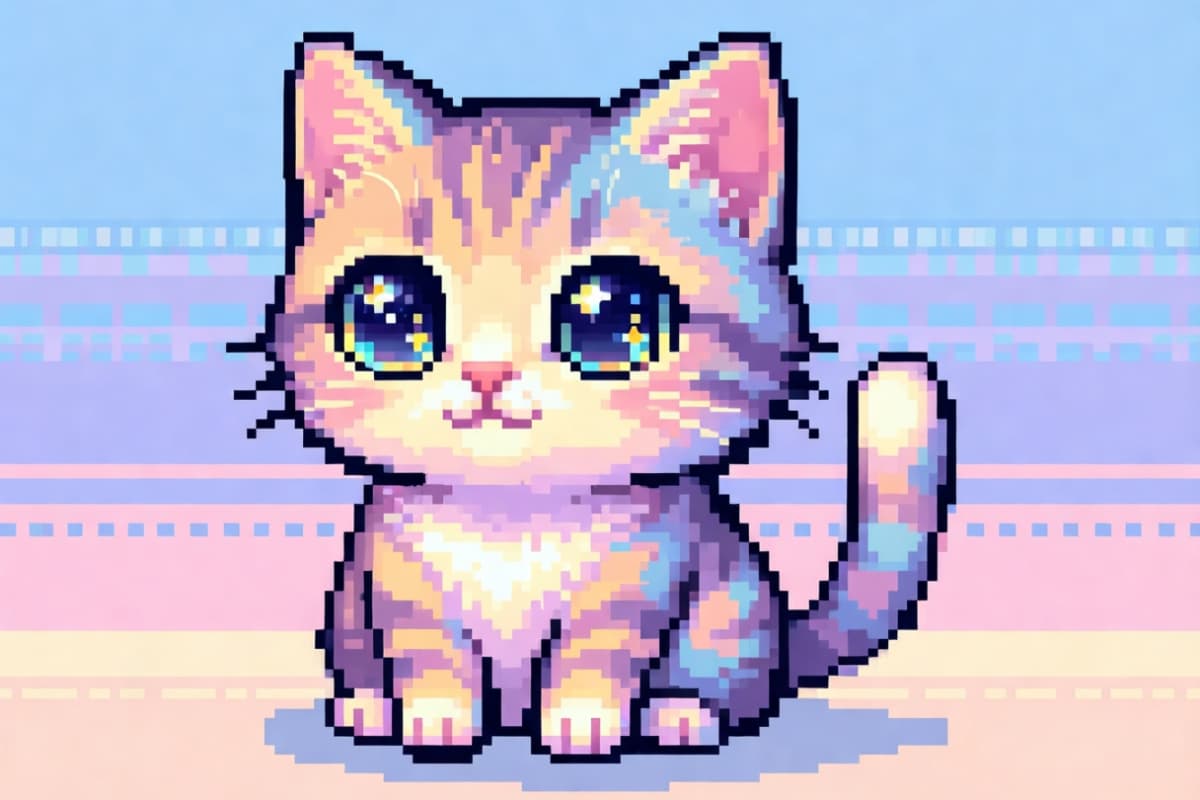
  • Adorable pixel cat sitting05

    Adorable pixel cat sitting, pastel color palette, big sparkling eyes, soft pixel shading, 48x48 sprite, kawaii pixel art style, clean outlines, minimal background

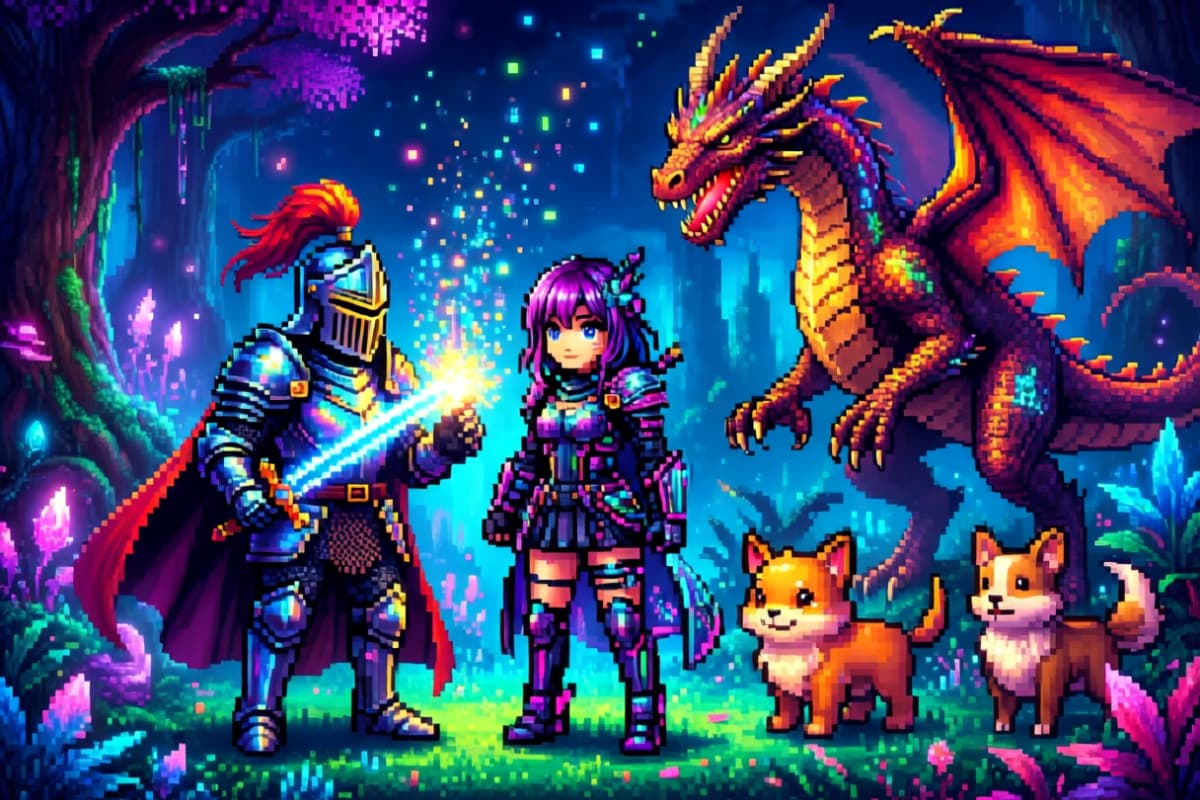
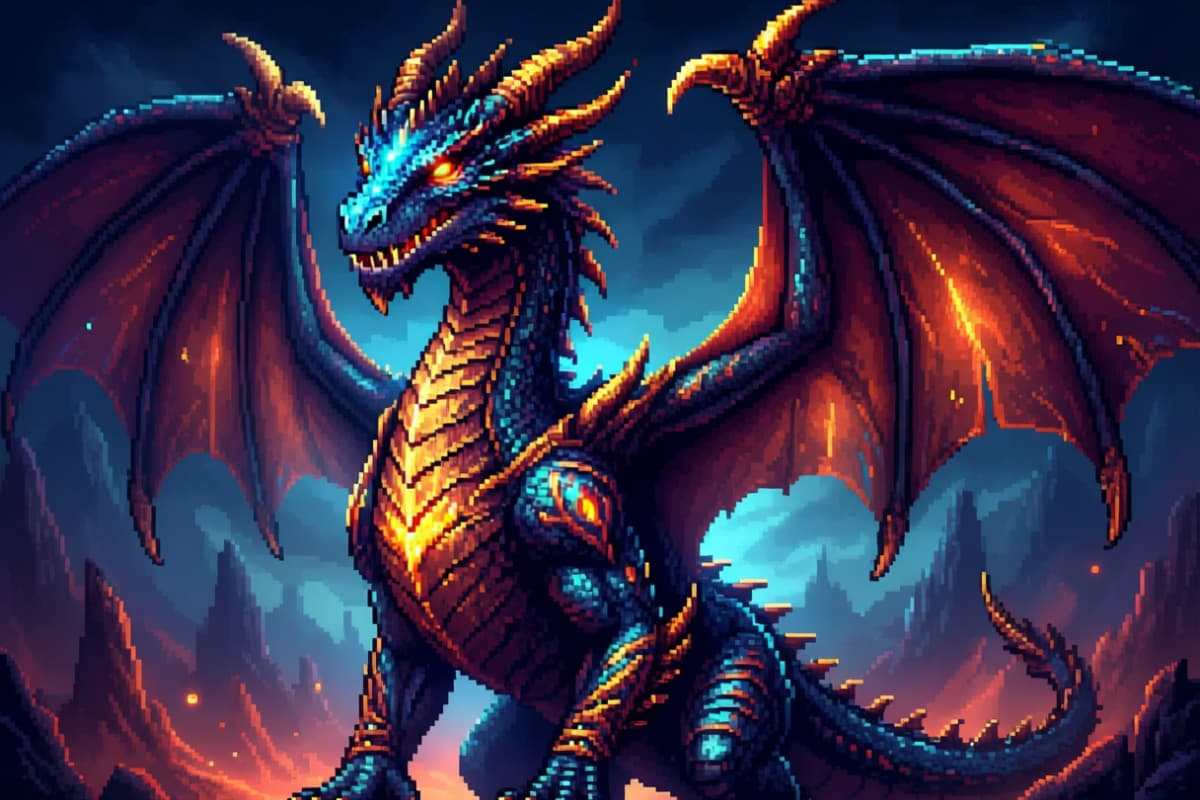
  • Epic pixel art dragon06

    Epic pixel art dragon with spread wings, glowing eyes, fantasy creature sprite, 64x64 pixels, dramatic lighting, detailed retro 16-bit style

AI Pixel Art Generator

Highlights at a Glance

Dive into a world where your ideas take shape in pixels. Each card highlights a unique way AI transforms imagination into playful, vivid, and expressive pixel art. Quickly explore what's possible and spark your next creation.

  • 01

    Dream in Pixels

    Turn any idea into a charming pixel scene with just a few words. Watch your imagination become a retro-inspired visual.

  • 02

    Photo to Pixel Magic

    Transform real-world photos into playful pixel art while keeping essential details intact.

  • 03

    Animated Sprites

    Add subtle motion to characters or objects. Perfect for game assets or interactive storytelling.

  • 04

    Palette Playground

    Experiment with classic and custom color palettes. Adjust shades to match the mood and atmosphere of your scene.

  • 05

    Hybrid Creations

    Combine AI Pixel Art with OCMaker AI outputs to create unique, cross-style visuals.

Explore Your Imagination in Pixels

0104

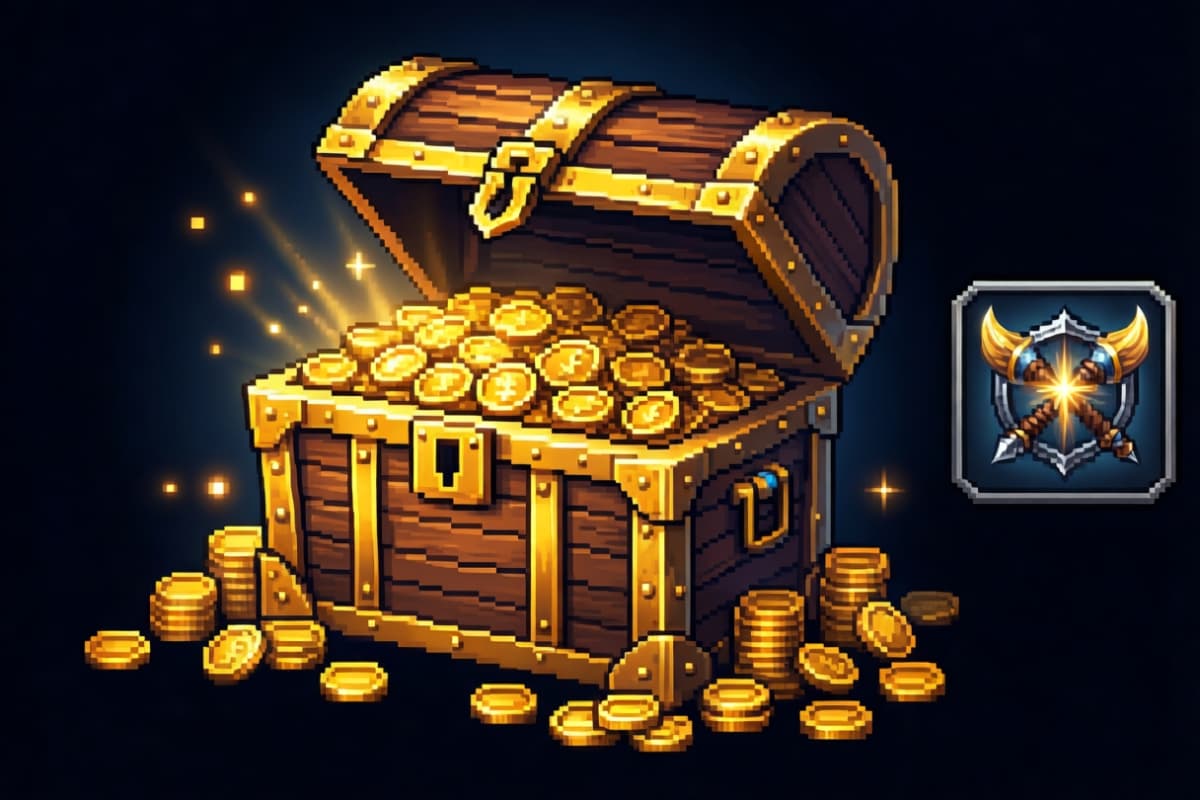
Text to Pixel Creations

Bring your ideas to life by describing them in words. The AI transforms your descriptions into vivid pixel art, letting you experiment with characters, environments, or abstract concepts. Pair this with our text to image tools for even more creative depth.
Text to Pixel Creations

0204

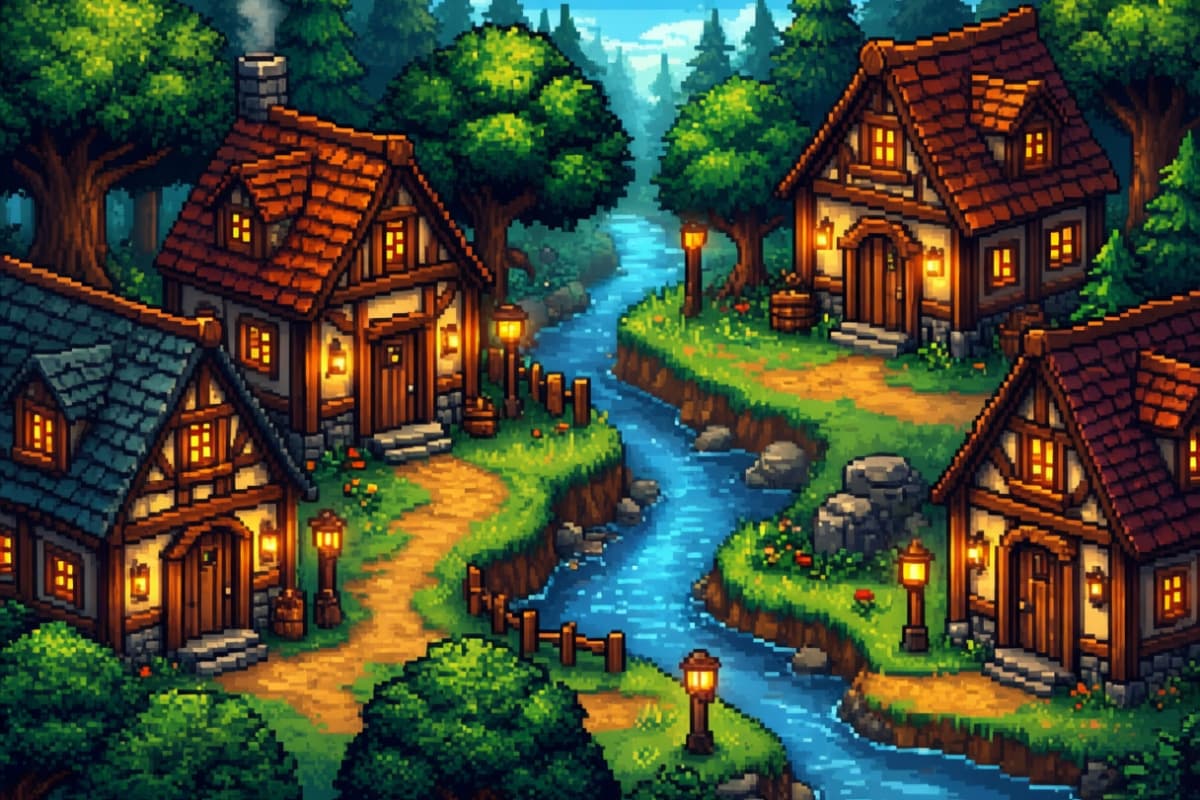
Photo to Pixel Transformations

Convert your photos into pixel masterpieces. Whether it's a portrait, a landscape, or a favorite pet, the AI preserves the essence while reshaping it into charming pixel art. Perfect for creators who love combining real-world imagery with retro aesthetics through image to image conversion.

Photo to Pixel Transformations

0304

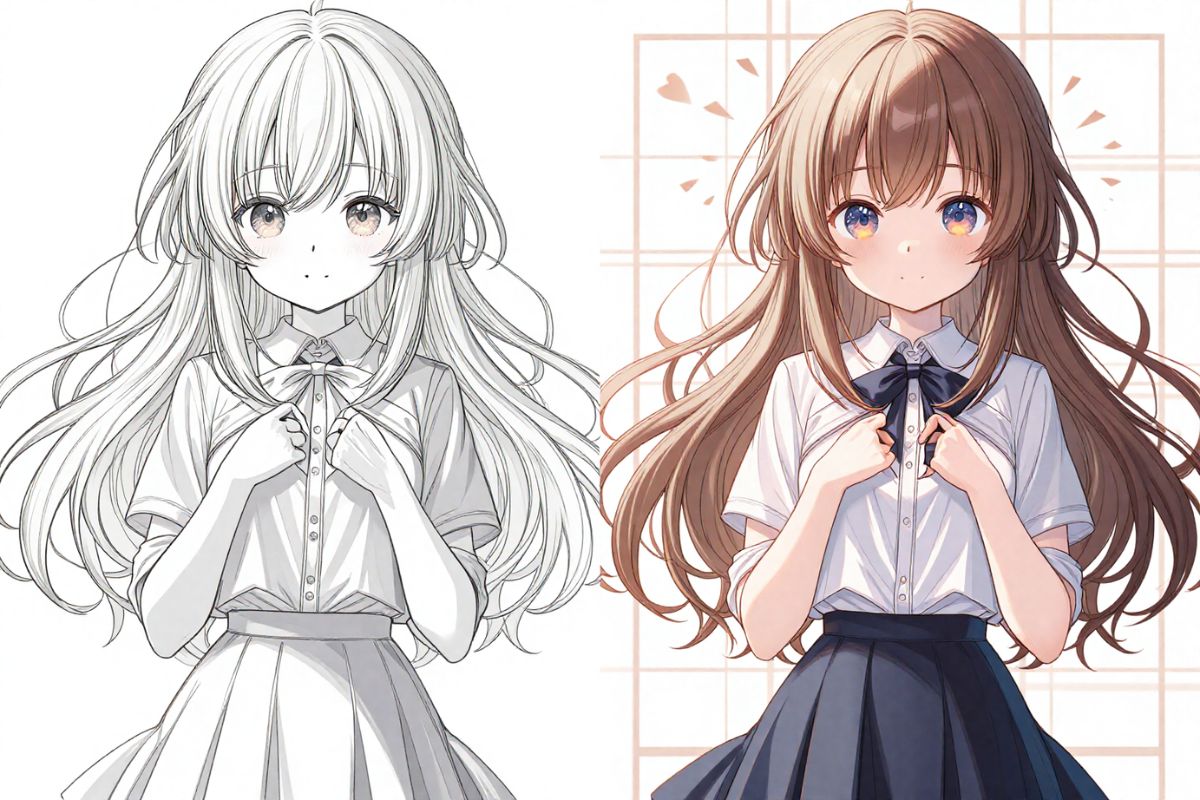
Animated Pixel Scenes

Take your creations further by animating them. With simple commands, your static pixel art can evolve into subtle motion or looping sprites, opening doors to game-ready graphics or interactive storytelling. Integrate with projects from OCMaker AI or explore character designs with AI anime generator.

Animated Pixel Scenes

0404

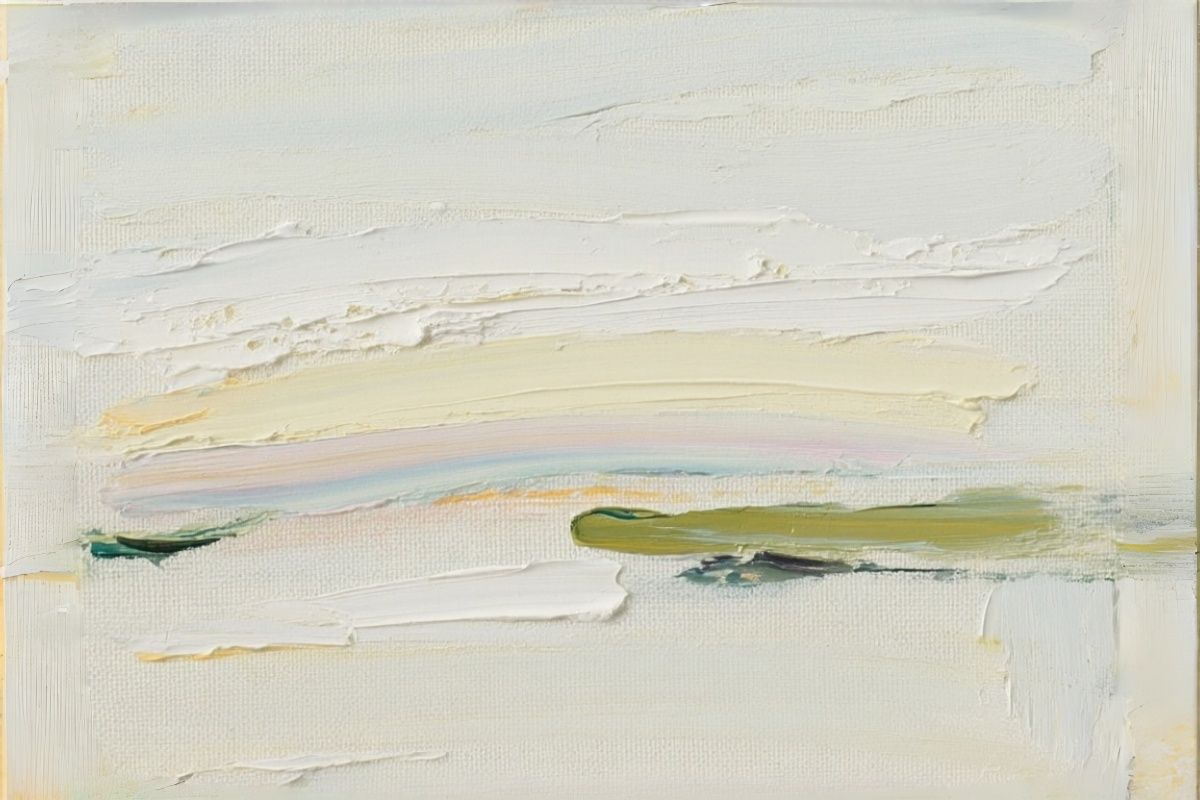
Palette & Style Control

Experiment with retro palettes, custom colors, and pixel resolutions. Our AI offers granular control so each creation fits your vision—whether for nostalgic 8-bit charm or detailed 16-bit artistry. Let your style shine without compromise.

Palette & Style Control

Features of the AI Pixel Art Generator

  • 01

    Upload and Convert Effortlessly

    Begin with uploading your chosen image or input text. The generator swiftly analyzes and converts the input into pixel art, maintaining essential details and colors.

  • 02

    Customize Your Artwork

    Choose from various pixel grid sizes and styles. The AI facilitates detailed final touches such as resolution adjustments, allowing precise control over the aesthetic outcome.

  • 03

    Share and Utilize

    Once the pixel art is generated, download and share your creation. Perfect for use in social media, websites, or personal projects without limitations.

How to Make Pixel Art in Four Steps

  1. Choose Your Source

    Select whether you want to generate from a text prompt or an uploaded image.

  2. Describe or Upload

    Type your scene, character, or concept, or upload a photo to pixelize. Include details like color, mood, or action.

  3. Adjust Style

    Pick your pixel resolution, color palette, and optional lighting or animation effects.

  4. Generate & Refine

    Click generate and watch your pixel art appear. Download, share, or iterate until it perfectly captures your creative vision.

Discover More Styles

Pixel Art Generator FAQ

Dive into AI functionality and advantages.

What is a pixel art generator?

A pixel art generator turns a text description or an uploaded image into pixel art — artwork drawn on a visible grid of square pixels with a limited color palette, like classic 8-bit and 16-bit games.

Can I make pixel art characters and sprites?

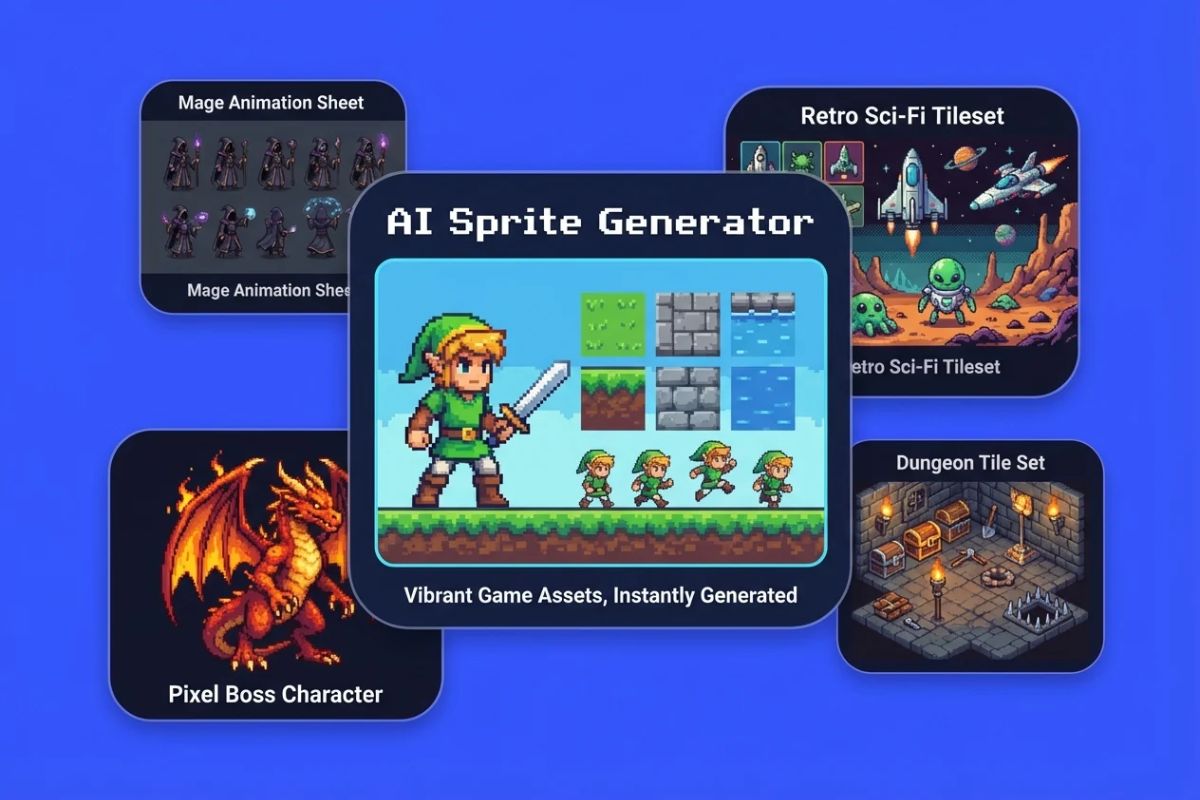
Yes. Describe the character and ask for a full-body sprite on a plain background. For game-ready sprite sheets, try the AI Sprite Generator; for your own original character in pixel style, use the Pixel OC Maker.

How does AI automate pixel art creation?

AI employs machine learning models to automate the pixel art creation process from both images and text. By training on vast datasets, AI learns to recognize styles and textures, enabling rapid transformation of content into pixelated art.

My photo-to-pixel images lose important facial details. How do I fix this?

Try increasing pixel resolution and reducing the color palette to avoid muddying features. Cropping the image to focus on the face and using lighting hints in your prompt often preserves personality and expression.

How can I make a pixel character feel alive, not flat?

I usually start by focusing on small shading details and highlights. Even a single pixel of bright color on the edge of a character's armor or hair can give it depth. Experiment with subtle motion loops too—it makes sprites feel alive without complex animation.

What distinguishes AI pixel art from traditional methods?

Traditional methods involve meticulous placement of each pixel, often requiring significant labor. AI-generated pixel art automates this through algorithms, producing art swiftly from prompts without manual intervention.

How accurate is the AI pixel conversion from text or image?

AI efficiently interprets and converts text and images into pixel art with high accuracy. The technology ensures faithful representation of original artistic intentions in pixel format.

How do I choose a palette that actually enhances the scene?

I often test 3–4 palettes for the same prompt. Classic retro palettes work for nostalgia, but sometimes a custom palette with contrasting colors brings the mood alive. Always preview in the actual pixel grid size you'll use—colors can look very different zoomed out.

Can AI help me create animated pixel loops for games?

Yes, but subtlety is key. I create 1–2 frame motion loops first—like blinking, walking, or tail wagging—then refine each frame. The AI handles the hard pixel placement, but your creative touch defines movement rhythm and personality.

How do I balance detail and readability in small pixel sprites?

Focus on silhouette and contrast. Tiny characters need clear shapes. I often reduce textures or background clutter, letting key features pop with just a few pixels. Less can be more at 32×32 or 48×48.

Make Your First Pixel Art

Explore limitless creativity with the AI Pixel Art Generator, crafting exceptional designs for personal or professional use.

Pixel Art Generator: Free AI Pixel Art from Text or Photo