0103
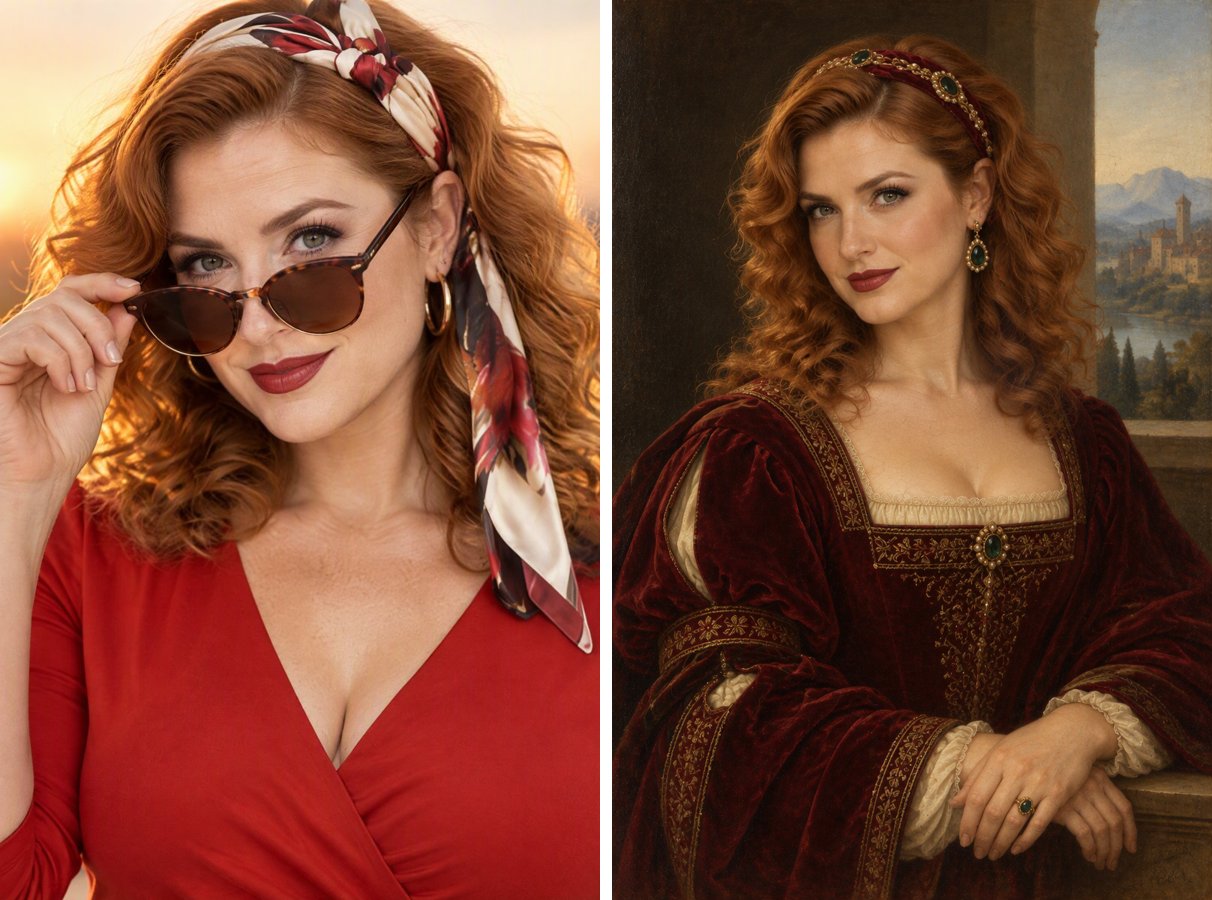
From sunset selfie to noblewoman
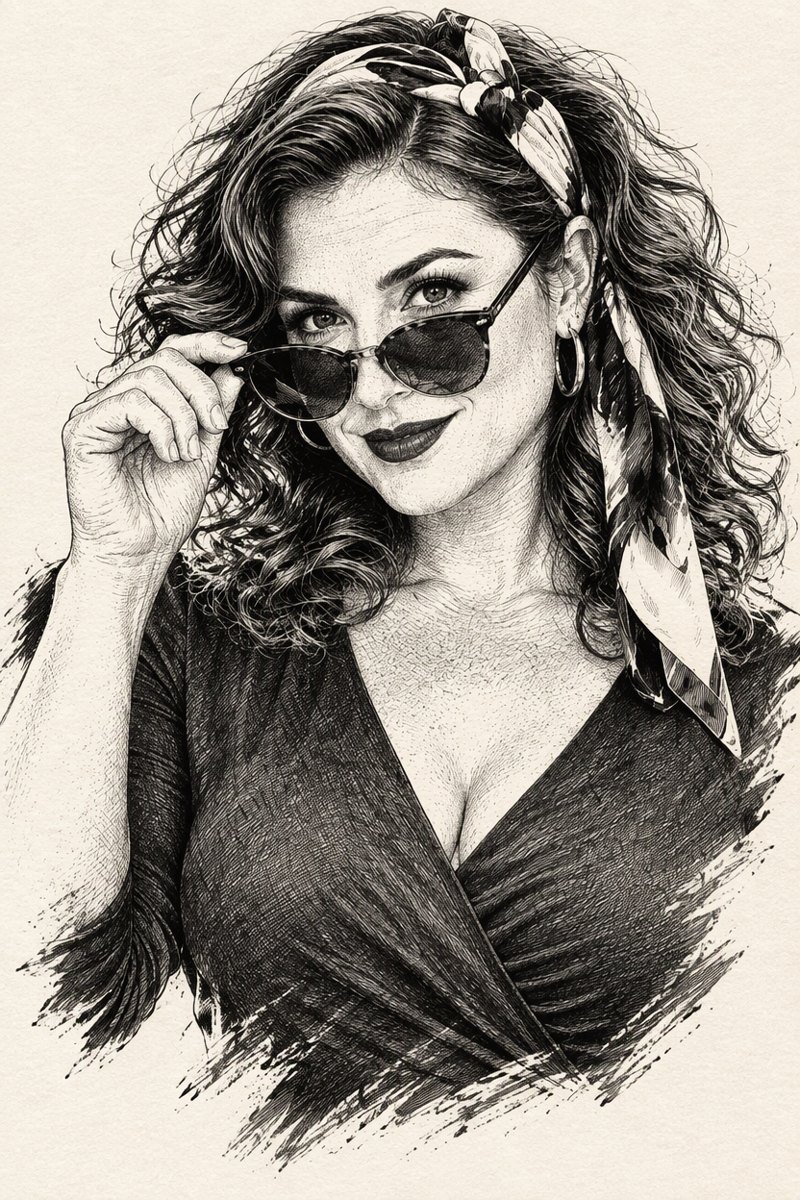
Sunglasses and a headscarf are traded for velvet, a jeweled hair band and an oil-painted glow.

Sit for a portrait 500 years late. Upload a photo and get a museum-style Renaissance oil painting of you: three-quarter pose, velvet and brocade clothing, soft sfumato shading, warm glazes and a distant landscape, with your own face.
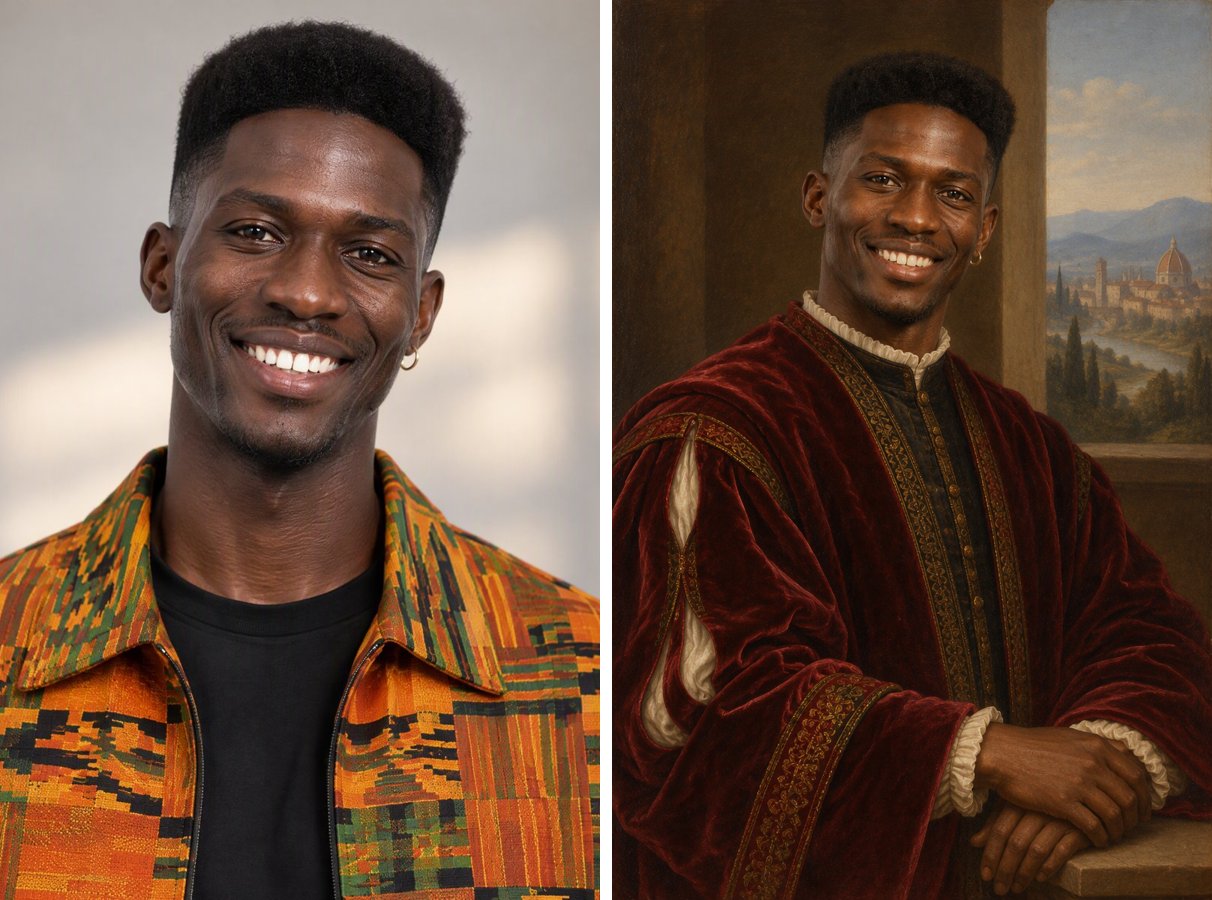
Each portrait keeps the sitter's face, age and skin tone.
0103
Sunglasses and a headscarf are traded for velvet, a jeweled hair band and an oil-painted glow.
0203
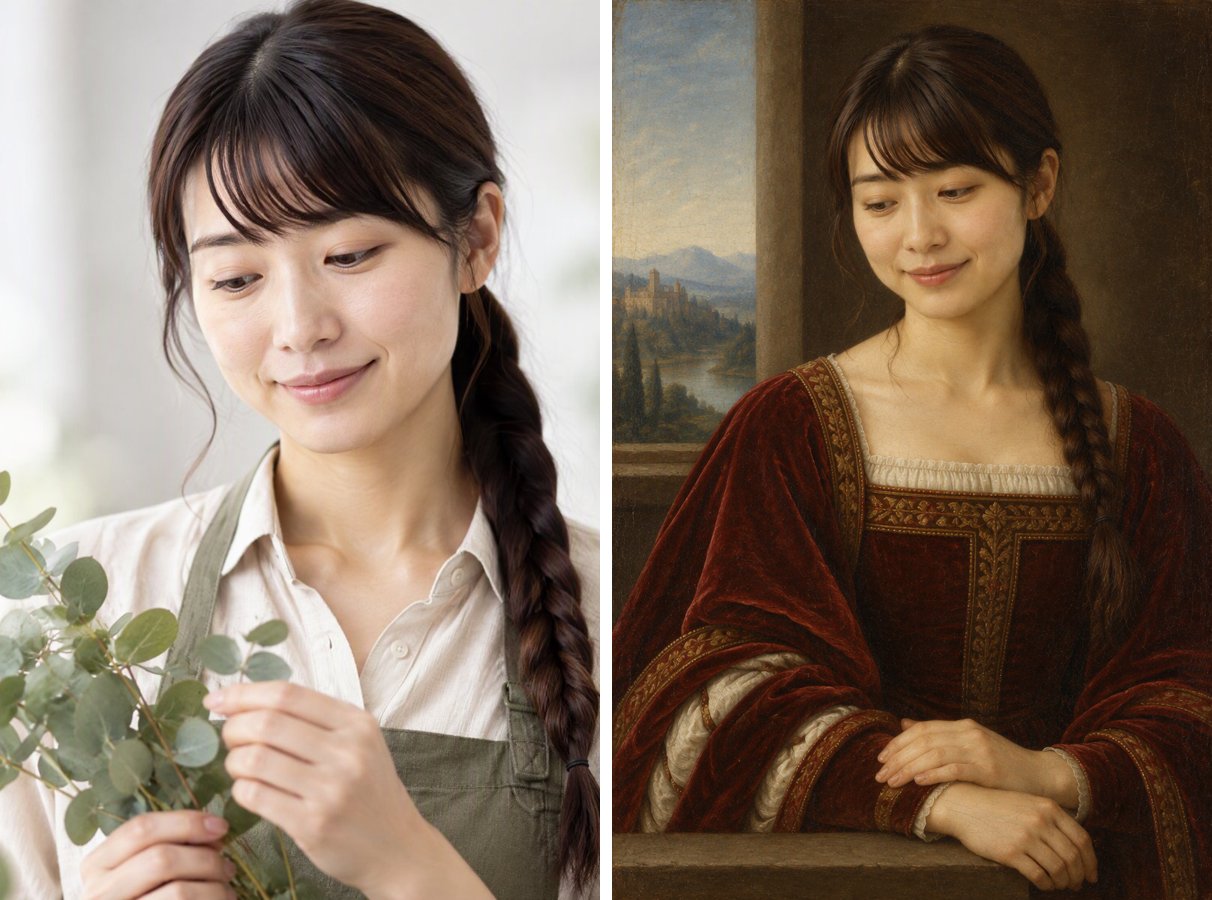
A gentle portrait becomes a calm half-length painting with a window onto distant hills.
0303
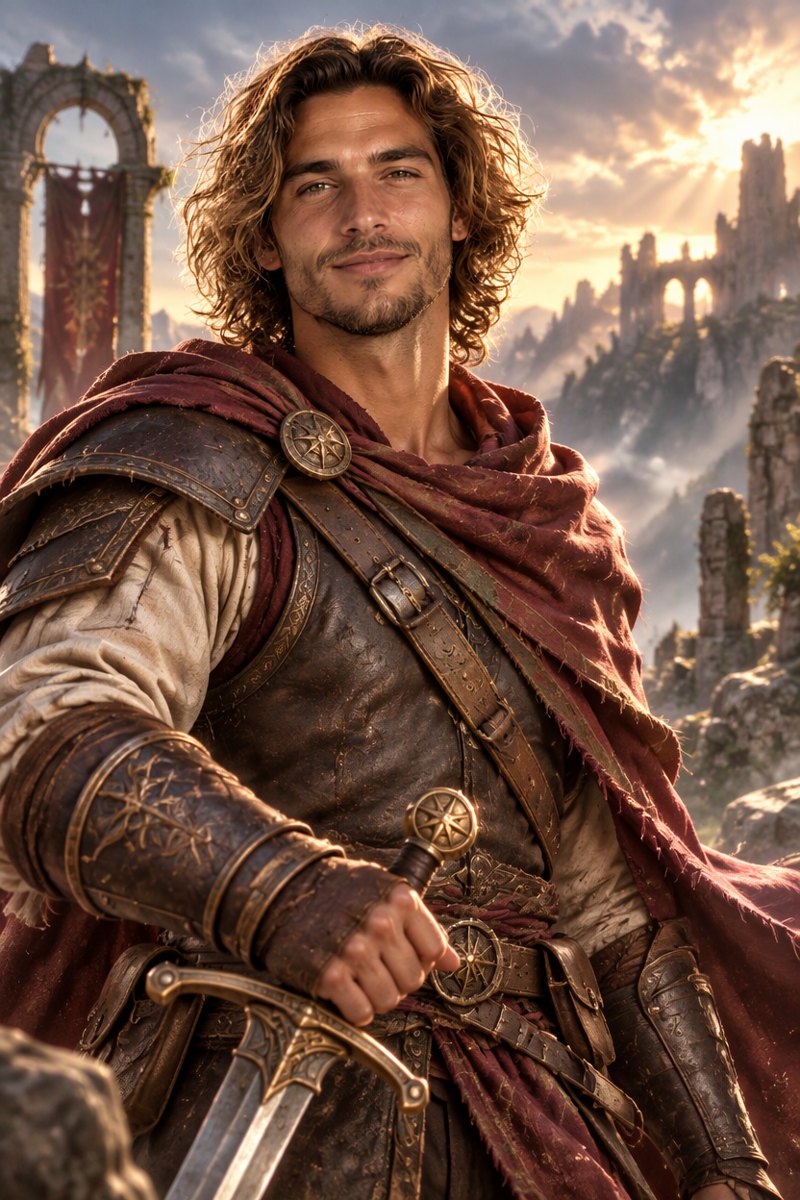
Loose curls and stubble are rendered in soft brushwork and golden light.
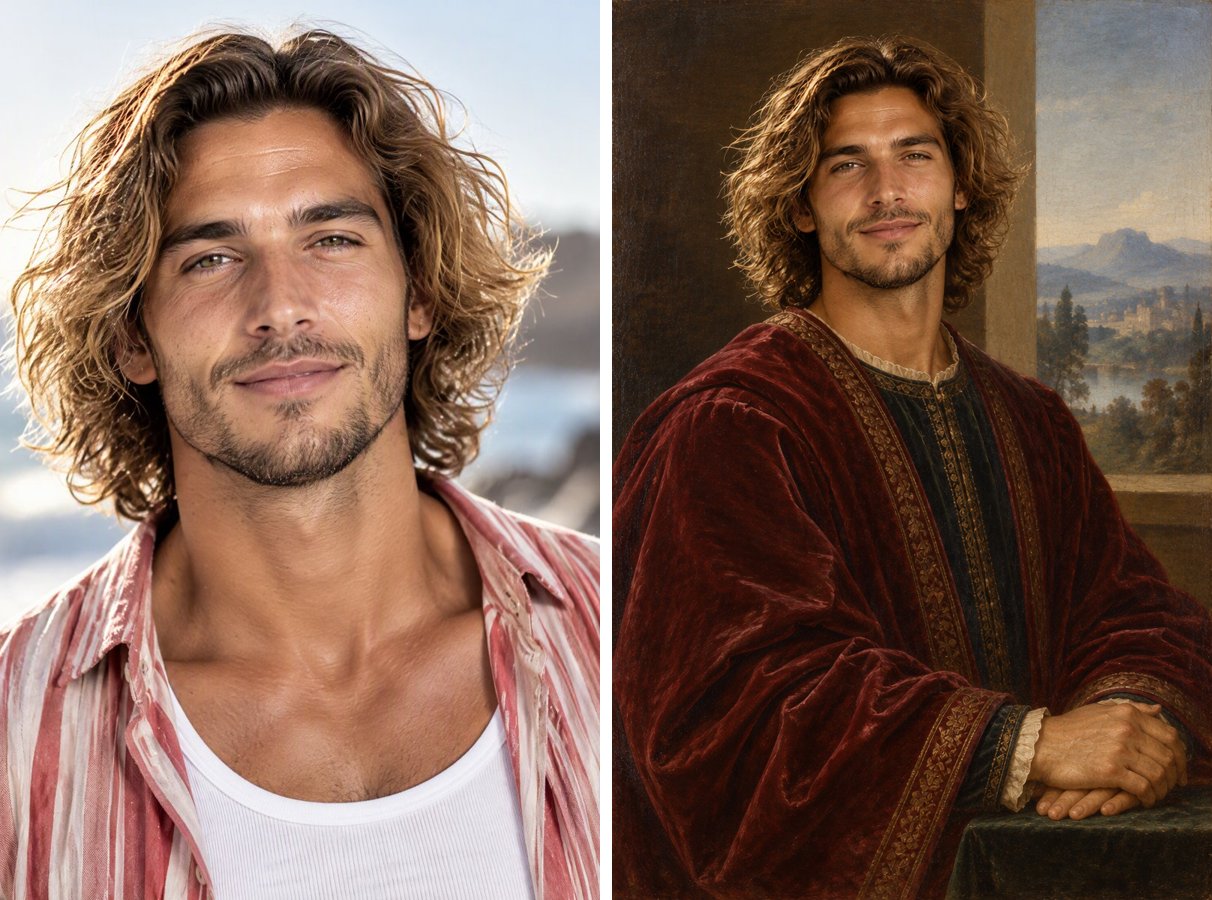
A clear head-and-shoulders photo works best. The face is kept; the clothes and background are repainted.
The style card writes the prompt. Add details like "holding a book" or "with a small dog" if you want.
Each portrait costs 2 credits with GPT Image 2.5. Download it as a gift, a print or a funny profile picture.
Sfumato shading, warm glazes and subtle craquelure.
Modest velvet and brocade in deep crimson, emerald or blue.
The prompt keeps your features instead of borrowing a famous painting's face.
A classic portrait of a friend, a couple or a parent.
It is a photo of you repainted as an Italian High Renaissance oil portrait from around 1500, with period clothing, soft sfumato shading and a classic background.
Yes. The prompt asks the model not to replace the face and to keep your features, skin tone, age and hair color. Clear, front-facing photos work best.
Yes. Edit the prompt to ask for Baroque, Dutch Golden Age or Victorian portraits. For an anime-style portrait instead, try the Anime Portrait Generator.
It works best with one person per image. Describe the group in the prompt if you want to try a shared portrait.
GPT Image 2.5 is available on the free plan and uses 2 credits per image.
Same photo, different look. Try another style on your portrait.
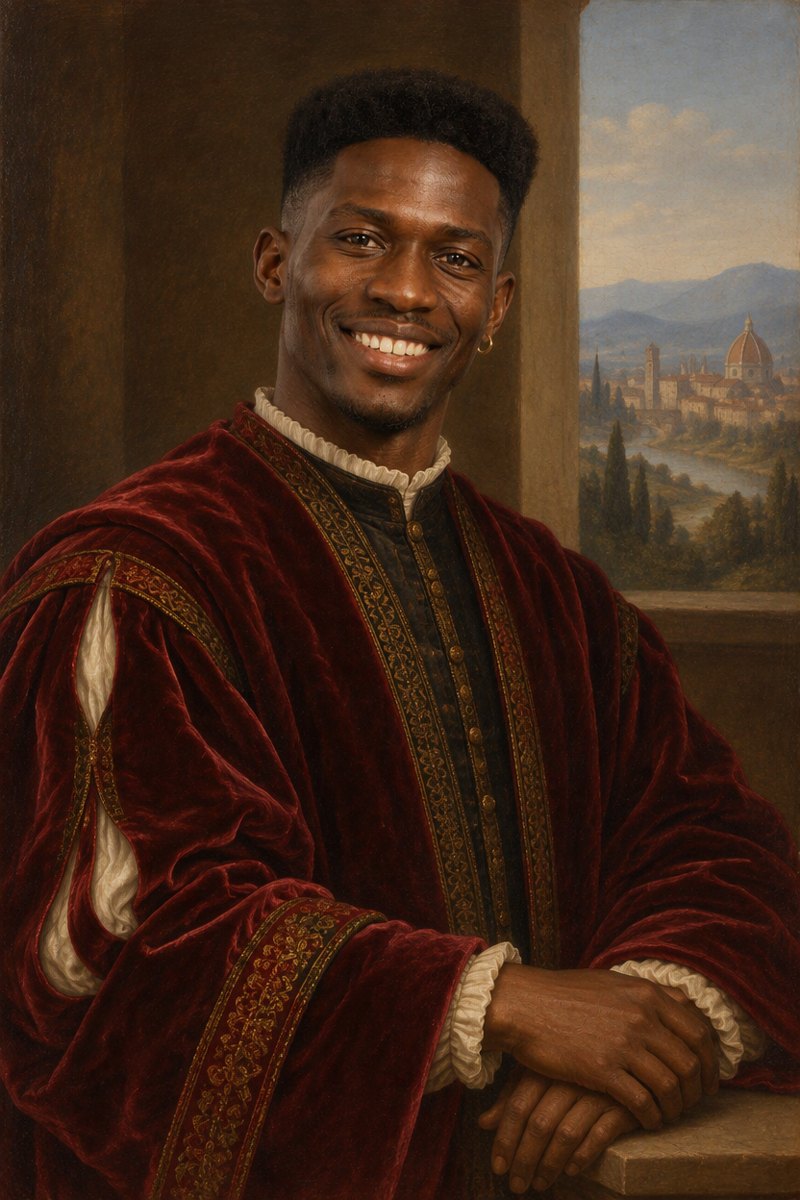
Upload one photo and get a Renaissance oil painting of yourself.