0103
Big smiles, sharp lines
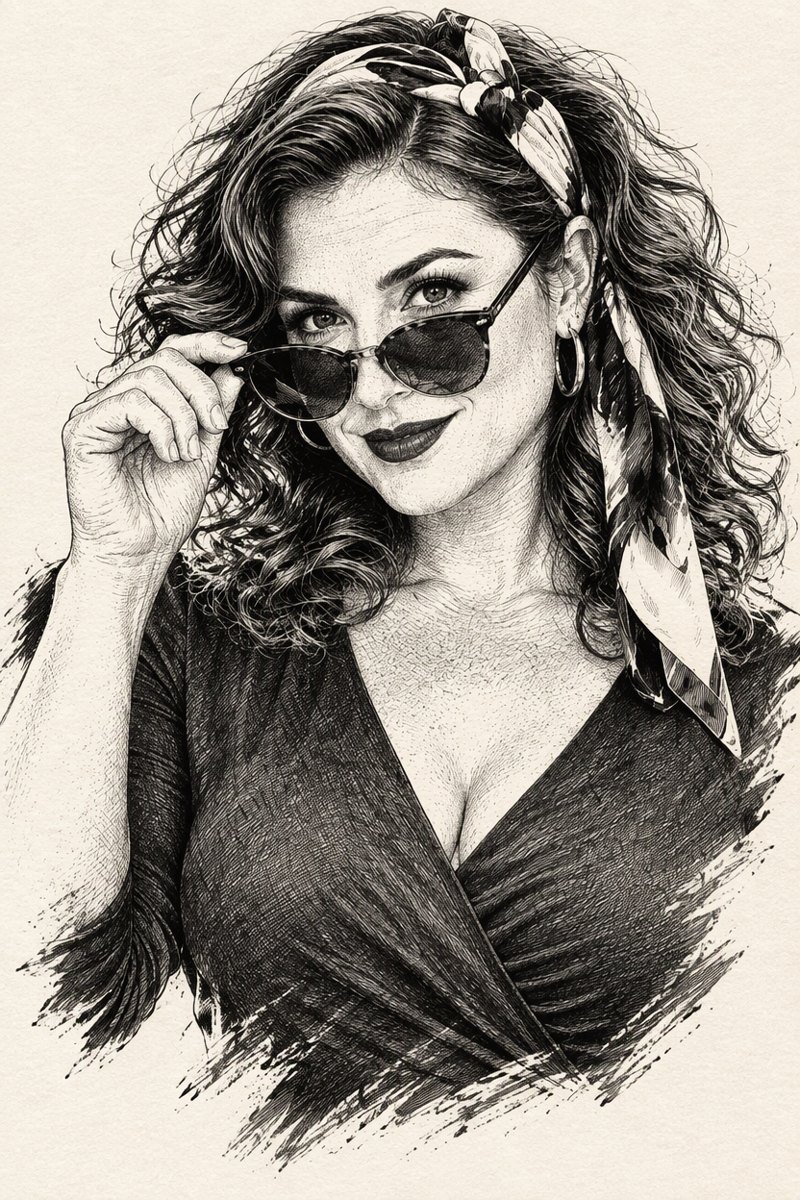
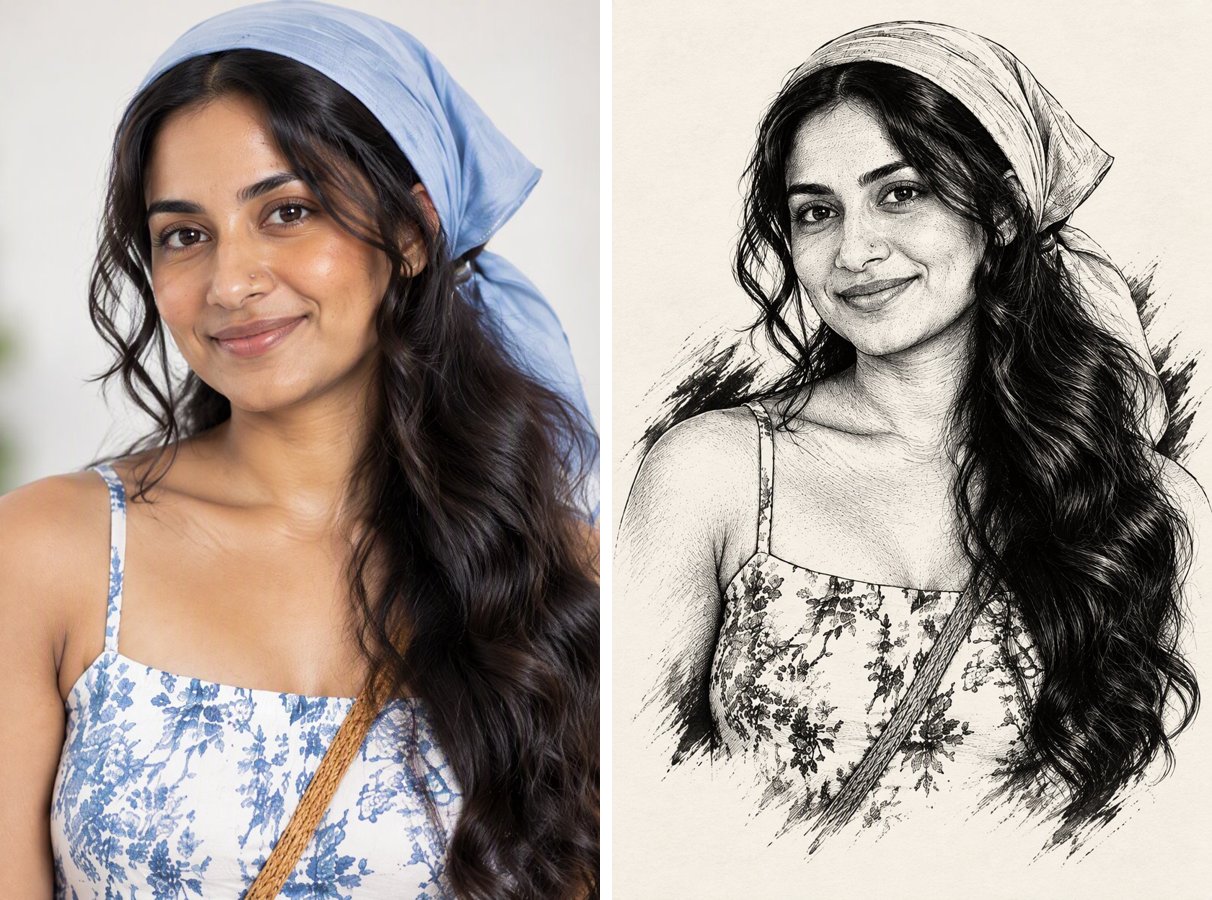
Laughter lines and textured hair turn into lively hatching instead of being smoothed away.
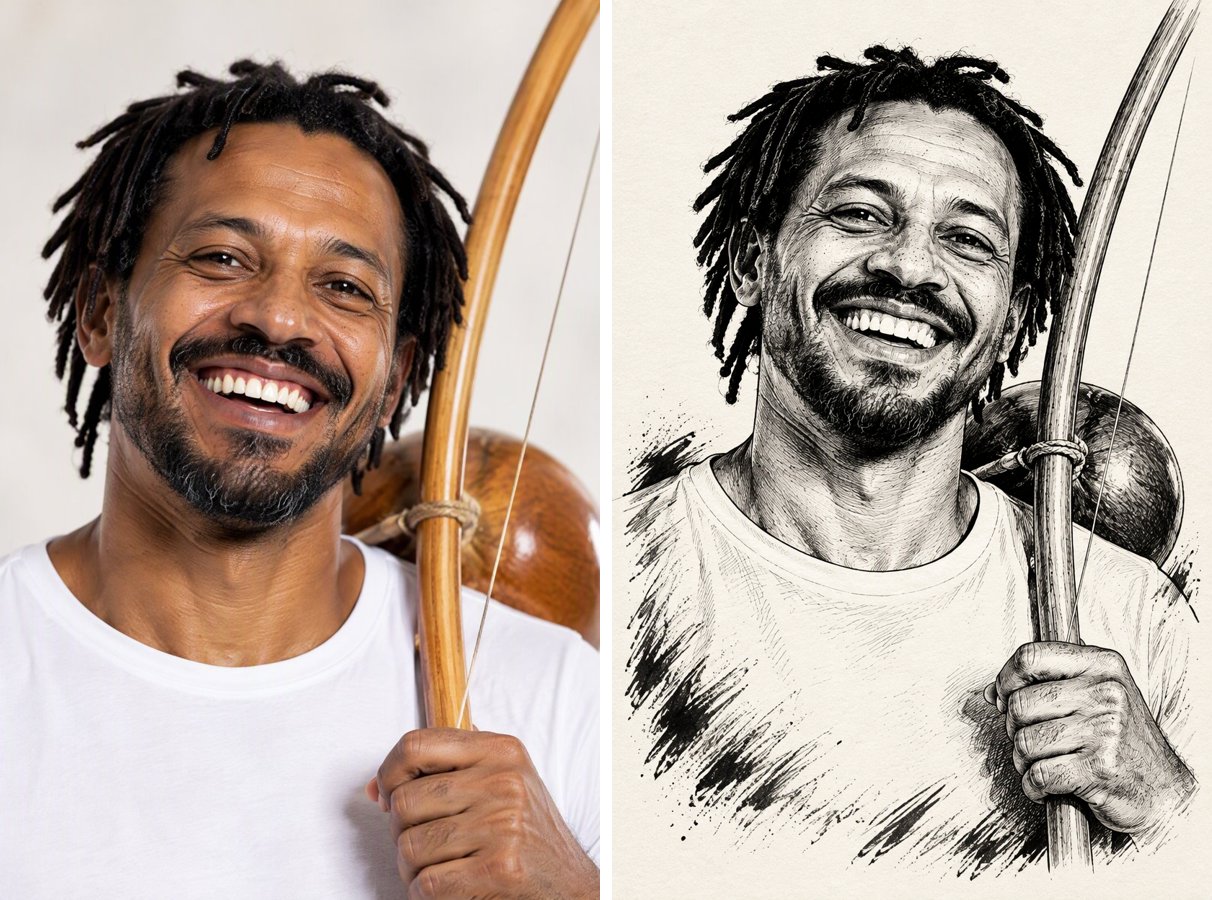

Get the look of a skilled illustrator's sketchbook. Upload a portrait and it is redrawn in pure black ink: confident contour lines, cross-hatched shadows, solid blacks in the hair and loose strokes fading into the paper.
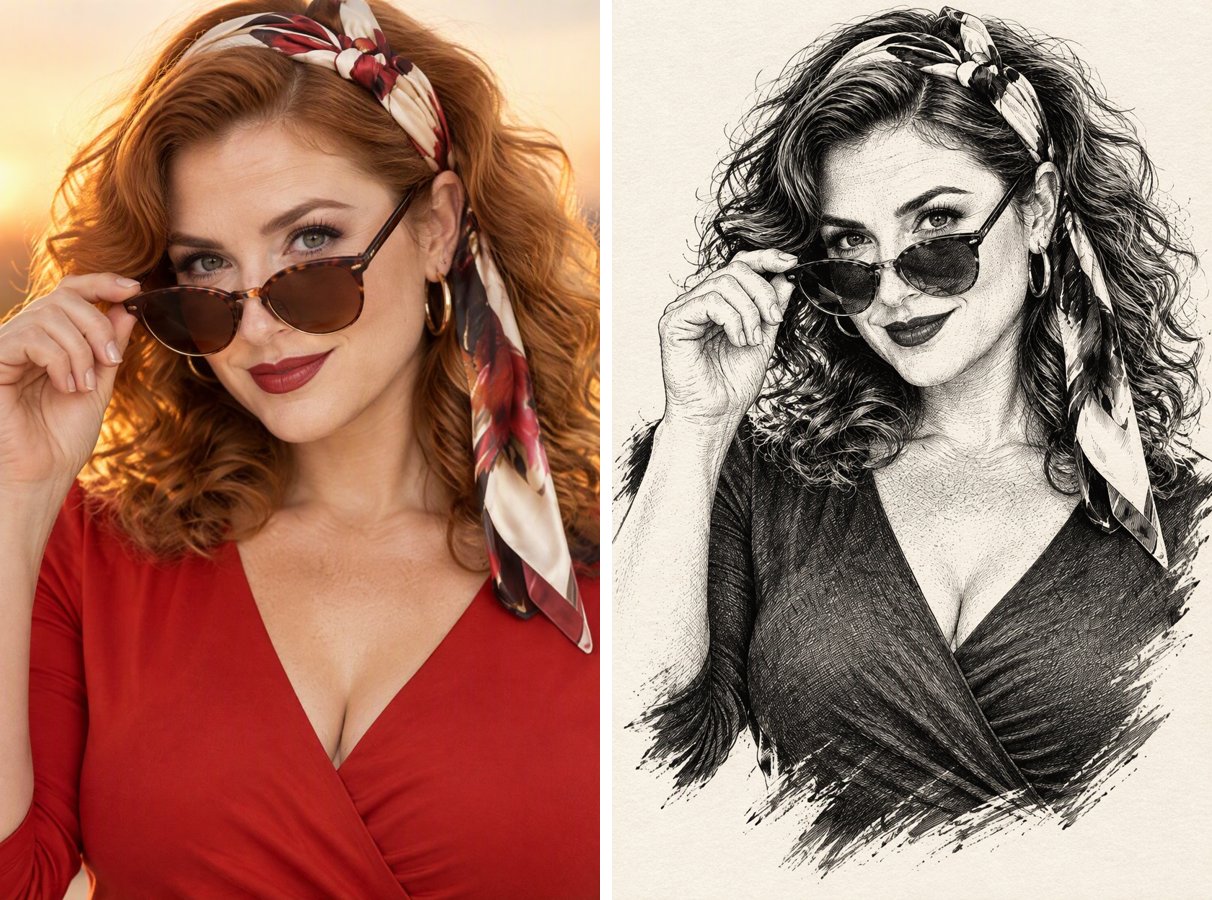
Same pose, same expression, now drawn by hand.
0103
Laughter lines and textured hair turn into lively hatching instead of being smoothed away.
0203
A floral dress is redrawn as delicate pen patterns, without any color.
0303
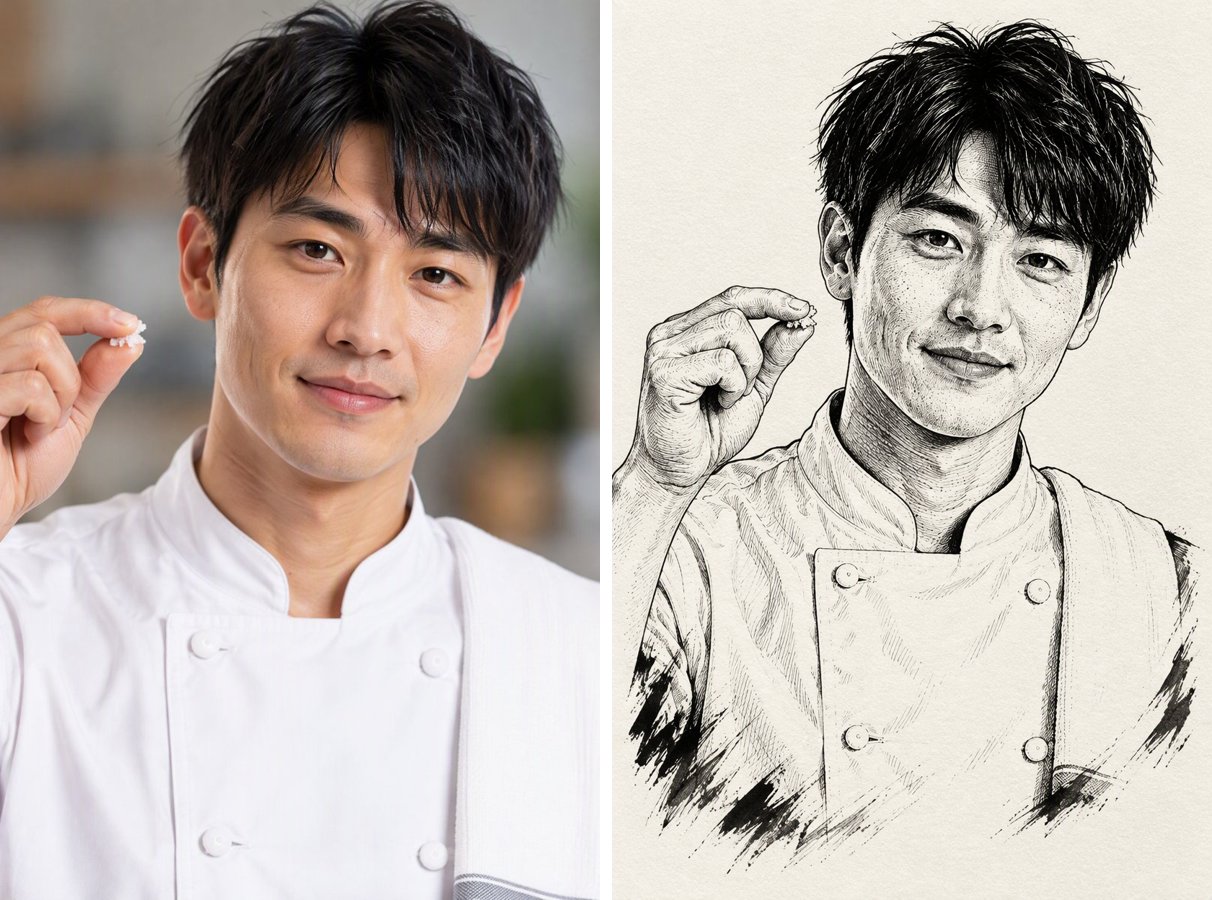
A chef's portrait shows how simple clothes turn into bold, poster-ready ink art.
Any well-lit portrait works. Strong light and shadow make the ink drawing more dramatic.
The style card fills in the prompt. Add notes like "more white space" or "draw only the face" if you want.
Each drawing costs 2 credits with GPT Image 2.5. Use it as a print, a tattoo reference or a manga-style profile picture.
No gray wash or color, just ink, so it prints cleanly.
Cross-hatching, stippling and brush strokes instead of a filter look.
Pose, expression and clothing outline stay the same.
Ink portraits make great references for manga panels and character art.
It is a portrait drawn only with black ink, using pen lines, cross-hatching and solid black areas to show light and shadow, on white or off-white paper.
A pencil sketch uses soft gray tones. Black ink uses only pure black lines and fills, which looks bolder and more graphic. For a softer pencil look, try the Photo to Sketch Converter.
It is a good reference for a tattoo artist, since the result is high-contrast line work. Ask your artist to adapt it for skin.
Clear portraits with visible facial features and good side lighting give the most detailed ink work.
GPT Image 2.5 is available on the free plan and uses 2 credits per image.
Same photo, different look. Try another style on your portrait.