
Pricing
Log In
AI Generator
AI Sticker Generator: Make Custom Die-Cut Stickers Free
AI sticker generator: turn any idea, character or photo into a die-cut sticker with a clean white border. Make sticker sheets for printing, Telegram, WhatsApp and more.
AI Sticker Generator
Describe a sticker — a character, a pet, a snack with a face, a quote — and get a print-ready die-cut design with a thick white border and bold outlines. Upload your OC or a photo to turn it into a sticker that keeps its look.
Make a Sticker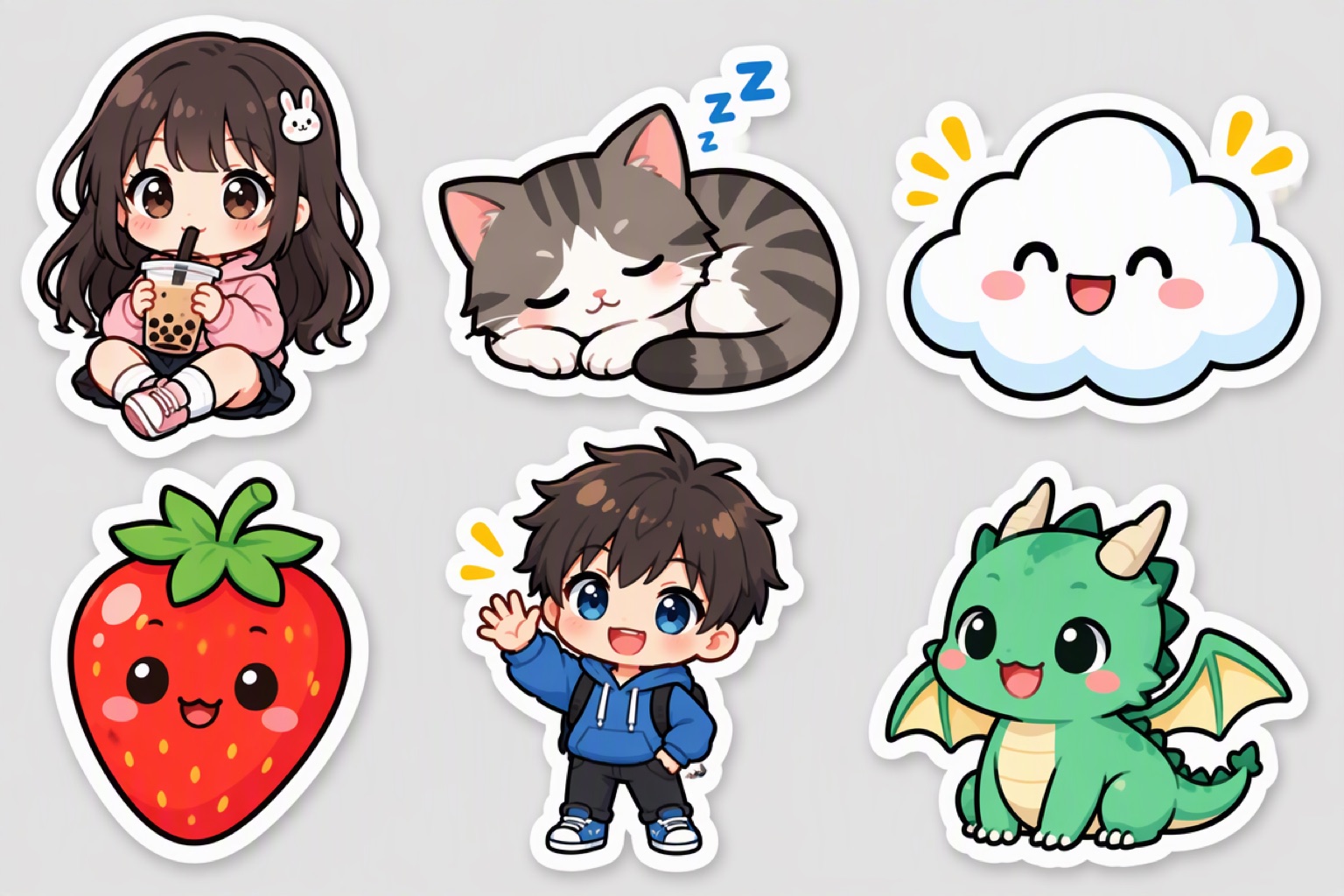
Stickers You Can Make
Character stickers
Your OC or favorite style of character in chibi proportions.
Pet stickers
Upload a photo of your cat or dog and turn it into a cute sticker.
Sticker sheets
Ask for six or nine stickers in one image for a matching set.
Messaging stickers
Expressions and reactions for Telegram, WhatsApp, LINE or Discord.
Laptop and planner stickers
Food, plants, clouds and doodles for journaling and decorating.
How to Make a Sticker with AI
01
Describe or upload
Edit the example prompt, or upload your character or pet photo to keep its design.
02
Ask for the sticker look
Keep words like die-cut, thick white border and bold outlines in the prompt for a real sticker finish.
03
Download and use
Save the image for printing, or turn reactions into chat stickers. For chat emotes, try the Emote Maker.
Tips for Printable Stickers
Keep the border even
A thick, even white border makes die-cutting easy.
Use flat colors
Bold flat colors print more reliably than soft gradients.
Avoid tiny details
Stickers are small — simplify faces and patterns.
Plain background
A plain background makes the sticker easy to cut out or remove.
Frequently Asked Questions