
Pricing
Log In
AI Generator
Comic Strip Maker: Create AI Cartoon Story Panels
Create comic strips online with AI characters, cartoon panels, and photo-based story visuals. Make your own comic strip fast with OCMaker AI.
Comic Strip Maker
Use OCMaker AI as a comic strip maker for characters, cartoon panels, photo-based comic visuals, and short story ideas. Start from a prompt or your own photo, then create comic-style images that can become a simple strip, OC story scene, or social comic.

Comic Strip Examples You Can Build From
Use these comic-style results as starting points for different search intents: anime story panels, cartoon comic strips, photo-inspired character scenes, and short visual stories that can be arranged into a simple comic strip.
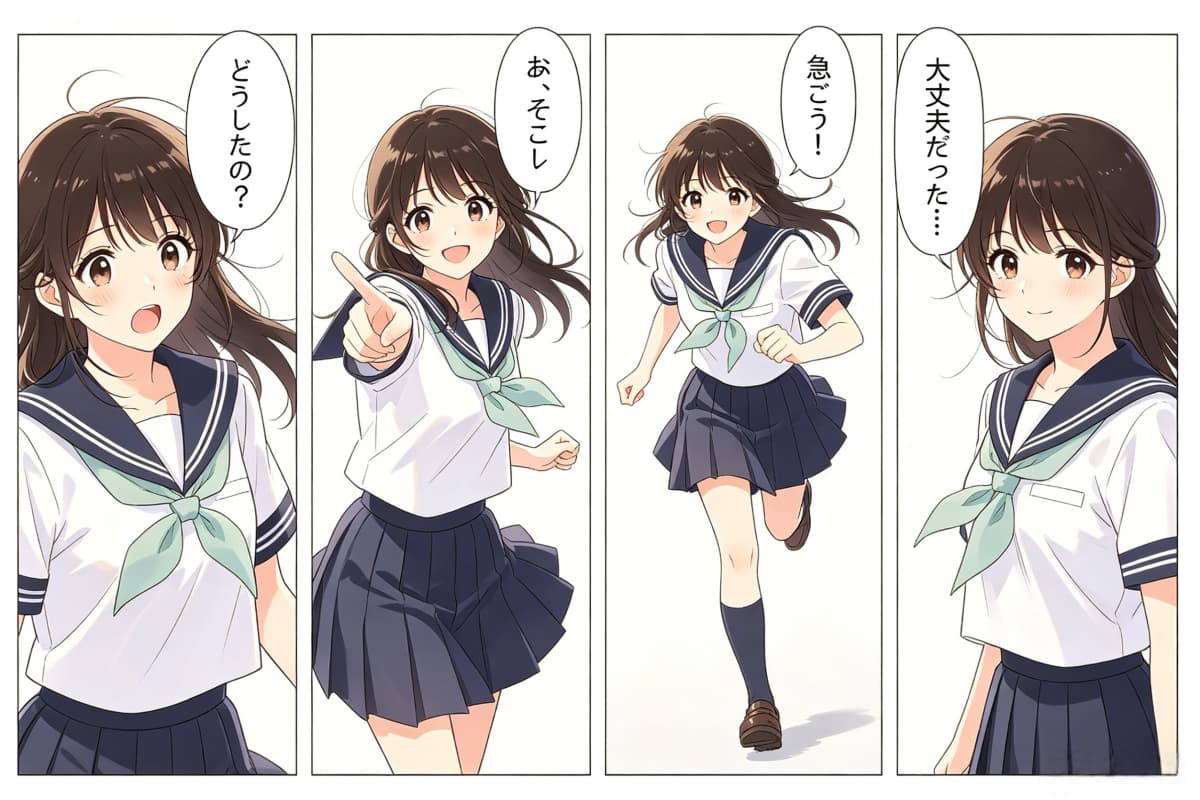
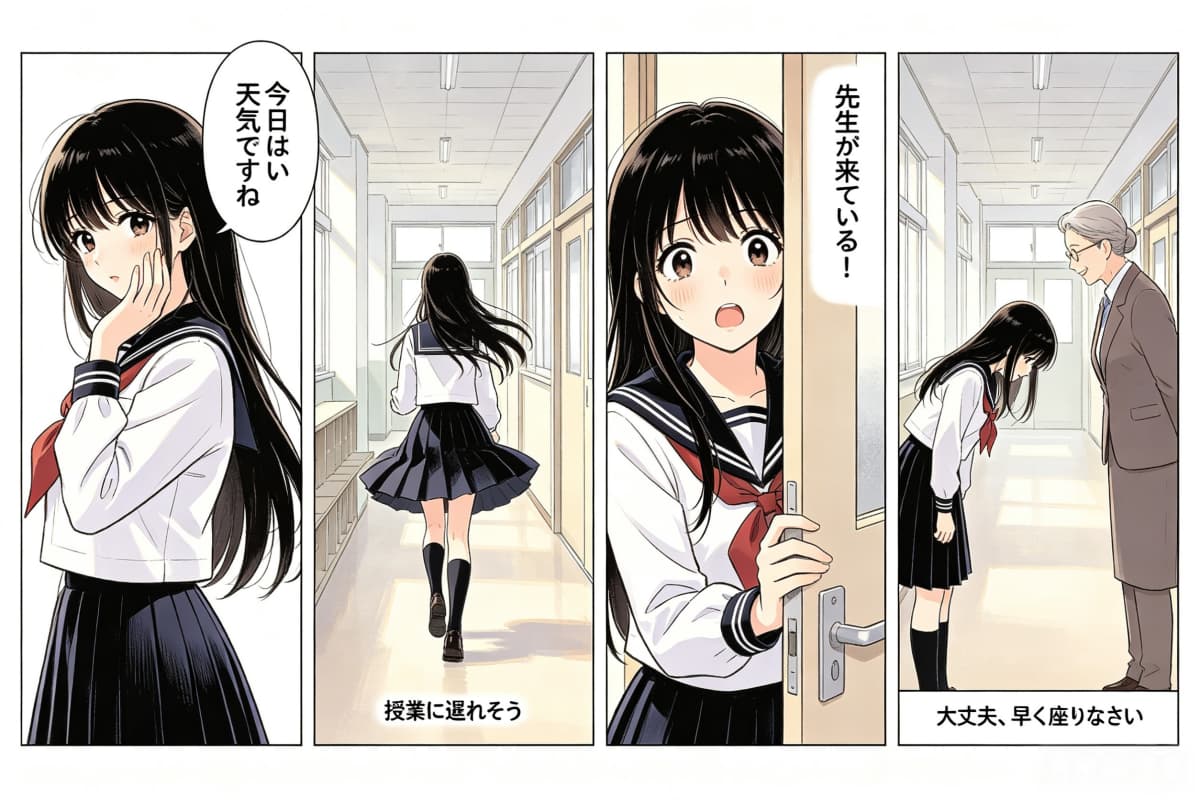
Anime School Comic Panels
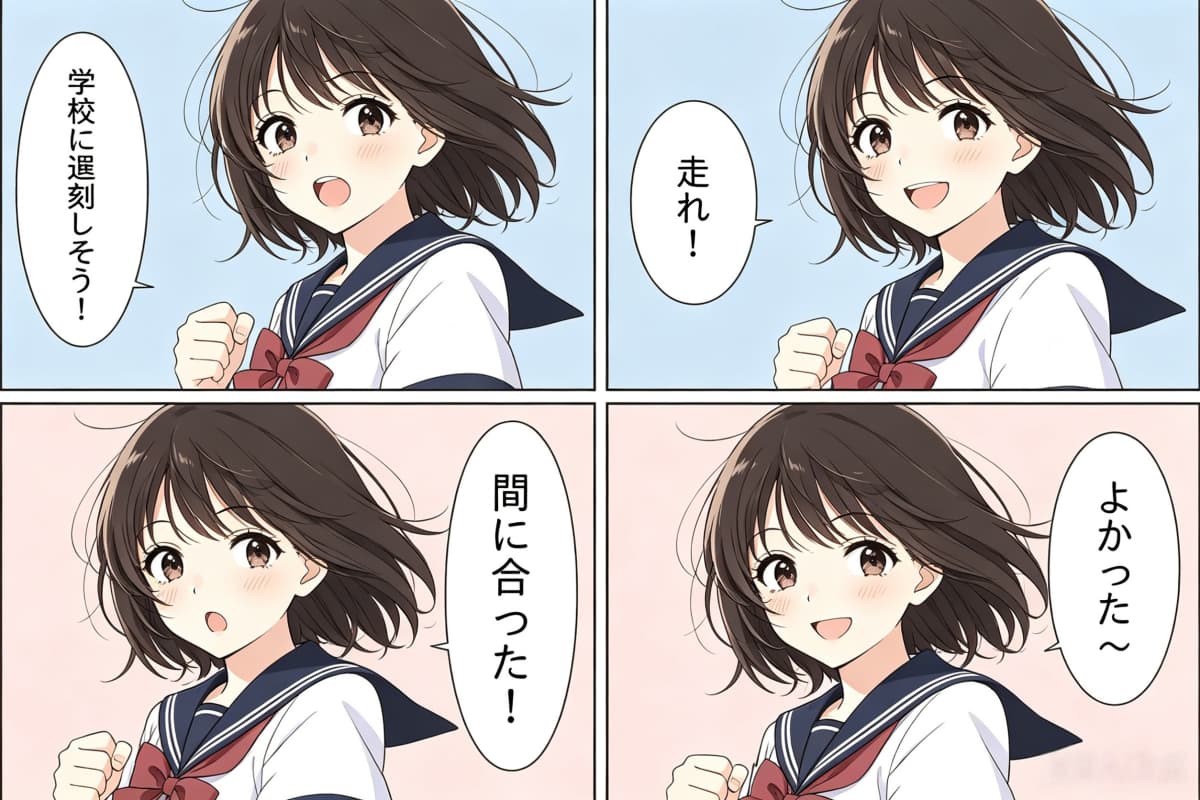
Dialogue Reaction Comic Strip
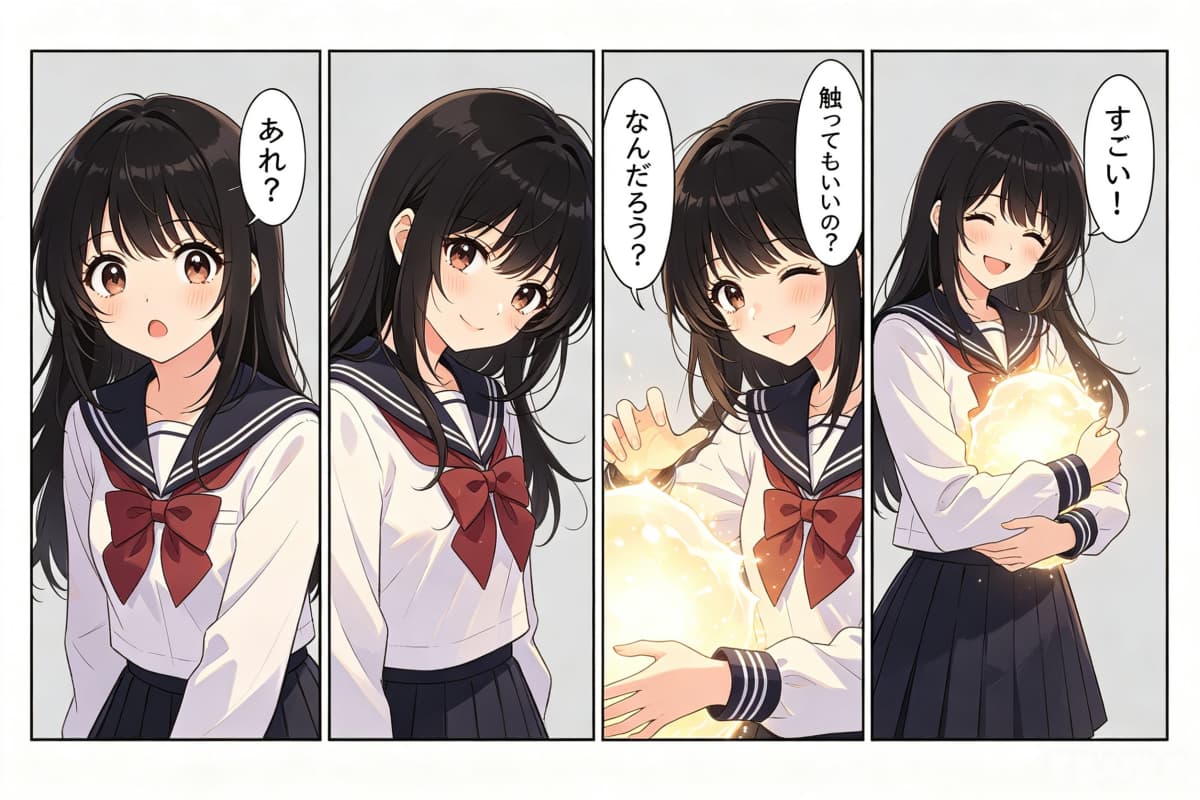
Anime Character Story Panels
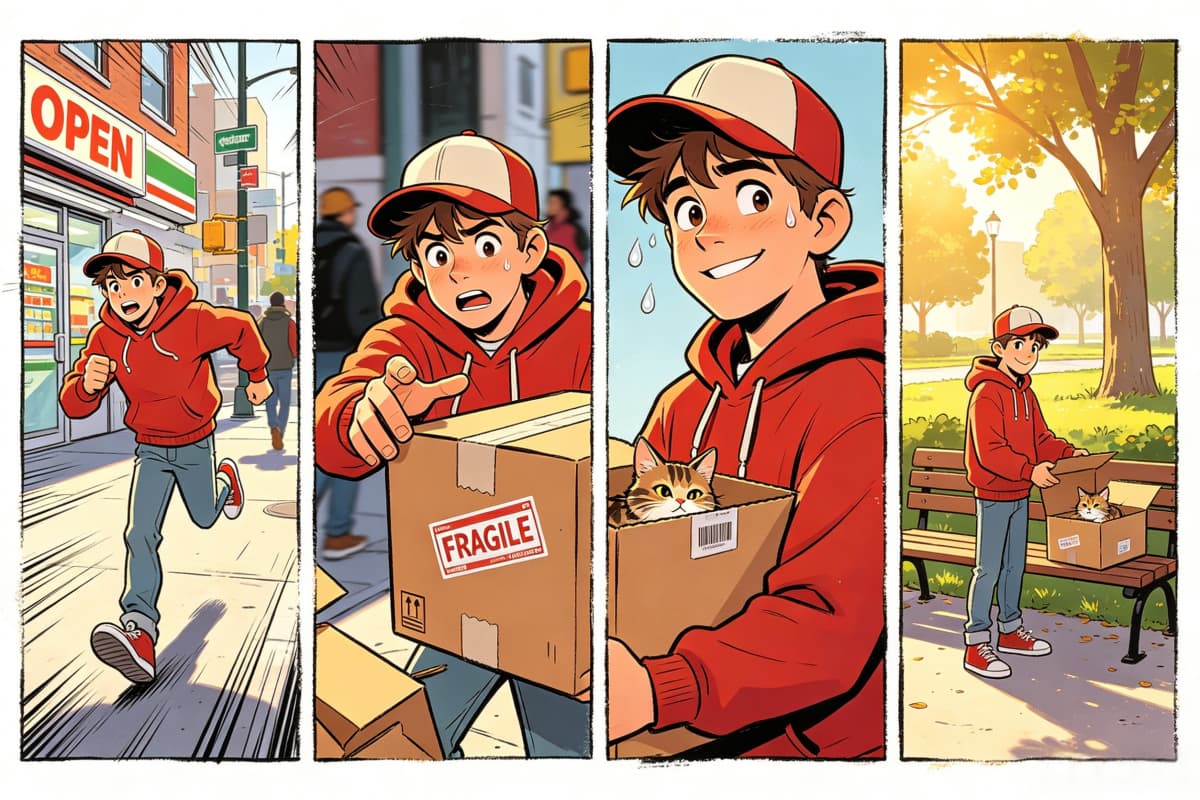
Cartoon Delivery Comic Strip
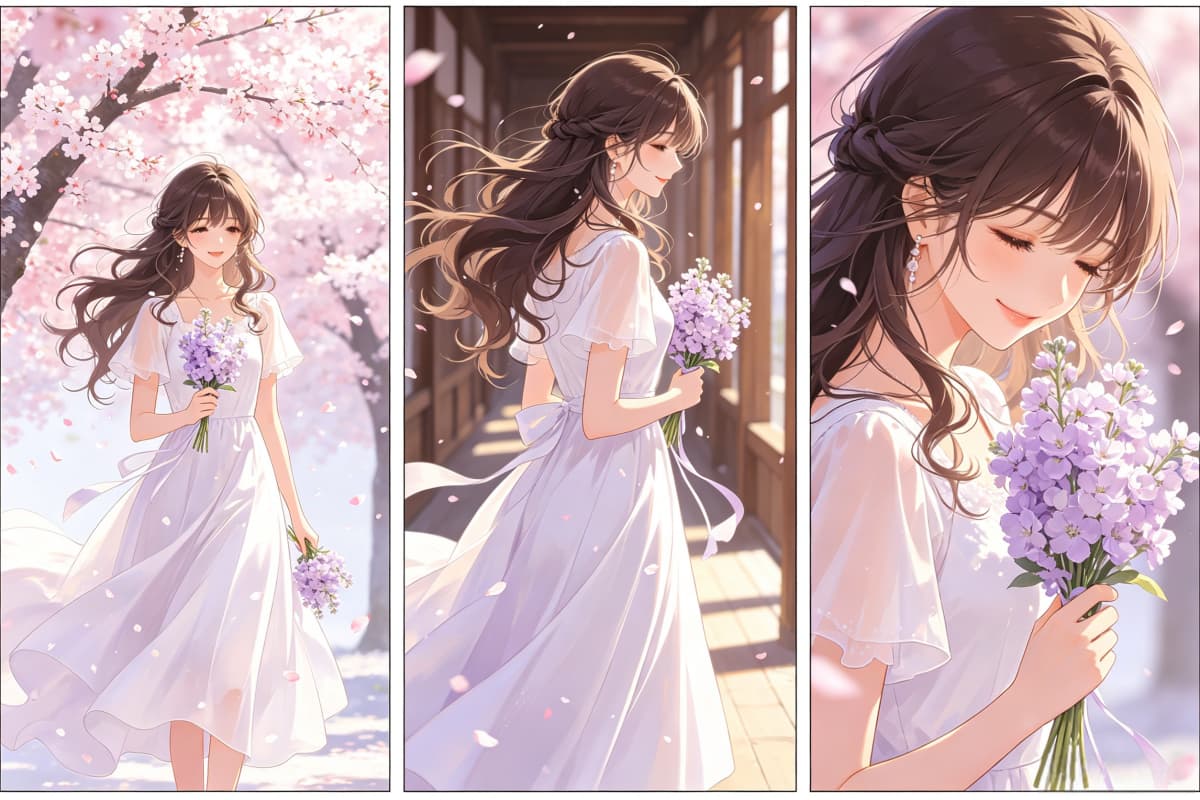
Romantic Anime Story Panels
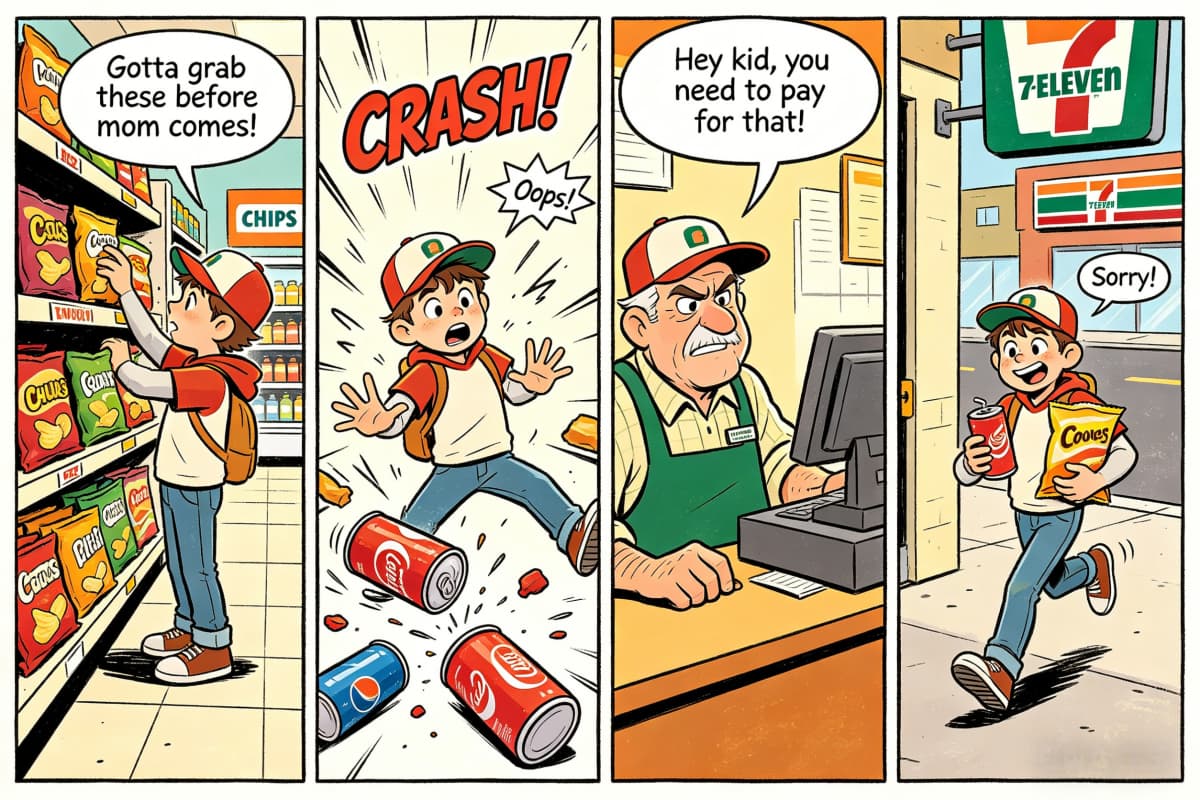
Funny Store Comic Strip
Make a Comic Strip From Characters, Photos, and Story Panels
Start With a Comic Strip Character
A strong comic strip usually starts with a readable character, not a complicated layout. With OCMaker AI, you can describe the character first, then generate a comic-style portrait or panel that gives the strip a clearer face, mood, and story direction. This makes the page fit searches like comic strip maker, make your own comic strip, and comic strip character maker without pretending to be a full desktop layout program.

Create Cartoon Comic Strip Visuals
For users searching cartoon comic strip maker or make a cartoon comic strip, the main need is usually simple: turn an idea into a funny, readable cartoon scene. OCMaker AI can help create expressive characters, exaggerated reactions, and bright cartoon-style panels that work well for short jokes, social posts, classroom story ideas, or casual comic scenes.
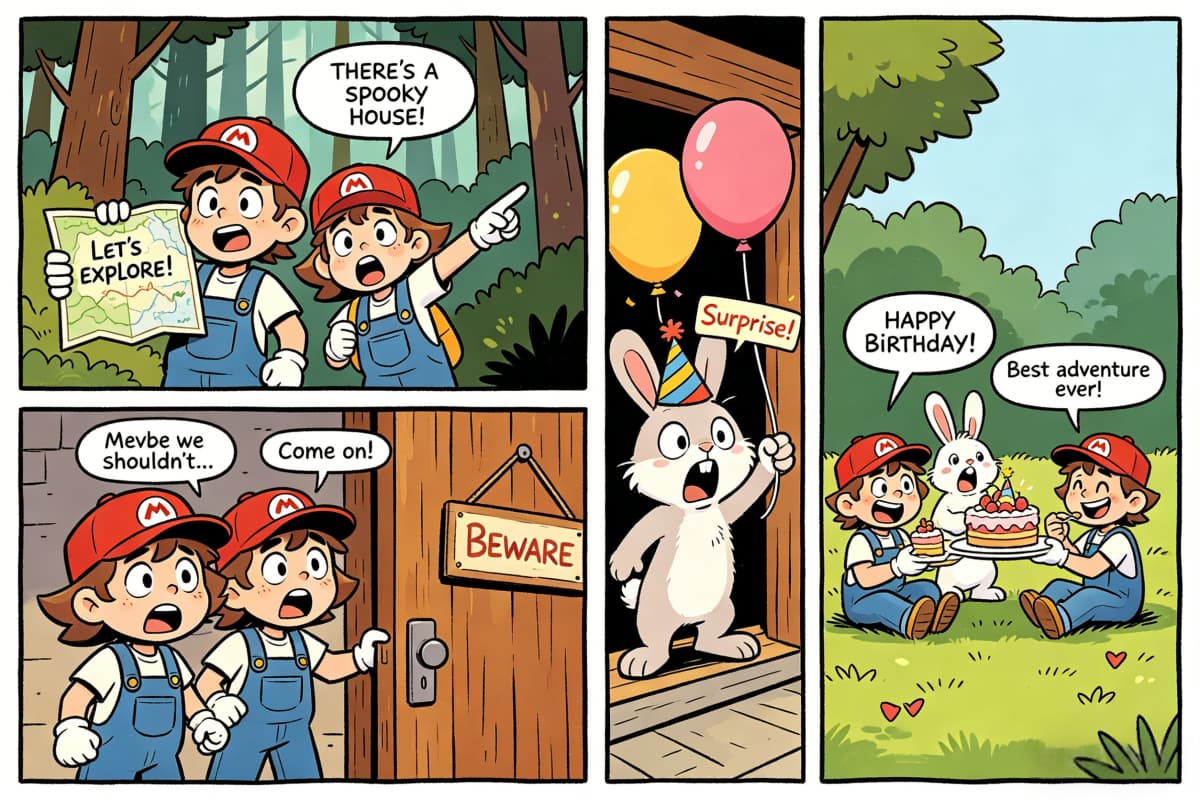
Turn Photos Into Comic-Style Characters
Some users do not want to draw a new character from scratch. They want a comic strip maker with photos, so the result still feels connected to a real person, pet, or original reference. OCMaker AI can support this intent by helping users turn photo-based input into cartoon, anime, or comic-inspired character visuals for story panels.
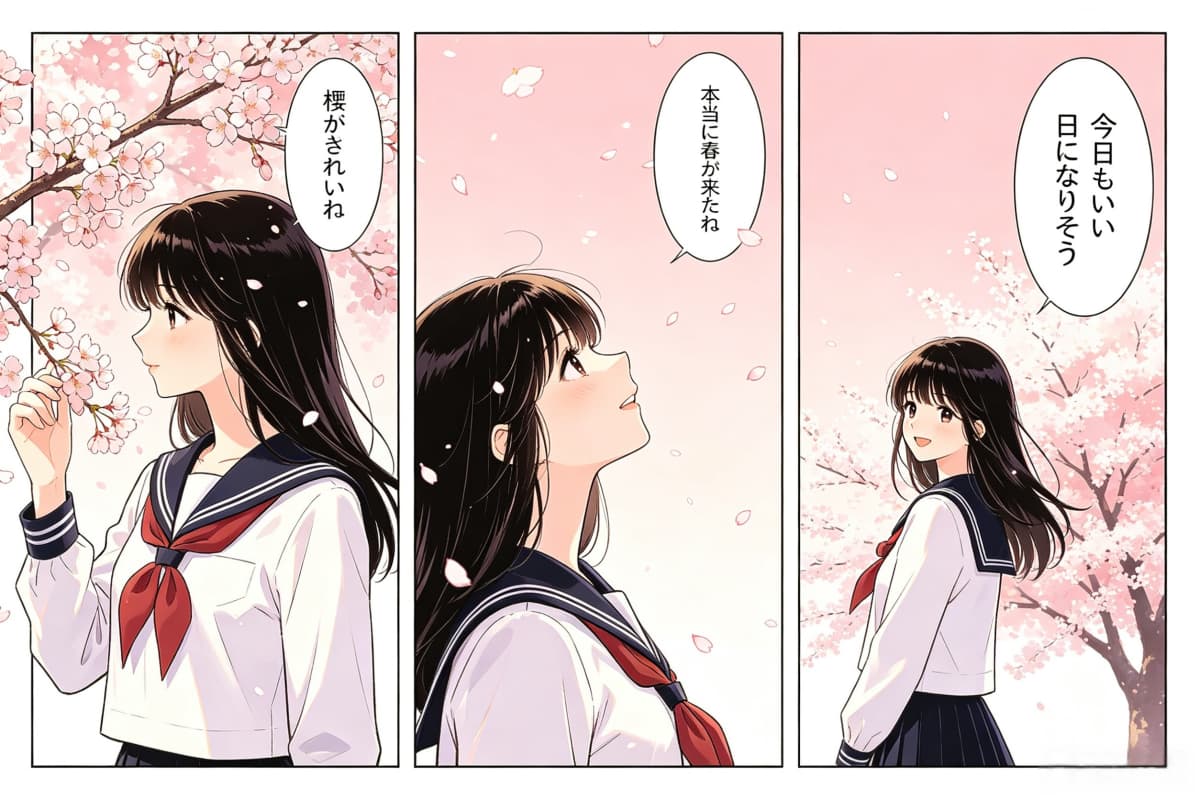
Generate Story Panels Before Layout
An AI comic strip maker should not only create pretty images. The useful part is helping users build a sequence: a setup, a reaction, a conflict, and a punchline or ending. If you already use a text to image workflow, OCMaker AI works well for generating the key panels first, then arranging those visuals into a short comic strip, storyboard, or OC scene.
Clear use cases based on real search intent
What You Can Make With This Comic Strip Maker
For short story comic strips
Use it to turn a simple idea into a readable comic sequence with a setup, reaction, conflict, and ending. This fits users searching make a comic strip or make your own comic strip, especially when the goal is to build a short story without drawing every panel from scratch.
For cartoon comic strip scenes
Create bright, expressive cartoon-style visuals for funny dialogue, exaggerated reactions, and light story moments. This is a strong fit for searches like cartoon comic strip maker and make a cartoon comic strip, where users usually want playful visuals and clear character emotion.
For photo-to-comic character ideas
Start from your own photo when you want the comic strip to keep a recognizable person, pet, or outfit. This matches comic strip maker with photos intent and works well for personal jokes, friend comics, pet strips, or social content built from real-life references.
For AI-generated comic drafts
Use AI to quickly explore a comic concept before you refine the final strip. You can test different characters, poses, scene setups, and visual moods first, which makes this useful for users searching comic strip maker ai or make comic strip online without wanting to sketch everything manually.
For recurring comic characters
Build a main character first, then generate more expressions, outfits, or story moments around that same idea. This is useful when the comic strip depends on one central character rather than a one-off image, and it fits OCMaker’s strength in character creation better than a template-only workflow.
For online comic visuals you can arrange later
Generate the core comic-style visuals online, then place them into your preferred panel layout or editing workflow later. This supports comic strip maker online intent while staying honest about the product: OCMaker is strongest at creating the character and scene assets that make the strip work.
How to Make a Comic Strip with AI
From idea to comic-style story panels
01
Describe your comic idea
Start with the character, setting, and story moment. A prompt like "two friends arguing over a missing lunchbox, cartoon comic style" gives the AI a clearer direction than a vague request for a funny comic.
02
Generate the character and key panels
Create a comic-style character from text or a photo, then generate the main panels for the setup, reaction, conflict, and ending so the strip feels like a sequence instead of one random image.
03
Add dialogue and finish the strip
Use the generated panels as the visual base, then add speech bubbles, captions, or final layout edits in your preferred design workflow before sharing or exporting the comic strip.
Frequently Asked Questions
You may want to know
Built for comic visuals, not just blank templates
Many comic strip maker searches lead to template tools. OCMaker AI fits a different part of the workflow: creating the characters, expressions, and visual panels that make a strip feel personal before the final layout is assembled.