0103
Create From a Prompt
Describe one clear scene with a subject, setting, mood, season, lighting, and camera distance. Focused prompts give the generator a stronger composition than long briefs packed with competing actions.
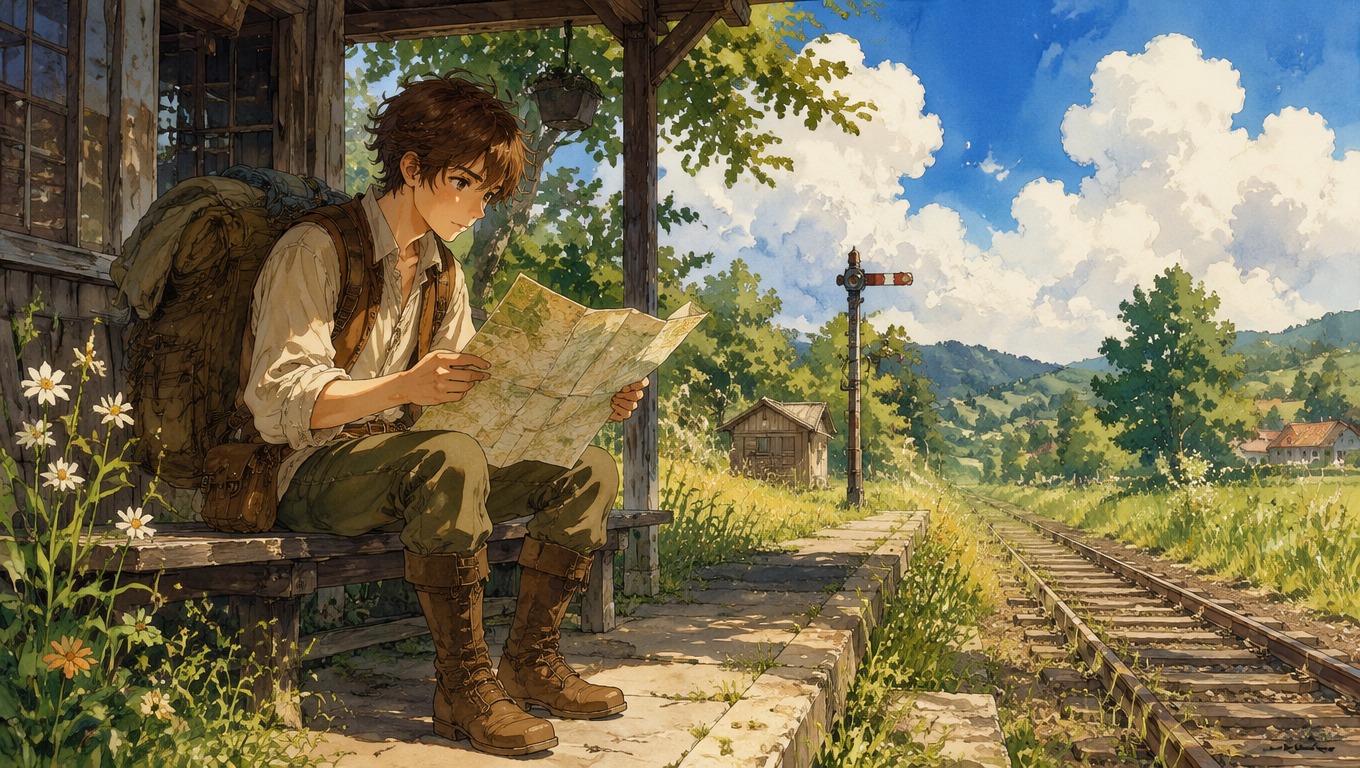

Ghibli AI Generator: Studio Ghibli Style Art from Text
Ghibli AI generator: describe a scene or character and get Studio Ghibli style art — painterly skies, cozy towns and gentle fantasy. Free to try, no drawing needed.
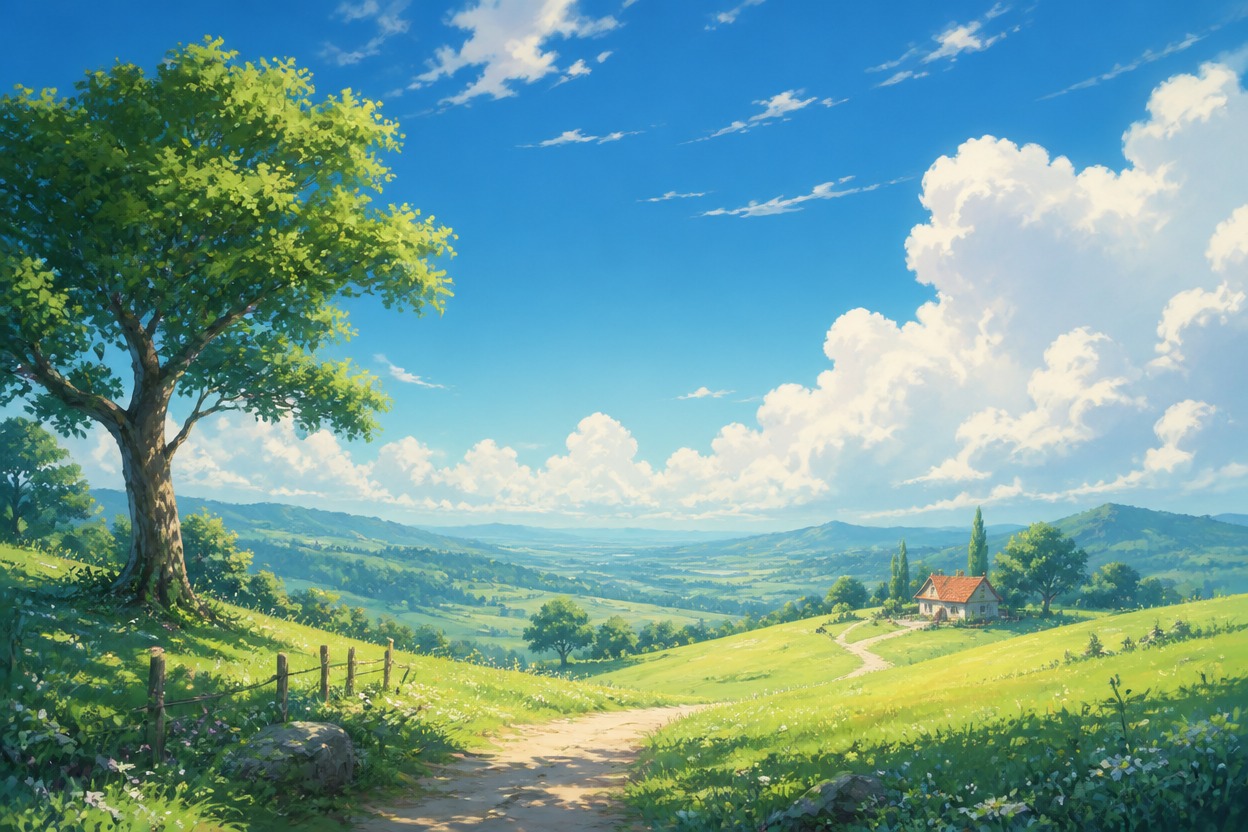
Create Ghibli-style art from a few words. Describe a character, a cozy town, a forest spirit or a summer sky, and the Ghibli AI generator paints it with soft watercolor light, hand-drawn texture and the gentle fantasy mood of classic Japanese animation films.
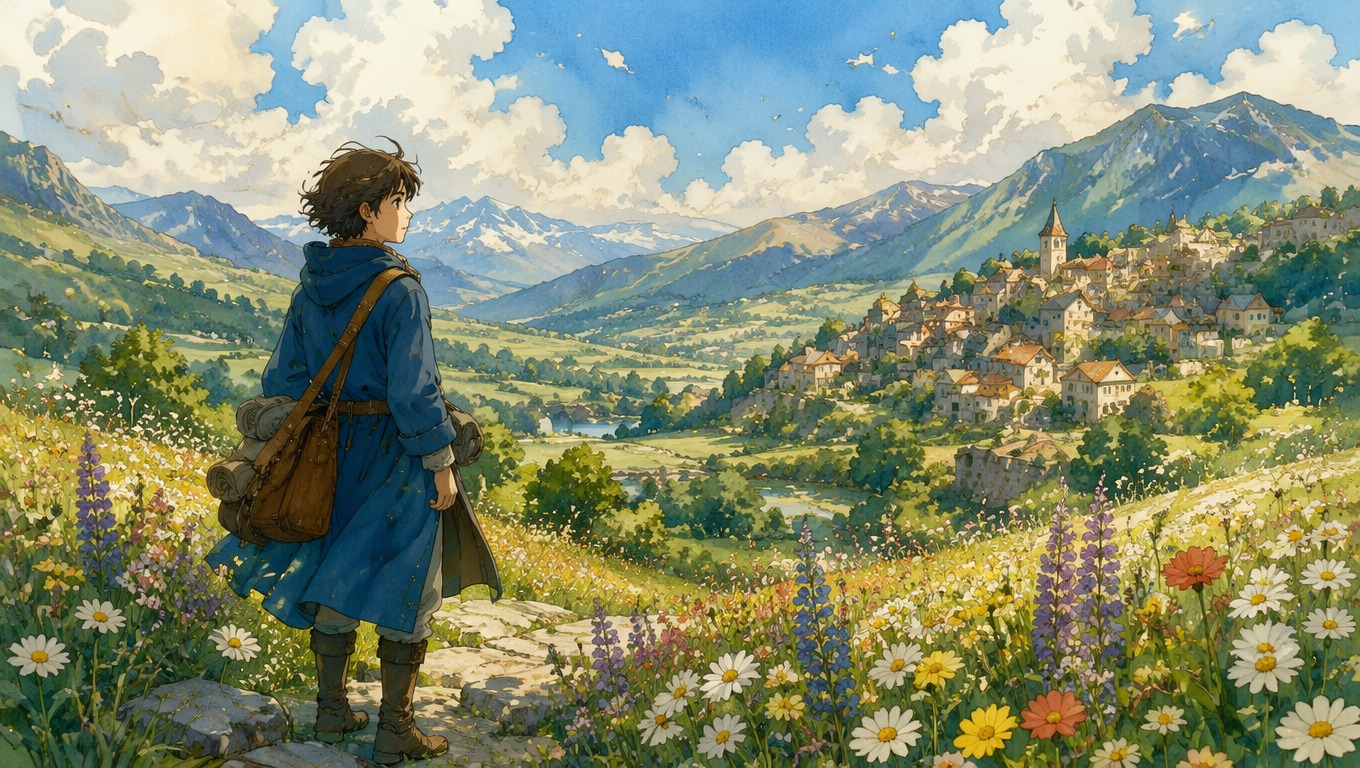
OCMaker AI brings a warm, hand-painted fantasy direction to the broader AI Anime Generator toolkit, with both text-led and photo-led ways to create original art.
0103
Describe one clear scene with a subject, setting, mood, season, lighting, and camera distance. Focused prompts give the generator a stronger composition than long briefs packed with competing actions.
0203
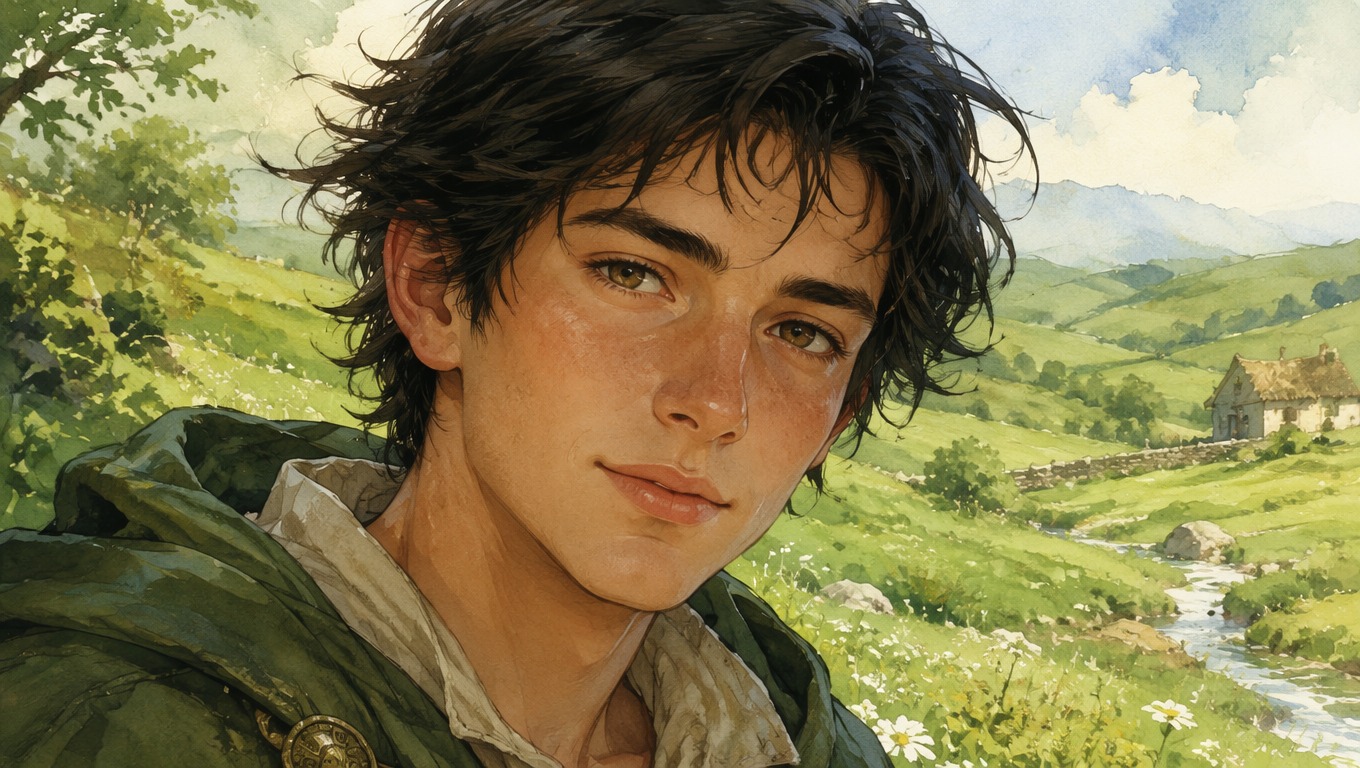
Use a clear portrait, pet photo, or travel image as visual guidance, then reinterpret it with soft color, expressive linework, and a storybook atmosphere. Simple backgrounds make the main subject easier to evaluate.
0303
Guide the feeling through weather, time of day, landscape, color, and quiet environmental details. Review faces, hands, props, and small architecture before choosing a result or generating another variation.
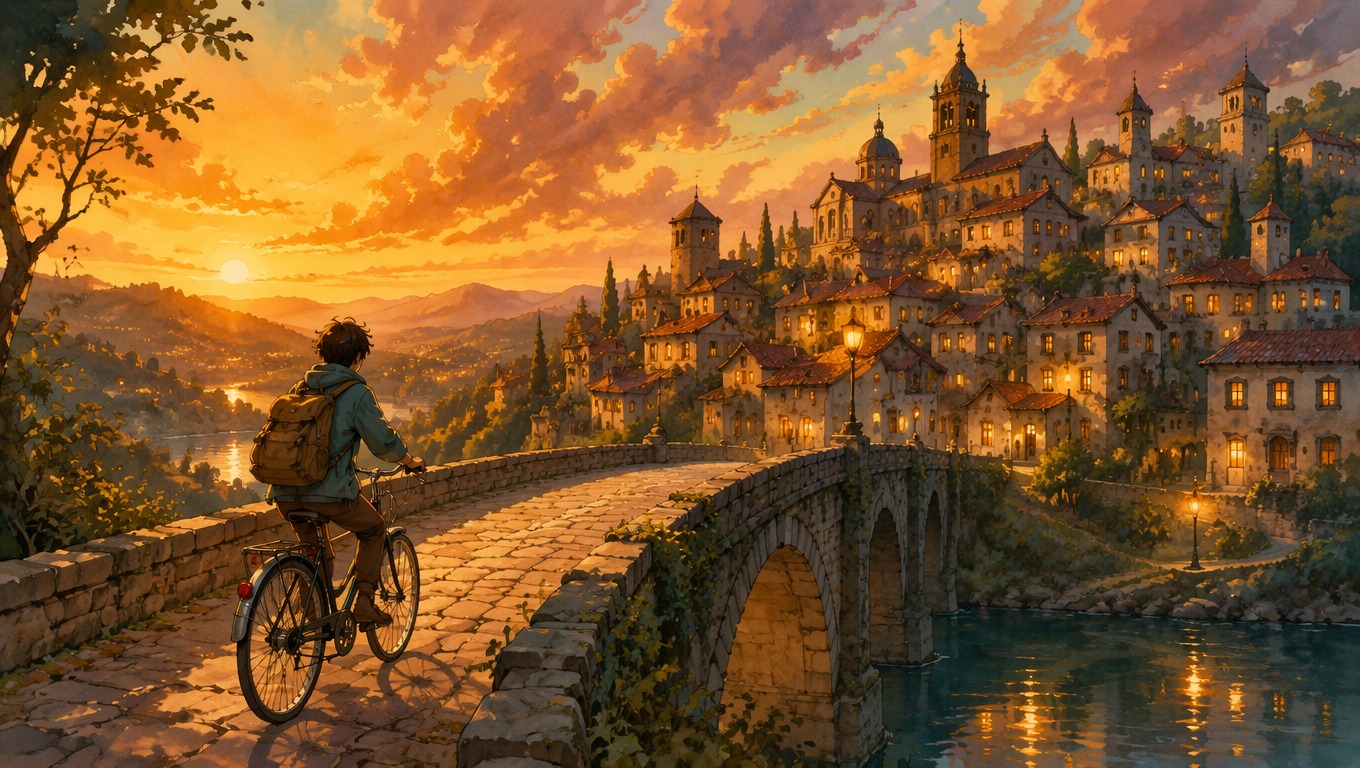
Use the Ghibli image generator for portraits, memories, original stories, personal artwork, and atmospheric visual ideas.
Reimagine a person or original character with expressive, storybook-style details.
Give favorite landscapes and trip photos a softer, hand-painted atmosphere.
Place a pet inside a cozy village, forest path, or gentle fantasy journey.
Visualize an original scene, setting, or character moment before developing it further.
Create a distinctive illustrated portrait for a personal avatar or creative profile.
Generate calm countryside, sky, town, or nature scenes for personal screens.
Start with one readable subject, define a coherent atmosphere, then review the generated image closely before keeping or refining it.
Write a focused scene description or start with a clear image that establishes the main subject and composition.
Add the mood, environment, lighting, season, palette, and storybook details you want the image to emphasize.
Create the image, inspect important details, and adjust one or two prompt elements before generating a cleaner variation.
Frequently Asked Questions
Answers about prompts, photo transformation, image review, creative uses, and the independent nature of the tool.
It creates new images in a Studio Ghibli-inspired style from a text description. It is an inspired-style tool and is not affiliated with or endorsed by Studio Ghibli.
Yes — for photos, use the Ghibli Filter. To design an original character in this style, try the Ghibli OC Maker.
An AI Ghibli generator turns text descriptions or photos into warm, hand-painted fantasy images with expressive characters, natural environments, and storybook atmosphere. OCMaker AI is designed for creating original visual ideas in this broad aesthetic direction.
Yes. Describe a single subject and scene, then add the setting, mood, light, color, and viewpoint. A focused prompt such as a traveler waiting beside a quiet rural station at sunset is easier to direct than several unrelated events in one image.
Yes. Start with a clear portrait, pet, or landscape photo. Good lighting, a visible main subject, and a simple composition make it easier to compare the result with the source and decide what to refine.
Name the subject, action, environment, season, time of day, mood, and camera distance. Keep the first prompt concise. If the composition works but the mood does not, change the lighting or palette instead of rewriting every detail.
Check the face, hands, body proportions, small props, and background structures at full size. For photo-led work, also compare the main recognizable features and composition. Regenerate when a structural detail distracts from the scene.
You can explore fantasy portraits, pet adventures, travel-memory restyles, original character moments, peaceful landscapes, profile images, and visual references for personal stories.
No. OCMaker AI is an independent creative tool and is not affiliated with or endorsed by Studio Ghibli. Create original scenes and characters, and review applicable rights before using generated or uploaded material commercially.
Use OCMaker AI to turn a text idea or favorite photo into an original, hand-painted fantasy image you can refine and make your own.