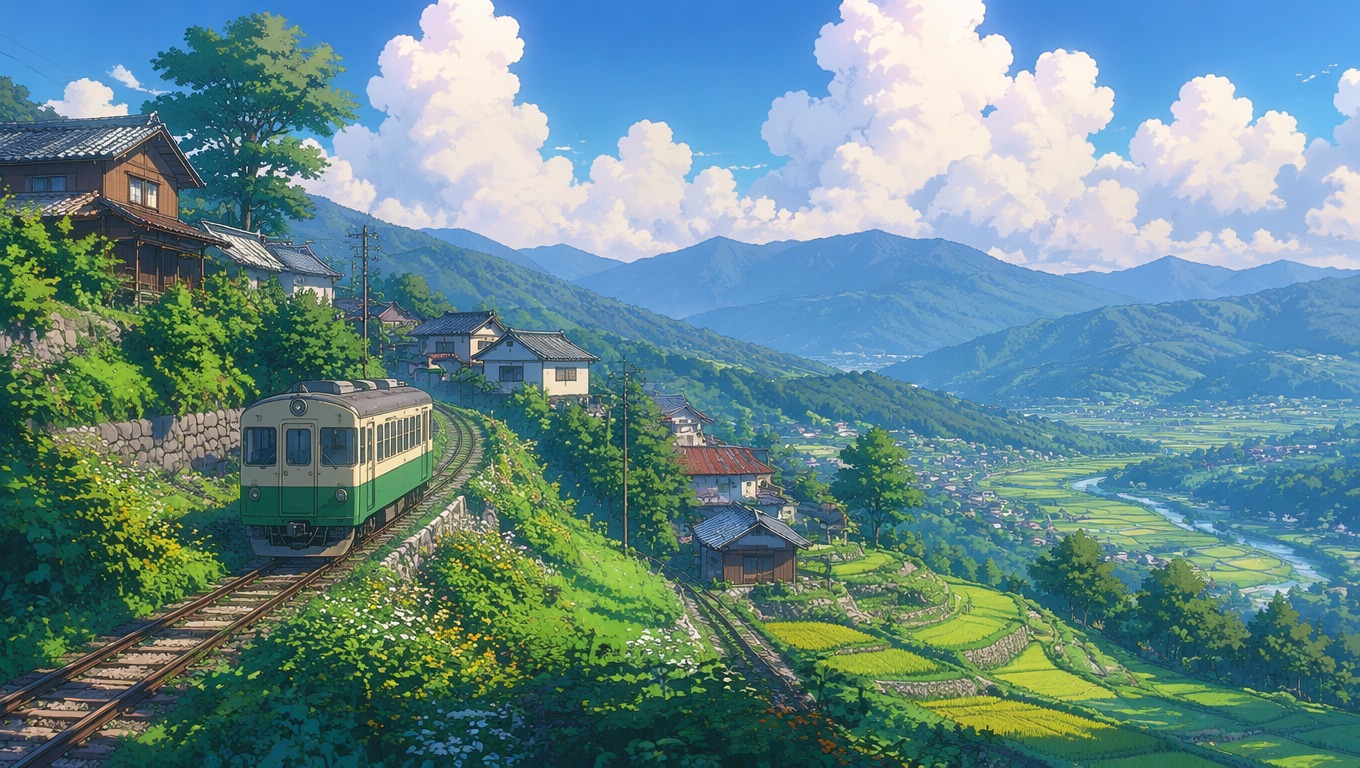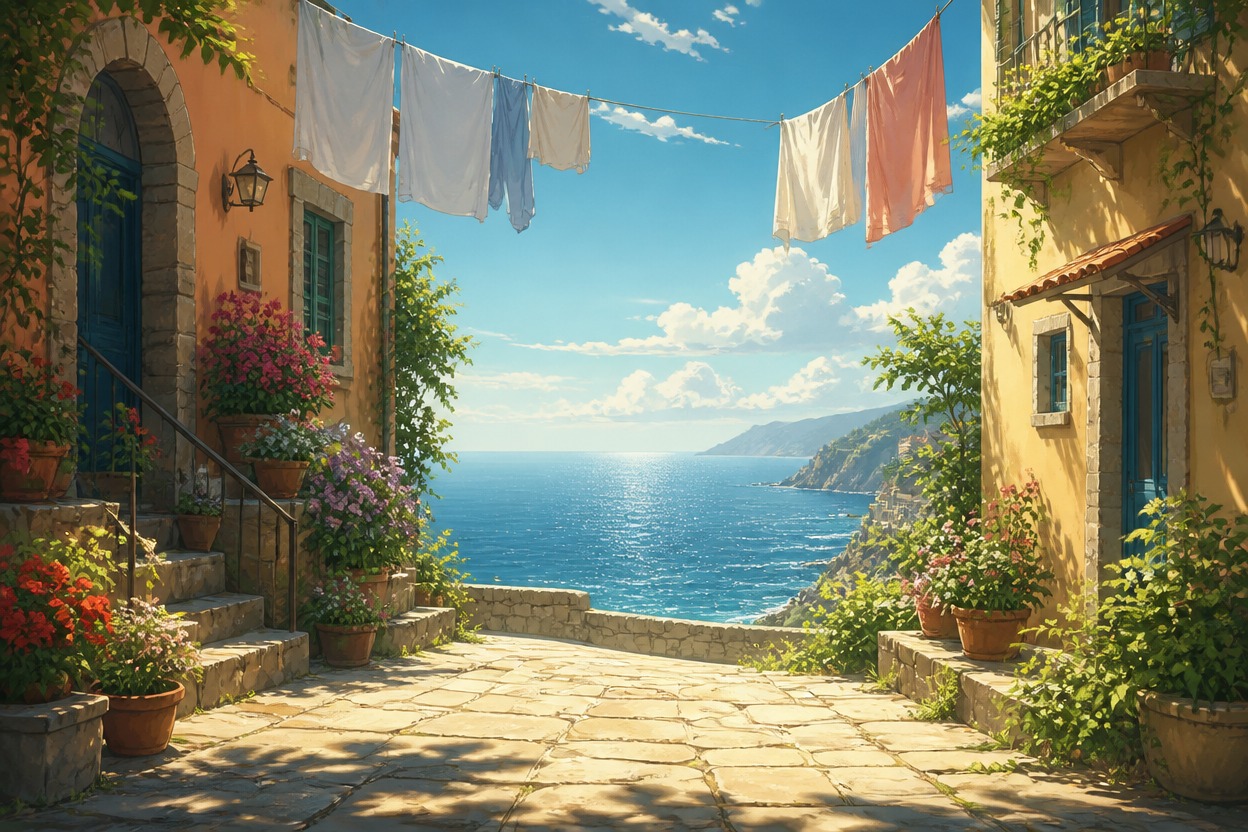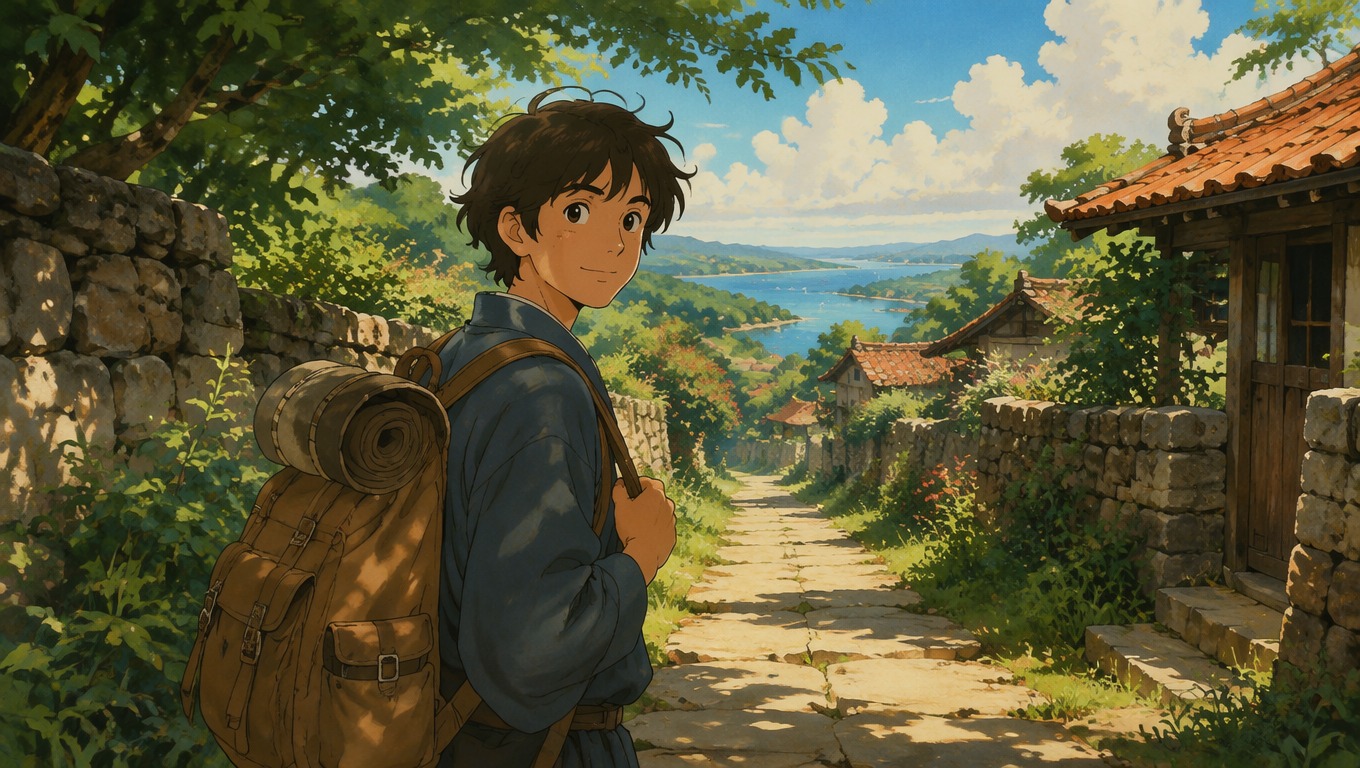
Ghibli Filter: Turn Your Photo into Ghibli Style Art

Free AI Ghibli filter: turn your photo, pet or favorite place into Studio Ghibli style art with soft painted light and storybook color. Ghiblify any picture.

Ghibli Filter: Photo to Ghibli Style

Ghiblify your photos. Upload a portrait, a pet or a favorite place and the AI Ghibli filter repaints it with warm color, soft hand-painted detail and a storybook anime mood — while keeping your subject recognizable. Inspired style only; not an official Studio Ghibli product.

Warm hand-painted anime-style portrait created from a photo concept

Ghibli Filter for Portraits, Pets and Places

OCMaker AI brings photo transformation into the AI Anime Generator hub. For original character concepts built from text, explore the AI Ghibli Generator page.

0103

Keep the Person Recognizable

Use a clear, front-facing photo to carry over visible cues such as hairstyle, face shape, glasses, and clothing color. The result is a stylized interpretation, so review recognizable traits rather than expecting an exact copy.
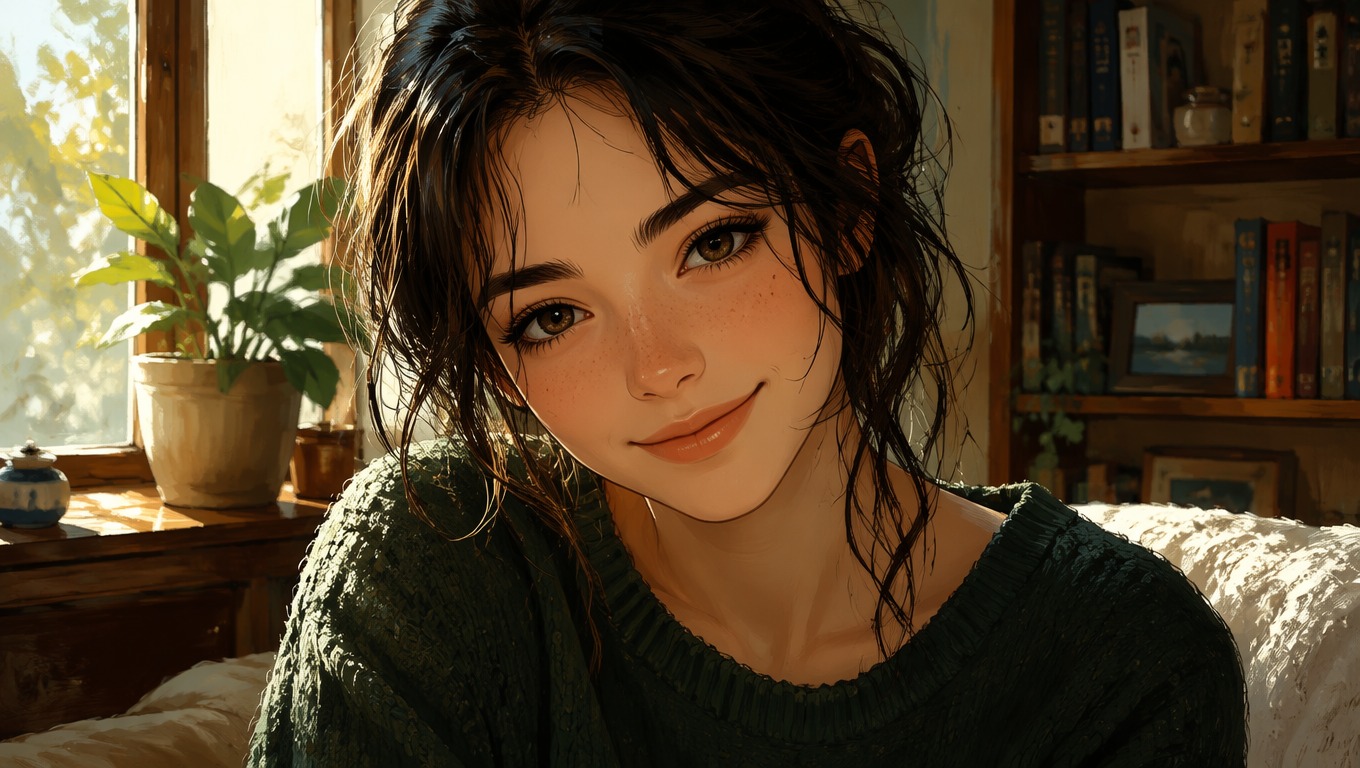
Transform a Portrait
Ghibli-style inspired portrait with a recognizable face and soft painted color

0203

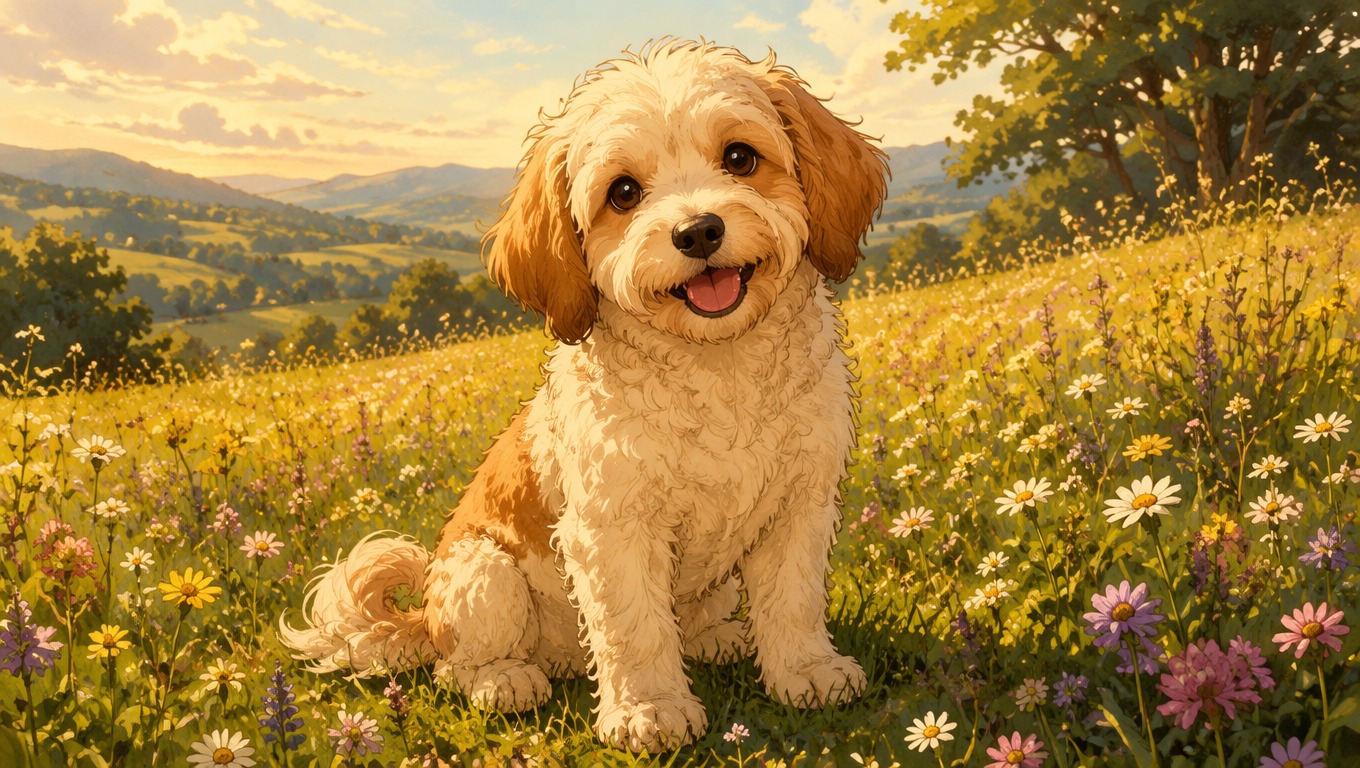
Give Pets a Storybook World

Convert a pet photo to Ghibli-style inspired art while keeping coat color, markings, ears, and expression easy to recognize. A simple pose and uncluttered background give the generator a stronger visual anchor.

Restyle a Pet Photo
Whimsical hand-painted anime-style pet portrait in a flower meadow

0303

Turn Places Into Painted Scenes

Apply the Ghibli filter look to travel photos, streets, cottages, and landscapes. Strong silhouettes, natural light, and one clear focal point usually translate better than crowded scenes or tiny distant subjects.

Reimagine a Place
Painterly anime-inspired travel scene with warm light and lush scenery

What You Can Make With a Ghibli Photo Generator

Use OCMaker AI for focused photo transformations where the subject and setting are easy to read. Very crowded group photos are a weaker fit than one or two clearly framed subjects.

  • 01

    Profile Pictures

    Turn a clean headshot into a warm anime-inspired avatar with a simple, readable background.

  • 02

    Couple Portraits

    Reimagine two people in one illustrated scene when both faces are clear and similarly lit.

  • 03

    Pet Art

    Create storybook-style portraits that retain distinctive fur colors, markings, and expressions.

  • 04

    Travel Memories

    Restyle streets, trains, cottages, mountains, and seaside photos as atmospheric painted scenes.

  • 05

    Family Keepsakes

    Give a favorite family photo a gentle illustrated treatment for personal sharing and gifts.

  • 06

    Creative Posts

    Generate an eye-catching visual variation for social profiles, mood boards, or personal storytelling.

How to Turn a Photo Into Ghibli-Style Art

A simple upload-to-result workflow for creating a polished illustrated interpretation without writing a complex prompt.

  1. Upload a Clear Photo

    Choose a well-lit portrait, pet, or landscape with a visible subject and minimal blur or obstruction.

  2. Apply the Ghibli-Style Look

    Select the Ghibli-style inspired transformation and let OCMaker AI reinterpret the color, linework, atmosphere, and background.

  3. Preview, Review, and Download

    Check faces, hands, markings, and important objects. Regenerate if key details drift, then download the version that best preserves the photo's identity and mood.

Frequently Asked Questions

Ghibli Filter FAQ

Answers about photo quality, portraits, pets, scenery, resemblance, regeneration, and the tool's independent status.

What is the Ghibli filter?

It is an AI photo filter that redraws your picture in a Studio Ghibli-inspired animation style. To create Ghibli-style scenes from text instead, use the Ghibli AI Generator.

What is a photo to Ghibli converter?

It is an image transformation tool that reinterprets a real photo with soft painted color, expressive anime-style features, and a warm storybook atmosphere. OCMaker AI can process portraits, pets, and scenery through this visual direction.

How do I turn a photo into Ghibli-style art?

Upload a clear image, choose the Ghibli-style inspired option, generate the result, and review the important details before downloading. You do not need to write a long prompt for the standard photo conversion workflow.

What photos work best with the Ghibli filter?

Use a sharp, well-lit image with one clear subject, visible facial or pet features, and a background that is not overly busy. Heavy blur, covered faces, tiny subjects, and crowded groups usually need more retries.

Will the result still look like my original photo?

The converter can carry over visible cues such as hairstyle, face shape, glasses, clothing colors, pet markings, and scene layout. Because the output is deliberately stylized, treat resemblance as recognizable interpretation rather than exact identity reproduction.

Can I convert pet and landscape photos too?

Yes. Pet photos and travel scenery are strong use cases when the main subject is easy to see. For pets, check coat markings and ears; for landscapes, check building shapes, horizon lines, and the main focal point.

Can I generate another version if details look wrong?

Yes. Generate a fresh variation and compare the subject's face, hands, accessories, pet markings, and key background objects. If possible, start from a simpler crop when an important detail keeps drifting.

Is OCMaker AI officially affiliated with Studio Ghibli?

No. OCMaker AI is an independent product and is not affiliated with, endorsed by, or sponsored by Studio Ghibli. The tool creates inspired-style interpretations; use photos you are allowed to upload and review the applicable terms before commercial use.

Make Your Photo Feel Like a Painted Story

Upload a portrait, pet, or travel photo and create a warm Ghibli-style inspired image with OCMaker AI.

Ghibli Filter: Turn Your Photo into Ghibli Style Art