AI Manga Panel Generator

Turn a scene description or reference image into original manga panels and page-ready artwork with OCMaker AI. Plan framing, mood, action, and layout, then review each result before building a sequence.

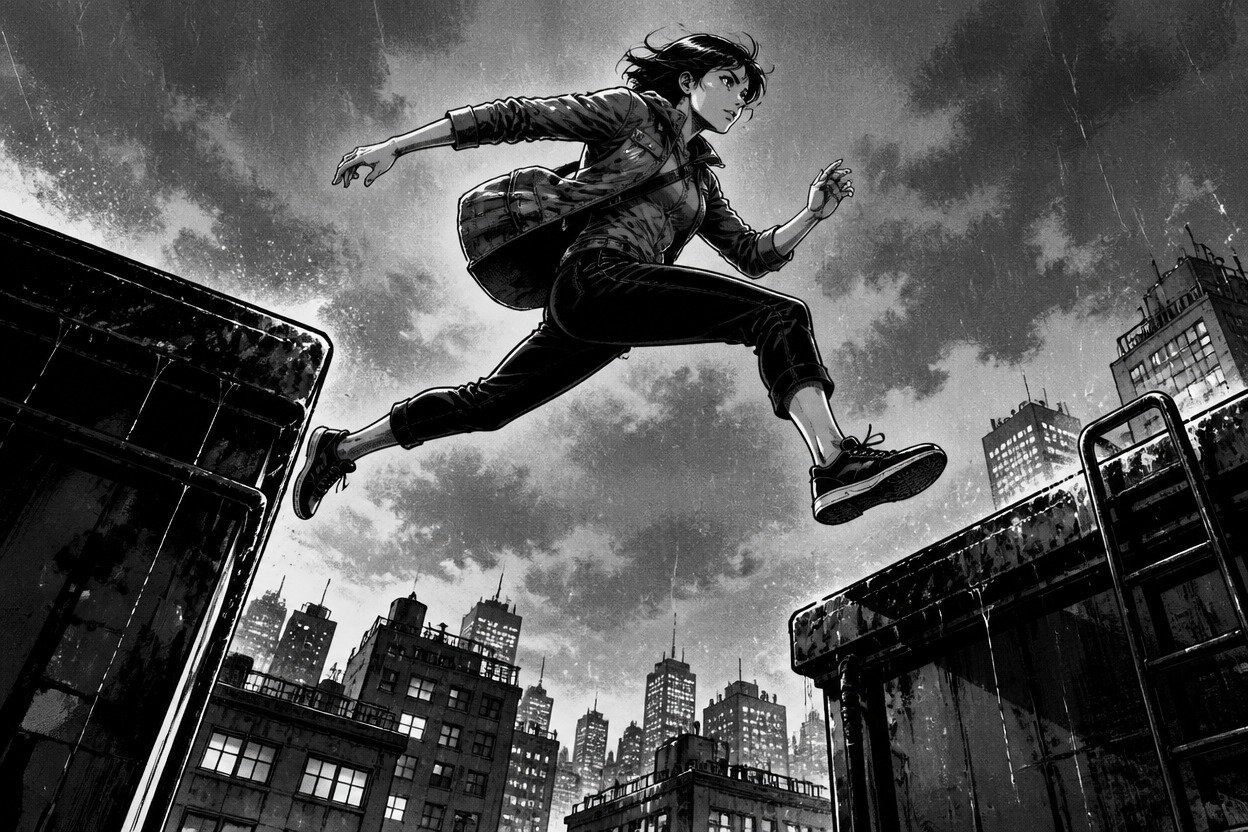
Manga rooftop courier leaping between city buildings

Build Manga Panels, Pages, and Story Beats

Use OCMaker AI as a focused manga panel maker, explore more visual styles in the AI Anime Generator hub, or move from single scenes to broader story development with the AI Manga Generator.

0103

Shape Panel Composition

Guide subject placement, shot distance, perspective, mood, and negative space so each generated scene has a clear visual hierarchy. Use the result inside a manga panels template or arrange several approved scenes into a complete page.
Plan a Panel
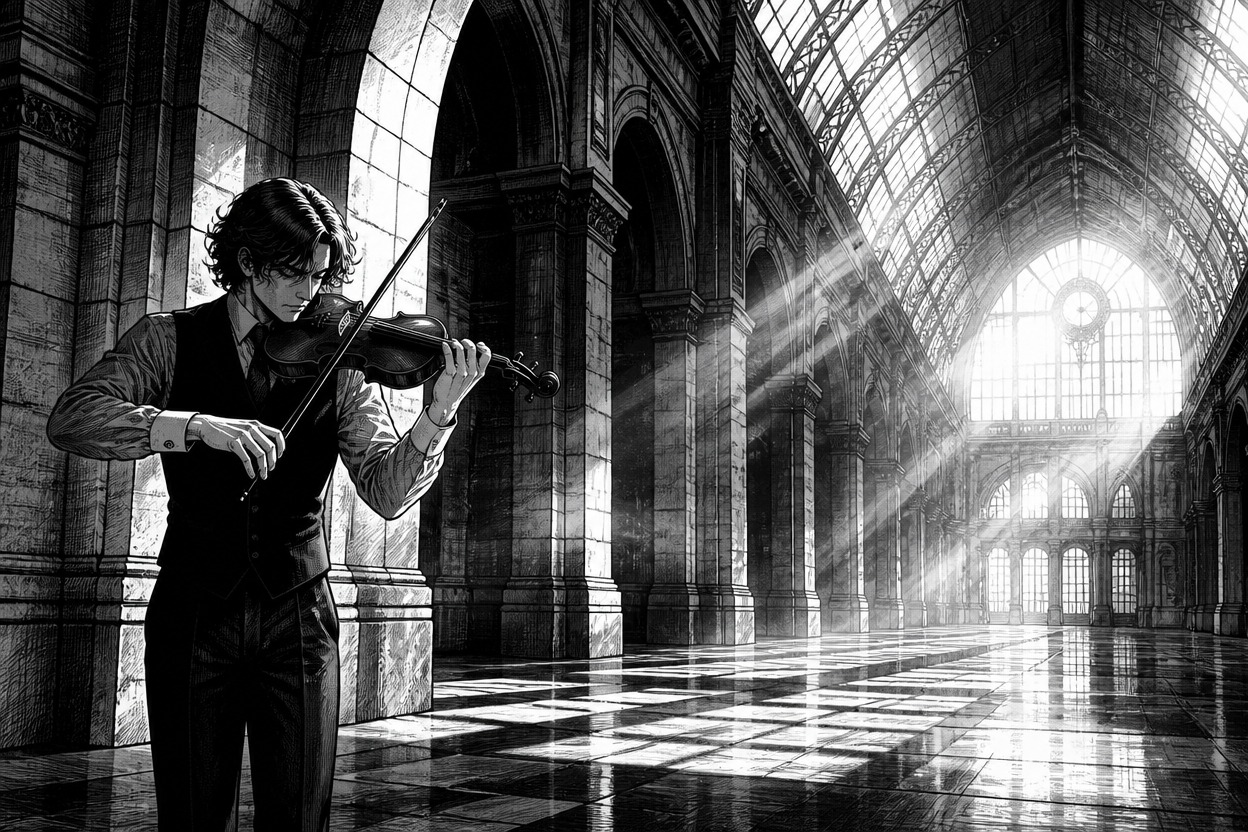
Violinist playing in a vast sunlit vaulted hall

0203

Create From Text or Images

Describe a character, action, setting, and camera angle, or begin with a clear image reference. This ai manga panel workflow is strongest when one input establishes the subject and each prompt focuses on one readable story beat.

Start From Text or Image
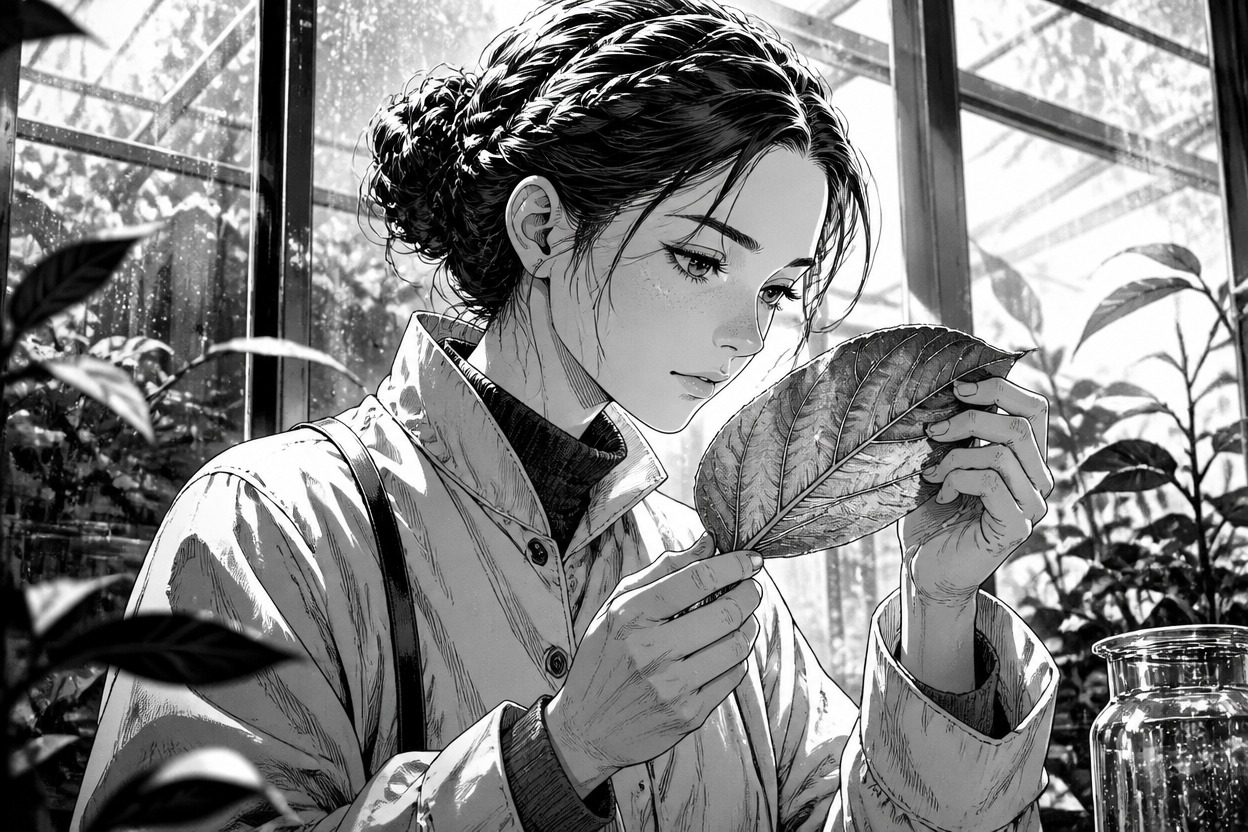
Manga botanical researcher examining a leaf beside greenhouse windows

0303

Prepare Panels for Motion

Select a strong key scene, simplify conflicting details, and use it as a visual starting point when you animate manga panels. Motion tools may change faces, hands, clothing, or backgrounds, so inspect continuity across the final clip.

Develop Motion
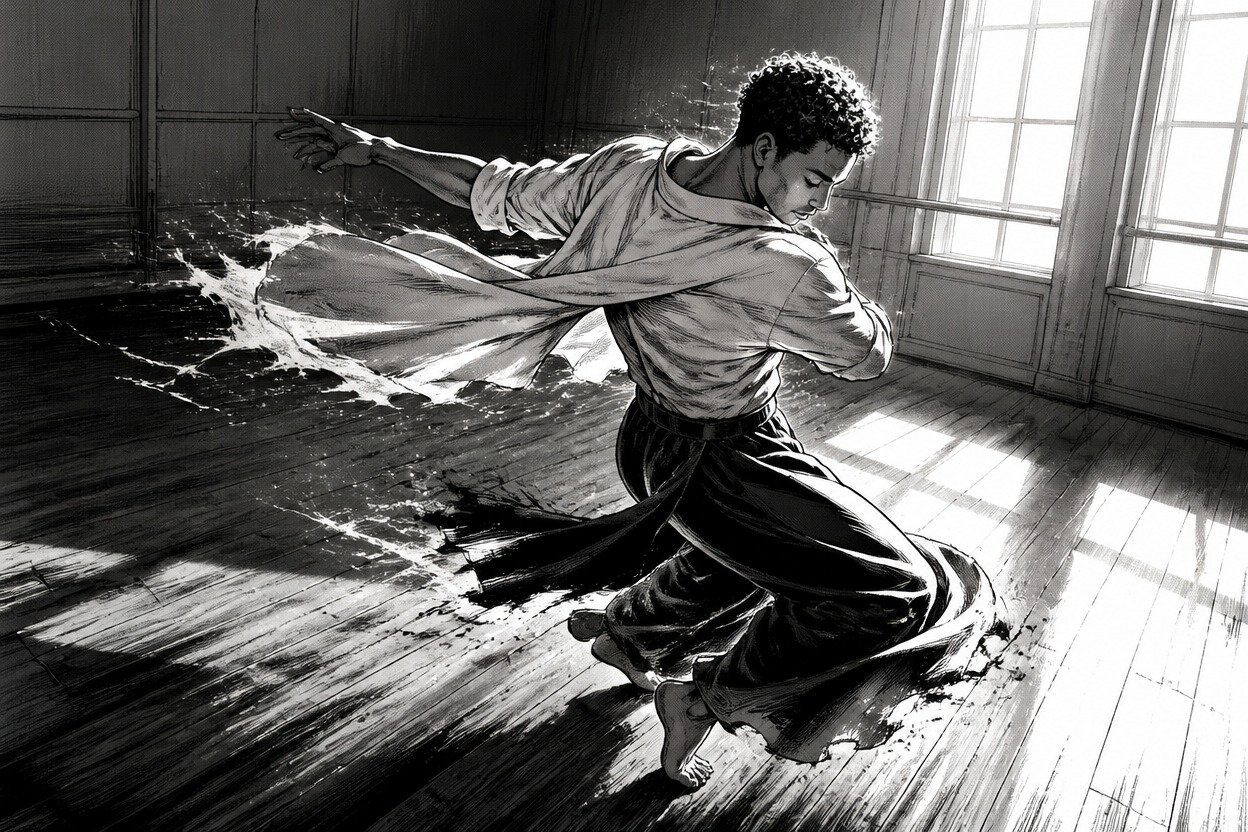
Manga dancer turning across a sunlit rehearsal floor

What You Can Make With a Manga Panel Maker

Create focused visual assets for story planning, layout design, character development, and animation preparation.

  • 01

    Opening Panels

    Establish a location, mood, and character entrance with one readable composition.

  • 02

    Action Beats

    Draft impact poses, speed, and camera angles for fights, chases, or transformations.

  • 03

    Dialogue Scenes

    Create expressive character moments with deliberate space for later lettering.

  • 04

    Page Layout Planning

    Generate approved scenes first, then place them into a manga panels template that matches the pacing.

  • 05

    Character References

    Develop recurring faces, outfits, and props for closer comparison across scenes.

  • 06

    Animation Key Frames

    Choose visually stable panels as starting frames for motion experiments and story teasers.

How to Make Manga Panels With OCMaker AI

Build one clear scene at a time. A concise brief is easier to evaluate and revise than a crowded prompt that tries to describe an entire page at once.

  1. Describe or Upload

    Write one story beat with the character, action, setting, mood, and framing, or upload a clear reference image.

  2. Generate the Scene

    Create a focused manga illustration, then adjust the brief if the pose, perspective, expression, or negative space is unclear.

  3. Review and Arrange

    Check faces, hands, props, continuity, and empty lettering space before placing approved scenes into a page layout or animation workflow.

Frequently Asked Questions

AI Manga Panel Generator FAQ

Answers about panel generation, page layouts, image references, character continuity, animation, prompts, and usage.

What is an AI manga panel generator?

An AI manga panel generator turns text or image references into manga-style scenes that can be used as individual panels, page elements, storyboard frames, or visual drafts. OCMaker AI helps creators explore original compositions without drawing every line manually.

Can I create a full manga page?

You can generate the important scenes for a page, review each one, and arrange the approved results in a layout tool. Building one story beat at a time usually makes character details, perspective, and pacing easier to control than requesting a crowded full page in one generation.

Can I use a manga panels template?

Yes. Choose a manga panels template that fits the reading rhythm, then place generated scenes into its frames. Leave deliberate space for dialogue and sound effects because image generators are not reliable lettering tools.

Can I make panels from an image?

A clear photo, sketch, or character reference can establish the subject and visual direction. For better continuity, reuse the same reference and lock important traits such as hairstyle, face shape, outfit, and signature props.

How do I keep characters consistent between panels?

Reuse a stable character description and the same clean reference. Change only the action, expression, or framing for each scene, then compare results side by side. Treat the output as an editable visual draft, not guaranteed production art.

Can I animate manga panels?

A selected panel can serve as a starting frame for an image-to-video workflow. Keep the action simple and review facial stability, hands, clothing, props, and background continuity after motion is added. For multi-scene storytelling, the AI Comic Generator offers another route for developing connected visual ideas.

What prompts work best for a manga panel maker?

Name one subject, one action, the setting, mood, camera distance, perspective, and desired ink treatment. Crowded casts, conflicting viewpoints, and several simultaneous actions are weaker fits and often need separate generations.

Can I use generated manga panels commercially?

Check the current OCMaker AI terms and the rights attached to any uploaded material before commercial use. Create original characters and scenes, and do not present the result as official artwork from an existing franchise or creator.

Turn Your Next Story Beat Into Manga Art

Use OCMaker AI to generate a focused manga scene from text or an image, review the details, and build it into a page or motion concept.

AI Manga Panel Generator | OCMaker AI