0104
Set the Character Silhouette
Choose an species or hybrid and describe the body shape, head features, height, stance, and one memorable detail. Add outfit layers and materials to give the character a distinct visual direction.
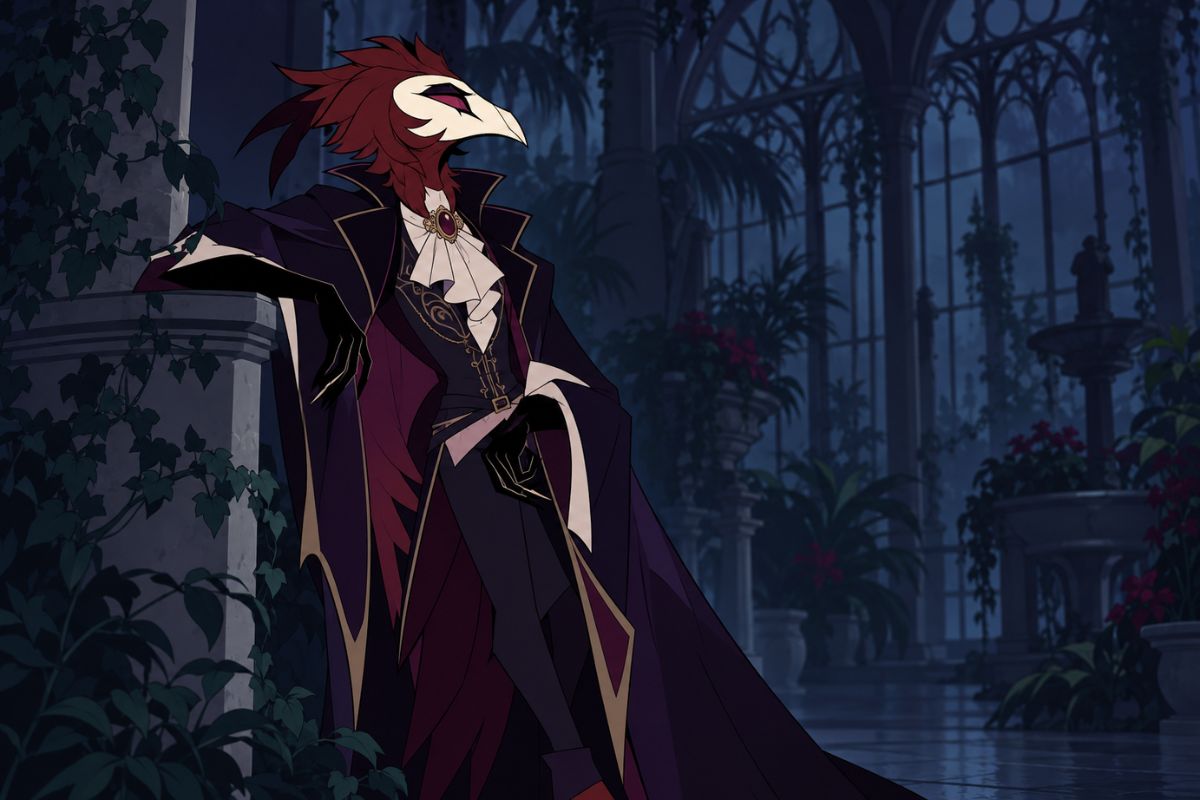

Create original infernal court characters with flexible species, outfits, props, poses, lighting, and scene settings.
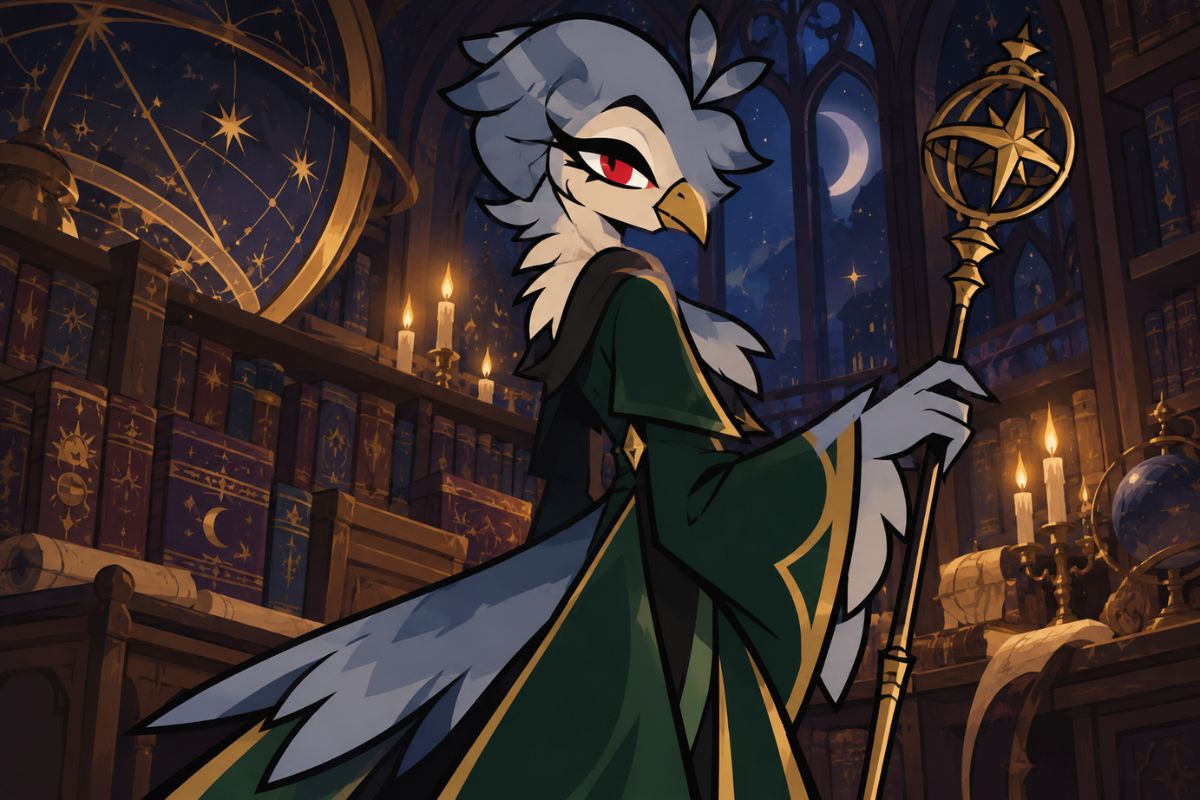
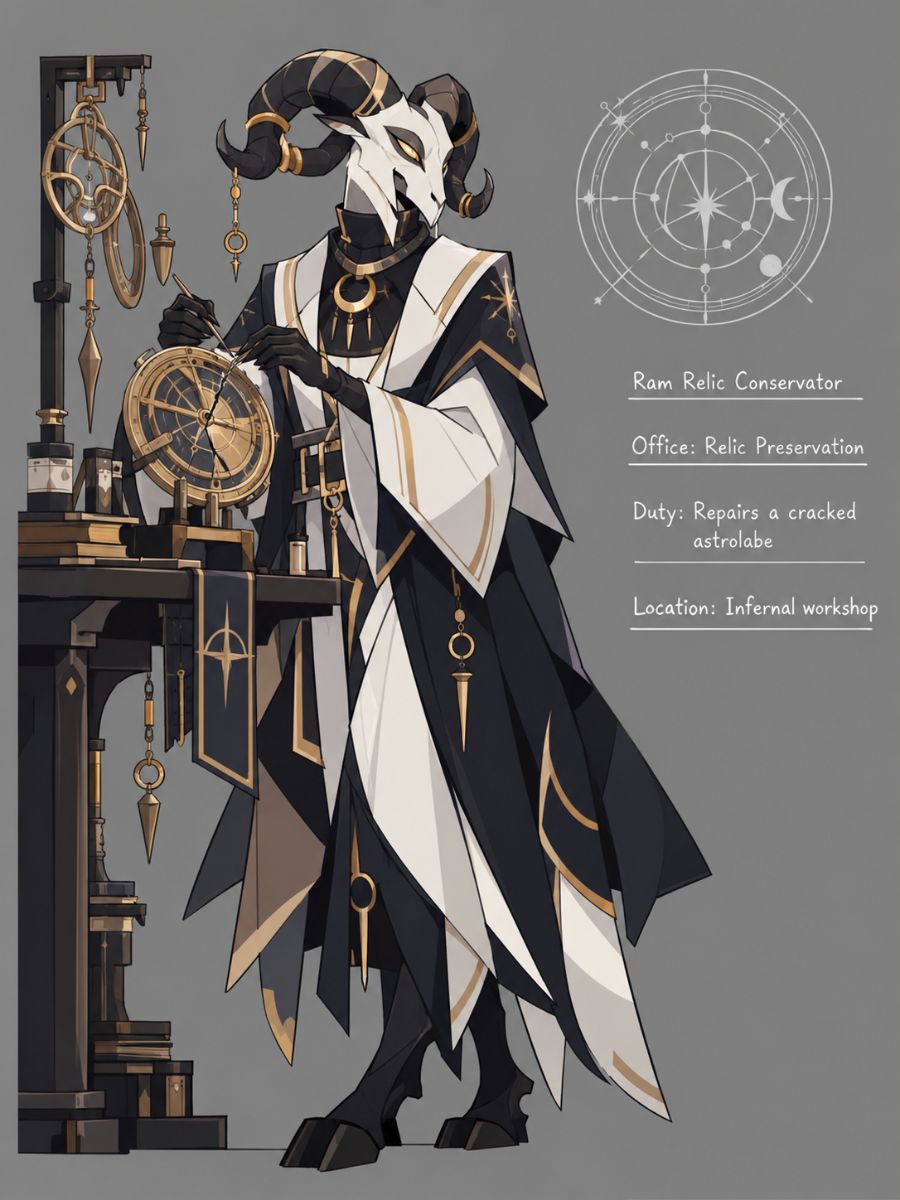
Explore three different character directions, from archive work to treaty delivery and relic repair.
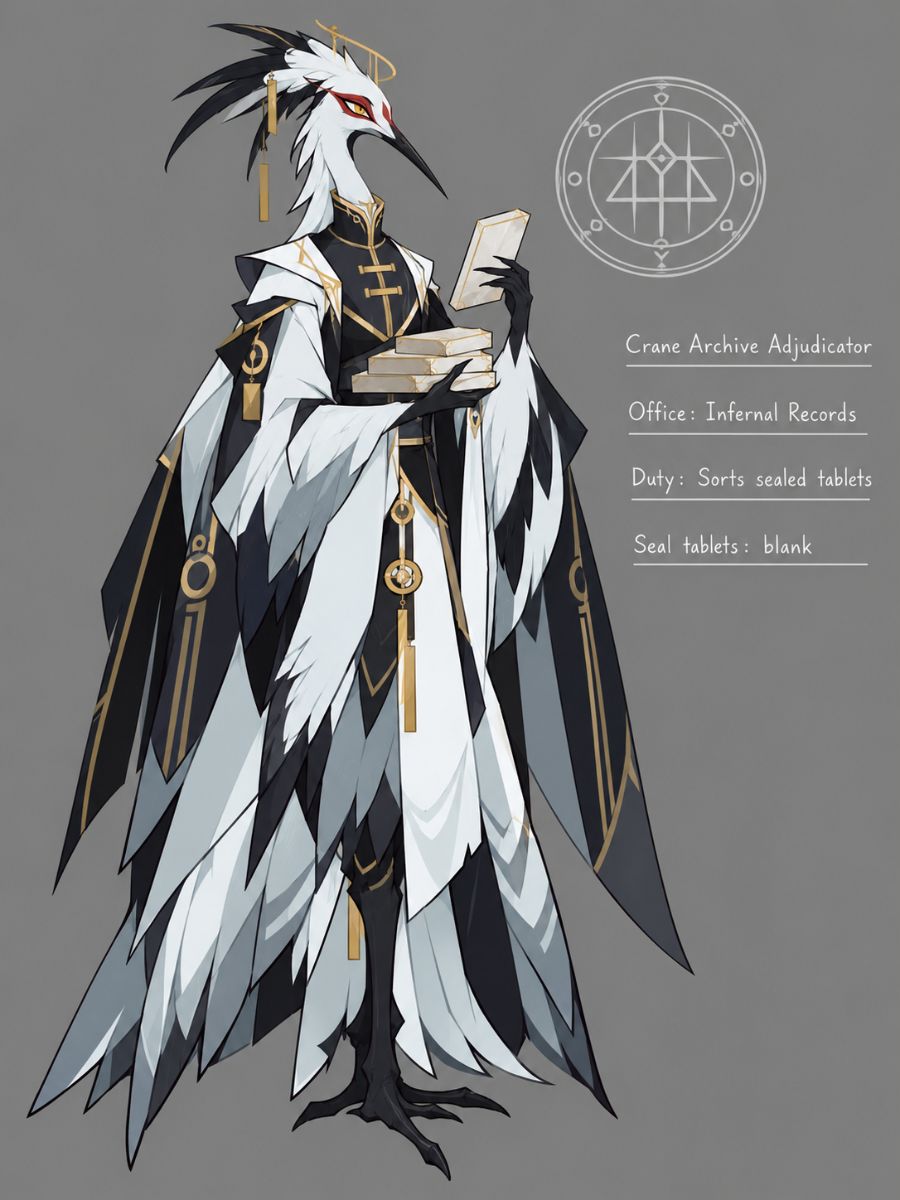 01
01Crane Archive Adjudicator
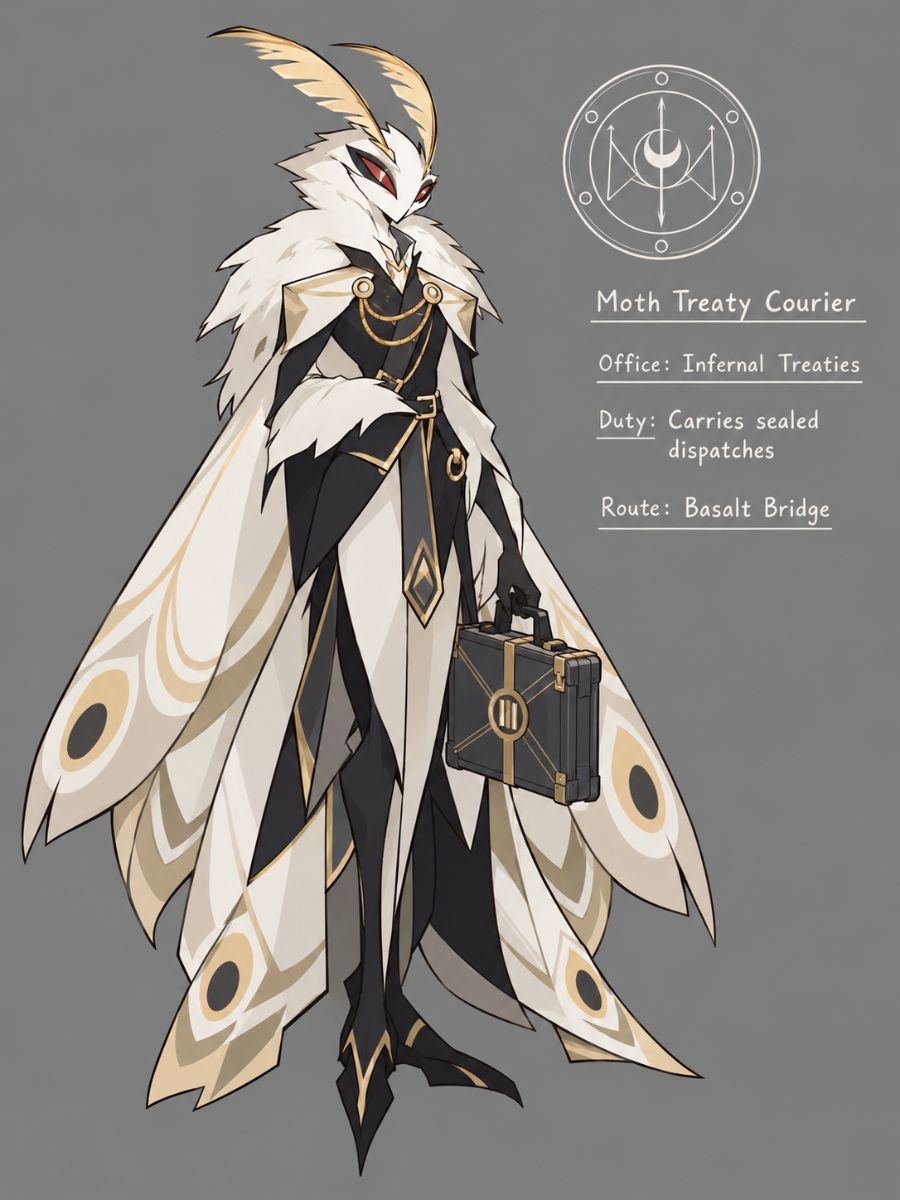 02
02Moth Treaty Courier
 03
03Ram Relic Conservator
Start with the character, add details for the scene, then refine the result.
Choose an adult species or hybrid, key features, outfit, and overall style.
Add a role, props, pose, setting, camera angle, and lighting.
Adjust details such as anatomy, colors, props, or composition to explore another version.
Choose a character look, add a role-specific prop, and set the mood with lighting and environment details.
0104
Choose an species or hybrid and describe the body shape, head features, height, stance, and one memorable detail. Add outfit layers and materials to give the character a distinct visual direction.
0204
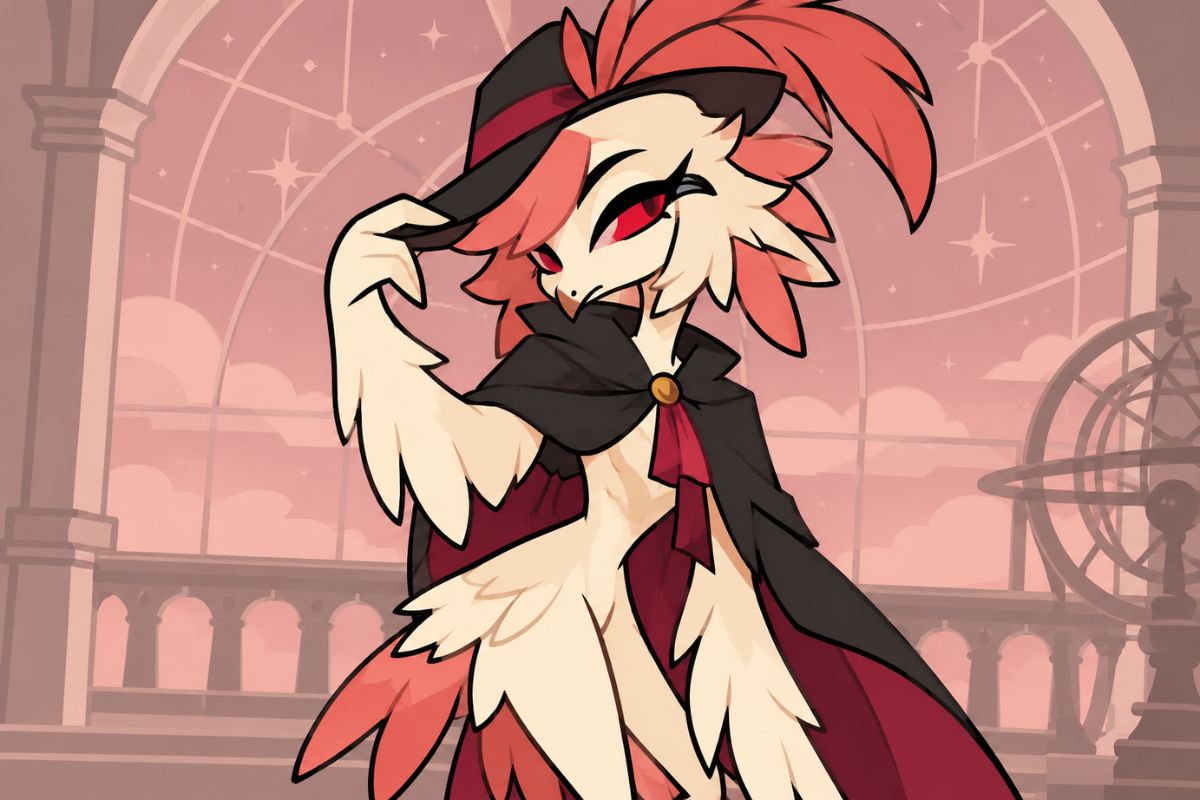
Specify feather groups, edge softness, iridescence, facial planes, eye count, pupil shape, and glow intensity to guide a close-up. The AI anime generator can help explore polished anime-style portraits with plumage and supernatural eyes as separate visual details.
0304
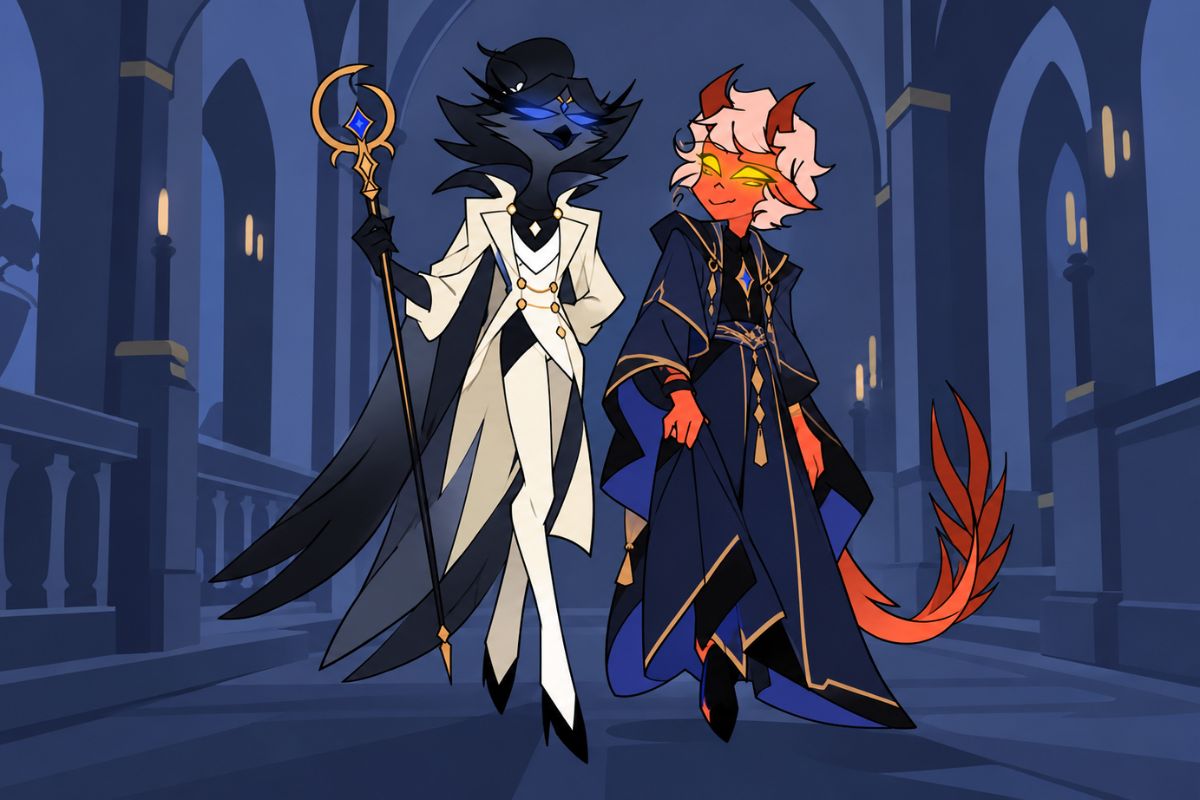
Connect an occupation to a visible action, such as measuring furnace vents or aligning eclipse lenses. Add a purpose-built prop, a clear hand or talon position, and a fitting room to give the scene a readable focal point.
0404
Choose one effect and describe where it comes from and what it changes in the scene, such as ash rising, glass bending light, or chains pulling taut. The wider OC maker workflow can help explore alternate camera distances and variations on your character concept.
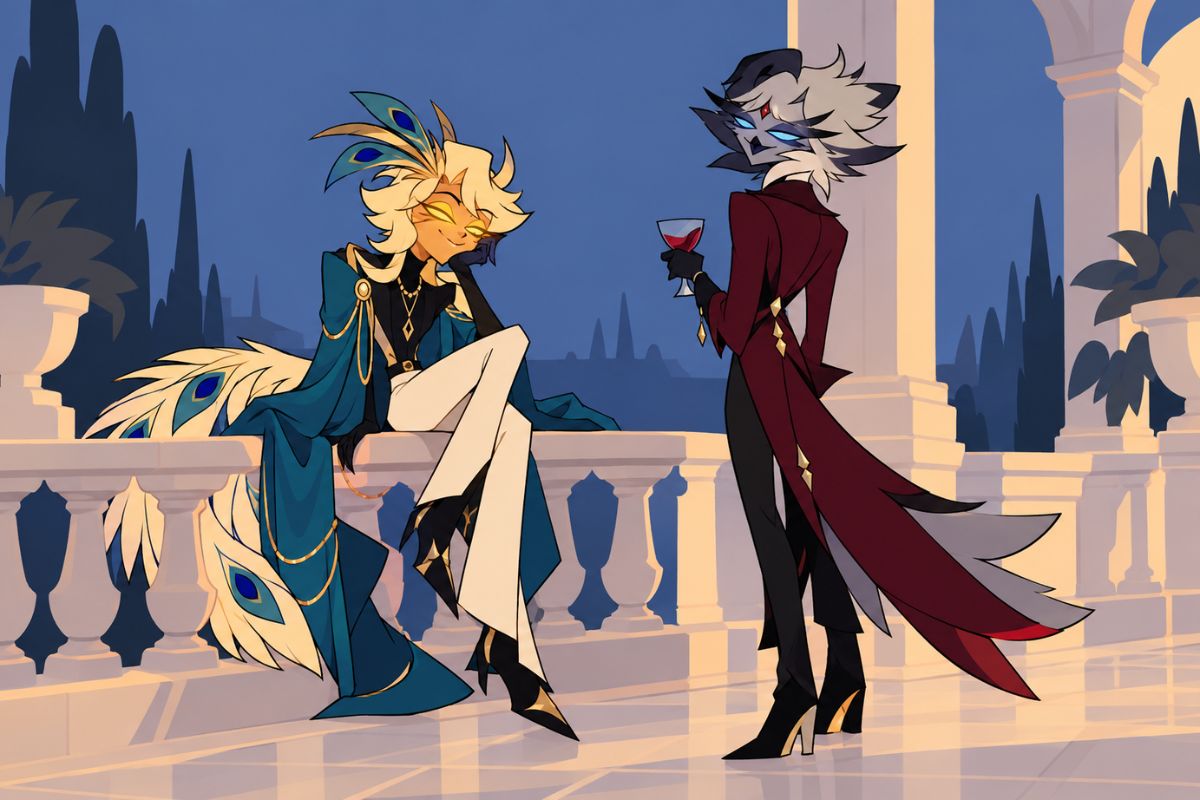
Combine appearance, outfit, props, framing, and atmosphere to explore different character designs.
Explore bird, insect, ungulate, reptilian, and hybrid designs with distinct shapes and features.
Mix materials such as velvet, brass, smoked glass, bone, enamel, and lacquer.
Add tools and objects such as lenses, seal presses, or measuring instruments.
Describe a full-body view, close portrait, profile, seated pose, or low-angle composition.
Set the mood with ember light, eclipse tones, stained glass, or cold flame.
Adjust expressions, settings, or colors to explore alternate versions of your character.
Frequently Asked Questions
Quick answers about character ideas, image details, and fan-inspired designs.
An Ars Goetia OC Maker is a character creation tool for exploring original infernal court character concepts. Use it to develop a visual direction for a portrait or scene by describing the character, outfit, props, pose, lighting, and setting.
Begin with a species or hybrid and a few defining features, such as body shape, face, outfit, and color palette. Then add a role, a prop or action, and a setting; refine one or two details at a time when you want to explore another version.
A useful prompt can include the character type, silhouette, distinctive features, clothing materials, role-related prop, pose, camera framing, and lighting. For example: “crane court archivist, long narrow silhouette, layered dark velvet coat, blank brass seal tablets, standing in a vaulted archive, cool window light.”
You can explore bird, insect, ungulate, reptilian, or mixed-species concepts. Name the features you want to emphasize, such as a crane neck, hornbill casque, beetle shell, ram profile, or serpentine body, and add a movement style or distinctive silhouette.
Start from a different body plan and face shape, then make the outfit, eye arrangement, color palette, and props distinct as well. For an avian character, specify a non-owl species and its defining features instead of relying on generic bird or royal imagery.
You can use the theme as inspiration for an original fan character. This is an independent creation tool, not an official Helluva Boss product; create a distinct design and avoid presenting your character as official or copying recognizable show characters, logos, or branding.
The page is designed for portrait, full-body, and scene concepts. Describe the framing you want, such as a close-up, profile, standing reference, seated pose, or a character performing a task in a specific environment.
Give the details a clear order: describe feather groups first, then specify eye count and placement, pupil shape, and glow. Keep the strongest detail around the face and use fewer competing textures or effects when you want a cleaner close-up.
Ask for blank seals, unmarked surfaces, or abstract non-letter patterns, and avoid requesting text that must be spelled correctly. If stray marks appear, simplify the prop or background and try a version with fewer written-looking details.
Do not assume that using the generator automatically grants commercial rights. Check the current tool terms, the rights attached to your inputs and output, and any third-party rights that may apply to fan-inspired elements before selling or licensing the image.
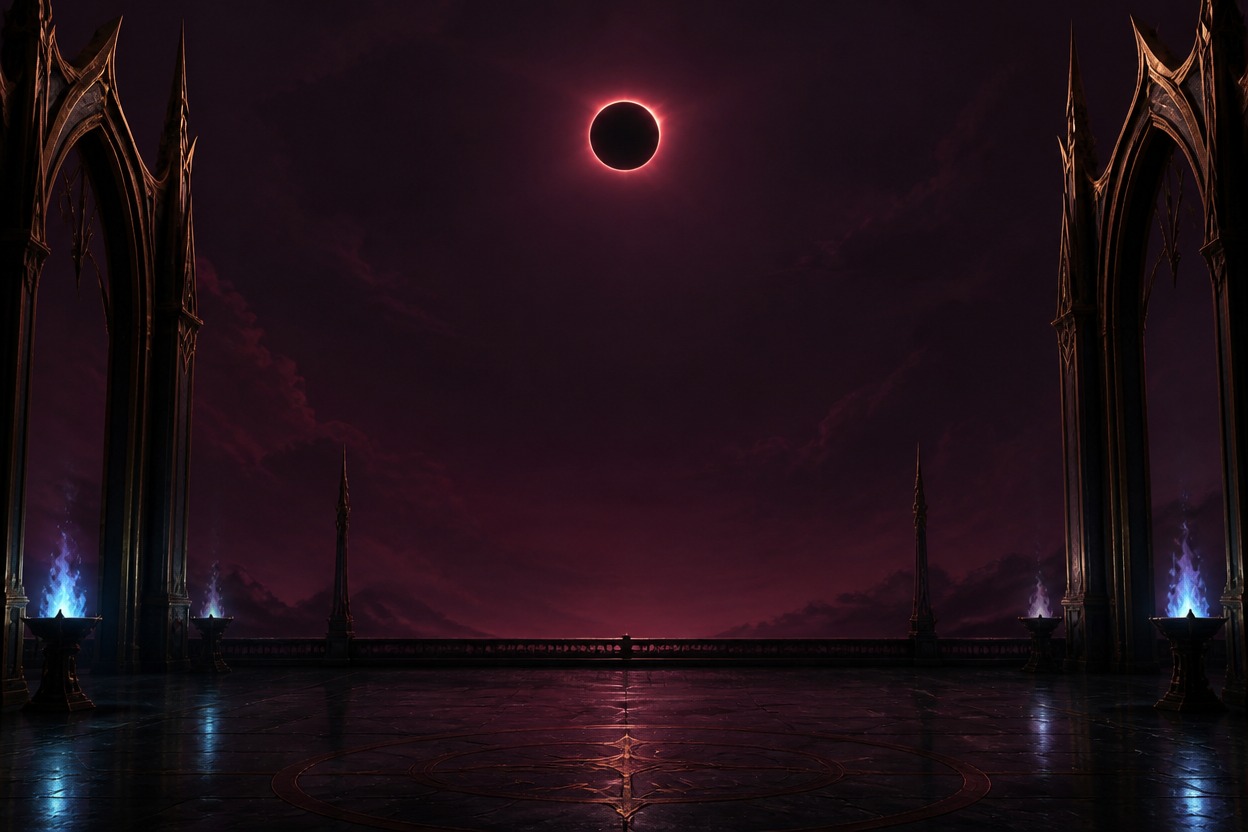
Choose a look, add a role and setting, and start exploring character ideas.