Style*
Background
4tokens•~30s

Land of the Lustrous OC Maker

Create an original adult mineral character, then shape its anatomy, outfit, tools, lighting, and habitat. Explore portrait, full-body, and environmental scene concepts by connecting the mineral material to the character’s role and setting.

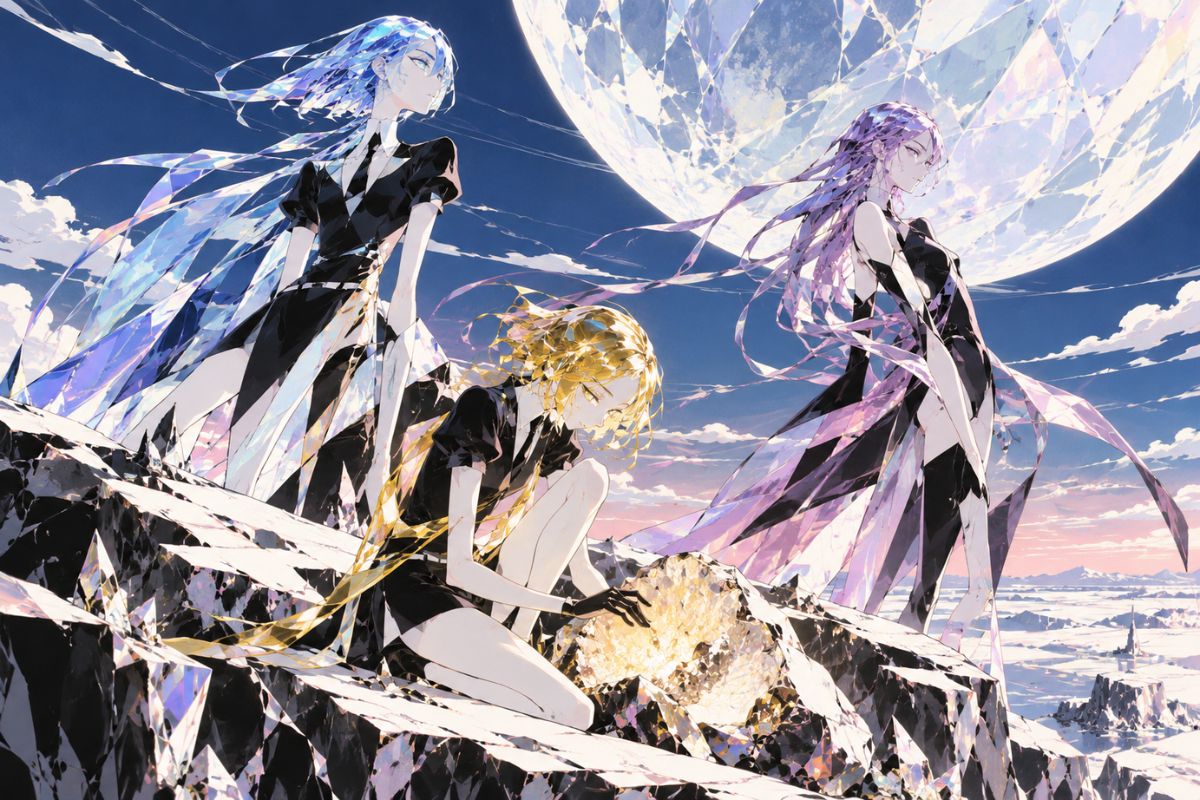
violet fluorite humanoid surveying a sea cliff with a resonance fork and faceted mantle

Explore Three Mineral Character Concepts

Compare a bismuth-inspired vent cartographer, a quartz lens keeper, and an opal fracture conservator. Each concept pairs a different mineral structure with a distinct task, tool, and environment.

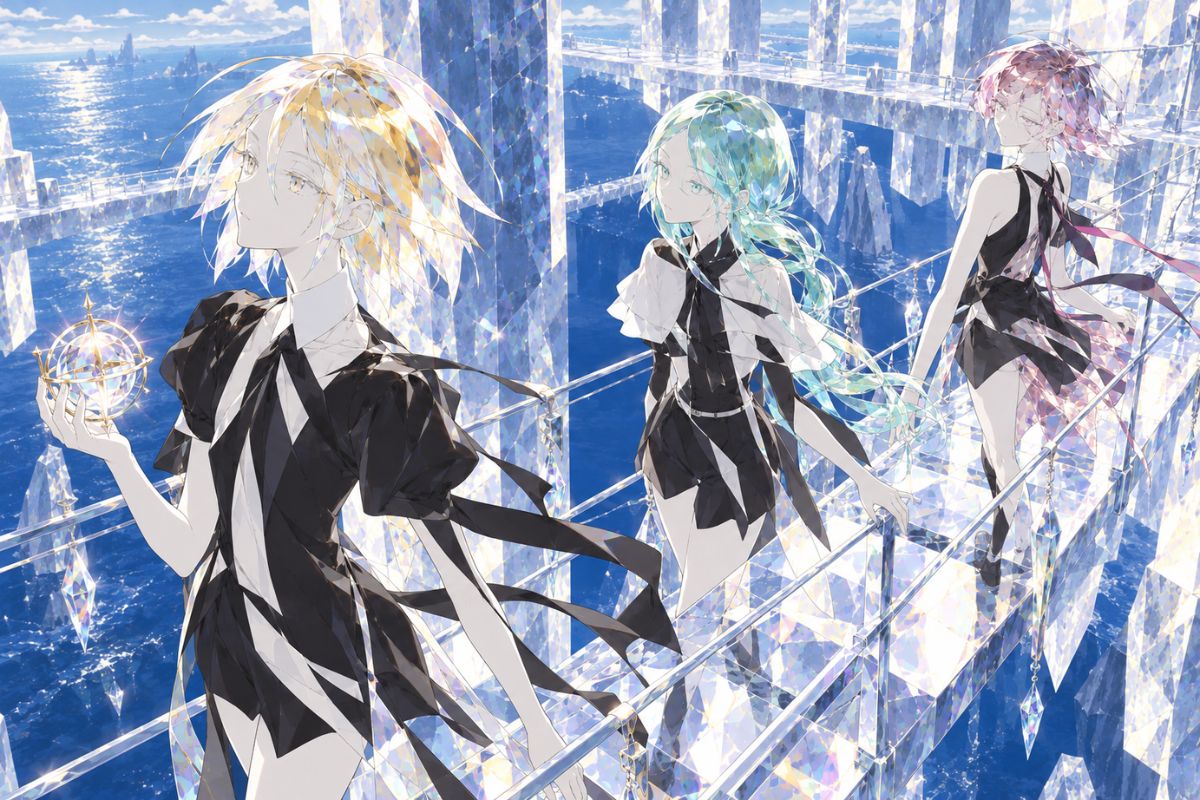
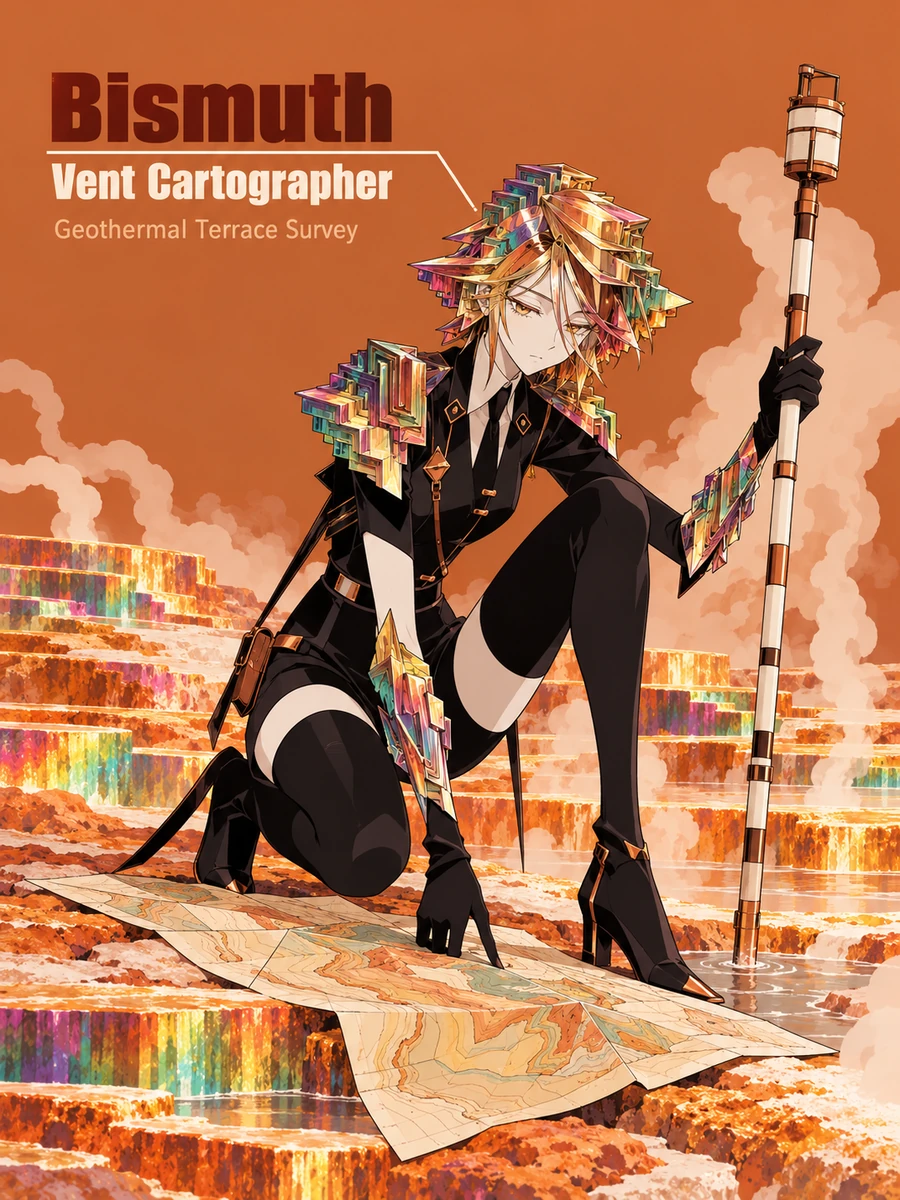
  • rainbow bismuth-inspired humanoid mapping geothermal terraces with a ceramic gauge staff01

    Bismuth Vent Cartographer

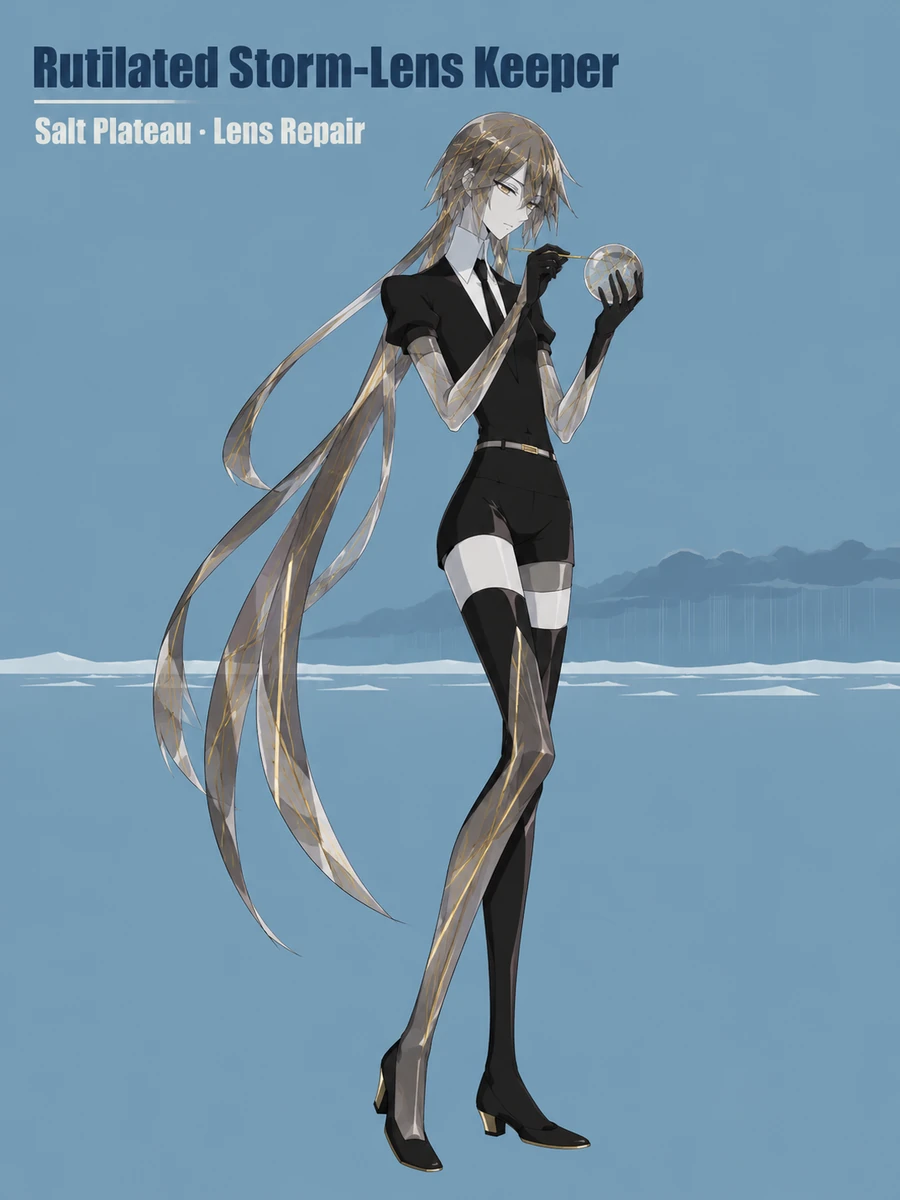
  • smoky quartz humanoid with golden needle inclusions repairing a storm lens on a salt plateau02

    Rutilated Storm-Lens Keeper

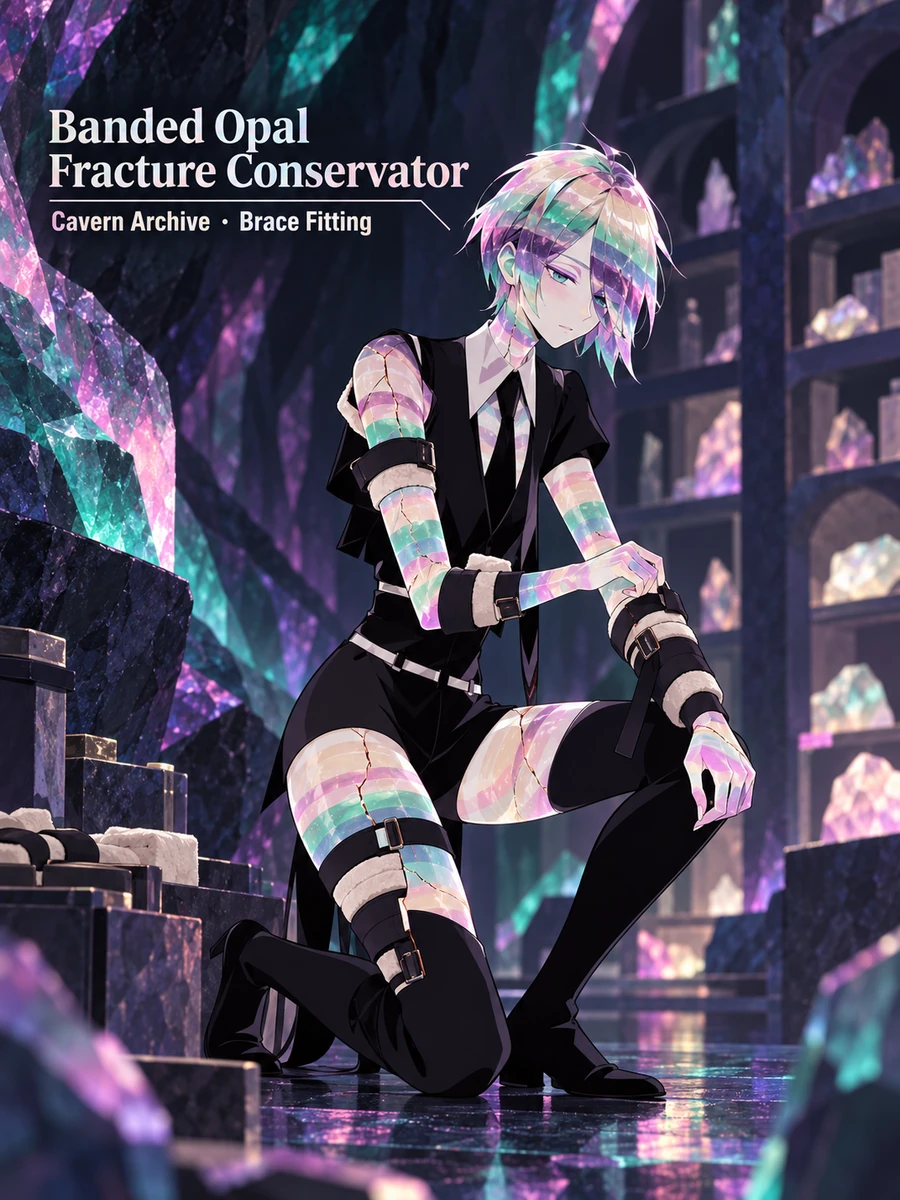
  • banded opal humanoid fitting a padded brace inside a luminous cavern archive03

    Banded Opal Fracture Conservator

Turn Mineral Properties Into Character Details

Use crystal shape, internal inclusions, light, and fracture patterns to guide the character design. Add a role, equipment, and habitat to build a portrait or scene around those material details.

0104

Shape the Anatomy Around Crystal Growth

Choose a growth pattern and carry it into the head, shoulders, joints, and hands. Describe prismatic ridges, stepped faces, fibrous forms, or rounded clusters to guide the silhouette and make the mineral structure part of the character design.
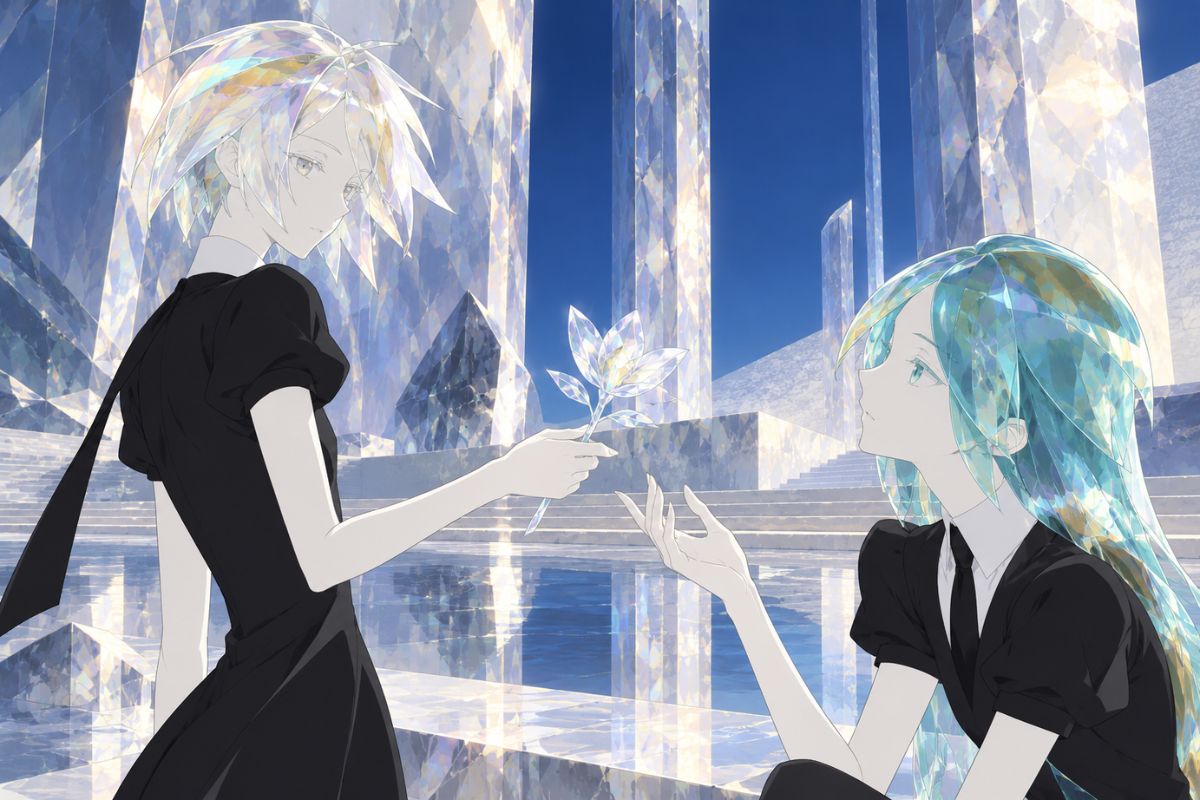
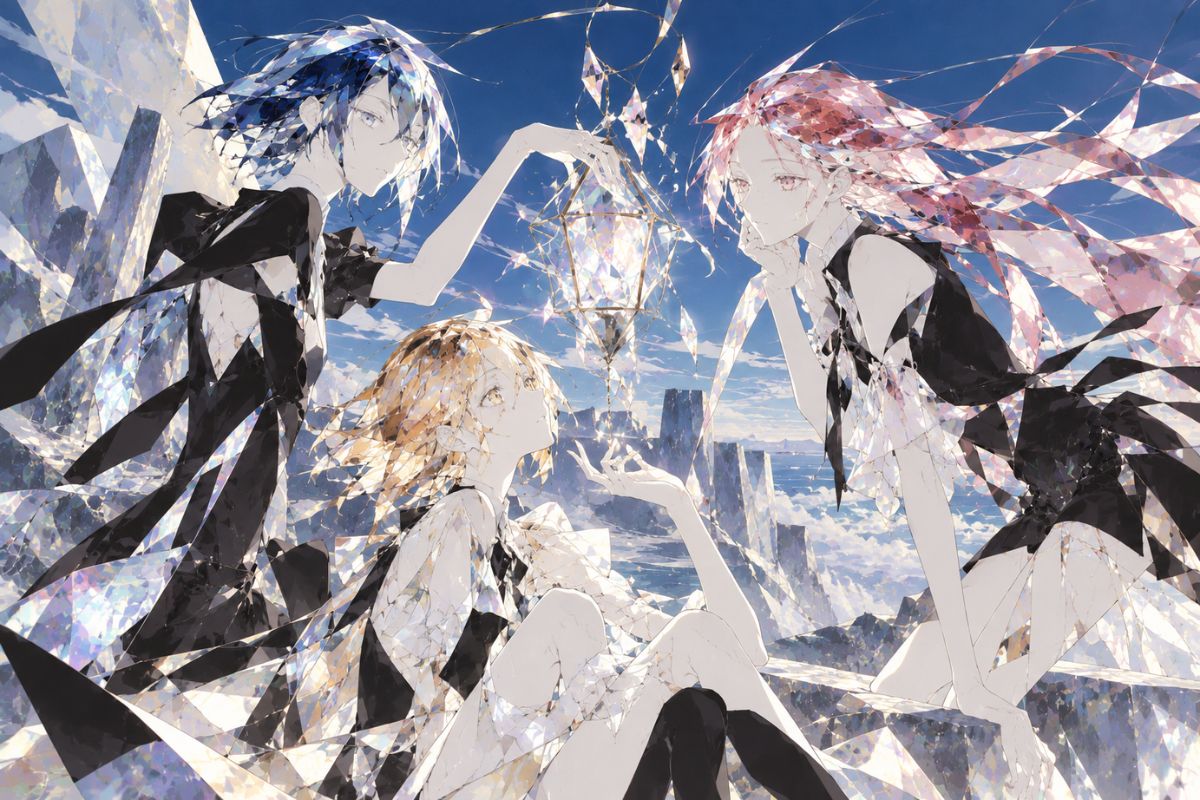
green tourmaline humanoid testing a split-prism compass beside wind-cut coastal pillars

0204

Show Material Stress and Repair

Describe how the material responds to pressure: a chipped edge, a visible stress line, a protected fracture, or a repaired seam. The AI anime generator can help explore an action portrait while you specify where the marks appear and how protective gear interacts with them.

fibrous jade humanoid tensioning a bridge cable while pale stress lines cross one forearm

0304

Bring Out Color and Internal Inclusions

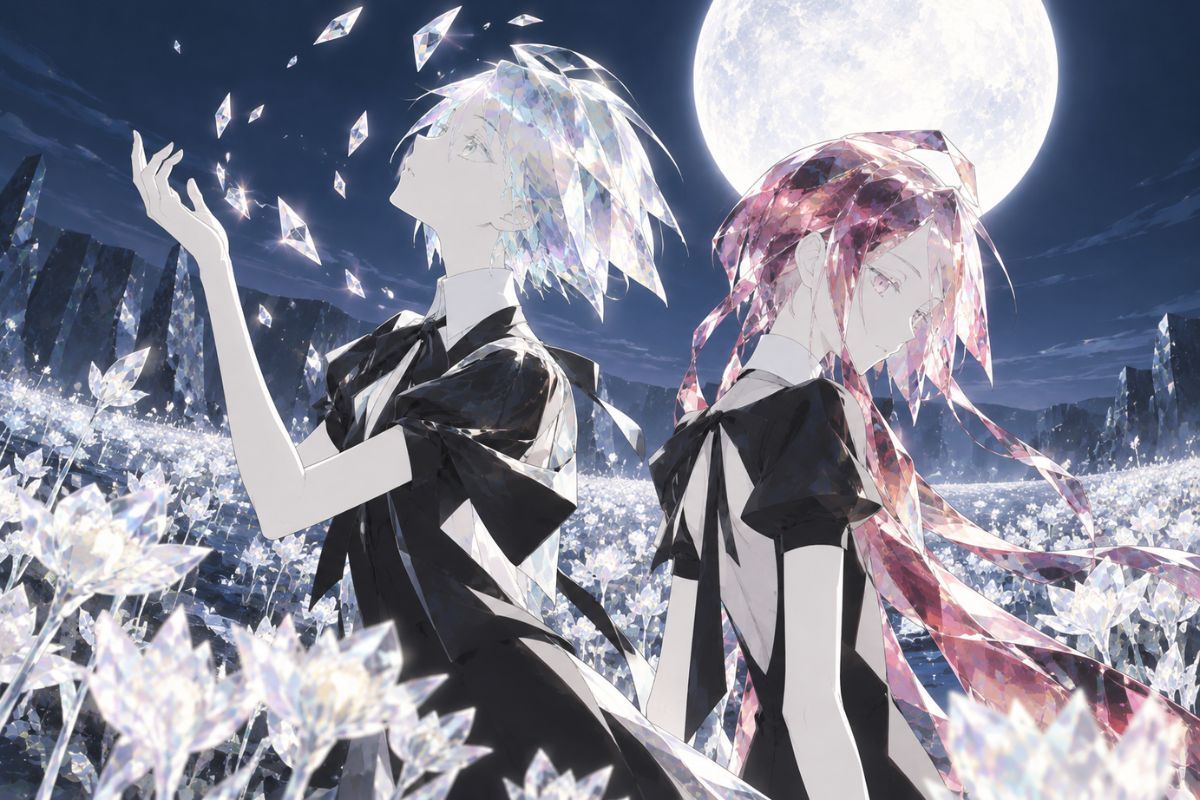
Set the mineral’s opacity, color zoning, inclusions, and light direction to shape a close-up or cavern scene. Backlight, edge glow, and interior depth can help distinguish translucent areas from the character’s face and outer facets.

honey selenite humanoid inspecting internal clouding with a hooded light paddle in a gypsum canyon

0404

Match Equipment to the Character’s Work

Pair an occupation with a tool, garment, pose, and environment—for example, a vent mapper with a ceramic gauge or a cable rigger with padded grips. The wider OC maker workflow can help compare different scene and camera ideas for the same concept.

red garnet humanoid cultivating a volcanic glass garden with a broad basalt rake

Create a Mineral Character Image in Three Steps

Start with the mineral design, connect it to a role and setting, then refine the visual details.

  1. Choose a Mineral and Shape

    Pick a mineral or a mineral-inspired concept. Describe its crystal habit, opacity, color, inclusions, and one feature that should influence the character’s silhouette.

  2. Add a Role, Tool, and Setting

    Choose what the character does, then pair that task with a suitable tool, clothing, pose, and habitat. Include a camera angle and lighting direction to guide the composition.

  3. Review and Refine the Image

    Check the anatomy, face, internal details, clothing, and tool placement. Adjust one area at a time—such as inclusion density, fracture location, or background light—to explore another version.

Character Design Features to Explore

Combine mineral appearance, protective clothing, pose, lighting, and environment to develop a more complete character image.

  • 01

    Crystal Growth Silhouettes

    Explore stepped, bladed, prismatic, fibrous, botryoidal, or rounded forms. Carry a chosen growth pattern into the head, shoulders, joints, or hands to guide the overall silhouette.

  • 02

    Inclusions and Color Zoning

    Describe needles, veils, bubbles, bands, or mineral flecks by color, depth, direction, and density. Use these details to create variation within translucent or opaque body areas.

  • 03

    Material-Led Poses

    Guide the character’s movement with details such as body mass, joint shape, flexible fibers, brittle edges, or protective padding. Describe what the character is doing so the pose has a clear purpose.

  • 04

    Protective Clothing and Gear

    Add woven wraps, ceramic guards, padded aprons, climbing harnesses, or metal mesh. Choose clothing and equipment that suit the character’s work and contrast with the mineral surface.

  • 05

    Geological Lighting

    Explore polarized color, internal glow, smoky depth, metallic iridescence, or matte stone reflections. Specify a light source and background so the face and important material details remain visible.

  • 06

    Workplaces and Habitats

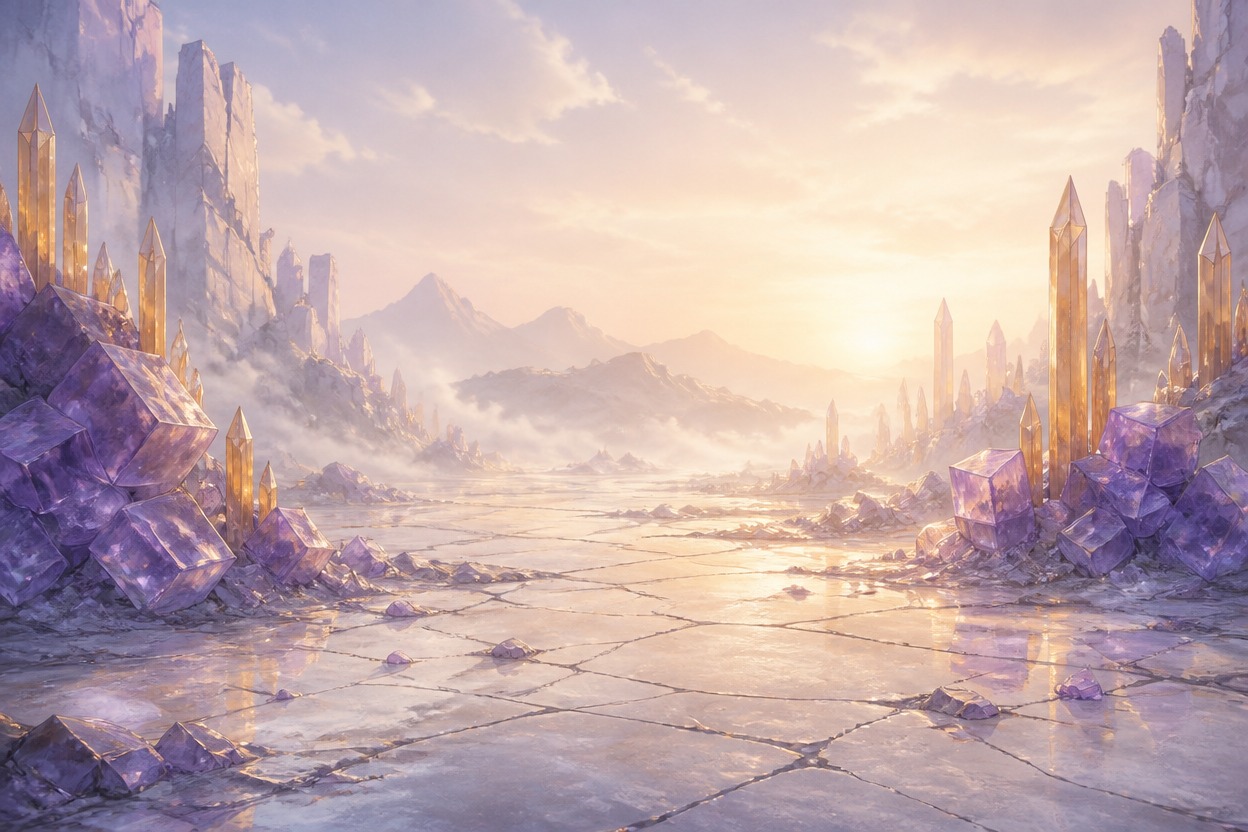
    Place the character in an environment tied to the concept, such as a sea cliff, salt plateau, cavern archive, geothermal vent, quarry, or volcanic glass garden.

Frequently Asked Questions

Land of the Lustrous OC Maker FAQ

Answers about mineral character ideas, prompts, image details, and fan-inspired designs.

What can I create with the Land of the Lustrous OC Maker?

Explore original mineral-humanoid character concepts, portraits, full-body references, and environmental scenes. Describe the mineral appearance, outfit, role, tools, pose, lighting, and habitat to guide the image.

How do I make a gem OC or Houseki no Kuni OC?

Start with a mineral or mineral-inspired material, then choose a body shape and a few recognizable features such as color zoning, inclusions, or crystal growth. Add a role, tool, clothing, and setting so the character concept feels more complete than a gemstone color alone.

Which minerals can I use for a character design?

You can explore familiar minerals such as quartz, jade, opal, tourmaline, garnet, or bismuth-inspired forms, as well as less common materials or hybrids. Add details about hardness, transparency, inclusions, and fracture style when those properties should affect the design.

What should I include in an AI gem OC prompt?

Include the mineral, silhouette, color and inclusions, outfit, role-related tool, pose, framing, and environment. Example: “smoky quartz lens keeper, long faceted mantle, sparse golden needle inclusions, padded gloves, repairing a storm lens on a salt plateau, cool side light.”

How can I make my character look different from existing Land of the Lustrous characters?

Change several parts of the visual design together: crystal habit, body proportions, color pattern, outfit construction, work role, tool, and setting. If you are making a fan OC, avoid relying on a familiar hairstyle, uniform, or recognizable character silhouette as the main design cue.

Can I make fan art or an OC inspired by Houseki no Kuni?

You can use the series as inspiration for an original fan character. This is an independent creation tool, not an official product; make the character clearly your own and avoid presenting it as an official design.

Can I create full-body references and scenes as well as portraits?

Yes, the page content supports portrait, full-body, and environmental scene concepts. State the framing you want—such as a close-up, standing reference, profile, or a character doing a specific task in a workplace or habitat.

How do I show inclusions without making the character look dirty?

Describe the inclusion’s material, placement, depth, and density. For example, specify a few parallel needles inside one forearm or a soft veil beneath a clear shoulder facet, then choose side or rim lighting to make the detail easier to read.

How can I control cracks or fractures in a mineral character image?

Name the type of mark and keep it to a specific area. Ask for one chipped edge, a straight cleavage plane, or a curved fracture near a stressed joint instead of asking for general cracks across the whole body.

Can I use generated mineral OC art commercially?

Do not assume that using the generator automatically grants commercial rights. Review the current tool terms, rights to your inputs and outputs, and any third-party rights that may apply before selling or licensing an image.

Build a Mineral Character Concept

Choose a mineral look, connect it to a role and environment, and explore a portrait, reference, or scene idea.

Land of the Lustrous OC Maker: Create Land of the Lustrous Characters