
Pricing
Log In
Style*
Background
4tokens•~30s
Free OC Design Generator
Turn a loose character concept into an image with a visual system: a readable motif, role, outfit language, pose, and setting that work together. The OC design ideas generator supports character exploration without requiring a finished brief.
How to Explore an OC Design
01
Name the Visual Idea
Pick the motif, tension, or role that should be understood at a glance. Avoid starting with ten unrelated adjectives.
02
Give the Idea Physical Evidence
Connect it to silhouette, fabric, prop, pattern, material, and one setting. Explain what changes when the character moves.
03
Stress-Test the Concept
Review the image at a distance: can you still see the role and motif? If not, simplify the palette or enlarge the most important shape.
Turn Character Ideas into Visual Systems
Translate a Core Motif
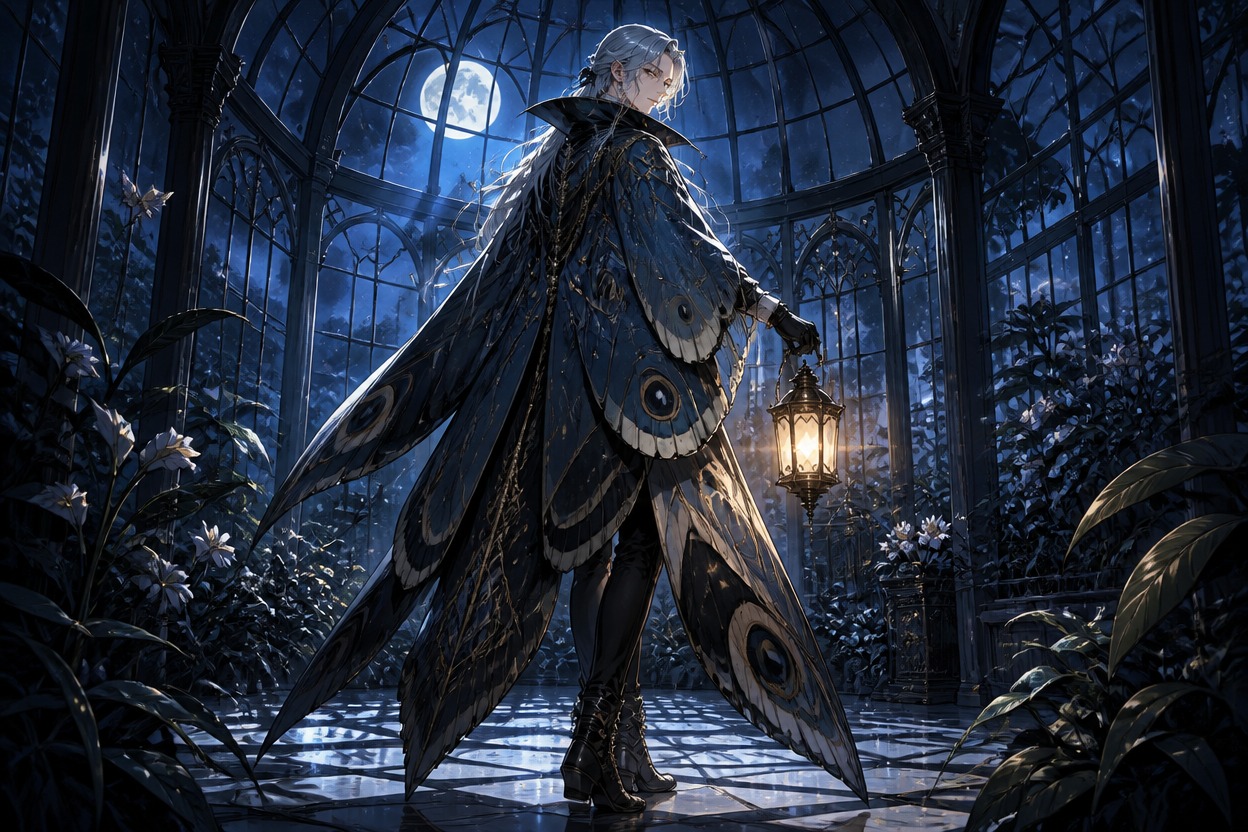
Choose a visual idea such as erosion, tides, clockwork, or moth wings, then connect it to shape, material, and color placement. The OC design ideas generator turns that motif into an image direction for a character sheet or concept board. This keeps the visual result specific enough to review and reuse.
Design for a Role
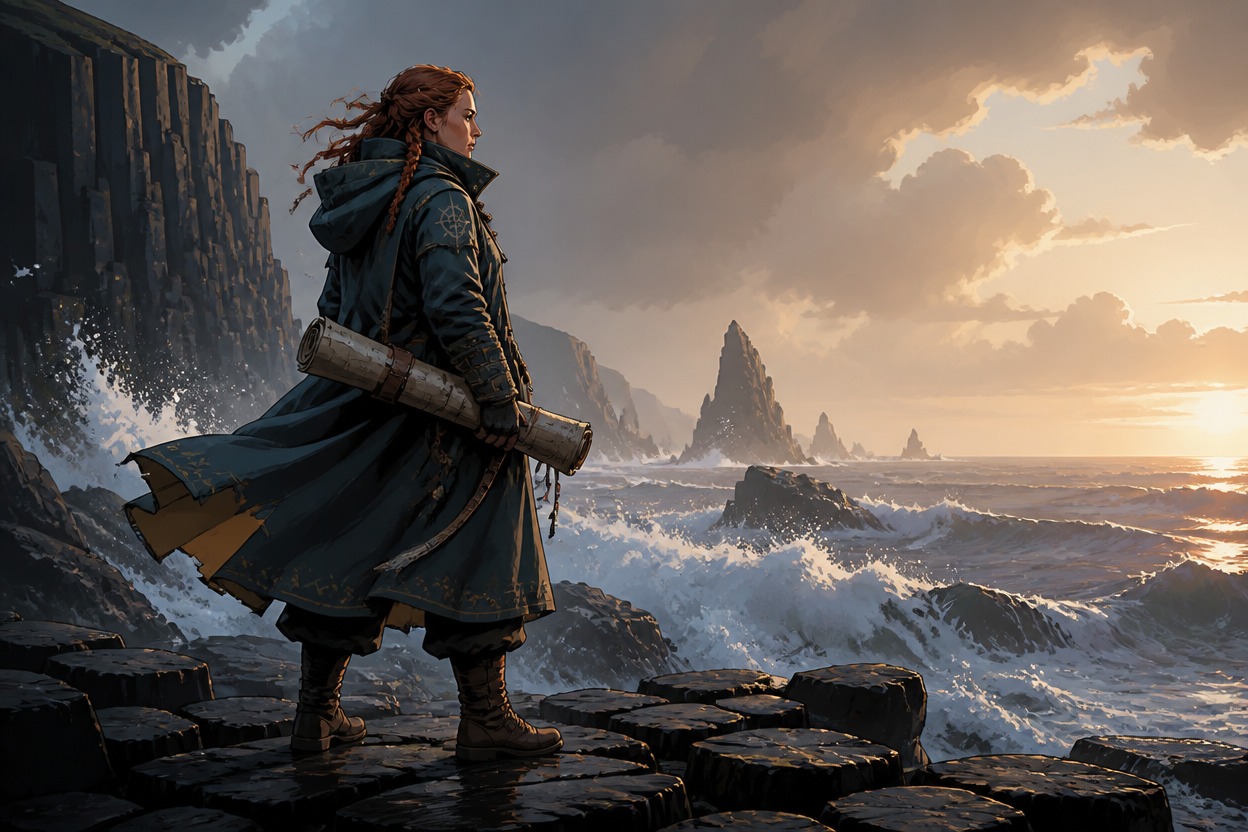
Let the character’s job affect the outfit, carried object, stance, and environment. A courier, archivist, performer, or rescue pilot should look different before they speak, giving the OC character design generator a concrete visual problem to solve.
Explore Design Variants
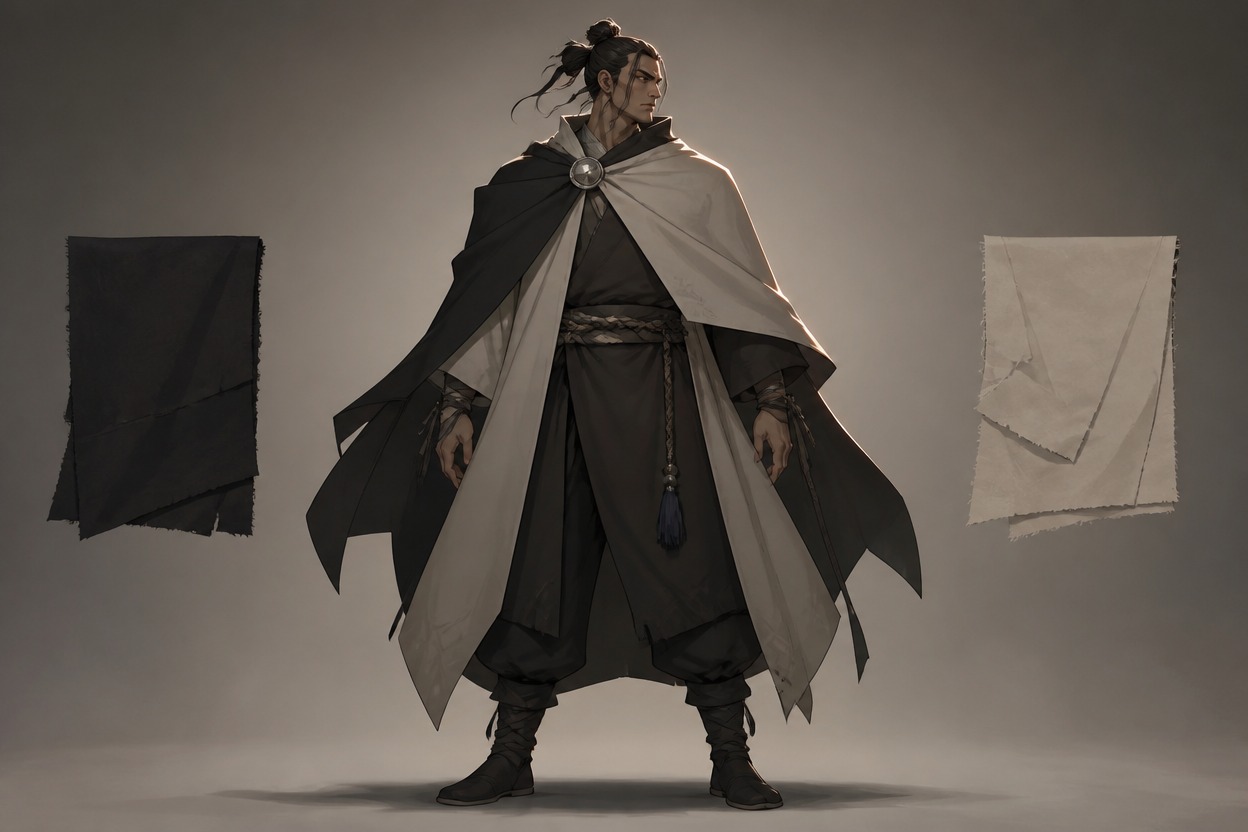
Test a restrained set of variations in silhouette, materials, and accessory scale while keeping the central concept intact. Use the strongest direction for a portrait, full-body reference, or later scene prompt. See the AI anime generator for another visual direction.
Put the Design in Motion
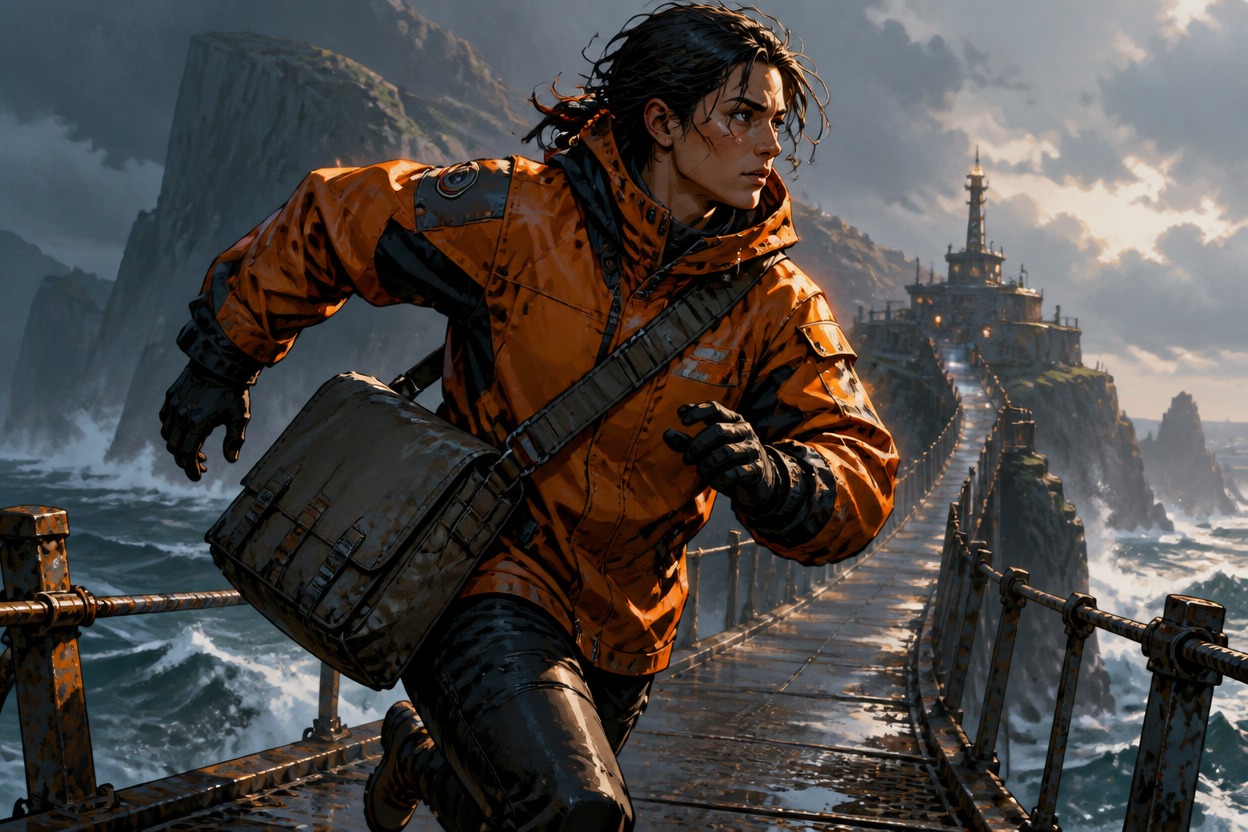
Use an action and camera angle to reveal whether the design works outside a static pose. Control wind, prop position, lighting, and negative space so the final image communicates both movement and character identity. The broader OC maker workflow can help compare the result.
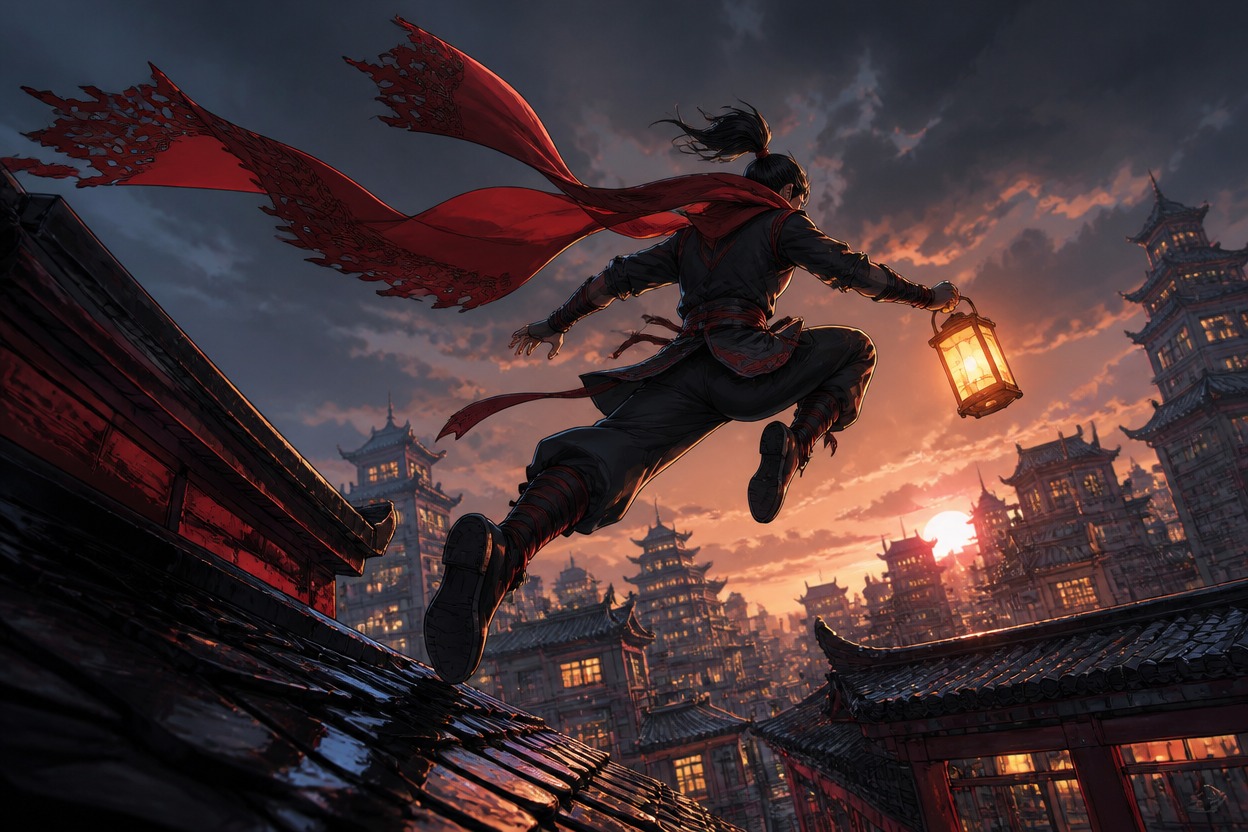
Three Ways to Develop an OC Design
Compare designs built around motif, function, and transformation rather than a single color swap.
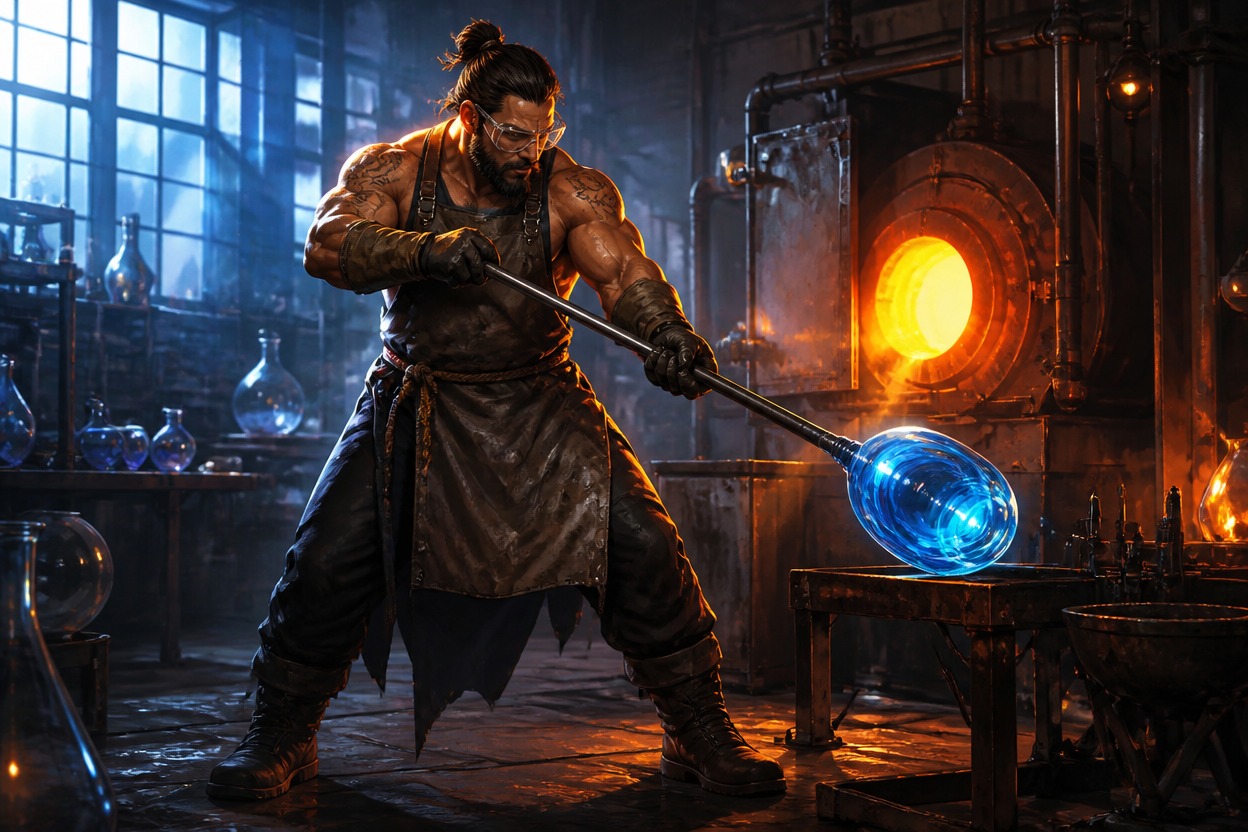
Mothlight Keeper
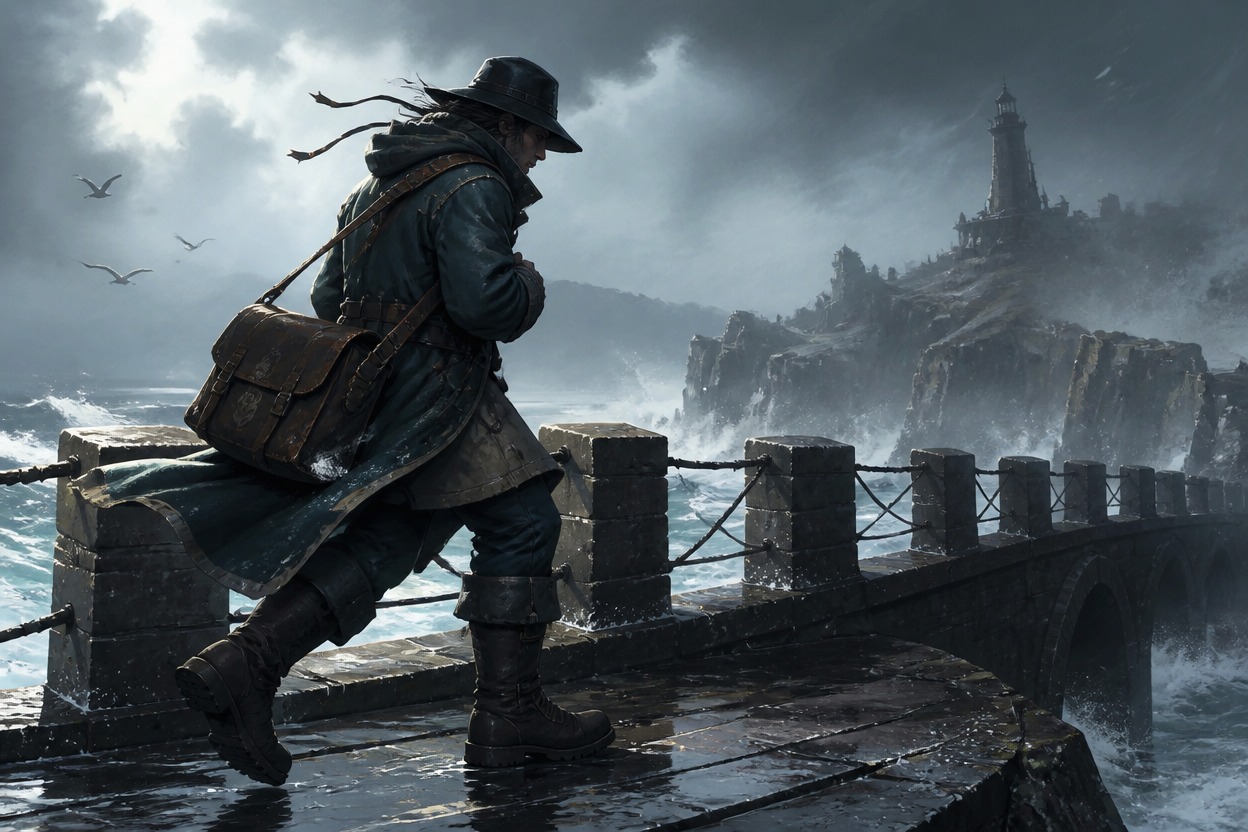
Saltwind Courier
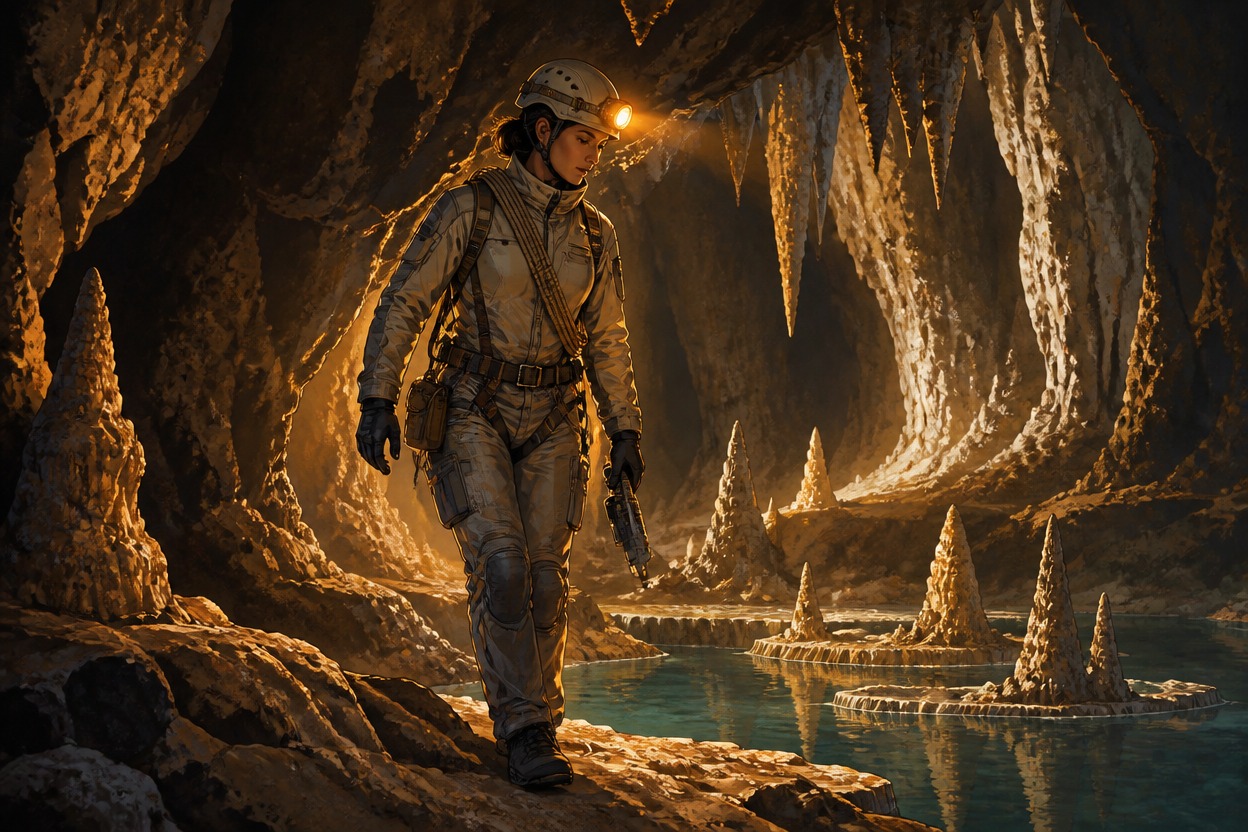
Cave Surveyor
Why Use This OC Design Generator
Motif-to-Shape Logic
Generate visible links between an idea and the character’s silhouette, materials, pattern placement, or prop design.
Role-Specific Clothing
Create clothing volumes and practical accessories that suggest what the character does without relying on exposition.
Palette Discipline
Maintain a small intentional palette so the design concept stays legible in a busy scene.
Variant Comparison
Produce alternate silhouettes or accessory scales to compare directions before settling on one design.
Action Readability
Keep props, limbs, and costume shapes clear when the character is moving through an environment.
Scene-Ready Concepts
Get designs framed for portraits, full-body references, posters, or visual development boards.
Discover More AI Anime Creation Tools
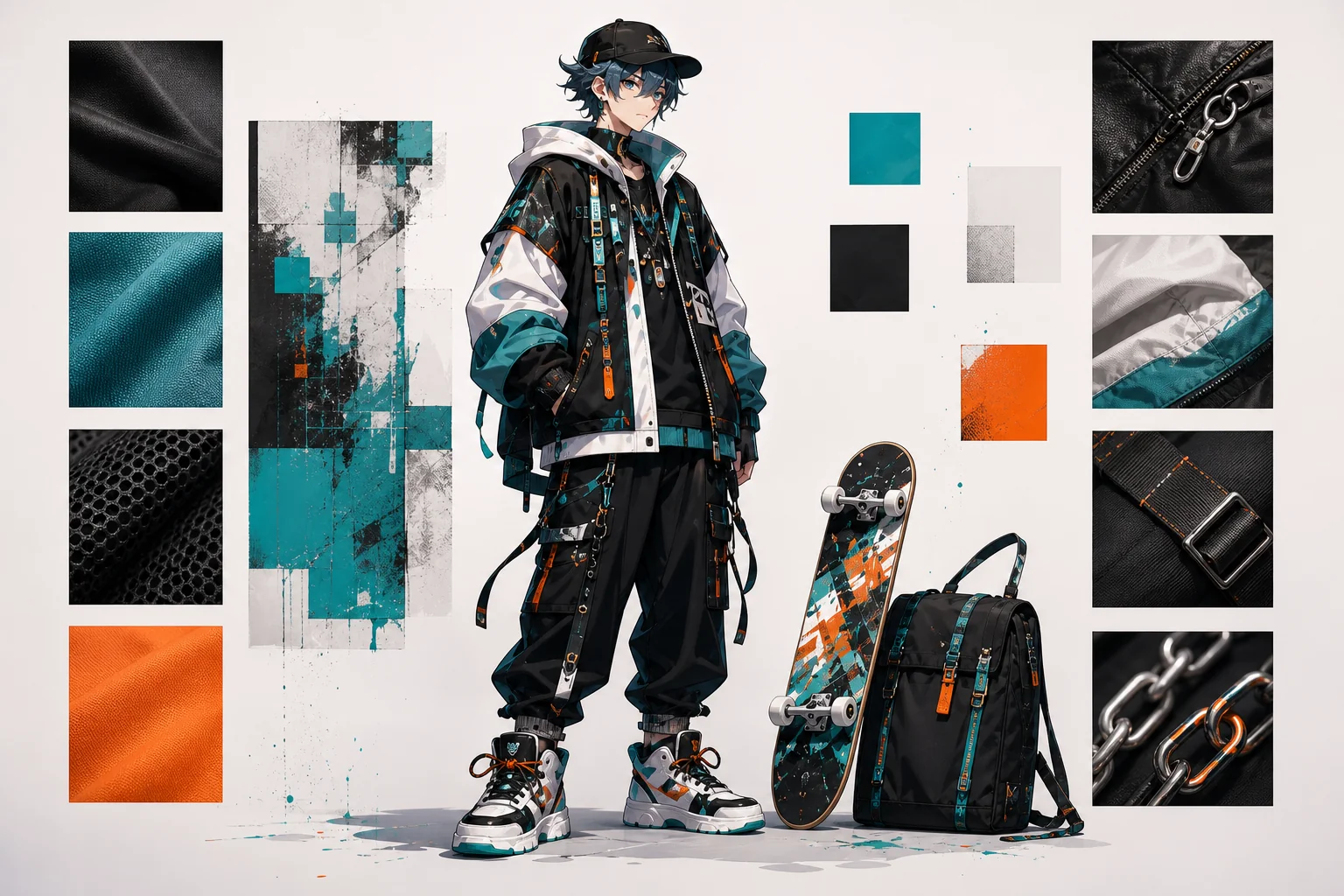
Anime Outfit Generator
Generate anime outfit ideas for characters with clearer silhouette, color palette, material cues, role fit, and reusable design direction.
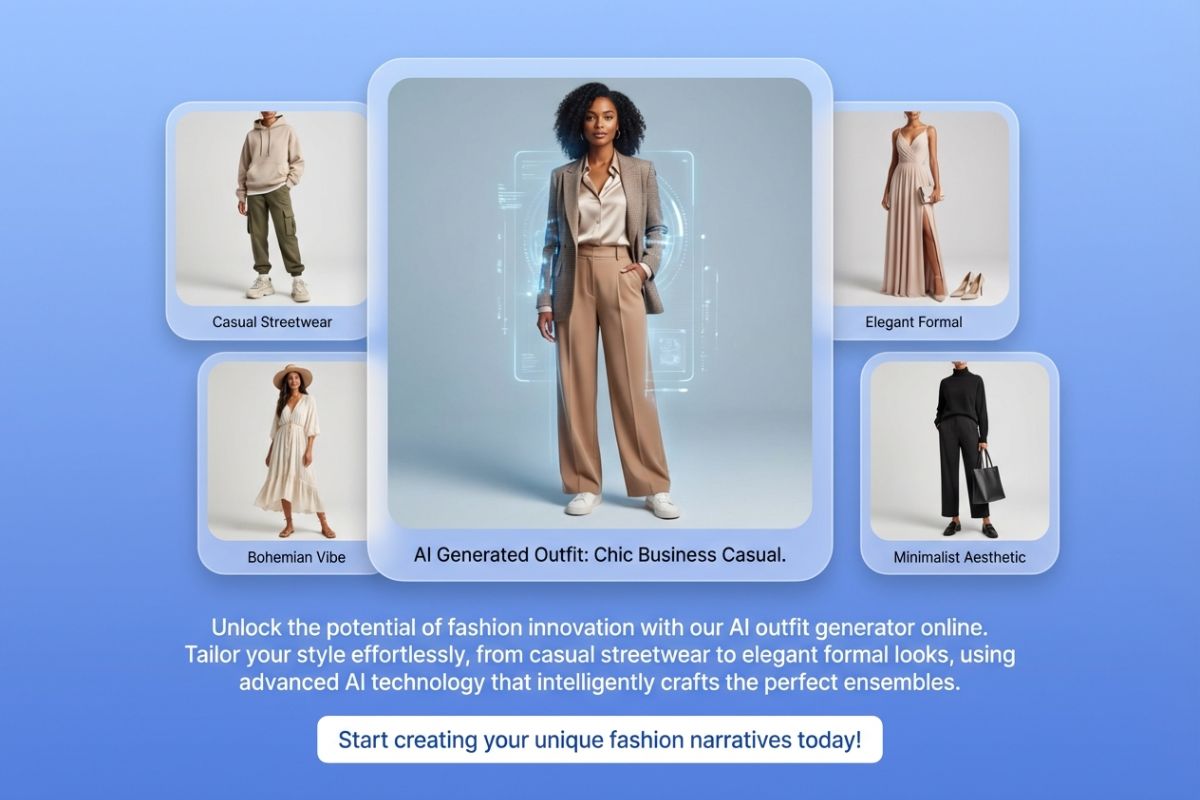
AI Outfit Generator
With our AI outfit generator online. Tailor your style effortlessly, from casual streetwear to elegant formal looks.
AI cartoon comic generator
Use AI cartoon comic generator to turn a short scene into original characters, expressive cartoon panels, visual beats, and a reusable comic-strip draft.
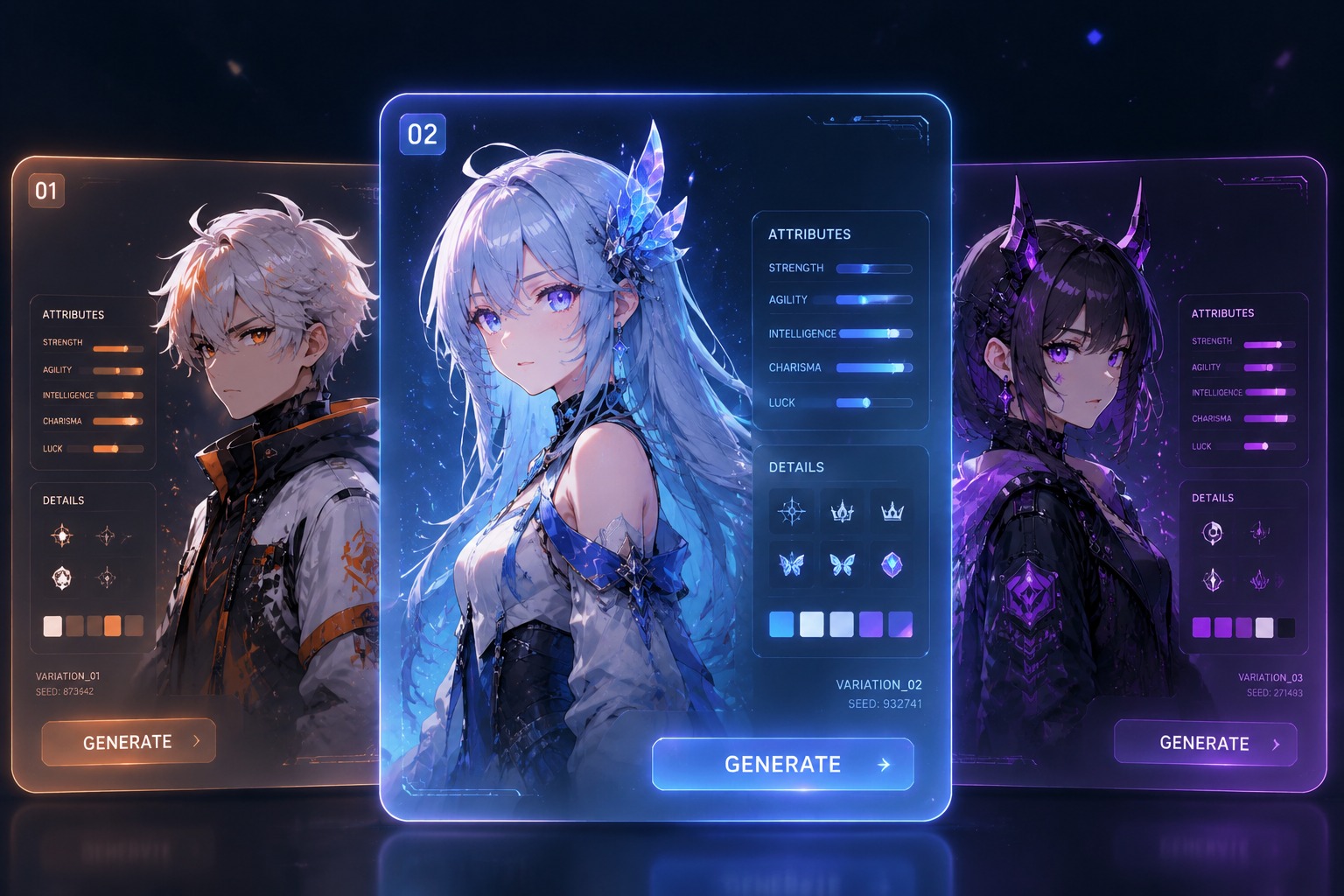
Random Anime Character Generator
Use a random anime character generator to turn vague ideas into art-ready anime OC prompts with names, outfits, powers, moods, and story hooks you can refi
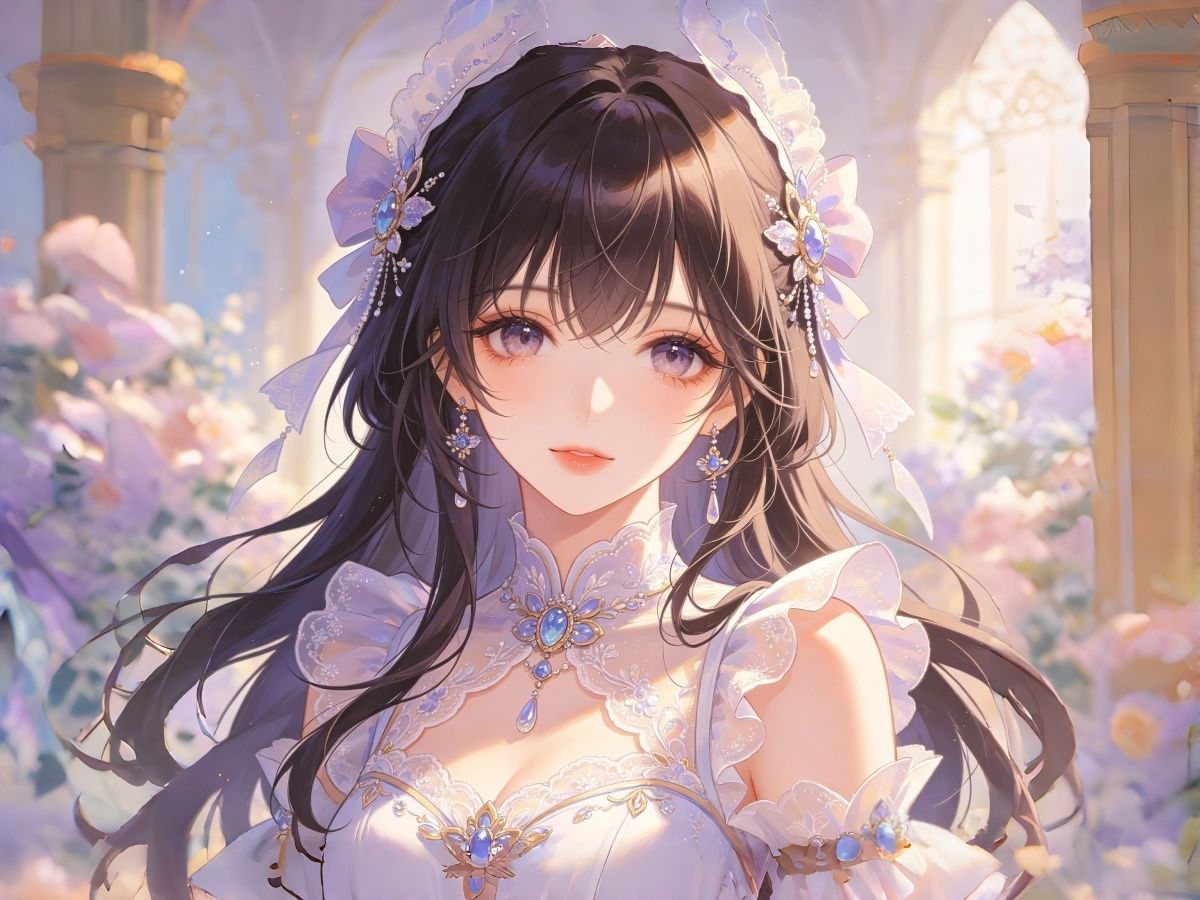
Anime Girl Generator
Make cute anime girls, random character ideas, soft PFPs, fantasy OCs, and waifu-style portraits with an AI anime girl generator built for character design.
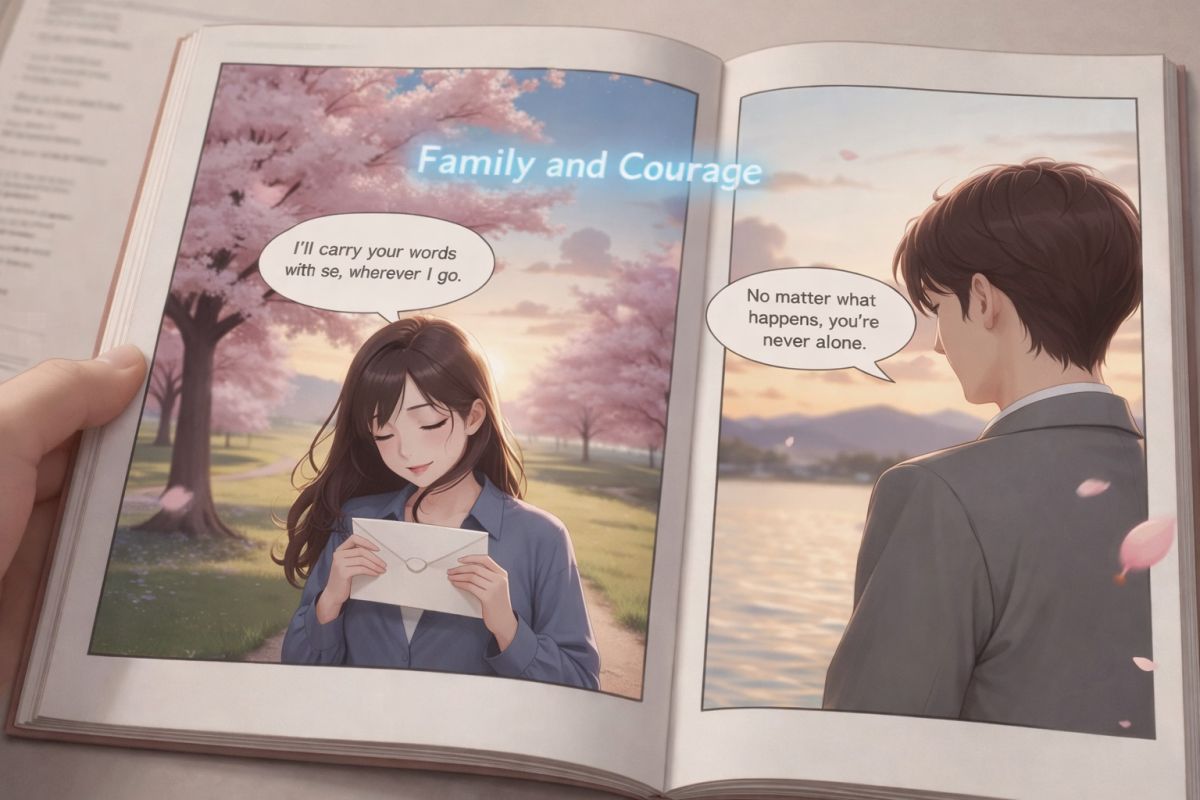
AI Comic Generator
Bring your imagination to life—enter a short story idea, choose a style, and use our AI comic platform to create comics with panels, expressions, and speech bubbles.
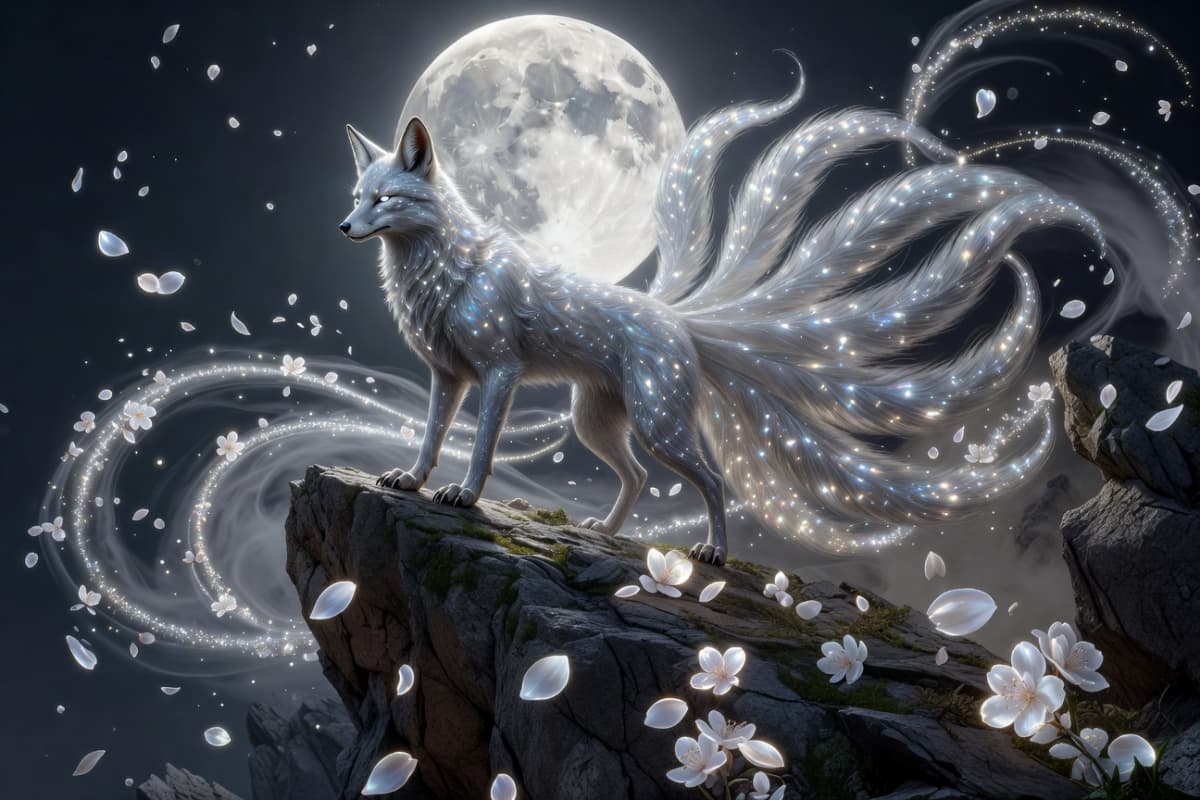
AI Creature Generator
Use an AI creature generator free to design original monsters, spirits, and mythical beasts. Learn how creators generate detailed AI fantasy creatures in seconds.
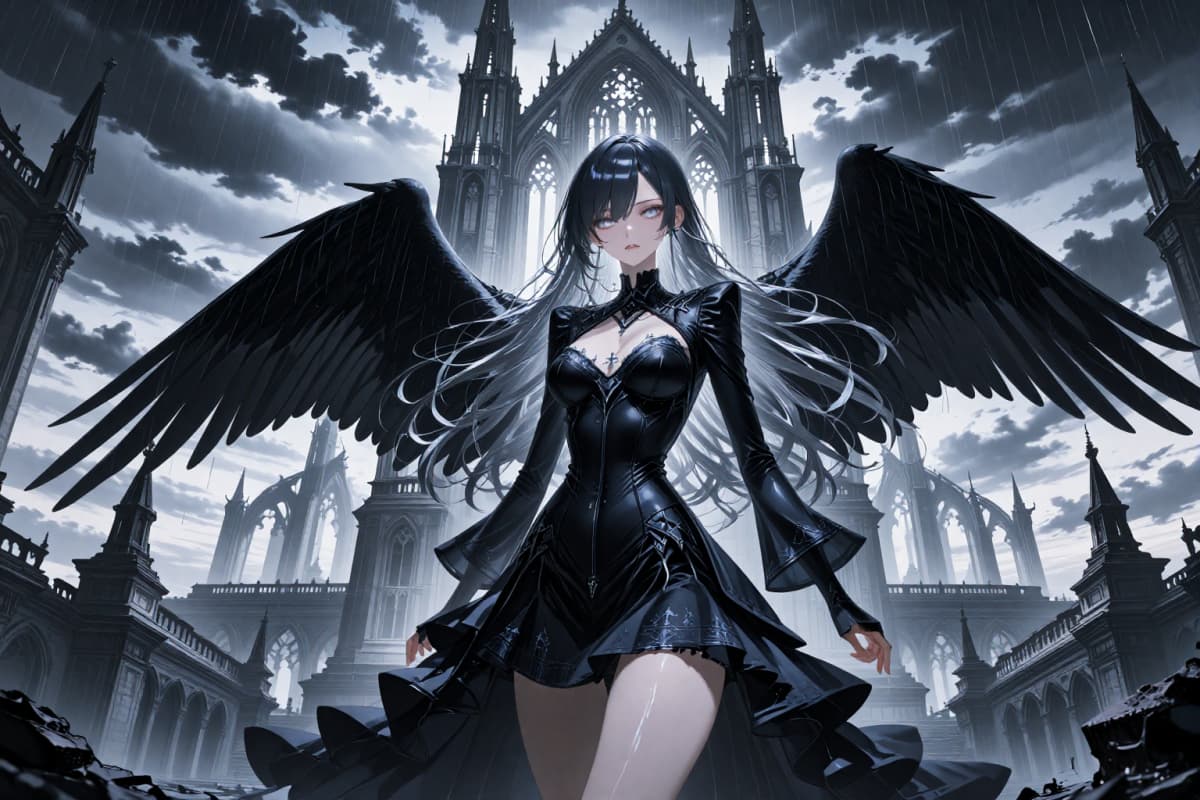
Anime Avatar Generator
Use this Free AI Anime Avatar Generator Online to design stunning, personalized animated avatars. Easy, fast, and perfect for creators.
Frequently Asked Questions
OC Design Generator FAQ
Give Your OC a Design Direction
Start with one strong motif or role and see it become a complete visual concept.