0104
Turn Photos Into Caricatures
\
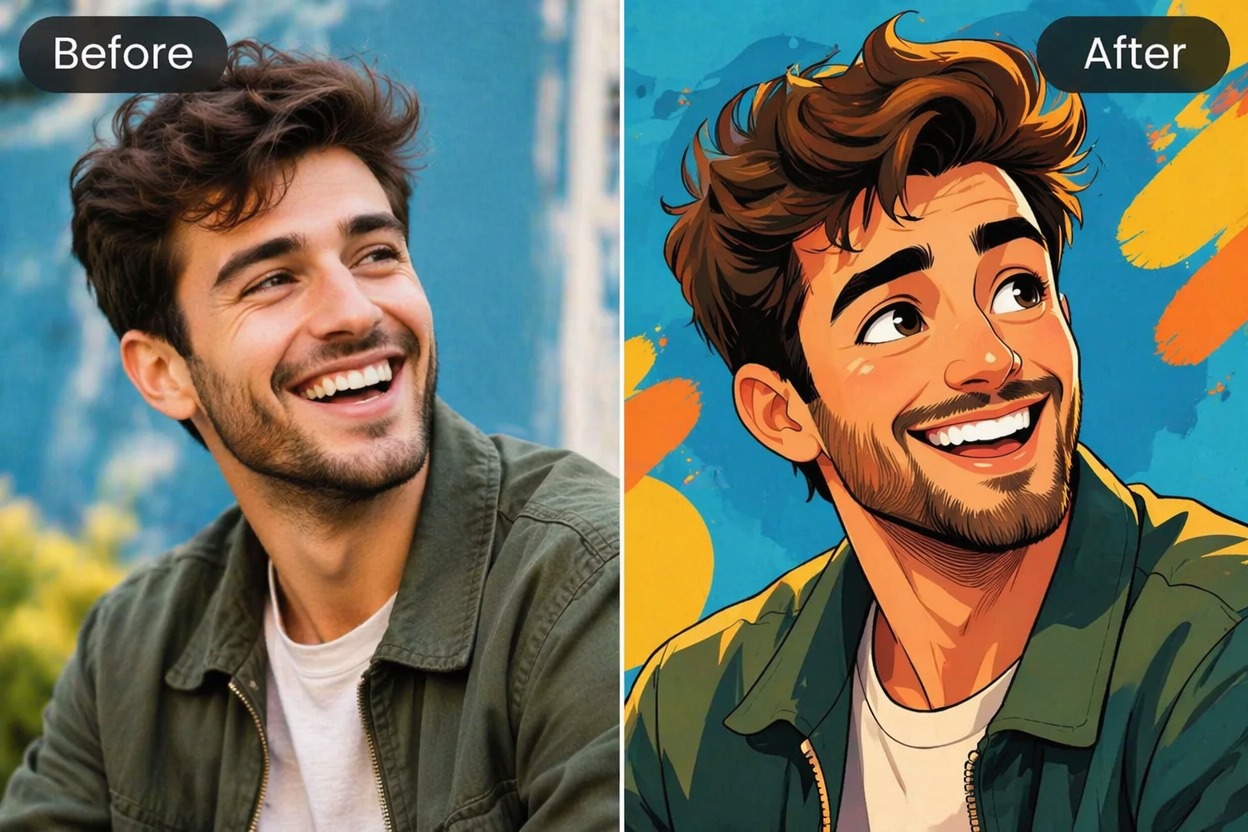

Caricature Maker: AI Caricature Generator from Photo
Free AI caricature maker: turn a photo into a funny caricature with exaggerated features, or create one from text. Make caricature gifts, avatars and posts.
Turn a photo into a caricature in seconds. Upload a clear portrait — or describe the person — and the caricature maker exaggerates the most recognizable features in a fun, hand-drawn style for avatars, birthday and wedding gifts, profile jokes and creator thumbnails.
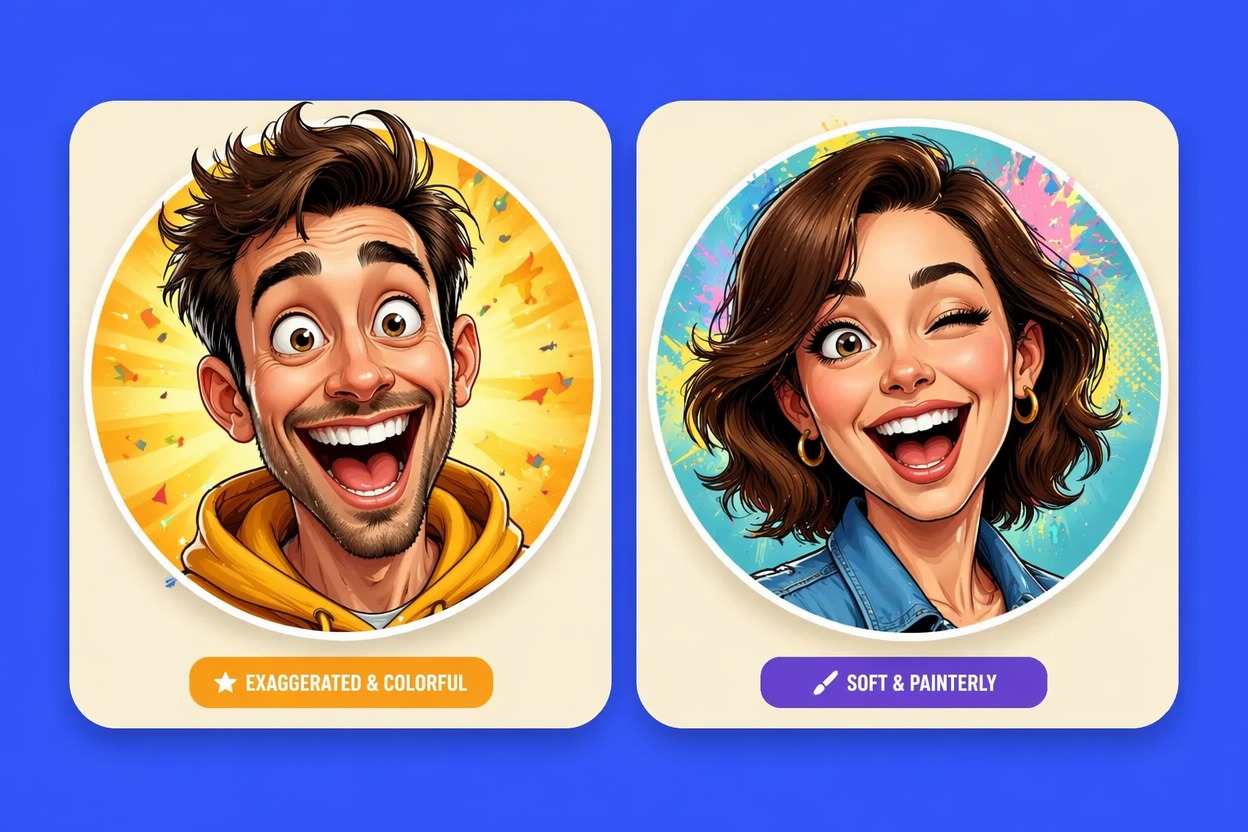
Generate playful portraits with clear faces, bold expressions, and different levels of exaggeration for social or character use.
 01
01Funny Profile Caricature
A friendly avatar-style caricature with enlarged expression, clean face focus, and a shareable social profile crop.
 02
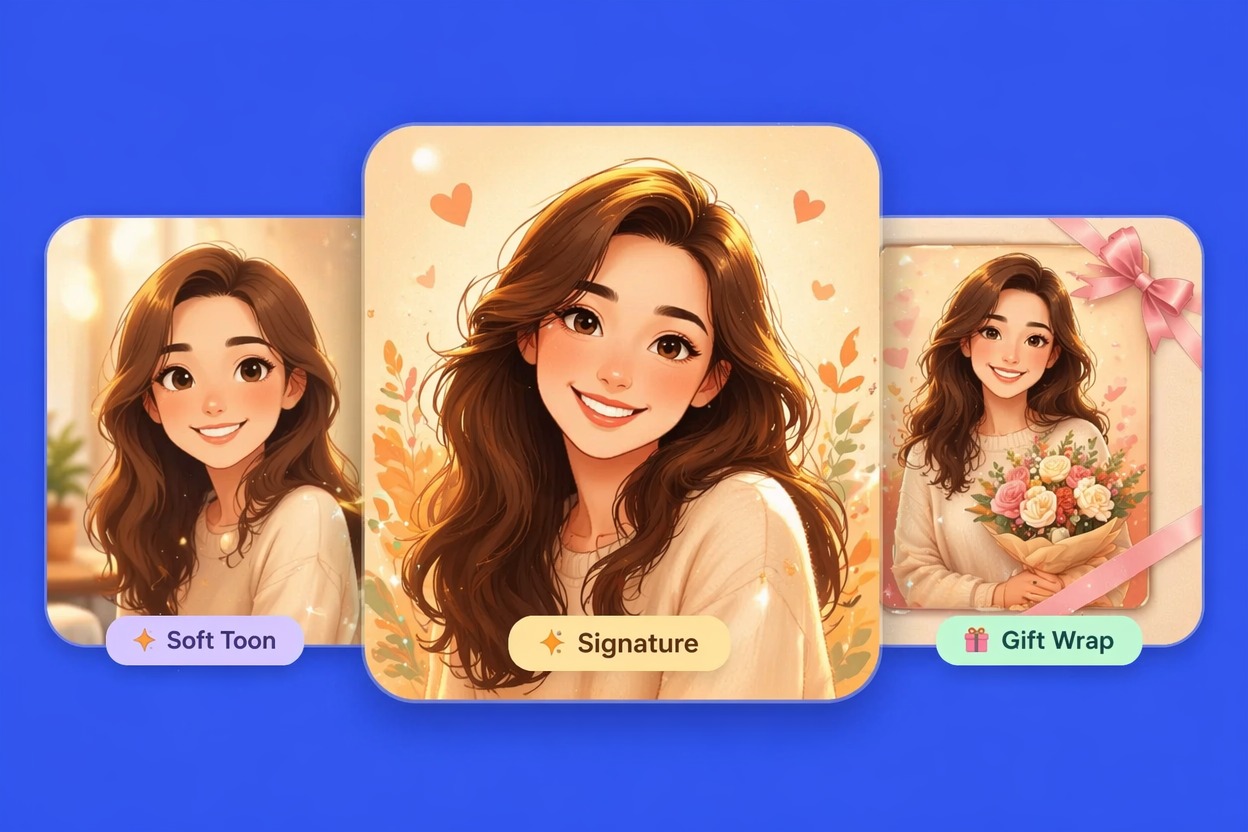
02Gift Portrait Cartoon
A polished cartoon portrait direction that feels personal enough for birthday cards, stickers, and lighthearted gifts.
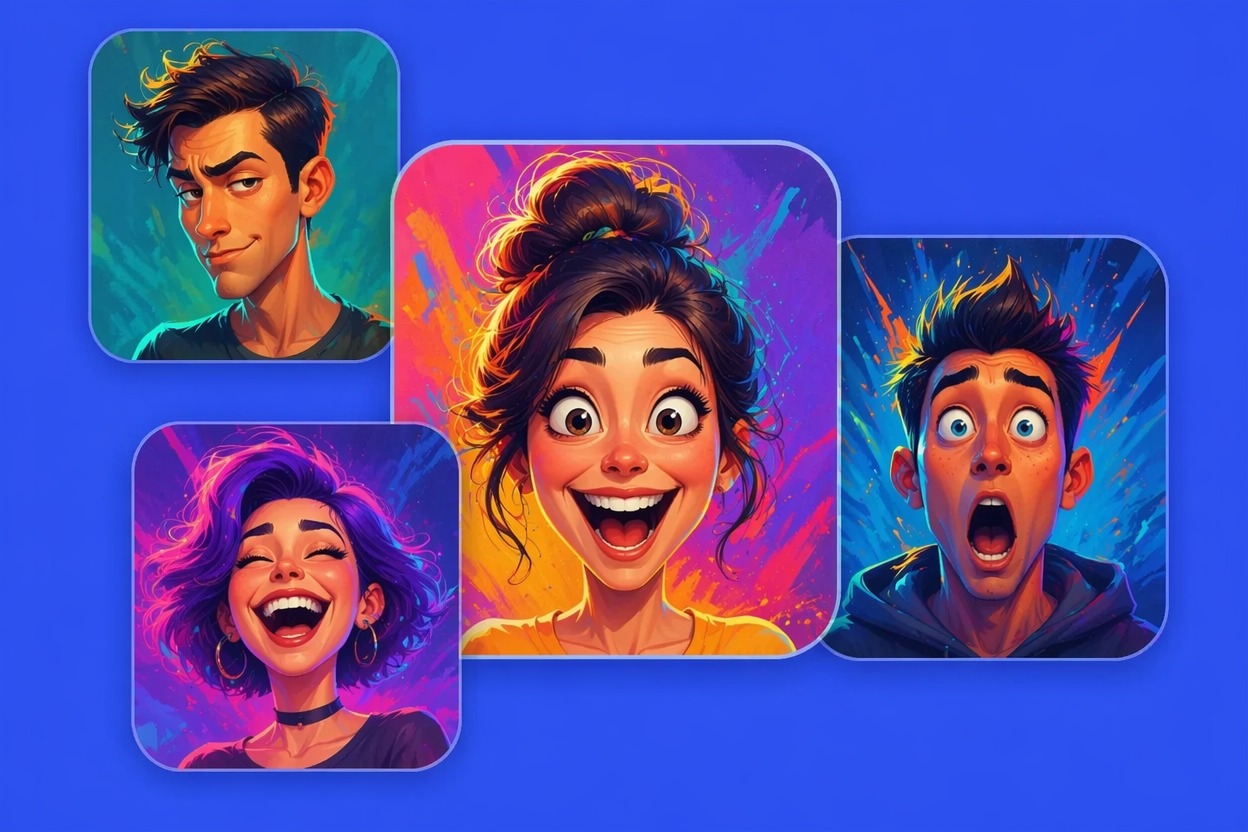 03
03Creator Thumbnail Face
A high-energy creator face with stronger expression, bold lighting, and readable framing for thumbnails or reaction posts.
Turn face photos or portrait ideas into expressive caricature images built for avatars, gifts, thumbnails, and creative reuse.
0104
\
0204
Use this caricature maker for profile pictures, reaction posts, channel thumbnails, stickers, and casual creator branding. If you want a stronger anime finish after the portrait pass, pair the result with an AI anime generator workflow.
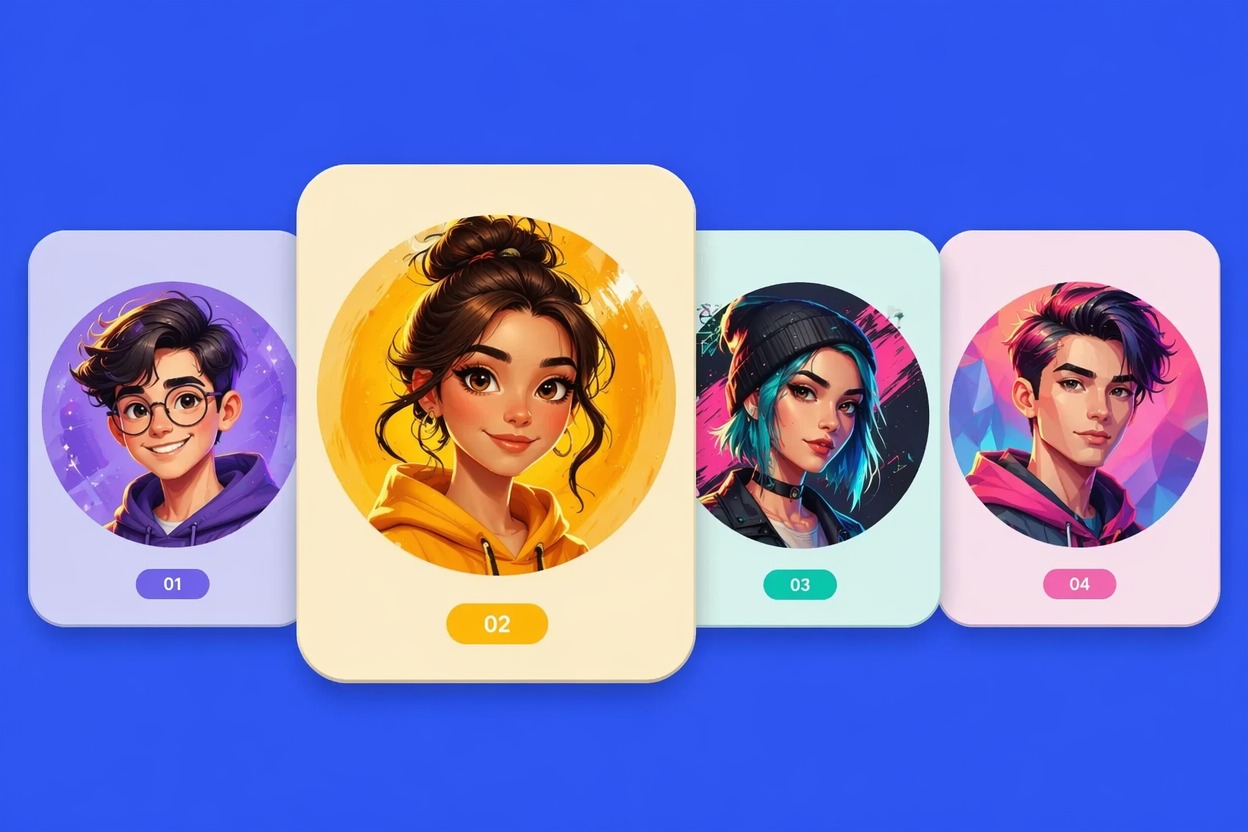
0304
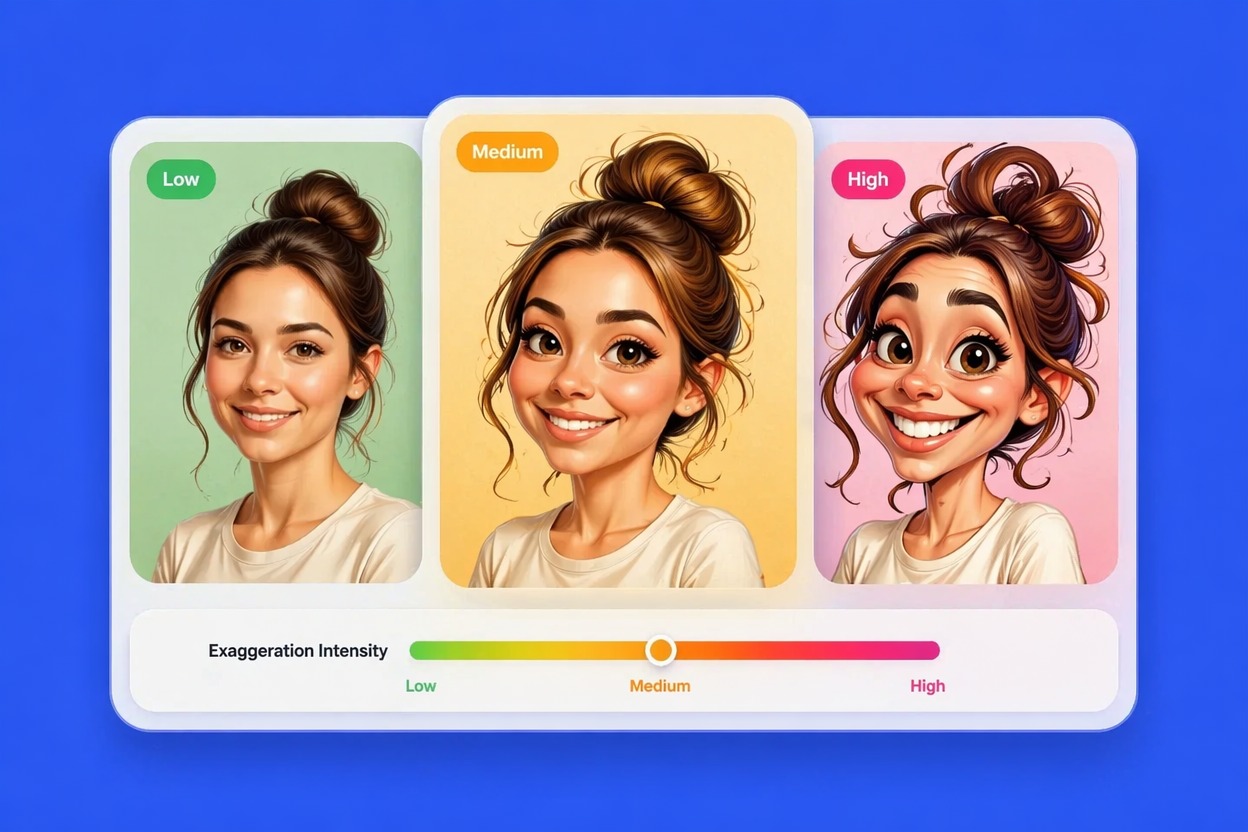
Choose whether the result should look cute, satirical, cartoonish, professional, or bold enough for a thumbnail. The strongest outputs exaggerate one or two features clearly while keeping the face readable instead of distorting every detail.
0404
Convert a photo to caricature art that can become a mascot, persona image, streamer icon, or original character reference. For deeper personality, outfit, and backstory work, connect the portrait direction with an OC maker process.
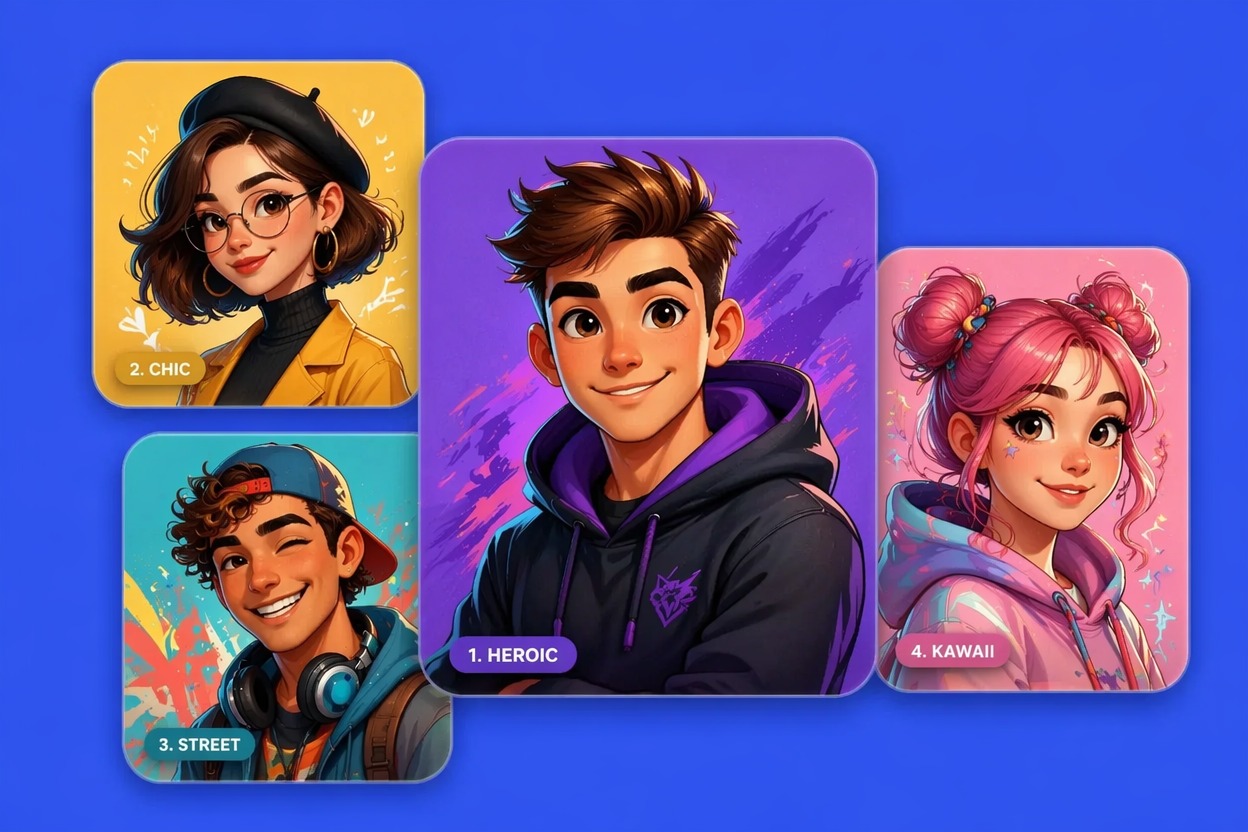
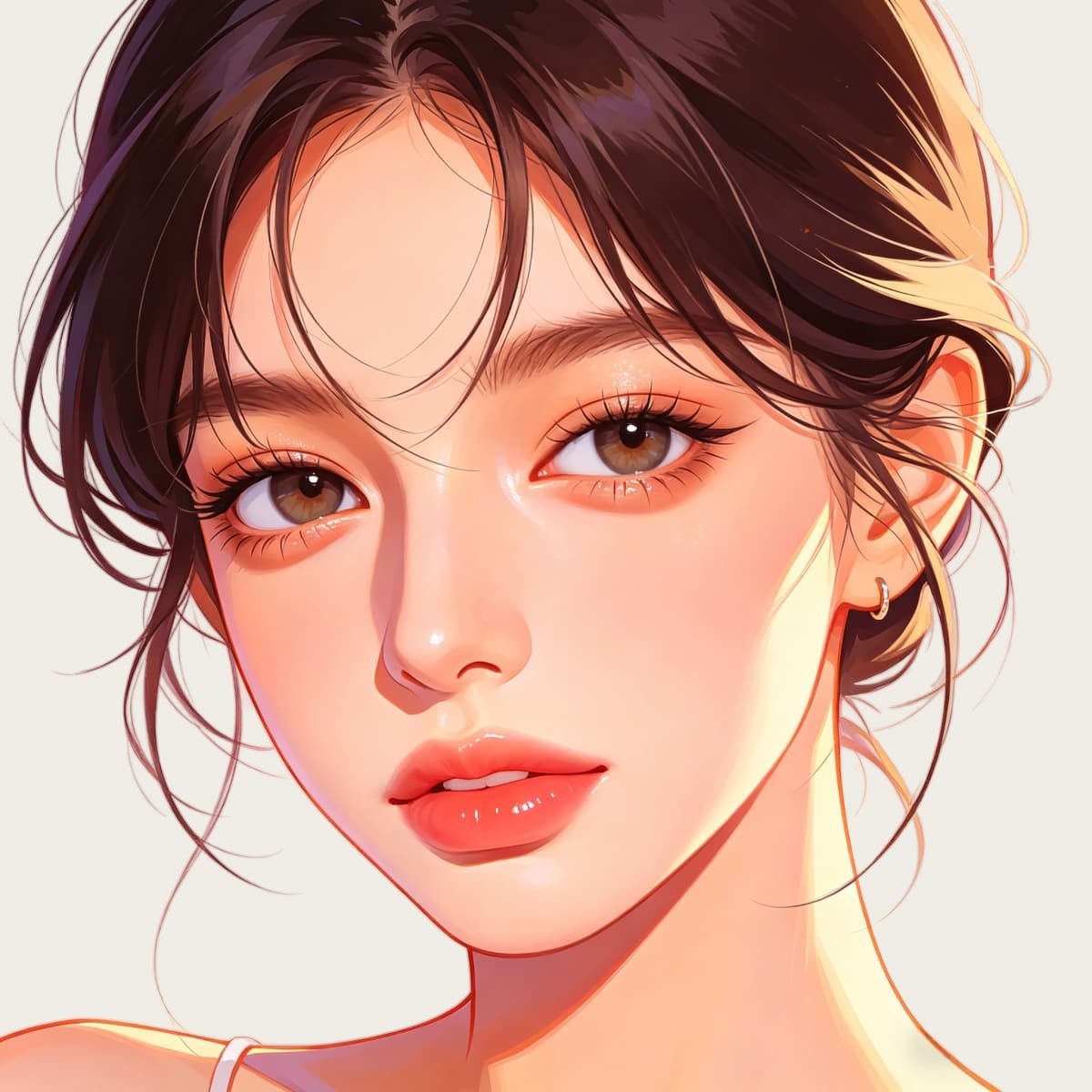
Create a cartoon avatar from a photo or prompt. Try cute, 3D, full-body, and profile-picture styles with an online AI cartoon avatar creator.
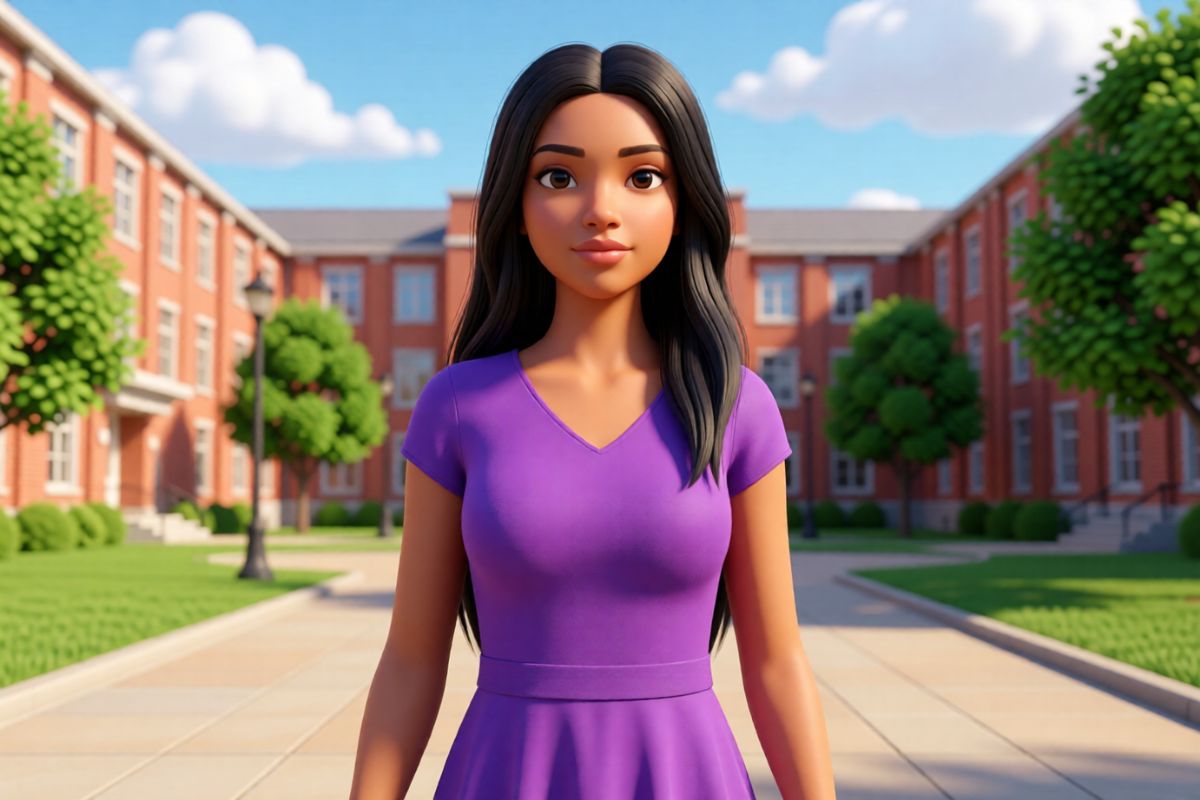
Create custom OCs using our powerful AI-driven avatar maker. Express your creativity and bring your characters to life like never before.
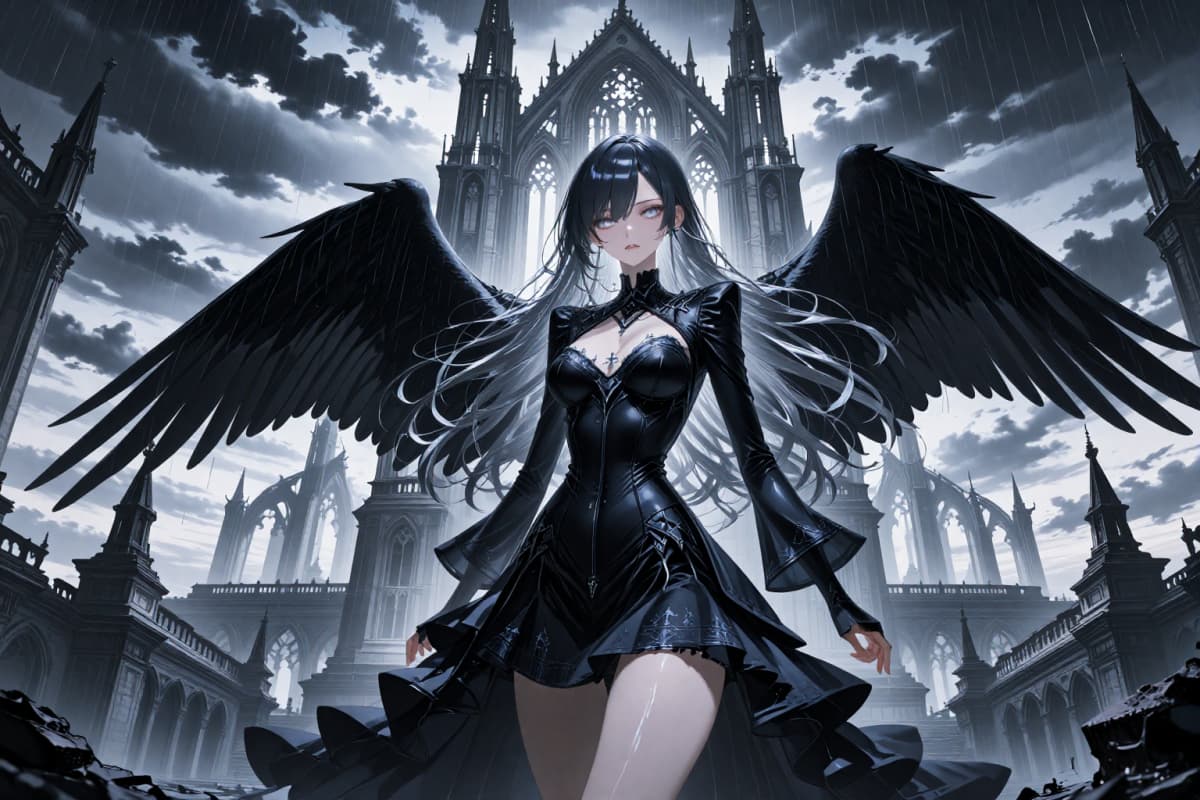
Use this Free AI Anime Avatar Generator Online to design stunning, personalized animated avatars. Easy, fast, and perfect for creators.
Caricature generation is useful when you need personality, humor, and portrait clarity faster than manual illustration.
Generate several face directions quickly before choosing the expression, crop, and exaggeration that feels right.
Single-person portraits with clean backgrounds help the result read well as an avatar, sticker, or thumbnail.
Guide smile, surprise, confidence, seriousness, or comic energy so the portrait matches the intended joke or mood.
A clear photo gives the tool face angle, hair shape, and main proportions to convert into stylized cartoon form.
Use the final caricature in profile icons, creator posts, gift graphics, reaction images, or character concept boards.
Check consent, likeness rights, captions, and context before sharing caricatures of real people or public figures.
A good caricature workflow starts with a readable face, a clear exaggeration target, and a review pass for likeness and tone.
Use a front-facing or three-quarter photo with good lighting, one main subject, and no heavy filters covering the features.
Decide whether the caricature should feel cute, friendly, editorial, streamer-style, gift-ready, or boldly exaggerated.
Check whether the result still feels recognizable, avoids unwanted distortion, and fits the context where you plan to share it.
Answers about photo inputs, caricature styles, credits, commercial use, likeness rights, and practical limits.
Upload a clear, front-facing photo, say which features to exaggerate (a big smile, glasses, curly hair) and pick a style, then generate. For a softer cartoon look instead of exaggeration, try Photo to Cartoon.
An AI caricature generator is a portrait tool that turns a photo or text prompt into stylized caricature art. It can exaggerate expression, simplify facial shapes, and create cartoon-like results for avatars, gifts, thumbnails, and creative profiles.
Yes. You can start from a clear photo or describe the person, mood, pose, and style you want. The tool handles the visual draft, while you review whether the face, humor level, and final crop fit your use case.
Photo to caricature results are usually better when the face is sharp, well lit, and not hidden by heavy shadows, sunglasses, motion blur, or a crowded background. One main subject gives the model fewer details to confuse.
Yes. Caricature portraits work well for profile images, streamer icons, reaction posts, stickers, and playful creator branding. For small avatars, choose a simple background and a strong expression so the face remains readable after resizing.
Be careful with likeness rights, consent, local rules, and platform terms. If the caricature is based on a real person, public figure, employee, client, or customer, get the right permission before using it in ads, merchandise, or paid campaigns.
OCMaker AI may offer free credits or a trial for testing image generation. After free credits are used, continued rendering may require buying credits or choosing a paid plan, so check the current pricing page before planning bulk portrait work.
Avoid asking for exact celebrity copies, protected characters, offensive stereotypes, misleading political uses, or humiliating edits of private people. Describe the mood, expression, outfit, and background instead of relying on risky identity or brand references.
No. Treat the result as a stylized caricature, not identity-preserving restoration. It should keep enough recognizable cues for your purpose, but you may need several versions if exact likeness, client approval, or sensitive use is important.
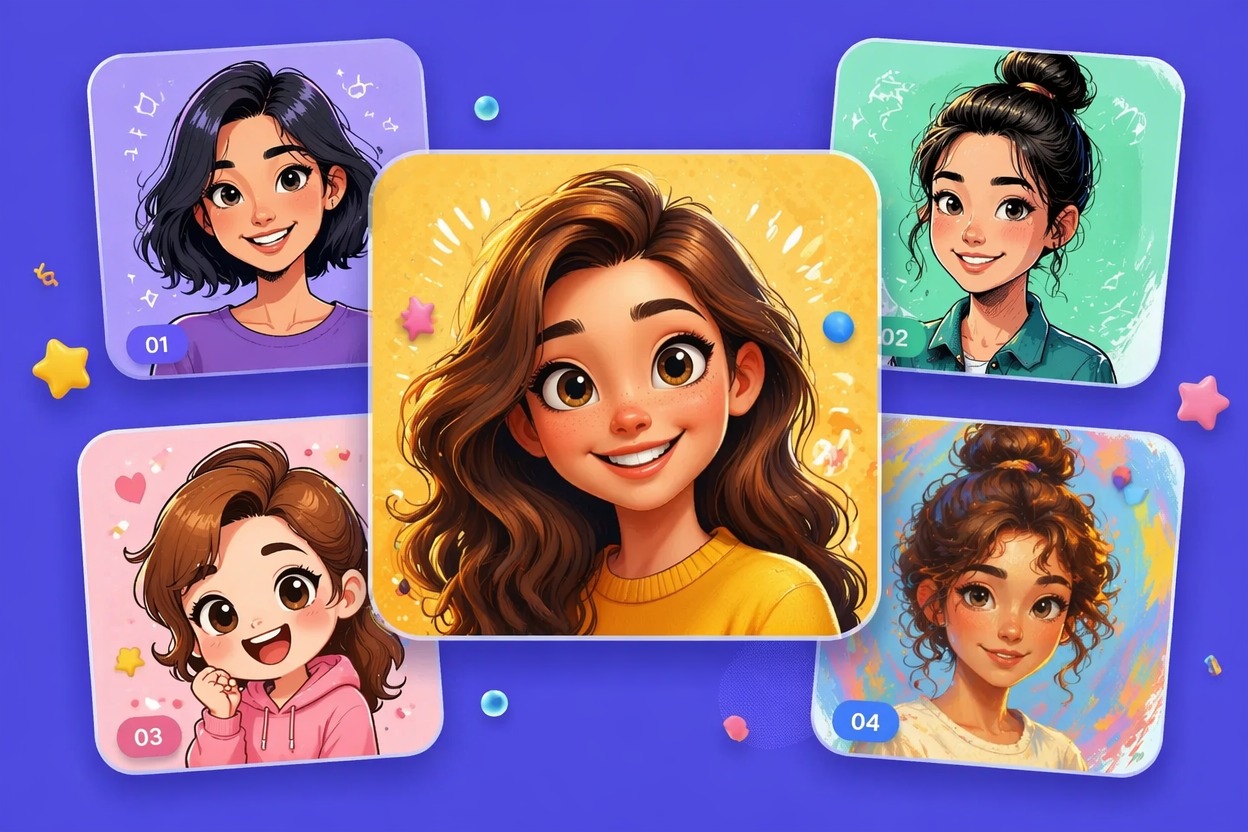
Turn a clear photo or portrait idea into a funny, expressive caricature for avatars, gifts, thumbnails, and character-style social visuals.