Style*
Background
4tokens•~30s

DnD Character Creator

Create your D&D character's look in seconds. Choose class, race, armor, weapons and spell mood, and get portrait-ready fantasy art for your character sheet, party intro or VTT avatar — then finish the character with a name, a stat block and a token.

DnD Character Creator fantasy hero portrait

Fantasy Character Creator Ideas

Generate heroes for different campaign roles: armored frontliners, spellcasters, rogues, healers, and tavern-ready party portraits.

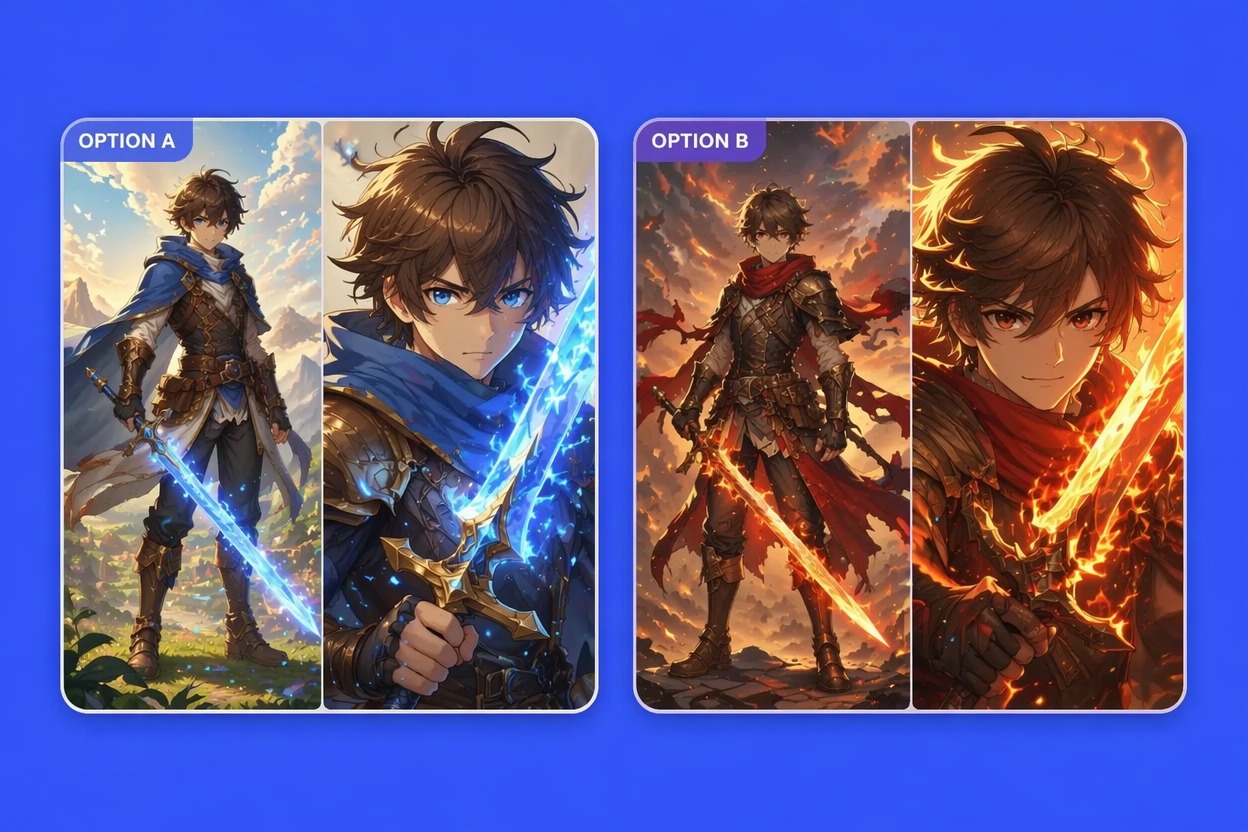
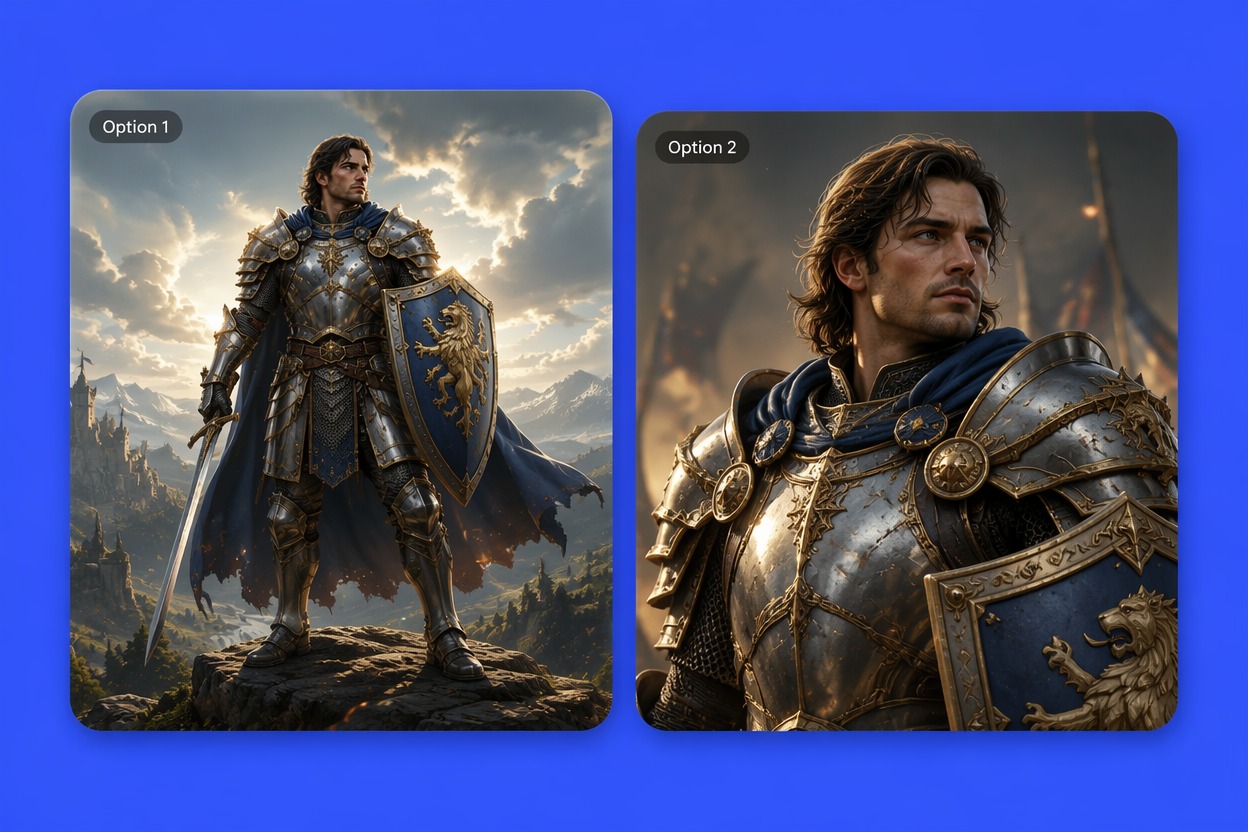
  • DnD armored fantasy character creator visual01

    Armored Quest Hero

    Create a tabletop fighter, paladin, or guardian with readable armor, weapon silhouette, travel-worn gear, and a heroic stance for party introductions.

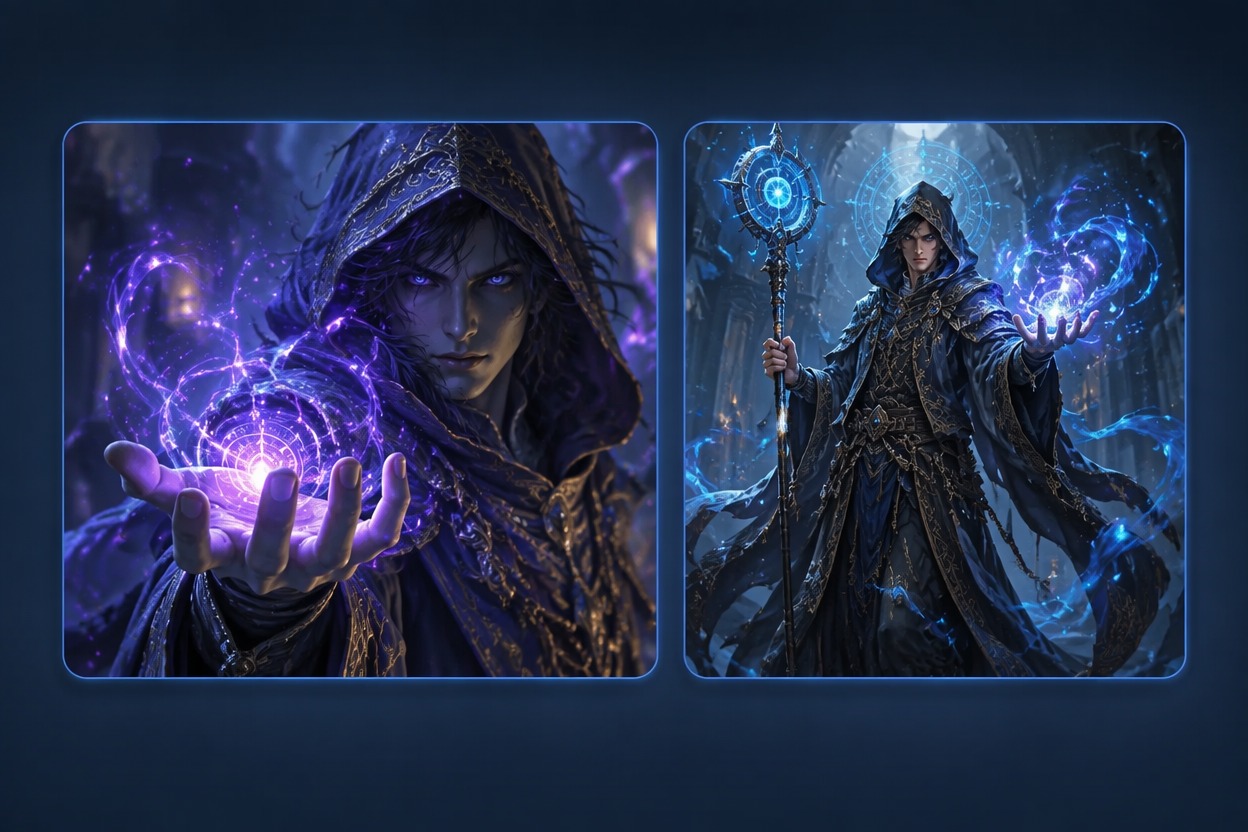
  • DnD spellcaster character image creator02

    Mystic Spellcaster Portrait

    Build a mage, warlock, druid, or cleric concept with magical lighting, casting gesture, robe shape, and a personality-rich expression.

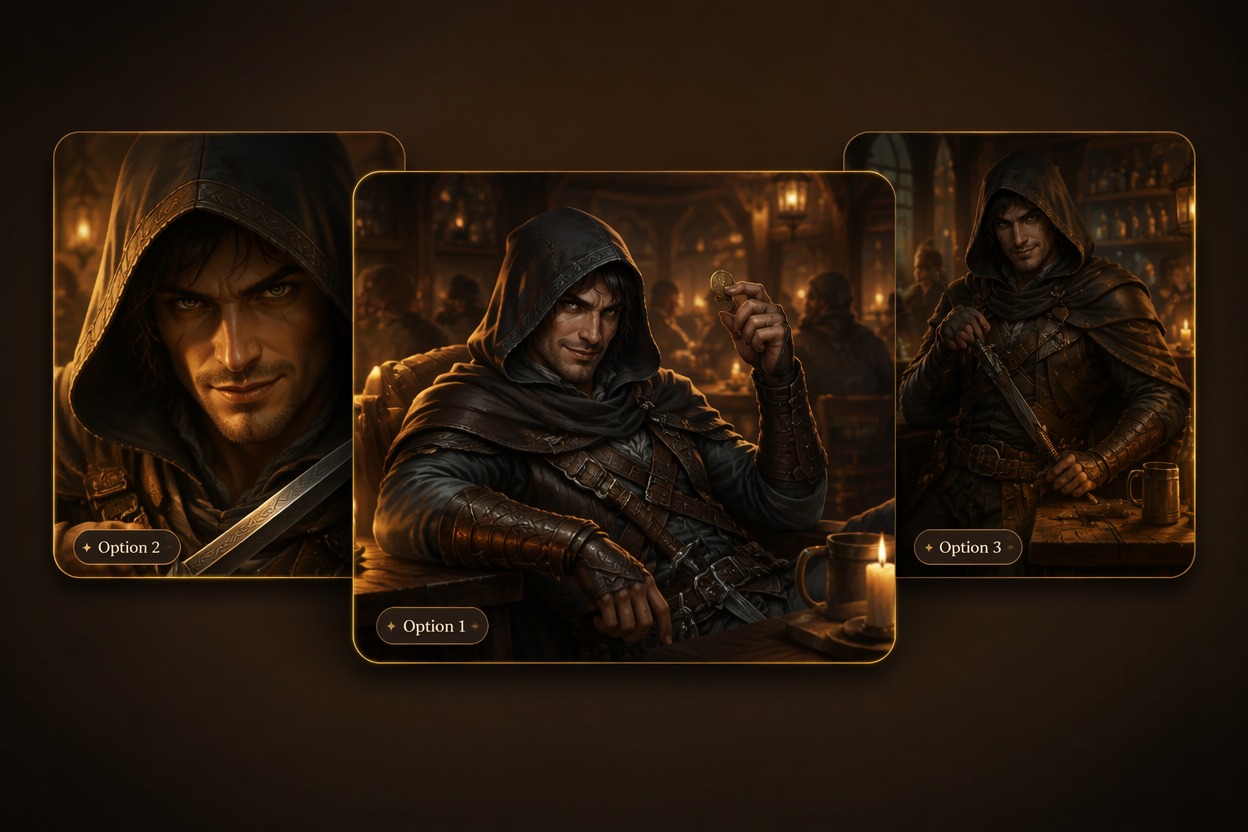
  • Fantasy tabletop rogue character portrait03

    Tavern Rogue Concept

    Design a nimble rogue, bard, ranger, or trickster with cloak detail, hidden tools, dramatic pose, and a campaign-friendly mood.

Create Campaign-Ready Fantasy Heroes

Turn class, ancestry, equipment, and story mood into character art that feels useful for tabletop play, portraits, and party planning.

0104

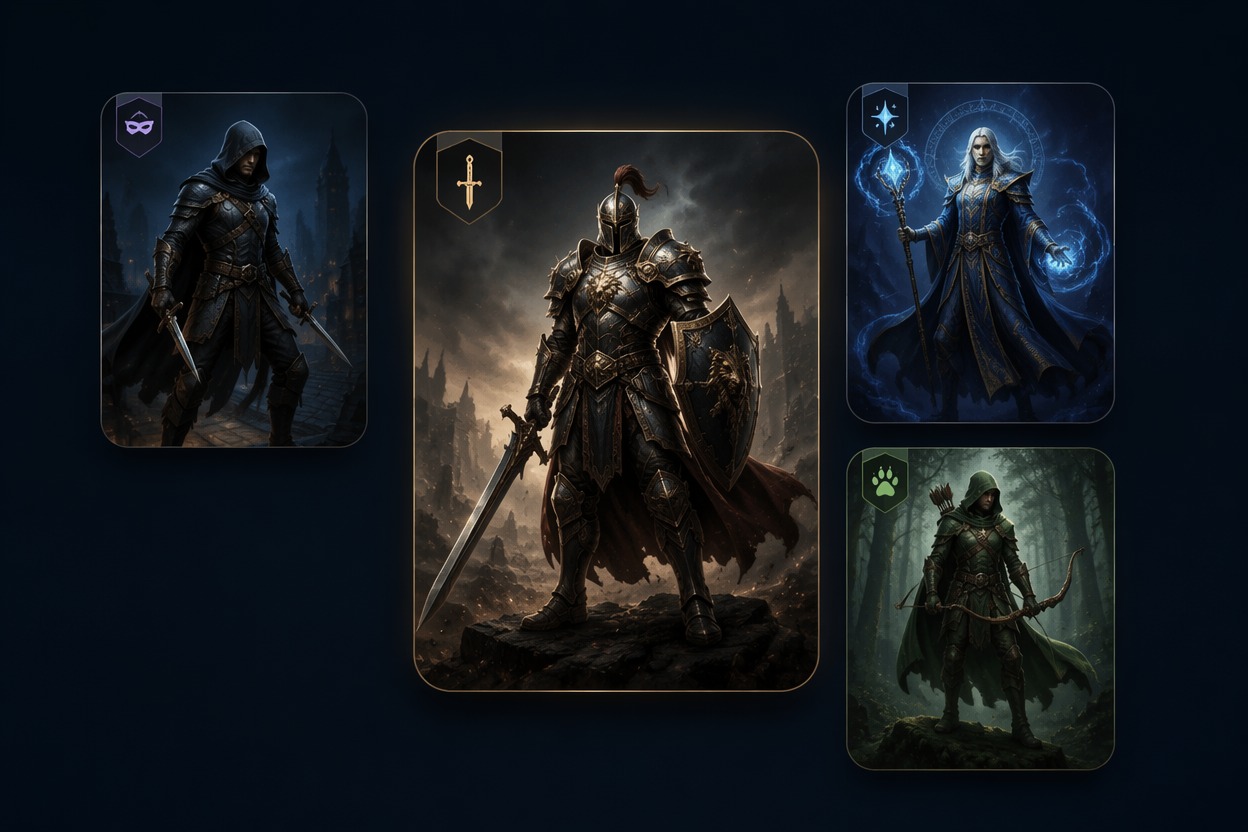
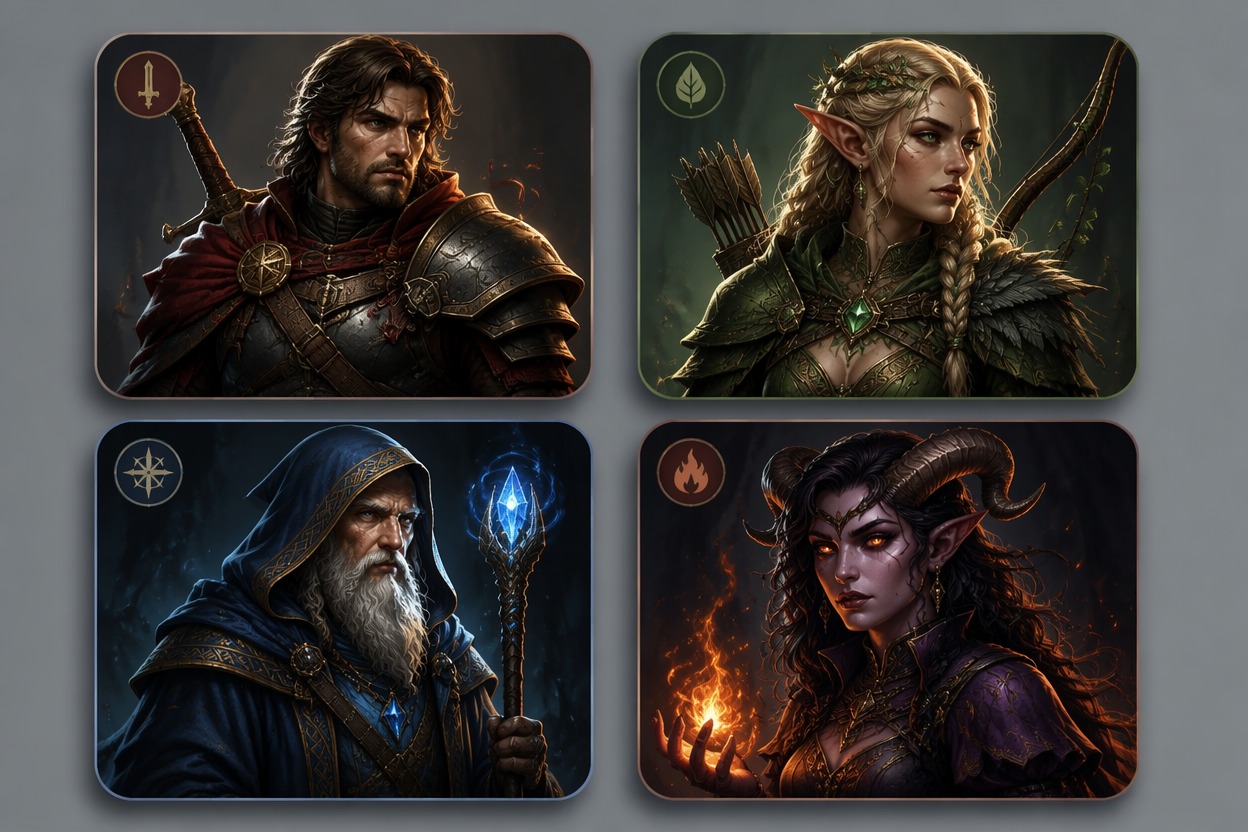
Generate Class-Driven Heroes

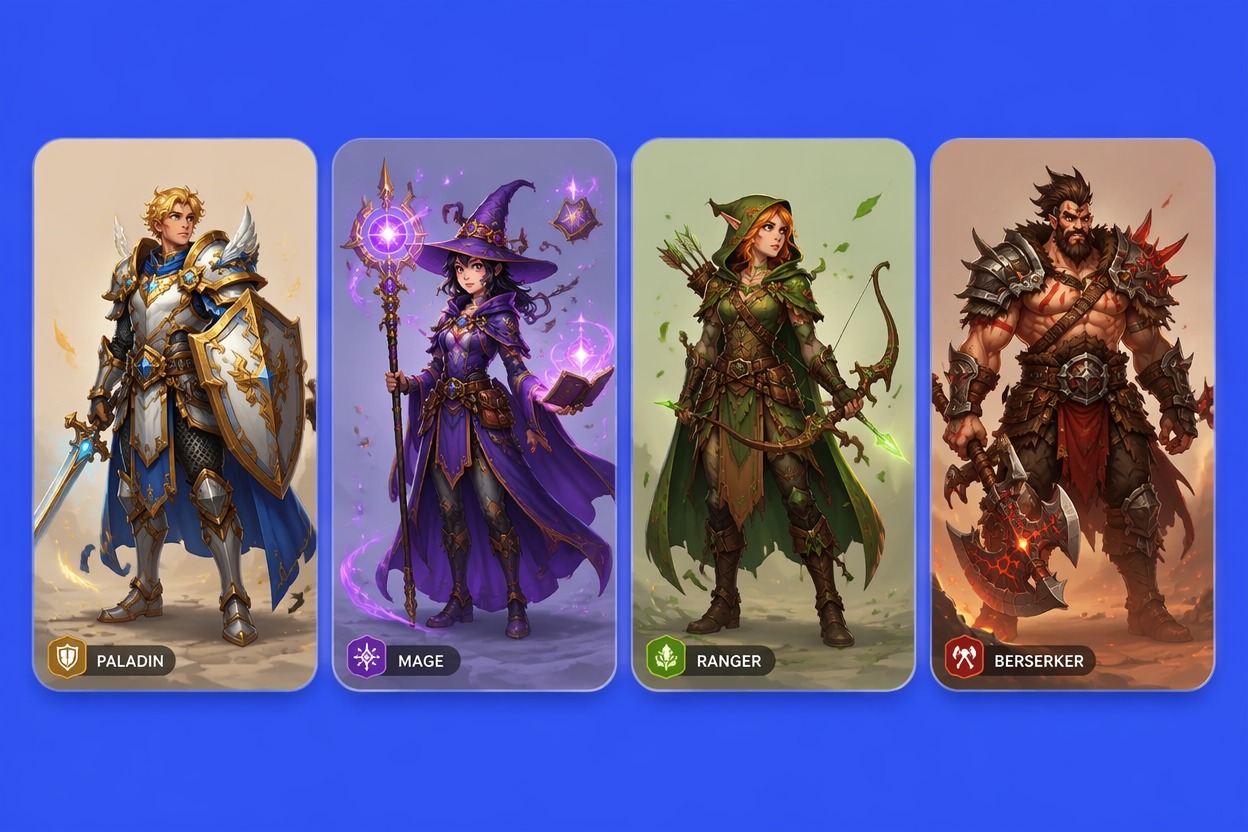
Create warriors, mages, clerics, rogues, rangers, bards, and other fantasy archetypes with visual traits that match their table role. The result is stronger when the class changes the pose, gear, spell effects, and outfit rather than only changing the name.
Generate Class-Driven Heroes

0204

Build Portraits for Campaign Sheets

Generate clean dnd character creator visual portraits for player sheets, session recaps, party rosters, and online avatars. OC maker can turn a short brief into a face, costume direction, weapon silhouette, and mood that players can recognize quickly.

Build Portraits for Campaign Sheets

0304

Design Gear and Spell Mood

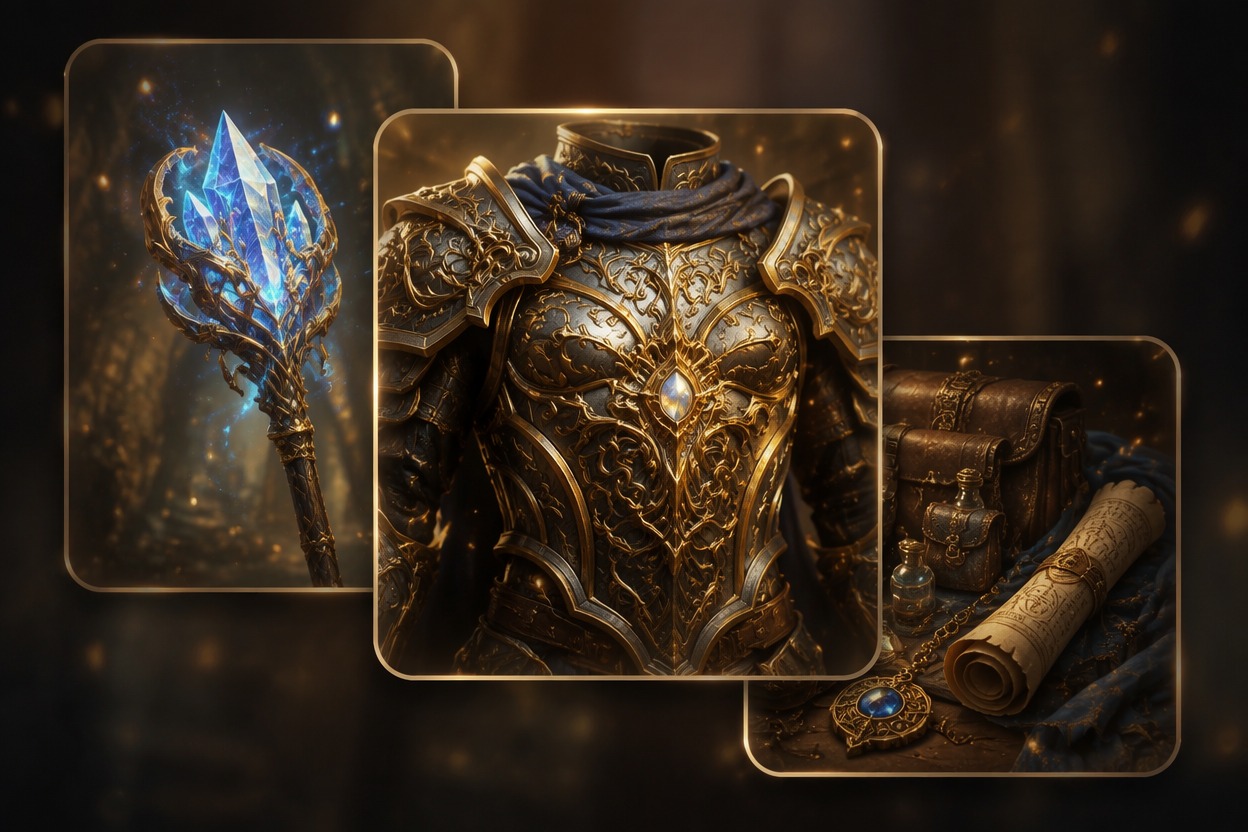
Create character images where armor, staff shape, holy symbol, bow, dagger, spell glow, or travel gear supports the hero’s story. This is useful when you want a fantasy character creator result that shows how the character fights, casts, or survives.

Design Gear and Spell Mood

0404

Preview Party Style Variations

Generate alternate looks for the same hero—grim dungeon delver, noble court version, wilderness scout, or battle-ready upgrade. Variation testing helps players choose a campaign tone before saving one dnd character image creator result as the main reference.

Preview Party Style Variations

Build the Whole D&D Character, Not Just the Portrait

A character sheet needs more than a picture. These tools cover the rest of session zero.

  1. Name your character

    Get race-appropriate names for elves, dwarves, orcs, tieflings and more with the Fantasy Name Generator.

  2. Create the portrait

    Describe class, race, gear and mood above to generate your hero's art.

  3. Add a stat block

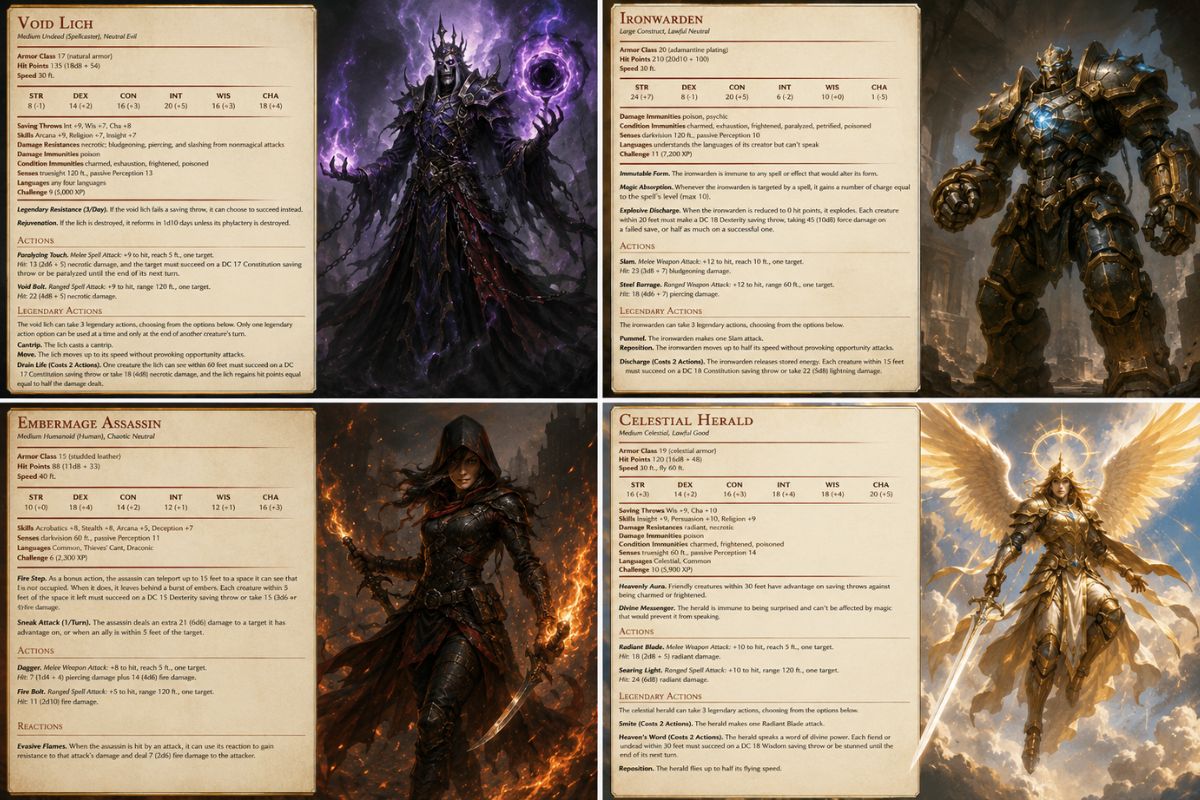
    Turn the concept into a readable stat block with the DnD Stat Block Maker.

  4. Make a token

    Crop your hero into a round VTT token with the DnD Token Maker.

  5. Write the backstory

    Stuck on motivation? Get backstory hooks from the OC Ideas Generator.

Explore More D&D Tools

Why Use This Fantasy Character Creator

Create stronger tabletop character art by controlling role, equipment, ancestry cues, and portrait use from the start.

  • 01

    Class Identity Control

    Turn class choice into visible armor, weapons, spell effects, posture, and character mood instead of a generic fantasy portrait.

  • 02

    Campaign Sheet Utility

    Generate portraits that work for player sheets, VTT tokens, Discord avatars, party rosters, and session recap graphics.

  • 03

    Gear and Outfit Detail

    Shape weapons, robes, armor layers, backpacks, holy symbols, instruments, and travel gear around the hero’s role.

  • 04

    Ancestry and Personality Cues

    Add readable facial traits, expression, age vibe, scars, hairstyle, and attitude without overcrowding the image.

  • 05

    Faster Character Ideation

    Compare multiple hero directions before a session so players can settle on a look without commissioning a full illustration first.

  • 06

    Original Tabletop Designs

    Create fan-made fantasy characters while avoiding exact copies of protected heroes, official logos, or copyrighted campaign art.

How to Create a DnD Character Portrait

Start with role and ancestry, add gear and mood, then save the portrait that fits your campaign table best.

  1. Choose Class and Ancestry

    Pick the hero’s role, ancestry cues, age vibe, and personality. A clear fighter, rogue, cleric, mage, bard, or ranger direction makes the portrait easier to read.

  2. Add Gear and Scene Mood

    Describe the armor, weapon, spell effect, travel gear, background, and lighting. Keep the prompt focused so the character remains the main subject.

  3. Save the Tabletop Version

    Compare several outputs for face clarity, pose, gear readability, and campaign tone. Keep the image that works best for sheets, avatars, or party art.

DnD Character Creator FAQ

Answers about fantasy tabletop portraits, class prompts, free credits, original designs, and campaign use.

Is this a full D&D character builder?

No — it is a DnD character creator for art. It designs how your character looks. Ability scores, levels and spells still come from your rulebook or a character builder; you can then present them with the DnD Stat Block Maker.

What should I include in a DnD character prompt?

Include class, ancestry, age vibe, personality, weapon or spell style, outfit, pose, and campaign mood. A cleric portrait needs different lighting, gear, and expression than a rogue, ranger, fighter, bard, or warlock.

Can I use it as a d&d character creator?

Yes. You can create fantasy tabletop character concepts for player sheets, avatars, party rosters, VTT tokens, or campaign recaps. Keep the design original and avoid copying official character art, logos, or protected campaign imagery.

Can it make a dnd character creator visual for my sheet?

Yes. Use portrait or waist-up framing, clear face lighting, and a simple background when the image needs to fit a character sheet or online profile. Full-body images are better when outfit and weapon details matter more.

How do I make the character look less generic?

Add one memorable detail: a cracked shield, glowing map, raven familiar, ceremonial mask, sea-worn armor, unusual staff shape, or nervous smile. Small story cues make fantasy characters feel more specific than broad class labels.

Is there a dnd character creator free option?

OCMaker AI may offer free credits, trials, or limited access depending on current product rules. After credits are used, you may need more credits or a paid plan. Check the live app or pricing page before generating a large party set.

Can I create an entire adventuring party?

Yes. Generate one character at a time and keep the same campaign tone, lighting, and art direction across the party. Give each hero a distinct class role, silhouette, color accent, and expression so they do not blend together.

Can I use the result commercially?

Commercial use depends on OCMaker AI terms, source materials, platform rules, and whether your design contains protected characters or brand assets. Review rights carefully before selling prints, tokens, merchandise, or published campaign material.

What is the best framing for a fantasy character creator result?

Use close-up or waist-up framing for avatars and sheets, full-body framing for outfit and weapon design, and a wider scene only when the background is important to the character’s story.

Create a Fantasy Tabletop Character Portrait

Generate a hero with class identity, gear, ancestry cues, and campaign-ready personality for your next session.

DnD Character Creator: AI Character Art & Portrait Maker