Anime Template Maker: Free & Easy Editing Template

Create anime template maker designs for phone wallpapers, story frames, lock screens, and reusable anime layouts.

Anime Template Maker

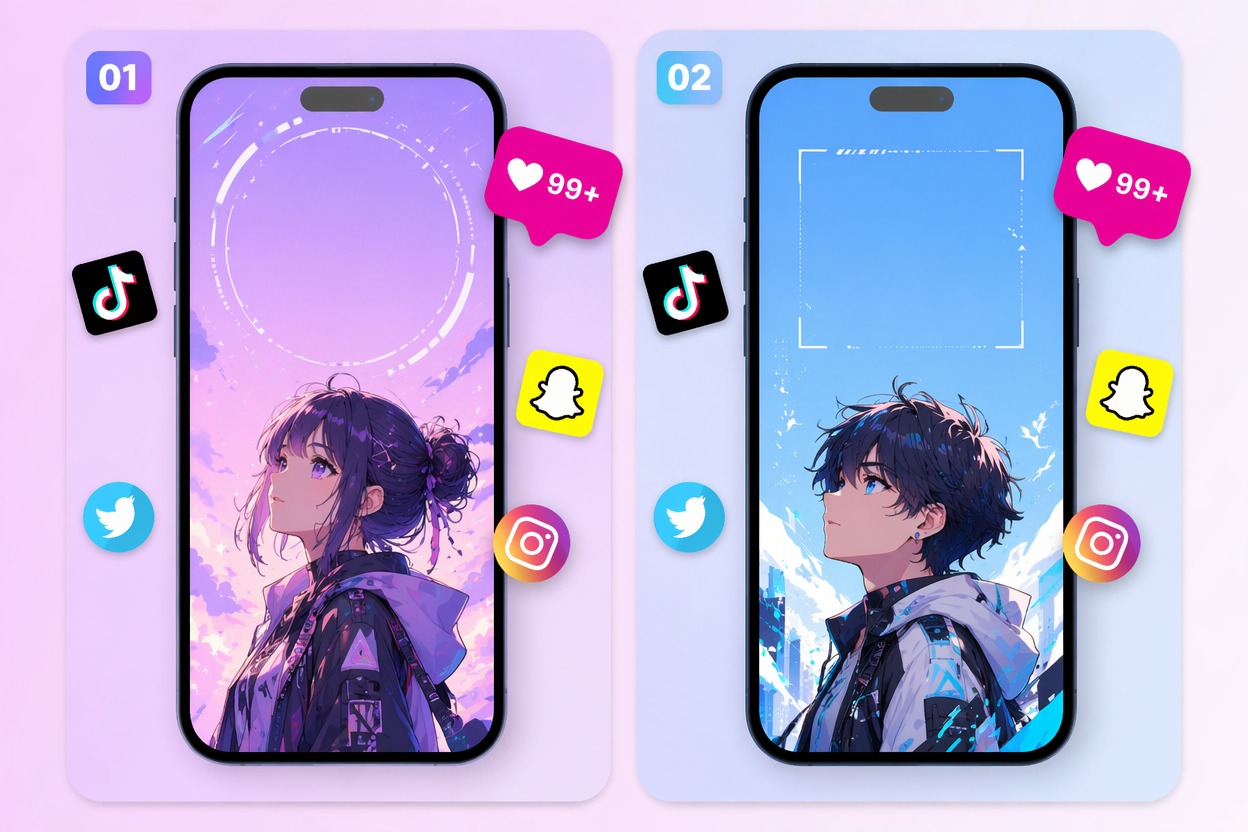
Generate anime-style templates for wallpapers, lock screens, story posts, and profile visuals. Control vertical framing, safe space, subject placement, and mood before adding your own final text.

Anime Template Maker example

Anime Template Ideas to Create

Make reusable anime layouts for phone wallpapers, social stories, posters, and profile visuals with cleaner spacing and subject control.

  • Phone Wallpaper Template01

    Phone Wallpaper Template

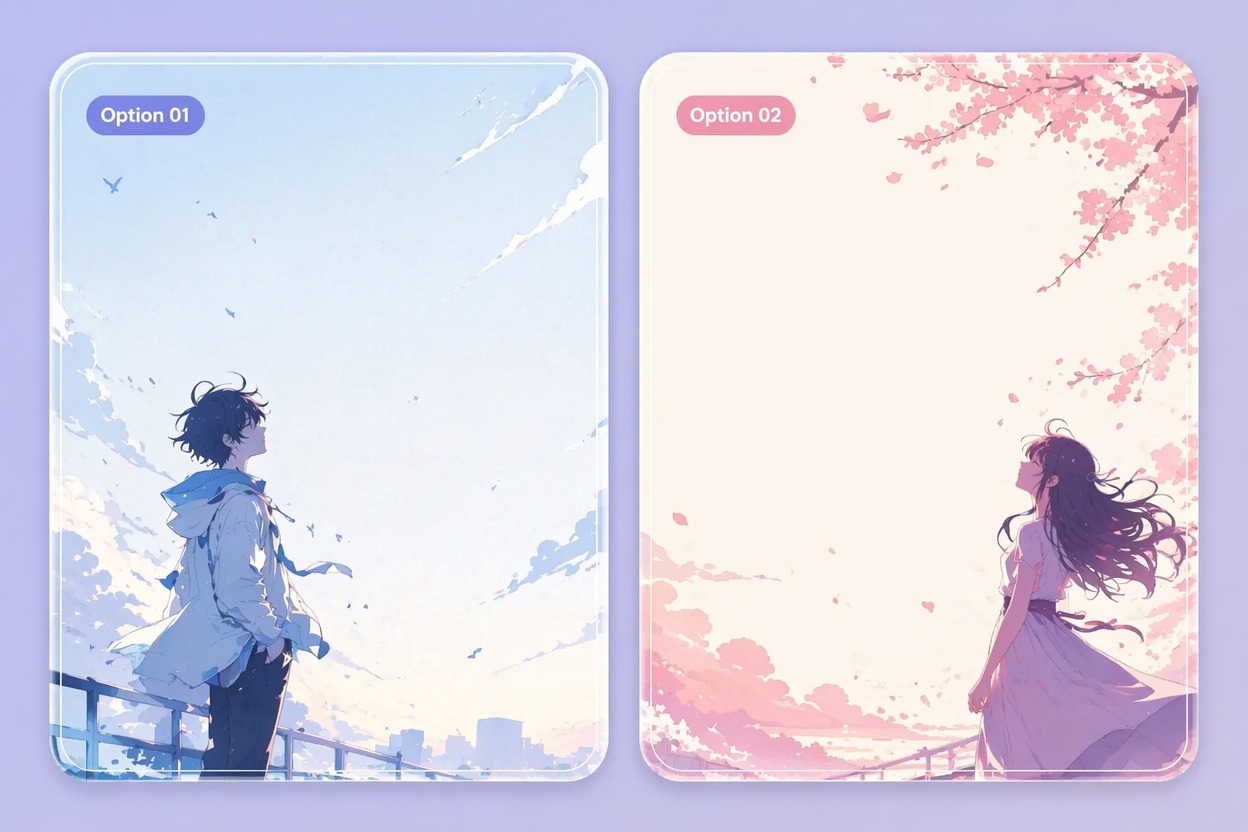
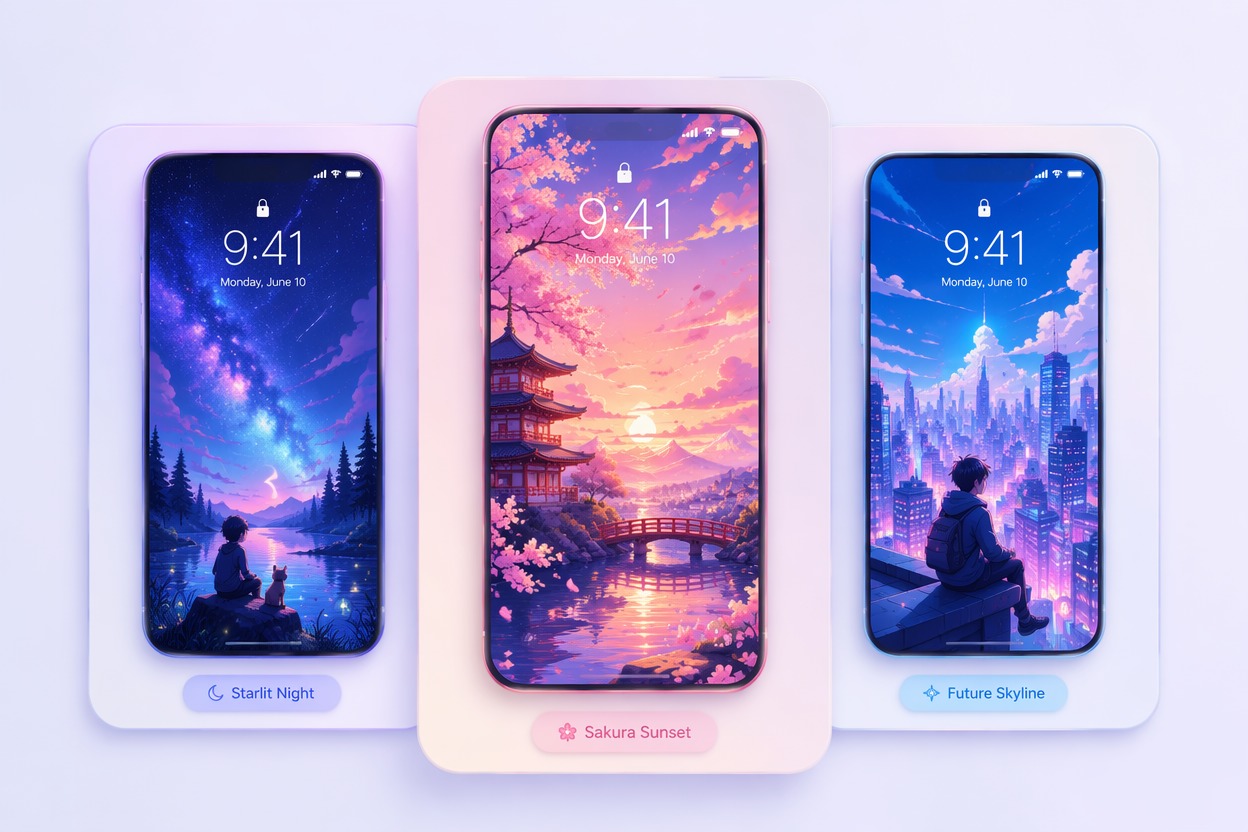
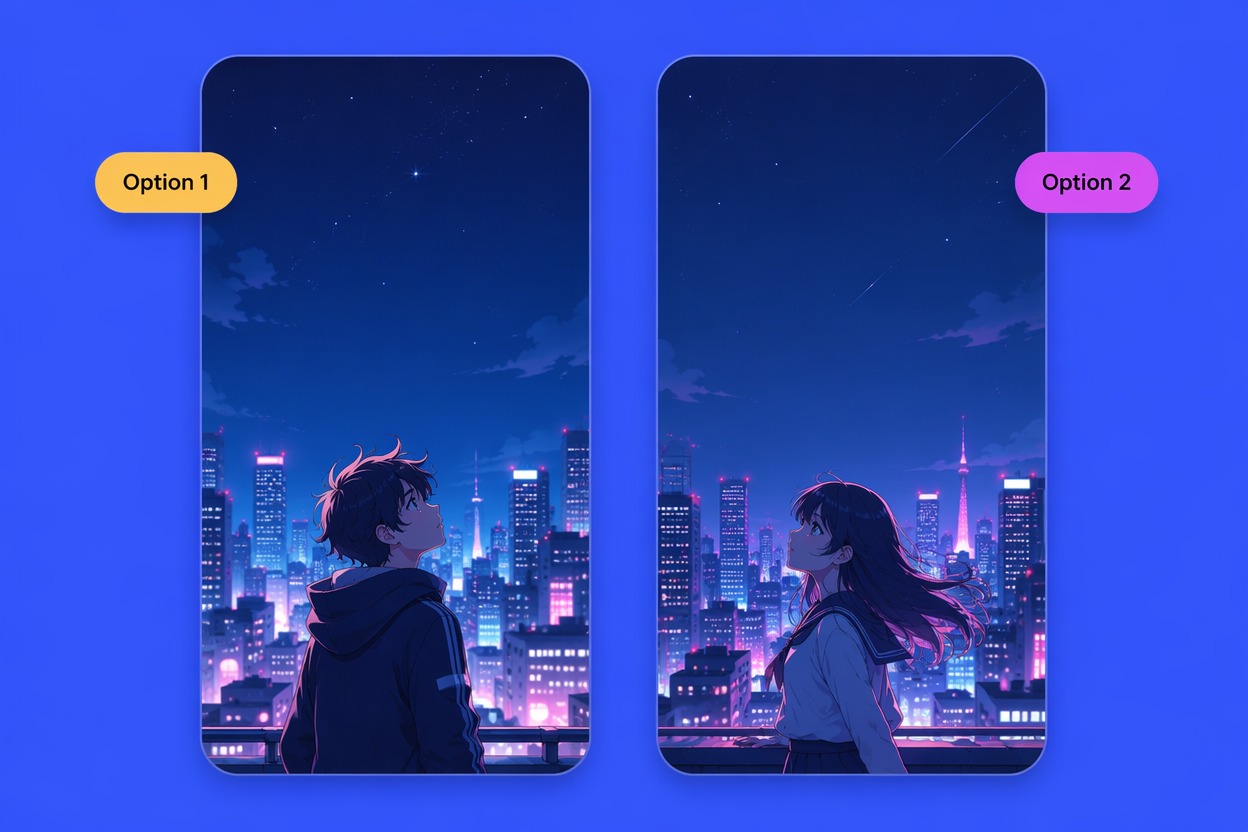
    Generate a vertical anime layout with clean top space, subject focus, and soft color balance for mobile screens.

  • Character Poster Layout02

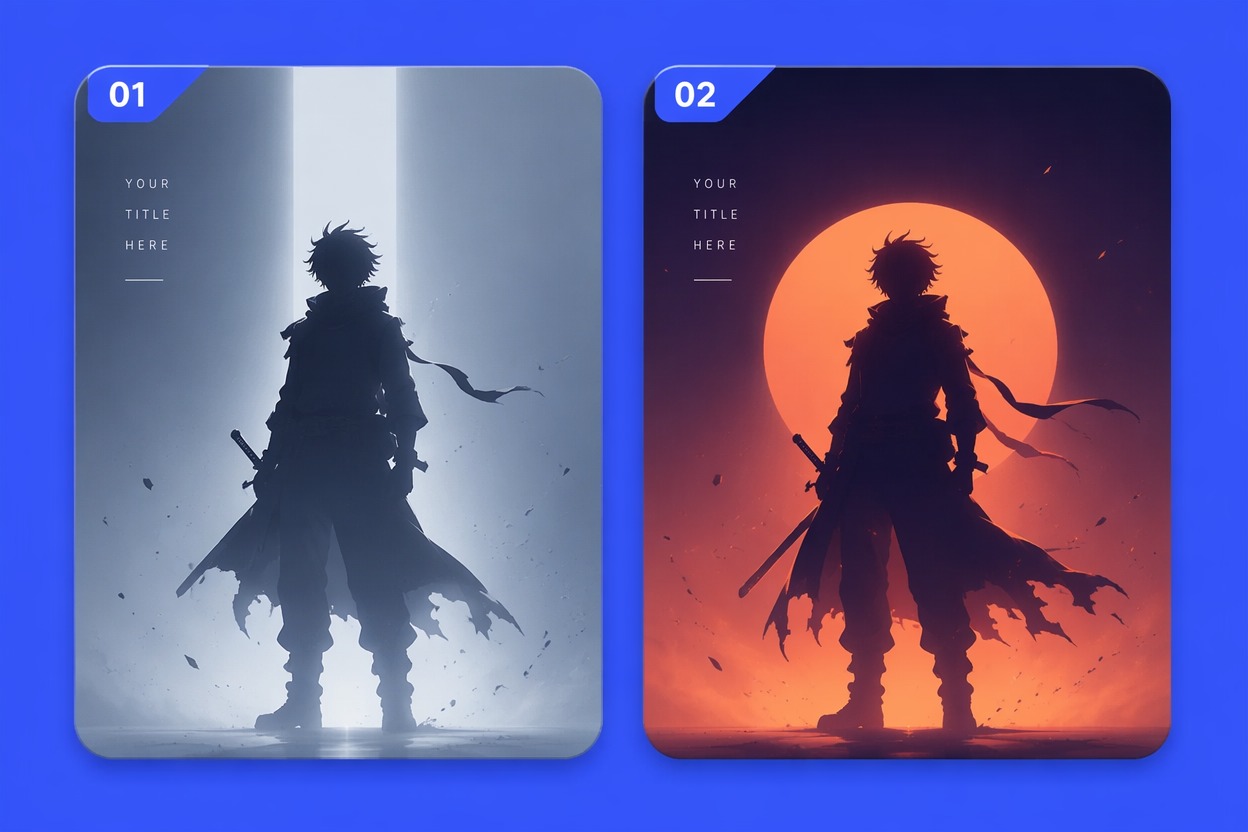
    Character Poster Layout

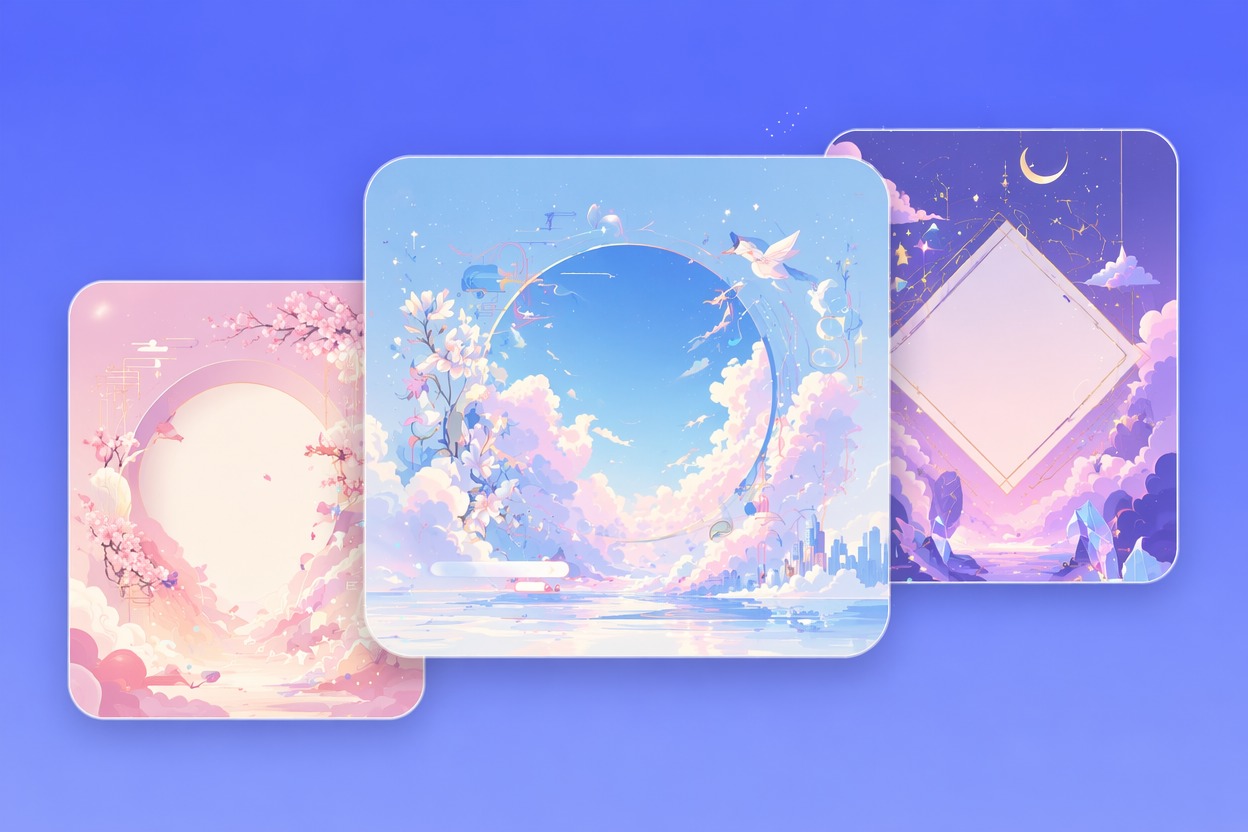
    Create a reusable anime poster-style template with a clear center subject and background depth.

  • Social Story Frame03

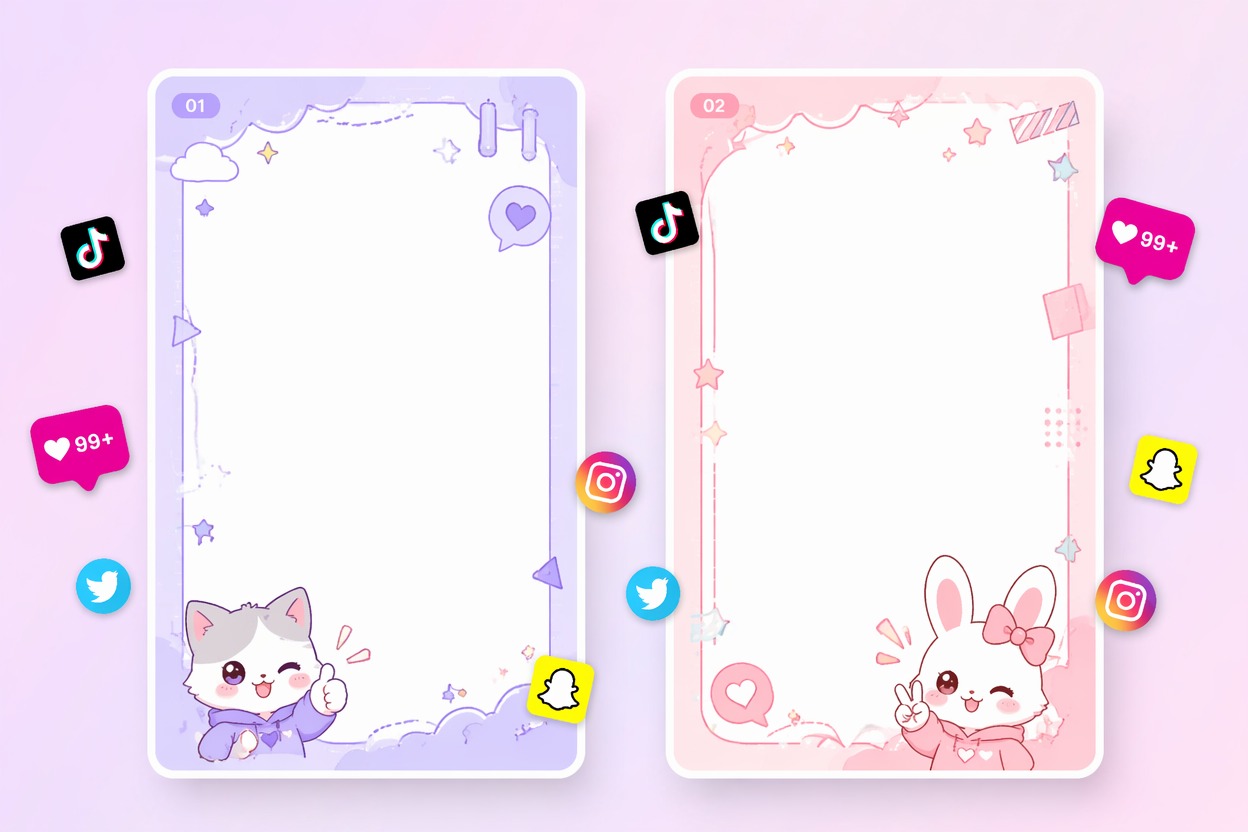
    Social Story Frame

    Build a vertical story template with anime mood, safe margins, and room for manual text overlays.

Build Anime Templates With Cleaner Layout Control

Create reusable anime layouts with vertical framing, safe margins, mood control, and output options for wallpapers or social visuals.

0104

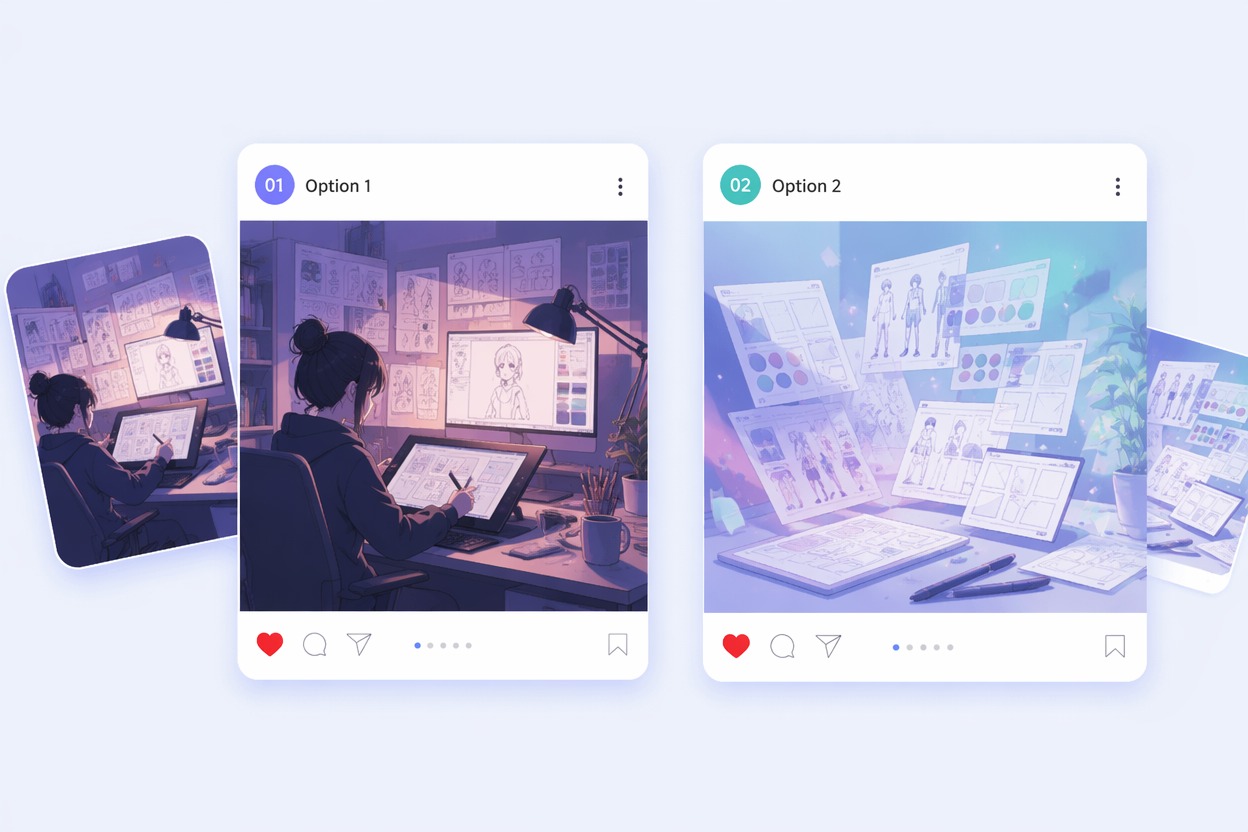
Generate Reusable Layouts

Turn a subject, color mood, aspect ratio, and composition idea into an anime-style template you can reuse for wallpapers, story posts, profile headers, or character announcements. The output gives you a visual base with cleaner spacing instead of a finished graphic overloaded with random text.
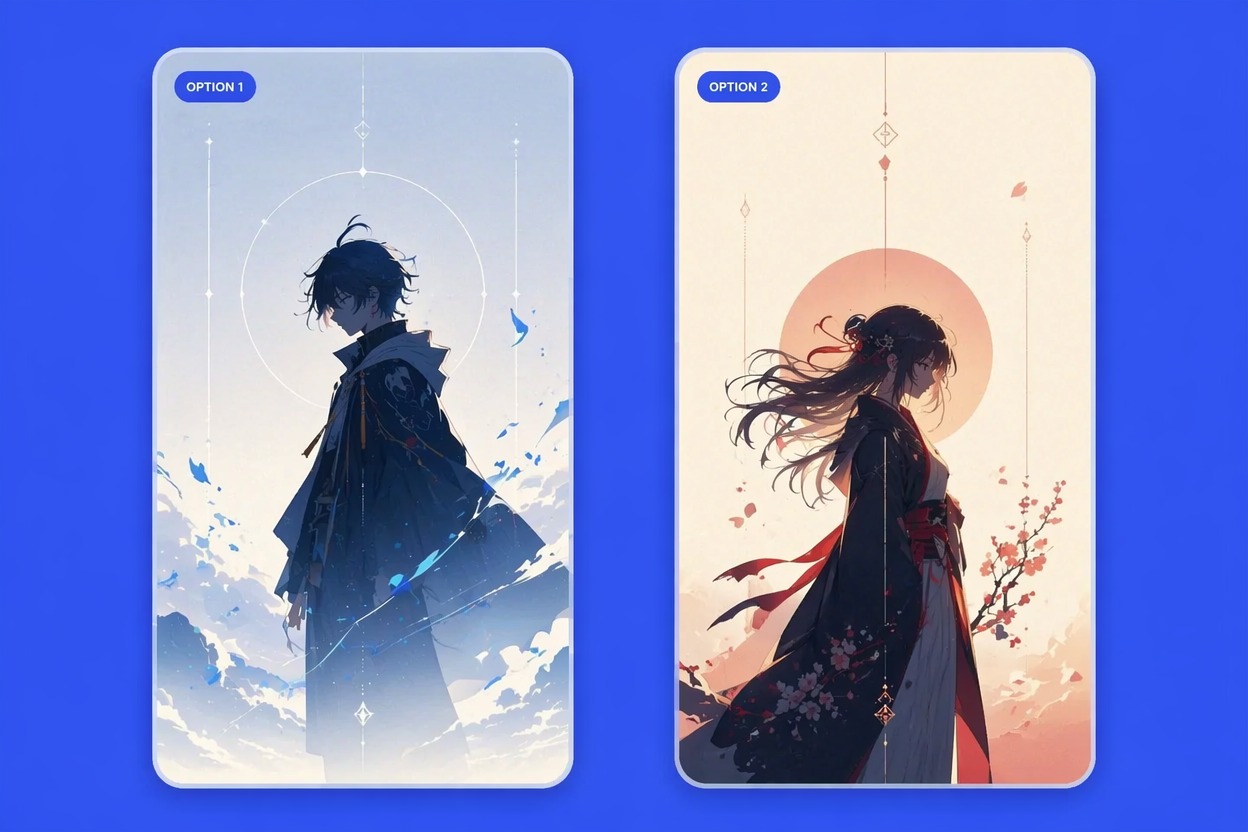
Generate Reusable Layouts

0204

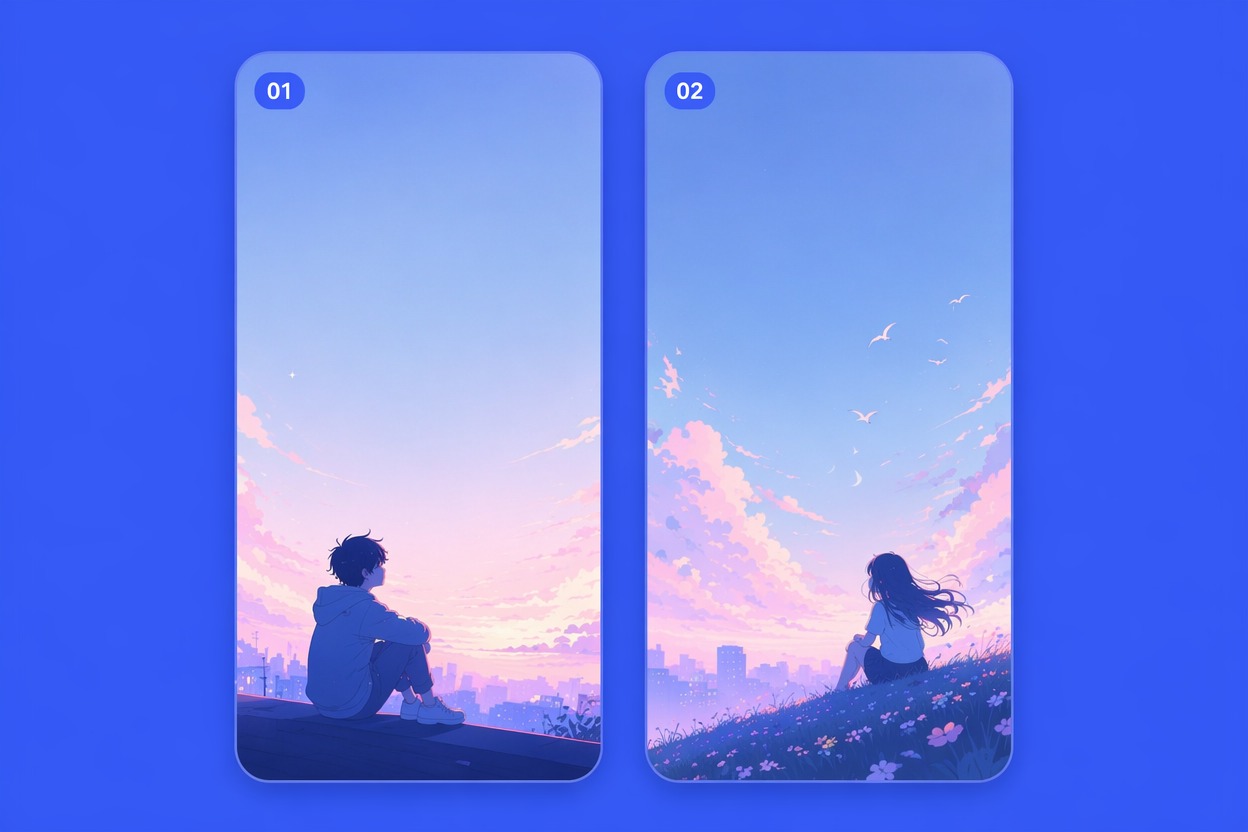
Make Phone Wallpapers

Create vertical anime backgrounds with clock-safe space, soft gradients, centered subjects, or lower-third character placement. If you want to make iPhone wallpaper, the tool helps start with mobile framing first so you avoid awkward crops after generation.

Make Phone Wallpapers

0304

Control Safe Margins

Generate layouts that leave room for manual titles, widgets, app icons, captions, or later design edits. For more character-heavy results, use the AI anime generator to build the portrait first, then adapt the strongest version into a clean template.

Control Safe Margins

0404

Create Matching Sets

Build several templates around the same palette, character mood, or background theme for social posts, lock screens, thumbnails, and story covers. The lock screen creator angle is strongest when you need multiple vertical options that feel related but still have different subject placement.

Create Matching Sets

How to Make Anime Templates

  1. Choose the Format

    Pick the template type first: iPhone wallpaper, lock screen, story frame, profile header, poster base, or thumbnail background.

  2. Set Safe Areas

    Describe vertical framing, subject position, open top space, background depth, color mood, and any margin needed for later text.

  3. Generate the Set

    Create multiple versions, choose the cleanest layout, then add text, icons, or final edits manually if needed.

Explore More AI Creative Tools

Why Use an Anime Template Maker?

  • 01

    Template-First Composition

    Create layouts with intentional spacing, focal points, and safe areas instead of cropping finished art later.

  • 02

    Phone Screen Readability

    Prompt for vertical framing, clean top space, and balanced details for lock screens or story posts.

  • 03

    Manual Text Friendly

    Generate backgrounds without readable AI text so you can add titles, captions, or labels cleanly afterward.

  • 04

    Consistent Visual Sets

    Test matching palettes, moods, and subject placements for wallpaper packs, posts, or creator assets.

  • 05

    Anime Mood Control

    Guide soft romance, cyberpunk, fantasy, cute mascot, school-life, or dramatic poster-style atmosphere.

  • 06

    Faster Draft Selection

    Compare several template structures before committing to the one with the best crop, margins, and subject balance.

Frequently Asked Questions

Common Questions About Anime Template Maker

What is an anime template maker?

An anime template maker helps generate reusable anime-style layouts for wallpapers, social posts, story frames, profile headers, poster drafts, and background designs. You describe the format, subject, mood, and spacing, then use the result as a visual base.

Can I use it to make iPhone wallpaper?

Yes. Ask for a vertical phone wallpaper, clean top area, subject placement below the clock, and a simple background. This makes it easier to create an iPhone wallpaper that still looks clean with time, widgets, and notifications on top.

How is this different from a lock screen creator?

A lock screen creator focuses mainly on phone wallpaper use. An anime template maker can also create poster bases, story frames, profile headers, thumbnails, and reusable layouts where you may add text, icons, or design elements later.

Should I ask the AI to include text in the template?

Usually no. AI-generated text often looks distorted. For cleaner templates, generate the anime background or layout without readable words, then add typography manually in your editor so titles, captions, and labels stay sharp.

What should I include in the prompt?

Include format, aspect ratio, subject, color mood, background style, focal point, and safe area. For example: “vertical anime wallpaper template, soft blue night city, character lower third, clean top space, no text, no logo.”

Can I create matching wallpaper or post sets?

Yes. Keep the same palette, character mood, background theme, or lighting style, then vary the composition. This works well for lock screens, story covers, social posts, seasonal phone themes, and creator profile assets.

Can beginners use it without design skills?

Yes. Start with a simple format and mood, generate a few options, then choose the cleanest layout. You do not need drawing skills, but you should still check spacing, crop, and readability before using the template publicly.

Can I use generated templates commercially?

Commercial use depends on OCMaker AI terms, your prompt, source materials, and any character, brand, or likeness references. Use original prompts, avoid protected assets, and review the final design before selling templates or using them in client work.

Ready to Create an Anime Template Maker Design?

Generate a clean anime layout for lock screens, wallpapers, story posts, or profile assets with better spacing.

Anime Template Maker: Free & Easy Editing Template