AI Anime Episode Generator

Anime Episode Moments You Can Develop

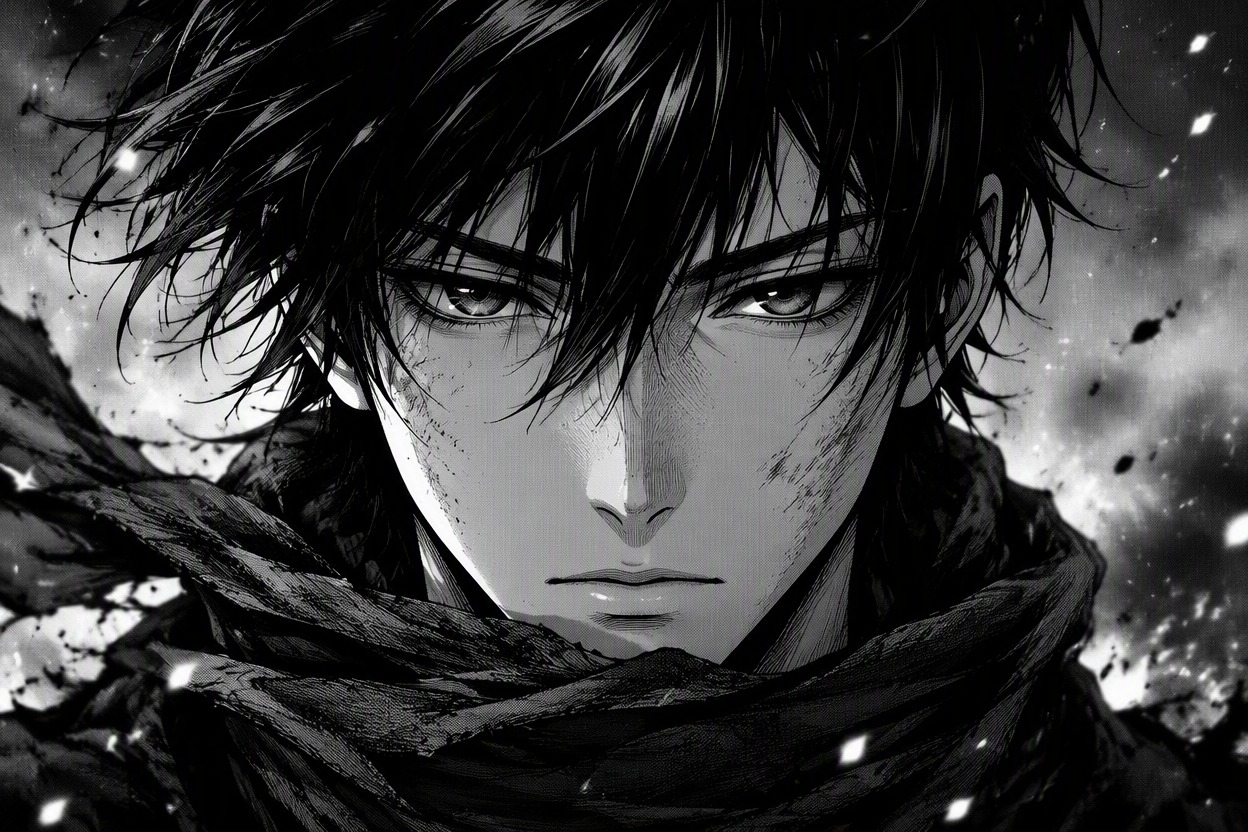
Opening Hook Frame

Mid-Episode Turning Point

Closing Story Beat
Turn an Episode Idea Into Connected Keyframes
Build a Clear Episode Arc
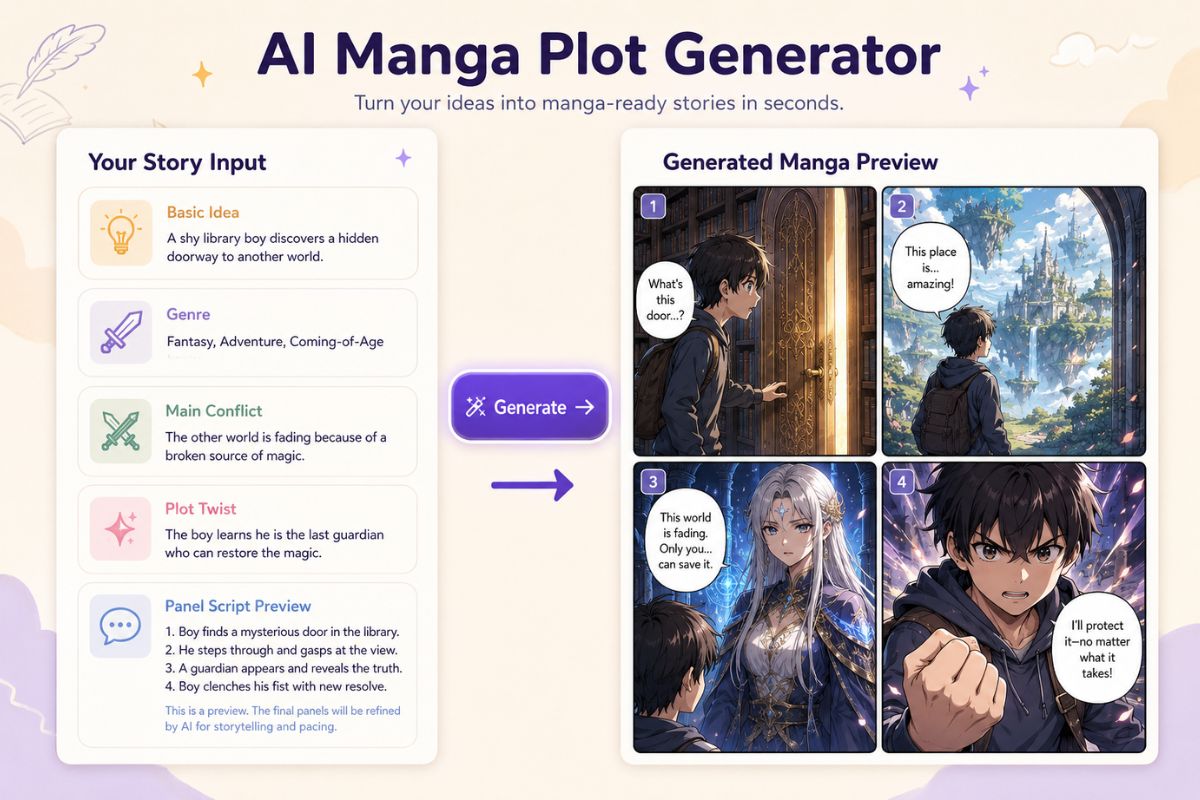
Turn a short premise into an opening hook, escalation, midpoint change, climax, and closing beat, then generate a keyframe for each moment. This is strongest for storyboards and pitches where every image needs a narrative job; treat the output as visual episode planning, not a finished edited animation.

Keep Characters Scene-Ready
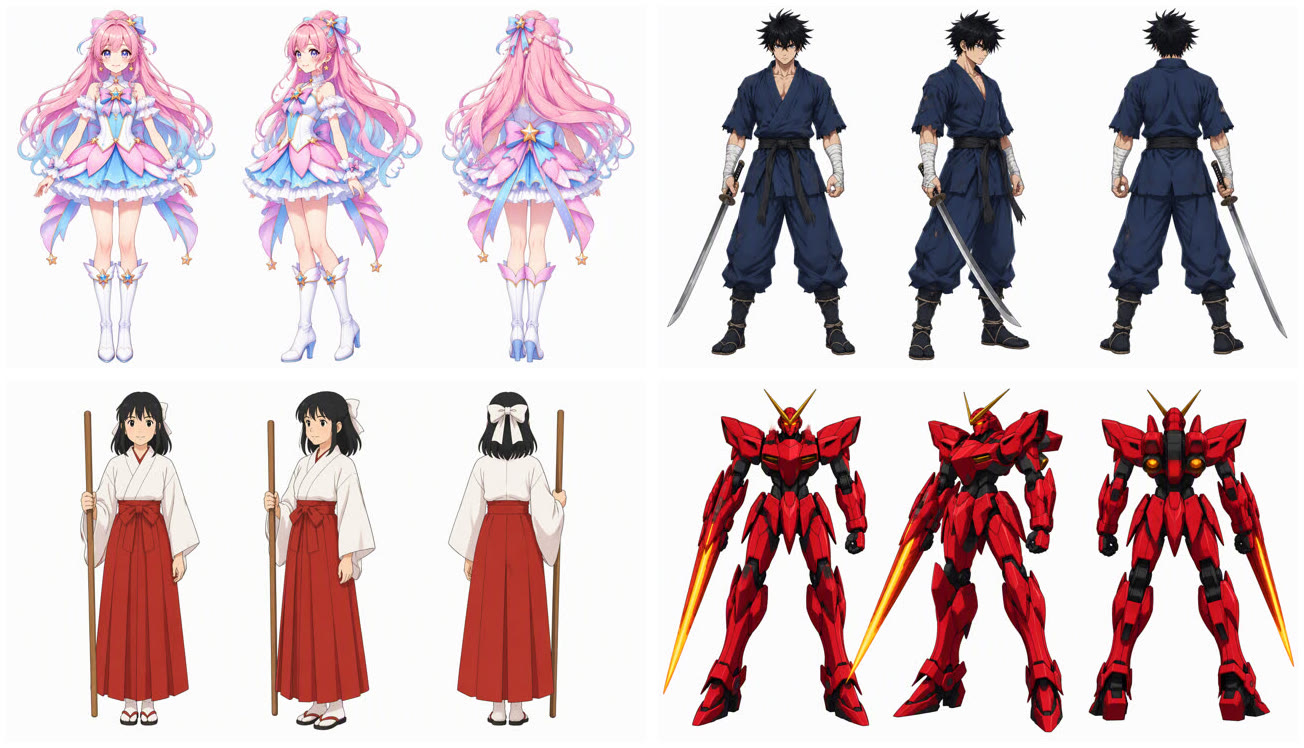
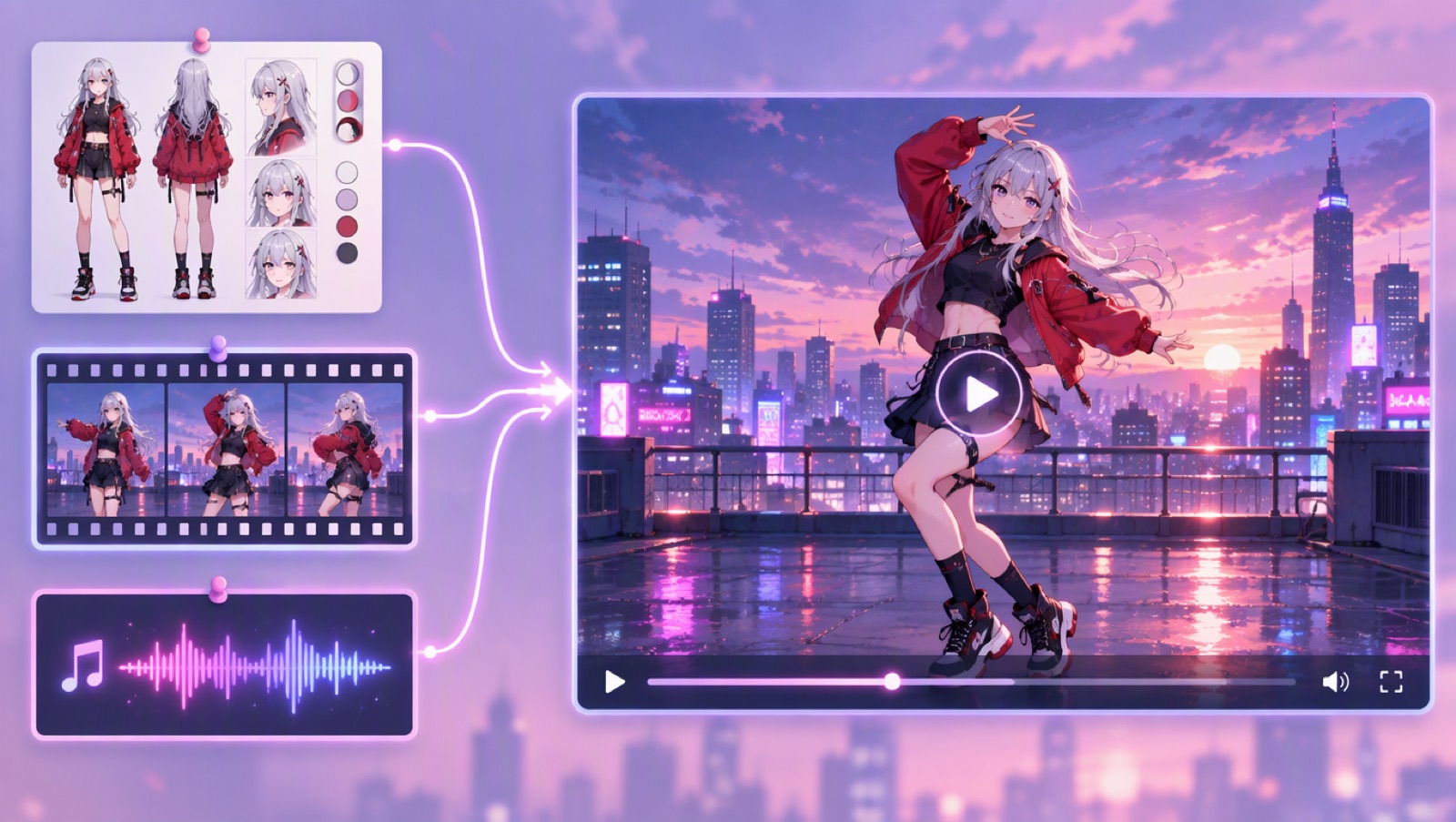
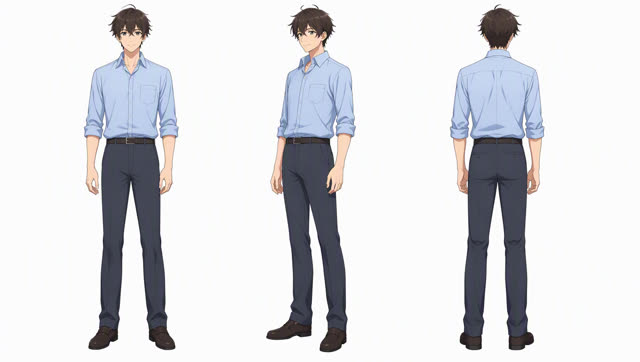
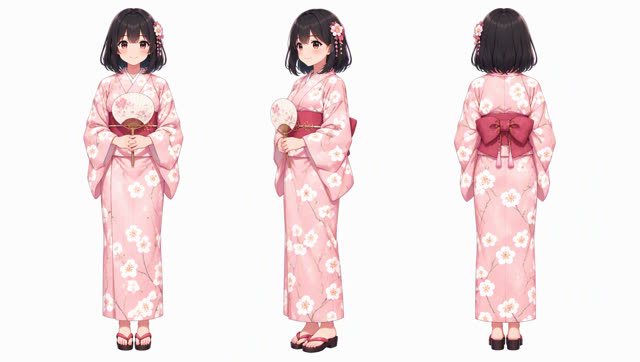
Carry hairstyle, outfit colors, signature props, height differences, and emotional goals through each scene description. Start from an original design made with an OC maker, then repeat only the traits that matter on camera so the cast remains readable without overloading every keyframe.

Control Pacing Through Shot Choice
Use wide frames to establish place, medium shots for interaction, close-ups for emotional turns, and action angles only when movement changes the story. The AI anime generator is most useful when each request has one shot purpose, which reduces crowded scenes and makes sequencing easier.

Create Storyboard References
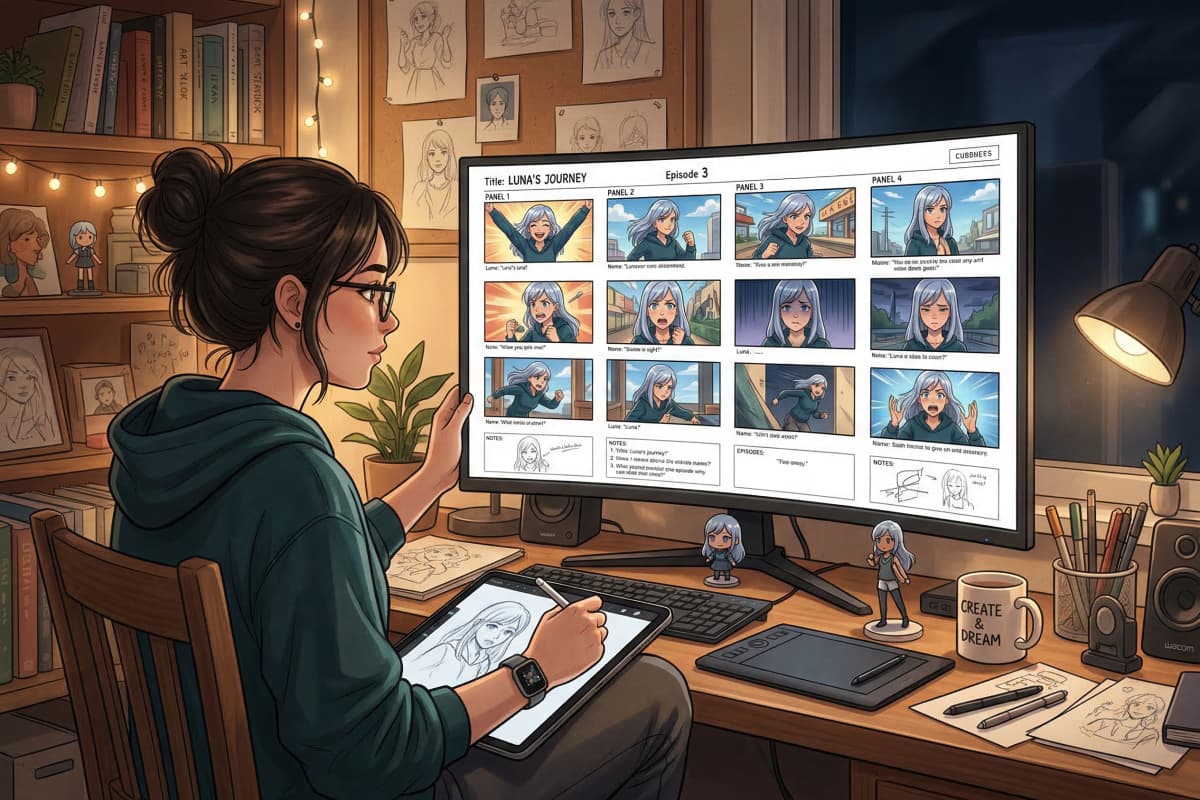
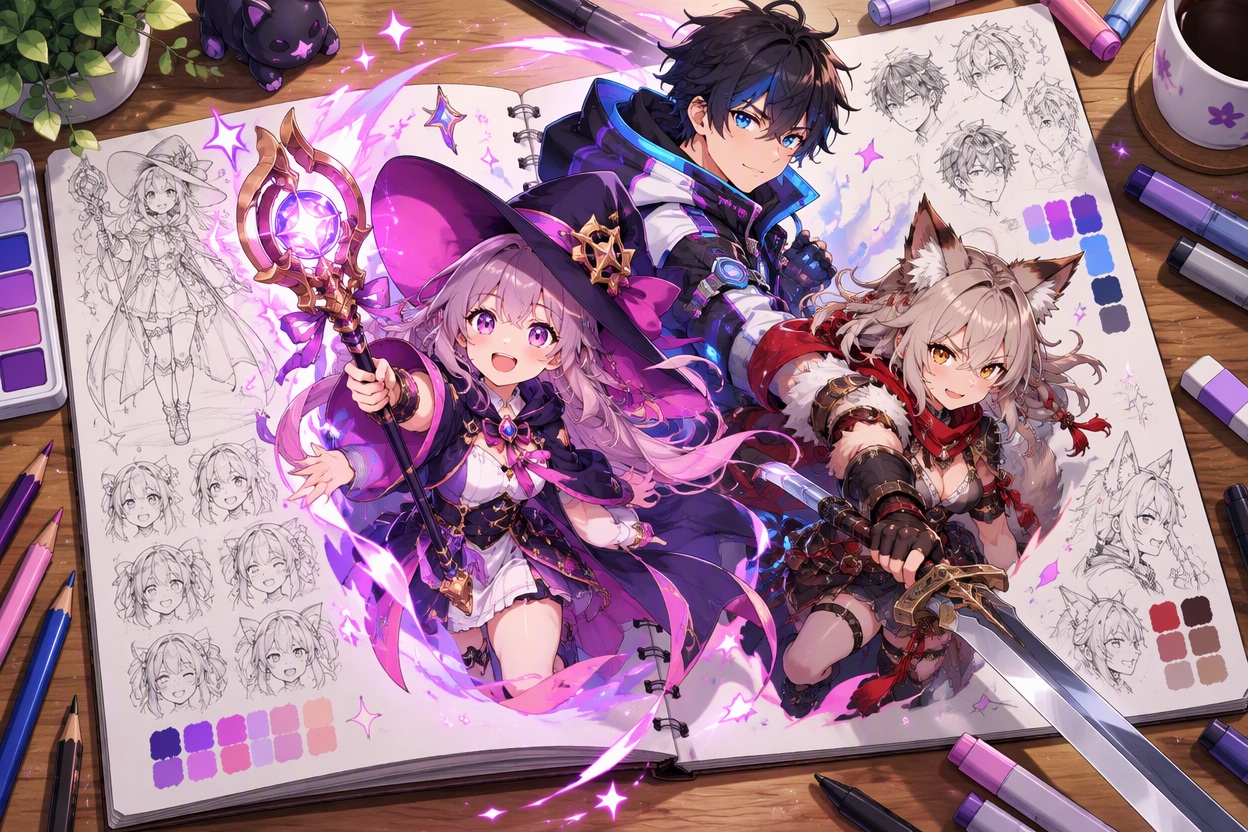
Generate separate references for locations, dialogue beats, action peaks, reaction shots, transitions, and the closing image. The resulting set can guide a storyboard, animatic, comic adaptation, or episode pitch while leaving timing, dialogue, sound, editing, and final continuity decisions under creator control.

Why Use AI for Anime Episode Planning?
Faster Premise Visualization
Scene-to-Scene Structure
More Readable Cast Moments
Purposeful Camera Coverage
Continuity Checkpoints
Pitch-Ready Visual References
How to Plan an Anime Episode With AI
Set the Episode Change
Describe who the episode follows, what disrupts their normal situation, and what must be different by the final scene.
Map Five Story Beats
Choose the opening hook, escalation, midpoint turn, climax, and closing image, then assign one clear location and emotion to each.
Generate and Sequence Keyframes
Create each beat separately, compare cast and prop continuity, remove repeated shots, and arrange the strongest frames in story order.