Image to Prompt
Upload a character or scene image and get an editable prompt — then generate your own version in one click.
Reference image
1 image, JPG or PNG, up to 10 MB. Sign in to upload.
Free — this step uses no credits. Limit: 20 images per hour, 60 per day.
Upload an image and click “Generate prompt”. Your prompt will appear here.
Image to Prompt: Turn Any Anime Image into an Editable Prompt
Have a reference picture but not the words for it? Upload one character or scene image and get a detailed prompt covering the look, outfit, pose, composition, background, lighting and art style. Edit it, copy it, or send it straight to the generator.
What the Prompt Describes
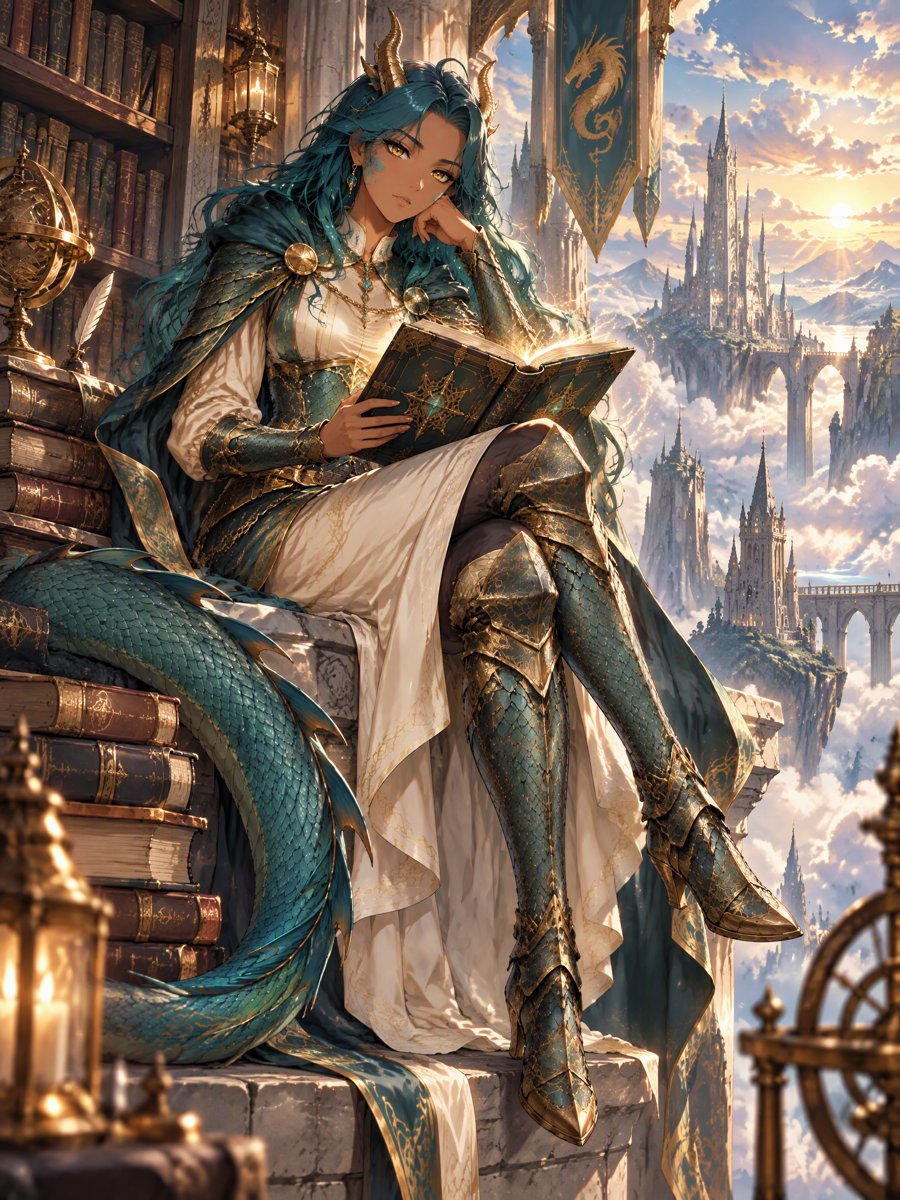
Every result is organized into seven parts, then combined into one natural-language prompt you can edit.
- 01
Subject and appearance
Hair color and style, eye color, skin tone, horns, tails, expression and other features that make the character recognizable.
- 02
Outfit and props
Clothing, armor, accessories and held objects, with their main colors and materials.
- 03
Pose and action
What the character is doing, how they stand or sit, and where they are looking.
- 04
Composition
Shot size (close-up, half body, full body, wide), camera angle and where the subject sits in the frame.
- 05
Background
The setting and background elements — a library, a rainy street, a plain white backdrop.
- 06
Lighting and color
Light source, time of day, overall palette and mood.
- 07
Art style
Rendering style such as anime cel shading, semi-realistic, watercolor, 3D render or pixel art.
How to Turn an Image into a Prompt
From reference image to a new picture in four steps.
Upload one image
Sign in and upload a JPG or PNG up to 10 MB — a character, an outfit idea or a scene you like.
Pick the prompt language
Choose English or Japanese, then click Generate prompt. It takes a few seconds.
Edit the prompt
Change anything: swap the hair color, the outfit, the pose or the setting. Open the breakdown to see each part.
Use it to generate
Click Use to generate. The prompt opens in the AI Anime Generator — optionally with your image as a reference — where you can still edit it and see the credit cost before you generate.
Tips for Better Prompts
- 01
Use a clear, uncluttered image
A single main subject with good lighting gives the most accurate colors and outfit details.
- 02
Change one thing at a time
Keep the description and edit only the part you want different — the outfit, the pose or the background — to get a variation that still feels like the original.
- 03
Keep the image as a reference when the look matters
Text alone gives a new picture in a similar spirit. If you want the same character design, tick the option to send your image along as a reference.
- 04
Only upload images you may use
Use your own art, your OCs or images you have rights to.
Image to Prompt FAQ
Does this recover the original prompt of an image?
No. It describes what is visible in your image — subject, outfit, pose, composition, background, lighting and style. The original prompt, seed or model used to make the image cannot be recovered from the pixels, so treat the result as a starting point to edit.
Is it free?
Yes. Turning an image into a prompt uses no credits. You need to be signed in to upload, and each account can describe up to 20 images per hour and 60 per day. Generating a new image from the prompt costs credits as usual, and the cost is shown before you generate.
Which languages are supported?
The prompt can be written in English or Japanese. Image models on OCMaker AI understand both.
Does it write Midjourney or Stable Diffusion syntax?
Not yet. It writes one general natural-language prompt without weights or model-specific parameters, which works across the image models on OCMaker AI and is easy to adapt elsewhere.
How many images can I upload at once?
One image per request. Upload a new image to get a new prompt.
What happens to my image?
It is uploaded to your account like any other reference image, so you can reuse it in the generator. It is only sent to the AI to write the description.
Why was my image rejected?
Images with nudity or sexual content cannot be described. If the file is not a JPG or PNG, or is larger than 10 MB, please convert or resize it and try again.
Have a Reference Image? Start from It
Upload a picture, get an editable prompt, and generate your own anime version in a few clicks.